Do you want the best headset?

Bluetooth and DECT headsets may seem similar at first glance, they’re both wireless and widely used in business environments. However, the differences between them are significant, and choosing the wrong one can lead to frustration, limited performance, or a headset that doesn’t meet your needs.
Understanding how Bluetooth and DECT headsets differ will help you make a more informed decision and ensure you choose the right solution for your environment.
Who This Is For
This blog is designed for office professionals, call centers, and dispatch environments looking to choose the right wireless headset for their needs.
What Is a Bluetooth Headset?
Bluetooth headsets are the most common type of wireless headset. They connect directly to devices such as smartphones, laptops, and tablets without the need for a base station.
Because of this, Bluetooth headsets are widely used for:
-
Mobile phone calls
-
Video conferencing on computers
-
Hybrid and remote work environments
They are known for their convenience and flexibility, making them a popular choice for users who frequently switch between devices or work on the go.
What Is a DECT Headset?
DECT (Digital Enhanced Cordless Telecommunications) headsets are designed specifically for professional use, particularly in office, call center, and dispatch environments.
Unlike Bluetooth, DECT headsets connect through a base station that is plugged into your desk phone and/or computer typically using a cable. The headset communicates with the base rather than directly with the device.
This design allows DECT headsets to deliver stronger performance in areas like range, reliability, and security.
Key Differences Between Bluetooth and DECT Headsets

While both Bluetooth and DECT headsets offer wireless communication, they are designed for different types of users and work environments. Understanding how they differ in areas like wireless range, connectivity, security, and overall use case will help you choose the right headset for your needs.
Bluetooth headsets are commonly used for mobile devices and computers, making them a popular choice for remote and hybrid workers. They are convenient, flexible, and easy to set up. DECT headsets, on the other hand, are designed primarily for office and professional environments, where longer range, stronger security, and consistent performance are more important.
Because of these differences, choosing the wrong technology can lead to limitations in range, connectivity, or overall usability, especially in larger offices, call centers, or dispatch environments.
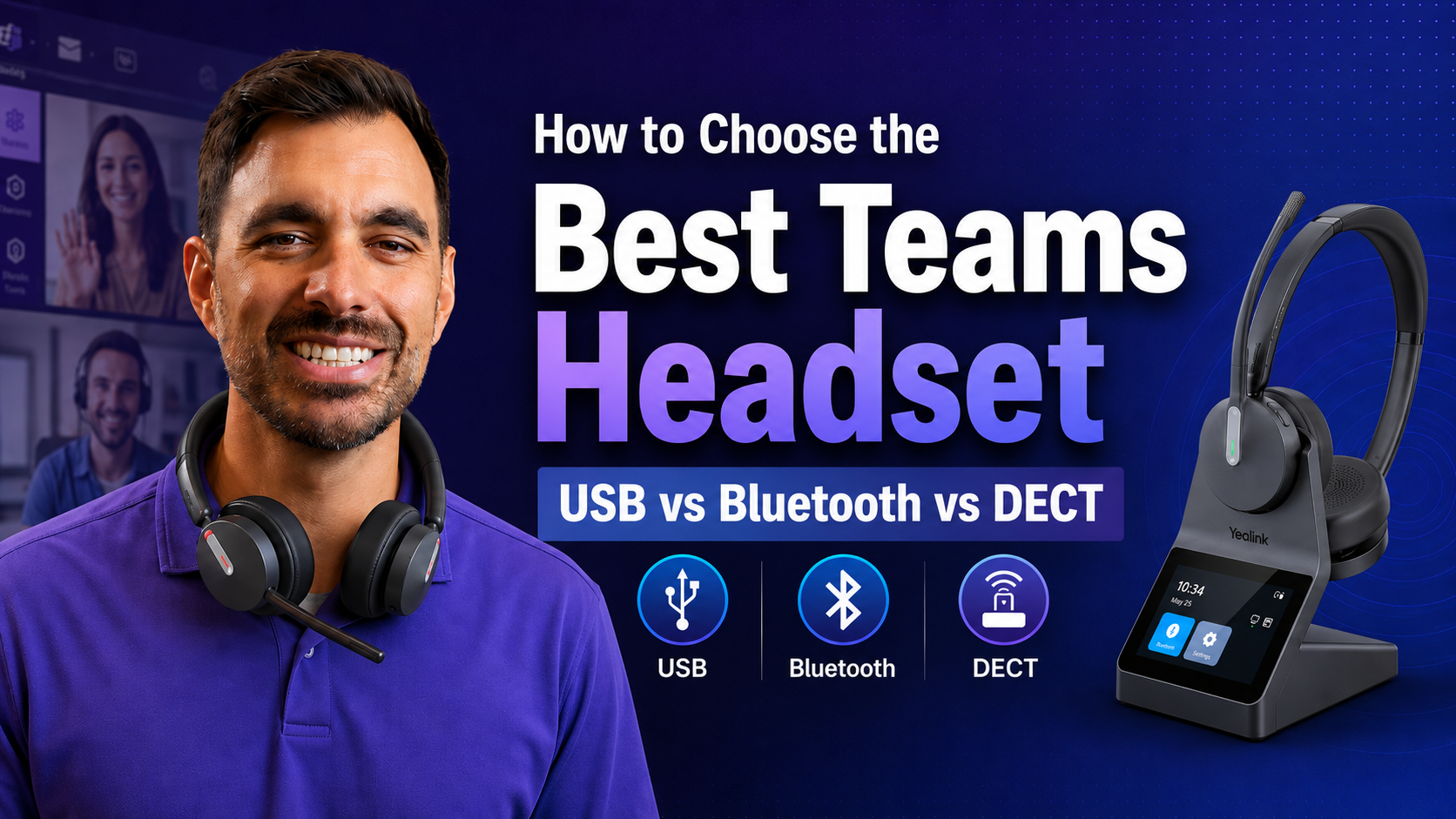
If you’d like a more in-depth look at how Bluetooth and DECT headsets compare across real-world use cases, watch our video below where we break down the key differences in detail.
Wireless Range
One of the biggest differences between Bluetooth and DECT headsets is wireless range, and this can have a major impact on how and where the headset can be used.
Bluetooth headsets typically offer a range of around 30 to 100 feet, depending on the device, environment, and whether a USB dongle is being used. This works well for users who stay close to their desk or primarily use a headset with a mobile device or computer.
DECT headsets, on the other hand, are designed for extended range and can typically reach 300 to 600 feet or more. This makes them ideal for office environments, warehouses, and other workplaces where users need the freedom to move around while staying connected.
If mobility is important, such as walking to collaborate with coworkers, grabbing a coffee, or checking inventory, DECT provides a clear advantage. Bluetooth, while convenient, is generally better suited for shorter-range use.
To see just how significant this difference can be in real-world use, watch our side-by-side test comparing Bluetooth and DECT headsets in an open field environment.
This test clearly illustrates why DECT is often the preferred choice in larger office environments where extended range is critical.
Connectivity and Flexibility
Connectivity is one area where the differences between Bluetooth and DECT are often misunderstood.
Bluetooth headsets are designed to connect directly to mobile devices and computers. In many business applications, they are paired using a USB dongle rather than native Bluetooth, which can provide better range, improved audio quality, and a more stable connection.
Some desk phones also support Bluetooth or USB connections, but compatibility can vary depending on the model and how the headset is being used.
DECT headsets, on the other hand, connect through a base station that is physically connected to a desk phone and/or computer via a connector cable. This creates a stable and reliable connection, especially in office environments.
Many modern DECT headsets also include Bluetooth connectivity, but how that Bluetooth functions can differ. In some models, Bluetooth is housed in the base, which limits mobile use to the range of the base. In others, such as the Yealink HA64 Pro, Bluetooth is built directly into the headset, allowing users to stay connected to their mobile device even when away from their desk, or even outside the office, making it a strong option for both office and hybrid workers.
Because both Bluetooth and DECT headsets vary by model and configuration, neither technology has a clear advantage when it comes to connectivity. Instead, the right choice depends on how and where the headset will be used.
Device Switching and Multi-Device Use

While connectivity determines what devices a headset can work with, device switching is about how easily users can move between them during the workday.
In real-world use, this can make a significant difference. For example, you might be on a Teams or Zoom call when a desk phone rings, or you might receive a mobile call while working at your computer. Being able to switch between these devices quickly, without unplugging cables or changing headsets, can improve efficiency and reduce interruptions and make daily workflows more convenient.
Both Bluetooth and DECT headsets support multi-device use, but the experience varies depending on the specific model. Some headsets allow seamless switching between devices, while others may require manual input or have limitations on how many devices can be actively connected.
Because of this, it’s important to look beyond basic connectivity and consider how often you’ll be switching between devices, and how smooth that transition needs to be in your daily workflow.
One of the absolute best ways to know a specific headset will perform for you is to try the product you’re considering. Most headset vendors allow for a free trial. By doing this, you’ll know in advance whether or not the device meets your needs.
For organizations using multiple devices throughout the day, choosing the right headset setup can significantly improve efficiency and simplify workflows.
Call Security

Security is another important consideration, especially in professional environments.
Bluetooth technology is generally secure for everyday use, but it is not designed with the same level of protection as DECT.
DECT headsets are built for business communication and often include advanced encryption, making them more secure. This is particularly important for industries that handle sensitive information, such as healthcare, finance, government, and emergency services.
Audio Quality
In the past, DECT headsets were often considered superior in terms of audio quality. Today, that gap has largely closed.
Modern Bluetooth and DECT headsets both offer excellent sound quality, including clear voice transmission and effective noise cancellation. In most cases, audio quality is no longer a deciding factor between the two. Sound quality can still vary by brand and model, so taking the time to evaluate performance can help you avoid frustration later.
Mobility and Use Case
Bluetooth headsets are ideal for:
-
Mobile professionals
-
Remote/hybrid workers and office professionals
-
Users who need to connect directly to smartphones
DECT headsets are better suited for:
-
Office environments
-
Call centers
-
Dispatch and mission-critical communication
-
In some cases, mobile workers (headset dependent)
The key difference comes down to how and where the headset will be used, which underscores the importance of examining your current, and future needs carefully.
Common Mistakes Buyers Make
Many buyers assume that all wireless headsets perform the same, but this can lead to poor decisions.
We see these issues come up frequently when working with businesses evaluating new headset solutions.
Some common mistakes include:
-
Choosing Bluetooth for large office environments where range is limited
-
Underestimating how important wireless range is
-
Overlooking security requirements in sensitive industries
-
Not considering how many devices need to be connected
-
Bypassing attention to comfort and sound quality
Understanding these differences ahead of time can help you avoid costly mistakes and ensure your headset meets your needs.
How to Choose the Right Headset
As noted earlier, choosing between Bluetooth and DECT comes down to your specific needs.
Bluetooth may be the right choice if:
-
You primarily use a mobile phone or laptop
-
You work remotely or in a hybrid environment
-
You don’t need extended wireless range
DECT may be the better option if:
-
You work in an office, call center, or dispatch environment
-
You need extended wireless range
-
Security and reliability are important
-
You want a more structured, multi-device solution
If you’re still unsure which direction to go, the comparison chart below highlights the key differences between Bluetooth and DECT headsets to help guide your decision. You may also find our guide on wired vs wireless headsets helpful when evaluating your options.

Final Thoughts
Both Bluetooth and DECT headsets offer strong performance, but they are designed for different use cases. Choosing the right one depends on how you work, what devices you use, and what level of performance you require.
Taking the time to evaluate your needs can help you avoid common pitfalls and ensure you invest in a solution that supports your workflow and meets your needs.
If you need to update your headsets, and you’re facing some budget limitations, consider our affordable headset lease program. For one surprisingly low monthly rate, you can refresh your headsets with the latest devices that include replacement accessories, and warranty coverage for the full term. Best of all, at the end of the lease, the equipment is replaced with new, so you’re never faced with using outdated, problematic equipment.
Our headset lease program is simple to initiate, affordable, all-inclusive which makes managing headsets for organizations of all sizes easier. No more uncertainty if a headset is in warranty or not. No more buying and stocking replacement accessories. And no more wondering who to call when support is needed. We simplify the process so you can focus on your work, and not on headsets.
Click here to learn more about our headset lease program and see how affordable it can be to equip your team with the latest technology.
Finally, if you have questions or need help selecting the right headset, contact us at Headset Advisor. Our trained Advisors can provide expert guidance and recommend a solution tailored to your exact requirements.
We’ve been helping businesses with their communication needs since 1994, one of the many reasons we’re highly rated across the internet.