


Description
Mago for Display – 1-Year Room License
SKU: MAGO-SUB1Y | Delivery: digital license, sent after checkout (nothing ships)
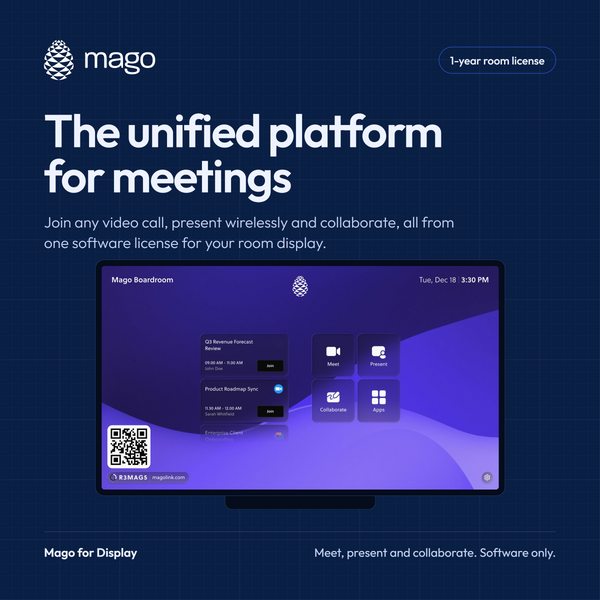
Mago turns any meeting room hardware into one place to meet, present and collaborate. It's software-only and hardware-agnostic, so your rooms aren't locked to a single video provider or hardware brand.
Meet
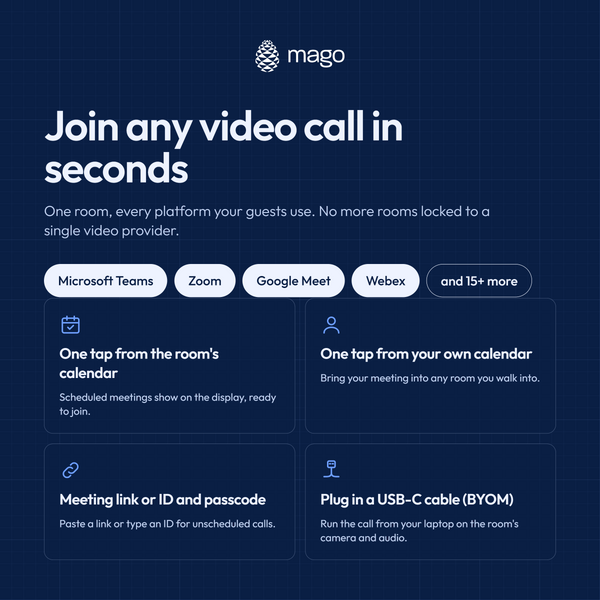
Join Microsoft Teams, Zoom, Google Meet, Webex and other platforms from the same room. Start in one tap from the room's calendar or your own, enter a meeting link or ID, or plug in a USB-C cable to bring your own meeting (BYOM).
Present
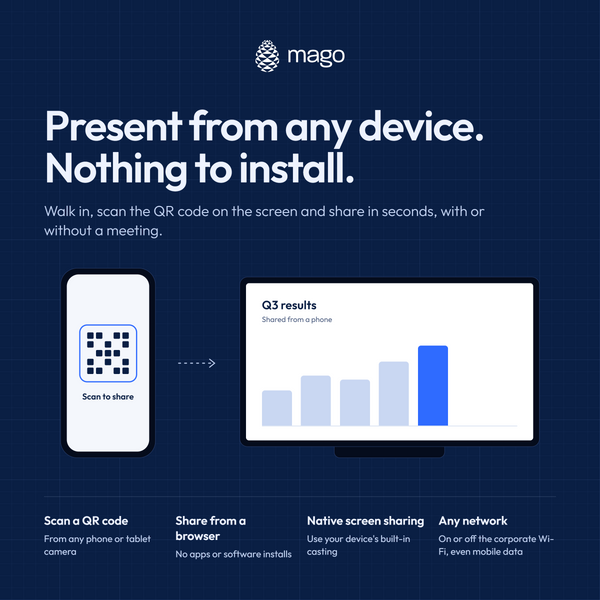
Share from any laptop, phone, or tablet in seconds. Share content from up to 4 laptops simultaneously with the Magolink moderator feature. Scan the on-screen QR code, share from a browser, or use your device's built-in casting. No apps, no installs, and no network restrictions, even on mobile data. You can present without starting a meeting.
Collaborate
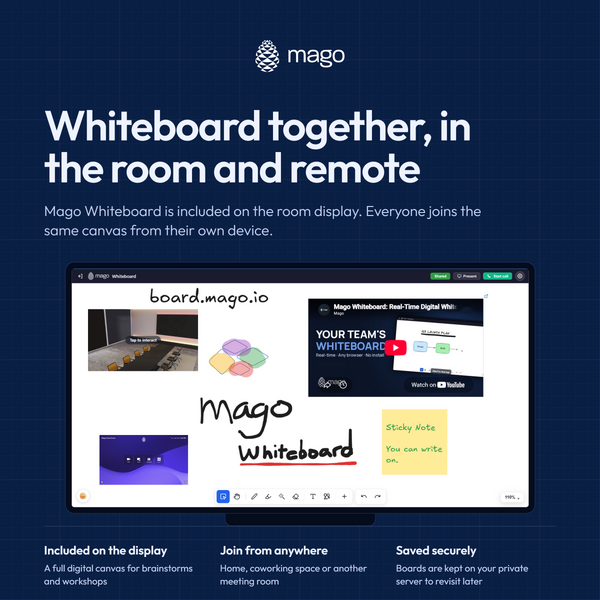
Mago Whiteboard is included on the room display. In-room and remote participants work on the same canvas, and boards save securely so you can revisit them later.
Immersive rooms
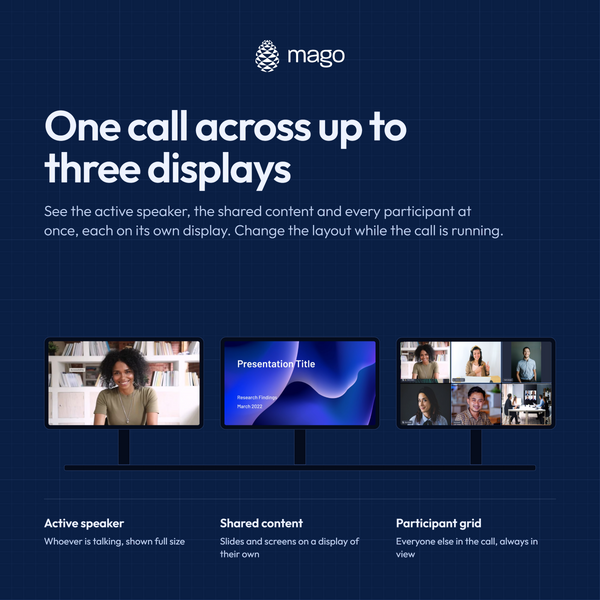
Run one call across one, two, or three displays. For example, show the active speaker on the primary display, shared content on the second and a grid of participants on the third, and change the layout while the call is running.
What's included (per room, 12 months)
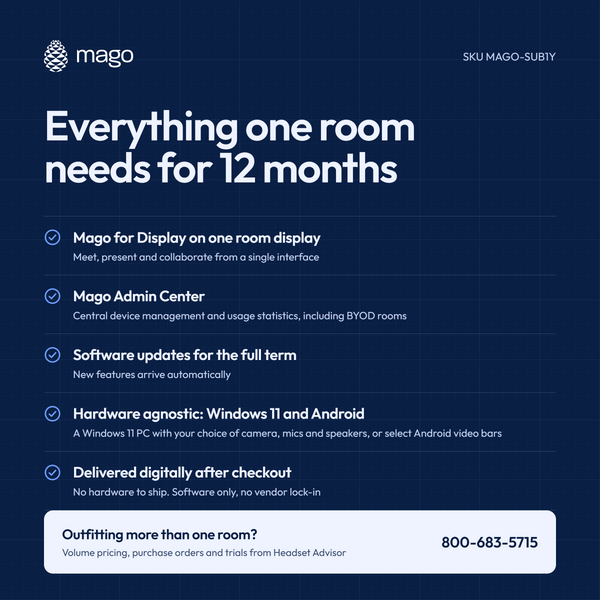
- Mago for Display per room
- Mago Admin Center for central device management and usage statistics, including BYOD rooms
- All software updates during the term
Compatibility
Mago is hardware agnostic and runs in Windows 11 and Android video conferencing environments:
- Windows 11: download the Mago software to a Windows 11 PC and connect your choice of cameras, microphones, speakers, and touch controller.
- Neat: access Mago through Neat Pulse and Neat Open Apps.
- AVer VB350A and Insta360 Connect: select Mago as your meeting platform on the device.
- Other Android or USB video bars, such as Logitech or Rocware: switch the bar to USB mode and connect it to a Windows 11 PC running Mago.
Not sure which setup fits your room? Contact Headset Advisor and we'll help you choose. Visit Mago's Knowledge Base for complete details and setup information.
Outfitting multiple rooms?
Contact Headset Advisor for volume pricing, purchase orders, trials or a demo on your own hardware.
Most Popular Headsets



- Opens in a new window.
Hi! 👋 Looking for the right headset? I'll help you compare options for your setup.