Microsoft Teams Headsets

17 products

Showing 1 - 17 of 17 products

Shop Microsoft Teams headsets: wired USB, Bluetooth with a USB dongle, and DECT wireless, including models certified for Microsoft Teams and models sold in a Teams version. In our 2025 Teams test, we ranked five headsets on mic sound in a quiet room and with office noise, a barking dog, a crying baby and a blender.
Showing 1 - 17 of 17 products
View
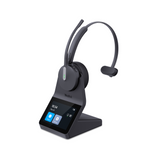
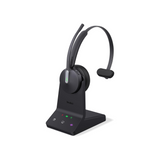
yealink wh64 monoyealink wh64
Yealink Yealink WH64 DECT & Bluetooth Wireless Office Headset
Sale priceFrom $199.99Save $39.01 Regular price$239.00
7 reviews
In Stock
Choose options
Jabra Evolve3 85 – The Flagship Headset for Focused, Modern WorkJabra Evolve3 85 – The Flagship Headset for Focused, Modern Work
Jabra Jabra Evolve3 85 – The Flagship Headset for Focused, Modern Work
Sale priceFrom $475.00Save $174.00 Regular price$649.00
No reviews
In Stock
Choose options
Jabra Evolve3 75 – Wireless ANC UC Headset for Professional CallsJabra Evolve3 75 – Wireless ANC UC Headset for Professional Calls
Jabra Jabra Evolve3 75 – Wireless ANC UC Headset for Professional Calls
Sale priceFrom $339.00Save $124.00 Regular price$463.00
1 review
In Stock
Choose options
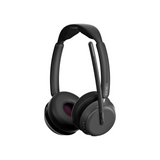
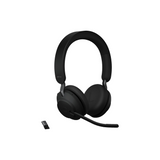
Jabra Evolve2 65 Dual Speaker Wireless Headset For Clear CallsJabra Evolve2 65 Dual Speaker Wireless Headset For Clear Calls
Jabra Jabra Evolve2 65 Dual Speaker Wireless Headset For Clear Calls
Sale priceFrom $285.99Save $105.01 Regular price$391.00
No reviews
In Stock
Choose options
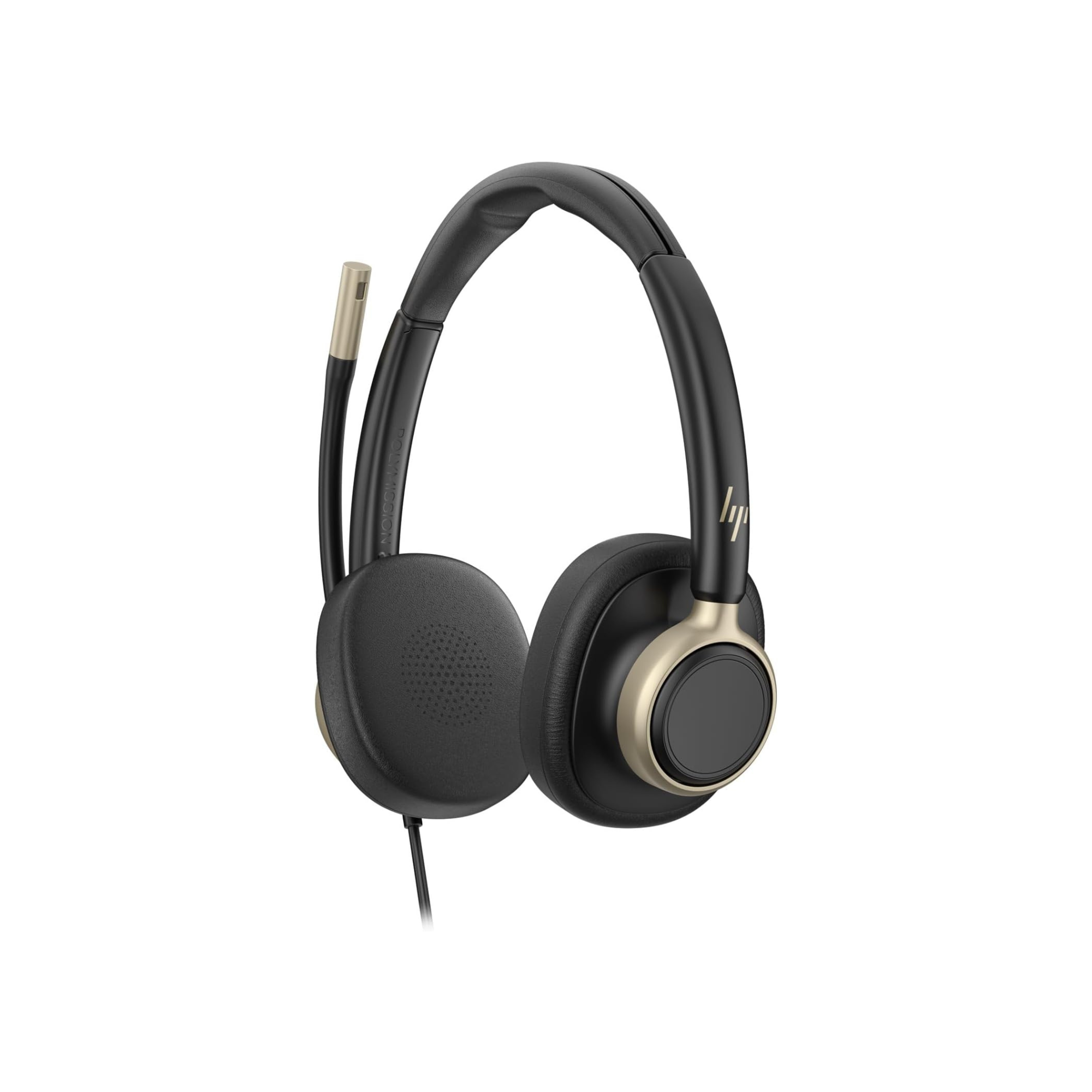
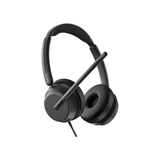
HP Mission 825 An on-ear wired headset with black ear cups, a padded headband, and a small attached microphone, shown on a plain white background. A gold HP logo is visible on the side of the right ear cup.HP Poly Mission 825 Wired Stereo USB Headset with ANC for Call Center & Office
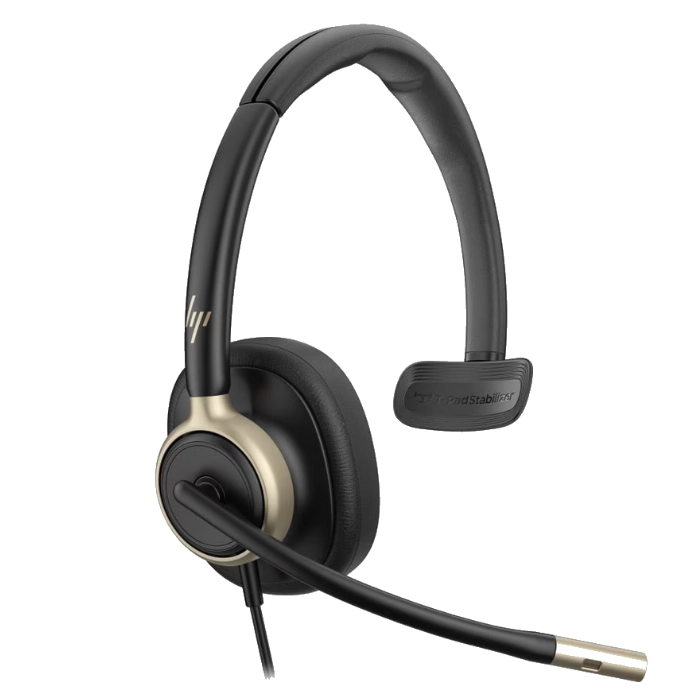
HP Poly Mission 815 Wired Mono USB Headset with ANC
Poly HP Poly Mission 815 Wired Mono USB Headset with ANC
Sale price$132.32 Regular price$179.95
No reviews
In Stock
HP Poly Focus 625 Stereo Bluetooth HeadsetHP Poly Focus 625 Stereo Bluetooth Headset
Poly HP Poly Focus 625 Stereo Bluetooth Headset
Sale priceFrom $237.52Save $142.43 Regular price$379.95
No reviews
In Stock
Choose options
HP Poly Focus 625 Fold Stereo Bluetooth HeadsetHP Poly Focus 625 Fold Stereo Bluetooth Headset
Poly HP Poly Focus 625 Fold Stereo Bluetooth Headset
Sale price$366.03 Regular price$399.95
No reviews
In Stock
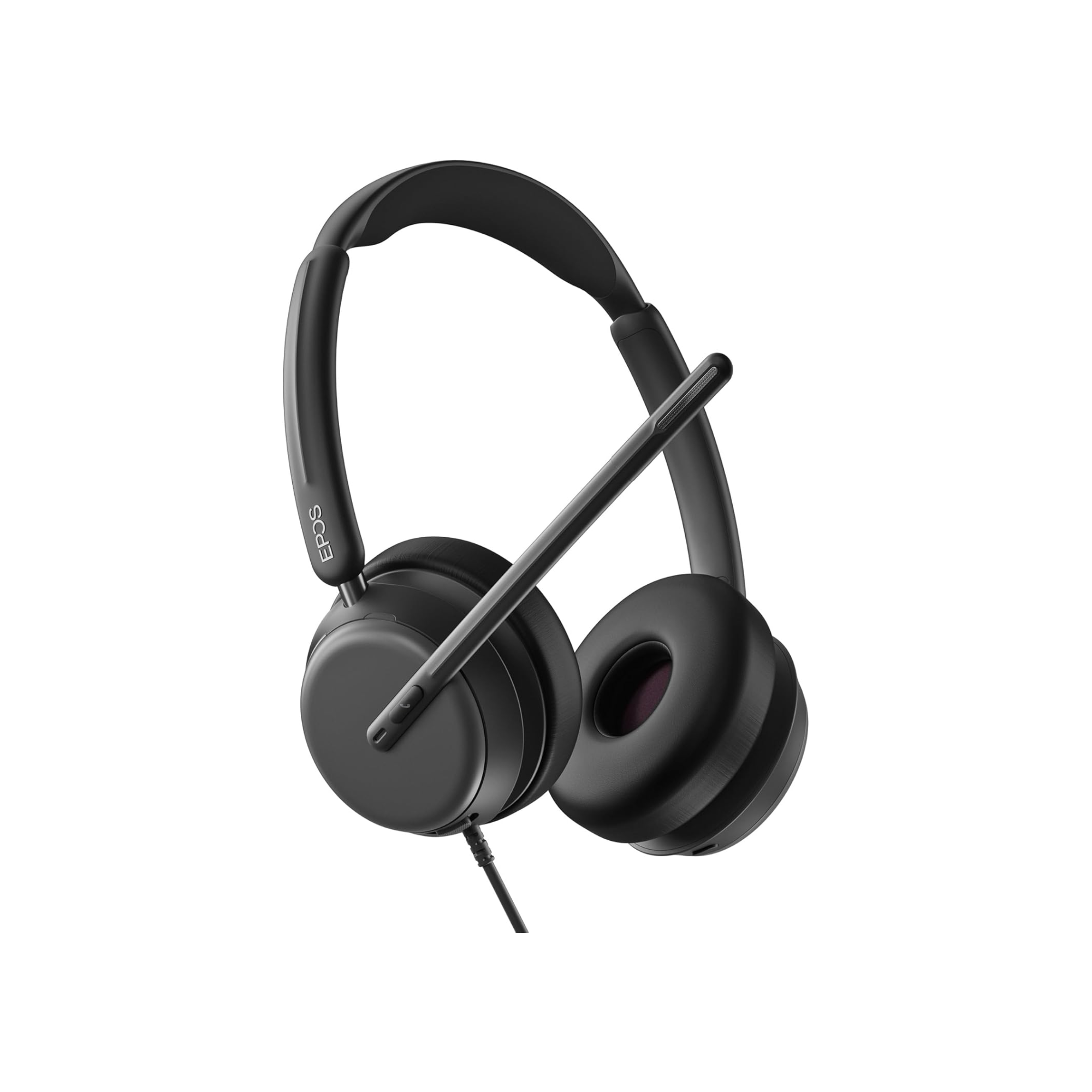
EPOS Impact 760: Clear Calls, All-Day Comfort, Stereo SoundEPOS Impact 760: Clear Calls, All-Day Comfort, Stereo Sound
Choose options
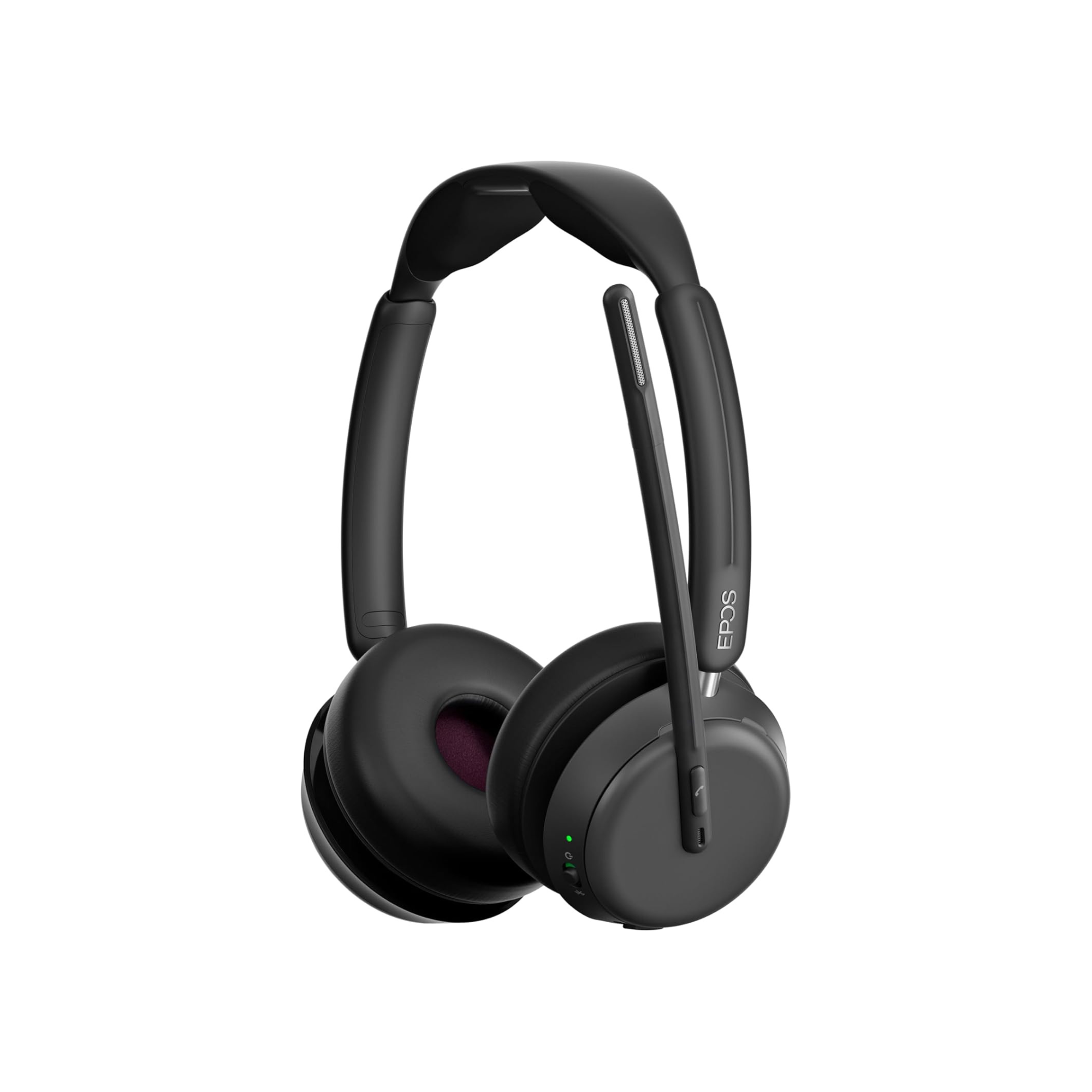
epos impact 1060EPOS Impact 1000 Dual Speaker Noise Canceling Headset With HD Mic
EPOS EPOS Impact 1000 Dual Speaker Noise Canceling Headset With HD Mic
Sale priceFrom $219.99Save $49.01 Regular price$269.00
25 reviews
In Stock
Choose options

Our tests

Three we'd buy, from our reviews and mic tests.

  • Yealink HA64 Pro

    Our verdict: Microphone sound quality was solid, and the noise cancellation was excellent.

    Read our review →

    From $209.99

  • EPOS Impact 1000

    Our verdict: So if you want to sound professional, and you want to eliminate distracting noise from your calls, then the Impact 1000 should be your next new headset.

    Read our review →

    From $219.99

  • Yealink UH46

    Our verdict: The Yealink UH46 represents one of the most appealing wired USB headsets available today.

    Read our review →

    $84.48

Compare our top picks

HeadsetTypeConnects toTeams or UCBatteryRangePrice
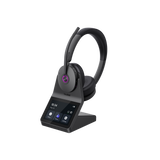
Yealink HA64 ProYealink HA64 Pro DECT + Bluetooth wireless, mono or dual earComputer and compatible IP desk phones via the base; mobile via BluetoothTeams and Zoom certifiedDECT up to 14 h mono, 16 h dual; Bluetooth up to 26 h mono, 32 h dualDECT up to 606 ft; Bluetooth up to 164 ftFrom $209.99ViewReview
Yealink HA68 ProYealink HA68 Pro DECT + Bluetooth wireless, dual ear, hybrid ANCPC and compatible desk phone via the base; mobile via BluetoothMeets Microsoft Teams Open Office requirements; works with other UC platformsUp to 16 h talk (DECT), 32 h (Bluetooth)DECT up to 606 ft; Bluetooth up to 164 ft$329.99ViewReview
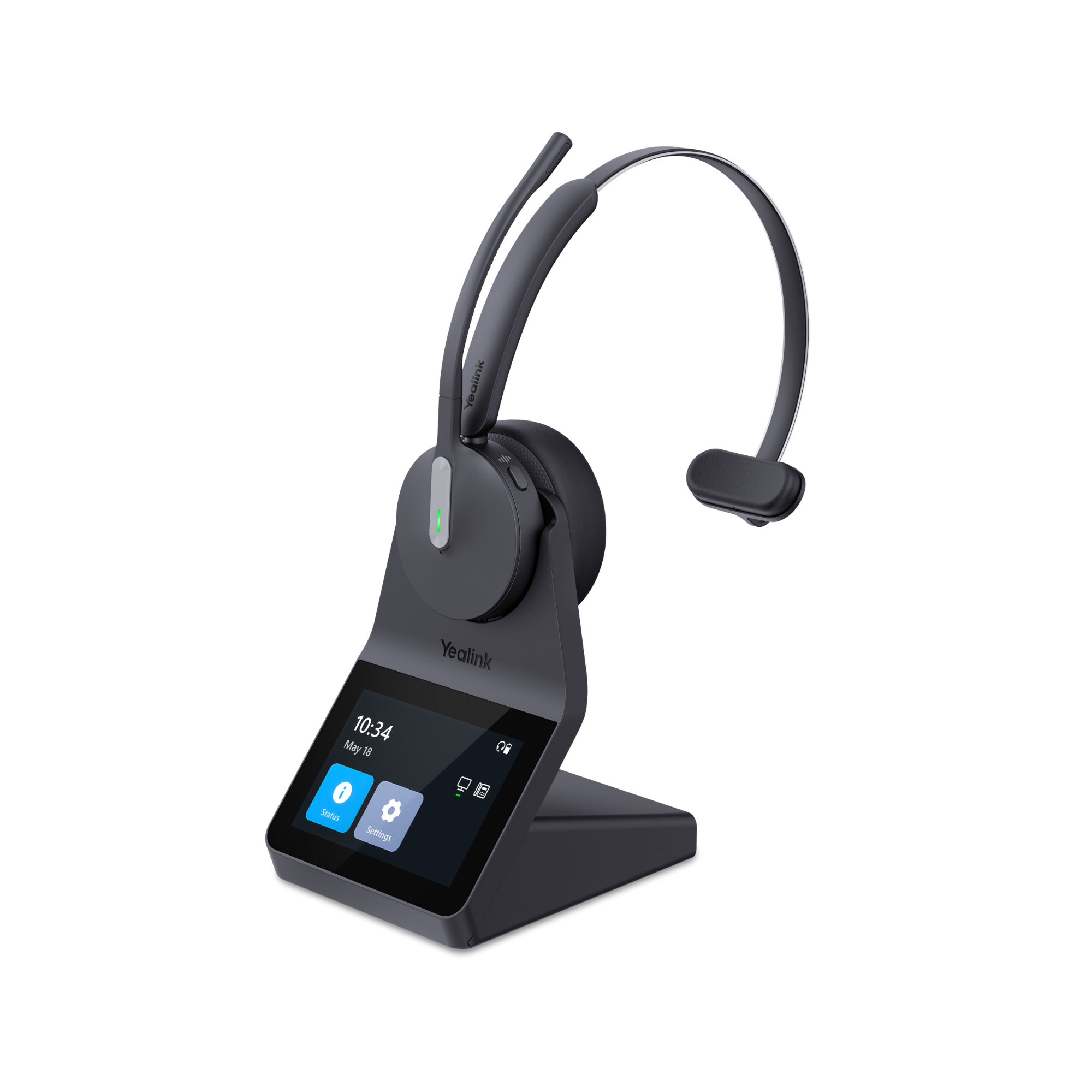
Yealink WH64Yealink WH64 DECT + Bluetooth, mono or duoComputer, USB IP phone, mobile; other phones with EHS62Teams or UC versionUp to 14 hrs (mono) or 16 hrs (duo) DECT talk timeDECT up to 525 ftFrom $199.99ViewReview
EPOS Impact 1000EPOS Impact 1000 Bluetooth with USB dongle, dual ear, ANC optionalComputer via the USB dongle or USB-C cable; mobile via Bluetooth (up to 3 devices)Teams or UC version; Teams version is Microsoft Teams certifiedUp to 20 hrs talk time (19 hrs with ANC on)Up to 100 ft (Bluetooth)From $219.99ViewReview
Jabra Evolve2 65Jabra Evolve2 65 Bluetooth with USB dongle, dual earComputer via the Link 380 USB-A or USB-C dongle; mobile via BluetoothTeams or UC version; Teams version is Microsoft Teams certifiedUp to 35 hrs talk timeUp to 100 ft (Bluetooth)From $285.99ViewReview
Yealink UH46Yealink UH46 Wired USB, dual earPC or Mac via USB-C or USB-A (both included)Teams or UC version; works with Zoom and other UC appsWired, no batteryWired$84.48ViewReview
EPOS Impact 860EPOS Impact 860 Wired USB, dual ear, ANC optionalComputer via USB-C, USB-A adapter includedTeams or UC version; Microsoft Teams Open Office certifiedWired, no batteryWiredFrom $195.66ViewReview
EPOS Impact 760EPOS Impact 760 Wired USB, dual ear (the 730 is the mono)USB-C, USB-A adapter includedTeams or UC version; Microsoft Open Office certifiedWired, no batteryWired$168.98View

Battery and range are the manufacturer's ratings. Mic recordings are from our own tests.

Teams certified, Teams version or just Teams compatible?

Each headset on this page is either certified for Microsoft Teams or sold in a Teams version, and its listing says which. When you see the "Certified for Microsoft Teams" label, our Teams headset buying guide explains, "it means Microsoft has tested and approved that headset specifically for use with Teams." Here is what that gets you:

  • Remote call answering without software. You can answer and end Teams calls from the headset on Windows or Mac without downloading any software, so you don't miss calls when you step away from your desk.
  • Plug and play. Teams sets the headset as your default audio device as soon as you connect it.
  • Mute sync. When you mute the headset, your status in Teams changes too, and the other way around.
  • A Teams button on Teams versions, with features that vary by model.

Any USB headset still works on Teams, the same way it works with other calling software on your computer. Without certification, though, you may have to answer calls at your computer, your mute status won't show in Teams meetings, there's no Teams button, and there's no telling whether its audio and microphone will meet your needs.

What the Teams button and light do

On a Teams version, the Teams button and the call controls can, depending on the model:

  • answer, end or hold calls, and switch between calls
  • join a meeting, respond to meeting nudges, raise your hand and leave
  • open your missed calls or voicemail
  • bring Teams to the front of your screen

A light alerts you to meetings, missed calls and voicemails. On some wireless headsets it sits on the USB dongle instead of the headset. Teams also lets you choose a second connected device as a secondary ringer, so it rings along with your headset.
Teams version or UC version?

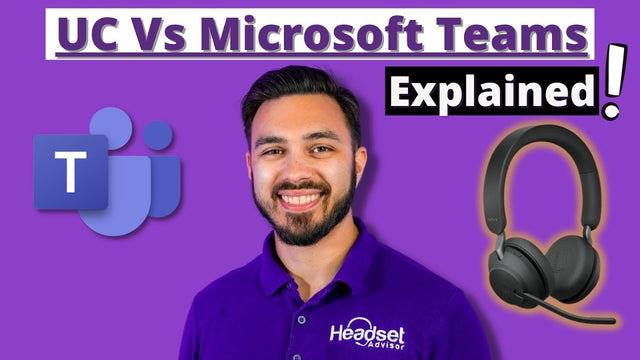
Many headsets come in two versions that look the same: "Physically both versions will look identical aside from one having a button with a Teams logo but internally they use different firmware." Our rule of thumb, from our Teams vs UC explainer (with video): "Simply put, if you strictly use Microsoft Teams for your voice calls and meetings, go with the Teams version. If you don't use Microsoft Teams or you use Teams in combination with other call software, go with the UC version."

The UC version also works on Teams. You just won't have the Teams button, and you'll need the maker's software for remote call answering. A Teams version needs no download at all, which helps if your company doesn't allow software installs. Some makers, such as Jabra, label their MS Teams version "MS".

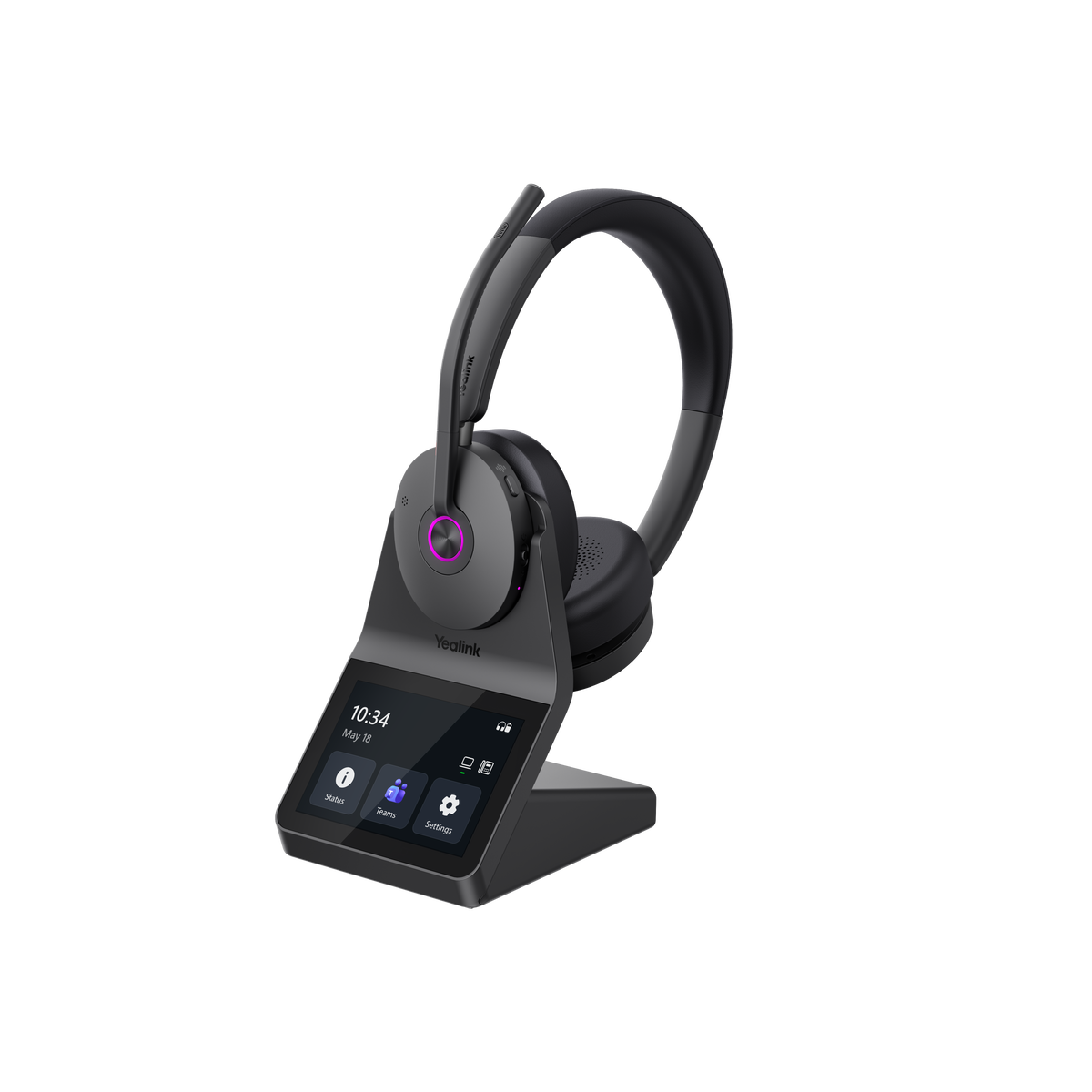
The Yealink HA64 Pro skips the choice. Its listing says it is Zoom and Microsoft Teams certified, and you set it up for Teams or UC on the base's touchscreen. As our HA64 Pro review puts it, "No need to order a pre-configured variant, or download software." More in the HA64 Pro for Teams.

Yealink, Poly, Jabra and EPOS offer both UC and Teams versions of many models, and so does Logitech for its Zone headsets. For the newest Jabra models, see the Jabra Evolve3 series.

Open Office and native Bluetooth

Microsoft runs two more specialized programs. Premium Microphone for Open Office is for headsets whose microphones keep you heard clearly when other people are talking around you. Our listings say the EPOS Impact 860 is "Microsoft Teams Open Office certified" and the EPOS IMPACT 500 is "Certified for Microsoft Teams Open Office." The EPOS Impact 400 (Teams model), 730 and 760 are Microsoft Open Office certified, the Jabra Engage 55 SE "Meets the Premium Microphone for Open Office standard," and the Jabra Evolve2 65, Evolve2 85 and Yealink HA68 Pro meet Microsoft Teams Open Office requirements.

Native Bluetooth lets a certified headset pair straight to your computer and keep the Teams experience without a USB dongle. Our buying guide notes that it "currently only works on Windows 11," and that your PC needs an Intel 12th Gen Core or Qualcomm Snapdragon X processor or newer. It adds: "Even if your headset supports native Bluetooth, using the included USB dongle is often the more reliable option for a stable Teams experience." Watch our native Bluetooth explainer.

Wired, Bluetooth with a dongle, or DECT?

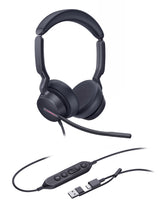
Wired USB suits a fixed desk: it's the most stable connection, with no battery to worry about. Teams versions include the Yealink UH46 and UH48, the EPOS Impact 860 and Impact 100, the Poly Blackwire 3310 to 3325 and the Jabra Evolve2 50. See our wired Teams headsets.

Bluetooth with a USB dongle suits you if you move between your laptop and your mobile phone. Plug the dongle into your computer instead of pairing the headset to your computer's own Bluetooth: "We've found over the years, if you connect a headset directly to your computer via Bluetooth, the audio and connectivity experience is unreliable for business communication on Teams and any other communication software." Paired directly, you also lose answering calls away from your computer, muting from the headset and showing your mute status. Read why Bluetooth headsets aren't recommended for work computers. Teams versions with a dongle include the EPOS Impact 1000, Jabra Evolve2 65 and Evolve3 65, Poly Voyager 4310 and 4320, Logitech Zone 305 and the Jabra Evolve2 Buds earbuds. Shop wireless Teams headsets.

DECT suits you if you walk around the office or your home during calls, or also use a desk phone. The Yealink HA64 Pro and HA68 Pro are rated up to 606 feet and the WH64 up to 525 feet, and all three put Bluetooth in the headset for your mobile phone. The HA68 Pro adds hybrid ANC, and the Jabra Engage 55 SE and Yealink WH63 E2 are DECT models certified for Teams. Published range "is not a promise that you'll get that distance in your building," as our DECT vs Bluetooth guide notes. If you also use a desk phone, check it in our headset compatibility guide.

What we heard in our Teams test

In our 2025 Teams headset test, we ranked five headsets "based on mic sound quality tested in quiet rooms, offices, with barking dogs, crying babies, typing, and blenders." The video is in the article. What we wrote down:

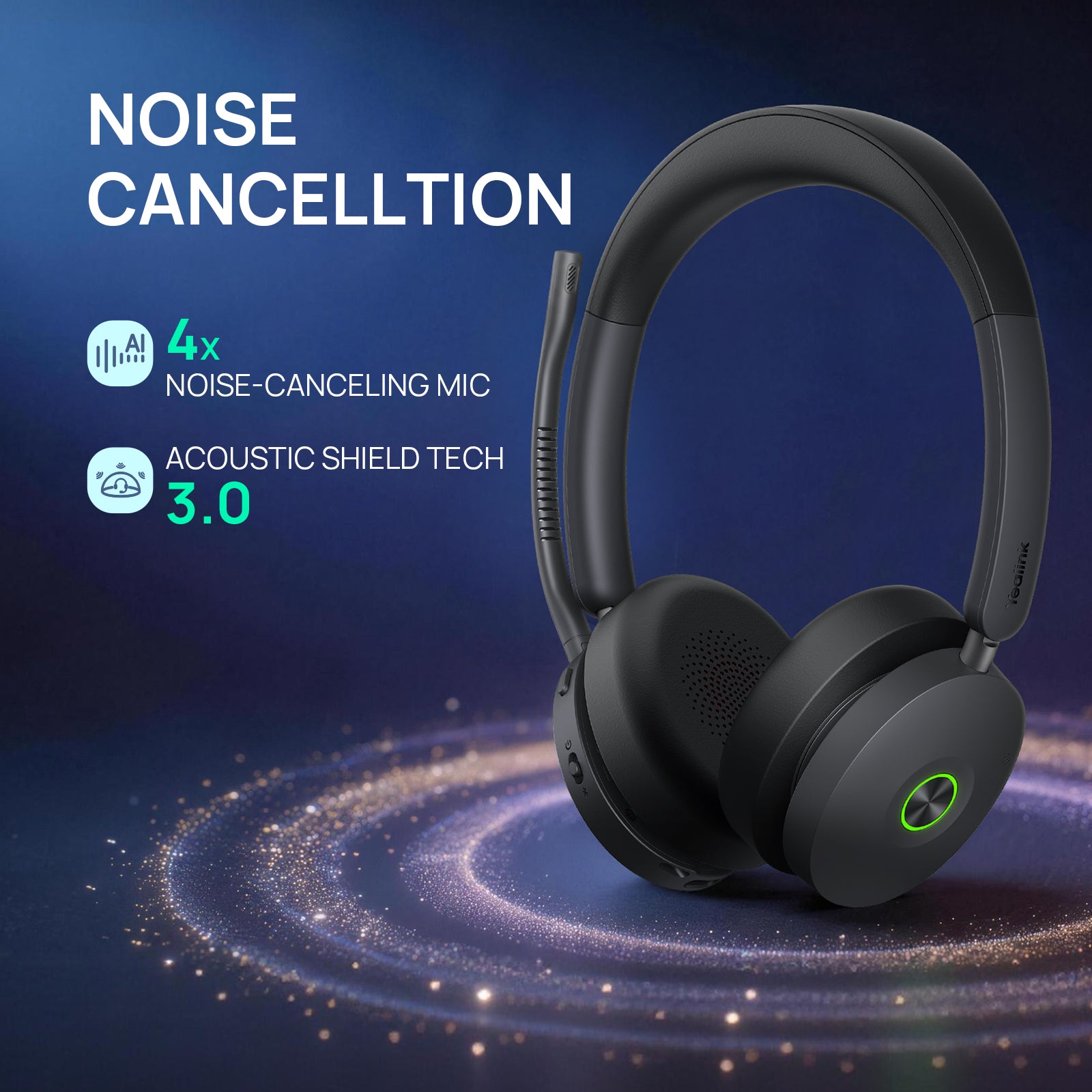
  • Yealink HA64 Pro with office noise and typing: "Removes this noise making it scarcely heard, if at all."
  • EPOS Impact 1000 with office noise: "Blocks meeting noise, and coworker sound effortlessly."
  • Jabra Evolve2 65 Flex with a barking dog and a crying baby: "Effective suppression making it a viable consideration."
  • Yealink UH46 with a barking dog and a crying baby: "Good noise removal, especially at this price point."

In our 2026 crying baby mic test, the HA64 Pro's "Microphone sound quality was solid, and the noise cancellation was excellent," and on the Jabra Evolve3 85, "the sound quality was solid, and the noise canceling was equally solid." These are listening tests, not lab measurements, so watch the videos and judge for yourself.

Software, setup and known issues

Headset makers offer free software to update firmware and change settings: Poly's apps (see Plantronics Hub vs Poly Lens), Jabra Direct, EPOS Connect and Yealink USB Connect. Other apps with calling features can interfere with the Teams button on your headset. "If you're experiencing issues with Teams, close the third party software as a first troubleshooting step." If that doesn't fix it, stop using the other software, or switch to the UC version of the same headset.

Setting up a new headset? Follow our guide to connecting a headset to Microsoft Teams (with video).

Some legacy products have known issues on Teams, and we don't recommend them with it: the Jabra Pro 930, Jabra Pro 9470, Plantronics APU-75, Plantronics C220-M, Calisto 800 Series and Polycom CX100. Microsoft works with its hardware partners on devices that are still sold, but not every legacy product gets updated.

Buying Teams headsets for a team

Pick Teams or UC by the apps each group uses. As our buying guide notes, "Standardizing on one model can simplify IT support, reduce training time, and make it easier to stock spare parts." Ask for a volume quote; enterprise, government, education and healthcare teams can order with purchase orders, tax-exempt status and payment terms. For teams of 10 or more, the Managed Hardware Program covers headsets for one flat monthly fee per seat, quoted for your team, and replacements ship first. Not sure which version your company needs? Our headset advisors can help.

Frequently asked questions

What is a Microsoft Teams certified headset?

It's a headset Microsoft has tested and approved for use with Teams. Out of the box, you can answer and end Teams calls from the headset on Windows or Mac without downloading software. Teams sets it as your default audio device, your mute status stays in sync with the app, and Teams versions add a Teams button. Each listing on this page says whether the model is certified or sold in a Teams version. Read our Teams headset buying guide.

What's the difference between a Teams headset and a UC headset?

Many headsets come in a Teams version and a UC version that look the same. The Teams version has a Teams button and different firmware. If you only use Microsoft Teams for calls and meetings, choose the Teams version. If you don't use Teams, or you use Teams together with other calling software such as Zoom, RingCentral, Cisco or Avaya, choose the UC version. The UC version still works on Teams, but remote call answering needs the maker's software. See Teams vs UC headsets explained.

Will any headset or headphones work with Microsoft Teams?

Yes. Any USB headset, meaning headphones with a mic, works with Teams on Windows or Mac. A headset that is Teams compatible but not certified may not let you answer or end calls from the headset, won't show your mute status in Teams, and has no Teams button for joining meetings or putting calls on hold. You also can't be sure its audio and microphone will meet your needs. If Teams is your main app, choose a certified model or a Teams version.

How do I connect a headset to Microsoft Teams?

Plug the headset, or its USB adapter, into a USB port and give the computer a moment to recognize it. In Teams, click the three dots at the top right, open Settings, then Devices, and choose your headset under audio devices. Check that it shows as both the speaker and the microphone, then make a test call. A Bluetooth headset paired straight to your computer works too, but remote call answering won't be available. Our Teams setup guide has a video.

Can I use the same headset for Teams and Zoom?

Yes, and some models are certified for both. Our listings say the Yealink HA64 Pro is Zoom and Microsoft Teams certified, the Jabra Evolve2 55 is certified for Microsoft Teams, Google Meet and Zoom, and the Yealink UH42 and UH44 are certified for Microsoft Teams and Zoom. If a headset comes in two versions and you split your calls between Teams and Zoom, our advice is the UC version. Compare our Zoom headsets.

Should I use a USB dongle or Bluetooth for Teams?

Use the dongle. We've found that a headset connected straight to your computer's Bluetooth is unreliable for business calls on Teams, and you lose answering calls away from your computer, muting from the headset and showing your mute status. The USB dongle that comes with a work headset avoids that. Native Bluetooth removes the dongle on certified headsets, but it currently works only on Windows 11 with newer processors, and the dongle is often still the more reliable option. Read our native Bluetooth explainer.

Should I get a wired or wireless Teams headset?

Wired USB suits a fixed desk: it's the most stable connection, with no battery to worry about. A Bluetooth headset with a USB dongle suits you if you switch between your laptop and your mobile phone. DECT suits you if you walk around during calls or also use a desk phone; the Yealink HA64 Pro and HA68 Pro are rated up to 606 feet and the WH64 up to 525 feet. Shop our wired Teams headsets or wireless Teams headsets.

Why buy from Headset Advisor

  • Free shipping over $50

    Free 3 to 5 day shipping on orders of $50 or more.

  • 30-day returns

    Return any product within 30 days.

  • Real headset advisors

    Not sure which headset fits your phone or computer? We will help you choose.

    Talk to an advisor →
  • Team and volume orders

    Volume quotes, purchase orders, tax-exempt orders and payment terms for enterprise, government, education and healthcare teams.

    Request a quote →
  • Managed Hardware Program

    Best for teams of 10 or more: one flat monthly fee per seat, quoted for your team, and replacements ship first.

    See the program →

Recently viewed