
Shop wireless headsets for office phones, and see which EHS cable or lifter, if any, your Cisco, Avaya, Poly, Yealink or Mitel desk phone needs to answer calls away from your desk. We have published reviews of 18 DECT office headsets, so our picks below come with our verdicts and review videos.
Compare headsets






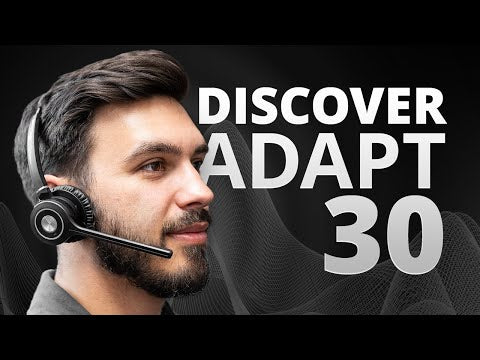


Our tests
Three we'd buy, from our reviews and mic tests.
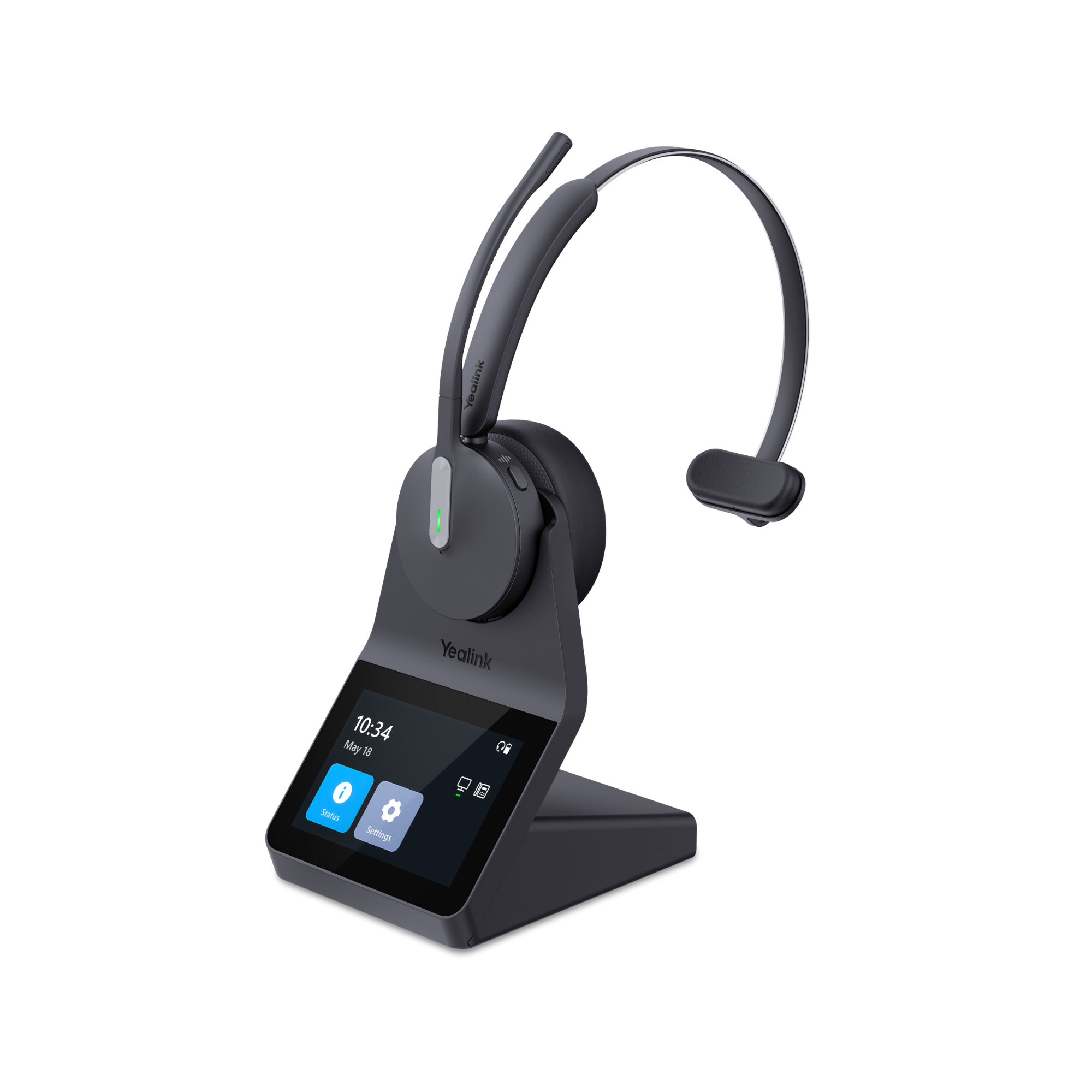
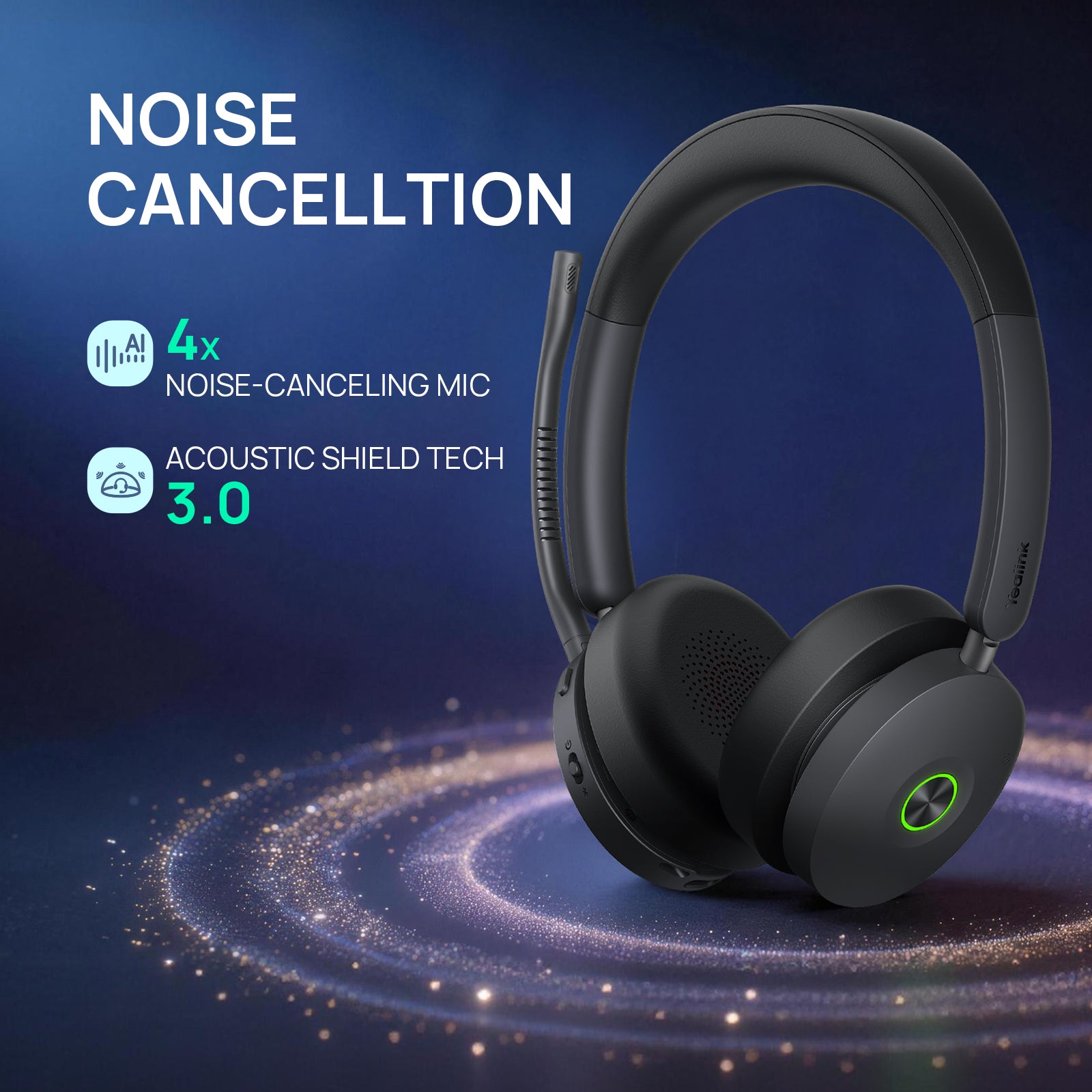
Yealink HA64 Pro
Our verdict: Microphone sound quality was solid, and the noise cancellation was excellent.
Read our review →From $209.99
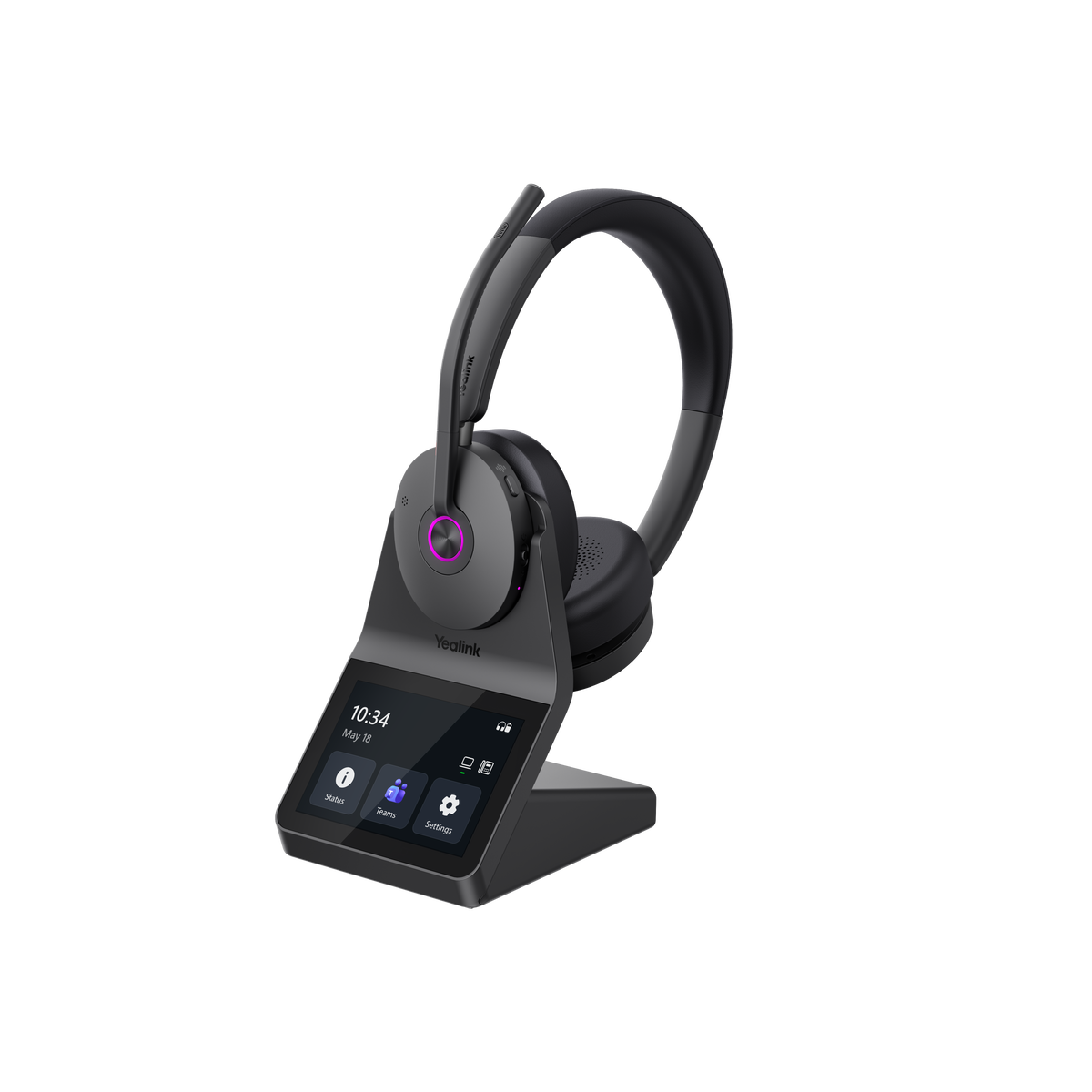
Yealink HA68 Pro
Our verdict: But if you move around the office, work across multiple devices, deal with distracting noise, or see the value in having touchscreen access to your headset controls, the HA68 Pro brings some unusual capabilities together in one system.
Read our review →$329.99
Poly CS540
Our verdict: The Poly CS540 is a headset with an impressive track record that's highly rated, and one you should consider.
Read our review →From $395.10


Compare our top picks
| Headset | Type | Connects to | Teams or UC | Battery | Range | Price |
|---|---|---|---|---|---|---|
 Yealink HA64 Pro | DECT + Bluetooth wireless, mono or dual ear | Computer and compatible IP desk phones via the base; mobile via Bluetooth | Teams and Zoom certified | DECT up to 14 h mono, 16 h dual; Bluetooth up to 26 h mono, 32 h dual | DECT up to 606 ft; Bluetooth up to 164 ft | From $209.99ViewReview |
 Yealink HA68 Pro | DECT + Bluetooth wireless, dual ear, hybrid ANC | PC and compatible desk phone via the base; mobile via Bluetooth | Meets Microsoft Teams Open Office requirements; works with other UC platforms | Up to 16 h talk (DECT), 32 h (Bluetooth) | DECT up to 606 ft; Bluetooth up to 164 ft | $329.99ViewReview |
 Yealink WH64 | DECT + Bluetooth, mono or duo | Computer, USB IP phone, mobile; other phones with EHS62 | Teams or UC version | Up to 14 hrs (mono) or 16 hrs (duo) DECT talk time | DECT up to 606 ft | From $199.99ViewReview |
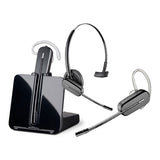 Poly CS540 | DECT, convertible, single ear | Desk phone; computer with optional D315 | Desk phone headset | Up to 7 hrs talk time | Up to 350 ft | From $395.10ViewReview |
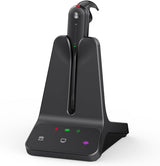 Yealink WH63 E2 | DECT, convertible, single ear | Desk phone and PC (no mobile) | Teams or UC version | Up to 8 hrs talk time | Up to 606 ft (DECT) | $155.04ViewReview |
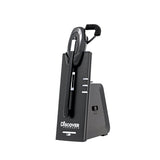 Discover D904 | DECT, convertible | Desk phone and computer | Works with Teams, Zoom, RingCentral | Two swappable batteries included | Up to 350 ft | From $179.99View |
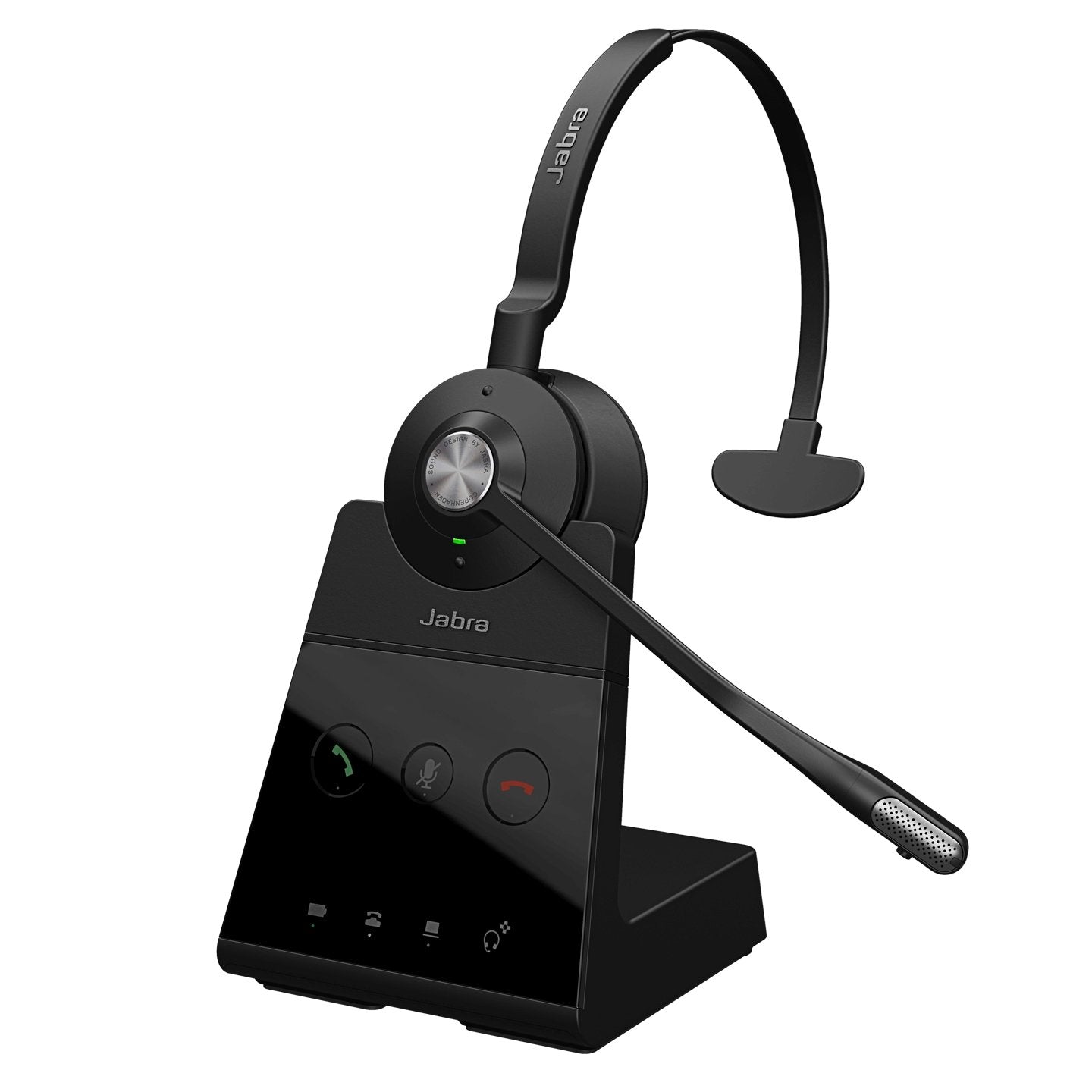
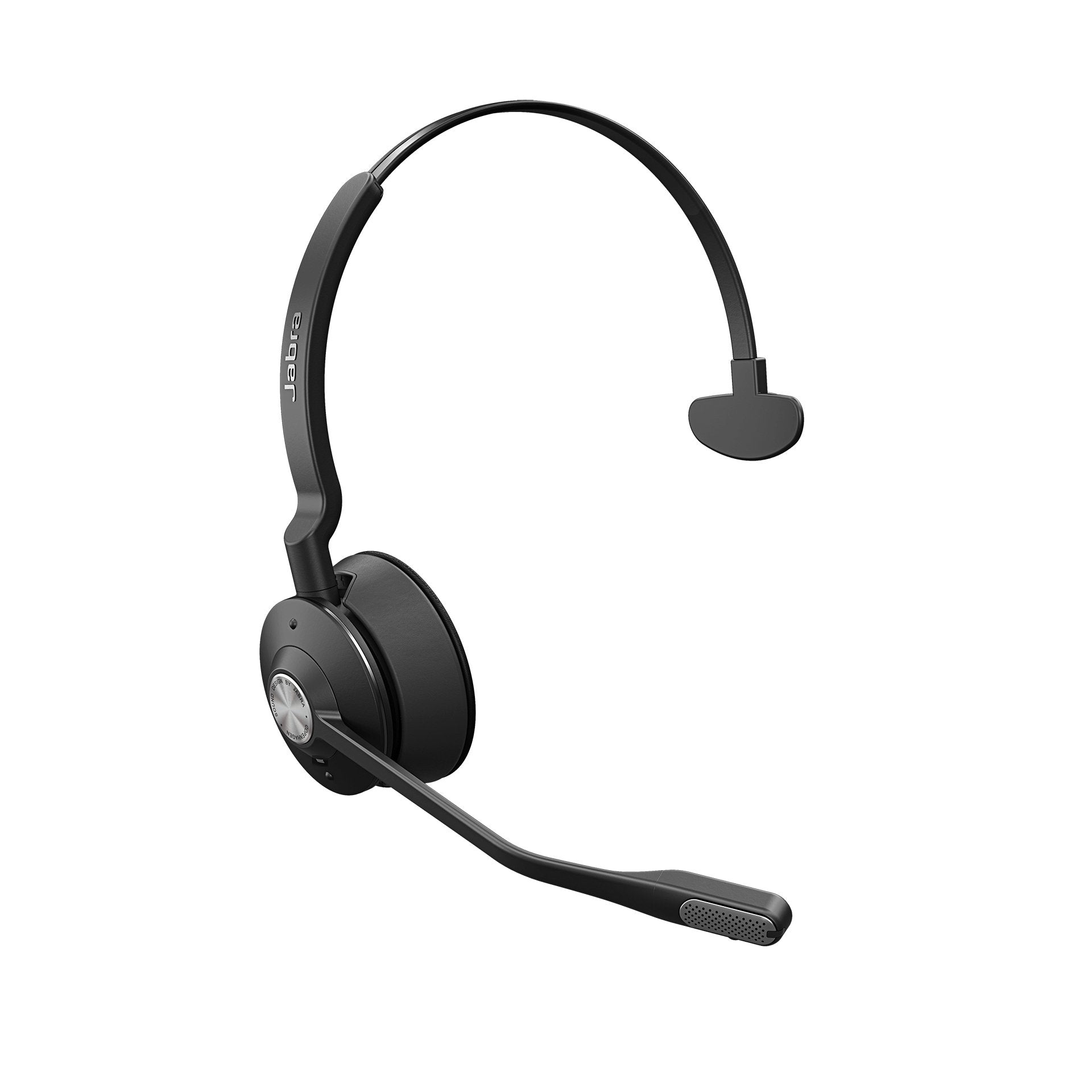
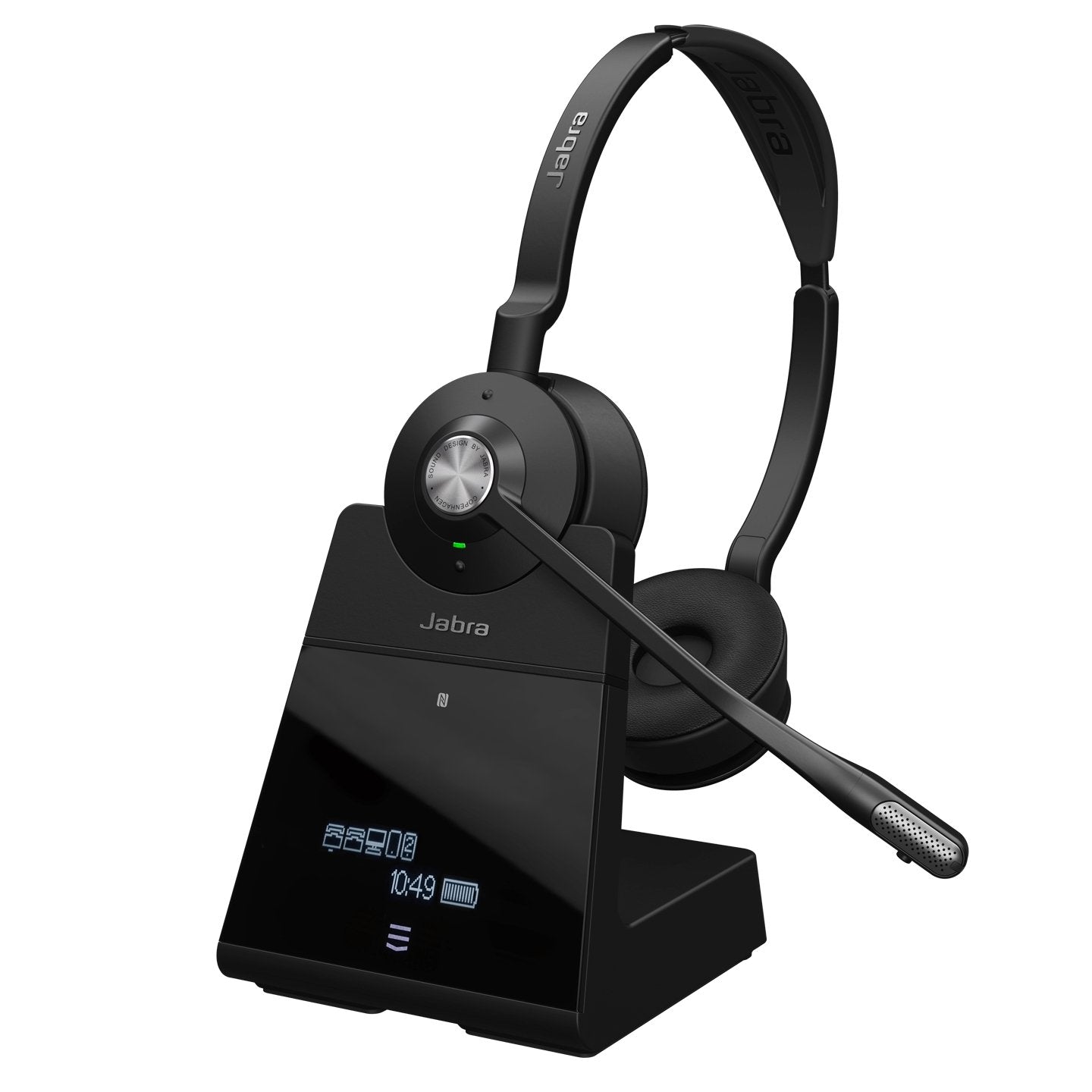
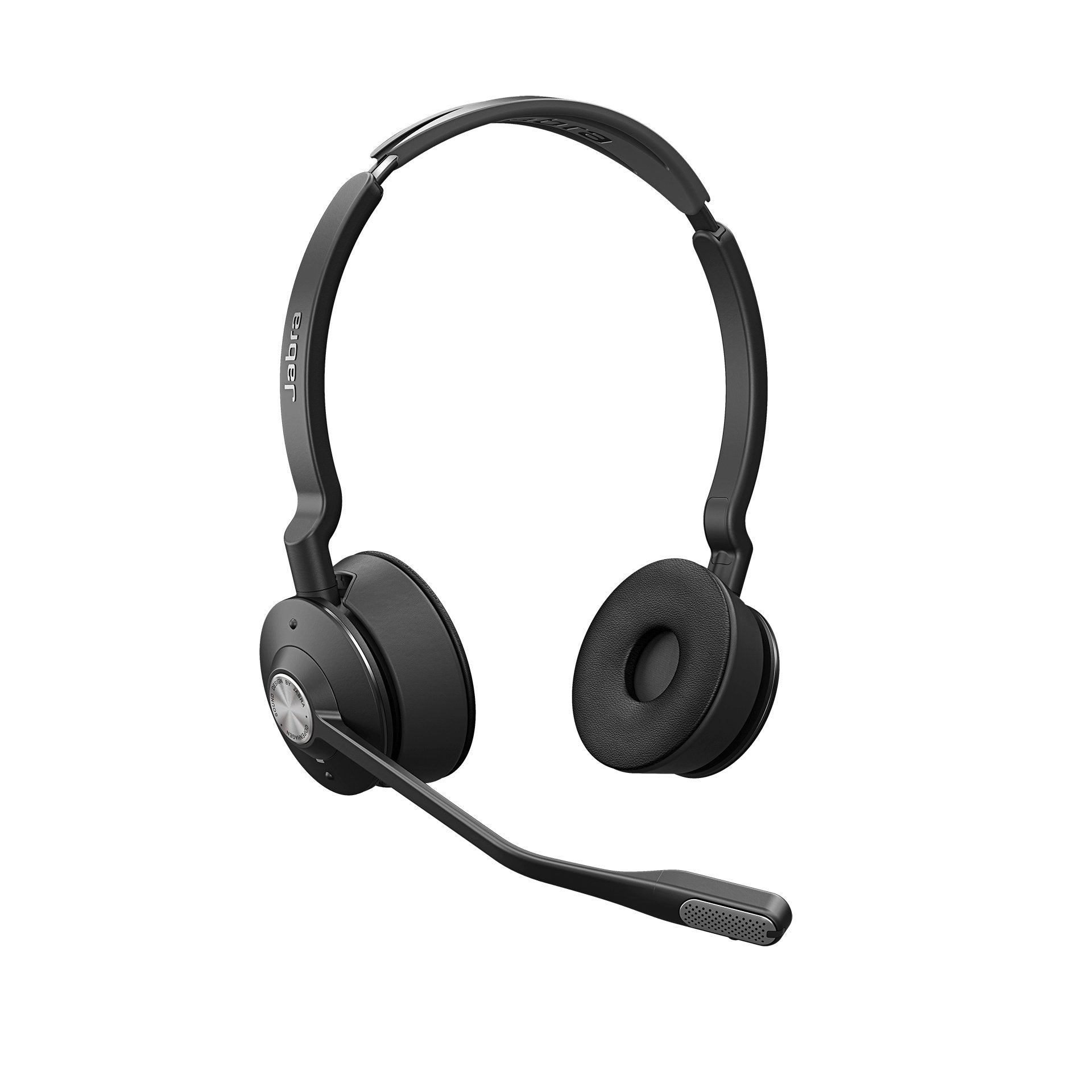
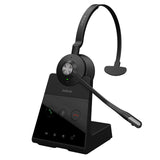 Jabra Engage 65 SE | DECT, mono | Desk phone and PC | UC | Up to 13 hrs talk time | Up to 490 ft (150 m) | $318.00View |
Battery and range are the manufacturer's ratings. Mic recordings are from our own tests.
Which cable or lifter does my desk phone need?
Find your phone brand, then the headset and the part that lets you answer and end calls away from your desk. Parts fit specific phone models, so check your model in our compatibility guide or ask an advisor before you order.
| Your phone | Headset | Cable, adapter or lifter | Notes |
|---|---|---|---|
| Yealink T41S, T42S, T46S, T48S, T43U, T46U, T48U, T27G, T53, T53W, T54W, T57W, T58A, T55A, T56A, VP59 | Yealink HA64 Pro | USB cable | Full call control from the headset out of the box. No EHS cable or lifter needed. The HA68 Pro and WH64 work the same way. Yealink telephone cord 3311093 for the phone's headset port is sold separately. |
| Older Yealink phones: T40G, T41P, T42G, T46G, T48G, T29G | Poly CS540 | Yealink EHS36 EHS cable | Yealink's own headsets don't work with these older models. The EHS36 lets you answer and end calls from the CS540. |
| Poly / Polycom IP phones | Yealink HA64 Pro | Yealink EHS62 adapter (some models only) | Remote answering works on most Poly IP phones. Some Poly phone models need the EHS62 cable; check your model in our compatibility guide. The WH64 works the same way. Yealink telephone cord 3311093 for the phone's headset port is sold separately. |
| Polycom VVX 150 to VVX 600 and SoundPoint IP 320 to IP 670 (models on the APP-51 listing) | Poly CS540 | Poly APP-51 EHS cable | Turn on Hookswitch Mode in the phone's headset settings after you connect it. |
| Cisco IP phones (specific models) | Yealink HA64 Pro | Yealink EHS62 adapter | Answer and end calls from the headset on specific Cisco models; ask us to confirm yours. The WH64 uses the same adapter. Yealink telephone cord 3311093 for the phone's headset port is sold separately. |
| Cisco IP phones with an AUX port, such as the 8851 | Poly CS540 | Poly APC-43 EHS cable | Plugs into the phone's headset and AUX ports. Turn on hook switch mode in the phone settings, or ask your phone system admin to enable it. |
| Cisco 7942G, 7945G, 7962G, 7965G, 7975G, 7821, 7841, 7861, 8841, 8851, 8861 | Discover D904 | Discover D625 EHS cable | Answer and end calls from the headset on the Cisco models listed. |
| Avaya IP phones (specific models) | Yealink HA64 Pro | Yealink EHS62 adapter | Answer and end calls from the headset on specific Avaya models; ask us to confirm yours. The WH64 uses the same adapter. Yealink telephone cord 3311093 for the phone's headset port is sold separately. |
| Avaya 1400, 1600, 9400 and 9600 series | Discover D904 | Discover D633 EHS cable | Answer and end calls from the headset on these Avaya series. |
| Mitel IP phones (specific models) | Yealink HA64 Pro | Yealink EHS62 adapter | Answer and end calls from the headset on specific Mitel models; ask us to confirm yours. The WH64 uses the same adapter. Yealink telephone cord 3311093 for the phone's headset port is sold separately. |
| Mitel 6867 and 6869 | Poly CS540 | Poly APU-76 EHS cable | The APU-76 EHS cable works with the Poly CS540 and other Poly headsets on these two Mitel phones. |
| Grandstream IP phones (specific models) | Yealink HA64 Pro | Yealink EHS62 adapter | Grandstream is on the EHS62's list for specific models. We don't have a Grandstream guide yet, so ask us to confirm your model before you order. Yealink telephone cord 3311093 for the phone's headset port is sold separately. |
| Any desk phone without a matching EHS cable | Poly CS540 (CS540 + Lifter bundle) | Poly HL10 handset lifter | Lifts the handset so you can answer and end calls from the headset. Works with most office desk phones; ask us to confirm yours. |
EHS cables and lifters are optional add-ons. Phone not listed, or not sure of your model? Contact us and an advisor will check it for you.
Frequently asked questions
How do I connect a wireless headset to my office phone?
Plug the AC adapter into the headset's charging base, then connect the base to your phone. If your phone has a headset port, usually next to the handset port with a headset icon, use that. If not, connect through the handset port and plug the handset cord into the base. On compatible IP phones, the Yealink HA64 Pro connects with its included USB cable instead. For the phone's headset port, the Yealink telephone cord (3311093) is sold separately. Our step-by-step setup guide covers both.
Which wireless headsets work with my Avaya, Cisco, Poly or Yealink phone?
It depends on your phone model and whether you want to answer calls away from your desk. Yealink headsets like the HA64 Pro work with compatible Yealink phones with no extra part. On specific Cisco, Avaya, Mitel and Grandstream models, the HA64 Pro and WH64 use the Yealink EHS62 adapter, and some Poly models need it too. The Poly CS540 uses a model-specific EHS cable or the HL10 lifter. Check the table above or our headset compatibility guide.
Can I answer calls with my headset when I'm away from my desk?
Yes, with most DECT headsets, but you usually need an optional accessory. An EHS (electronic hookswitch) cable connects the headset base to your phone and answers or ends calls electronically. A handset lifter attaches to the phone and physically lifts the handset. EHS cables are phone make and model specific, while lifters fit most desk phones but can slip out of alignment over time. Yealink headsets on compatible Yealink phones need neither. Learn more in our remote call answering guide.
Can a Bluetooth headset connect to a desk phone?
Sometimes, but pairing isn't the same as working well. A Bluetooth headset may give you audio on a Bluetooth desk phone while answer, end or mute don't work from the headset. Most office phone headsets use DECT instead, with a base that connects to the phone. The HA64 Pro, HA68 Pro and WH64 have both in the headset: DECT for your desk phone and computer, Bluetooth for your mobile. Our DECT vs. Bluetooth guide explains the difference.
Should I get a single-ear or dual-ear headset for my desk phone?
Choose single ear (mono) if you work in a quiet or moderately busy office and talk with coworkers between calls. Choose dual ear (stereo) if your space is noisy or you need to concentrate for long periods. The HA64 Pro and WH64 come in mono or duo, the HA68 Pro is dual ear only, and the Poly CS540 is a single-ear convertible you can wear on the ear or with a headband. See our mono vs. stereo guide.
Is a wired or wireless headset better for a desk phone?
Wired headsets cost less up front, need no charging and keep a steady connection, but you can only move as far as the cord. Wireless DECT headsets let you walk away from your desk, connect to more devices and, with the right cable or lifter, answer calls remotely. Business-grade models of both types sound excellent today. If you prefer wired, see our quick disconnect headsets for office phones, or read wired vs. wireless headsets.
Can one headset work with my desk phone and my computer?
Yes. The HA64 Pro, HA68 Pro and WH64 connect to your computer and a compatible desk phone through the base, and to your mobile phone over Bluetooth in the headset. The Yealink WH63 E2 connects to a desk phone and a PC at the same time, but not to a mobile phone. The Poly CS540 is a desk phone headset; it works with a computer through the optional Discover D315 adapter, but you swap cables to change devices.
Latest reviews and videos
-
 Video
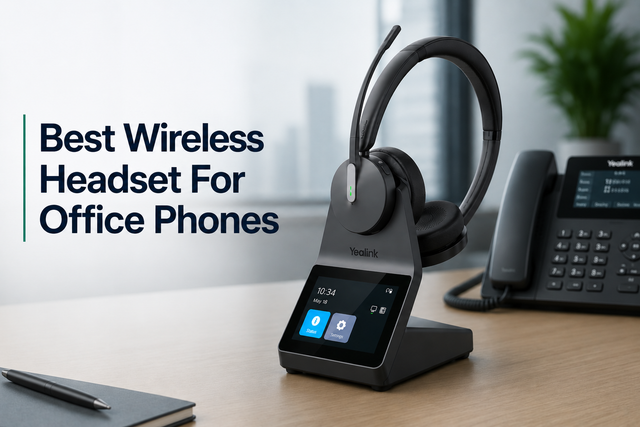
What Is the Best Wireless Headset for Office Phones in 2026?
October 2, 2024
-
 Video
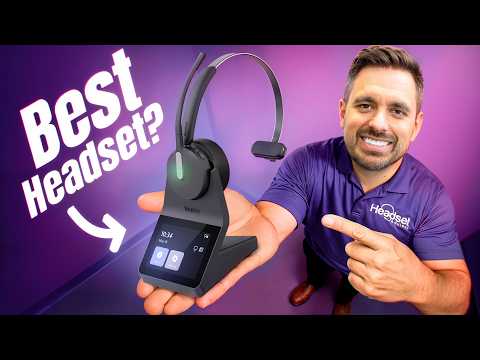
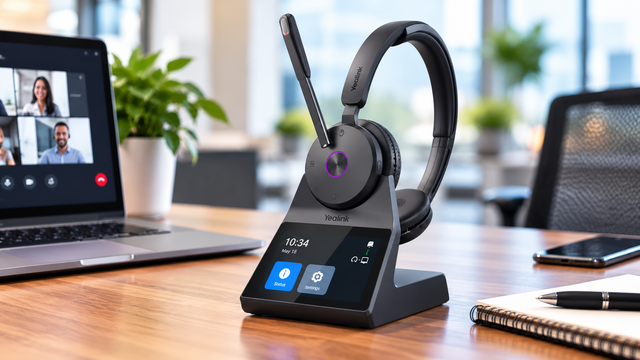
Yealink HA68 Pro Review: A New Kind of DECT + Bluetooth Headset
October 10, 2026
-
 Video
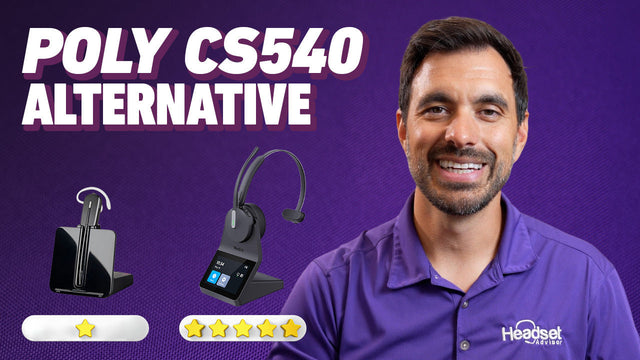
Yealink HA64 Pro vs. Poly CS540: The Ultimate DECT Upgrade
October 13, 2025
-
 Video
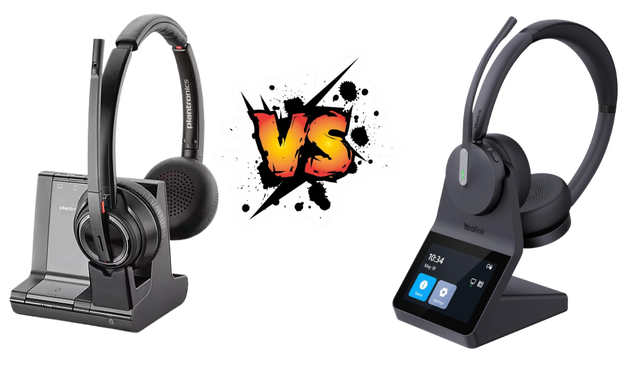
Yealink HA64 Pro vs Savi 8200: Top Noise-Cancelling Alternative
September 24, 2025
-
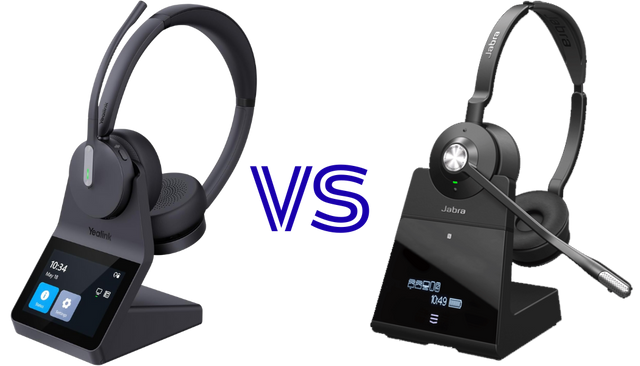 Yealink HA64 Pro vs Jabra Engage 65/75: Which Wireless Headset Wins for Office Calls?
September 16, 2025
-
 Video
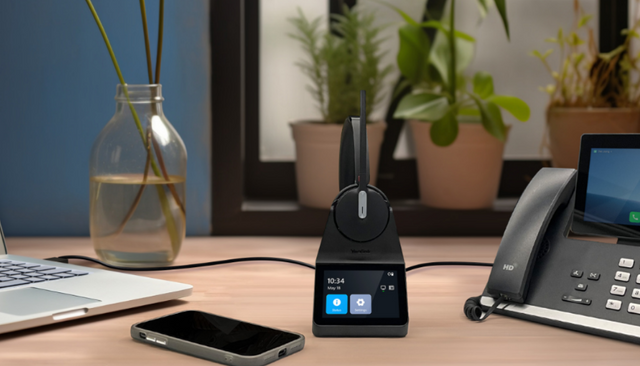
Yealink HA64 Pro: Top DECT + Bluetooth Headset with 3.5" Touchscreen for Teams & Zoom
July 7, 2025
Why buy from Headset Advisor
Free shipping over $50
Free 3 to 5 day shipping on orders of $50 or more.
30-day returns
Return any product within 30 days.
Real headset advisors
Not sure which headset fits your phone or computer? We will help you choose.
Talk to an advisor →Team and volume orders
Volume quotes, purchase orders, tax-exempt orders and payment terms for enterprise, government, education and healthcare teams.
Request a quote →Managed Headset Program
For teams of 10 or more: headsets from $4 to $20 per user per month, and replacements ship first.
See the program →