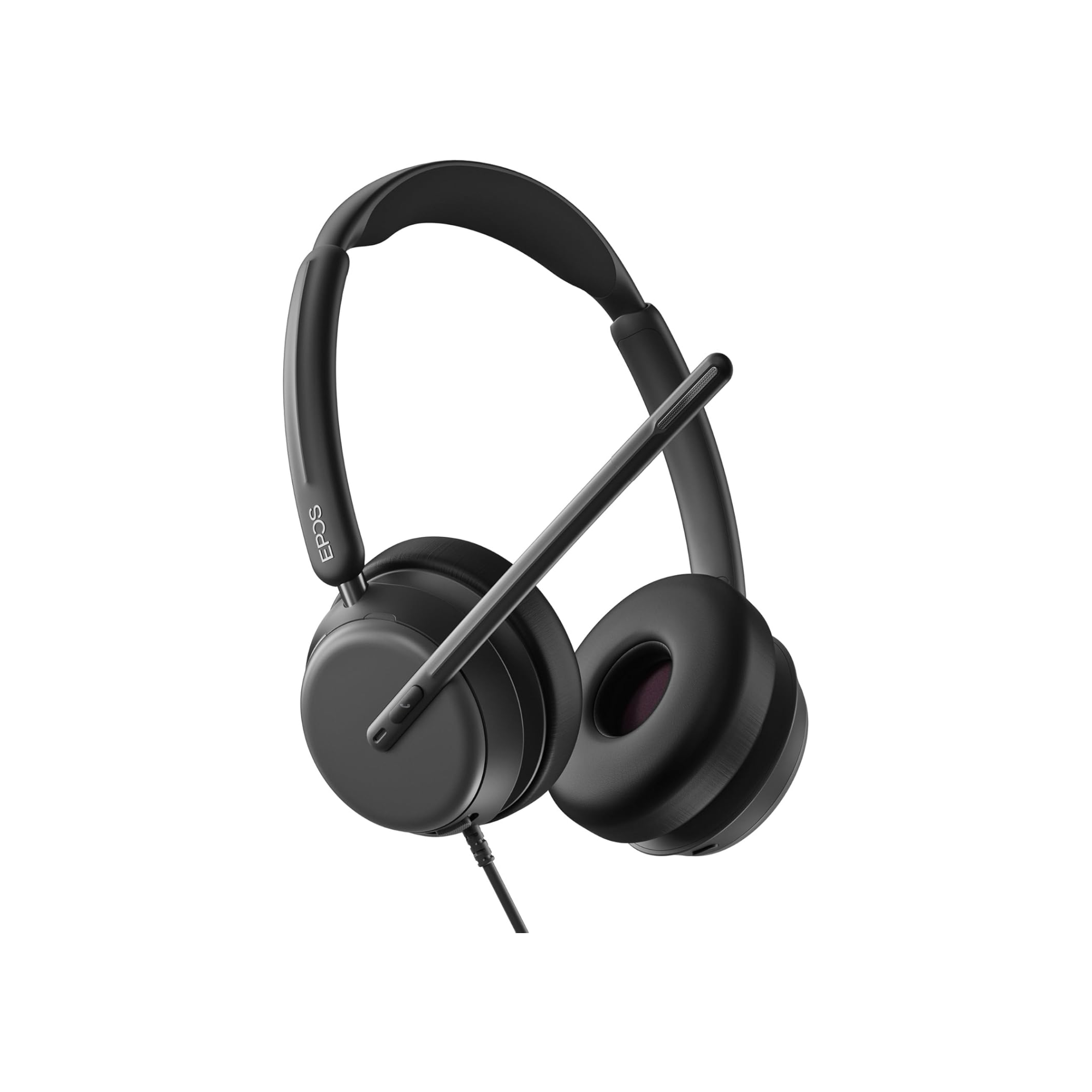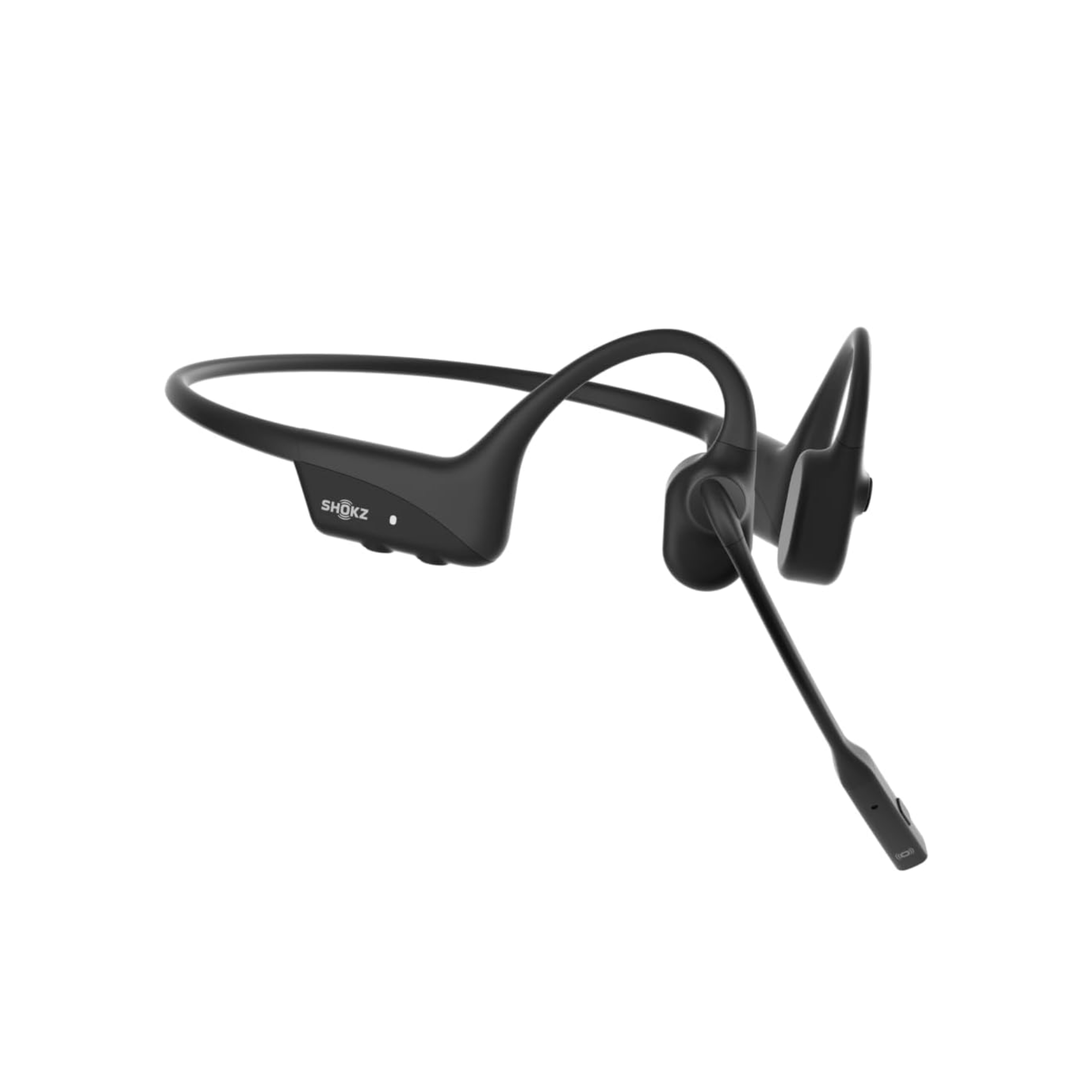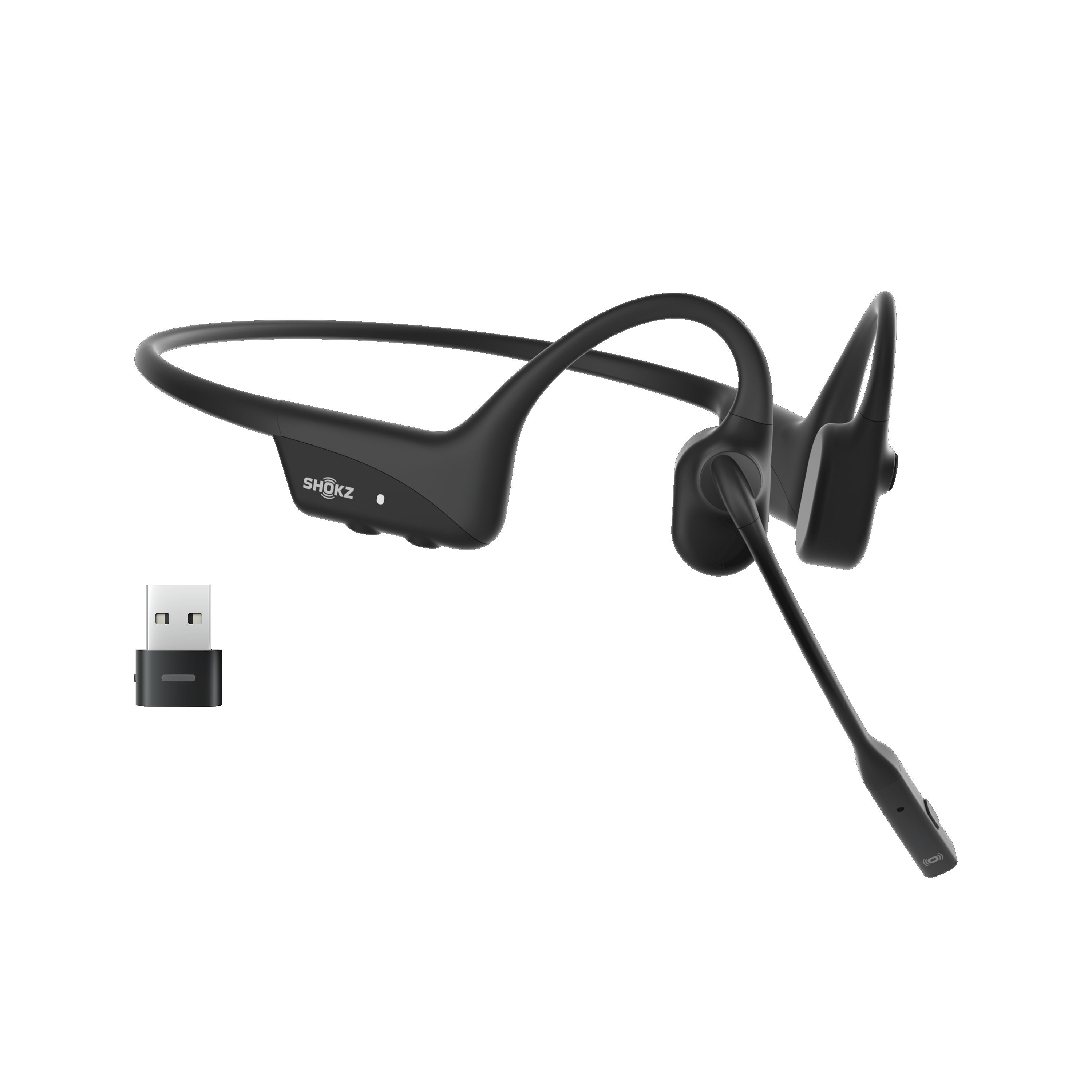

If you're shopping for a wireless headset for work, Bluetooth probably seems like the obvious choice.
Your phone uses Bluetooth. Your computer probably has Bluetooth built in. And most of us use Bluetooth earbuds or headphones every day. So it’s a technology that many of us are familiar with, and have experience using.,
So why would you need anything else?
Because there's a difference between a wireless connection that's convenient and one that's designed around the way you actually communicate at work.

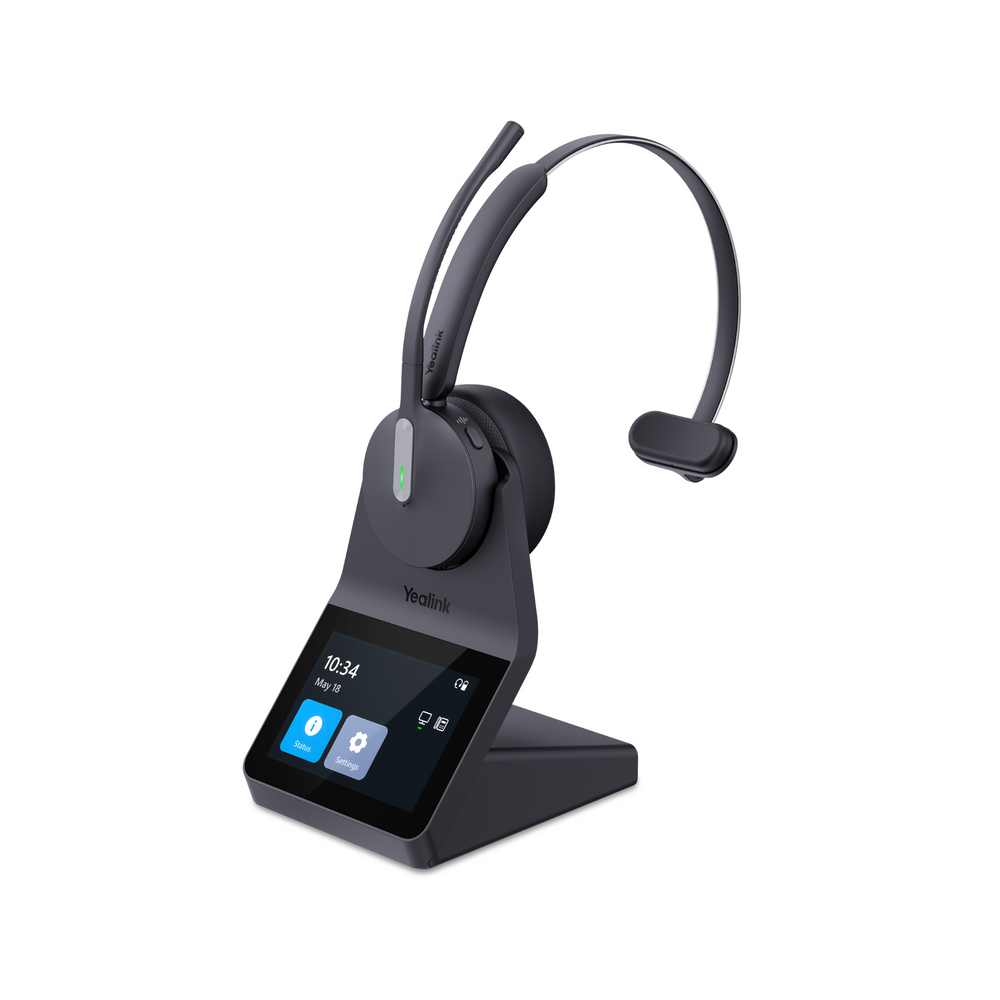
For some people, Bluetooth is absolutely the right choice. For others, particularly people who spend much of the day taking calls from a dedicated workstation, a DECT wireless headset may be the better fit.
And surprisingly, even though DECT provides significantly more wireless range, that isn't the only reason it might be better in certain situations.
The connection you choose can affect reliability, desk phone compatibility, call controls and how freely you can move around while you're on a call. That point is raised early in our video below: simply getting audio through a Bluetooth headset doesn't necessarily mean the headset and your business calling setup are fully optimized to work together.
So, let's look at DECT vs. Bluetooth, what each does well, and which one makes more sense for the way you work.
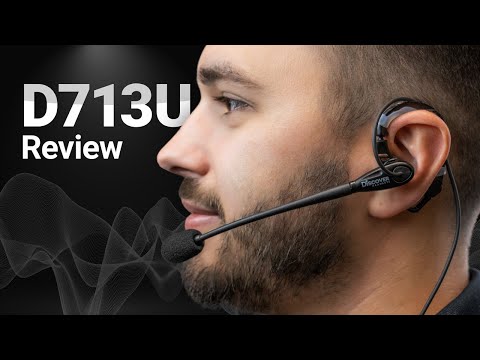
Prefer to Watch? See Our DECT vs. Bluetooth Test
Among other things, Drew put DECT and Bluetooth to the test side by side, including an outdoor wireless range test that makes the difference pretty easy to see.
In the wireless range test, David, wearing the DECT headset, continues walking down the football field reaching the opposite end zone, and keeps going another 20 yards while the connection remains clear. Drew, on the other hand, wearing a Bluetooth headset, started breaking up much earlier as you’ll see.
But, range is only part of the DECT vs. Bluetooth story.
What Is DECT?
DECT stands for Digital Enhanced Cordless Telecommunications.
With a typical business DECT headset, the headset communicates wirelessly with its own DECT base or adapter rather than relying on the Bluetooth radio built into your computer.
That base can then connect to your computer and, depending on the headset system and phone, a compatible desk phone.
Here's the important part:
You don't really need to know how DECT works to decide whether it’s the right choice. You need to know what it does differently from Bluetooth, and how that can help you in your day-to-day communications.
Bluetooth Isn't the Wrong Choice
Before we get too far, let's clear up something important.
Bluetooth isn't bad.
In fact, Bluetooth would be our first choice for many people.
If you primarily connect your headset to a computer or mobile phone, Bluetooth is convenient and makes a lot of sense, especially for people who spend time in Zoom, Teams and other similar applications, travel frequently, work from coffee shops or move between different work locations.
A Bluetooth headset can be especially attractive when portability matters more than long wireless range or desk phone connectivity.
The point is, don't pay for DECT capabilities that you may not need. If your workday revolves around a laptop and mobile phone and you're frequently on the move, a good business Bluetooth headset is likely the better tool for the job.
Your Computer Has Bluetooth. Why Not Just Use It?
This is where things get interesting.
Most modern computers have Bluetooth built in, so it's reasonable to think:
Why not just pair my Bluetooth headset directly to the computer?
You can.
But that doesn't necessarily mean it's the best audio solution for your important business communications.
We've seen situations where a direct Bluetooth connection to a computer results in inconsistent connectivity, limited wireless range or headset features that don't work as expected. Something as simple as pressing the headset button to answer or end a call can depend on the particular headset, computer and calling software you're using.
There's a big difference between:
“I can hear them and they can hear me.”
and:
“I can hear my customers well, and they can hear me clearly, consistently, and without background noise bleeding through.”
That distinction matters if you spend hours every day on Teams, Zoom or another business calling platform.
That Little Bluetooth USB Adapter Has a Job
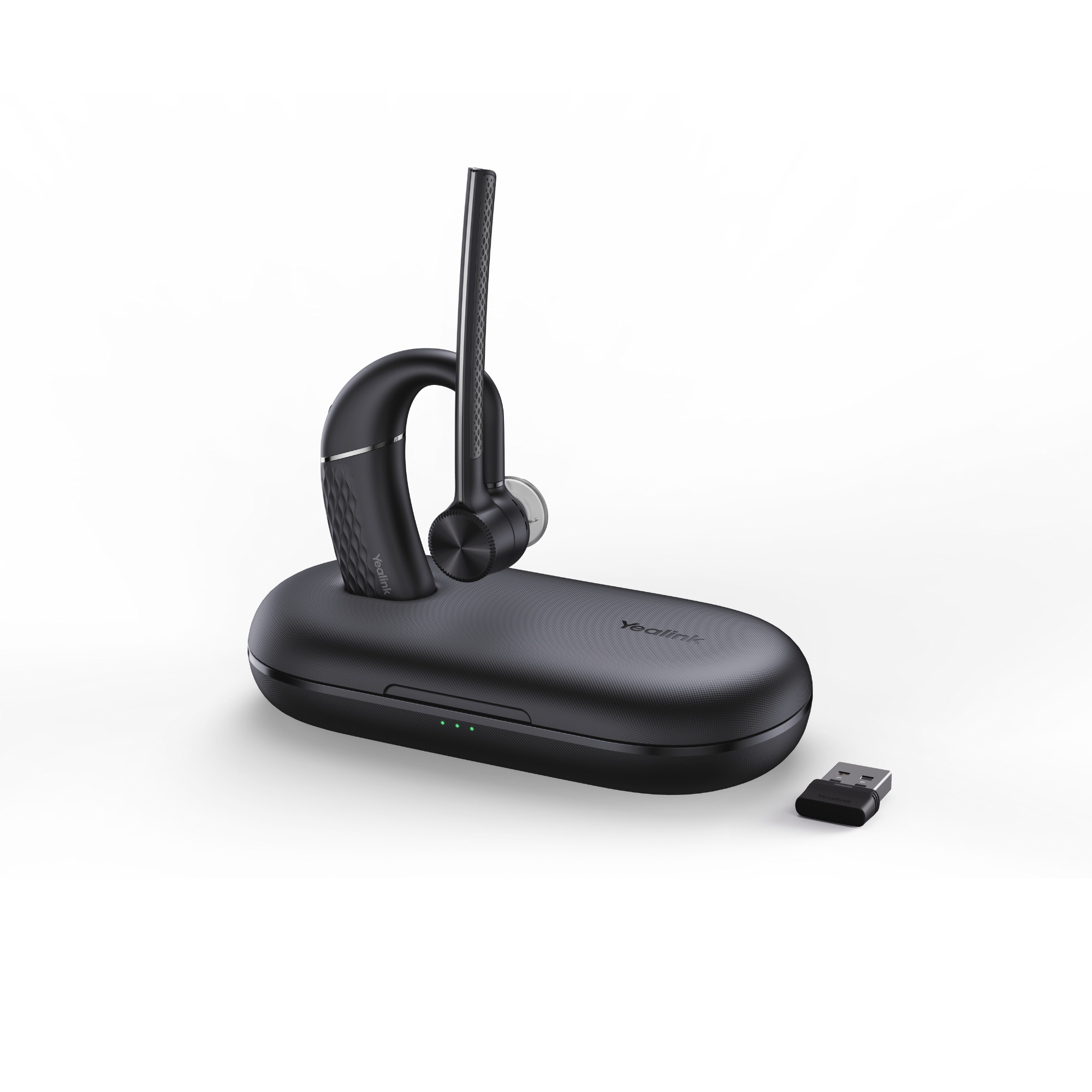
You've probably noticed that many professional Bluetooth headsets come with a small USB Bluetooth adapter.
It's easy to wonder why you need it when your computer already has Bluetooth.
There's a reason.
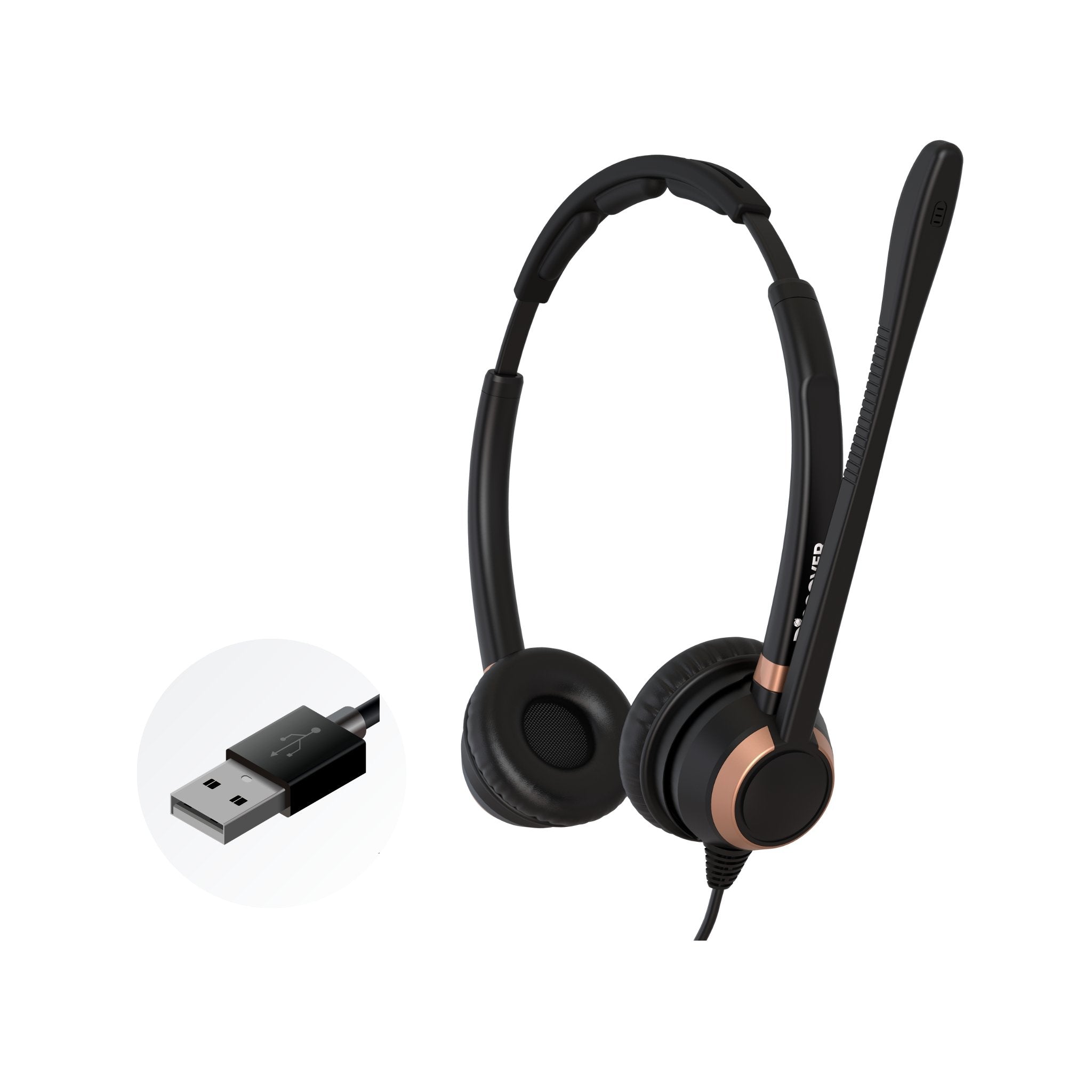
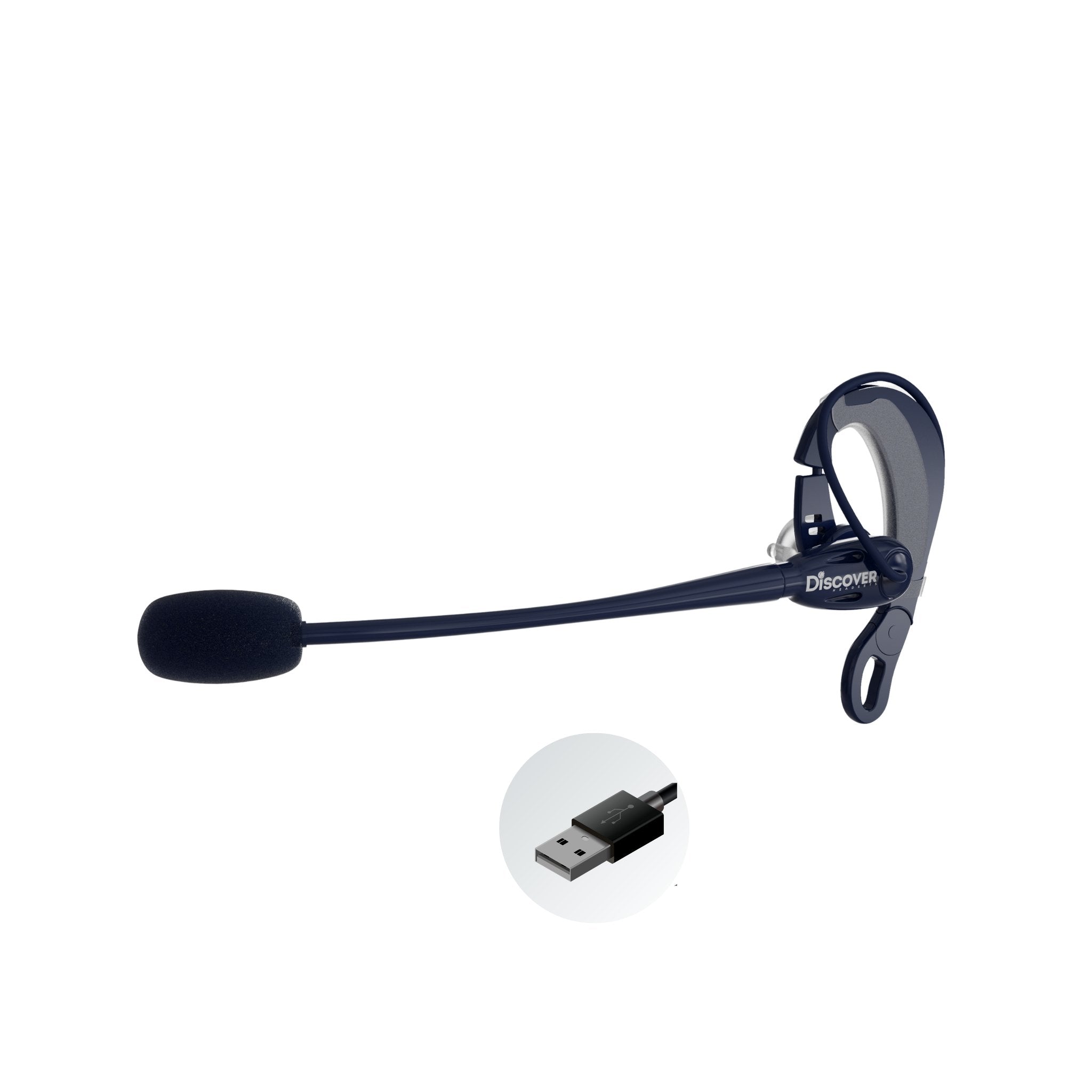
The manufacturer's USB adapter is intended to provide a more controlled and optimized connection between the headset and computer. Drew specifically calls this out in the video when discussing why he generally prefers a purpose-built business Bluetooth headset with its compatible USB adapter for computer use.
So if you're buying Bluetooth primarily for computer calls, don't assume the computer's built-in Bluetooth is automatically the best connection method. We’d argue that it’s not.
Use the connection method recommended for that particular business headset and calling environment.
DECT Works Differently
This is one of the bigger differences.
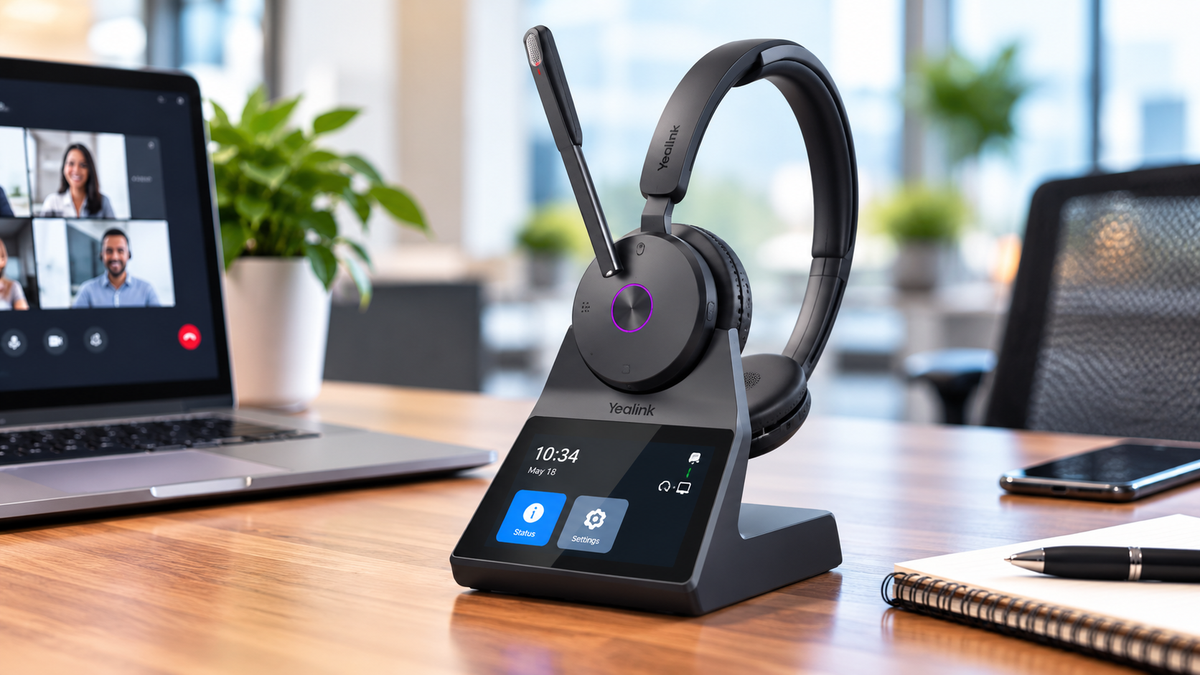
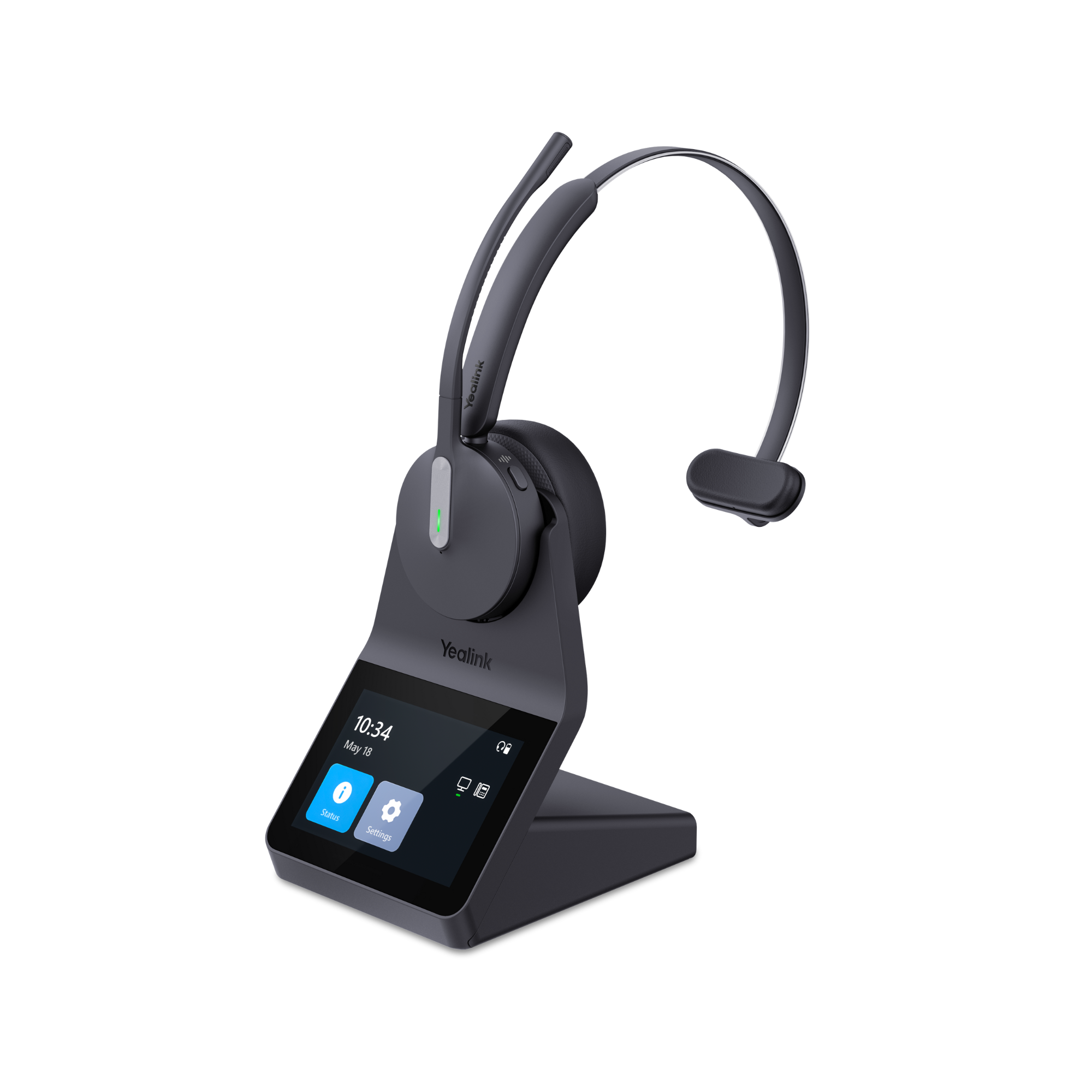
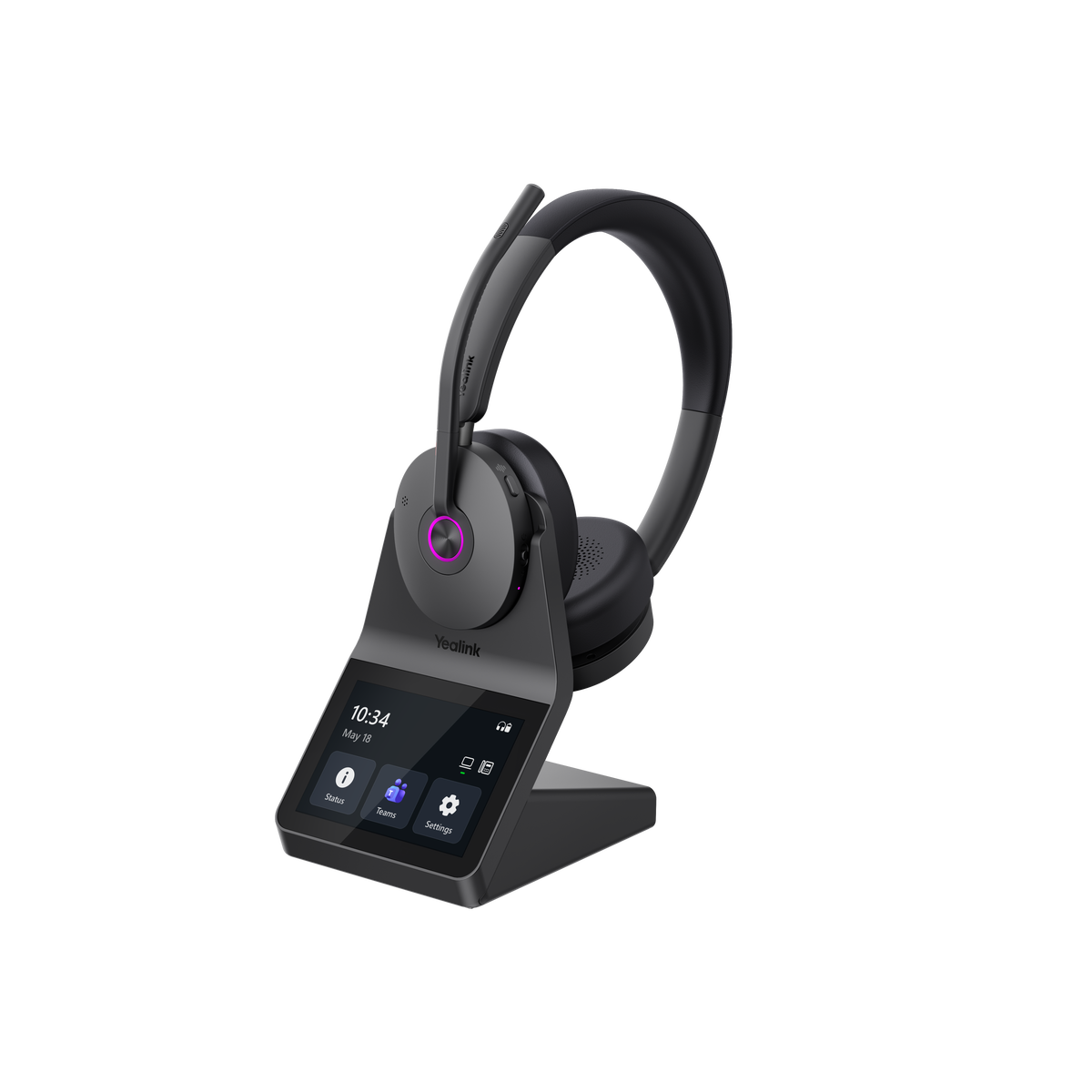
Using the Yealink HA64 Pro for example, the DECT base physically connects to the computer through USB.
The headset connects wirelessly to its DECT base, and the base plugs into your computer with a USB cable.
So instead of your headset connecting wirelessly directly to your computer, the DECT base acts as the middleman between the two.
The base gives the headset its own dedicated wireless connection, rather than relying on your computer's built-in Bluetooth.
What About a Busy Wireless Office?
Think about everything communicating wirelessly around your desk.
You may have a Bluetooth keyboard, wireless mouse, Bluetooth phone, earbuds, speakers and other devices.
Now multiply that across an office full of people. That can paint a picture of a lot of wireless signals throughout a workspace.
A DECT headset uses its DECT wireless connection between the headset and base rather than adding another headset directly to your computer's Bluetooth environment. That's one reason we consider the dedicated DECT connection especially relevant when a headset is being used continuously for business communication.
This doesn't mean Bluetooth will stop working in a busy office.
It means the more important your headset becomes to your workday, the more important connection reliability becomes. You need a headset to connect to your different devices, and you need that connection to be reliable.
Desk Phones Are Where You Need to Be Careful
Here's a mistake that's particularly easy to make:
“My desk phone has Bluetooth, so any Bluetooth headset should work.”
Not necessarily.
A Bluetooth headset may pair and give you audio, but that doesn't automatically mean every feature or call control will work the way you expect, and then there’s consistency to keep in mind. Just because it works initially, that doesn’t mean it will operate well day in, day out, and give you the features, and audio quality you want.
Plus:
- Can you answer a call remotely from the headset?
- Can you end it?
- Does mute operate from the headset correctly?
- Does the headset integrate properly with your particular phone?
- And, as mentioned above, do you get a consistent, reliable calling experience?
Those are compatibility questions, not simply Bluetooth questions. Don’t assume that Bluetooth built into a desk phone means every Bluetooth headset will provide the expected experience and controls.
Many DECT headsets are designed specifically to integrate with compatible business desk phones. Depending on the phone and headset, that connection may be USB, a headset interface cable or it might require an electronic hook switch adapter for remote call control.
For example, Yealink documents different connection methods and adapters for different Yealink desk-phone families rather than treating headset compatibility as universal.
So, don't choose a headset based solely on having a Bluetooth enabled desk phone. Verify the exact phone make and model and headset compatibility before buying.
This is very important!
DECT's Wireless Range Can Be a Big Advantage
Now we get to the benefit most people associate with DECT: wireless range.
If you sit three feet from your computer all day, extended wireless range isn’t going to mean much to you.
But suppose you want to:
- walk into another office while continuing your call
- get something from another part of the building
- move around a warehouse
- Take and end calls when away from your desk
- walk to a printer or file area
- step away from your desk without dropping the conversation
That's where DECT's additional range can become genuinely useful.
Our video demonstrates this in the football-field test. And manufacturer specifications for business DECT headsets can extend hundreds of feet. For example, Yealink specifies up to 607 feet for its HA68 Pro, while also noting that walls and other physical obstructions can reduce actual range.
This applies to any wireless headset, whether it’s a Bluetooth model, or DECT because barriers weaken wireless signals, which can result in less range.
That's an important qualification.
Published wireless range is not a promise that you'll get that distance in your building. Walls, construction materials and the surrounding environment all affect real-world performance.
The better question is:
Do you need enough wireless range to move meaningfully away from your workstation while staying on the call, or taking a new one?
If you do, DECT deserves serious consideration.
But What If You Want DECT and Bluetooth?
Here's where the decision takes an interesting turn.
You don't necessarily have to choose.
Some business headsets combine the two technologies.
The Yealink HA64 Pro and HA68 Pro are good examples because Bluetooth is built directly into the headset itself.
At your workstation, you can use the dedicated DECT connection between the headset and base.
When you want to connect directly to your mobile phone for a call, music, podcast or other audio, you have Bluetooth available in the headset.
As the video points out: DECT for your dedicated work connection and Bluetooth for your mobile connection.
For the right user, that's a compelling combination because you're not sacrificing Bluetooth mobility just because you want DECT wireless range.
As a footnote, there are two types of DECT + Bluetooth setups. Some wireless headsets place the Bluetooth in the base, like the Poly Savi series for example. The Yealink HA64 Pro, and HA68 Pro, by contrast place the Bluetooth in the headset.
What’s the big deal?
Well, the big deal is having Bluetooth in the base limits Bluetooth use to the range of the base. So in that case, you wouldn’t be able to use your headset outside of the office. That’s the key difference. The Yealink models provide you with the versatility to take your headset with you when you leave the office. That provides you with more ways you can use your headset.
DECT vs. Bluetooth: Which Would We Choose?
Here's the simplest way to think about it.

This isn't a rulebook. It's a starting point.
The best choice still depends on your computer, desk phone, calling application and how you actually use the headset.
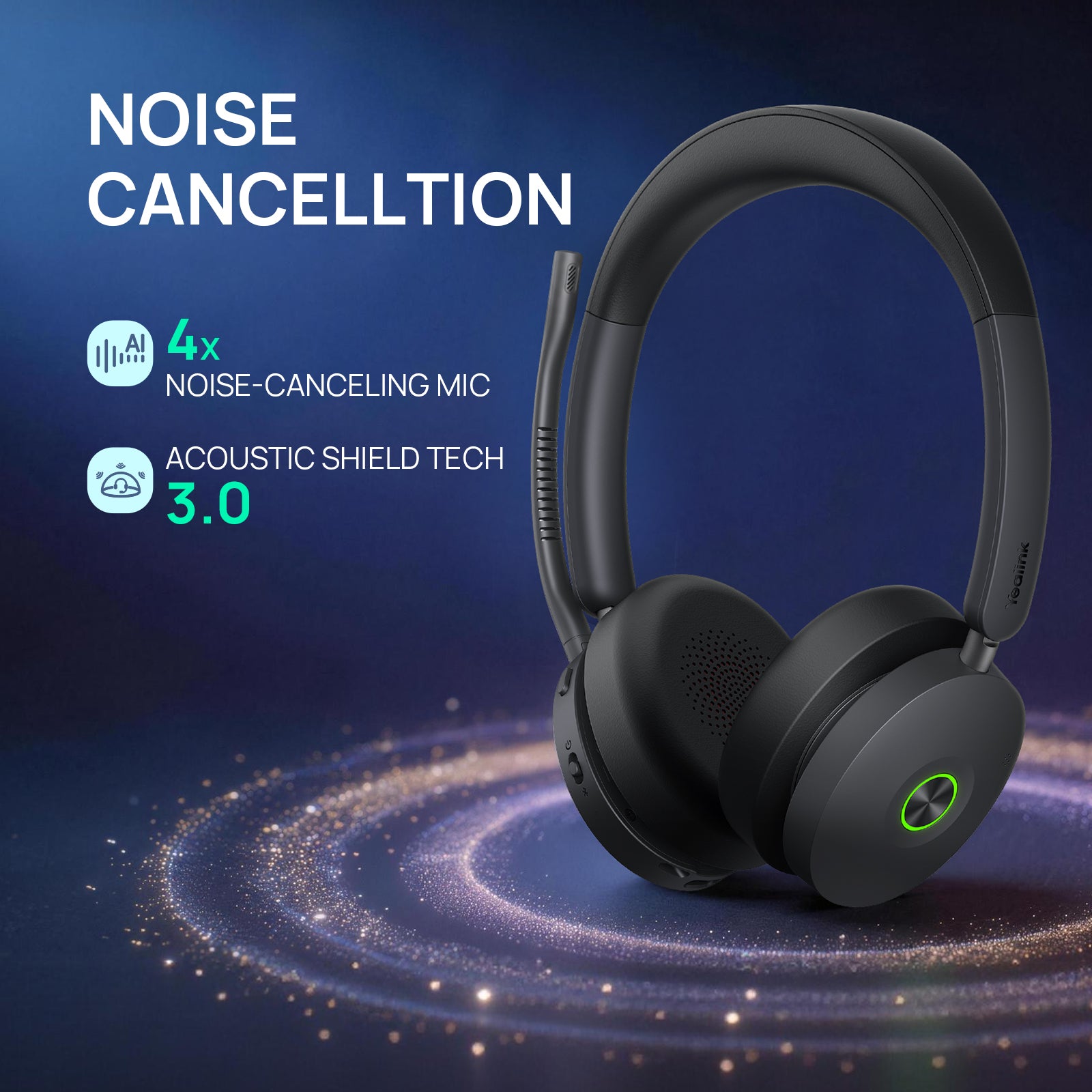
Don't Forget About Microphone Noise Cancellation
DECT versus Bluetooth determines how your headset connects.
It doesn't determine how well your microphone removes the noise around you.
If you're happy with your current headset but your callers hear too much office noise, barking dogs or kids, keyboard noise or other distractions, replacing the headset isn't necessarily your only option.
neep ai noise canceling software works with the headset or microphone you already have to reduce distracting background noise on both ends of the call. It also learns your voice, enhances it, and isolates it from competing sounds.
Drew demonstrates neep in the video so you can hear the difference for yourself.
To learn more about neep ai noise canceling software, or to request your free trial, go to neep.com
Deploying Headsets Across a Larger Organization?
Choosing DECT versus Bluetooth gets even more important when you're making the decision for dozens, hundreds or potentially thousands of users.
Compatibility, replacements, batteries, worn ear cushions, employee turnover, human involvement and equipment refreshes all become part of the equation.
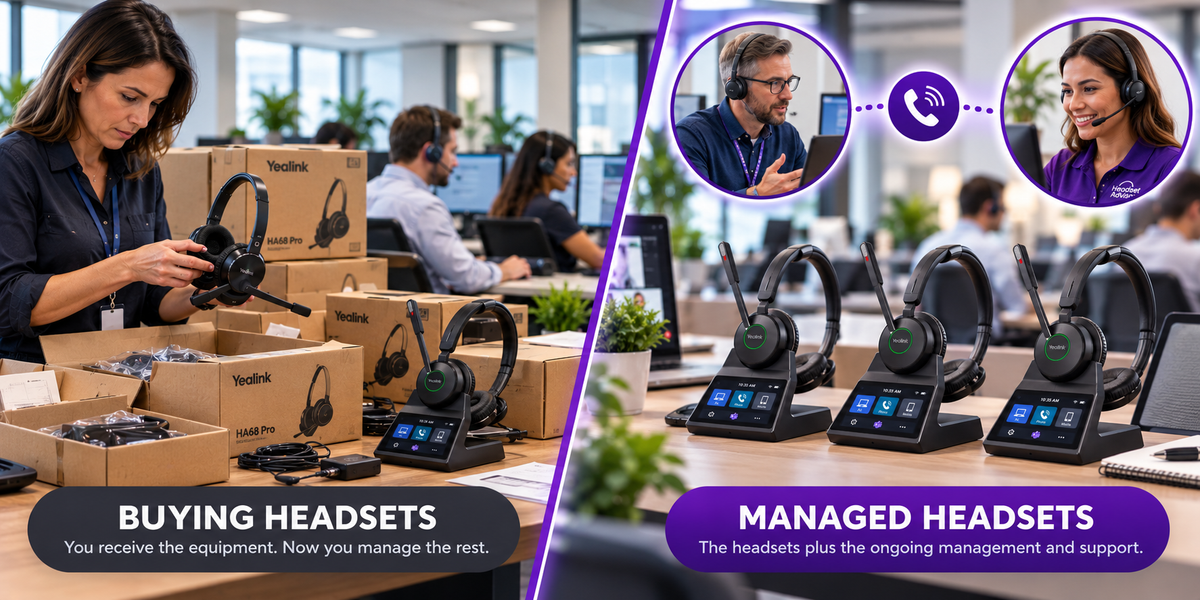
For organizations deploying 10 or more headsets, Headset Advisor's Managed Headsets Program provides the equipment for one predictable monthly rate per user while helping manage many of those ongoing issues.
It's not simply equipment financing because the ongoing management after deployment is an important part of the program.
To learn more about this unique headset management program, go here.
DECT vs. Bluetooth FAQ
Is DECT better than Bluetooth for a wireless headset?
Not necessarily. DECT is often a better fit for dedicated workstations, longer wireless range and compatible desk-phone environments. Bluetooth can be better for mobile users, travelers and people who prioritize portability.
Does DECT have longer wireless range than Bluetooth?
Business DECT headsets commonly offer considerably longer range than typical Bluetooth headsets. Actual range varies with the headset, building, walls and surrounding environment.
Can I connect a Bluetooth headset directly to my computer?
Usually, yes, if the computer and headset support compatible Bluetooth profiles. But for business calls, we often recommend using the manufacturer's supplied USB adapter when one is provided because it may offer better integration and call-control functionality.
If my desk phone has Bluetooth, will any Bluetooth headset work with it?
No. Bluetooth capability doesn't guarantee full headset compatibility or call-control functionality. Check the exact desk phone and headset combination before purchasing. Or, you can contact us to have one of our trained Advisors help sort this out for you.
Can a DECT headset connect to a desk phone?
Many business DECT systems can connect to compatible desk phones, but the connection method varies. Some connect through USB while others may require an electronic hook switch adapter or another type of interface cable.
Can one headset have both DECT and Bluetooth?
Yes. Some business headsets, including the Yealink HA64 Pro and HA68 Pro, combine DECT with Bluetooth, giving you a dedicated DECT connection at the workstation along with Bluetooth connectivity for a mobile device or PC connectivity.
Is DECT better in a busy office?
It can be a good choice when a dedicated headset connection and reliable business calling are priorities. That doesn't mean Bluetooth is unsuitable for busy offices because the right choice depends on the equipment, environment and how heavily the headset is used.
Do I need DECT if I only take occasional Teams or Zoom calls?
Probably not solely for that reason. If you stay near your computer and only take occasional calls, a quality business Bluetooth headset with the proper USB adapter may be all you need.
Quick Summary
The biggest mistake you can make is choosing Bluetooth simply because your computer or desk phone says Bluetooth on it.
Start with what you're connecting to.
Then think about how you work.
If you're primarily mobile, travel frequently or move between different work locations, Bluetooth may be exactly what you need.
If you spend much of your day at a dedicated workstation and want longer wireless range, compatible desk-phone connectivity and a wireless system built around business calling, DECT deserves a serious look.
And if you want the advantages of DECT at your desk without giving up Bluetooth when you're on the go, a headset that provides both may give you the best of the two.
Once computers, desk phones and business calling software enter the picture, compatibility and connection methods become much more important than simply asking whether a device has Bluetooth.
Have Questions, Need Some Help?

If you're still wondering which connection, or which headset makes sense for your setup, don't guess.
Tell one of our Headset Advisors which computer, desk phone and calling software you're using, along with what you'd like the headset to do.
We'll help you find the right compatible solution before you buy.
That's been a big part of what Headset Advisor has done for more than 30 years: helping customers sort through the many available options for compatibility, features and real-world use rather than simply defaulting to the most popular model, which might not be right for your specific situation.
So don’t hesitate to contact us if you have questions, or need some help.