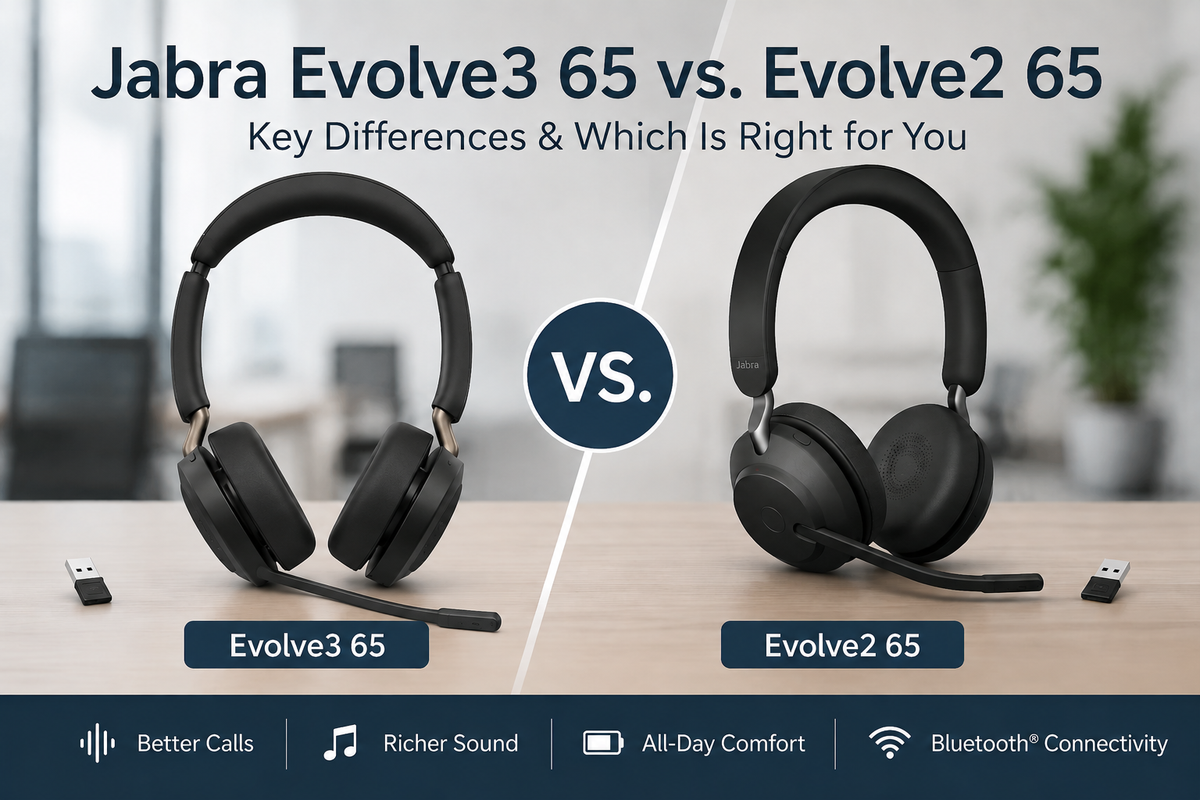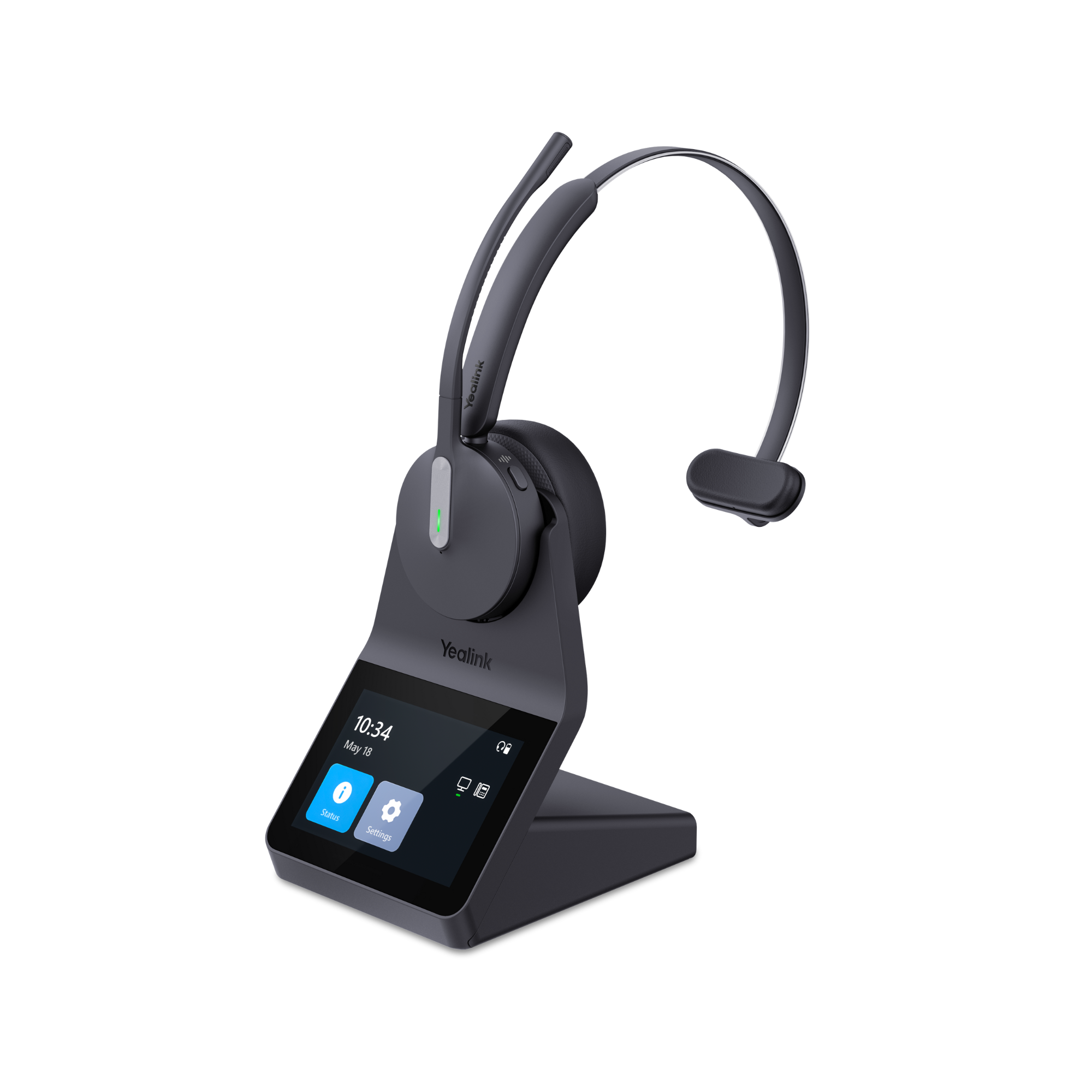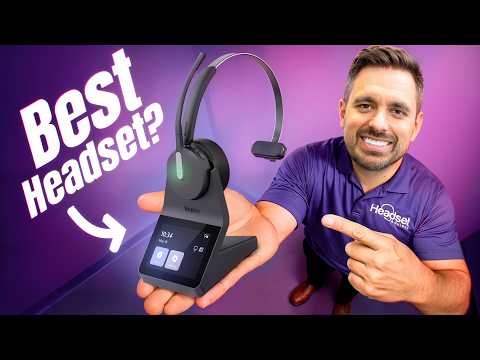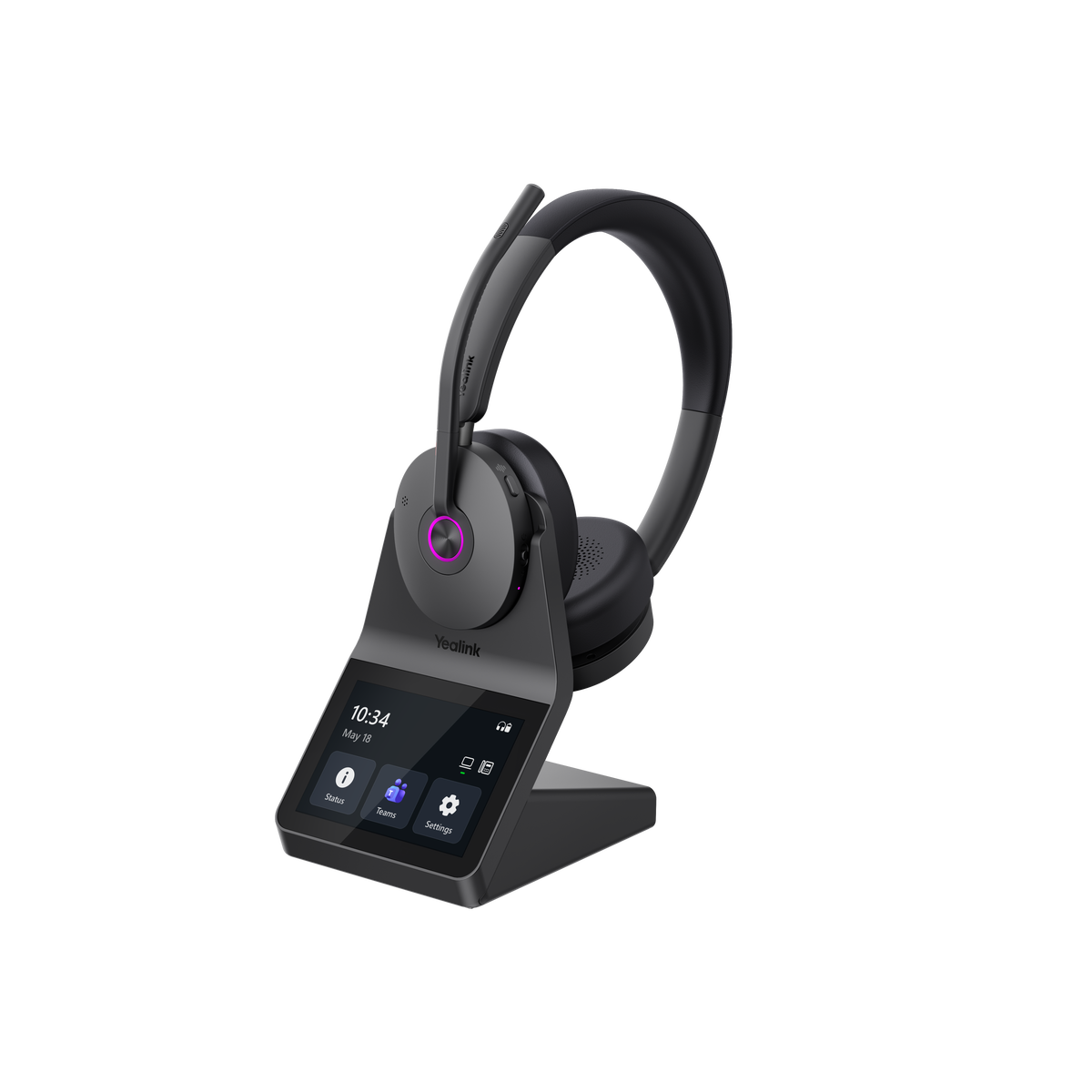
The original Jabra Evolve 65 has been around for a long time. And if you've spent much time in an office, call center or company using wireless headsets, there's a pretty good chance you've seen one, or even used one.
It wasn't Jabra's most expensive headset, and it didn't try to be. It became popular because it offered something a lot of people needed: a lightweight wireless headset that worked well for calls, connected to a computer and mobile phone, and was comfortable enough to wear throughout the workday.
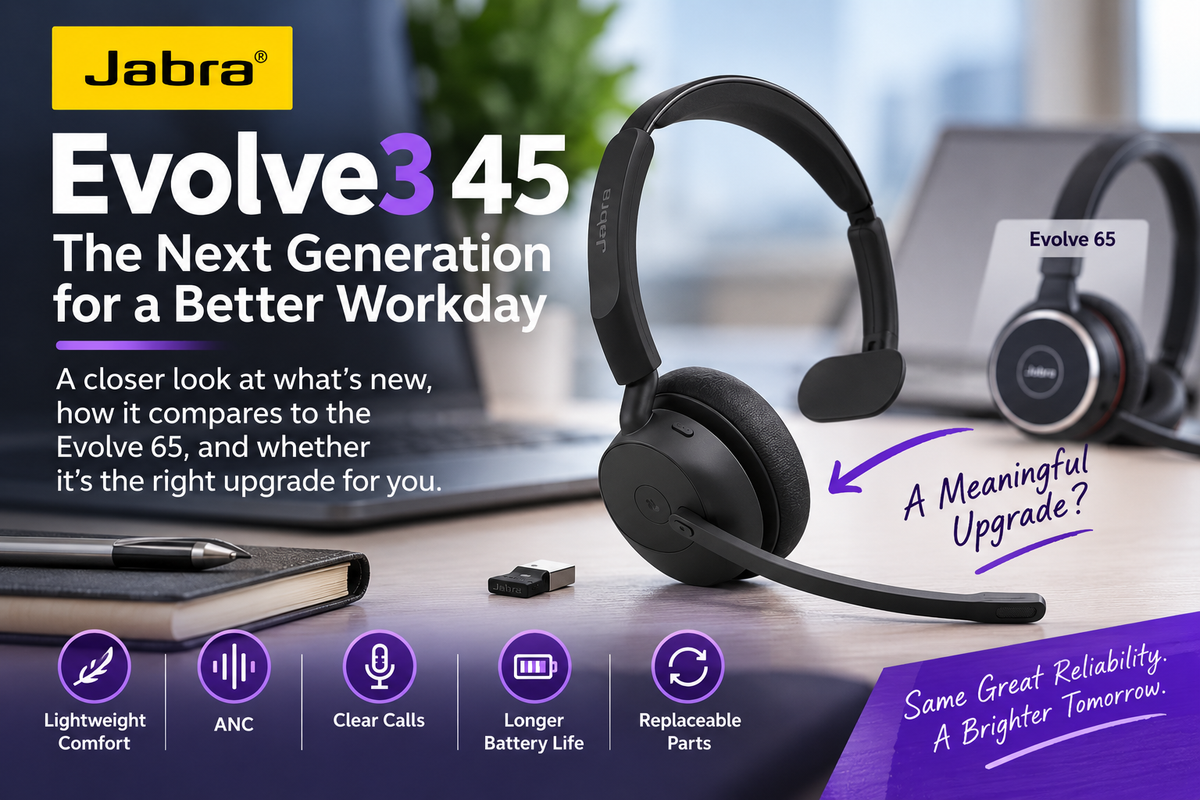
Now Jabra has introduced the Evolve3 45, and in many ways, this looks like the modern successor to that idea.
But this isn't simply a refresh of the Evolve 65 with a new name.

Jabra has made some meaningful changes, including:
- Active noise cancellation
- Jabra ClearVoice microphone technology
- A reversible microphone boom
- Longer battery life
- Updated Bluetooth connectivity
- Replaceable components
- And redesigned comfort features
At the same time, Jabra has kept the Evolve3 45 remarkably light. The stereo version weighs just 3.6 ounces (102 grams), while the mono version is only 2.3 ounces (63.5 grams). Both are lighter than most, which suggests they’ll stand a good chance of being light, and comfortable for all day wearing.
So the real question isn't whether the Evolve3 45 has more features than the original Evolve 65, because it does.
The better question is whether those improvements matter enough to make this the lightweight business headset you should buy today, move farther up Jabra's Evolve3 line, or just continue using what you now have, and wait.
That's what we'll look at in this review.
Prefer video? If you'd rather watch than read, check out our Evolve3 45 review below. Drew walks you through what's new, puts the microphone through background-noise tests, and compares it with the original Evolve 65.
The Evolve3 45 May Be the Sweet Spot in Jabra's New Line
It's easy to assume that spending more automatically gets you the better headset.
That's not necessarily how I'd look at the Evolve3 45.
Jabra has designed the Evolve3 family around different ways of working rather than simply offering several versions of essentially the same headset.
The first models introduced were the Evolve3 75 and Evolve3 85. These sit at the premium end of the lineup and use a boomless design. The Evolve3 75 is an on-ear headset designed for modern hybrid work, while the Evolve3 85 uses an over-ear design for people who want greater immersion and noise isolation. Both include Jabra ClearVoice technology, Adaptive ANC and features designed to bridge professional calls, music and everyday use.
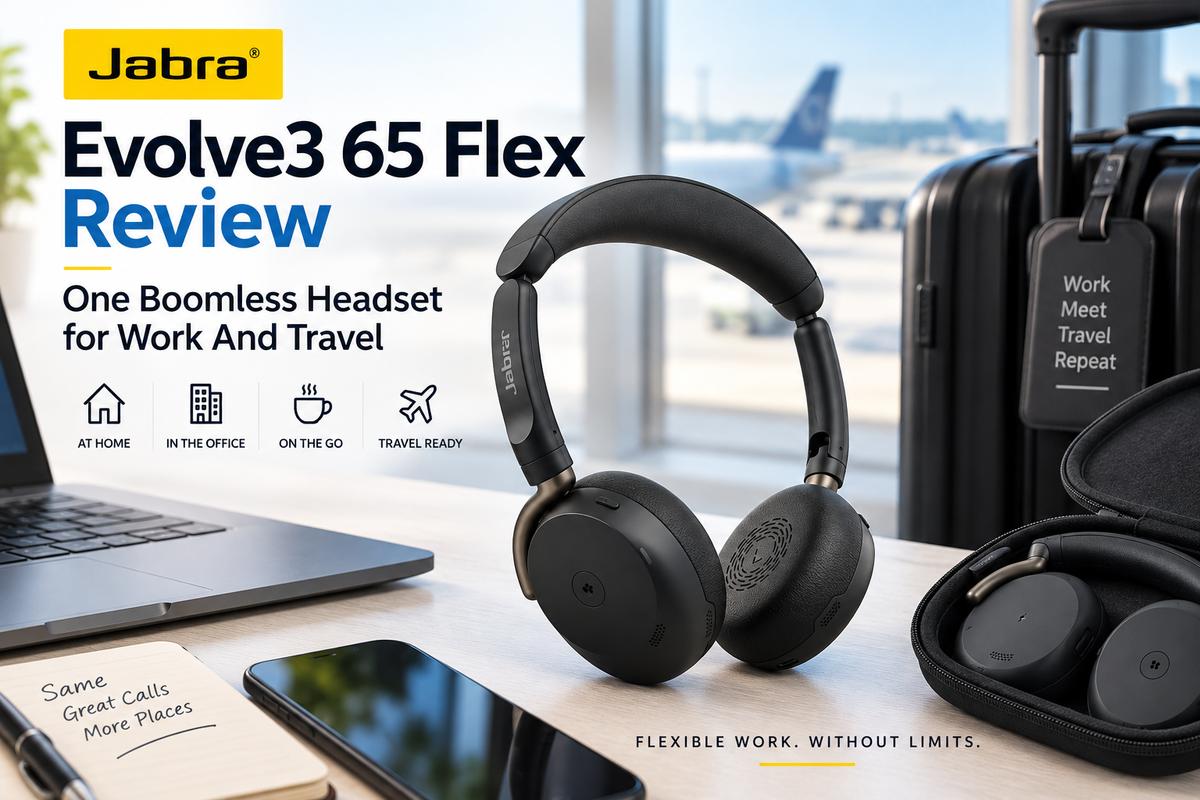
Jabra later expanded the Evolve3 family with three additional models aimed at more specific workstyles. The Evolve3 65 Flex is the portable, foldable option for people who regularly work in different locations. The Evolve3 65 is aimed more toward people working in noisy open offices who want stronger noise control and additional features. And the Evolve3 45, which we're reviewing here, is Jabra's lightest option, designed primarily for people who spend much of their day on voice and video calls where comfort is important.
That distinction matters.
If most of your workday involves calls from a computer and mobile phone, you may not need every feature Jabra offers in its more expensive models. You may care more about having a headset that's light, comfortable, sounds good and doesn't become distracting after several hours of use.
That's where I think the Evolve3 45 gets interesting.
Comfort Plays A Role

Comfort Is a Big Part of the Story
One of the first things you're likely to notice about the Evolve3 45 is how little it weighs.
The stereo model comes in at 3.6 ounces or 102 grams, and the mono model weighs just 2.3 ounces, or 63.5 grams. Jabra says it's the lightest on-ear headset in the Evolve3 family.
But weight alone doesn't determine whether a headset is comfortable. There’s more that goes into it.
Jabra also uses its AirComfort technology along with an ultra-soft foam headband and soft oval ear cushions. The idea is to reduce the pressure you feel during a long day which is meaningful.
That's important because if you spend four, six or eight hours a day jumping between calls and meetings, comfort isn't a minor feature: it can be one of the main focal points.
A headset can have a fantastic microphone, long battery life and every Bluetooth feature imaginable, but if you're constantly adjusting it or taking it off because your ears or head hurt, none of those specifications matter very much.
For someone who wears a headset most of the workday, I'd put comfort very high on the buying checklist, right up there with sound quality which is also highly important.

You Can Now Put the Microphone on Either Side
This may sound like a small change, but it's one I think longtime Jabra users will appreciate.
The Evolve3 45 has a fully reversible 270-degree microphone boom, allowing you to wear the microphone on either the left or right side. And yes, people do have a preference on this.
Some Jabra headsets limited mic placement to one side only. That was a surprisingly common complaint we heard from customers over the years.
Some people simply have a strong preference, and your workstation arrangement can also make one side more convenient than the other.
Now you get to choose.
The boom also gives you flip-to-mute functionality. Raise the microphone and you're muted. Bring it back down and you're ready to talk. No need to search for the mute button.
Neither feature is revolutionary. But they're exactly the kinds of everyday usability improvements that can make a headset nicer to live with.
The Microphone Is One of the Biggest Reasons to Upgrade
If you're replacing an older Evolve 65, microphone performance is one of the areas I'd pay particular attention to.
The Evolve3 45 uses Jabra ClearVoice with advanced multi-microphone technology designed to isolate your voice from the noise around you. Jabra also positions the headset for accurate voice input not only during calls, but for newer AI-driven uses such as meeting transcription, summaries and voice prompts.
That's becoming increasingly relevant.
A few years ago, the microphone's job was primarily to make sure the person on the other end of your call could understand you. That's still its most important job, in my opinion.
But we're increasingly talking to software as well as people.
Microsoft Teams, Zoom and other platforms can transcribe meetings and create summaries. Voice assistants and AI applications are becoming more common. If your microphone doesn't accurately capture what you're saying, those tools have worse information to work with, which can lead to errors.
Jabra says the Evolve3 45 achieves more than 99% voice pickup accuracy for AI tools in open-office environments, but I'd still put more weight on how the headset performs on actual calls than on a percentage printed on a specification sheet.
Which is why we tested it.
We Put the Evolve3 45 Microphone Up Against Background Noise
One thing we try not to do at Headset Advisor is tell you a microphone is good simply because the manufacturer says it is. Over the years, we’ve tested hundreds of headset microphones which has given us the ability to spot those that truly stand out.
In Drew's video above, you can hear the Evolve3 45 microphone with background noise playing behind him. Have a listen, then you can decide for yourself if the microphone is good or not.
That's much more useful than looking at the words “noise canceling microphone” on a product page, which these days, statements like that are becoming a bit overused, and besides, that statement doesn't say how much noise it can reduce. How much microphone noise cancellation you need also depends on where you work, and the noise challenges you face.
If you're behind a closed door in a quiet office, extreme microphone noise cancellation probably isn't going to be your highest priority.
If you're sitting near coworkers, working around family, dealing with a barking dog, or taking calls in another noisy environment, it's a very different story. Your caller shouldn't have to listen to everything happening around you.
And remember that microphone noise cancellation and Active Noise Cancellation (ANC) aren't the same thing.
Want Even More Noise Reduction?
If reducing background noise is especially important to you, the headset itself isn't your only option. Noise-canceling software such as neep can add another layer of noise reduction to virtually any headset you're already using.
Unlike the noise-canceling microphone in a headset, which primarily reduces the background noise your caller hears from your side of the conversation, neep works in both directions. It can reduce unwanted noise coming from your environment as well as noise coming from the other person's environment, helping both sides of the conversation hear clearer audio.
Better still, neep learns your voice, enhances it, and then isolates it from other sounds which helps you to always sound your best.
If you'd like to learn more about neep or arrange a free trial, visit neep.com.
The Evolve3 45 Finally Gets Active Noise Cancellation
The original Evolve 65 didn't have ANC.
The Evolve3 45 does.
Active noise cancellation helps reduce the environmental noise you hear, while microphone noise cancellation helps reduce the background noise your caller hears.
Those are two different jobs.
Jabra has also made ANC available during calls on the Evolve3 45, rather than limiting it to times when you're listening to music or working independently.
Just keep your expectations reasonable.
This is an extremely lightweight on-ear business headset. It's not a big pair of over-ear Bose or Sony noise-canceling headphones designed to seal you away from the outside world.
That's not really the point.
The ANC is there to take the edge off office noise and make it easier to concentrate on your conversation. Jabra itself calls the Evolve3 45's implementation “essential in-call ANC,” while reserving Adaptive ANC for models such as the Evolve3 65.
I think that's a useful distinction when deciding between the two.

Sidetone Is Easy to Overlook Until You Don't Have It
Jabra has also improved sidetone.
If you're unfamiliar with the term, sidetone allows you to hear a controlled amount of your own voice through the headset while you're speaking.
Without it, wearing a headset can sometimes give you that plugged-ear feeling that causes you to start talking louder than necessary.
Good sidetone makes a conversation feel more natural.
It's not the kind of feature that usually sells a headset from a product page, but if you spend much of your day talking, it's one of those details you may appreciate every single day on every call.
Battery Boost

Battery Life Is Better Than the Original Evolve 65
Battery life got a meaningful improvement as well.
Jabra rates the Evolve3 45 for up to 21 hours of talk time with ANC and the busylight turned off. With both turned on, that drops to up to 16 hours.
For music, Jabra lists up to 36 hours with ANC off and up to 25 hours with ANC on.
That distinction is worth mentioning because battery numbers can look much more impressive when you don't know which features were enabled during testing.
For most people, even the lower figures should comfortably cover a normal, or busy workday.
Charging is through USB-C, with a full charge taking up to 100 minutes. A 10-minute fast charge can provide up to two hours of talk time or about 3.5 hours of music playback.
So forgetting to charge your headset overnight shouldn't automatically ruin your morning.
Bluetooth 5.3, Dual Connectivity and the Link 390 Adapter
The Evolve3 45 uses Bluetooth 5.3 and supports Bluetooth Low Energy Audio. It can maintain two simultaneous Bluetooth connections and remembers up to eight paired devices. Jabra rates its Bluetooth range at up to 100 feet / 30 meters, which is pretty standard range for most Bluetooth headsets.
That means you can, for example, stay connected to your work computer and mobile phone at the same time.
Jabra also includes its Link 390 Bluetooth adapter, available in USB-A or USB-C versions depending on the configuration you purchase.
Even if your laptop already has Bluetooth, I'd generally recommend using the Jabra adapter with your work computer.
Why?
Because the adapter gives Jabra more control over the connection between the headset, computer and compatible communications software. You're not depending entirely on whatever Bluetooth hardware and implementation happened to come with your computer.
That's particularly important in a business environment where consistency matters.
You also get conveniences such as Microsoft Swift Pair and Android Fast Pair. And, you may get a bit more wireless range when using the USB Adapter vs. Bluetooth, as well as remote call answering in many cases.
And as always, treat the 100-foot Bluetooth figure as a maximum rather than a promise about exactly how far you'll be able to walk.
Walls, Wi-Fi and Bluetooth congestion, the construction of your building, your computer and other interference can all affect real-world range. We recommend reducing stated wireless range by one half, and anything over that is bonus range.
Replaceable Battery and Ear Cushions May Matter More Than You Think
This isn't the flashiest Evolve3 45 feature, but I think it could become one of the more important ones over time.
The battery is user-replaceable.
That's a meaningful change in an industry where a worn-out battery can sometimes turn an otherwise perfectly functional wireless headset into electronic waste.
The ear cushions can also be replaced.
For an individual user, that potentially means keeping the headset longer instead of replacing it because the battery no longer holds enough charge or the cushions have worn out.
For a company with hundreds of headsets, the implications become even more interesting. Extending the useful life of equipment can affect replacement costs, IT workload and the amount of hardware being stored and ultimately discarded.
Jabra also says the Evolve3 45 uses recycled and biocircular materials and is TCO Certified, generation 10. Not being a materials expert, I can’t say with certainty what that means exactly, but I’m sure it’s a good thing.
Those environmental details are worthwhile, but from a practical ownership standpoint, I'd be more interested in the parts you can actually replace. That’s not to diminish Jabra’s ecological efforts however.
Jabra backs the Evolve3 45 with a two-year warranty.
Headset Management Made Easy
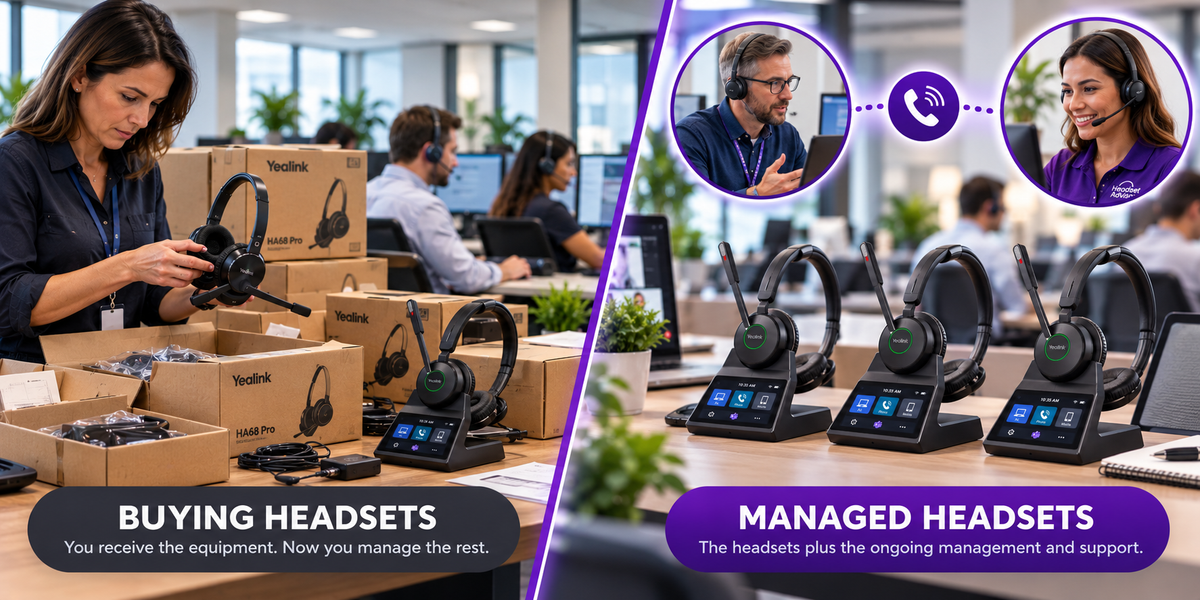
If you're outfitting a team but don't want to make a large upfront equipment purchase, or the budget is a bit short, Headset Advisor's Managed Headset Program gives you another option.
Instead of purchasing all of your headsets upfront, you pay one predictable monthly rate that covers the equipment along with defined replacement services, including battery and wear coverage, turnover swaps, advance replacement for covered issues and more.
This program can help reduce the upfront cost of deploying headsets while also taking some of the day-to-day headset management off your IT team's plate. We'll also assist with setup to make deployments even easier. And whenever you have questions, need support or technical assistance, a headset Advisor is available to you free of charge.
It’s the simplest, most affordable and convenient way to deploy and manage headsets for a team, or across an enterprise.
Mono or Stereo? I'd Choose Based on How You Work

The Evolve3 45 comes in both mono and stereo versions.
The mono version leaves one ear completely uncovered. That's useful if you need to maintain awareness of what's happening around you. For example, a receptionist who needs to interact with people walking up to the desk while also taking calls.
It's also remarkably light at only 2.3 ounces, which is notably lighter than most headsets.
For people working around distracting noise, though, I'd lean toward stereo.
Having both ears covered gives you more passive separation from the room and makes ANC more useful. It's also generally the better configuration if you listen to music between calls.
Neither is universally better.
The right choice depends on whether awareness of your surroundings or greater concentration matters most to you.
Evolve3 45 vs. Original Evolve 65: This Is More Than a Cosmetic Update
If you already use the original Evolve 65, this is where the story becomes particularly interesting.
The Evolve3 45 doesn't simply change the styling.
You're getting a lighter and redesigned headset, active noise cancellation, Jabra ClearVoice microphone technology, a reversible boom, improved sidetone, longer battery life, newer Bluetooth connectivity and replaceable components. Those are the same areas Drew highlights when explaining why he considers this a genuine generational upgrade.
I think this comparison deserves a simple visual because there are enough differences that they're easier to understand side by side.

If your Evolve 65 still works perfectly and does everything you need, I'm not suggesting you get rid of it and buy this new headset. Quite the contrary.
But if your company has been running Evolve 65 headsets for years and you're reaching the point where they're due for replacement, that’s a different matter, one that makes the Evolve3 45 looks like a very logical upgrade path.
Evolve3 45 vs. Evolve3 65: Should You Spend More?
Here's where I wouldn't automatically assume the higher model number is the better purchase.
The Evolve3 65 is the more capable headset. It gives you Adaptive ANC rather than the Evolve3 45's standard ANC, larger 28 mm speakers versus 20 mm, six microphones versus four, Spatial Sound and considerably longer battery life. The stereo Evolve3 65 is rated for up to 31 hours of talk time and 59 hours of music with ANC/busylight off.
But it also weighs more: 4.6 ounces (131 g) compared with 3.6 ounces (102 g) for the stereo Evolve3 45.
So ask yourself what problem you're actually trying to solve.
If you're in a particularly busy open office and want stronger noise control, longer battery life and the additional audio capabilities, I'd look seriously at the Evolve3 65.
If what you really want is an exceptionally lightweight wireless headset with good microphone performance, ANC and the core features you need for everyday business calls, the Evolve3 45 may make more sense.
Jabra's own positioning reflects that distinction: Evolve3 45 for frequent desk-based callers; Evolve3 65 for noisier open-office environments.
Paying more for features your job doesn't require doesn't necessarily give you a better result.
Who Should Buy the Jabra Evolve3 45?
I'd put the Evolve3 45 near the top of the list if you spend a substantial part of your workday on calls and want a headset that almost disappears once you put it on.
It makes particular sense if you:
- Primarily connect to a computer and mobile phone.
- Spend hours each day on Teams, Zoom, Google Meet or other calls.
- Put a high priority on low weight and comfort.
- Work around enough office noise that ANC and microphone noise reduction are useful.
- Want the flexibility to place the microphone on either side.
- Want replaceable components that can help to extend the headset's useful life.
- Are replacing an aging fleet of original Jabra Evolve 65 headsets, or another make/model that makes the Evolve3 45 a better fit for your specific needs.
I would look elsewhere if you need very long wireless range, desk-phone connectivity, maximum microphone noise cancellation for an extremely noisy workplace, an over-ear design, or headphones designed primarily around premium music listening.
That's an important part of choosing a headset: knowing not only what it's good at, but what it wasn't designed to do.
Is the Jabra Evolve3 45 Worth It?
I think Jabra made a smart decision with the Evolve3 45.
Instead of loading it with every feature available and turning it into a heavier, more expensive headset, Jabra appears to have concentrated on the things that matter most to someone who spends a lot of time on calls.
It's very light. The microphone system has been modernized. ANC is now included. The microphone boom can be worn on either side. Battery life has improved. Connectivity has moved forward. And the replaceable battery and ear cushions could help keep the headset in service longer.
That combination makes the Evolve3 45 particularly interesting as a successor to the original Evolve 65.
It may not be the most advanced headset in the Evolve3 lineup, but for a lot of people, it may be all the headset they actually need.
Jabra Evolve3 45 FAQs
Can I use the Jabra Evolve3 45 while it's charging?
Yes. You can continue using the Evolve3 45 while it's connected by USB-C for charging. That's useful if the battery gets low during the workday because you don't have to stop taking calls while you recharge it.
Do I have to use the Jabra Link 390 adapter with the Evolve3 45?
No. The Evolve3 45 can connect directly to compatible Bluetooth devices, so the Link 390 isn't required for every connection. However, for a work computer, we recommend using the included Link 390 because it provides a more consistent connection and better integration with compatible business communication applications, and you may find using it gives you better wireless range. Additionally, the USB Adapter can also provide you with features unavailable when using Bluetooth connectivitiy, features like remote call answering and more. Jabra includes the Link 390 with the headset.
Does the Jabra Evolve3 45 work with Microsoft Teams, Zoom and Google Meet?
Yes. The Evolve3 45 works with leading UC platforms and is certified for Zoom and Google Meet. Microsoft Teams-certified versions are also available, so make sure you select the appropriate version for your setup.
Does the Jabra Evolve3 45 connect to a desk phone?
The Evolve3 45 is primarily designed to connect to computers and Bluetooth mobile devices rather than directly to a traditional desk phone. If desk-phone connectivity is important to you, contact us with the make and model of your phone and we'll help determine the right headset and connection method.
Does the Jabra Evolve3 45 come with a charging stand?
It depends on which version you purchase. Jabra offers configurations that include the charging stand as well as configurations without it, so check the specific SKU before ordering if you want the stand.
What's included with the Jabra Evolve3 45?
Jabra lists the headset, Link 390 Bluetooth adapter, USB-C to USB-C cable, carrying pouch, and warranty and warning information as standard box contents. A charging stand is included with certain SKUs. The Link 390 itself is available in USB-A and USB-C versions, so you'll want to select the configuration that matches your computer.
Have Questions or Need Some Help?

Choosing between the Evolve3 45, Evolve3 65 or one of the other business headsets, can get confusing quickly, especially when you're trying to determine compatibility with your computer, mobile phone and communications software. The choices seem almost endless making it hard to sort out which ones make the most sense for you.
That's where we come in, because it’s what we do every day at Headset Advisor.
Tell us what you're connecting to, where you work and what's most important to you. We'll help you narrow down the choices and find the headset that makes sense for the way you actually work.
Contact us today to speak with one of our friendly, and helpful Advisors.