
Shop headsets for softphones, the calling apps like Teams, Zoom and RingCentral on your computer: wired USB, Bluetooth with a USB adapter, and DECT. We have published reviews or mic tests of 29 wired USB headsets and 49 wireless headsets for work, so our picks come with our verdicts.
Compare headsets


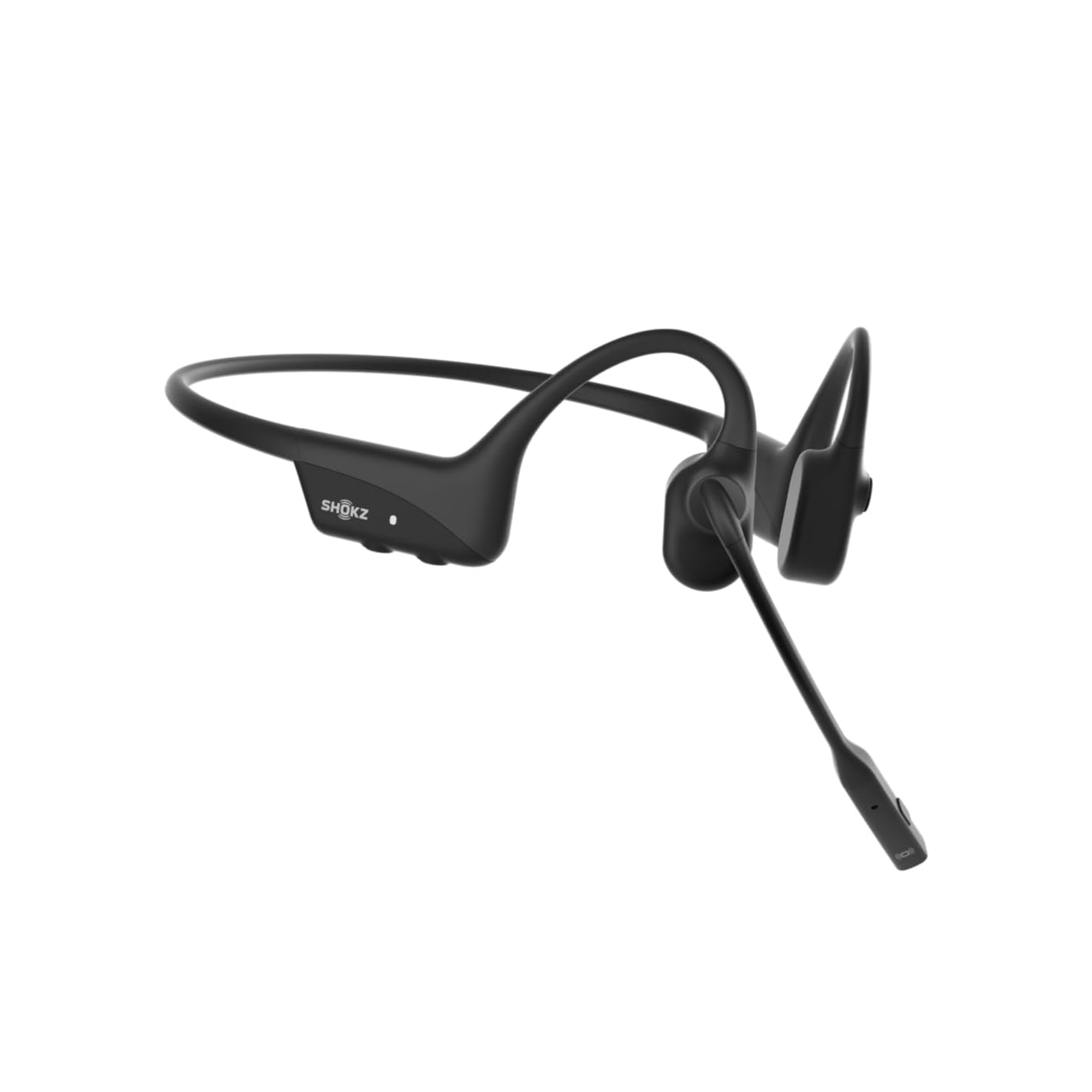
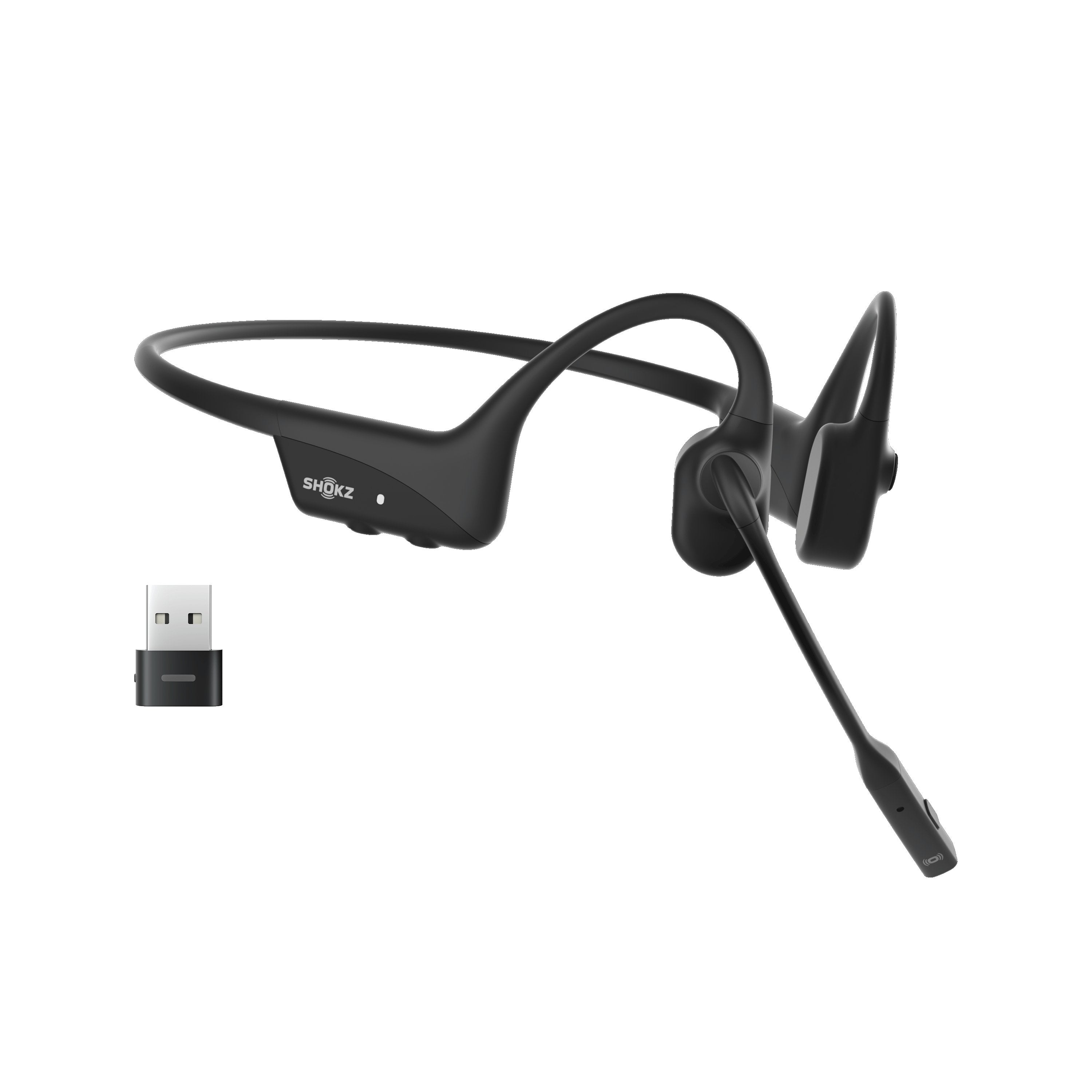




Our tests
Three we'd buy, from our reviews and mic tests.
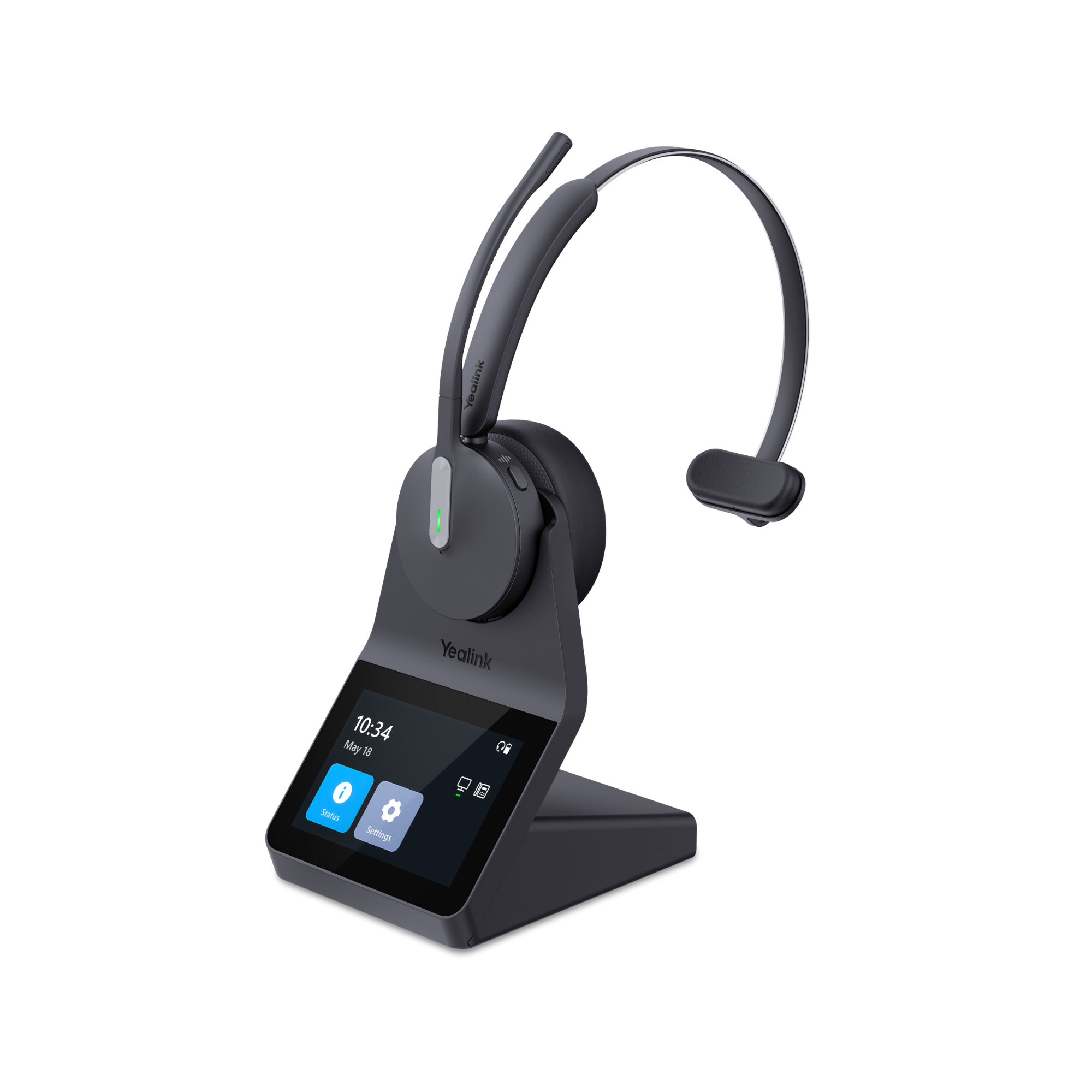
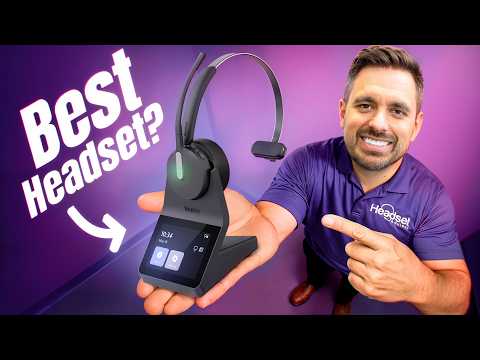
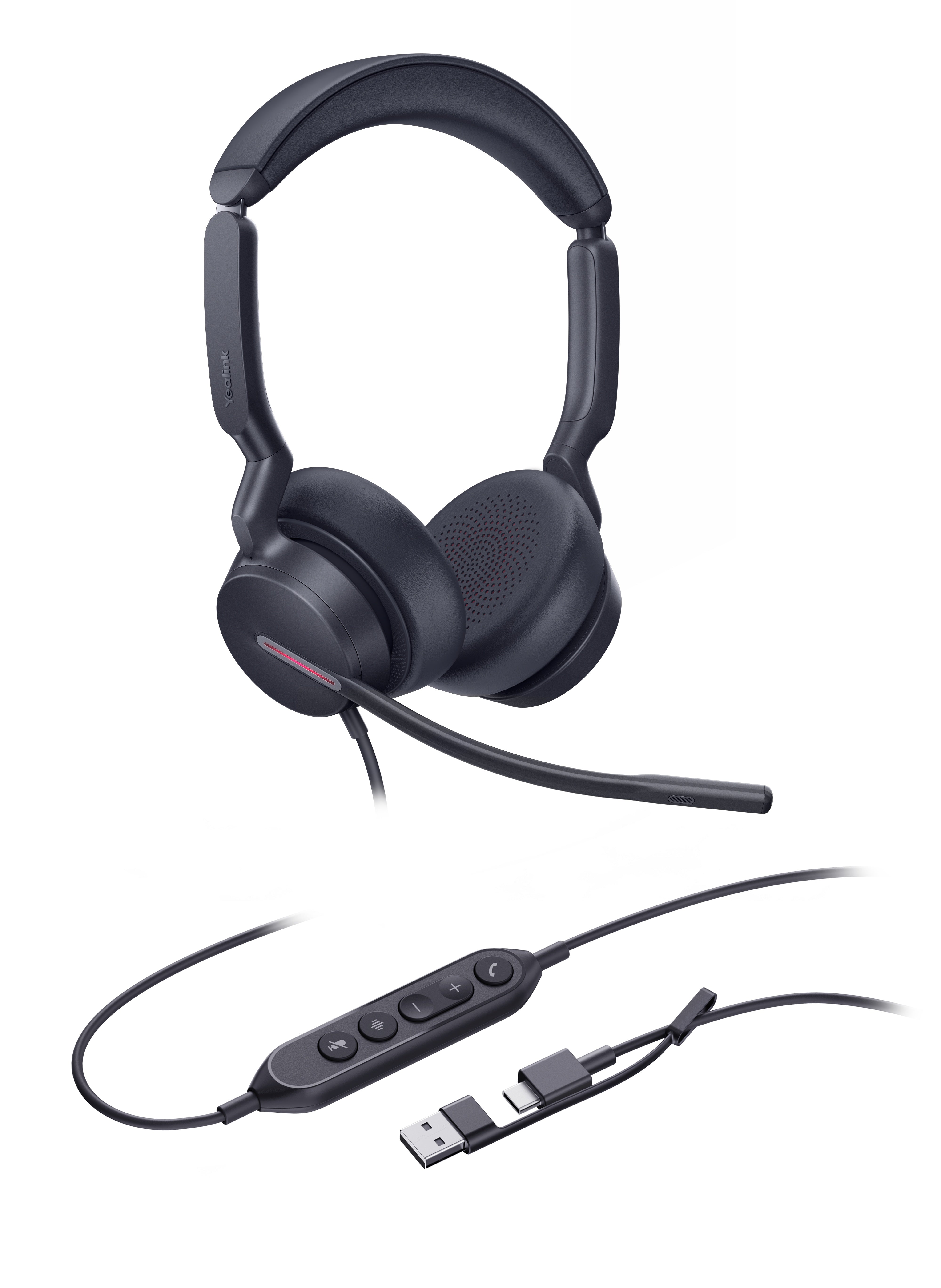
Yealink HA64 Pro
Our verdict: Microphone sound quality was solid, and the noise cancellation was excellent.
Read our review →From $209.99
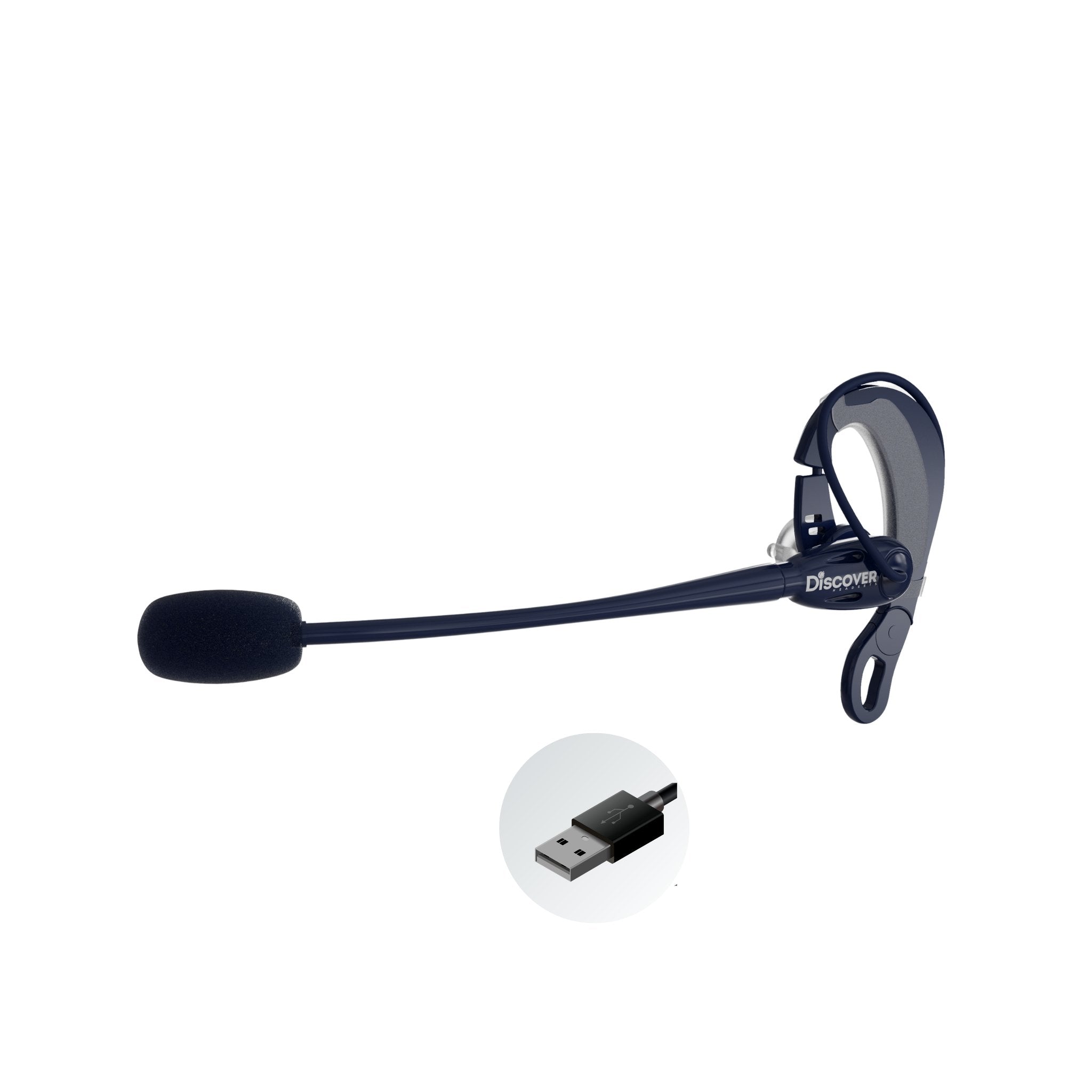
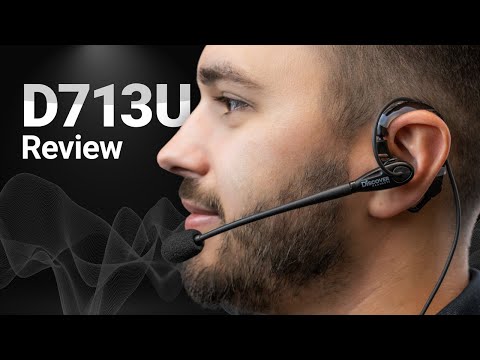
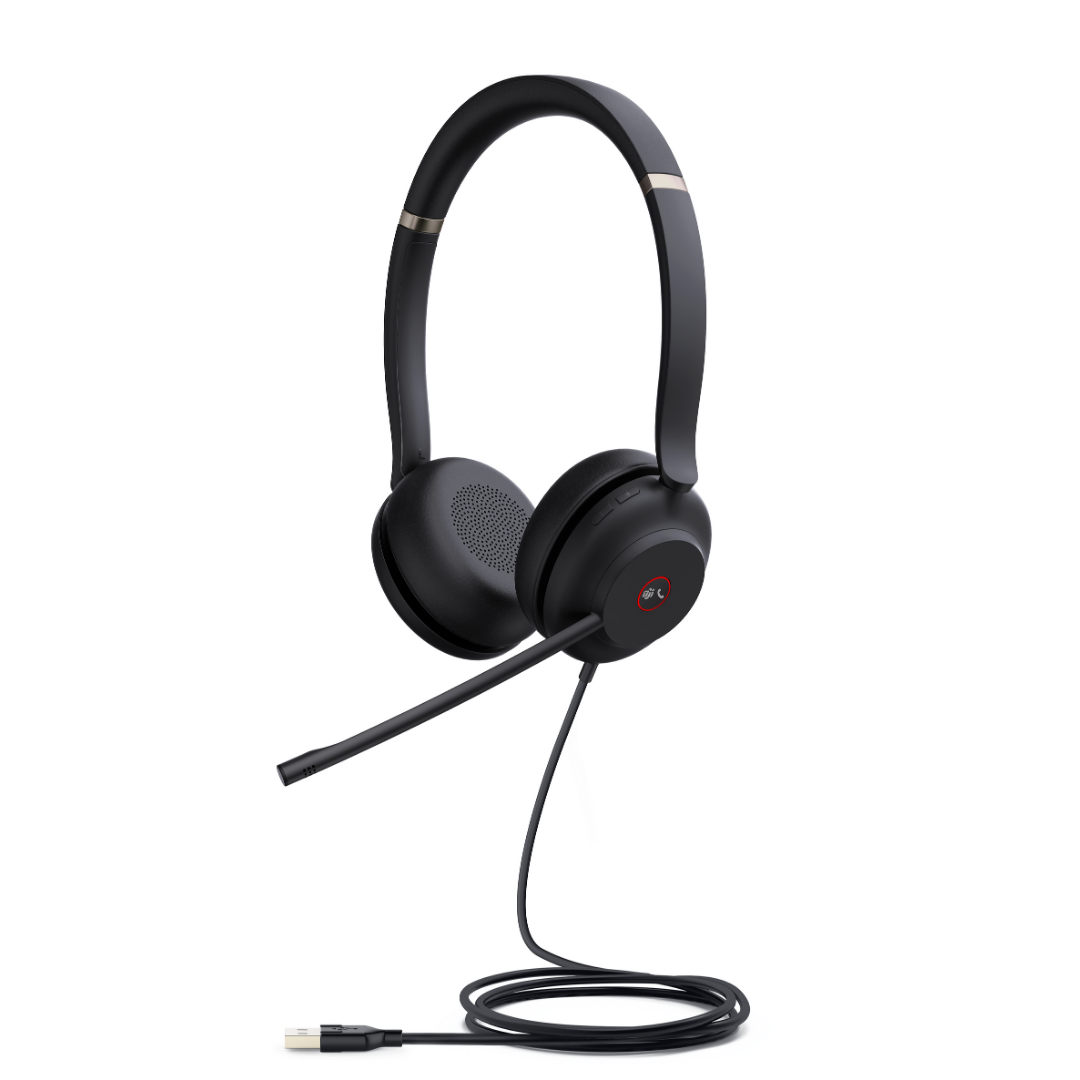
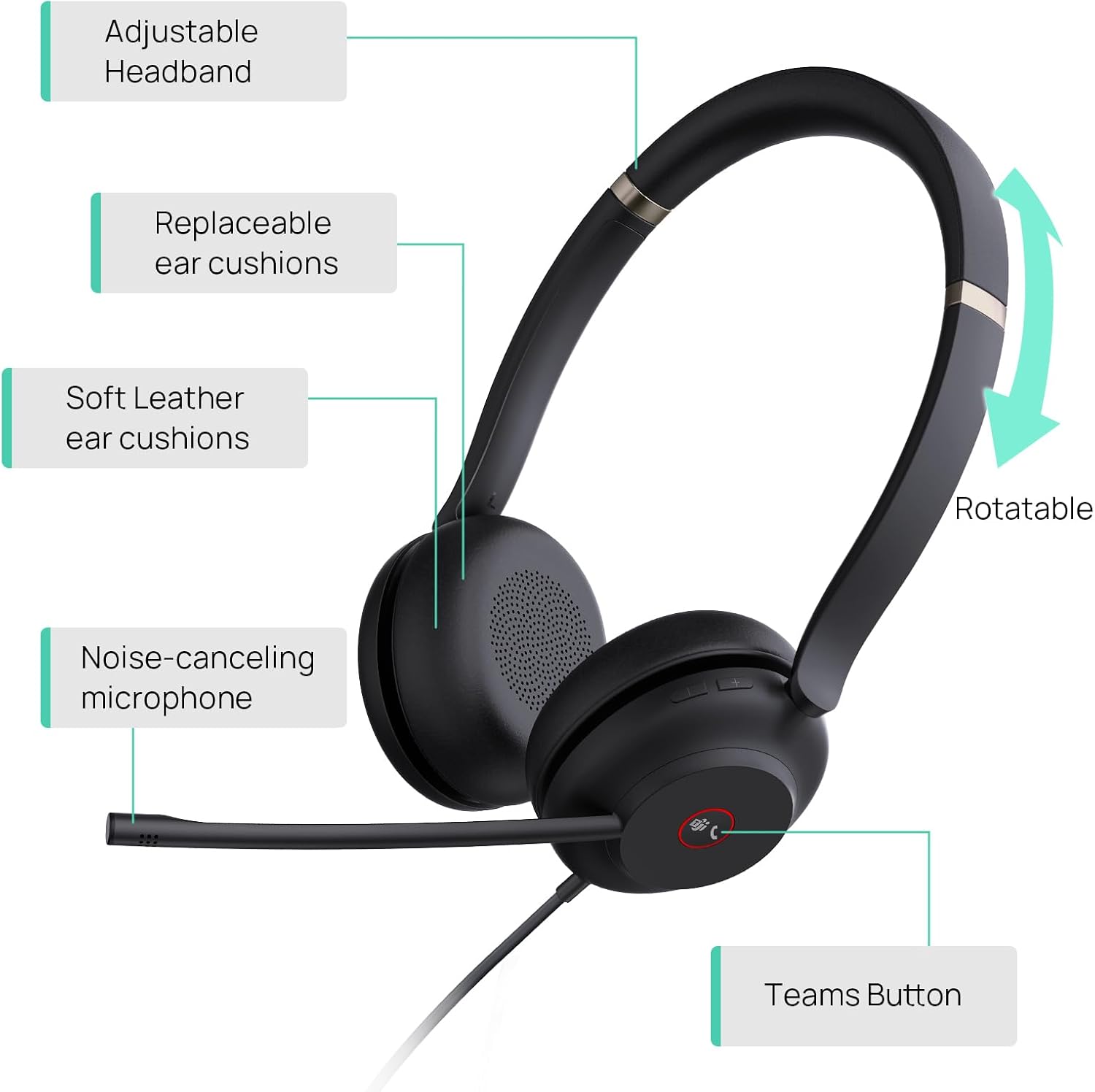
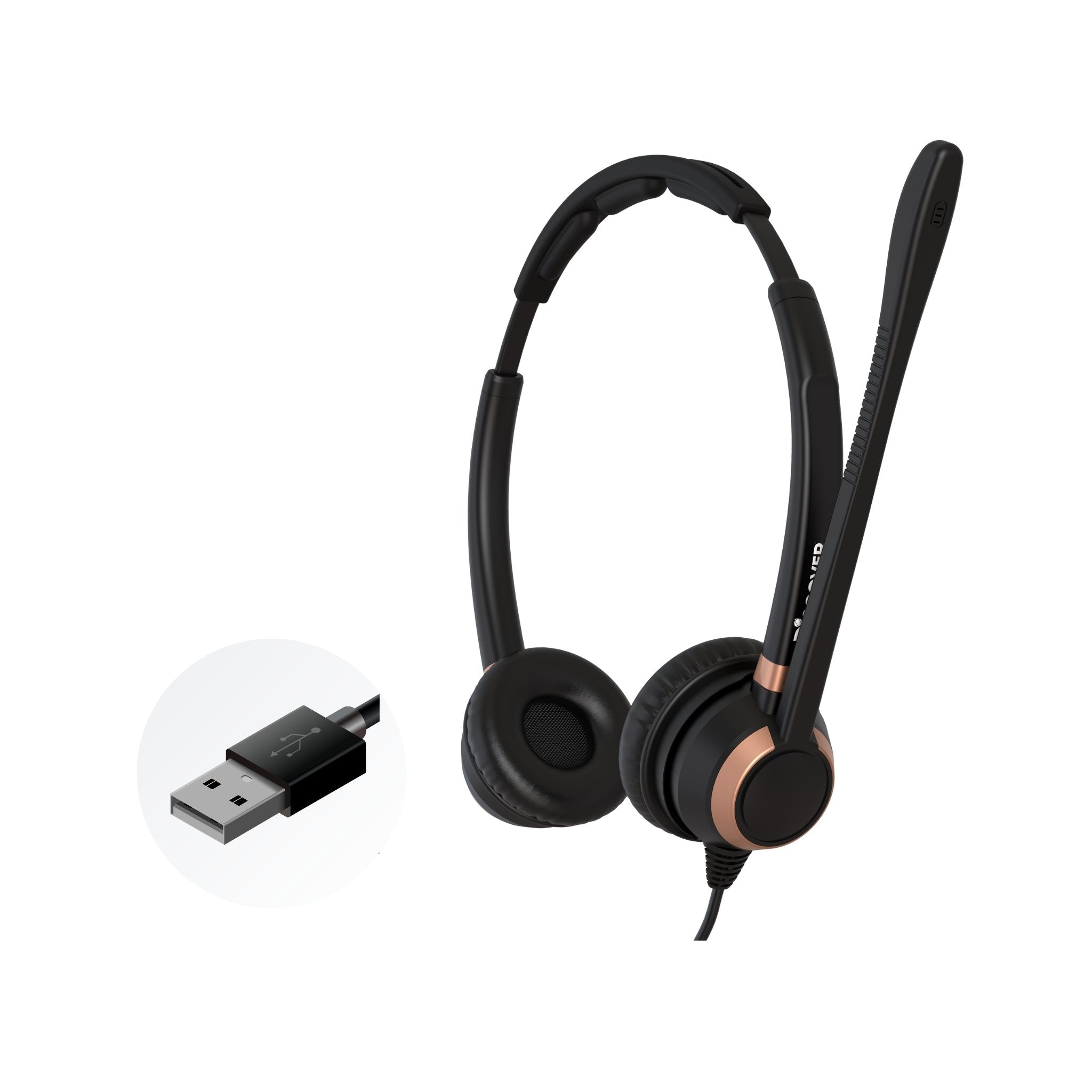
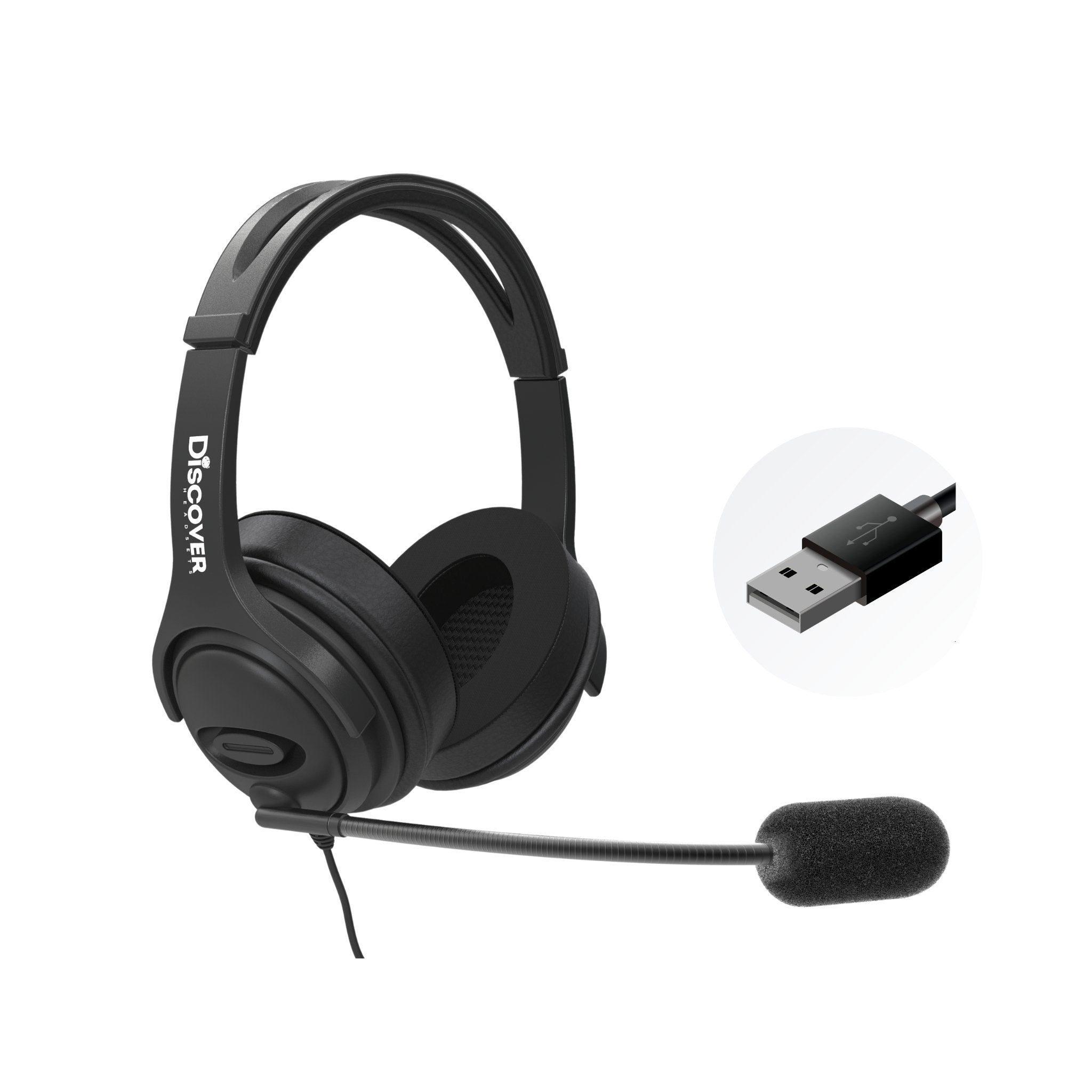
Discover D712U
Our verdict: The Discover D712U offers a more streamlined option while still delivering effective noise cancellation.
Read our review →$79.99
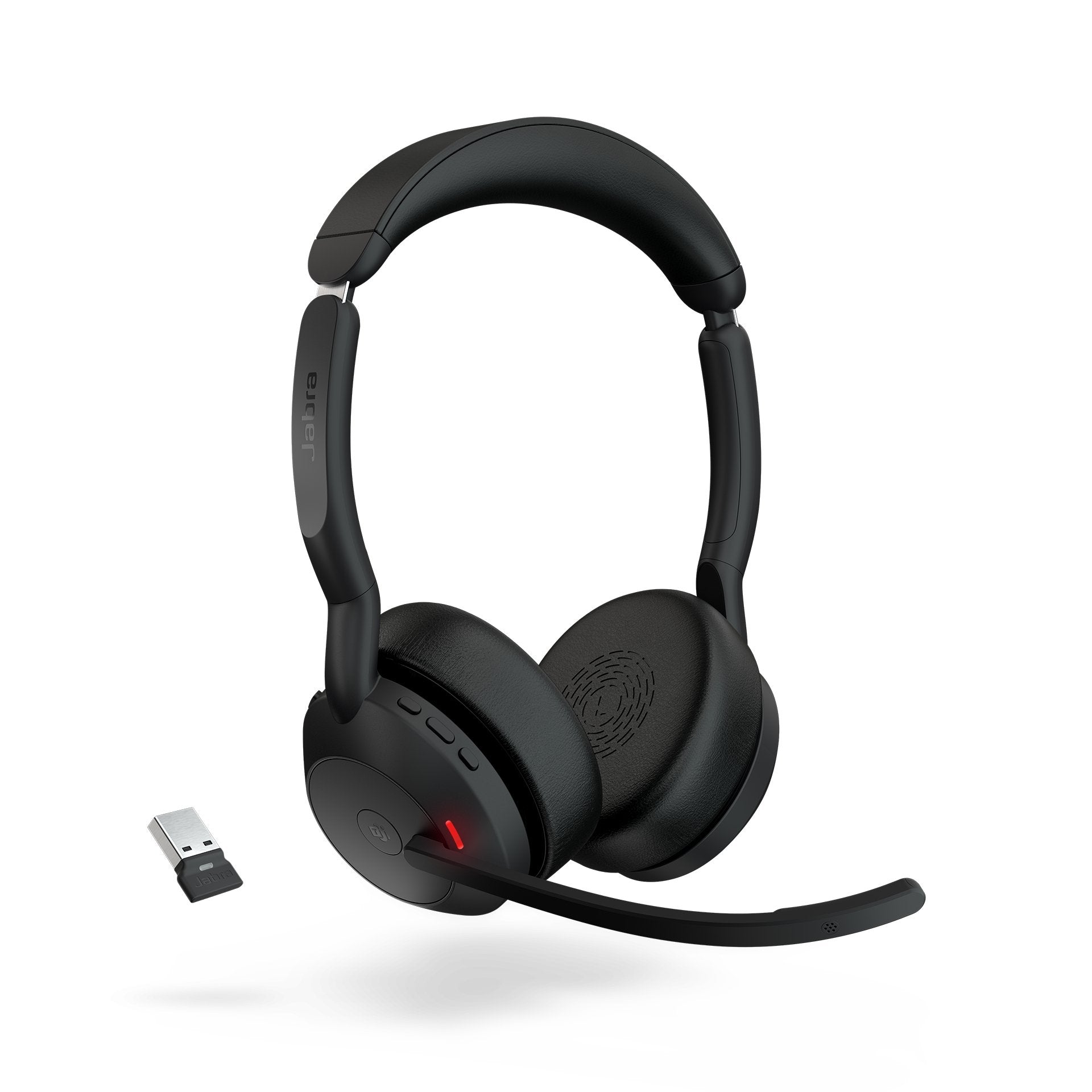
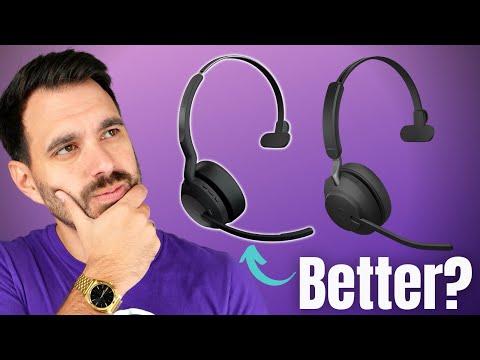
Jabra Evolve2 55
Our verdict: If you’re in the market for a new headset for yourself or a team, and you need it to work with your computer applications, and with your mobile devices, the Jabra Evolve2 55 would be a solid headset to consider.
Read our review →From $226.00


Compare our top picks
| Headset | Type | Connects to | Platform | Battery | Range | Price |
|---|---|---|---|---|---|---|
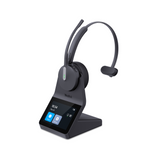 Yealink HA64 Pro | DECT + Bluetooth wireless, mono or dual ear | Computer and compatible IP desk phones via the base; mobile via Bluetooth | Teams and Zoom certified | DECT up to 14 h mono, 16 h dual; Bluetooth up to 26 h mono, 32 h dual | DECT up to 606 ft; Bluetooth up to 164 ft | From $209.99ViewReview |
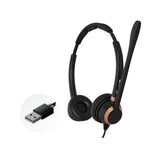 Discover D712U | Wired USB, dual ear | PC, Mac or laptop via USB | Works with Teams, Zoom, RingCentral and other UC platforms | Wired, no battery | Wired | $79.99ViewReview |
 Discover D722U | Wired USB, dual ear, over-ear cushions | PC, laptop or Mac via USB-A or USB-C | Works with Teams, Zoom, RingCentral and most UC apps | Wired, no battery | Wired | $99.99ViewReview |
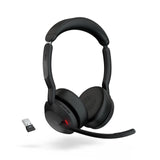 Jabra Evolve2 55 | Bluetooth with USB dongle, dual ear, ANC | Computer via the Link 380 USB-A or USB-C dongle; mobile via Bluetooth | Teams or UC version; certified for Microsoft Teams, Google Meet and Zoom | Up to 16 hrs talk time | Up to 100 ft (Bluetooth) | From $226.00ViewReview |
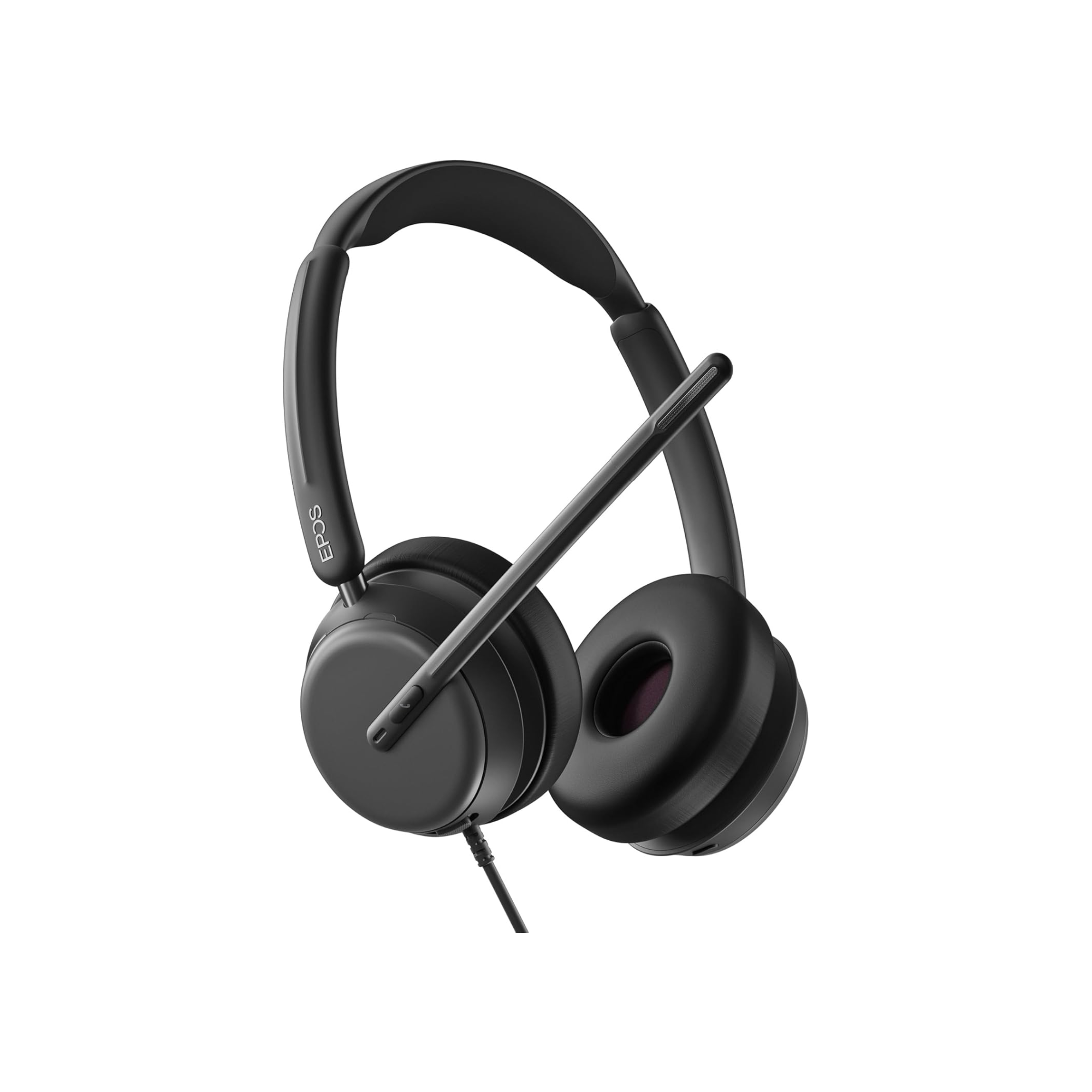
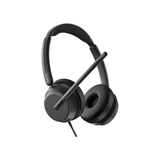 EPOS Impact 860 | Wired USB, dual ear, ANC optional | Computer via USB-C, USB-A adapter included | Teams or UC version; Microsoft Teams Open Office certified | Wired, no battery | Wired | From $195.66ViewReview |
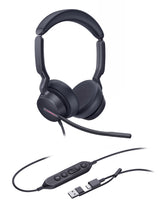 Yealink UH46 | Wired USB, dual ear | PC or Mac via USB-C or USB-A (both included) | Teams or UC version; works with Zoom and other UC apps | Wired, no battery | Wired | $84.48ViewReview |
Battery and range are the manufacturer's ratings. Mic recordings are from our own tests.
Frequently asked questions
What is a softphone headset?
A softphone headset is a headset for the calling app on your computer, such as Teams, Zoom, Google or RingCentral. It plugs in by USB or connects wirelessly through a USB adapter. With a compatible headset you can also answer and end calls from the headset, which our remote answering guide calls a highly desired feature with softphones.
Which headset should I use with my softphone?
Match it to how you work. For a fixed desk, a wired USB headset like the Discover D712U. For a laptop and a mobile, Bluetooth with a USB adapter, like the Jabra Evolve2 55. For a computer plus a desk phone, the Yealink HA64 Pro, whose base connects to both. Then pick the UC or Teams version to match your app. Our verdicts are in Our tests above.
Will a USB headset work with my softphone on Windows or Mac?
Yes, if you choose a headset made for business calling apps. The Discover D712U, for example, works out of the box with a PC, Mac or laptop, per its listing. After you plug it in, select the headset as the microphone and speaker in the app's audio settings. For answering and muting from the headset, the app and headset need HID call control, which our HID explainer covers.
Do I need the USB adapter, or can I use Bluetooth?
Use the adapter on your computer. Paired straight to your computer's Bluetooth, a headset loses answering, ending and muting calls from the headset, and you can't see your mute status in apps like Zoom and Teams. Our USB dongle vs direct Bluetooth guide covers the steadier connection. On your mobile, Bluetooth is the normal connection.
Can one headset work with my softphone and my desk phone?
Yes, with a headset built for both. The Yealink HA64 Pro base connects to your computer and to compatible IP desk phones, with Bluetooth for your mobile. Some desk phones need an EHS cable or a lifter for answering away from the desk. Our office phone headsets show the part by phone brand.
Should I order the UC or the Teams version?
Choose the Teams version if Microsoft Teams is your only calling app, and the UC version if you use another softphone such as Zoom or RingCentral, or a mix. That is the rule of thumb in our Teams vs UC explainer. The Yealink HA64 Pro needs no special order: you pick Teams or UC on its touchscreen.
Latest reviews and videos
-
 3 Best Headsets with Remote Answering for Ring Central Softphone
January 24, 2025
-
 Video
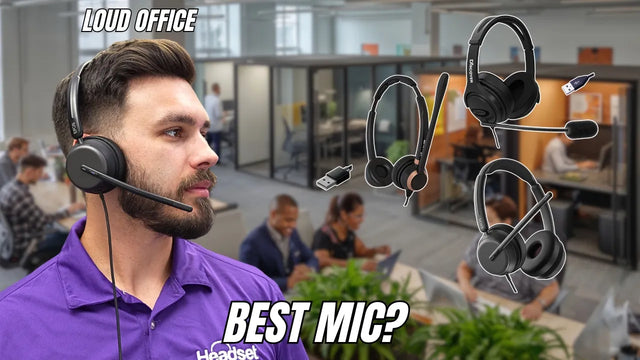
Best Noise Canceling Wired USB Headset for Noisy Offices: D722U vs D712U vs EPOS Impact 860
February 23, 2026
-
 Video
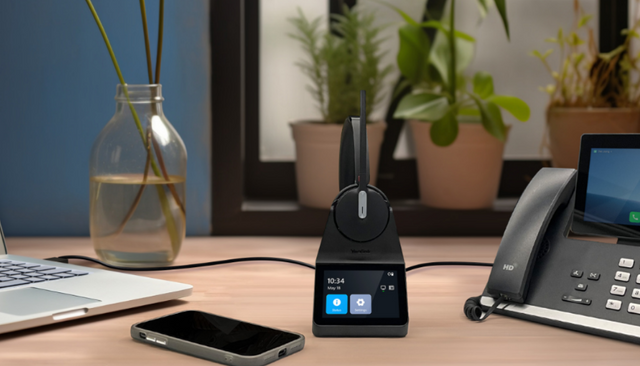
Yealink HA64 Pro: Top DECT + Bluetooth Headset with 3.5" Touchscreen for Teams & Zoom
July 7, 2025
-
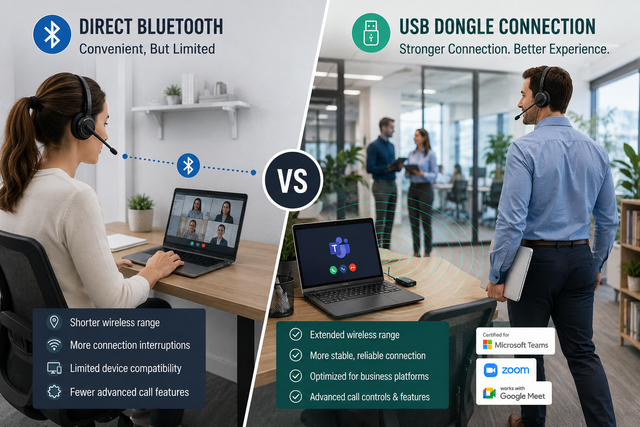 USB Dongle vs. Direct Bluetooth: Why It Matters for Your Work Headset
April 17, 2025
-
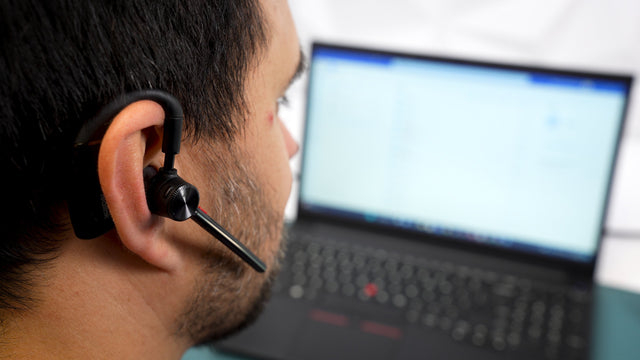 6 Reasons Bluetooth Headsets Aren't Recommended for Work Computers
April 17, 2025
-
 Video
What Is a HID Compatible Headset (And Why It Matters for Work Calls)
October 2, 2024

Why buy from Headset Advisor
Free shipping over $50
Free 3 to 5 day shipping on orders of $50 or more.
30-day returns
Return any product within 30 days.
Real headset advisors
Not sure which headset fits your phone or computer? We will help you choose.
Talk to an advisor →Team and volume orders
Volume quotes, purchase orders, tax-exempt orders and payment terms for enterprise, government, education and healthcare teams.
Request a quote →Managed Hardware Program
Best for teams of 10 or more: one flat monthly fee per seat, quoted for your team, and replacements ship first.
See the program →