
Imagine spending hours researching something as seemingly simple as a headset for work.
That's exactly what happened to a customer who recently shared a 23-page ChatGPT conversation with Headset Advisor. He wasn't looking for anything particularly exotic. He simply wanted a comfortable wired USB headset with good microphone noise cancellation, true over-ear cushions, and a few other features that mattered to him.
Sounds easy enough, right?
Apparently not.

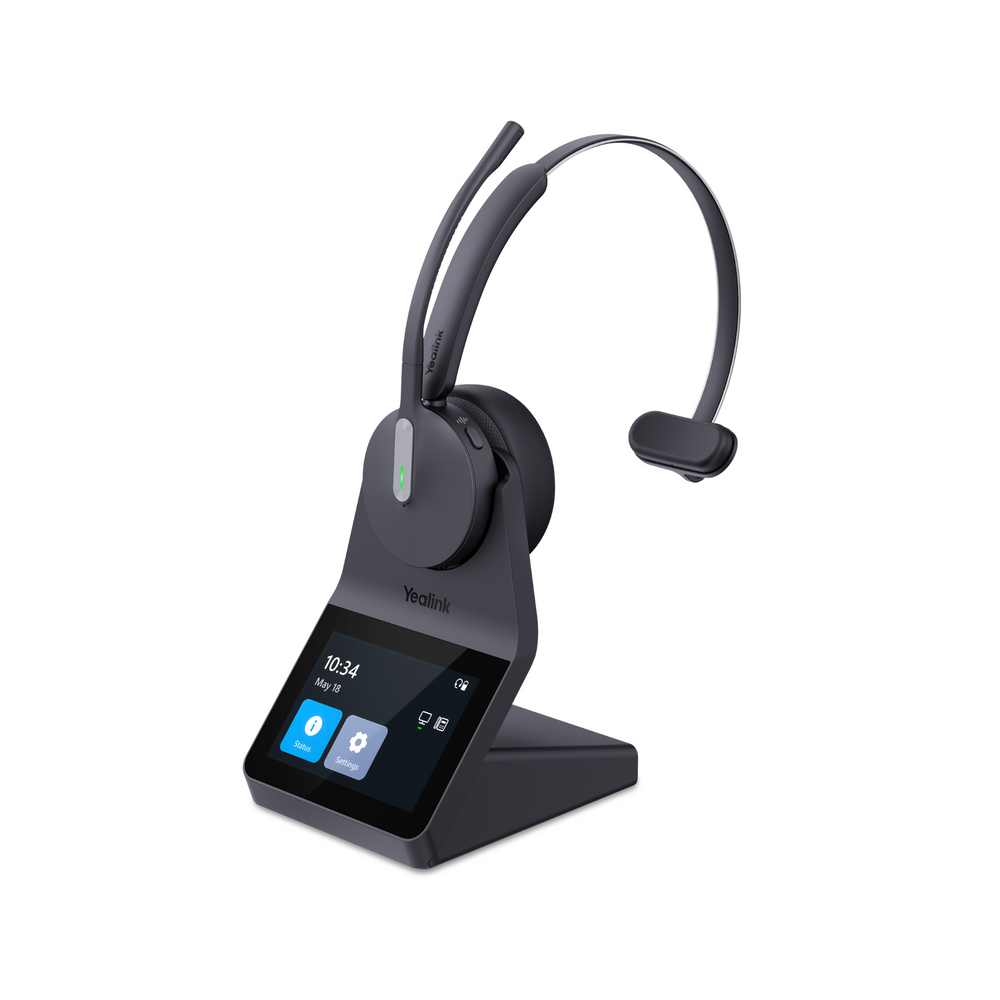
After exploring everything from traditional office headsets to gaming headsets, adapters, and different microphone technologies, ChatGPT eventually recommended the Discover D722U wired USB headset.
And here's the interesting part: after reviewing the customer's requirements, Drew from Headset Advisor agreed with the recommendation.
The real question wasn't whether ChatGPT found a good headset. It was why finding one required 23 pages of conversation.
Let's look at what made this search so complicated, why the Discover D722U turned out to be a good match, and whether it's the right headset for you.
Watch: Best Wired USB Headset for Work — ChatGPT's Recommendation
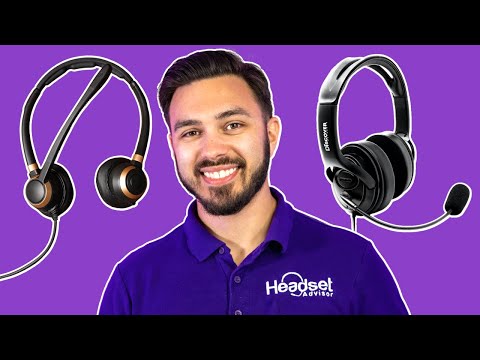
Before we get into the details, take a look at Drew's video below.
He walks through the customer's unusual headset search, explains why several popular options didn't meet the requirements, and demonstrates the Discover D722U's microphone performance in a noisy environment.
If you'd rather read through the details, let's start with what this customer was trying to find.
Why Did Finding a Wired USB Headset Take 23 Pages?
Most people shopping for a headset begin with a fairly straightforward question:
"What's a good headset for work?"
But that question opens the door to several others.
Do you want wired or wireless? Do you prefer cushions that sit on your ears or surround them? Are you trying to reduce the noise you hear, or the noise other people hear through your microphone?
And what about sidetone? Do you need it?
The customer in Drew's video had already thought through many of these questions.
He wanted:
- A wired USB headset that connects to his computer.
- True over-ear cushions that surround his ears rather than press against them.
- A dedicated microphone boom with effective background noise reduction.
- Sidetone so he could naturally hear his own voice while speaking.
- Comfort for extended work sessions.
- Compatibility with applications such as Zoom and Microsoft Teams.
- A headset suitable for professional communication and teaching pronunciation.
Individually, none of these requirements is especially unusual.
The challenge was finding all of them in the same headset.
And that's where his research became complicated.
Why Popular Business and Gaming Headsets Didn't Quite Fit
During the customer's ChatGPT conversation, several different types of headsets came up.
Traditional business headsets were an obvious starting point.
Many offer good microphones, dependable USB connections, and features designed specifically for professional calls.
But there's a potential drawback if you're particular about how your headset fits.
A large number of business headsets use an on-ear design. Instead of surrounding your ears, the cushions rest directly against them.
Some people prefer that arrangement because it can feel lighter and allows them to remain more aware of their surroundings.
Others find that pressure against their ears becomes uncomfortable after several hours.
This customer specifically wanted over-ear cushions.
That led the search toward gaming headsets.
Gaming headsets frequently have larger cushions that surround your ears, making them worth considering if comfort is your primary concern.
But there's another issue.
Gaming headsets aren't necessarily optimized for the same communication requirements as business headsets. Microphone performance, background noise reduction, sidetone behavior, and connection options can vary considerably.
That's not to say a gaming headset can't work for business calls. Many can.
But in this case, the customer wanted something designed primarily for professional communication.
And he didn't want to sacrifice the over-ear comfort he was looking for.
Why the Discover D722U Made Sense
Once Drew reviewed the customer's requirements, one headset stood out.
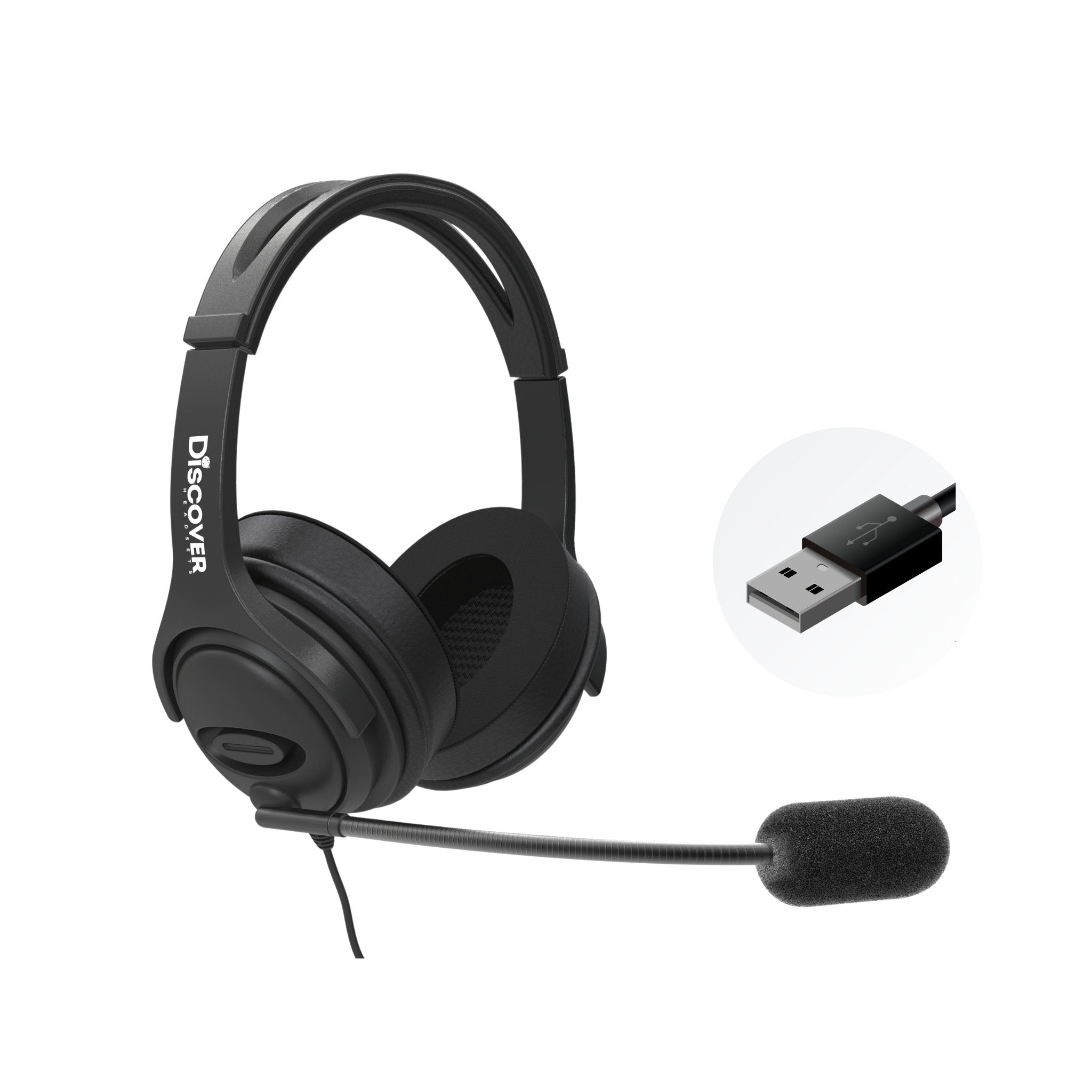
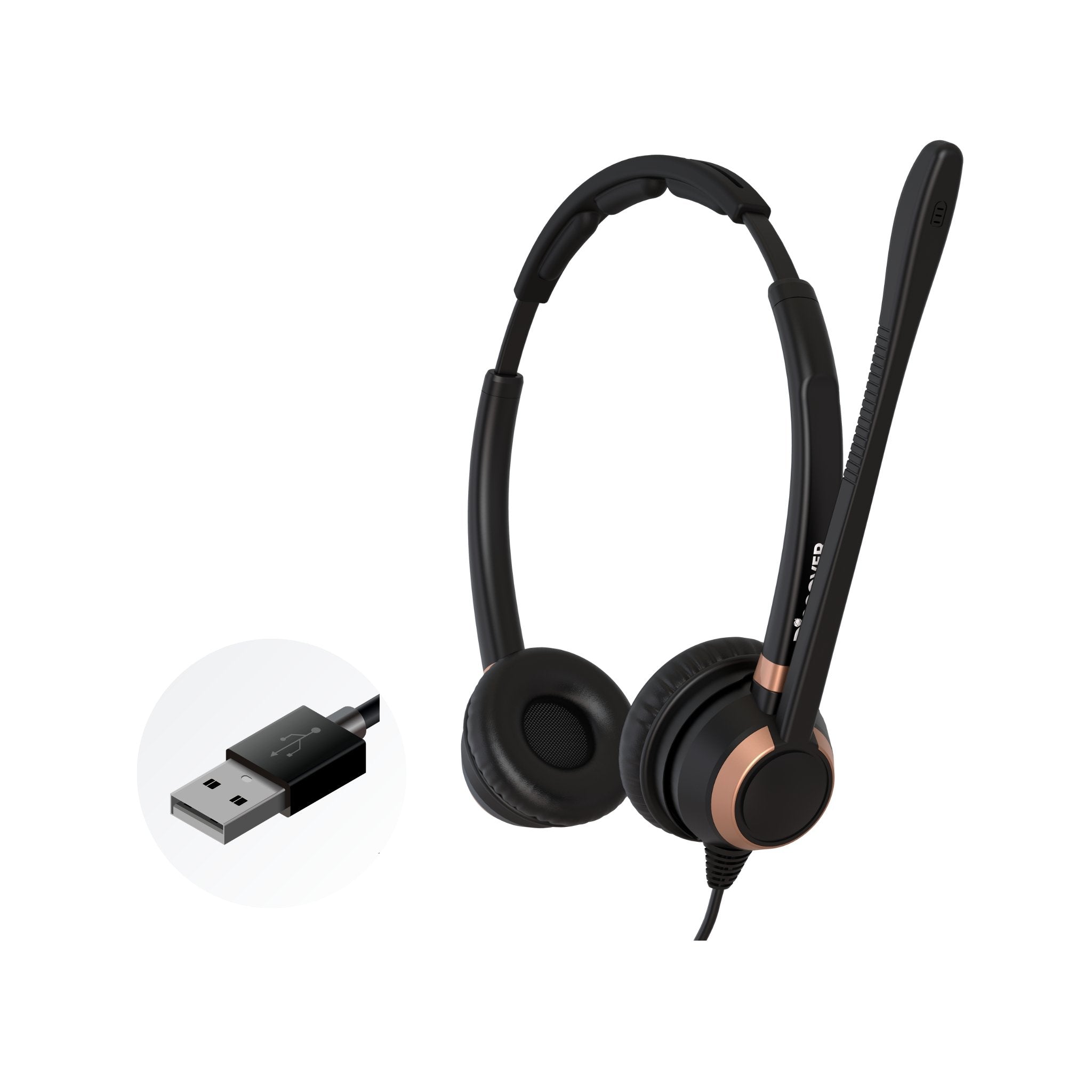
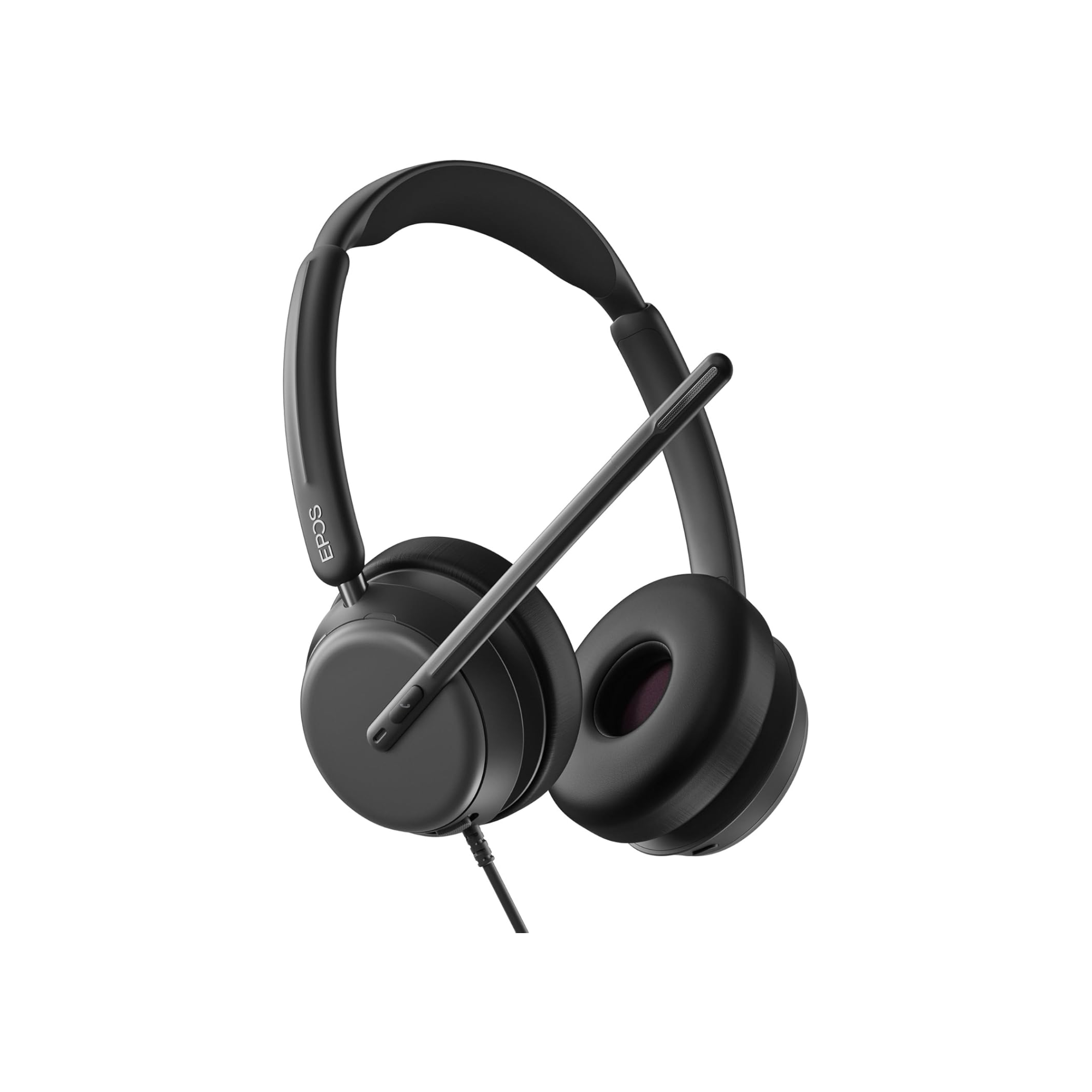
The Discover D722U Over-Ear USB Headset.
Unlike many traditional business headsets, the D722U combines large over-ear cushions with a dedicated noise-canceling microphone, wired USB connectivity, and built-in sidetone.
It also includes several practical features that make it appealing for people who spend much of their workday on calls.
Here's a quick look.

The D722U isn't necessarily the best headset for every person or every workplace.
But when you look at this particular customer's requirements, you can begin to understand why it was recommended.
True Over-Ear Comfort With Cooling Gel Cushions
One of the customer's biggest concerns was comfort.
If you wear a headset for several hours every day, you probably know how much difference the ear cushions can make.
Some people have no problem with traditional on-ear cushions. Others find that constant pressure against their ears becomes irritating.
The Discover D722U takes a different approach.
Its cushions are designed to surround your ears rather than sit directly on them.
They're also made with memory foam infused with cooling gel.
Why does that matter?
Large over-ear cushions can become warm during extended use. The cooling gel is intended to help manage that warmth, while the memory foam conforms to the area around your ears.
Another benefit is that the cushions are replaceable.
Over time, headset cushions can wear out, flatten, or become damaged. Being able to replace them instead of replacing the entire headset can help extend the useful life of your equipment.
Of course, comfort is personal. Head size, ear size, clamping pressure, and individual preferences all influence how a headset feels.
But if you've been struggling to find a business headset that doesn't press directly against your ears, the D722U is worth a closer look.

How Good Is the Discover D722U Microphone?
Comfort was only part of the customer's requirements.
He also needed a microphone suitable for professional communication and teaching pronunciation.
That makes microphone performance especially important.
The Discover D722U uses a flexible, directional noise-canceling microphone boom.
One feature worth pointing out is the D722U's flexible, stay-put gooseneck microphone boom. Unlike rigid microphone booms that offer limited adjustment, this design allows you to bend the microphone into the position that's most comfortable and effective for you.
And here's why that matters. Once you've positioned the microphone, it stays where you put it rather than gradually drifting out of place. That helps maintain consistent microphone placement and voice pickup throughout your calls, without having to repeatedly readjust it.
You can position the microphone near your mouth, which helps it pick up your voice while reducing some of the unwanted sound coming from your surroundings.
But how well does it actually work?
Rather than simply telling you the microphone is good, Drew demonstrates it in the video.
He tests the headset with simulated office background noise so you can hear how much unwanted sound reaches the other end of the call.
(Office-noise microphone demonstration, approximately 4:22–4:42 in the video)
I'd encourage you to listen to that portion of the video and decide for yourself.
No headset microphone eliminates every background sound in every environment. Results depend on the type of noise, how loud it is, and how the microphone is positioned.
The important question is whether it reduces the distractions that matter in your particular workplace.
Microphone Noise Cancellation vs. ANC: What's the Difference?
Here's something that causes a lot of confusion when people shop for headsets.
Microphone noise cancellation and Active Noise Cancellation (ANC) are not the same thing.
They solve two different problems.
Microphone noise cancellation is designed to reduce the background sounds transmitted to the people you're speaking with.
For example, if a coworker is talking nearby or a dog starts barking during your meeting, a noise-canceling microphone can help reduce how much of that sound reaches your caller.
ANC, on the other hand, is designed to reduce some of the outside noise you hear through your headset.
Think of it this way:
-
Microphone noise cancellation: Helps the person on the other end hear less of your background noise.
-
Active Noise Cancellation (ANC): Helps you hear less of the background noise around you.
The Discover D722U focuses primarily on microphone noise cancellation.
Its over-ear cushions also provide some passive isolation, but it isn't designed to provide electronic ANC.
If your biggest complaint is that customers or coworkers can hear too much noise around you, microphone performance should be high on your priority list.
If your biggest concern is blocking out surrounding noise so you can concentrate, you may want to consider a headset with ANC.
Understanding that difference can save you from buying a headset that solves the wrong problem.
What if You Need Even More Microphone Noise Reduction?
Even a good noise-canceling microphone has limitations.
If you work around loud conversations, barking dogs, or other persistent distractions, you may need additional help.
That's where neep AI noise-canceling software comes in.

neep works with compatible Windows and Mac computers and can add another layer of background noise reduction to your headset's microphone.
In our video, you can hear a demonstration showing how the audio changes when neep is used.
(go watch neep noise-cancellation demonstration, approximately 5:40–6:18 in our video)
The advantage is that you may not need to replace an otherwise good headset simply because your work environment has become noisier.
neep also offers a 14-day free trial, so you can evaluate how well it works in your environment before deciding. To learn more, or to arrange your free trial of neep, just go to neep.com
Why Sidetone Matters More Than You Might Think
Sidetone is one of those headset features many people don't know they need until they've tried it.
Here's what it does.
When you speak into your headset microphone, sidetone feeds a small amount of your own voice back through the headset speakers.
That allows you to hear yourself more naturally while talking.
Why is that important?
Imagine wearing large over-ear headphones for several hours. Because your ears are covered, your voice may sound muffled or blocked.
Without sidetone, some people unconsciously begin speaking louder.
Sidetone helps reduce that tendency by letting you hear your own voice.
For someone teaching pronunciation, conducting training sessions, or speaking with customers throughout the day, that can be especially useful.
The Discover D722U includes built-in sidetone.
You don't need to keep a separate software application running to use it.
According to Discover Headsets, you can turn sidetone on or off by pressing and holding the mute button for approximately 5 seconds.
The sidetone level is preset rather than user-adjustable.
If you've ever struggled with a headset that makes your own voice sound unnatural, this feature alone may be worth considering.
Why Choose a Wired USB Headset Instead of Wireless?
With so many wireless headsets available today, you might wonder why someone would specifically want a wired model.
There are several good reasons.
A wired USB headset doesn't need Bluetooth pairing, doesn't rely on a wireless connection, and doesn't have a battery you need to remember to charge.
You connect it to your computer and you're ready to work.
For someone who spends most of the day sitting at a desk, that simplicity can be a real advantage.
The Discover D722U includes USB-A and USB-C connectivity, making it suitable for many Windows and Mac computers.
It also has an 8-foot cable, giving you some room to move around your workstation.
The headset is designed for use with leading business communication applications, including Zoom, Microsoft Teams, Google Meet, RingCentral, and others.
What about connecting it to a smartphone?
In the video, Drew mentions testing the D722U with an iPhone using a USB-C adapter, with successful results. He also notes reports from customers using it with other USB-C phones.
However, phone compatibility can vary depending on the model, operating system, and adapter.
If smartphone connectivity is important to you, we'd recommend checking compatibility with your specific device before ordering.
Where the Discover D722U Falls Short
No headset is perfect, and the Discover D722U is no exception.
One of its biggest compromises is portability.
Because it has large over-ear cushions, it's bulkier than many traditional office headsets.
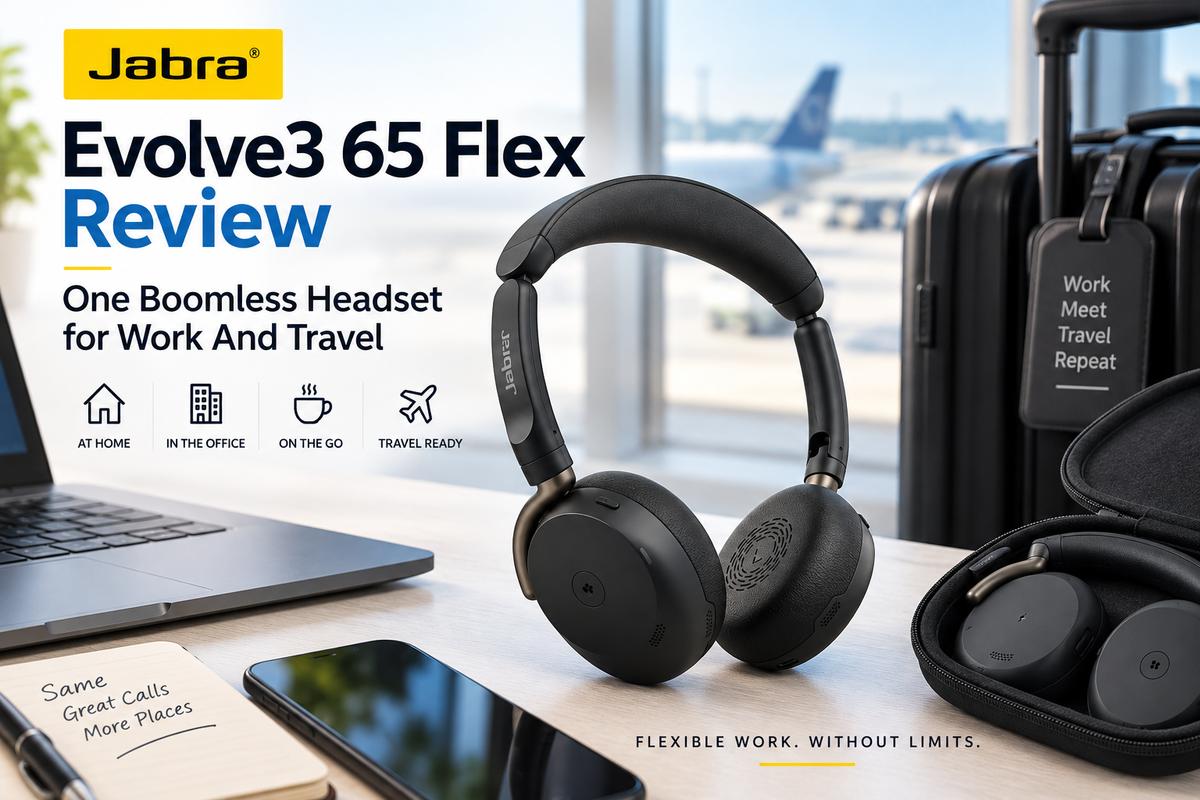
If you travel frequently and want something compact that fits easily into a small laptop bag, there are better options. Not that you can't travel with the D722U, it's just there are other headset options that are designed for portability. A couple of those headsets include the Jabra Evolve3 65 Flex, and the Poly Focus 625 Fold.
The D722U is more of a workstation headset than a travel headset.
It also isn't a wireless model, so you aren't able to move around your workspace.
If you like walking around your office while talking, a wired headset probably isn't your best choice.
And as we mentioned earlier, the D722U doesn't have Active Noise Cancellation.
Its cushions provide passive isolation, but they won't deliver the same experience as a headset specifically designed to electronically reduce the noise around you.
Finally, although the D722U includes sidetone, the level isn't adjustable. You can turn it on or off, but you can't fine-tune how loudly you hear your own voice. Even without adjustability, the feature is nice because you're able to activate it directly from the headset rather than having to download software, which many organizations restrict.
None of these are necessarily dealbreakers.
They're simply things you should understand before deciding whether the D722U is right for you.
Who Should Consider the Discover D722U?
Based on the features and Drew's evaluation, the Discover D722U makes the most sense if you:
- Spend several hours each day on computer calls or meetings.
- Prefer wired USB connectivity over wireless.
- Want cushions that fully surround your ears.
- Need a dedicated noise-canceling microphone.
- Value sidetone for more natural conversations.
- Work primarily from a desk rather than constantly traveling.
It could be particularly appealing to remote workers, customer service representatives, online instructors, and people who conduct frequent video meetings.
On the other hand, if you're looking for a lightweight travel headset, wireless mobility, or electronic ANC, we'd recommend exploring other options.
The right headset isn't necessarily the one with the most features.
It's the one with the features you need and compromises you can comfortably live with.
Can ChatGPT Replace Expert Headset Advice?
This brings us back to the original 23-page ChatGPT conversation.
Was ChatGPT wrong?
Not necessarily.
In fact, Drew agreed that the Discover D722U was a very good recommendation for this customer's particular needs.
The problem was how much effort it took to arrive at that conclusion.
The customer had to repeatedly explain his requirements, explore different headset categories, and sort through technical features before finding a suitable option.
And this highlights something we've been doing at Headset Advisor since 1994.
We help people find headsets that match their actual needs.
Instead of starting with a particular brand or model, we ask questions.
What device are you connecting to? Where will you be working? What's most important to you? And what problems are you having with your current headset?
Sometimes the best solution is a premium wireless headset with advanced features.
Other times, it's a straightforward wired USB model like the Discover D722U.
And sometimes you don't need a new headset at all.
A replacement ear cushion, an adjustment to your microphone, or a simple troubleshooting step might solve the problem.
AI can be a useful starting point for researching headsets. But product specifications alone don't always tell you how a headset will perform in your environment or whether it will work properly with your equipment.
That's where hands-on testing, product experience, and compatibility guidance can make a difference.
Have Questions or Need Some Help?

Finding the right headset shouldn't require hours of research or a 23-page conversation with ChatGPT.
Whether you're considering the Discover D722U or comparing several different headsets, we're happy to help you narrow down the choices.
At Headset Advisor, our experienced headset advisers can help you determine which models are compatible with your equipment, explain the differences between features, and recommend options based on how and where you work.
And the best part? Our advice is free, with no obligation to buy.
Simply visit HeadsetAdvisor.com to connect with us through live chat or speak with one of our U.S.-based headset advisers.
A few minutes of conversation could save you hours of research, and help you avoid buying the wrong headset.
Buying Headsets for an Entire Team?
If you're responsible for purchasing headsets for a company, there's another option worth considering.
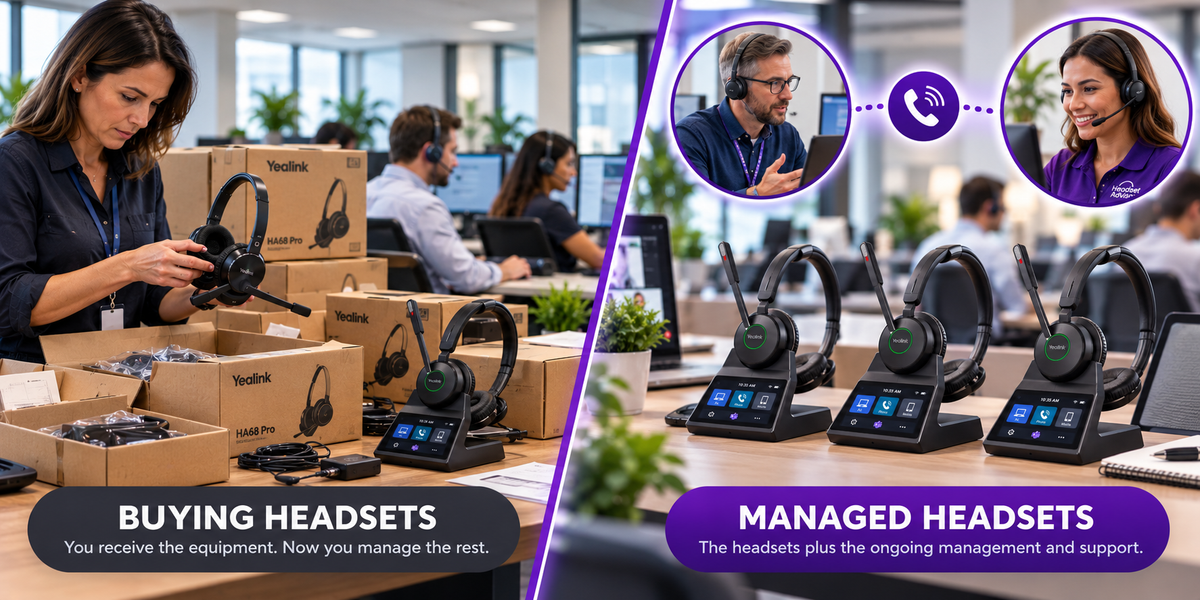
Headset Advisor's Managed Headset Program allows eligible businesses to equip employees with headsets for a predictable monthly rate rather than purchasing everything upfront.
The program is available for deployments of 10 or more headsets.
Depending on the agreement, it can include equipment along with defined replacement services, such as battery and wear-related coverage, employee turnover swaps, and advance replacements.
That can help simplify headset management while reducing some of the administrative work your IT team would otherwise handle.
If you're outfitting a department or an entire organization, ask us whether the Managed Headset Program makes sense for your situation.
Frequently Asked Questions About the Discover D722U
Is the Discover D722U a true over-ear headset?
Yes. Unlike traditional on-ear office headsets, the D722U has large cushions designed to surround your ears. They use memory foam infused with cooling gel for added comfort.
Does the Discover D722U have Active Noise Cancellation?
No. The D722U has a noise-canceling microphone to help reduce background sounds your callers hear. Its over-ear cushions provide some passive isolation, but it doesn't include electronic ANC.
Does the Discover D722U have sidetone?
Yes. Sidetone allows you to hear some of your own voice through the headset while speaking. It can be turned on or off without installing additional software, although the sidetone volume isn't adjustable.
Does the Discover D722U work with Microsoft Teams and Zoom?
Yes. The D722U is designed to work with leading computer-based communication applications, including Microsoft Teams, Zoom, and Google Meet. As with any USB headset, it's worth confirming your organization's specific requirements.
Can I connect the Discover D722U to a USB-C computer?
Yes. The D722U includes USB-A and USB-C connection options.
Can the microphone be worn on either side?
Yes. The microphone can rotate so you can position it on either the left or right side.
Can the ear cushions be replaced?
Yes. The D722U has replaceable memory foam ear cushions, which can help extend the headset's useful life.
Is the Discover D722U good for working from home?
It can be an excellent option if you spend much of your day at a computer and want over-ear comfort, wired USB simplicity, a noise-canceling microphone, and built-in sidetone.
Final Thoughts
The Discover D722U isn't the perfect headset for everyone, but it brings together an unusual combination of features that can be difficult to find in a traditional business headset.
True over-ear cushions, cooling gel memory foam, a dedicated noise-canceling microphone, built-in sidetone, and wired USB connectivity make it particularly appealing for people who spend long hours communicating from a computer.
And in the case of the customer who spent 23 pages working with ChatGPT, we think the recommendation made sense.
But there's a bigger lesson here.
Finding the right headset shouldn't require you to become a headset expert first.
AI can be a helpful research tool, but knowing which headset will actually meet your needs often comes down to understanding the details that specifications alone don't always reveal.
At Headset Advisor, we've spent more than 30 years helping people navigate those details. Through hands-on product testing, compatibility guidance, and ongoing customer support, we've earned the trust of customers and more than 800 five-star Google reviews.
Our goal has always been simple: help you find the right headset for your needs, without unnecessary confusion, wasted time, or expensive mistakes.
Because choosing the right headset shouldn't take 23 pages.