Speakerphones for Office and Work from Home

20 products

Showing 1 - 20 of 20 products

Shop speakerphones for office and work from home calls: personal models for your desk, portable ones for a small team and conference room speakerphones for Teams and Zoom meetings. We have published reviews of 11 speakerphones, so our picks below come with our verdicts and review videos.

Showing 1 - 20 of 20 products
View
Yealink SP96 Portable Speakerphone - Item 1308173Yealink SP96 Portable Speakerphone - Item 1308173
Yealink Yealink SP96 Portable Speakerphone - Item 1308173
Sale price$196.43 Regular price$209.00
No reviews
In Stock
Poly Sync 60 USB-A & Bluetooth Smart Speakerphone - Headset AdvisorPoly Sync 60 USB Speakerphone with Bluetooth - 772C2AA
Poly Poly Sync 60 USB Speakerphone with Bluetooth - 772C2AA
Sale price$487.54 Regular price$628.95
No reviews
In Stock
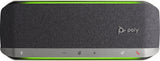
Poly Sync 40 Standard - 216874-01 - Headset AdvisorPoly Sync 40 Wireless Speakerphone - 772C4AA
Poly Poly Sync 40 Wireless Speakerphone - 772C4AA
Sale price$244.14 Regular price$314.95
No reviews
In Stock
Choose options
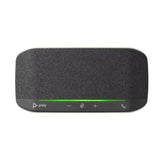
Poly Sync 10 Personal USB Speakerphone - Headset AdvisorPoly Sync 10 Personal USB Speakerphone - 772C3AA
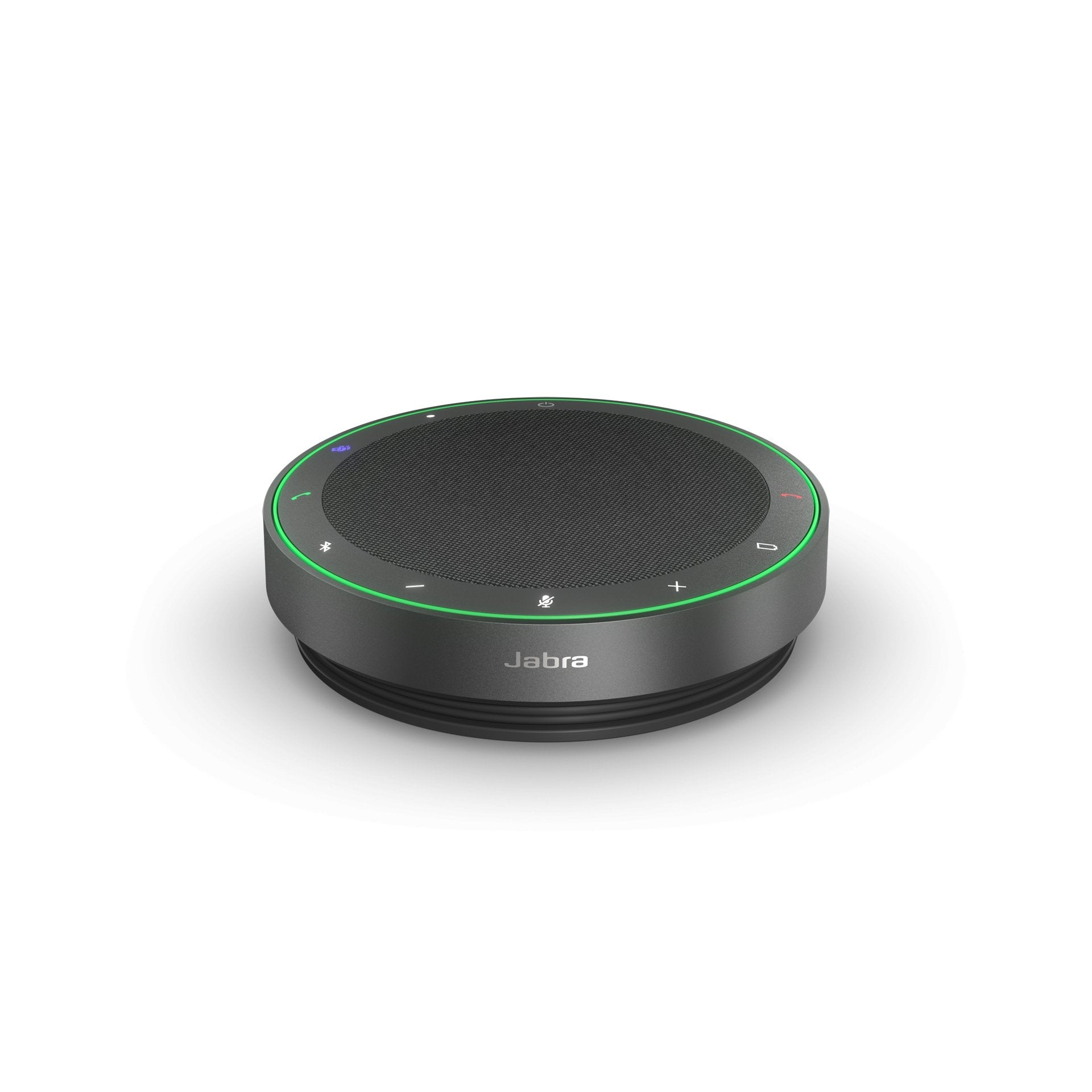
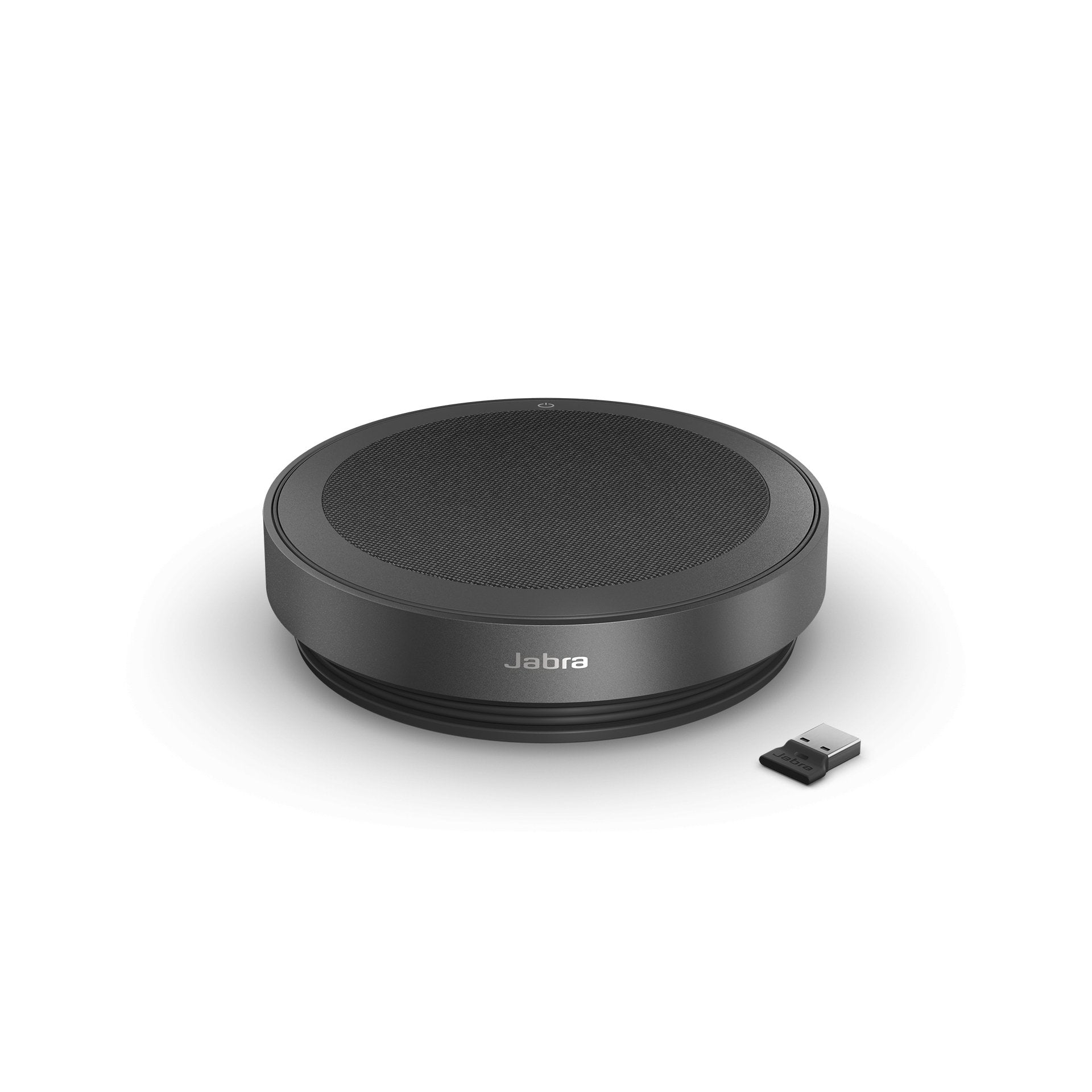
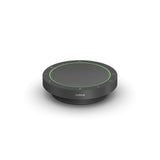
Jabra Speak2 75 Wireless Bluetooth Speakerphone for Hybrid Work - Headset AdvisorJabra Speak2 75 Wireless Bluetooth Speakerphone for Hybrid Work - Headset Advisor
Jabra Jabra Speak2 75 Wireless Bluetooth Speakerphone for Hybrid Work
Sale priceFrom $334.00Save $146.00 Regular price$480.00
No reviews
In Stock
Choose options
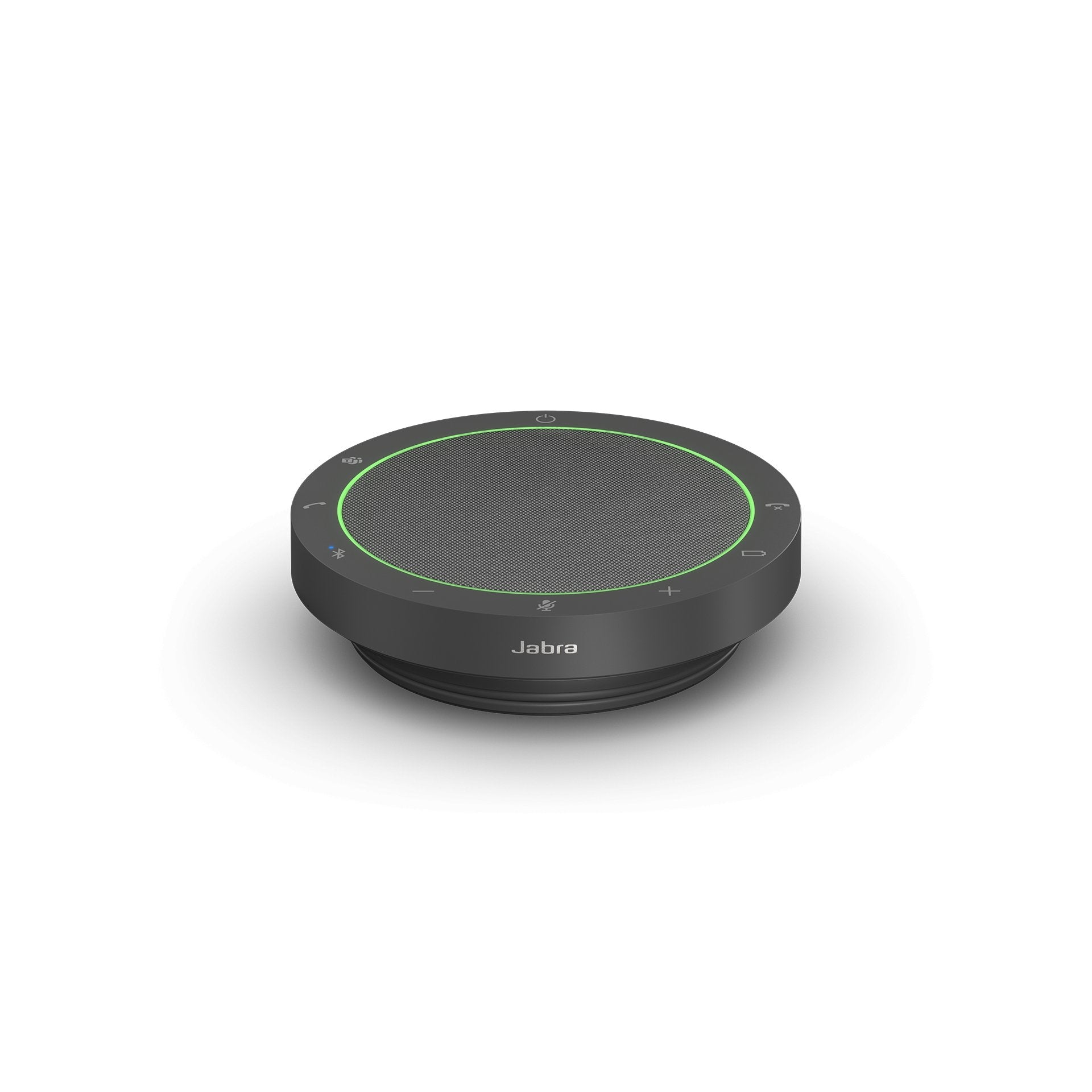
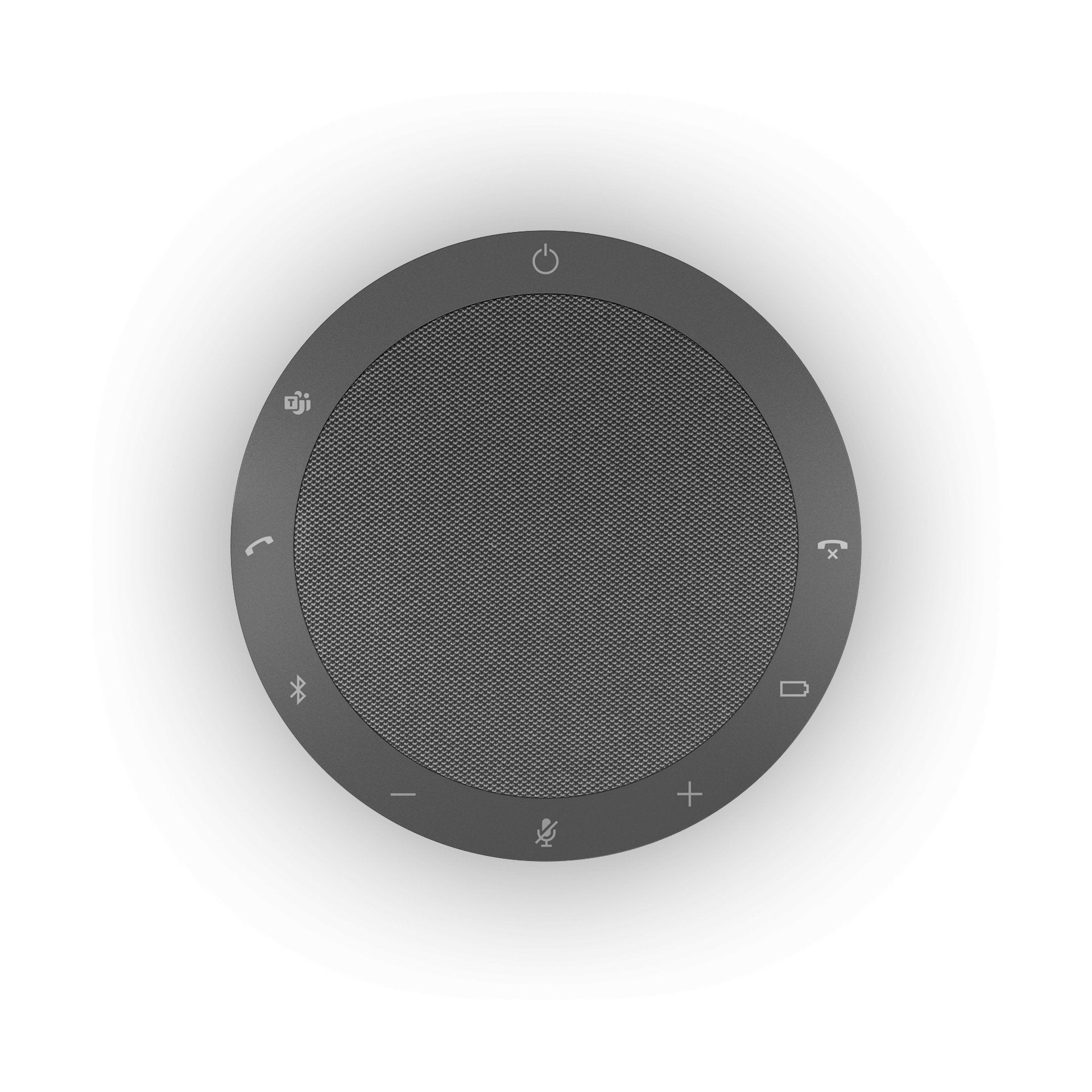
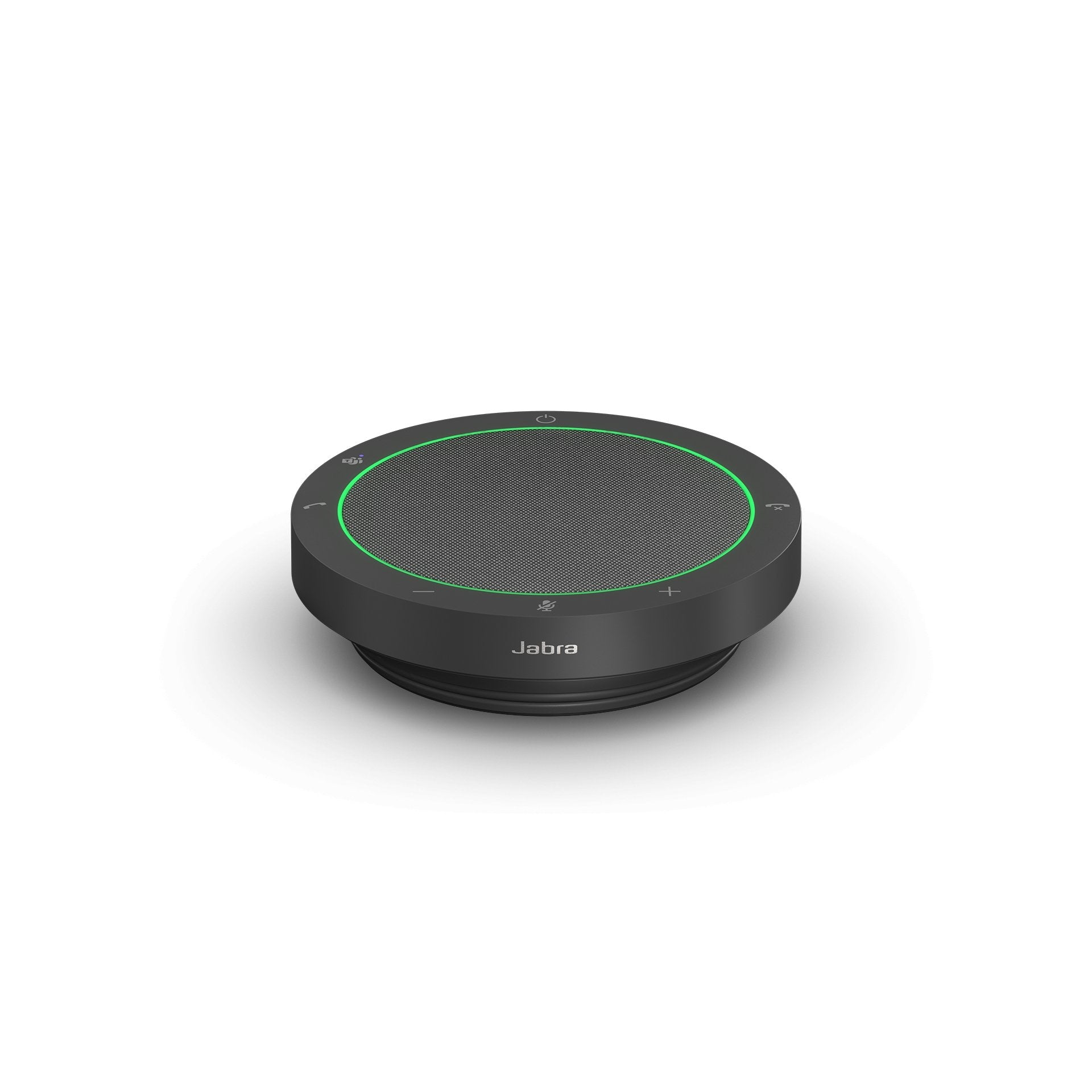
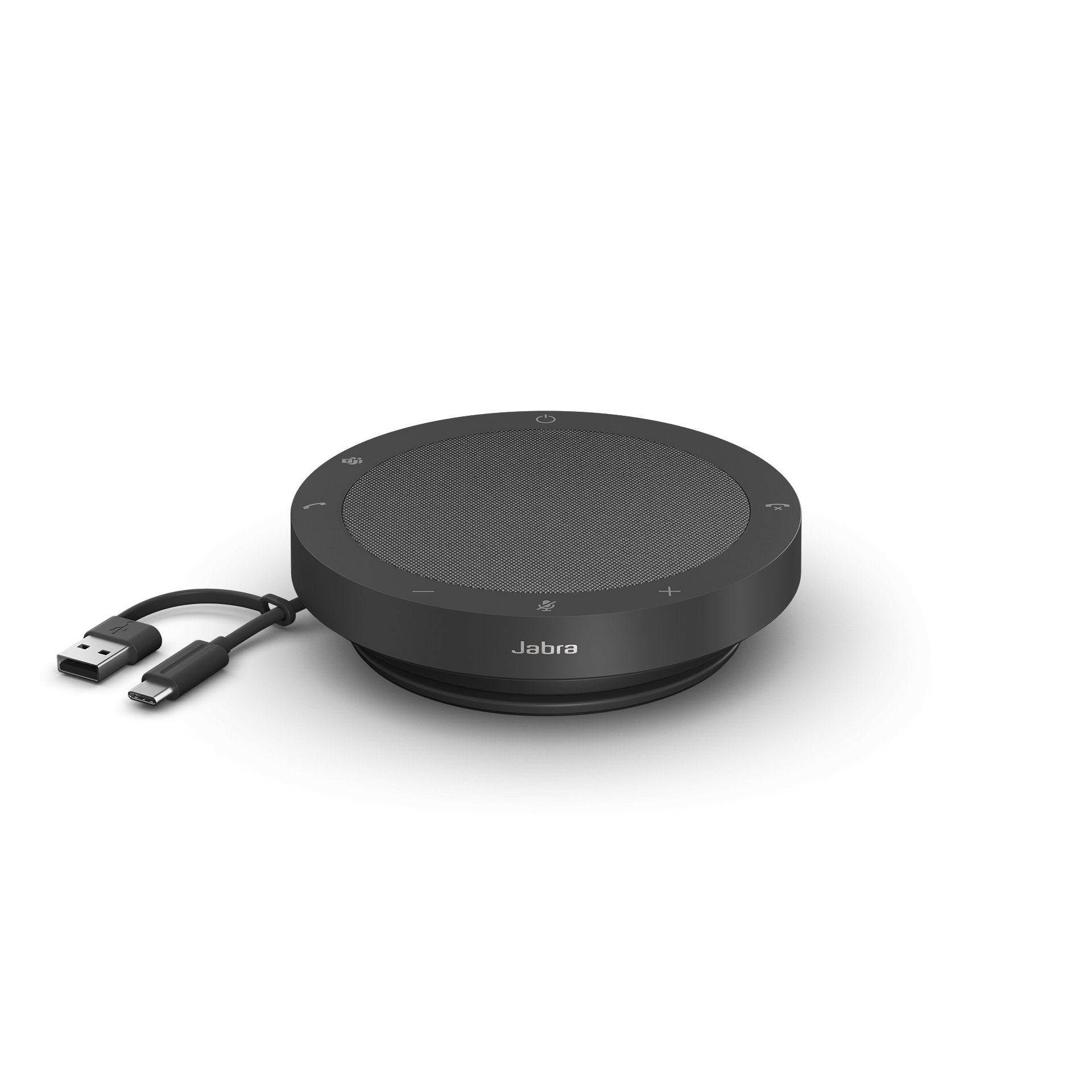
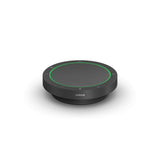
Jabra Speak2 40 Wireless Bluetooth Speakerphone for Hybrid Work - Headset AdvisorJabra Speak2 40 Wireless Bluetooth Speakerphone for Hybrid Work - Headset Advisor
Jabra Jabra Speak2 40 Wired Speakerphone for Hybrid Work
Sale price$177.00 Regular price$254.00
No reviews
In Stock
Choose options
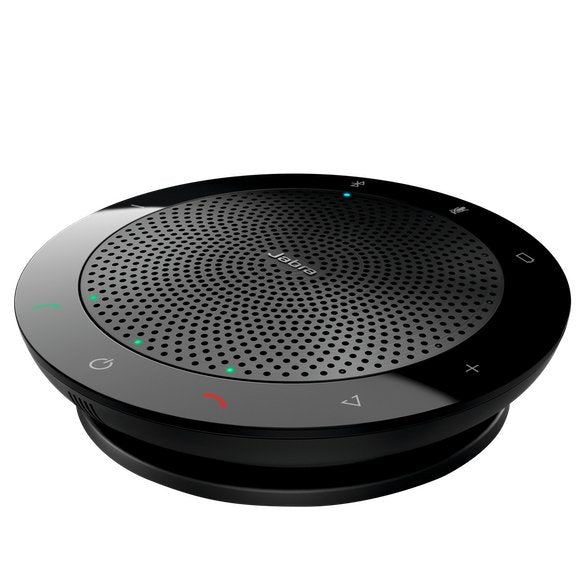
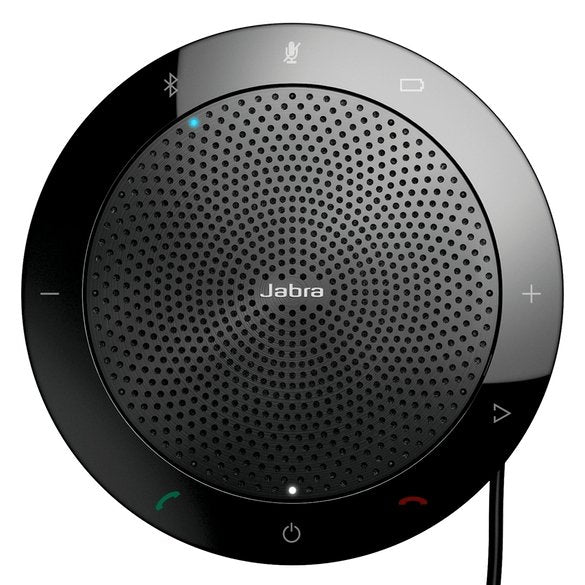
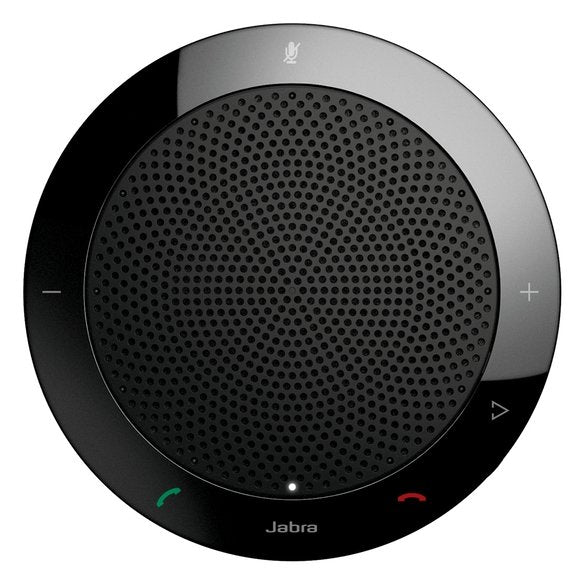
Jabra Speak 510 Portable USB and Bluetooth Speakerphone - Headset AdvisorJabra Speak 510 Portable USB and Bluetooth Speakerphone - Headset Advisor
Jabra Jabra Speak 510 Portable USB and Bluetooth Speakerphone
Sale priceFrom $120.00Save $52.00 Regular price$172.00
No reviews
In Stock
Choose options
EPOS Expand SP30 Wireless Bluetooth Speakerphone - Headset Advisor
EPOS Expand 80 Bluetooth Speakerphone - Headset AdvisorEPOS Expand 80 Bluetooth Speakerphone - Headset Advisor
EPOS EPOS Expand 80 Bluetooth Speakerphone
Sale price$566.75
No reviews
Only 9 units left
Choose options
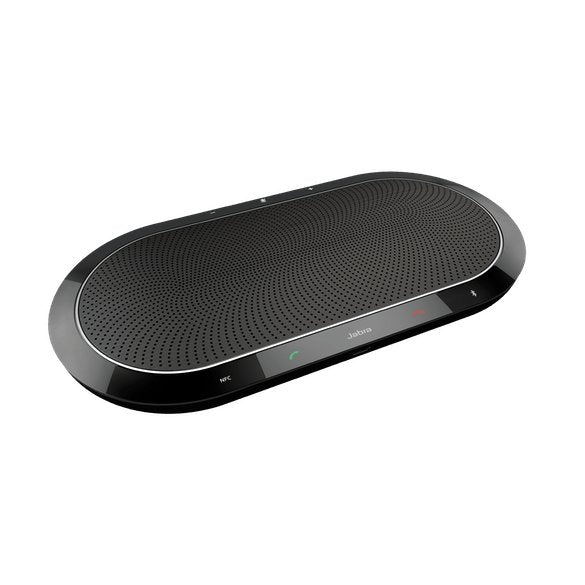
Jabra Speak 810 | 7810-209 - Headset AdvisorJabra Speak 810 | 7810-209 - Headset Advisor
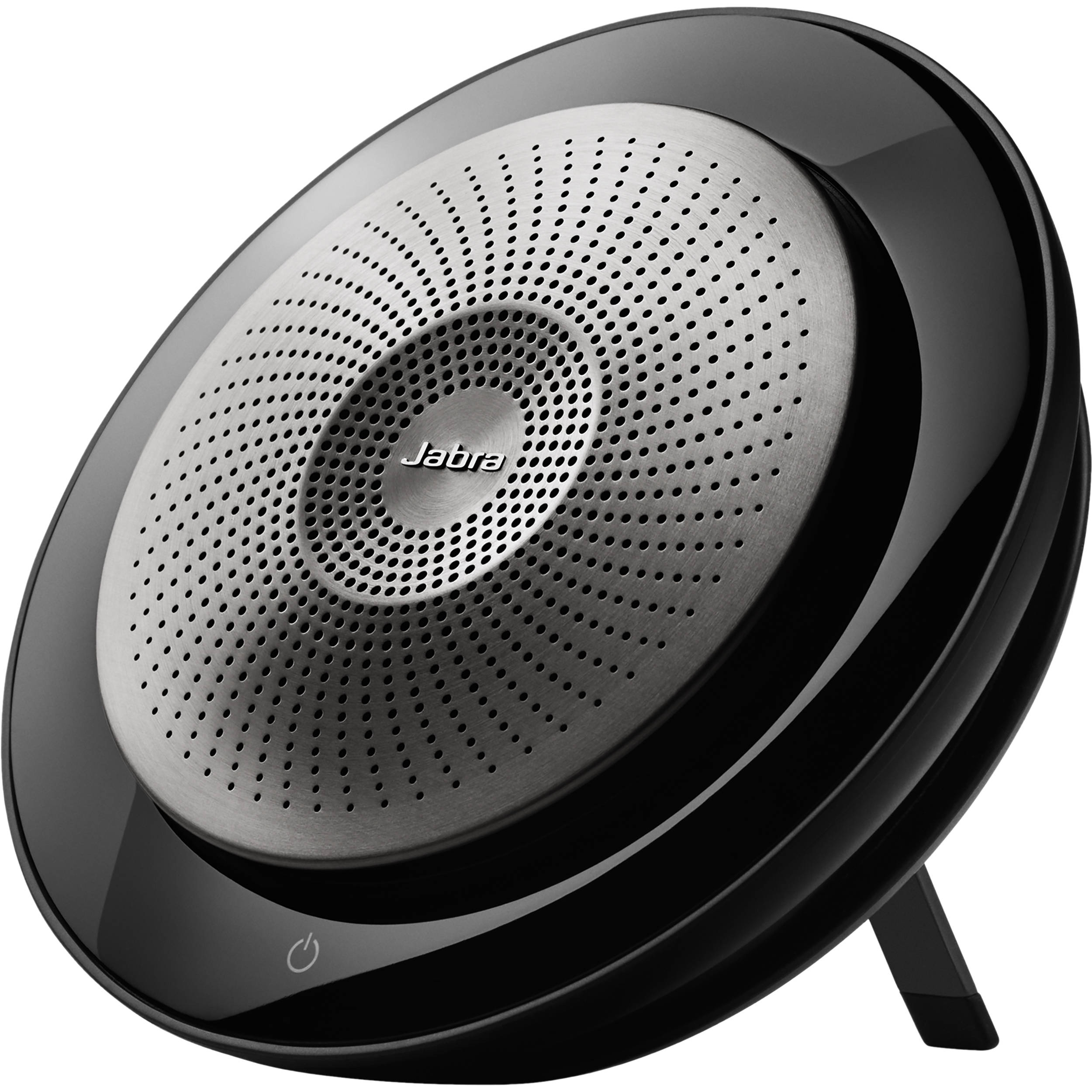
Jabra Speak 750 USB/Bluetooth Speakerphone - Headset AdvisorJabra Speak 750 USB/Bluetooth Speakerphone
Jabra Jabra Speak 750 USB/Bluetooth Speakerphone
Sale price$342.00 Regular price$475.00
No reviews
Sold out
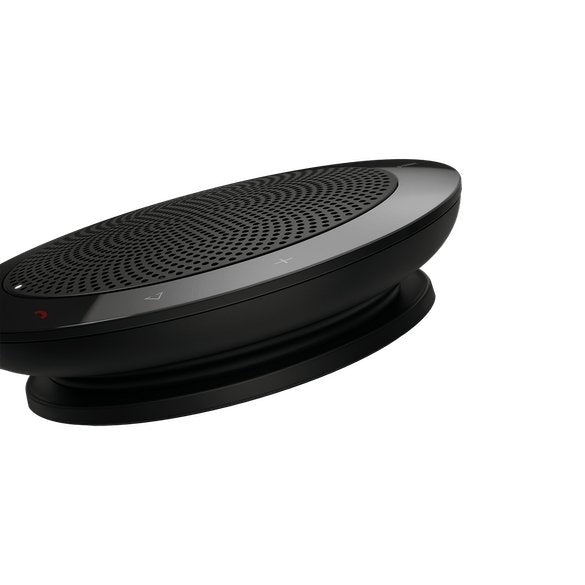
Jabra Speak 710 Bluetooth Speakerphone - Headset AdvisorJabra Speak 710 Bluetooth Speakerphone - Headset Advisor
Jabra Speak 410 USB Speakerphone - Headset AdvisorJabra Speak 410 USB Speakerphone - Headset Advisor

Our tests

Three we'd buy, from our reviews and mic tests.

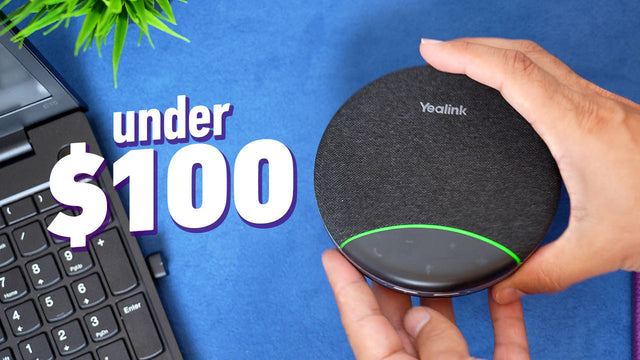
  • Yealink SP92 Portable

    Our verdict: When you take everything into account, such as microphone quality, speaker sound, replaceable USB cable, included USB adapter, and price, the Yealink SP92 comes out on top in this side-by-side comparison.

    Read our review →

    $99.99

  • Poly Sync 60

    Our verdict: Anyone who’s in need of a Speaker Phone for their Zoom, Teams, Meet, RingCentral calls etc. will find the new Poly Sync 60 a willing and capable partner.

    Read our review →

    $487.54

  • Jabra Speak2 55

    Our verdict: But if you work in a private office, or in a reasonably quiet environment, any of the Speak2 models should work fine for you.

    Read our review →

    $198.00

Compare our top picks

HeadsetTypeConnects toTeams, Zoom or UCBatteryRoom size and mic pickupPrice
Yealink SP92 PortableYealink SP92 Portable Portable speakerphone for a personal desk or small teamComputer via the included USB dongle or USB-C cable; mobile via BluetoothWorks with Teams, Zoom, RingCentral and other UC appsUp to 20 hrs talk timePersonal desk or a small team$99.99ViewReview
Jabra Speak2 55Jabra Speak2 55 Portable personal speakerphoneComputer via USB-A or USB-C cable; mobile via Bluetooth (no USB dongle)Teams or UC version; certified for Teams, Google Meet and ZoomUp to 12 hrs talk timeMic pickup up to 7.5 ft$198.00ViewReview
Jabra Speak2 40Jabra Speak2 40 Wired personal speakerphoneComputer only, via USB-A or USB-C cableTeams or UC version; works with Teams and leading video appsWired, no batteryMic pickup up to 7.5 ft$177.00ViewReview
Poly Sync 10 PersonalPoly Sync 10 Personal Wired personal speakerphoneComputer via USB-A cable (USB-C adapter included)Works with Zoom, Teams, RingCentral and other UC appsWired, no batteryMic pickup up to 5 ft$148.45ViewReview
Poly Sync 40Poly Sync 40 Small room speakerphone, links a second Sync 40Computer via USB-A/USB-C cable; mobile via BluetoothZoom certified; works with Teams, Google Meet and other UC appsUp to 30 hrs talk timeRooms up to 16 x 16 ft; mic pickup up to 8 ftFrom $244.14ViewReview
Poly Sync 60Poly Sync 60 Conference room speakerphone, links a second Sync 60Computer via USB-A or USB-C cable; mobile via BluetoothWorks with Zoom, Teams, Google Meet and RingCentralNo battery; runs on AC powerRooms up to 20 x 20 ft; mic pickup up to 10 ft$487.54ViewReview

Battery and range are the manufacturer's ratings. Mic recordings are from our own tests.

Start with the room: your desk, a small team or a conference room

The first question is how many people will sit around the speakerphone. Personal speakerphones are made for one person at a desk. Portable models handle a few coworkers around one laptop. Conference room models add microphones and speaker power so the whole table can hear and be heard.

A personal desk or home office

If you take calls alone at a computer, a wired USB speakerphone is the simplest choice: plug it in and there is no battery to charge. The Jabra Speak2 40 and the Poly Sync 10 both work this way. In our Poly Sync 10 review we describe it as a personal speakerphone "designed to be used with a computer as it's wired". If you also take calls on your mobile, choose a model with Bluetooth, such as the Jabra Speak2 55 or the Yealink SP92.

A small team at a desk or in a huddle space

Portable speakerphones also work when a few coworkers join one call. Our Yealink SP92 review says it "can serve as the audio hub for group collaboration" when you collaborate with a few coworkers, and suggests a larger or expandable model for groups above four. The Poly Sync 40 is rated for rooms up to about 16 by 16 feet, and in our Poly Sync 40 review it worked well with up to about 5 people.

A conference room

For a meeting room, look for more microphones, a longer pickup range and the option to add a second unit. The Poly Sync 60 has six microphones and a rated pickup range of 10 feet, and it is made for rooms up to 20 by 20 feet. You can link a second Sync 60 for a bigger table; our guide to syncing two Sync 60s shows how. The EPOS Expand 80T is another conference room model, and the EXPAND 80 expansion microphone is listed as an accessory for the series. If the room also needs a camera, browse our video conferencing gear.

How it connects: USB cable, USB dongle or Bluetooth

Every speakerphone in our compare table connects to a computer by USB, and most also pair with a mobile phone by Bluetooth. The real difference is how each one reaches the computer when you don't want a cable.

  • USB cable only: the Jabra Speak2 40 and the Poly Sync 10 plug into the computer and don't pair with a phone.
  • USB cable plus Bluetooth: the Jabra Speak2 55 uses its cable for the computer and Bluetooth for your mobile. As our review puts it, "There's no USB Adapter available for the Speak2 55".
  • USB dongle included: the Yealink SP92 comes with a USB dongle that is pre-paired, so it can reach the computer without a cable.

Why a dongle matters: in our Jabra Speak2 review we list a more stable wireless connection, better sound, longer range and call control from the device in apps such as Teams as the benefits of the USB adapter. "Actions like these aren't available to you if you're connecting via Bluetooth." Range ratings come from open field tests, so our rule of thumb from the Jabra Speak 750 review is to plan on about half of the stated range in a real office.

Teams and Zoom: certified, Teams version or UC version

Certified vs compatible

Our reviews and listings say the speakerphones we picked work with Teams, Zoom and other UC apps. Certification is a step further. As our guide to Zoom compatible vs Zoom certified devices explains, certified devices "have been specifically tested and certified by Zoom to work optimally with the platform." Microsoft certifies devices for Teams too. Here is what our listings say:

  • Jabra Speak2 55: certified for Microsoft Teams, Google Meet and Zoom, and sold in a Teams version and a UC version.
  • Poly Sync 40: Zoom certified.
  • EPOS Expand 80T: the Microsoft Teams certified version of the Expand 80.
  • Yealink SP92, Poly Sync 10 and Poly Sync 60: described as working with Teams, Zoom and other UC apps, with no certification claim.

Teams version or UC version?

Jabra sells the Speak2 in a Microsoft Teams version and a UC version. The advice in our Speak2 review: if Teams is your main platform, choose the Teams version; if you also use RingCentral, Dialpad, Zoom or other apps, choose UC. The UC version still works in Teams, but "you won't have the device controls for use within MS Teams". Our article on Microsoft Teams vs UC versions explains the same choice for headsets. Buying for the person rather than the room? See our Microsoft Teams headsets and Zoom headsets.
Background noise: what our tests found

A speakerphone listens to the whole room, so a quiet room suits it. We test speakerphones against barking dogs and crying babies, and here is what we heard:

  • In our Yealink SP92 vs Poly Sync 20 vs Jabra Speak2 55 test, the Sync 20 and the Speak2 55 "didn't remove the background noise." The SP92 removed it once the talker stopped, but noise could still be heard while someone was speaking.
  • In our Speak2 review, the noise "could be easily heard" on the Speak2 40, 55 and 75. Our verdict: "But if you work in a private office, or in a reasonably quiet environment, any of the Speak2 models should work fine for you."
  • On the Poly Sync 10, background noise "could be heard pretty clearly", so we see it as a fit for rooms without a lot of noise.

If your space is noisy, or you are the only person on the call, a headset with a noise cancelling mic is the better tool. Our article on headset vs speakerphone vs microphone explains why: devices like these are "not optimized to isolate your voice, and remove background noise." Compare our noise cancelling headsets for work and our work from home headsets.
Sound features worth checking

  • Full duplex: both sides can talk at the same time, so nobody gets cut off mid-sentence. Every model we picked has it.
  • Mic pickup range: the rated distance a speakerphone hears you from. Poly Sync 10, 5 feet; Jabra Speak2 40 and 55, 7.5 feet; Poly Sync 40, 8 feet; Poly Sync 60, 10 feet.
  • Voice level normalization: on the Speak2, it adjusts the mic gain so a soft spoken person and a louder one are both heard at a normal level.

Laptop speakers and mics are the thing you are replacing. In our Speak2 review we point out that most laptops give you no noise reduction, no echo cancellation, no full duplex audio and very limited microphone range.

Battery or plug-in power

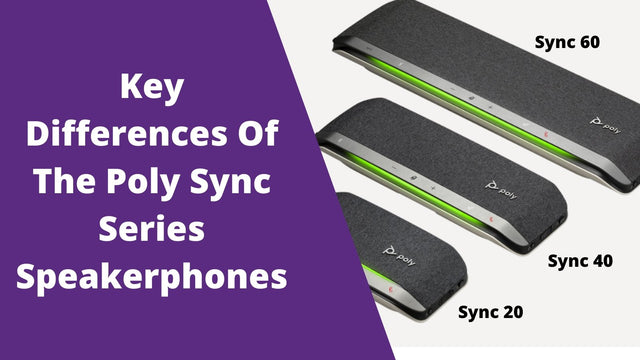
For a speakerphone you carry between rooms or between home and the office, battery life matters. The Yealink SP92 gives up to 20 hours of talk time, the Jabra Speak2 55 up to 12 hours and the Poly Sync 40 up to 30 hours. The Sync 40 also has a built-in power bank that can recharge your phone. The Poly Sync 60 runs on AC power and has two USB ports for charging phones. The Jabra Speak2 40 and the Poly Sync 10 run from their USB cable, with no battery at all. For more on the Poly range, see our Poly Sync 20, Sync 40 and Sync 60 comparison.

Buying for a team or several rooms

Outfitting several meeting rooms or a whole team? Get a team quote for a volume price. We take purchase orders, tax-exempt orders and payment terms for enterprise, government, education and healthcare teams. If your people also need headsets, the Managed Headset Program covers teams of 10 or more, with headsets from $4 to $20 per user per month.
Still not sure?

Tell us the room size, how many people join and which apps you use, and we will point you to a model. Talk to an Advisor: you will reach a real headset advisor, not a phone tree. For more models side by side, read our guide to conference phones for working at home.

Frequently asked questions

Which speakerphones work with Microsoft Teams and Zoom?

Our picks work with both: our listings and reviews name Teams and Zoom for the Yealink SP92, Jabra Speak2 55 and Poly Sync 60. Some models are certified. Our listings show the Speak2 55 as certified for Microsoft Teams, Google Meet and Zoom, the Poly Sync 40 as Zoom certified, and the EPOS Expand 80T as the Teams certified version of the Expand 80. If Teams is your main app, choose a Teams version where one is offered. Learn more about Zoom compatible vs certified devices.

Which speakerphone suits a small meeting room?

Match the speakerphone to the room. The Poly Sync 40 is rated for rooms up to about 16 by 16 feet, and in our review it worked well with up to about 5 people. For rooms up to 20 by 20 feet, the Poly Sync 60 has six microphones and a 10 foot pickup range, and you can link a second unit. A portable model such as the Yealink SP92 suits a few people around one laptop. Read our Poly Sync 40 review.

What speakerphone should I get for a home office?

For one person at a computer, a wired USB model such as the Jabra Speak2 40 or the Poly Sync 10 is simple: no battery to charge and nothing to pair. If you also take calls on your mobile, choose one with Bluetooth, such as the Jabra Speak2 55 or the Yealink SP92. Home offices can be noisy, and in our tests most speakerphones let background noise such as barking dogs through, so a work from home headset can be the better choice for a busy house.

Should a speakerphone connect to my computer by USB or Bluetooth?

Use USB for the computer and Bluetooth for your mobile. If you want the computer connection to be wireless too, pick a model that comes with a USB dongle, such as the Yealink SP92. In our Jabra Speak2 review, the USB adapter gave a more stable connection, longer range and call control in apps such as Teams, which a direct Bluetooth connection to the computer does not. Wireless range ratings are open field figures, so plan on about half.

Can a speakerphone remove background noise?

Only partly, because a speakerphone listens to the whole room. In our test of the Yealink SP92, Poly Sync 20 and Jabra Speak2 55 with barking dogs and crying babies, only the SP92 removed the noise, and only once the talker stopped speaking. Our Speak2 and Poly Sync 10 reviews also found background noise could still be heard. In a noisy room, a headset with a noise cancelling mic is the better tool: see our noise cancelling headsets for work.
Can I connect two speakerphones for a bigger room?

Some models link a second unit. The Poly Sync 40 and the Poly Sync 60 each pair with a second unit of the same model; in our Sync 40 review that took the microphones from 3 to 6 and added a second loudspeaker. A Sync 40 would not pair with a Sync 60 when we tried. The Jabra Speak 750 also links a second unit, for up to 12 people. For larger rooms that need a camera too, browse our video conferencing gear.

What is the difference between a speakerphone and a conference phone?

A USB or Bluetooth speakerphone connects to your computer or mobile and joins calls through apps such as Teams and Zoom. A traditional conference phone connects to a phone line, so before you buy one you need to know whether your room has an analog, digital or VoIP line. If your meetings run on Teams, Zoom or another app, a USB or Bluetooth speakerphone is the type to look at. Our guide on setting up a conference phone at home explains the types.

Why buy from Headset Advisor

  • Free shipping over $50

    Free 3 to 5 day shipping on orders of $50 or more.

  • 30-day returns

    Return any product within 30 days.

  • Real headset advisors

    Not sure which headset fits your phone or computer? We will help you choose.

    Talk to an advisor →
  • Team and volume orders

    Volume quotes, purchase orders, tax-exempt orders and payment terms for enterprise, government, education and healthcare teams.

    Request a quote →
  • Managed Headset Program

    For teams of 10 or more: headsets from $4 to $20 per user per month, and replacements ship first.
    See the program →

Recently viewed