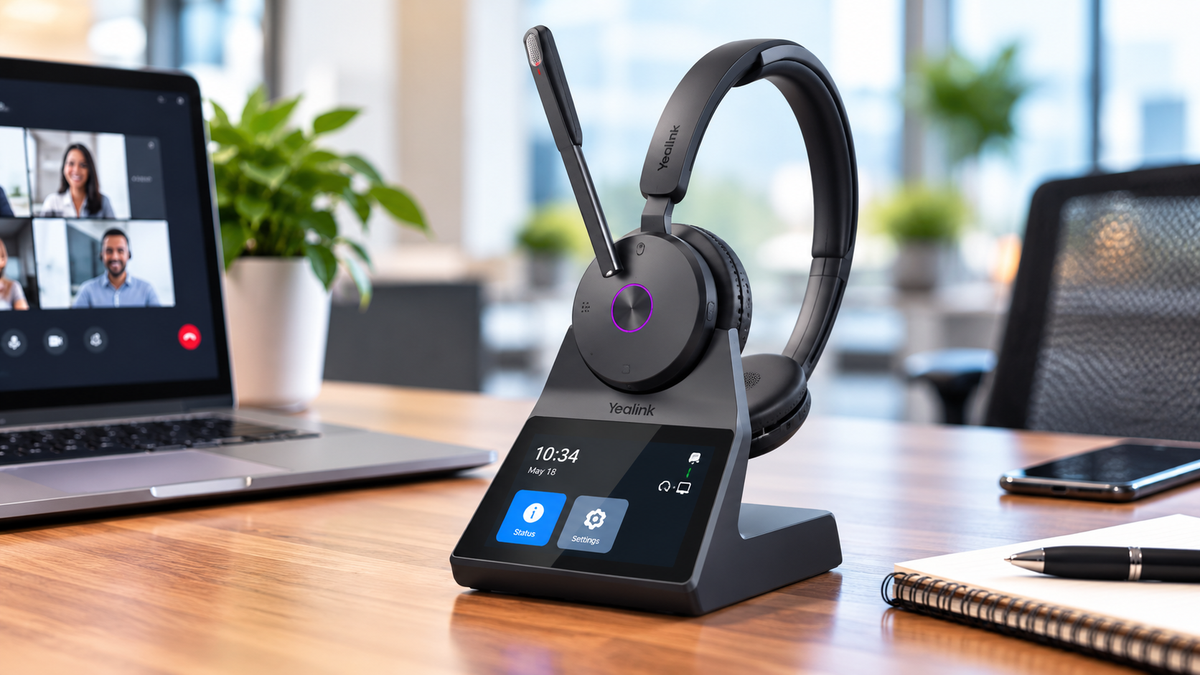
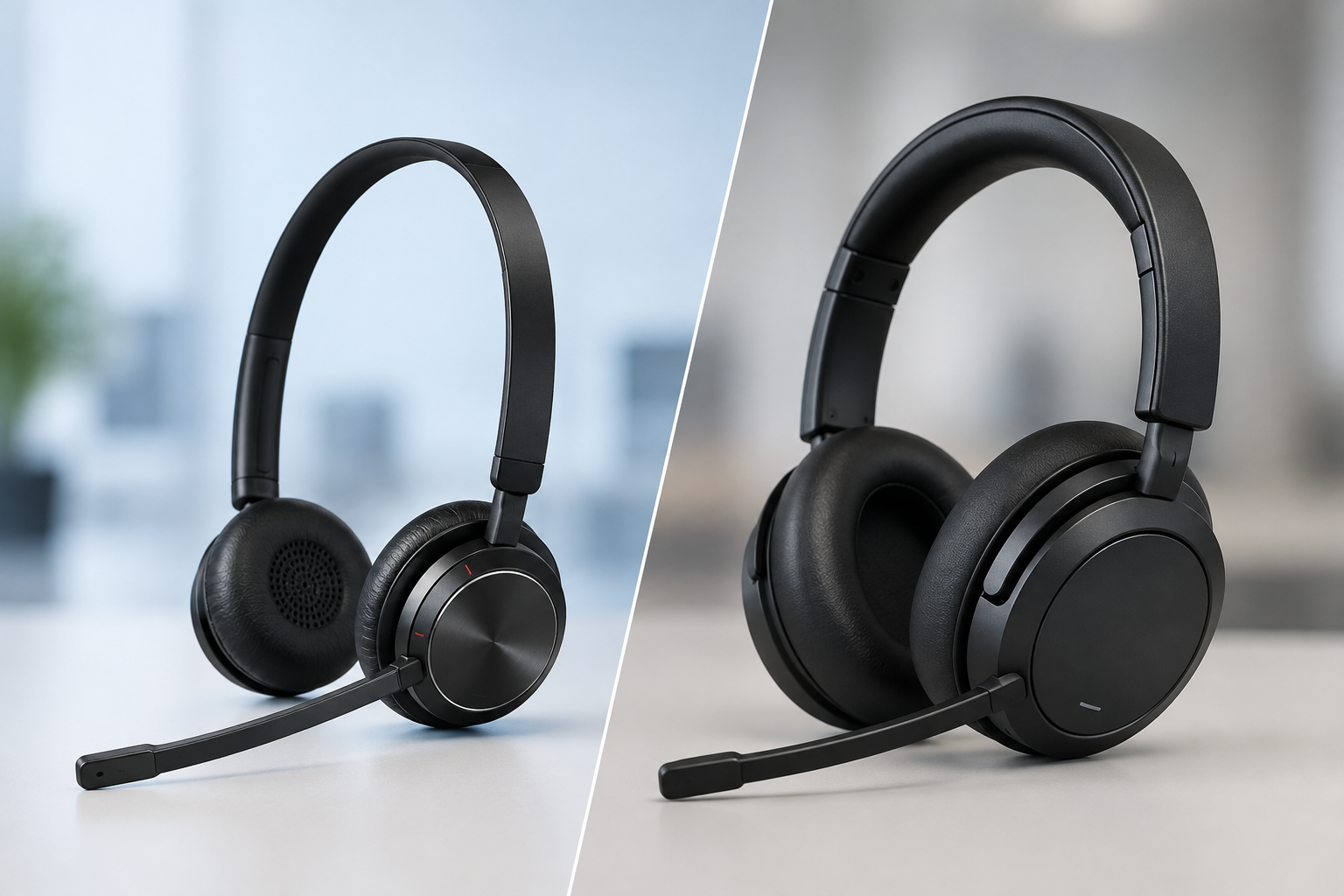
Do you want the best headset?
Being efficient and effective at your job, if that job involves voice or video meetings, can hinge on how professional you sound to your callers. Callers need to hear you clearly, and background noise shouldn’t get in the way of your message being heard and understood.
Even as important as professional communication is, many professionals hesitate to use a headset because of how it makes them look. They feel it makes them look unprofessional. Others simply don’t like wearing one for long periods, and some experience headaches. While these concerns are understandable, avoiding a headset often leads to compromises that negatively affect call quality.
If communication is a core part of your role, it’s worth taking a closer look at the device(s) you use and how they affect your productivity and perception.
Why Some Professionals Avoid Headsets

Some people prefer not to wear headsets at all, especially on video calls. The reasons tend to be more about perception than performance. And if you’re one of those people, you know what I’m talking about. Many feel it makes them look like they’re that person who’s taking orders at the local fast food drive thru. Not the ideal image in their way of thinking. And to a degree, I can fully understand and appreciate that. But there are trade-offs, not to mention that there are newer, more modern headset designs available today that make you look less like taking an order, and more like a top recording artist.
Common Views About Wearing A Headset Include:
-
Feeling that headsets look too casual or “call center” focused, or even fast food drive thru styled
-
Wanting a cleaner, more natural appearance on camera
-
Discomfort from wearing a headset for short, or long periods
-
Preference for using built-in devices they already have, or something more discreet looking
While these points are valid from a comfort and visual standpoint, they often lead to choosing audio solutions that are not designed for clear, professional communication, which can have a negative impact on performance and productivity.
What Are The Alternatives To Using A Headset?

If you decide not to use a headset, there are several other audio options available. These are commonly used across both office and remote environments.
Typical alternatives include:
-
Portable group or personal conference phones
-
Webcams with built-in microphones
-
Laptop or computer speakers and internal microphones
-
Dedicated podcast-style microphones
-
Earbuds
At first glance, these options seem like perfectly good substitutes. In controlled environments, some of them may deliver decent sound quality, and may even be passable. However, most business environments are far from controlled, and when that’s the case, passable is not the sound quality you’ll have which is far from ideal.
The Real Problem With These Alternatives
The biggest limitation of these devices is that they are not optimized to isolate your voice, and remove background noise. Instead, they capture a wide range of sound from your surroundings which can be very distracting to your callers, causing them to miss important points, and even form a less than perfect impression of you, and your company.
Watch our Youtube video below where Drew discusses the drawbacks of using these devices for business communications, and he puts them up against some noise so you can hear how they perform. This sound test helps to illustrate what I’m talking about.
Devices like these can cause several common issues that can be costly:
-
Background conversations being picked up during calls
-
Keyboard typing, mouse clicks, and desk noise bleeding into audio
-
Echo and room acoustics affecting how your voice sounds
-
Inconsistent audio levels depending on how far you are from the microphone
-
Reduced clarity compared to close-talk microphone designs
For example, in an open office environment, a webcam microphone may pick up multiple conversations happening nearby. At home, a built-in microphone can easily capture dogs barking, children talking, or general household noise.
Even high-end podcast microphones, while excellent for controlled recording environments, are often not ideal for live business calls unless paired with proper audio treatment and setup, which isn’t the configuration most people use.
Even the trusted Airpods aren’t good at removing background noise. So if you’re someone who loves your Airpods and are using them on your important business calls and meetings, you might want to reconsider that.
Why A Business-Grade Headset Stands Out

A professional headset is specifically designed for voice communication. Unlike general-purpose microphones, it positions the microphone close to your mouth and focuses on capturing your voice while minimizing everything else.
This design delivers several key advantages:
-
Consistent, high-quality voice audio
-
Strong background noise reduction
-
Minimal impact from room acoustics
-
Reliable performance in both quiet and noisy environments
This becomes especially important in real-world scenarios where background noise is unavoidable.
If you work in:
-
A shared office space
-
A home environment with kids or pets
-
Calls on-the-go: coffee shops, airports etc.
-
A busy or collaborative workspace
-
A role that requires frequent calls
Then a headset helps ensure your voice remains clear and professional no matter what’s happening around you. And for anyone who places value on professionalism, this is a huge advantage.
The Business Impact Of Poor Call Quality

Poor audio quality doesn’t just create minor annoyances, it can have a measurable impact on business performance.
When your audio isn’t clear:
-
Conversations take longer due to repetition
-
Important details can be missed or misunderstood
-
Customers may perceive a lack of professionalism
-
Employees experience more fatigue from straining to communicate
-
Overall productivity decreases
-
You, and/or your business image can take a hit
In customer-facing roles like sales or support, audio quality can directly influence outcomes. If a customer struggles to hear you, it affects trust and confidence in both you and your company.
Over time, these small issues can add up to larger operational inefficiencies and missed opportunities.
Enhancing Any Setup With AI Noise Canceling

While a quality headset provides a strong foundation, software can take your audio to the next level. So if you’re someone who simply will not, or cannot use a headset, then incorporating noise canceling software in tandem with your audio setup can make a meaningful difference.
neep AI noise canceling software works with virtually any audio device and enhances call quality for both sides of the conversation. Instead of relying solely on hardware, it uses advanced processing to remove background noise and improve voice clarity in real time. neep learns your voice, enhances it, and isolates it from other voices or competing background noise.
This means:
-
Your voice is clearer and more consistent
-
Background distractions are significantly reduced
-
The person on the other end also benefits from cleaner audio
One of the biggest advantages of neep is its flexibility. It works across different devices, making it ideal for businesses that use a mix of headsets, laptops, and other communication tools. Whether you’re using a professional headset or another setup, neep helps elevate the overall experience.
This is especially useful in hybrid work environments where audio conditions can vary from one call to the next.
To learn more about neep, or to arrange a free trial of neep, go to neep.com
Creating A More Professional Communication Experience
Improving call quality isn’t about choosing one tool, it’s about creating a complete solution that works in your environment.
The most effective approach includes:
-
Using a business-grade headset for consistent voice pickup
-
Reducing environmental noise where possible
-
Optimizing device and platform settings
-
Adding AI-powered noise canceling software for additional clarity
By combining these elements, businesses can ensure that every conversation sounds clear, professional, and distraction-free.
Final Thoughts
While it may be tempting to prioritize appearance or convenience over function, audio quality plays a major role in how communication is received. Alternatives to headsets may look cleaner on camera, but they often fall short where it matters most: clarity, consistency, and professionalism.
A business headset, combined with intelligent software, provides a reliable way to maintain high-quality communication in any environment.
Have Questions, Or Need A Tailored Recommendation?

If you’re looking to improve your call quality and create a more professional communication experience, contact Headset Advisor for a tailored communication solution based on your exact needs. We’ve been assisting businesses with their communication needs since 1994.