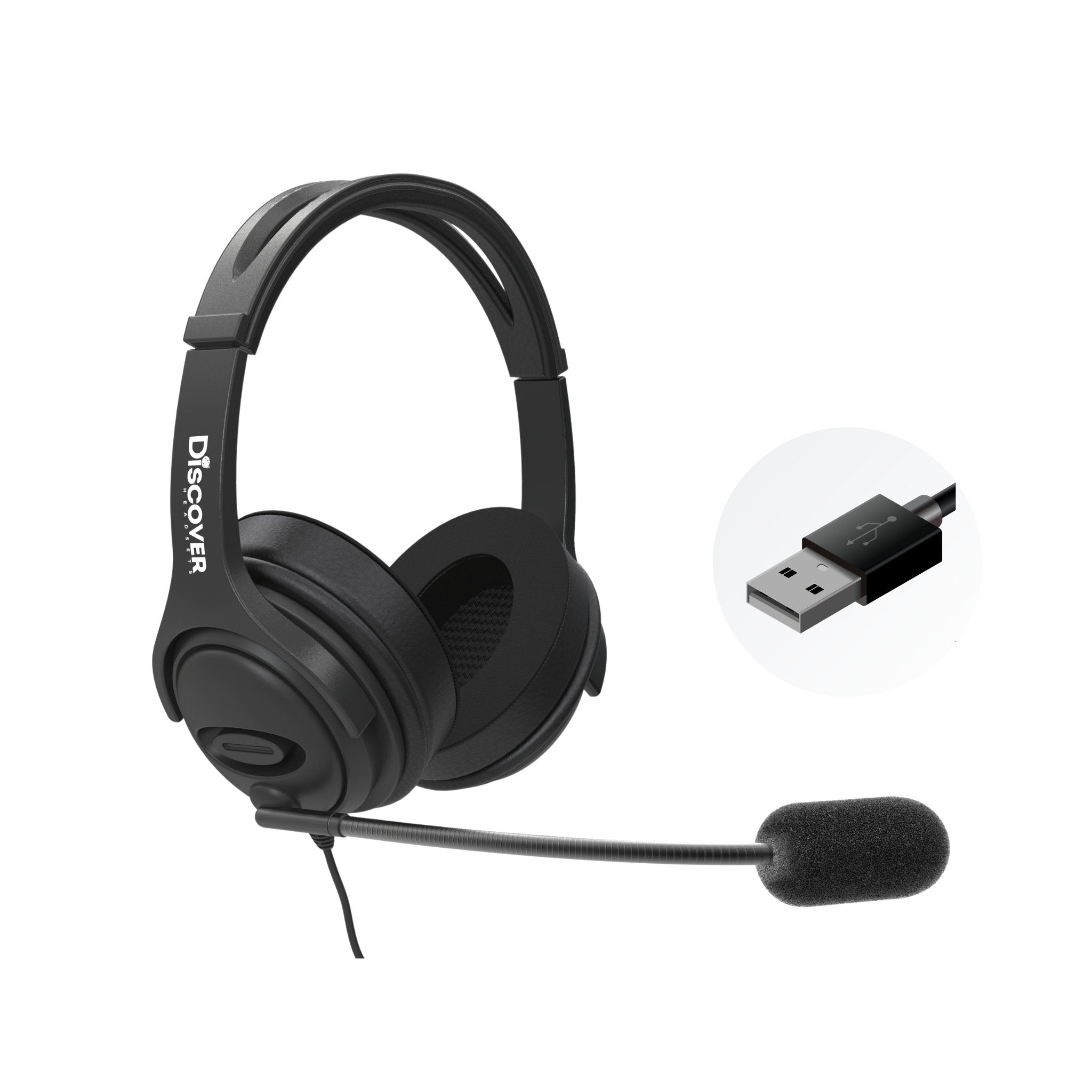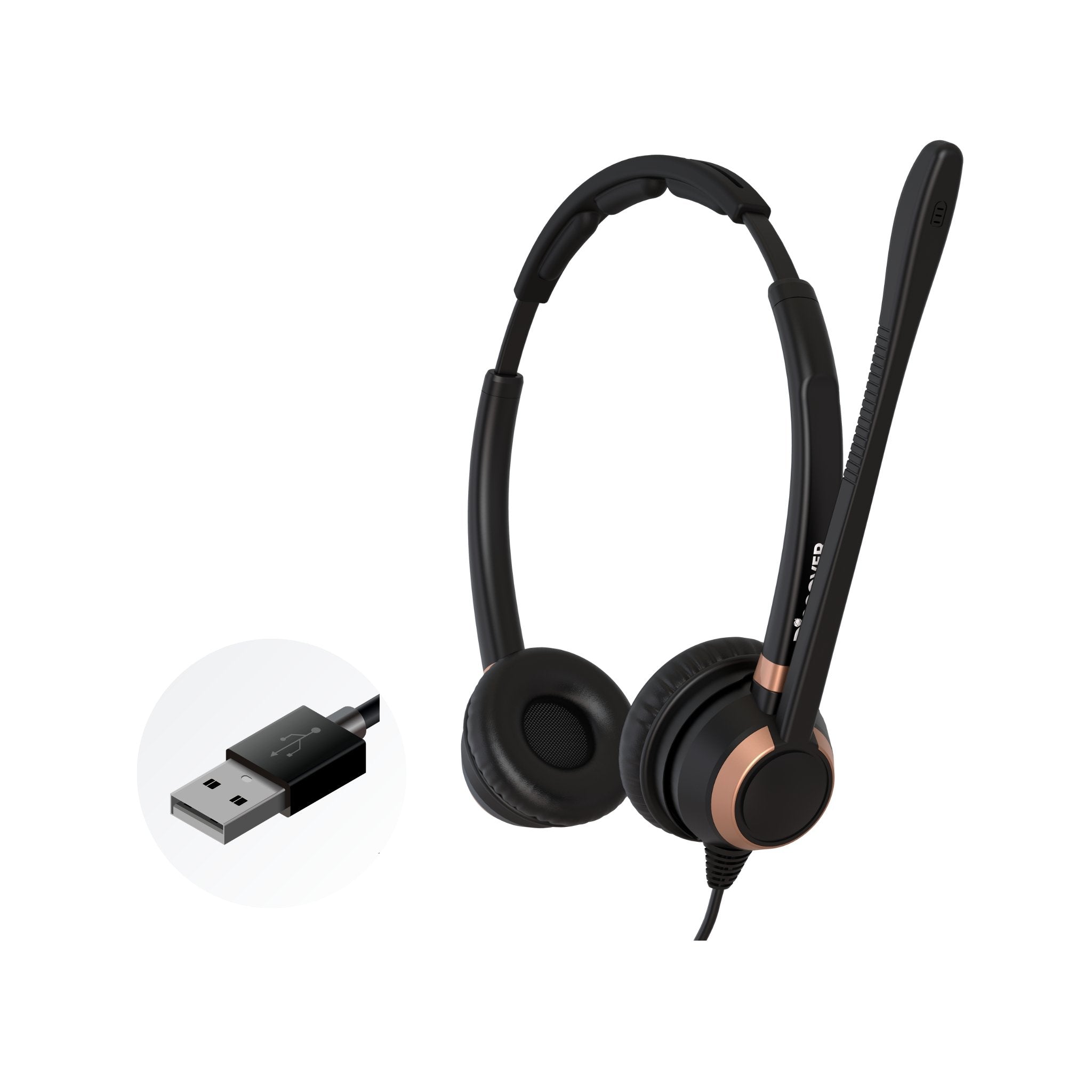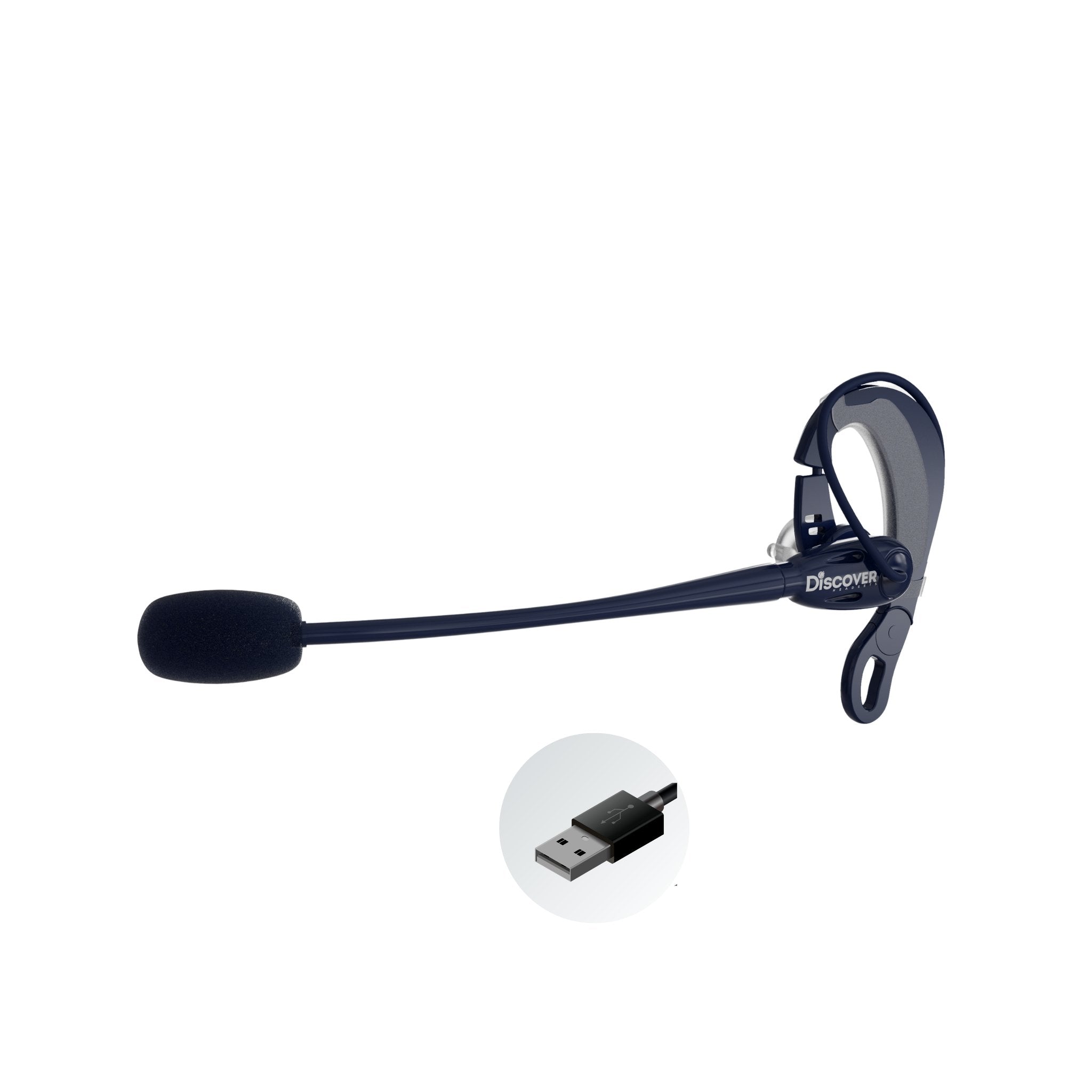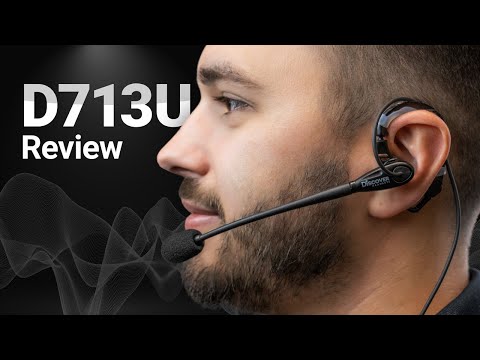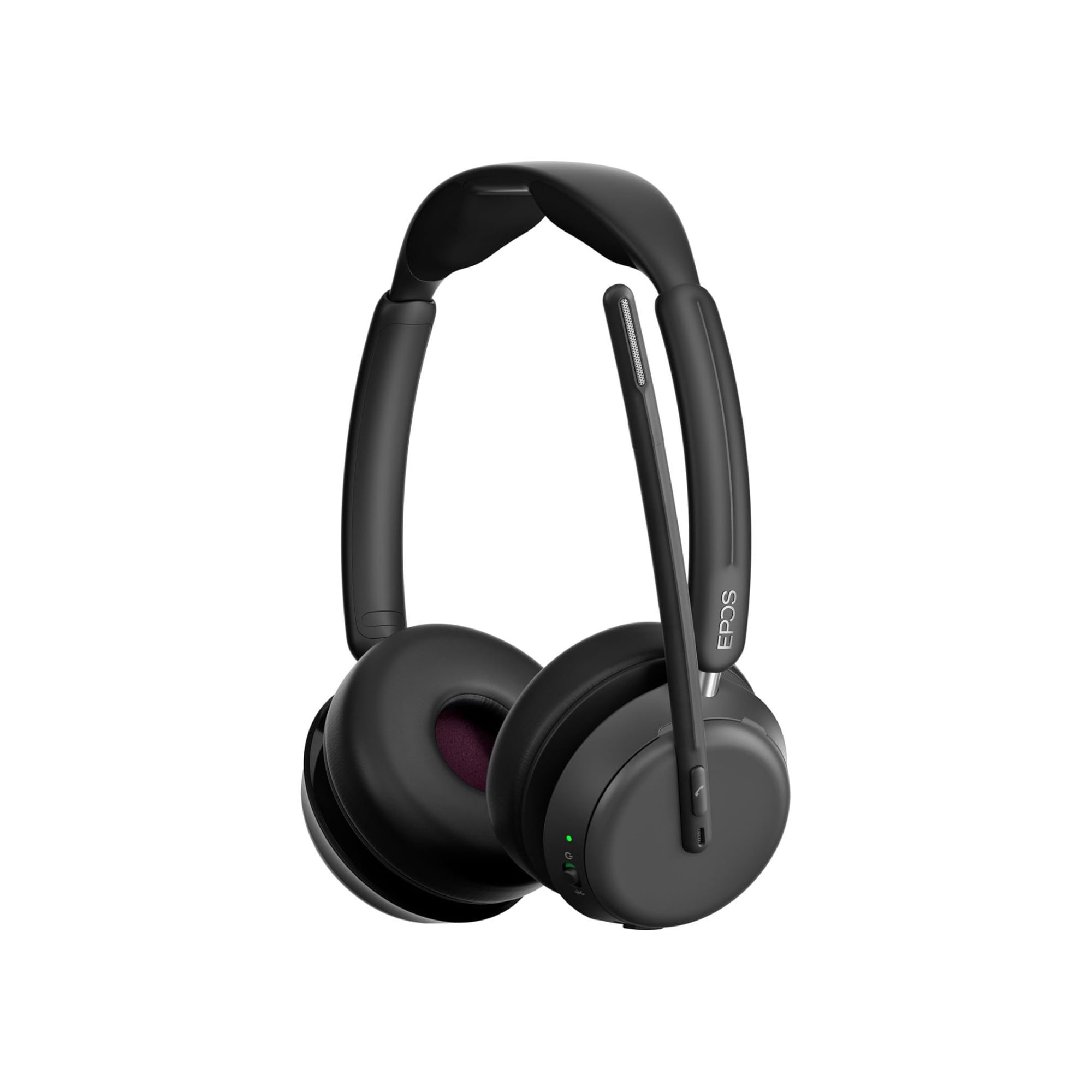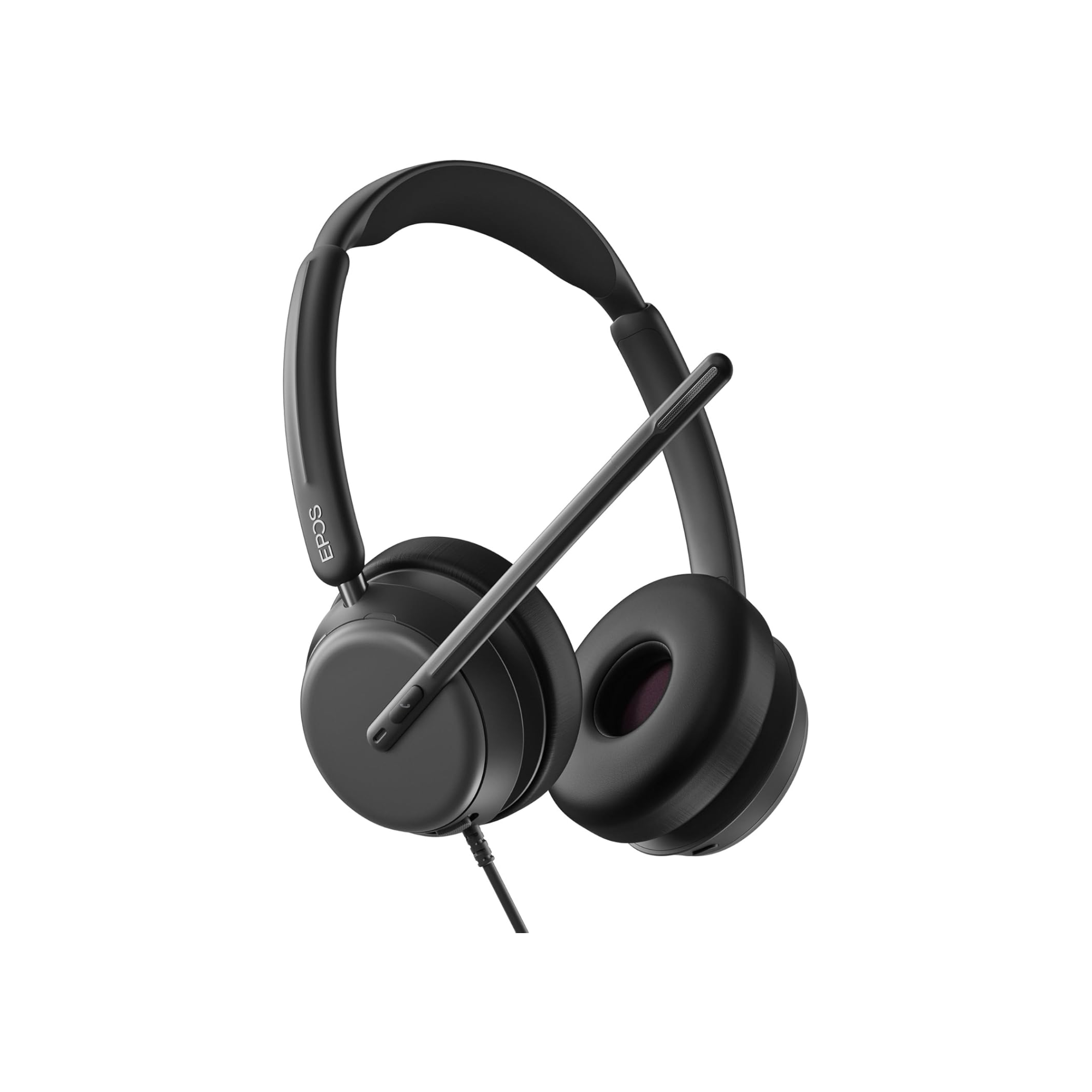
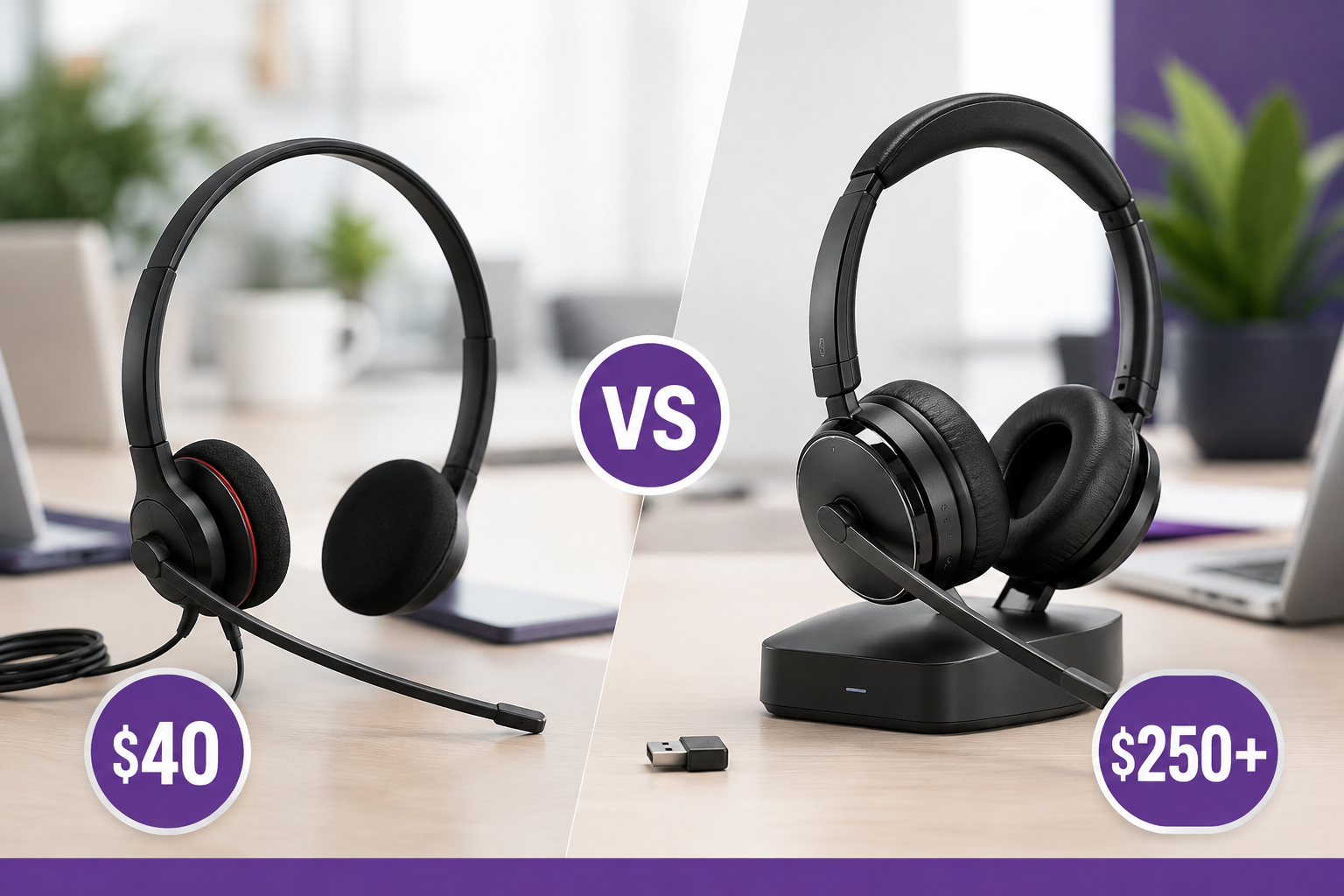
You can buy a basic business headset for around $40. At the other end of the spectrum, a premium business headset can easily cost $200, $250 or more.
They both have speakers. They both have microphones. They both allow you to make and receive calls from your computer.
So what are you actually getting for all that extra money?
And maybe the more important question is: do you even need it?

It's tempting to assume that a $250 headset must be five or six times better than a $40 headset. But that's not really how it works. In fact, depending on how and where you work, the inexpensive headset might give you everything you need, and be a perfect fit for your situation.
On the other hand, there are meaningful differences between entry-level and premium business headsets. Better components, microphone performance, comfort, durability, wireless technology, connectivity and additional features all cost money to design and build into a product.
The key is figuring out which of those differences actually matter to you.
When a $40 Business Headset May Be All You Need
Let's get something out of the way first: a $40 headset isn't automatically a bad headset, just because it’s, well, cheap.
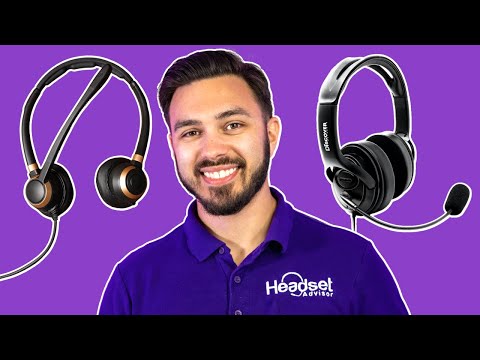
If you work in a quiet room, you're on a limited budget, and you primarily need something to keep your hands free while providing decent audio and a microphone, an entry-level headset may be perfectly adequate. That's also the point Drew makes in the video using the Jabra Evolve 20 as an example.
You may not need active noise cancellation. You may not need wireless mobility, multiple-device connectivity or advanced microphone noise reduction. And if you're only wearing your headset for occasional calls or meetings, premium comfort materials may not be particularly important either.
So why pay for features you aren't going to use?
Where people sometimes run into trouble is buying an entry-level headset and expecting it to solve problems it wasn't designed to solve.
That's where understanding the differences becomes important.
Microphone Performance Can Be One of the Biggest Differences

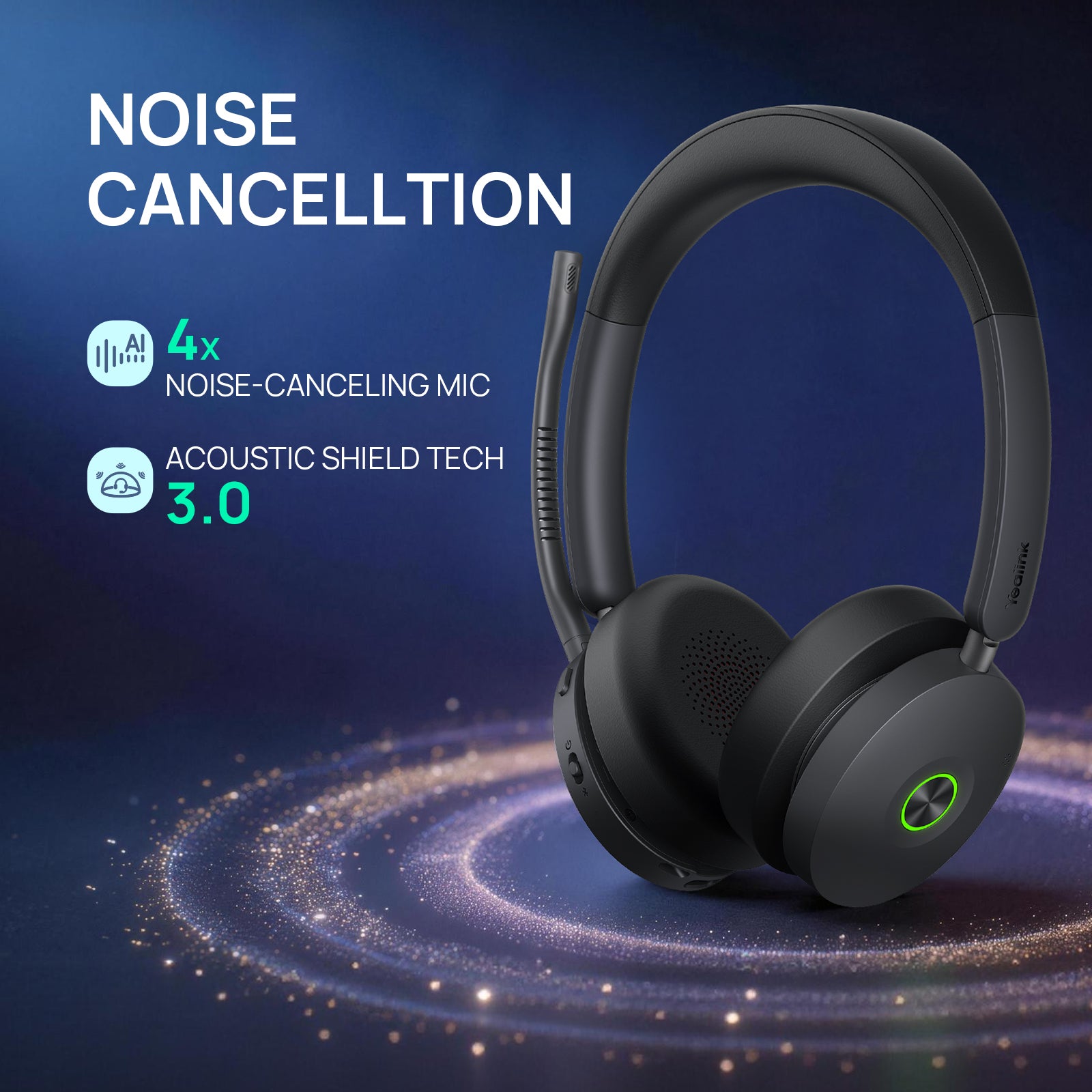
If you work around distracting background noise, microphone performance may be one of the best reasons to consider spending more.
A basic headset microphone may perform perfectly well in a quiet room. Introduce coworkers talking nearby, barking dogs, children, office noise or coffee-shop sounds, and things can change quickly.
In our video, you can actually hear the difference between the roughly $40 Jabra Evolve 20 and the EPOS IMPACT 1000 during a background-noise test. The IMPACT 860 uses the same microphone technology as the IMPACT 1000, which also gives you a lower-priced wired point of comparison.
This is an important distinction because microphone noise cancellation isn't primarily about what you hear. It's about what the person on the other end of the call hears.
If you work behind a closed door in a quiet office, having one of the best noise-canceling microphones available might make very little difference to you.
But if you're taking customer calls with conversations going on around you, callers hearing your voice clearly instead of your environment can become extremely important.
And buying another headset isn't necessarily the only solution.
If you already have an inexpensive headset that you like and microphone background noise is its main weakness, software such as neep can add another layer of microphone noise reduction to the audio device you're already using. Drew demonstrates that in the video with the Jabra Evolve 20.
That may make more sense than replacing an otherwise perfectly usable headset.
Does Spending More Get You Better Speaker Sound?
It can.
More expensive headsets will often use better speakers, components, acoustic designs and audio processing. That's part of what you're paying for, and depending on the models you're comparing, you may hear a noticeable improvement in overall audio quality.
This can become especially apparent if you're using your headset for more than calls. Music and other media can reveal differences in speaker quality that aren't as obvious during ordinary voice conversations.
But there's an important qualification.
If your primary use is Teams or Zoom meetings and regular business calls, a $40 headset can provide perfectly adequate speaker quality. As Drew points out, we wouldn't recommend spending five times as much simply because you expect your calls to suddenly sound five times better.
They won't.
So while better audio quality can certainly be one of the benefits of moving up to a better headset, we'd look at it as one part of the overall package, not necessarily the main reason to spend more.
Comfort Matters More the Longer You Wear Your Headset

Put two headsets on for five minutes and both may seem perfectly comfortable.
Wear them for five hours and you may have a very different opinion.
Comfort is one area where better materials and more thoughtful design can make a noticeable difference.
When a manufacturer is trying to hit a very low price point, costs have to be controlled somewhere. That can mean simpler ear cushions, less headband padding, less expensive materials or fewer refinements to the headset's overall fit and finish, and of course fewer features.
Higher-priced headsets may use better cushion materials, more padding and more sophisticated headband or earcup designs to distribute pressure more comfortably.
That doesn't guarantee a $250 headset will be more comfortable for you. Comfort is highly personal, and we've seen plenty of situations where one person loves a headset that another person can't wait to take off.
But how long you wear a headset should influence how much importance you place on comfort.
If you have one 30-minute meeting each day, a basic headset may be perfectly comfortable, and the right choice.
If your headset goes on at 8:00 in the morning and stays on for most of the workday, relatively small differences in pressure, weight, cushion materials and fit can become much more important, because it’s during those long days that you’ll notice, and appreciate this most.
Premium Headsets May Give You Features Basic Models Don't
Some of the additional cost of a premium headset isn't about making the basic headset "better." You're paying for capabilities that may not exist at all on a lower-priced model.
Active Noise Cancellation, or ANC, is a good example. ANC electronically reduces surrounding sounds reaching your ears and can be valuable when you need to concentrate in a distracting environment.
Some headsets also offer HearThrough or transparency mode. Instead of taking your headset off when a coworker walks over to speak with you, you can activate transparency mode and have that conversation while leaving the headset on.
Other premium features may include sidetone adjustments, busy lights, flip-to-mute microphones, more sophisticated call controls, better battery life and additional audio settings. Drew touches on many of these quality-of-life features in the video.
Do you need all of them?
Probably not.
But that's really the point. You're not trying to find the headset with the longest feature list. You're trying to identify the features that would make a meaningful difference during your workday.
Connectivity Can Account for a Significant Part of the Price

This is an area where comparing two headsets based solely on price can be misleading.
A basic wired USB headset doesn't need batteries, charging electronics or wireless radios. Plug it into your computer, select it as your audio device, and you're essentially ready to go.
Compare that with a sophisticated wireless business headset and you're looking at a very different product.
You're paying for the wireless technology, battery, charging system and the ability to get up and move around while you're talking.
Some higher-end models go considerably further.
You may be able to connect to multiple devices or communication sources. Depending on the headset, that could include computers, mobile phones and desk phones.
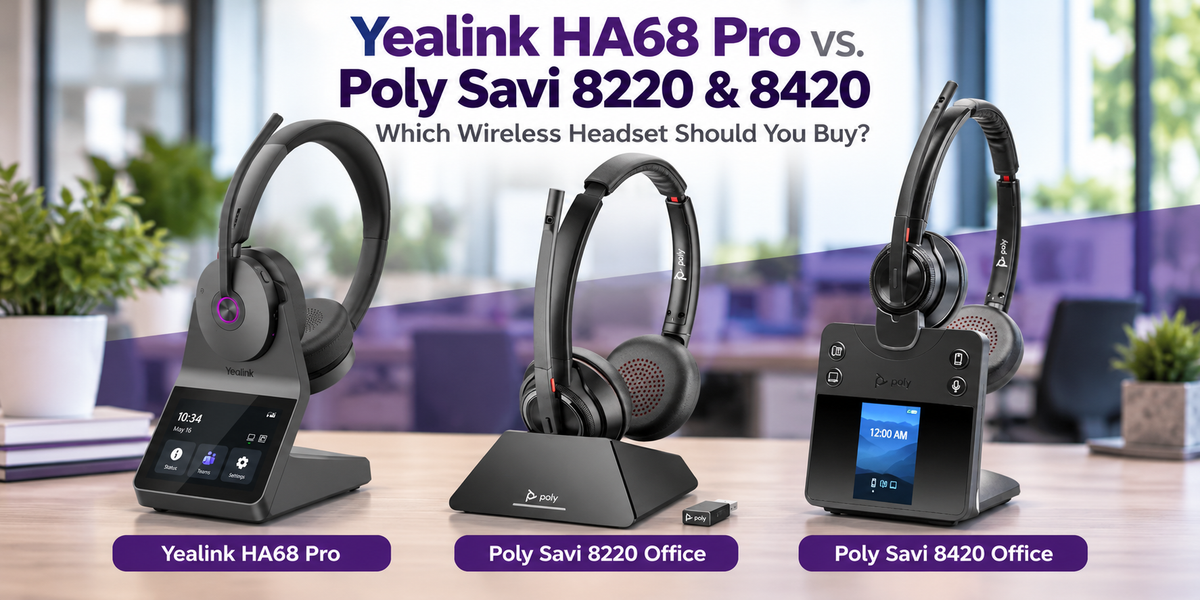
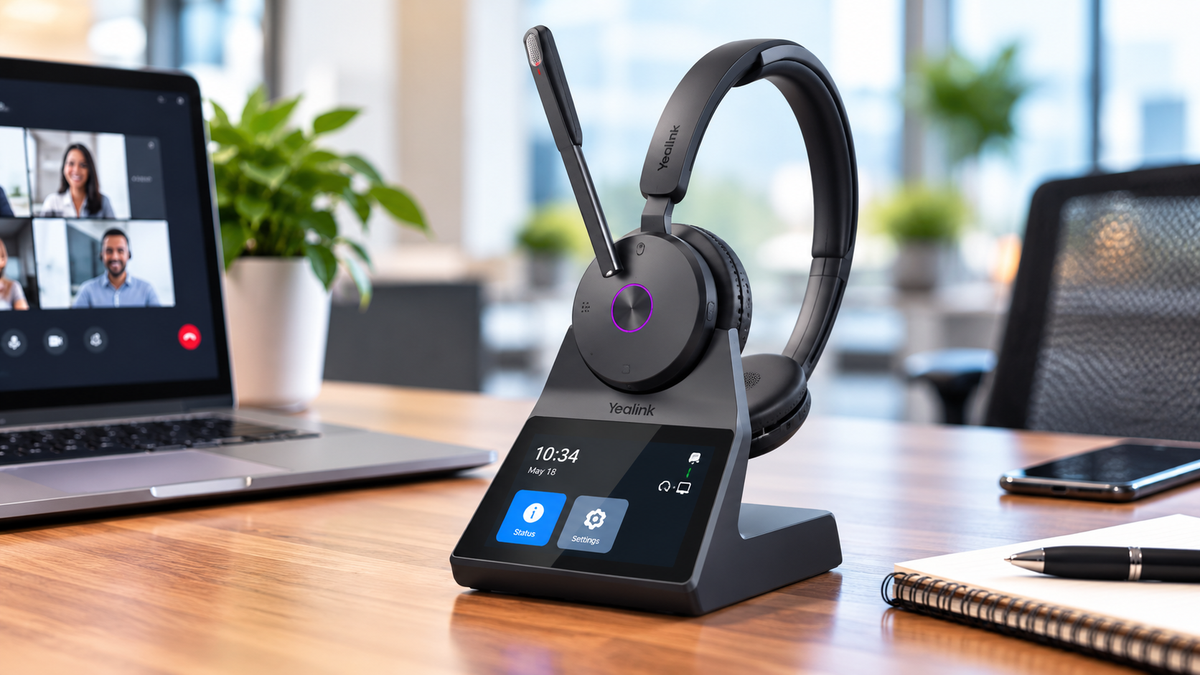
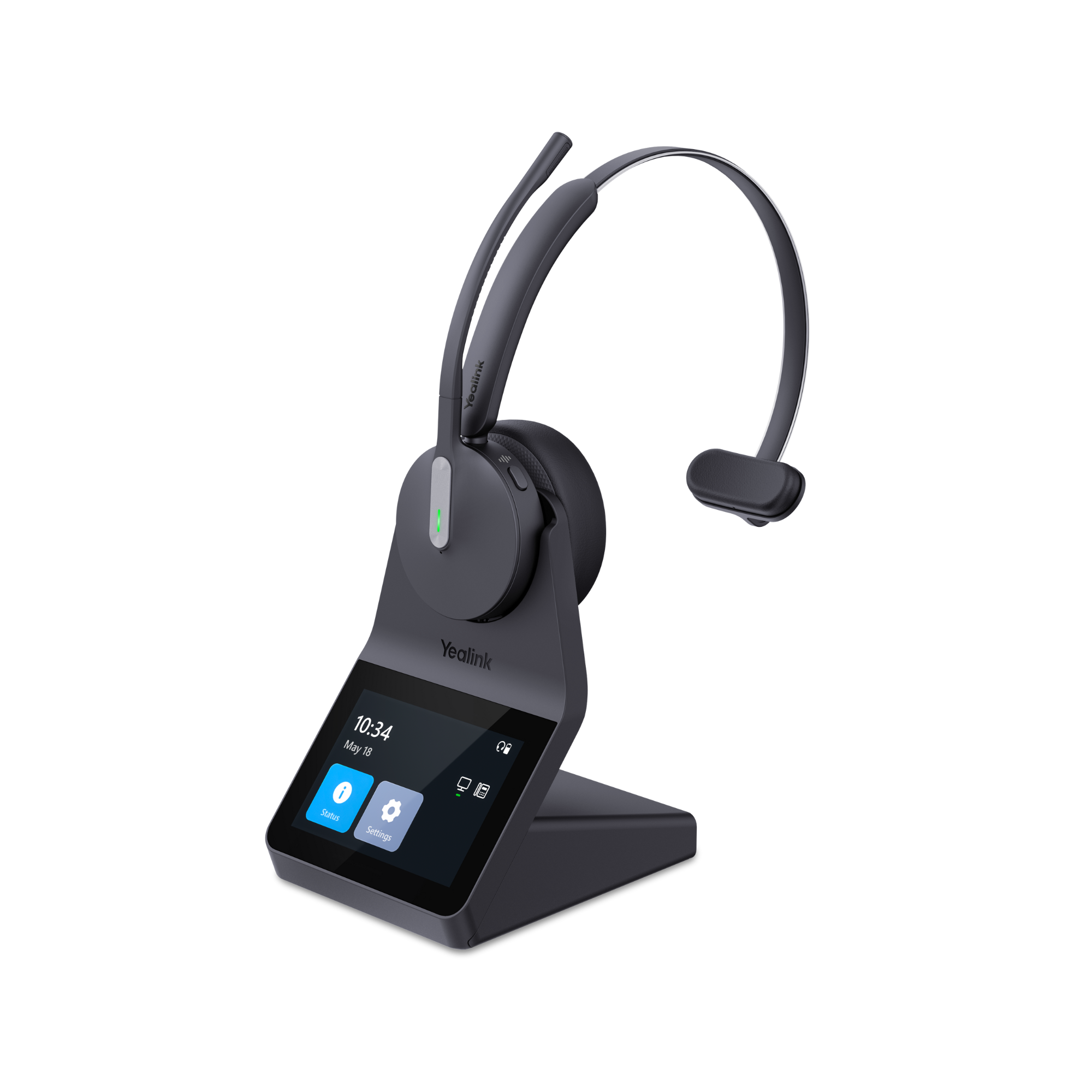
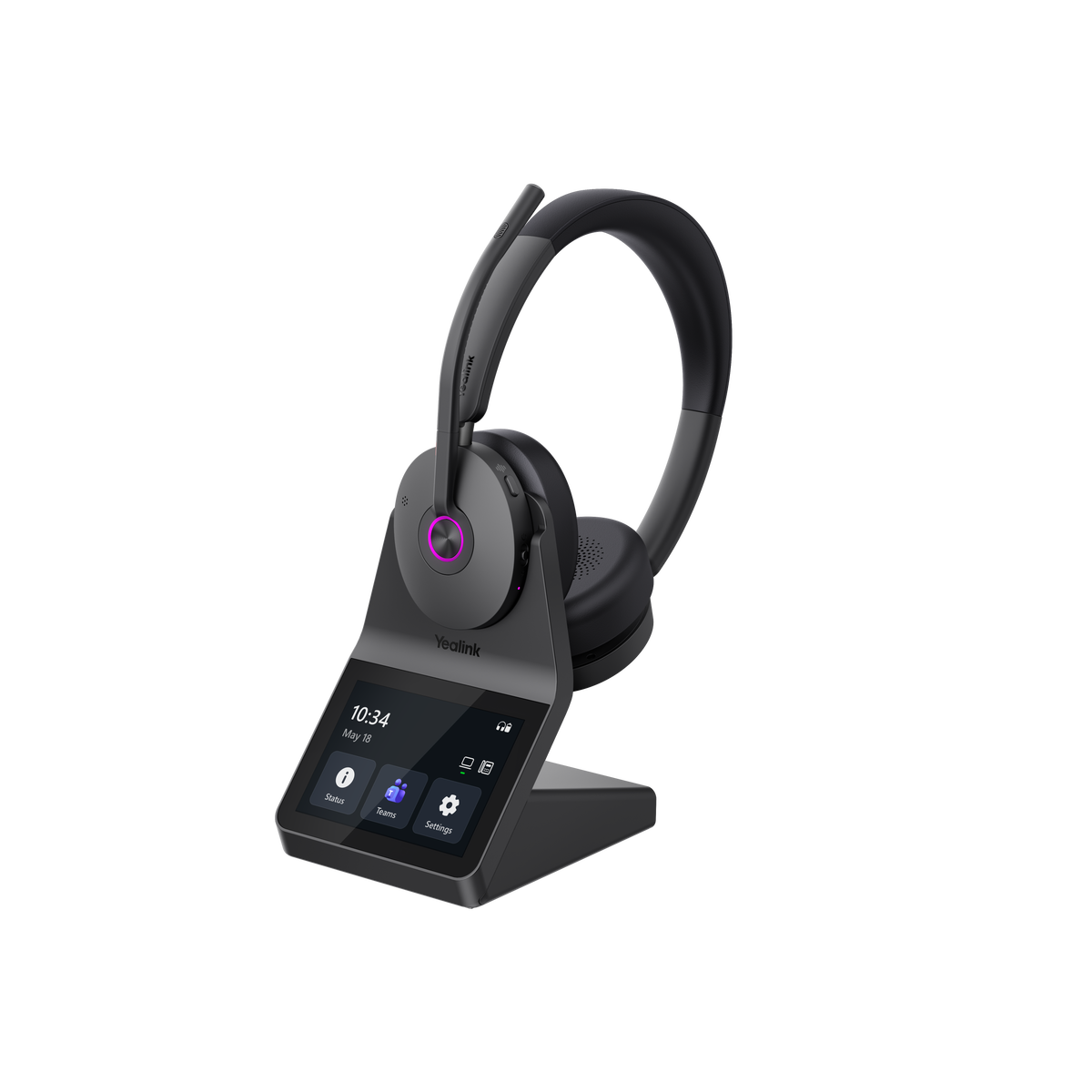
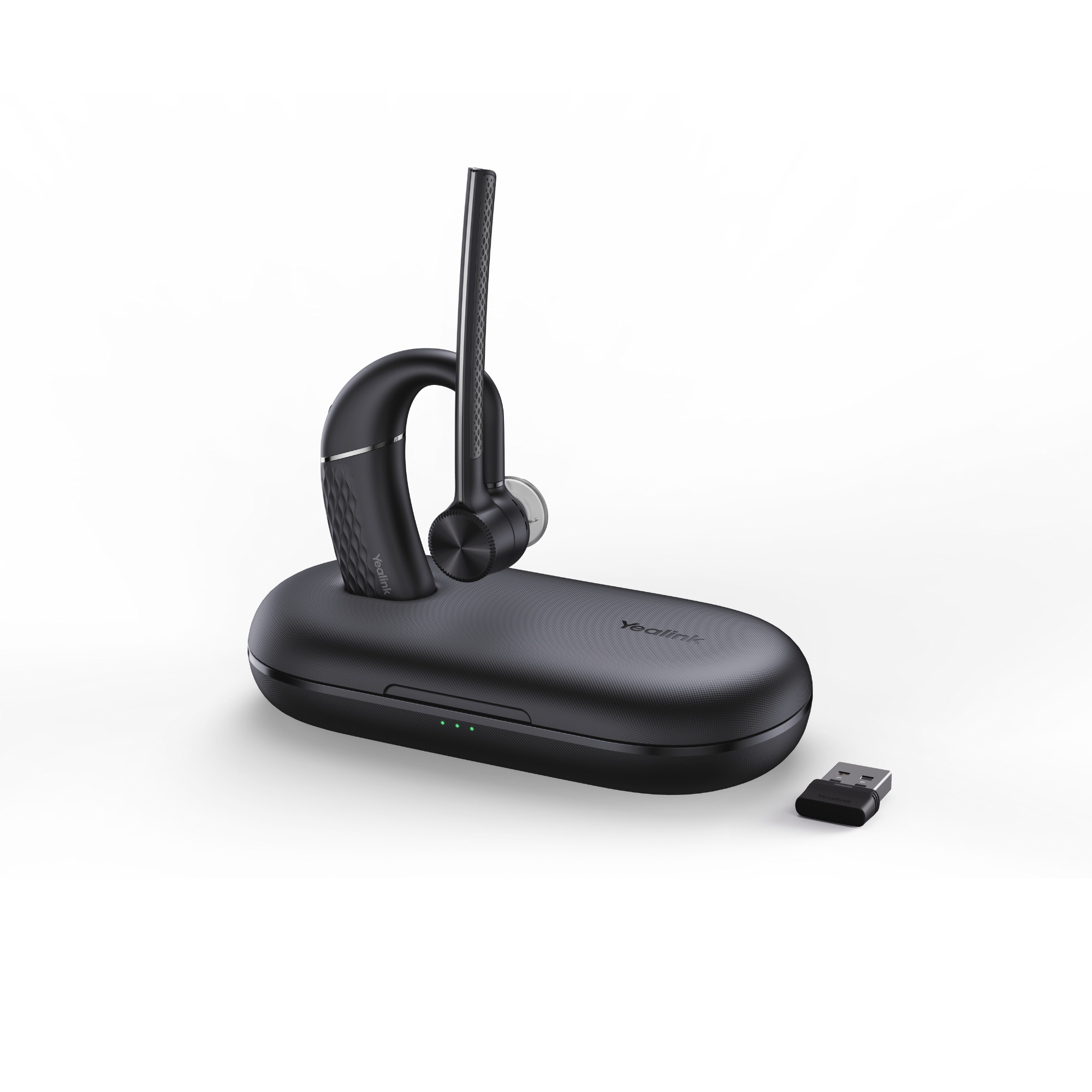
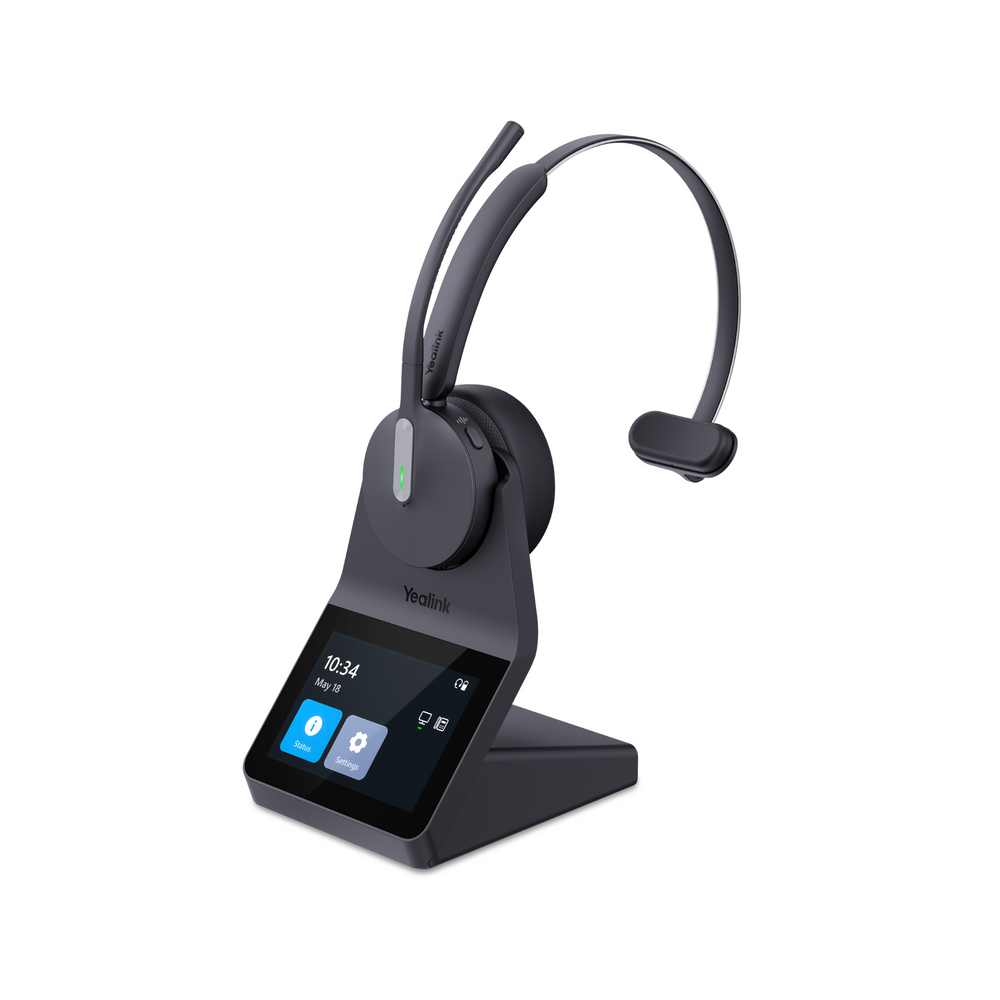
Some business headsets combine technologies such as DECT and Bluetooth, giving you the longer wireless range associated with DECT along with Bluetooth connectivity. One example is the Yealink HA64 Pro.
And there's another difference that's easy to overlook when shopping for a wireless headset online: the USB adapter.
A lower-priced Bluetooth headset may connect directly to the Bluetooth built into your computer without including a USB adapter. Many business headsets include a USB wireless adapter designed specifically to work with the headset, and are generally pre-paired from the manufacturer which makes it quick and easy to get up and running.
Why should you care?
A dedicated USB adapter can provide a more consistent and reliable wireless connection with the computer, and depending on the headset and communications platform, it may enable features such as remote call control.
That means you may be able to answer or end a call directly from your headset when you're away from your desk instead of having to return to your computer and click the answer button. A USB adapter can also give you a bit more wireless range when compared to Bluetooth.
If you're on calls throughout the day, the ability to stand up, walk around the office, grab something across the room or simply eliminate the cord from your desk may be worth paying more for all by itself.
If you sit at the same computer all day and don't care about having a cord, save the money. There's nothing wrong with a good wired headset.
The Cheapest Headset Isn't Always the Least Expensive

This may be one of the most overlooked parts of the headset buying decision, particularly for businesses.
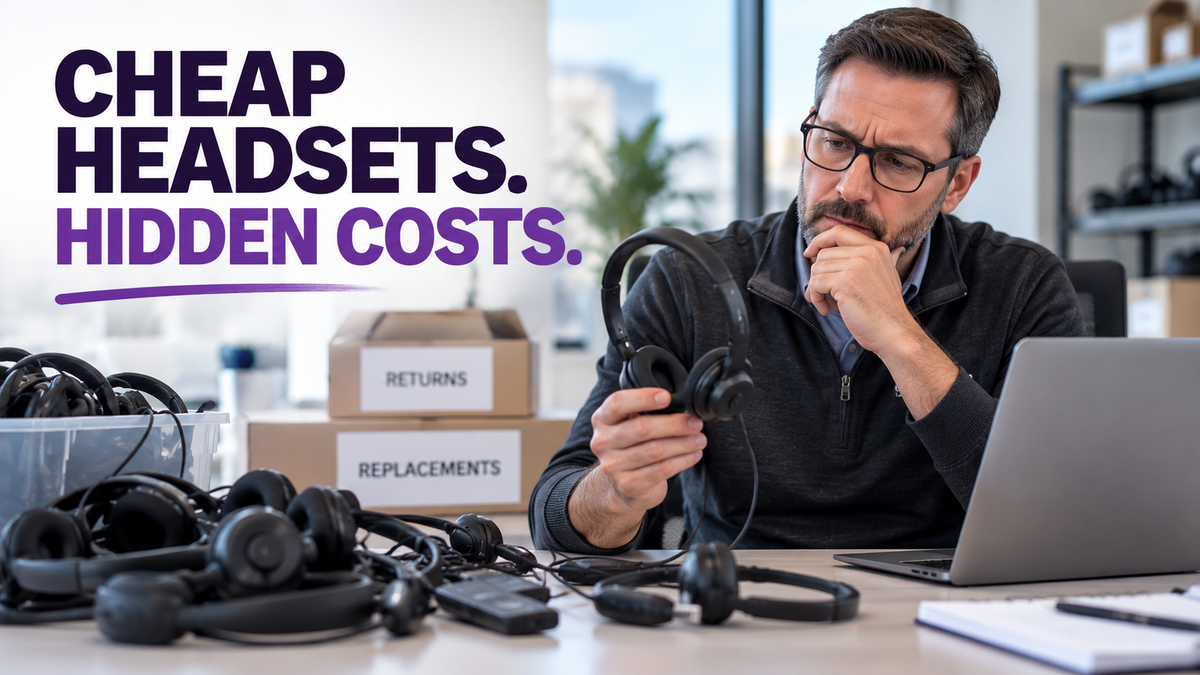
Suppose you buy a $40 headset and it fails at some point.
At first glance, replacing it appears to cost another $40.
But that's not necessarily what the failure actually cost your company.
First, someone has to identify that there's a problem. The headset may need to be tested or put through some troubleshooting to determine whether the headset itself has failed or whether the problem is being caused by the computer, software, connection or something else.
If the headset needs replacement, someone then has to take care of that process.
That might involve contacting the vendor or manufacturer, explaining the problem, obtaining a return authorization, submitting a warranty claim, arranging the return, ordering another headset, receiving the replacement and getting the employee up and running again.
All of that takes someone's time, and people's time isn't free.
The employee with the failed headset may also be less productive while the problem is being resolved. If taking calls is an important part of that person's job, the productivity cost can be considerably greater than the price of the headset.
The video makes this broader point when discussing the IT ticket, troubleshooting, returns, replacements and employee complaints that can accompany headset failures.
So when you're evaluating headset cost, particularly across dozens or hundreds of employees, it helps to think in terms of total cost of ownership rather than purchase price alone.
That doesn't mean every inexpensive headset will fail prematurely. And paying more certainly doesn't guarantee that a headset won't break.
The question is whether the headset's durability is appropriate for the workload you're asking it to handle.
A $40 headset used for a couple of meetings each week is one thing. A headset that's put on and taken off repeatedly and used for seven or eight hours every workday is being asked to do something entirely different.
Warranty Can Be Part of the Value Equation Too
Warranty coverage is another detail worth looking at when you're comparing prices.
Warranty length isn't determined solely by price, so don't assume that every expensive headset automatically carries a longer warranty.
However, it's not uncommon to see lower-priced headsets with a one-year warranty while bona fide business headsets from established manufacturers may provide two-year warranties, with some models extending coverage to three years.
For one person buying one headset, that difference may not seem especially important.
For a company deploying a large number of headsets across an enterprise, warranty coverage can become considerably more meaningful because it affects what happens when products fail and who ultimately absorbs the replacement cost.
It's one more reason to look at the entire ownership picture rather than simply comparing the selling price of the headset.

These are general differences rather than rules. There are inexpensive headsets with excellent features and premium headsets that won't include everything listed here.
That's why comparing the actual products and your requirements matters more than comparing price categories.
Buying Headsets for a Team Changes the Equation
Buying one headset for yourself is relatively straightforward.
Buying 100 or more for a company is different.
It's tempting to find an inexpensive headset that meets the basic requirements.
But that assumes all employees have the same needs.
They probably don't.
Some employees may work from quiet home offices and participate in only a handful of calls each day. A basic wired headset may be all they need, unless mobility is something they want or need in which case a wireless headset may be worth considering.
Other employees may spend most of their day talking with customers. Comfort, microphone performance and durability become much more important for them.
Someone working in a noisy office may need strong microphone noise cancellation.
An employee who needs to move around while talking may benefit enough from the wireless freedom provided by a wireless headset to justify the additional cost.
That's why we think it's better to group employees by use case rather than automatically giving everyone the same headset.
The video makes the same point: putting 100 employees into $40 headsets may look attractive on paper, but that doesn't necessarily produce the lowest overall cost. At the same time, that doesn't mean all 100 employees need $250 headsets either.
Understand the different jobs and environments first. Then invest accordingly.
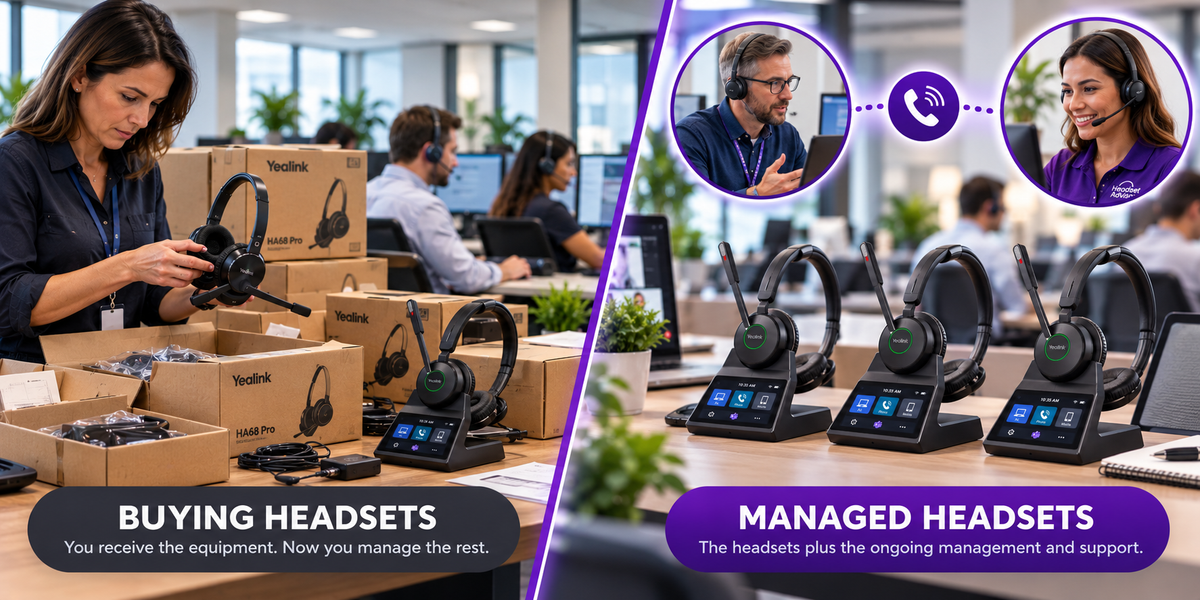
And if the right headsets make sense but the upfront investment is difficult, there are other ways to acquire and manage equipment. Headset Advisor, for example, offers an affordable headset lease program with surprisingly low monthly rates that not only covers the hardware along with accessory items such as batteries, consumable parts, broken headsets and warranty issues. And because everything is included, it makes headset management much easier and more affordable.
Don't Buy Based on Price. Buy Based on the Problem.
This is where everything we've discussed comes together.
We regularly talk with people who work around significant background noise. We recommend a headset designed to address that problem, and one of the first questions we hear is:
"What else do you have?"
Often what that really means is:
"What do you have that's cheaper?"
That's completely understandable.
Nobody wants to spend $250 if a $100 headset will do the job just as well.
The problem occurs when the less expensive headset doesn't solve the reason you started shopping for a headset in the first place.
Drew describes situations where someone chooses the cheaper headset anyway, discovers that it doesn't solve the original problem, returns it and ultimately buys the headset that was originally recommended.
Now the lower-priced headset didn't save money. It added another purchase, return and more time to the process.
That's why one of the best questions you can ask yourself before comparing headsets is:
What problem am I trying to solve?
Once you know that, identify the features required to solve it.
Then find the least expensive headset that checks those boxes.
So, Is a $250 Headset Worth It?
Sometimes.
And sometimes you'd be wasting your money.
If you're on a tight budget, work in a quiet environment and simply need something to keep your hands free while giving you decent audio and a microphone, buy the $40 headset.
If you're wearing a headset all day, dealing with background noise, need wireless for mobility, want ANC or transparency mode, connect to several devices, need remote call control, appreciate better audio or want a product designed for heavier business use, spending more may make a lot of sense.
The important thing is not to assume that a headset costing five times as much is automatically five times better.
It isn't.
But that's also the wrong calculation.
If a more expensive headset lasts longer, keeps you more comfortable, helps callers hear you more clearly, allows you to work more productively and actually solves the problem you bought it to solve, it may ultimately be the less expensive decision.
So, don't shop based solely on price. Figure out what you're trying to solve first, and then find the least expensive headset that meets those requirements.
That's a buying strategy we'd recommend whether your final choice costs $40 or $250.
Have Questions or Need Some Help?

Choosing a business headset can get confusing quickly. Two models can look similar online while having very different microphones, connectivity, comfort, wireless capabilities and compatibility.
Headset Advisor has been helping businesses with their communication needs for over 30 years. If you're not sure whether you need an entry-level headset or whether spending more would actually benefit you, one of our knowledgeable Advisors can learn about your equipment, work environment and what you're trying to accomplish, then help you narrow down the choices.
The goal isn't to put you into the most expensive headset. It's to help you find the right compatible solution for the way you work.
Contact us today, and speak to one of our trained Advisors to help you find the best, compatible solution right for your specific situation.
Frequently Asked Questions
Is an expensive business headset always better than a cheap headset?
No. A more expensive headset may offer better components, microphone performance, comfort, wireless technology and additional features, but those advantages only have value if they're useful to you. For someone making occasional calls in a quiet office, an inexpensive headset may be perfectly adequate.
Will a $250 headset sound much better than a $40 headset?
It can sound better, particularly for music and multimedia, because more expensive models may use higher-quality speakers, components and audio processing. But don't expect ordinary business calls to sound five or six times better simply because the headset costs five or six times as much.
Is a USB Bluetooth adapter better than connecting directly to my computer's Bluetooth?
For business communications, a dedicated USB adapter can provide a more consistent connection and may enable headset and call-control features that aren't available when connecting directly to a computer's built-in Bluetooth. The exact benefits depend on the headset, computer and communications platform.
Do more expensive business headsets have longer warranties?
Sometimes, but not always. Some lower-priced headsets carry a one-year warranty, while many business-class models provide two years and some provide three. Always check the warranty for the specific model you're considering rather than assuming price determines coverage.
Does every employee in a company need the same headset?
Not necessarily. Employees who work in quiet offices and make occasional calls may have very different requirements from employees who spend all day on calls or work around significant background noise. Grouping employees by use case can make more sense than standardizing solely on one model.
What is the real cost of replacing an inexpensive headset?
It's more than the price of the replacement. Troubleshooting, IT or administrative time, contacting the vendor or manufacturer, processing returns or warranty claims, ordering replacements and employee downtime can all add to the actual cost. People's time has value, so it should be considered when evaluating total cost of ownership.
What's the best way to decide how much to spend on a business headset?
Start with the problem you're trying to solve rather than a price point. Determine which features and capabilities are actually necessary, and then look for the least expensive headset that meets those requirements.