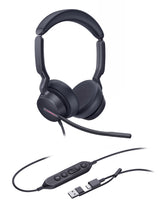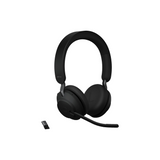
Computer Headsets

73 products

Showing 1 - 24 of 73 products

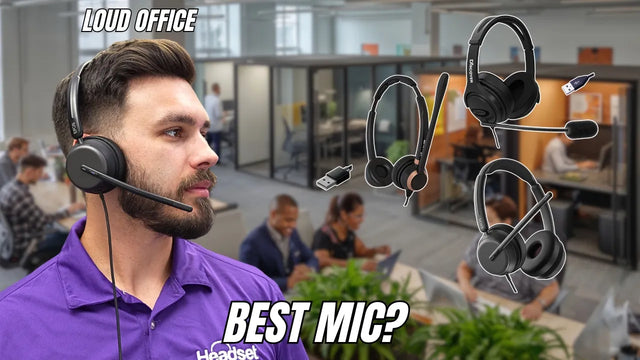
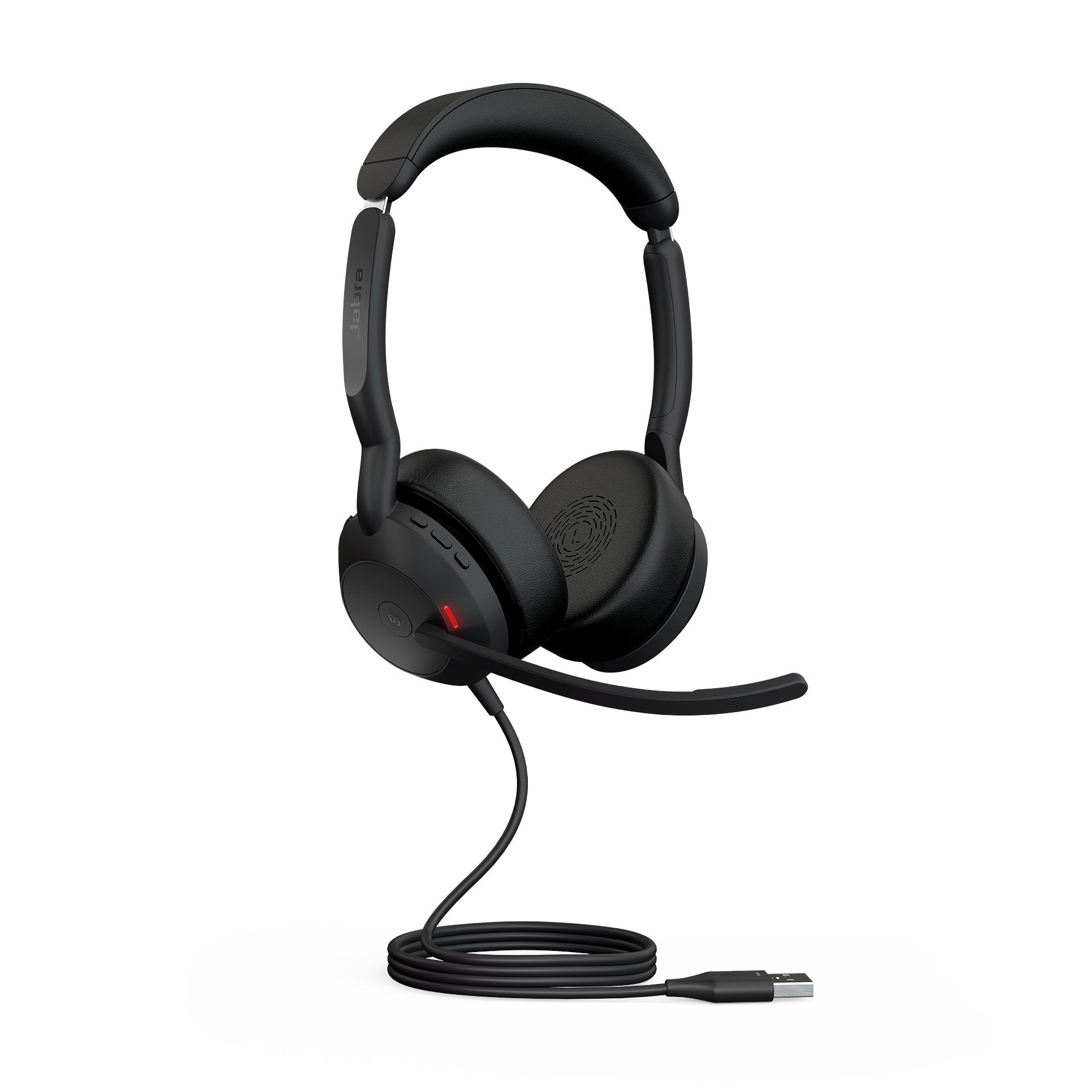
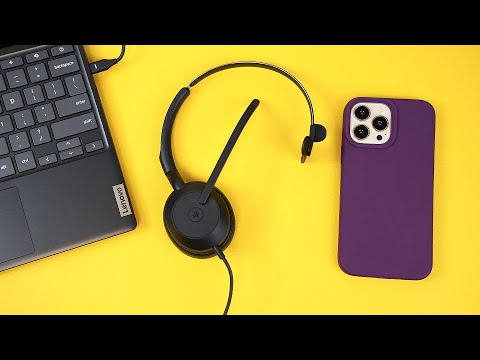
Shop computer headsets for Teams, Zoom and softphone calls: wired USB, wireless with a USB dongle, and headsets that connect to both your computer and your desk phone. We have published reviews or mic tests of 29 wired USB headsets, so our picks below come with our verdicts and review videos.
Showing 1 - 24 of 73 products
View
Our pick for wired USBTested
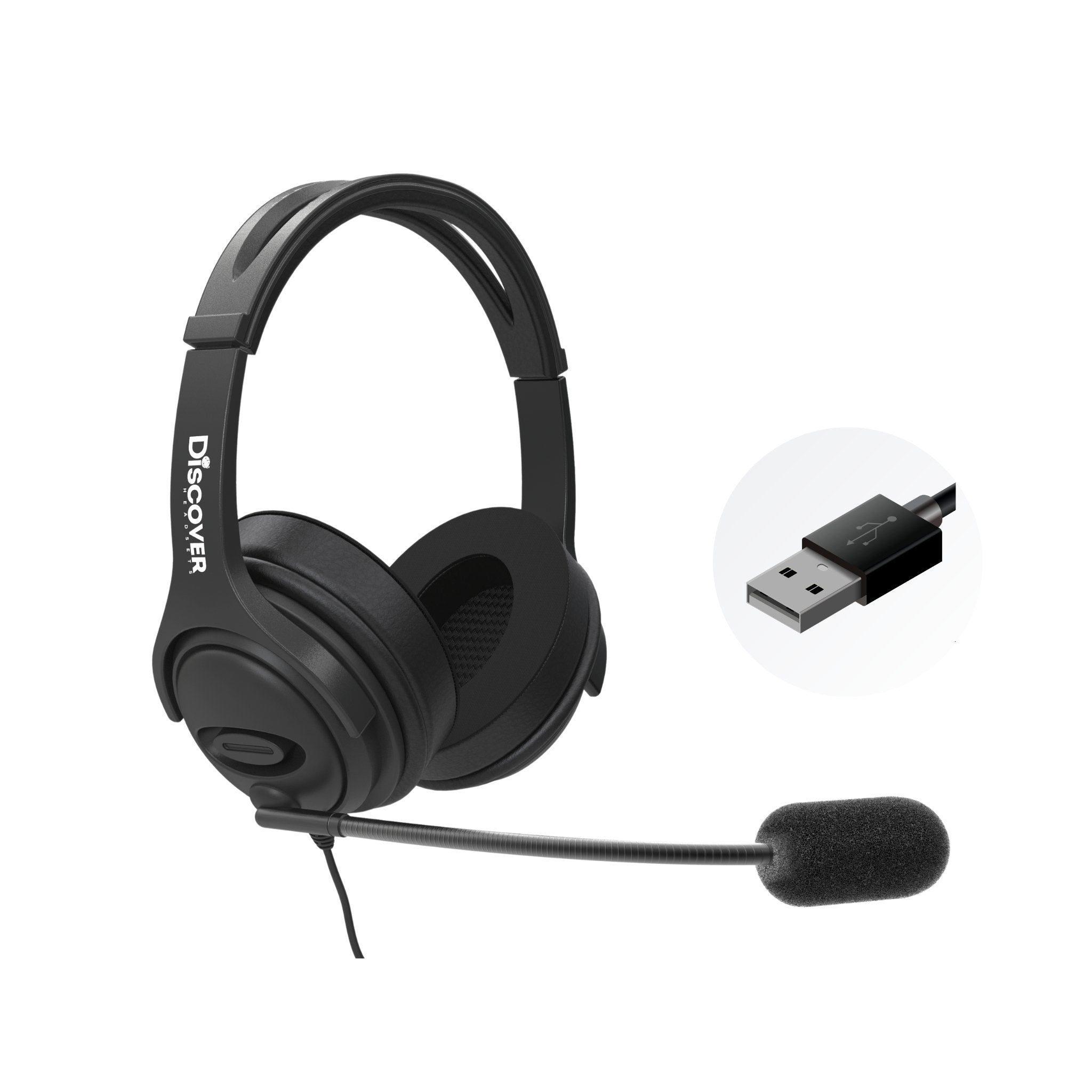
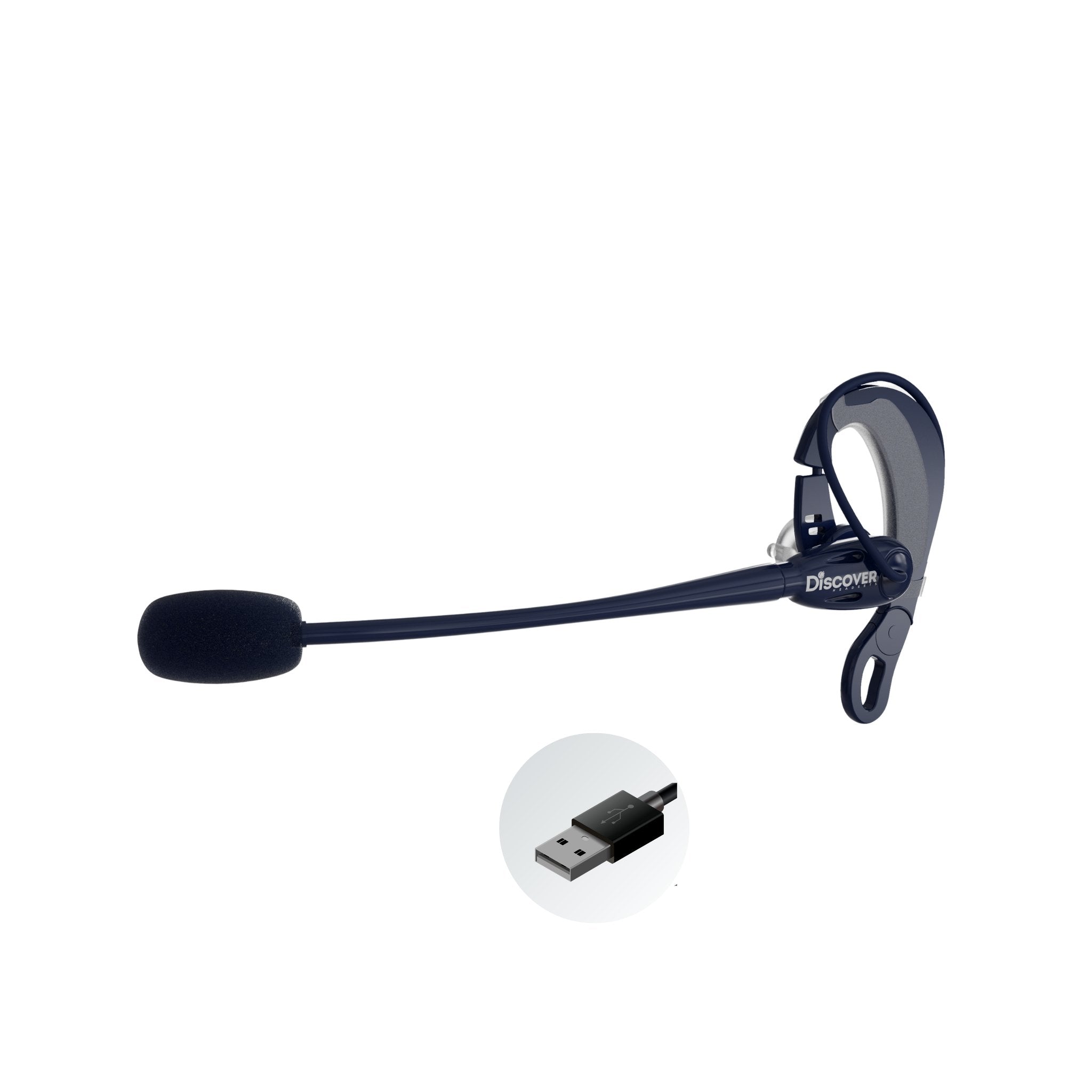
Discover D722U Over-Ear Noise Cancelling USB Wired Headset For Computer (Boomstick) - Headset AdvisorDiscover D722U Over-Ear Noise Cancelling USB Wired Headset For Computer (Boomstick) - Headset Advisor
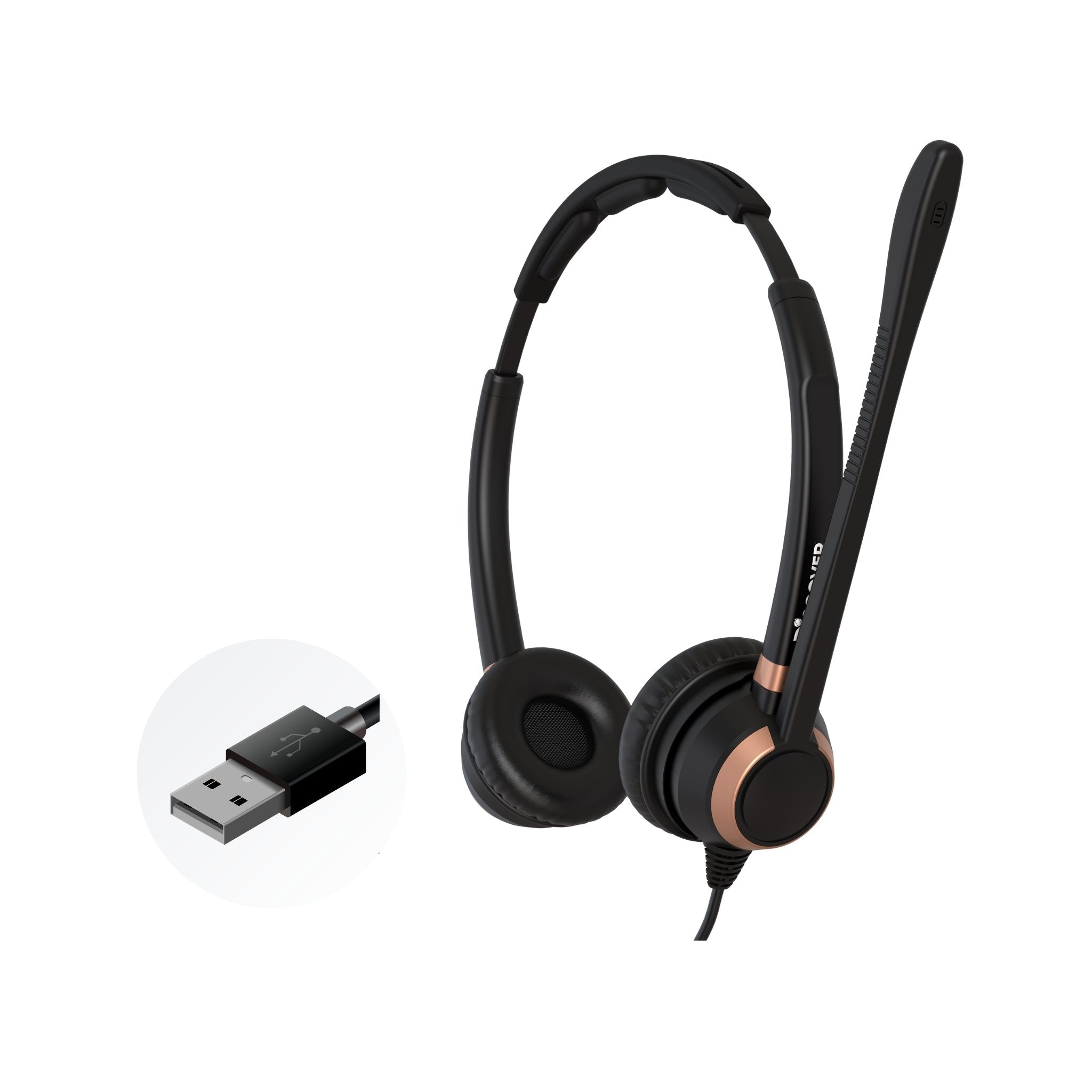
Discover D712U Dual Speaker USB Wired Office Headset For Professionals - Headset AdvisorDiscover D712U Pro Audio USB Wired Headset For Work (Dual Speakers)
Discover D711U Single Speaker Wired USB Headset For Professionals - Headset AdvisorDiscover D711U Single Speaker Wired USB Headset For Professionals - Headset Advisor
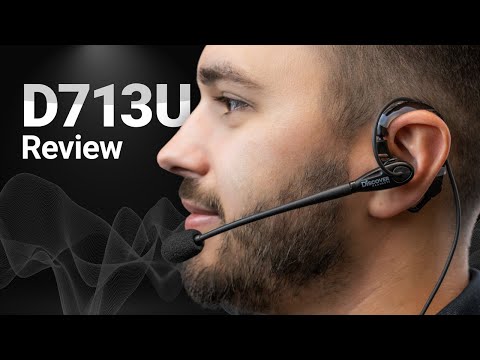
Discover D713U On-Ear USB Wired Headset - Headset AdvisorDiscover D713U: Comfortable On-Ear USB Headset with Mic
Discover Discover D713U: Comfortable On-Ear USB Headset with Mic
Sale priceFrom $39.99Save $40.00 Regular price$79.99
40 reviews
In Stock
Choose options
Jabra Evolve2 30 SE Headset: Crystal-Clear Calls & All-Day ComfortJabra Evolve2 30 SE Headset: Crystal-Clear Calls & All-Day Comfort
Jabra Jabra Evolve2 30 SE Headset: Crystal-Clear Calls & All-Day Comfort
Sale priceFrom $91.00Save $33.00 Regular price$124.00
No reviews
In Stock
Choose options
Jabra Evolve2 50 Wired USB Headset - Headset AdvisorJabra Evolve2 50 Wired USB Headset With Bluetooth
Jabra Jabra Evolve2 50 Wired USB Headset With Bluetooth
Sale priceFrom $159.00Save $58.00 Regular price$217.00
No reviews
In Stock
Choose options
Plantronics Blackwire 3220 Wired USB Headset - Headset Advisor
Poly Blackwire 3310 Wired USB Headset
Poly Poly Blackwire 3310 Wired USB Headset
Sale price$44.93 Regular price$57.95
No reviews
In Stock
Choose options
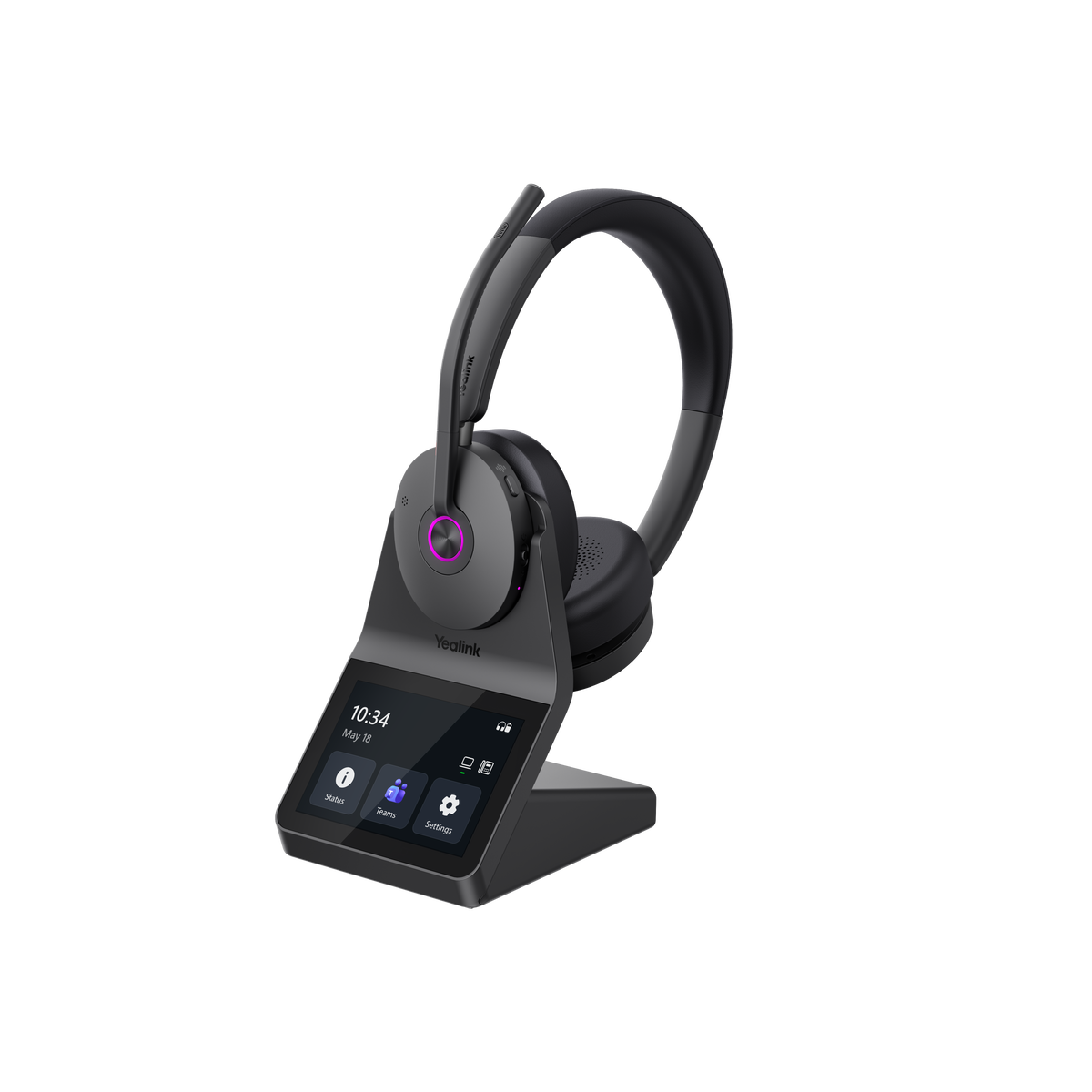
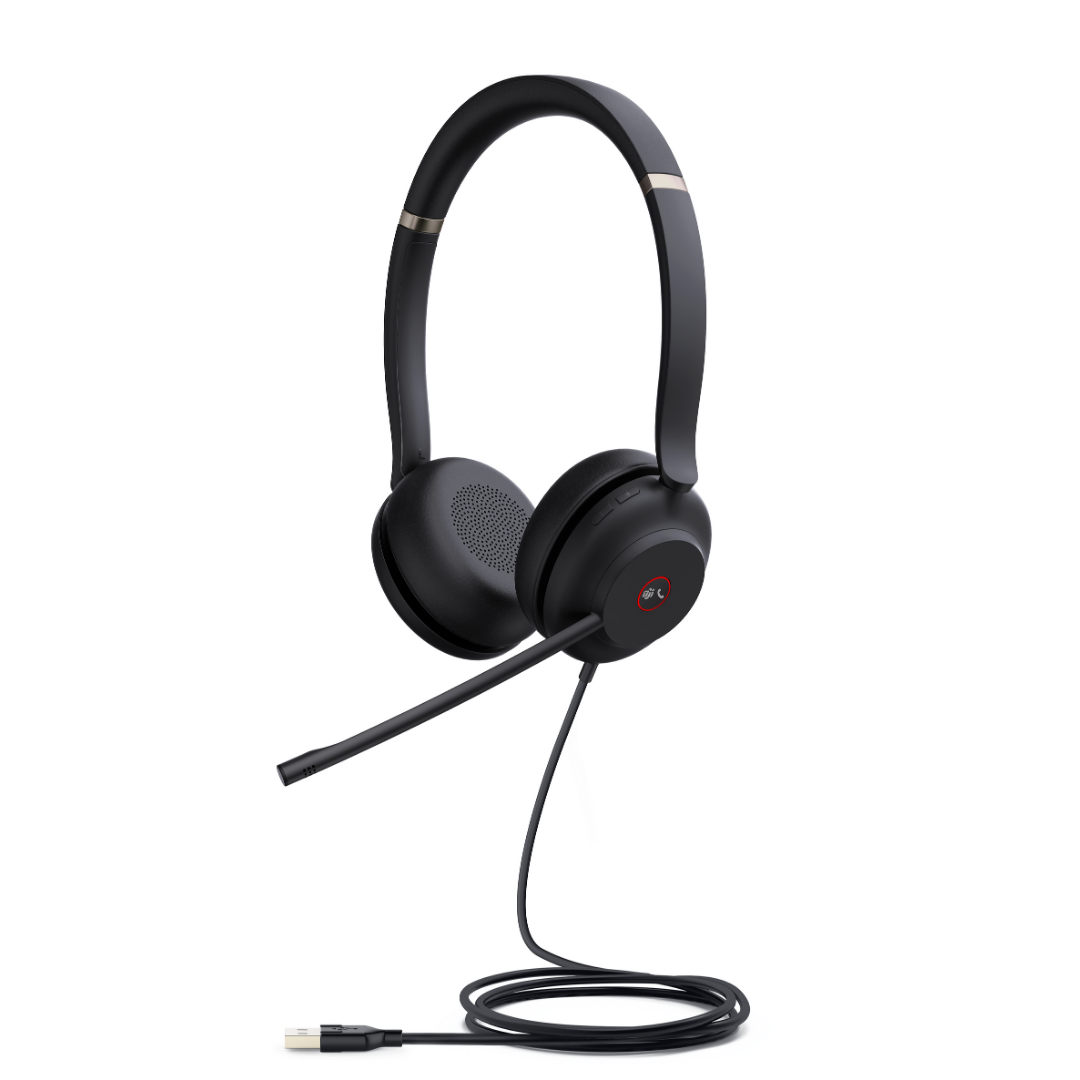
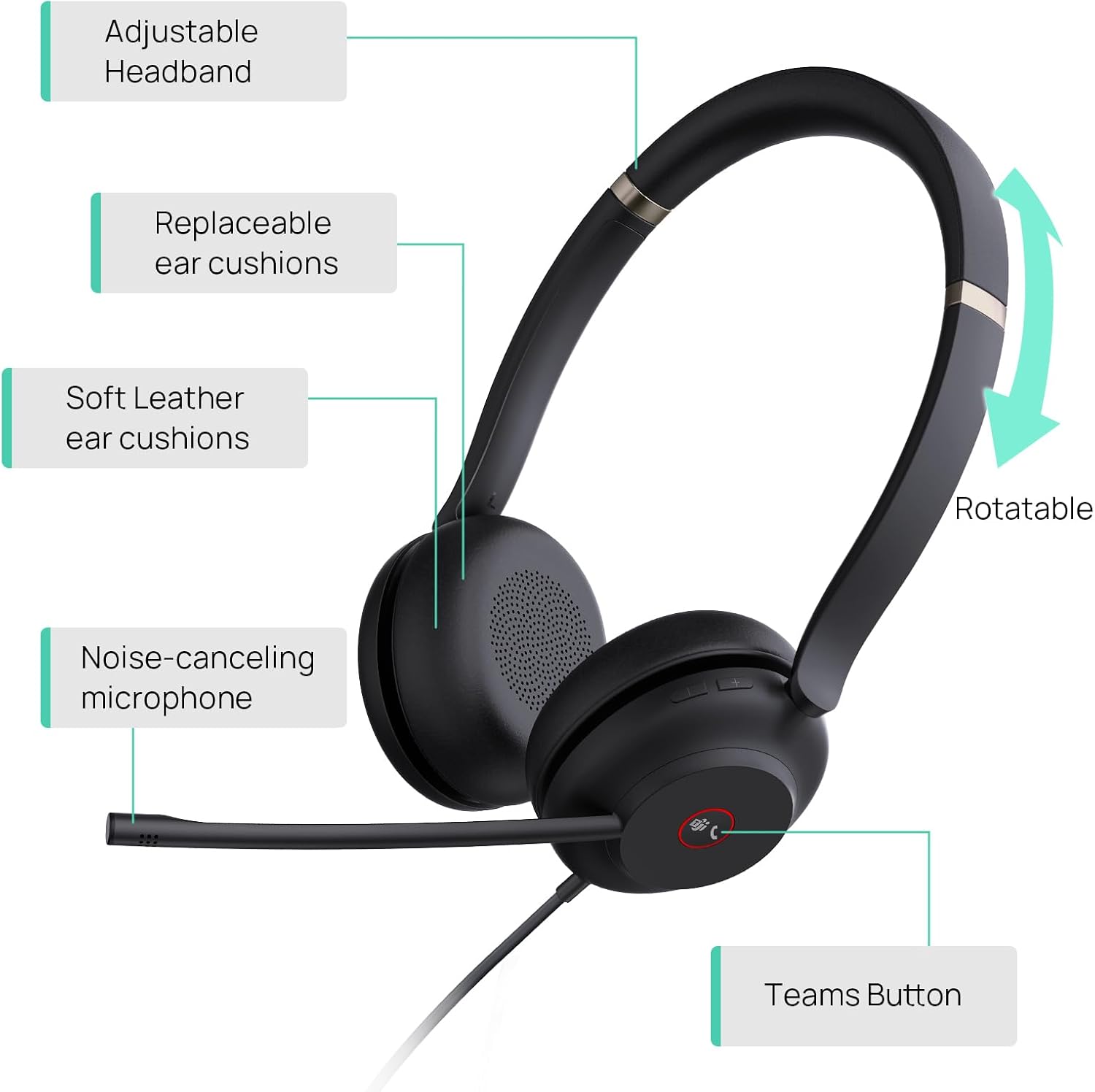
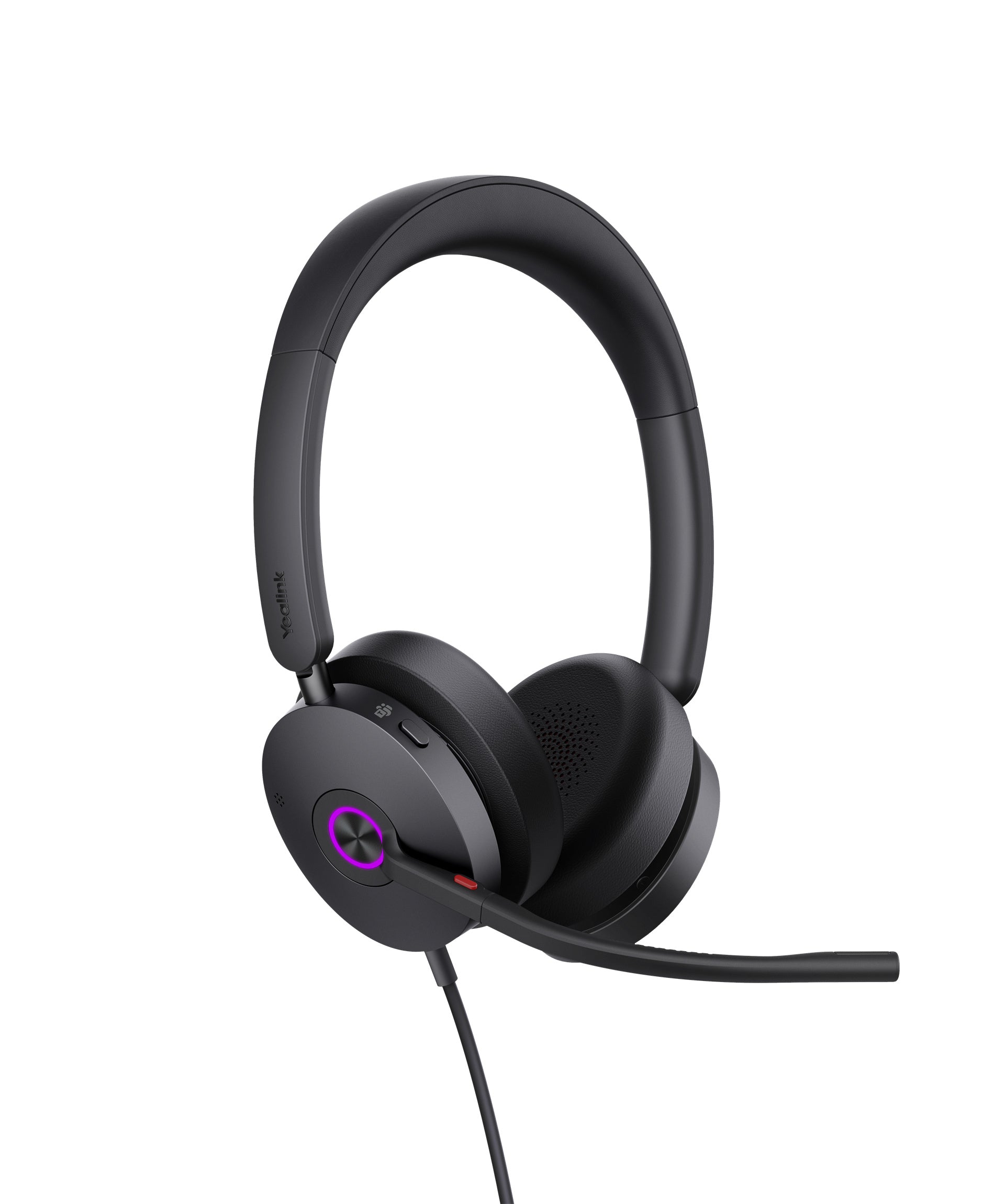
Yealink UH38 Wired USB Duo Headset (Pre-Order) - Headset AdvisorYealink UH38 Wired USB Dual Speaker Headset With Bluetooth - Headset Advisor
Jabra Evolve2 40 Stereo | 24089-989-899 - Headset AdvisorJabra Evolve2 40 SE Stereo USB Wired Headset

Our tests

Three we'd buy, from our reviews and mic tests.

  • Discover D722U

    Our verdict: If background noise is your primary concern, the D722U provides strong isolation combined with solid voice audio quality, and noise cancellation.

    Read our review →

    $99.99

  • Jabra Evolve2 65

    Our verdict: Bottom line, the sound on the Evolve2 65 is really good.

    Read our review →

    From $285.99

  • Yealink HA64 Pro

    Our verdict: Microphone sound quality was solid, and the noise cancellation was excellent.

    Read our review →

    From $209.99

Compare our top picks

HeadsetTypeConnects toTeams or UCBatteryRangePrice
Discover D722UDiscover D722U Wired USB, dual ear, over-ear cushionsPC, laptop or Mac via USB-A or USB-CWorks with Teams, Zoom, RingCentral and most UC appsWired, no batteryWired$99.99ViewReview
Discover D712UDiscover D712U Wired USB, dual earPC, Mac or laptop via USBWorks with Teams, Zoom, RingCentral and other UC platformsWired, no batteryWired$79.99ViewReview
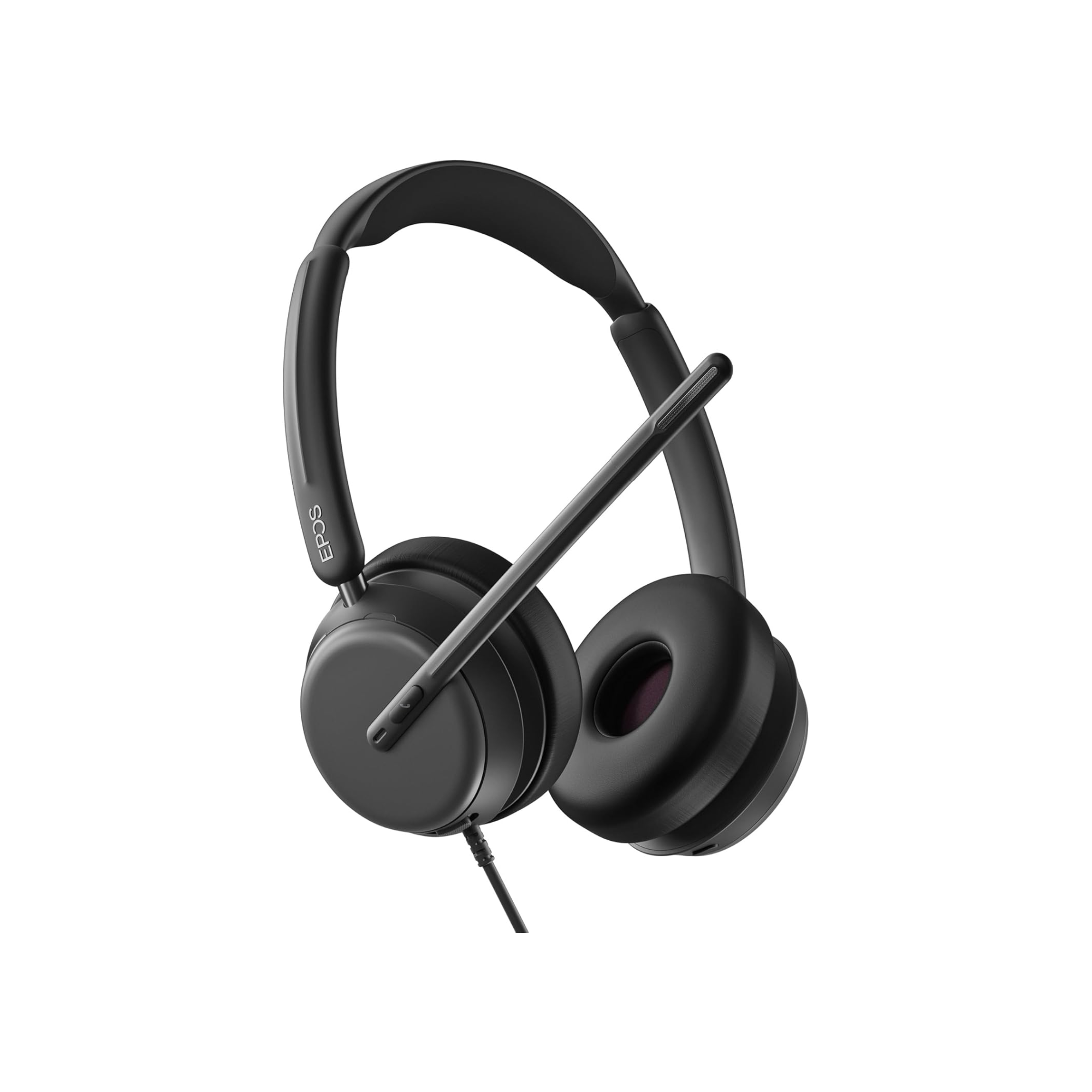
EPOS Impact 860EPOS Impact 860 Wired USB, dual ear, ANC optionalComputer via USB-C, USB-A adapter includedTeams or UC version; Microsoft Teams Open Office certifiedWired, no batteryWiredFrom $195.66ViewReview
Yealink UH46Yealink UH46 Wired USB, dual earPC or Mac via USB-C or USB-A (both included)Teams or UC version; works with Zoom and other UC appsWired, no batteryWired$84.48ViewReview
Jabra Evolve2 65Jabra Evolve2 65 Bluetooth with USB dongle, dual earComputer via the Link 380 USB-A or USB-C dongle; mobile via BluetoothTeams or UC version; Teams version is Microsoft Teams certifiedUp to 35 hrs talk timeUp to 100 ft (Bluetooth)From $285.99ViewReview
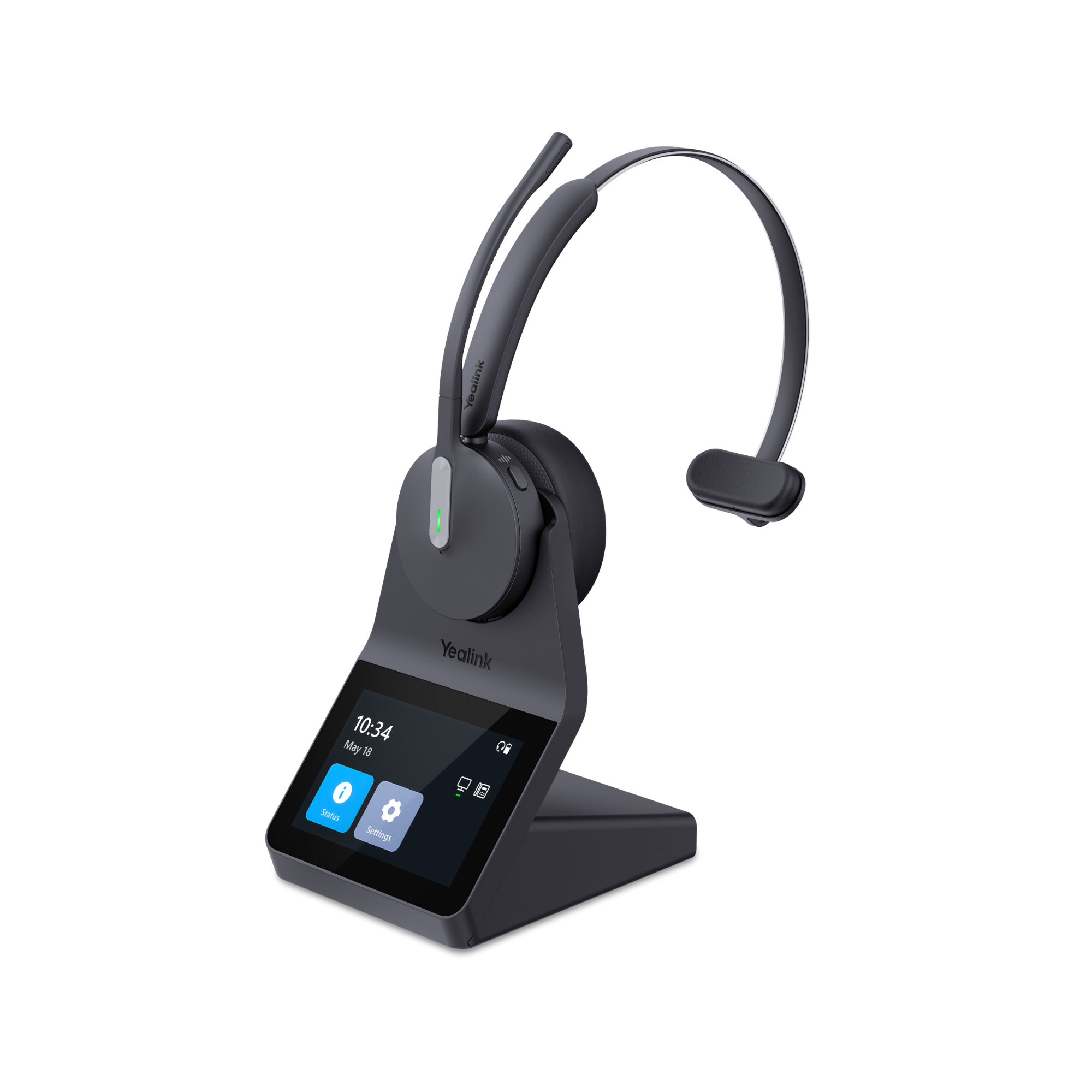
Yealink HA64 ProYealink HA64 Pro DECT + Bluetooth wireless, mono or dual earComputer and compatible IP desk phones via the base; mobile via BluetoothTeams and Zoom certifiedDECT up to 14 h mono, 16 h dual; Bluetooth up to 26 h mono, 32 h dualDECT up to 606 ft; Bluetooth up to 164 ftFrom $209.99ViewReview
Yealink HA68 ProYealink HA68 Pro DECT + Bluetooth wireless, dual ear, hybrid ANCPC and compatible desk phone via the base; mobile via BluetoothMeets Microsoft Teams Open Office requirements; works with other UC platformsUp to 16 h talk (DECT), 32 h (Bluetooth)DECT up to 606 ft; Bluetooth up to 164 ft$329.99ViewReview

Battery and range are the manufacturer's ratings. Mic recordings are from our own tests.

Wired USB, wireless with a dongle, or computer and desk phone?

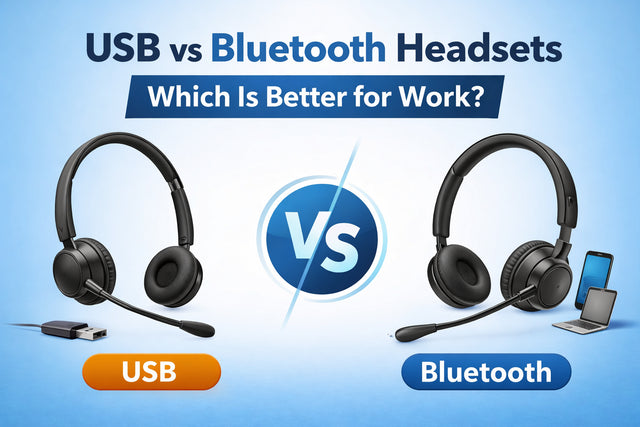
Start with how you take calls. "A USB headset connects directly to your computer using either a cable or a USB wireless dongle." Our guide to USB vs Bluetooth headsets sums up the first choice: "If you primarily work at a desk and need consistent, reliable performance, a wired USB headset is often the better choice."

  • Wired USB: you take Teams, Zoom or softphone calls at one desk.
  • Wireless with a USB dongle: you want to move during calls, or switch between your computer and mobile.
  • Computer and desk phone: you still have a desk phone, and you also join meetings on your computer. One DECT headset can cover both.

If most of your calls run through a calling app, also see our softphone headsets.

Wired USB headsets

As our Discover D722U deep dive puts it, "A wired USB headset doesn't need Bluetooth pairing, doesn't rely on a wireless connection, and doesn't have a battery you need to remember to charge." Plug it in, select it in your call app, and you're ready.

What we heard in our wired USB tests

  • Discover D722U: in our D712U vs D722U mic test with office noise, barking dogs and a blender, "the D722U reduced more of the noise." Its over-ear cushions are memory foam infused with cooling gel.
  • EPOS Impact 860 (Impact 800 series): in our 2026 wired USB sound test, it "delivered the richest sound quality of the group while maintaining excellent background noise removal." Our Impact 860 review adds that its mic "consistently delivered clear and intelligible audio no matter what noise we threw at it."
  • Yealink UH46: in our UH46 mic test, "The baby crying sounds were reduced to the point that they were not really heard, which is great for anyone who works from home, and has small children."
  • Poly Blackwire 3320: in the same 2026 test, "the 3320 removed less of the competing noise compared to the other models." It suits quieter rooms.

These are listening tests, not lab measurements; you can hear each one in the review video.

The wired USB lines on this page

  • Discover D7xxU: the D711U is single ear, and the D712U and D722U are dual ear. Our 2026 comparison says the D712U "offers a more streamlined option while still delivering effective noise cancellation."
  • Yealink UH series: from the UH34 up to the UH48, which adds hybrid ANC. The UH38 also has Bluetooth for your mobile phone.
  • Jabra Evolve2 30, 40 and 50: our Evolve2 series guide sees them as "good, better and best." The Evolve2 50 can stay plugged into your computer while it pairs with your smartphone.
  • Poly Blackwire: from the entry-level Blackwire 3320 to the Blackwire 8225 with ANC.
  • HP Poly Mission 400, 600 and 800: our Mission 400 vs 600 vs 800 comparison matches the 400 to lighter call volume, the 600 to call-heavy roles and the 800 to demanding environments. See the full HP Poly Mission series.

Shop only the wired models in our wired headsets for computer collection.

Teams or UC version?

Many headsets come in two versions. "Simply put, if you strictly use Microsoft Teams for your voice calls and meetings, go with the Teams version." If you also use Zoom, RingCentral or another app, choose UC. Our Teams vs UC explainer covers the details.

Wireless headsets with a USB dongle

A wireless headset for your work computer should come with its own USB dongle (a small adapter). When a Bluetooth headset pairs straight to your computer, you can lose call control: answering away from your desk, muting from the headset and showing your mute status in Teams or Zoom. Read why Bluetooth headsets aren't recommended for work computers.

The dongle doesn't change how your mic sounds. In our Voyager Legend 50 test, "The sound of the microphone, including its noise cancellation, were the same across all our tests." Its value is a more stable connection, more range and call control in your apps.

  • Jabra Evolve2 65: connects to your computer through the included Link 380 dongle and to your mobile over Bluetooth. Jabra rates it at up to 100 feet. In our Evolve2 65 range test, "we got about 50 feet of wireless range before it became unusable."
  • EPOS Impact 1000: connects to your computer through its USB adapter, or with the cable, and it "can connect to three devices; a computer, and two mobile phones." We tested its mic against barking dogs, crying babies, office sounds and a blender. Our Impact 1000 review concludes: "So if you want to sound professional, and you want to eliminate distracting noise from your calls, then the Impact 1000 should be your next new headset."
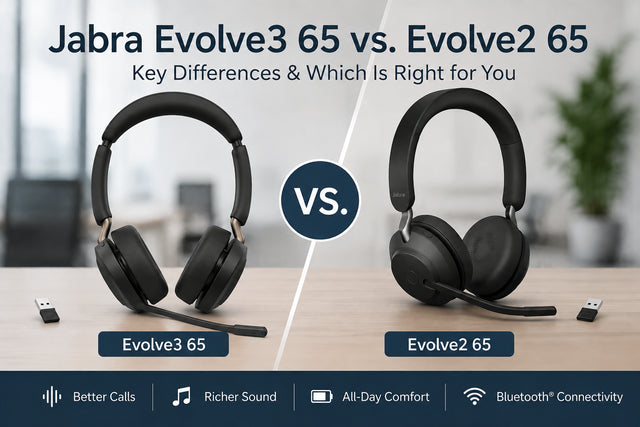
  • Jabra Evolve3 65: the newer model comes with a pre-paired USB-A or USB-C adapter. Our Evolve3 65 vs Evolve2 65 comparison says: "We recommend using that adapter with your work computer even if the computer has Bluetooth built in." See the Jabra Evolve3 series.
  • Yealink WH63 Portable: a DECT headset, not Bluetooth, that connects through its own USB dongle. Read our WH63 Portable review.

Without its dongle, a Bluetooth headset can still pair with your computer, but you lose remote call answering. Shop these models in our wireless headsets for computer collection.

One headset for your computer and your desk phone

If you still take calls on a desk phone and also join Teams or Zoom meetings on your computer, a DECT headset with a base can handle both.

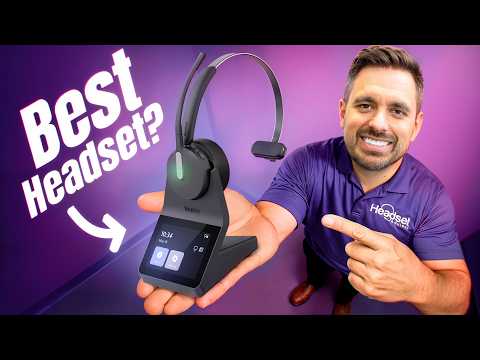
  • Yealink HA64 Pro: the base connects to your computer and to compatible IP desk phones, and Bluetooth in the headset pairs with your mobile. It's Microsoft Teams and Zoom certified, and you set Teams or UC on the base's touchscreen. On compatible Yealink IP phones you get full call control from the headset. You can also answer calls away from your desk on most Poly IP phones; some Poly models and other phone brands need the optional Yealink EHS62. DECT range is up to 606 feet. In our football field range test, it "maintained crystal-clear audio from the back of one end zone of a football field, all the way to the back of the opposite end zone". Open-field results "don’t reflect what someone should expect in terms of wireless range when working in an office."
  • Yealink HA68 Pro: the same DECT and Bluetooth design and 606 feet of DECT range, plus hybrid ANC. Our HA68 Pro review notes: "The base provides USB connectivity to computers and compatible IP phones, while Bluetooth in the headset provides the mobile connection."
  • Poly Savi 8200 and 8400 Office: DECT headsets that connect to a desk phone, a computer and a mobile phone.

Desk phone support depends on your phone model, so check yours in our headset compatibility guide, or see the cable each phone brand needs in wireless headsets for office phones. Then read our HA64 Pro review.

Noise: what your callers hear, and what you hear

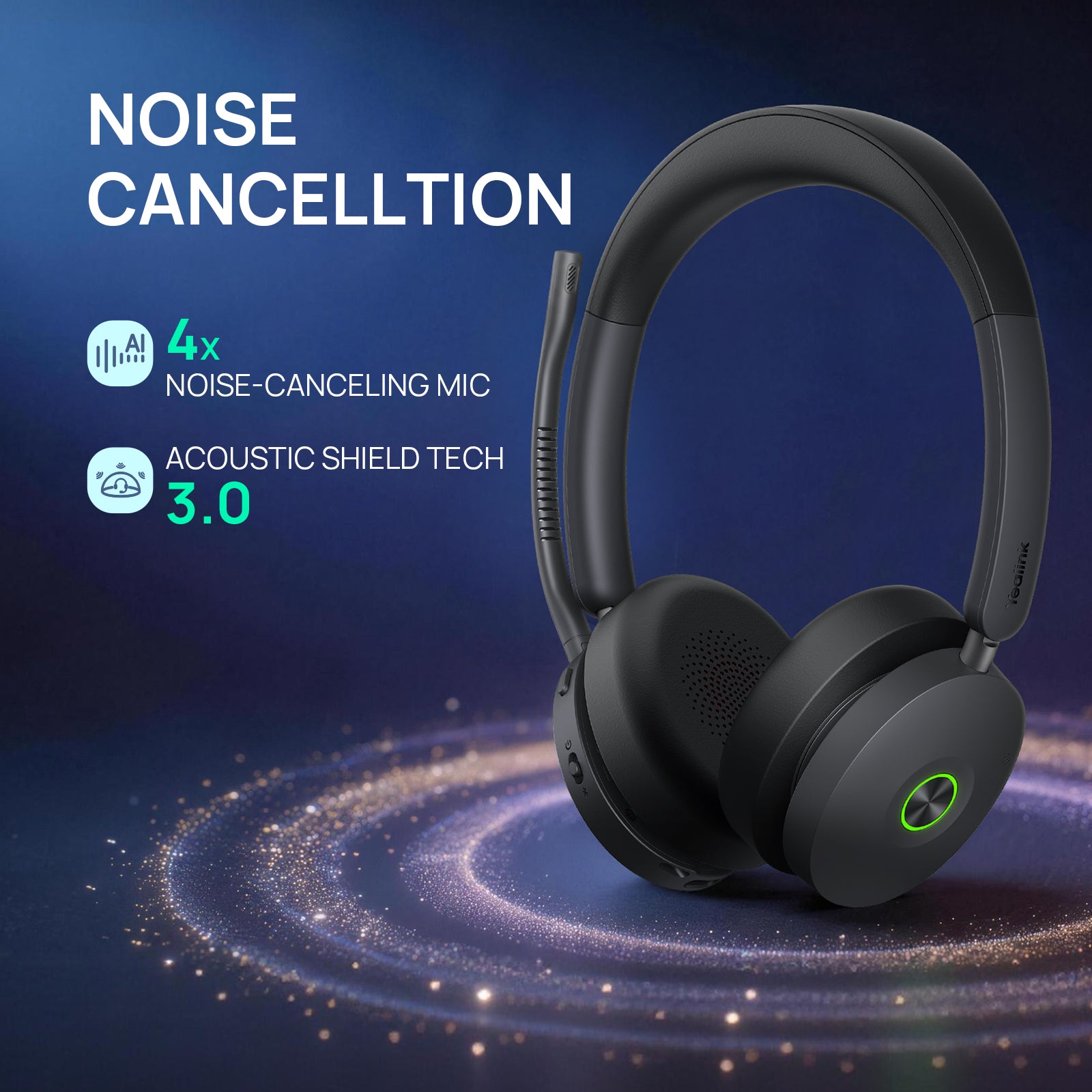
"Microphone noise cancellation and Active Noise Cancellation (ANC) are not the same thing." A noise-canceling mic cuts the background noise your callers hear. ANC works in the ear speakers and cuts the noise you hear. The D722U has no ANC, though its over-ear cushions block some room noise. The Impact 860 comes with or without ANC, the UH48 and HA68 Pro have hybrid ANC, the Impact 1000 has hybrid adaptive ANC, and the HA64 Pro has none. Our HA68 Pro review says that in an open office or a busy home, "ANC becomes considerably more valuable." As our D722U article puts it, "Understanding that difference can save you from buying a headset that solves the wrong problem."

Comfort for all-day calls

On-ear cushions rest against your ears, and over-ear cushions surround them. The D722U's over-ear cushions can be replaced when they wear out. The Impact 860 ships with on-ear cushions, and we make over-ear cushions for the Impact 860 in leatherette or fabric.

Then choose one ear or two. A single-ear (mono) headset leaves one ear open, so you can hear the room and talk with coworkers. A dual-ear (stereo) headset blocks more surrounding noise for focus. The HA64 Pro comes both ways. Our mono vs stereo guide goes deeper.

Buying computer headsets for a team

For a team, standardize on one or two models. Our USB dongle guide notes that "IT departments often prefer USB dongles because they can help simplify deployment, reduce troubleshooting time, and improve the overall user experience across the organization." Ask for a volume quote; enterprise, government, education and healthcare teams can order with purchase orders, tax-exempt status and payment terms. For teams of 10 or more, the Managed Hardware Program covers headsets for one flat monthly fee per seat, quoted for your team, and replacements ship first. Our headset advisors can help you choose.

Frequently asked questions

What is a USB headset?

A USB headset connects to your computer through a USB port, either with a cable or with a small wireless USB dongle. Because the connection is direct, setup is simple: plug it in, select it as your speaker and microphone, and start your call. Check the plug before you buy. Some models, such as the Discover D722U and Yealink UH46, come with both USB-A and USB-C connectors. Our guide to USB vs Bluetooth headsets compares the two.

Can one headset work with both my computer and my desk phone?

Yes. A DECT headset with a base, such as the Yealink HA64 Pro, connects to your computer and to a compatible IP desk phone, and Bluetooth in the headset pairs with your mobile. On compatible Yealink phones you get full call control. You can answer calls away from your desk on most Poly IP phones too, while some Poly models and other brands need the Yealink EHS62. The HA68 Pro and the Poly Savi 8200 and 8400 Office also connect to both. Check your phone in our compatibility guide.

Is a USB dongle better than Bluetooth for a computer headset?

For a work computer, yes. A dongle is a small USB adapter that's usually pre-paired to the headset. It gives you a more stable connection, more range, and call control in Teams, Zoom and other apps, such as answering calls away from your desk. It doesn't change how your mic sounds: in our Voyager Legend 50 test, mic sound and noise cancellation were the same over the dongle and over Bluetooth. Read USB dongle vs direct Bluetooth.

How do I connect a headset to my computer?

For a wired USB headset, plug it into a USB-A or USB-C port, open your sound settings and select the headset as both the input (microphone) and the output (speaker). For a wireless headset, plug its dongle into a USB port. Many dongles come pre-paired; if yours isn't, pair it with the maker's free software, such as Jabra Direct, Poly Lens or Yealink USB Connect. Then choose the headset in the audio settings of Teams or Zoom. Our Windows setup guide walks through each step.

What is a softphone headset?

A softphone is calling software on your computer or mobile phone, such as Teams, Zoom, Google or RingCentral. A softphone headset is a headset made for those apps, usually a wired USB headset or a wireless headset with a USB dongle. For call control in your app, choose the Teams version if you only use Microsoft Teams, and the UC version if you use other apps or a mix. Browse our softphone headsets.

Will a USB headset work with Teams and Zoom on Windows or Mac?

Yes, if you choose a headset made for those apps. The Discover D722U and Yealink UH46, for example, work with a PC or a Mac. After you plug it in, select the headset as the microphone and speaker in the app's audio settings. A Teams version adds Teams features such as answering calls from the headset and showing your status on its light. A UC version suits Zoom, RingCentral and mixed setups. The Yealink HA64 Pro is Teams and Zoom certified.

Why is my headset mic not working on my PC?

Most mic problems come from a few causes. Check that the mic isn't muted on the headset, on the inline controller or in your app, and that a raised boom arm hasn't muted it. Make sure the headset is selected as the input device in your computer's sound settings and in Teams or Zoom. Then try a different USB port, avoid USB hubs and update the headset's firmware. Our guide to fixing a headset mic that isn't working covers each step, and our online mic test lets you hear yourself.

Why does my headset keep disconnecting from my PC?

With wireless headsets, the usual causes are Bluetooth interference, walking out of range, a low battery, old firmware, or the headset switching to another paired device. If you connect through your computer's built-in Bluetooth, use the headset's USB dongle instead; it often gives a more stable connection. In a busy office, a DECT headset avoids most Bluetooth interference. With a wired headset, check the cable and try another USB port. See why your headset keeps disconnecting.

Why buy from Headset Advisor

  • Free shipping over $50

    Free 3 to 5 day shipping on orders of $50 or more.

  • 30-day returns

    Return any product within 30 days.

  • Real headset advisors

    Not sure which headset fits your phone or computer? We will help you choose.

    Talk to an advisor →
  • Team and volume orders

    Volume quotes, purchase orders, tax-exempt orders and payment terms for enterprise, government, education and healthcare teams.

    Request a quote →
  • Managed Hardware Program

    Best for teams of 10 or more: one flat monthly fee per seat, quoted for your team, and replacements ship first.

    See the program →

Recently viewed