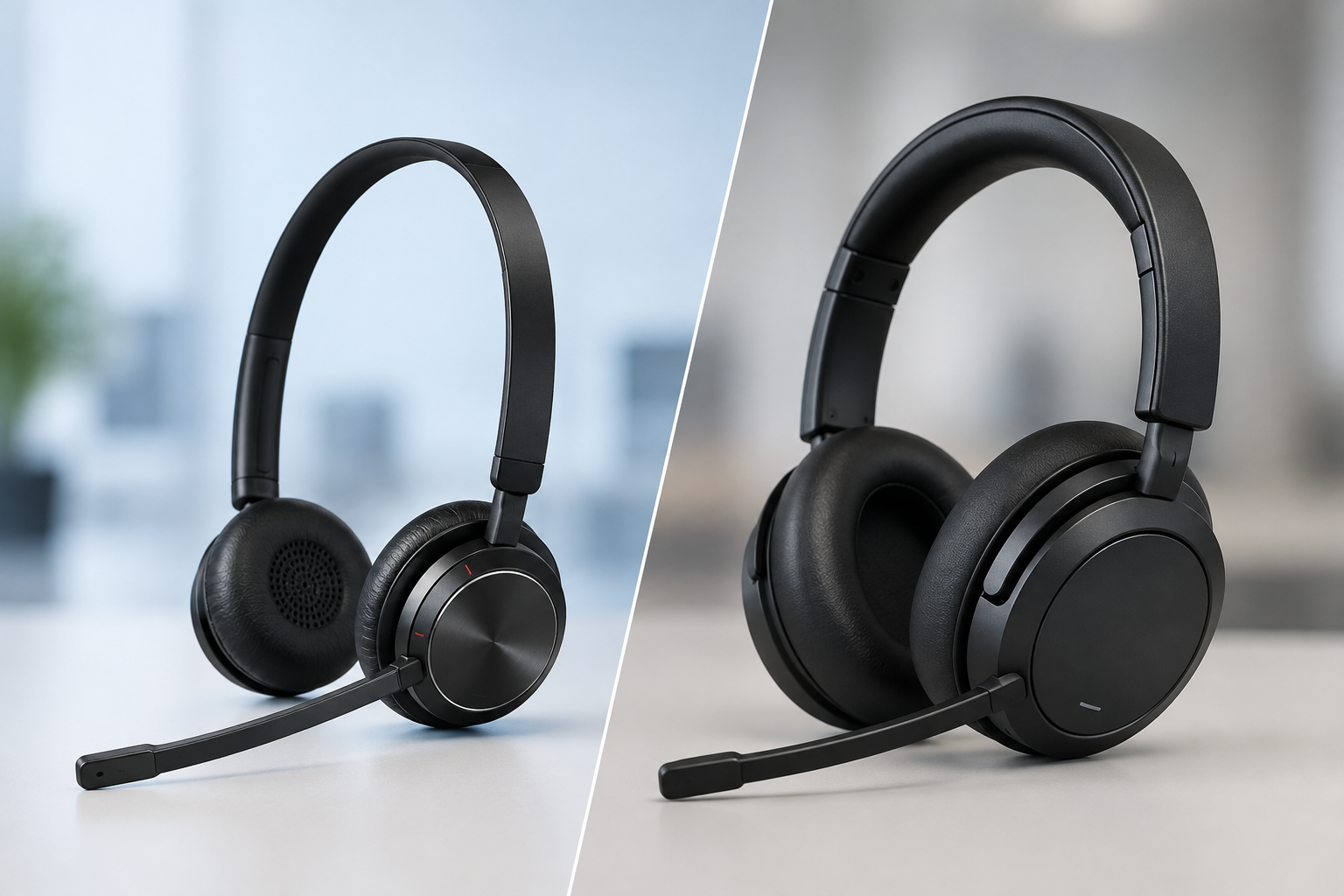
Do you want the best headset?
Why Choosing the Right Connection Type Matters
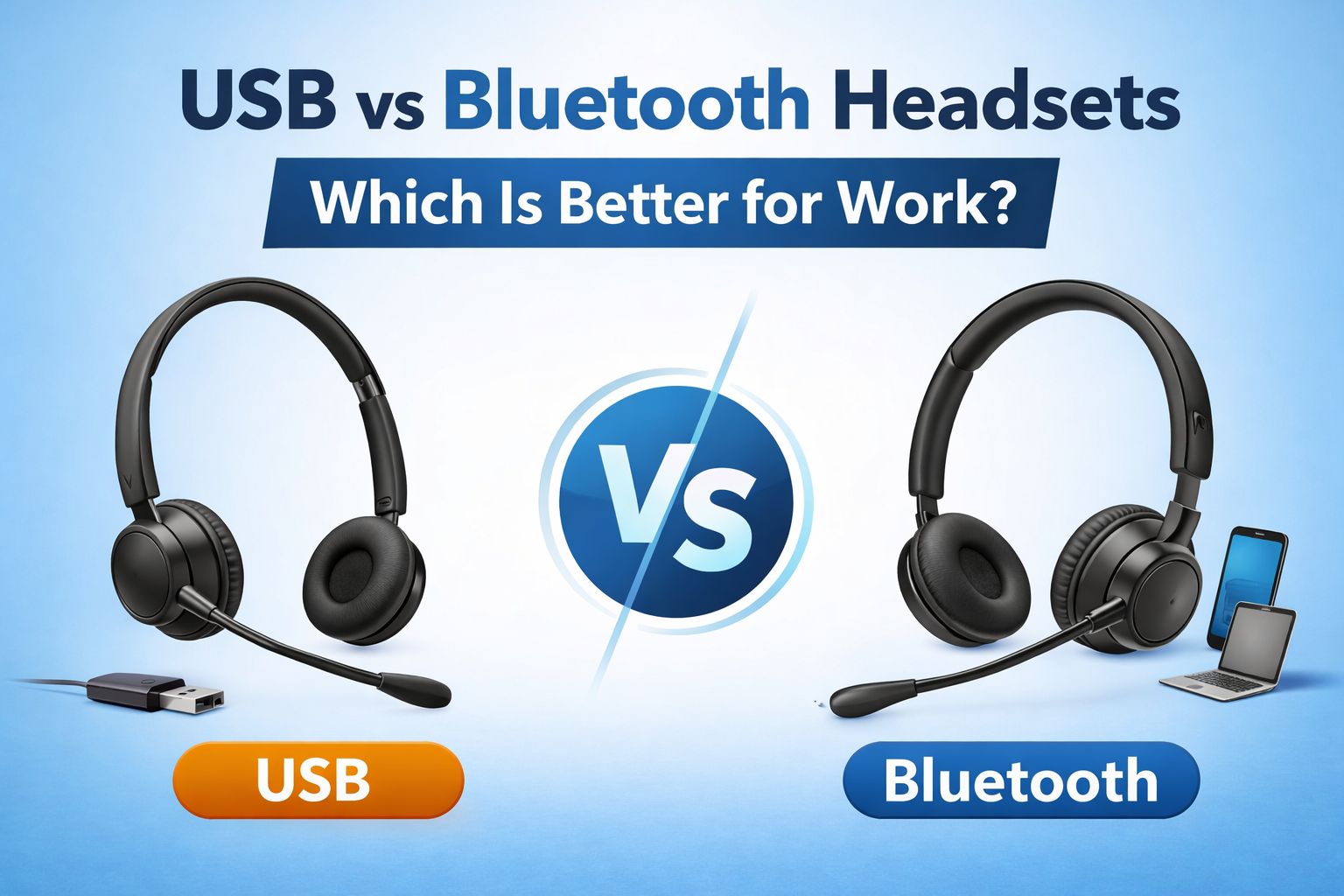
When choosing a headset for work, one of the most important decisions is how it connects to your device.
The connection type directly impacts call quality, reliability, mobility, and ease of use. If you have ever dealt with issues like your headset disconnecting, sounding bad, or creating echo, the connection type may be a big part of the problem. You can learn more about these common issues in our guides on why your headset keeps disconnecting, why your headset sounds bad, and why your headset echoes.
Understanding the differences between USB and Bluetooth headsets will help you choose the right option for your work environment and avoid many of these problems from the start.
What Is a USB Headset?
A USB headset connects directly to your computer using either a cable or a USB wireless dongle.
These headsets are commonly used in offices and are designed for computer-based calling. Because the connection is direct, USB headsets are typically very stable and easy to set up.
In most cases, you simply plug them in, select the device, and you are ready to go.
What Is a Bluetooth Headset?
A Bluetooth headset connects wirelessly to your device using Bluetooth technology.
This allows you to pair your headset with laptops, smartphones, and tablets, giving you flexibility to move around and take calls from different devices.
Bluetooth is convenient, but it can also introduce challenges depending on your environment and how many devices are connected at the same time.
USB vs Bluetooth: Key Differences

Choosing between USB and Bluetooth comes down to how you work and what matters most in your daily use.
Reliability

USB headsets are known for their consistent and stable connection. Because they are directly connected to your device, there is very little risk of interference or signal drop.
Bluetooth headsets can perform well, but they are more sensitive to environmental factors. In busy offices with many wireless devices, interference can lead to connection drops or inconsistent performance.
If you have experienced problems like your headset disconnecting, Bluetooth interference could be a contributing factor. You can read more about this in our guide on why your headset keeps disconnecting.
Call Quality

USB headsets typically provide more consistent audio quality because of the direct connection.
Bluetooth audio quality has improved significantly over the years, but it can still vary depending on distance, interference, and device compatibility.
In some cases, an unstable connection can lead to choppy audio, distortion, or echo. If you are experiencing these issues, it may help to review our guides on why your headset sounds bad and why your headset echoes.
Mobility and Range

Bluetooth has a clear advantage when it comes to mobility.
With Bluetooth, you can move freely around your workspace without being physically connected to your device. This is helpful if you need to step away from your desk during calls or move between rooms like to grab a coffee, collaborate with a coworker or grab a document from the printer. This wireless freedom is one of the main reasons why Bluetooth headsets are so popular.
However, not all wireless technologies perform the same when it comes to range and stability. In many professional environments, especially larger offices or warehouses, Bluetooth can be limited in both distance and consistency.
This is where it is helpful to understand the differences between Bluetooth vs DECT headsets, since DECT technology is specifically designed for longer range and more stable connections in busy environments.
To get a clear idea of how Bluetooth and DECT headsets vary when it comes to wireless range, here is a video that compares them side-by-side. The results might surprise you.
In general:
-
Bluetooth is ideal for short-range, flexible use - 30 to 100 feet maximum
-
DECT is better suited for longer range and high-density environments - 150 feet to 600+
USB wireless headsets that offer a USB dongle provide a longer wireless range, better voice quality and a more stable wireless connection. This is why we always recommend using a USB dongle instead of wireless Bluetooth when connecting to computers.
Ease of Use

USB headsets are generally plug and play. You connect them, and they work with minimal setup.
Bluetooth headsets require pairing and may occasionally need to be reconnected. This can create small frustrations, especially if you switch between devices. But overall, the connection challenges are quite minimal, and for most people easily accomplished.
Incorrect setup can also lead to issues like your microphone not being detected or the wrong audio device being selected. If you run into this, our guide on why your headset mic is not working can help you troubleshoot.
Device Compatibility

USB headsets are ideal for computer-based work and are often optimized for platforms like Microsoft Teams and Zoom. This optimization adds additional convenience features such as, call launch, remote call answering, muting from the headset, and others conveniently from the headset.
Bluetooth headsets offer broad compatibility across multiple devices, including connection to laptops, tablets and mobile phones. However, switching between devices can sometimes cause confusion if not managed properly. Until you become familiar with the process needed to switch between devices, it can be a bit challenging. Additionally, different headsets handle device switching differently, so familiarity with your specific device is key.
Making sure your headset is set up correctly with your devices is key to avoiding these periodic, or ongoing issues, and we always recommend making sure your firmware is up to date.
Which One Is Better for Your Work Environment?

The right choice depends on how and where you work.
If you primarily work at a desk and need consistent, reliable performance, a wired USB headset is often the better choice.
If you need flexibility, take calls on multiple devices, or move around frequently, a Bluetooth headset may be a better fit. Ideally a Bluetooth headset with a USB dongle would be the best choice.
If long wireless range and a higher level of call security are important, then a DECT wireless headset would be a logical choice.
In busier environments, background noise can also impact call quality. Pairing the right headset with solutions like neep AI noise canceling software can help reduce distractions and improve how clearly you are heard.
Common Problems and How Your Choice Impacts Them
Many common headset issues are directly tied to the type of connection you use.
If you are currently experiencing any of the following, these guides can help:
-
Frequent disconnects → why your headset keeps disconnecting
-
Poor audio quality → why your headset sounds bad
-
Echo during calls → why your headset echoes
-
Microphone issues → why your headset mic is not working
In many cases, choosing the right connection type can prevent these issues before they start.
Budget vs Long-Term Value

For many people, it can be tempting to choose a low-cost headset option, but that often leads to more problems over time.
Lower-quality headsets may wear out faster, provide inconsistent audio, or struggle in demanding environments, especially those with challenging background noise.
You need to sound professional when on business calls, and you need comfort and reliability. Investing in the right headset can improve performance, reduce the need for troubleshooting, and create a better user experience overall.
Matching your needs to the right headset will go a long way towards a more comfortable, happier, productive employee.
For businesses equipping teams, options like a headset lease program can make it easier to provide high-quality equipment for your team without a large upfront investment.
Final Thoughts
Both USB and Bluetooth headsets have their advantages, and the best choice depends on your work style, environment and the devices you need to connect to.
If reliability and simplicity are your top priorities, a wired USB headset is often the better option.
If flexibility and mobility are more important, Bluetooth may be the right fit.
And as mentioned earlier, if long wireless range and advanced call security are important, then a DECT wireless headset should be on your radar.
Taking the time to match your headset to your needs will help you avoid common issues and improve your overall call experience.
Need Help Choosing the Right Headset?

If you’re not sure whether a USB or Bluetooth headset is right for your setup, we’re here to help.
At Headset Advisor, we have been helping businesses find the right communication solutions for over 30 years. We also have over 800 five-star reviews on Google, which reflects our commitment to helping customers get it right the first time, and then offering premium service when needed.
Whether you need help troubleshooting your current setup or choosing the right headset for your environment, our team can guide you to the best solution, so contact us today if we can help.