
HP Poly Mission Headsets: 400, 600 & 800 Compared
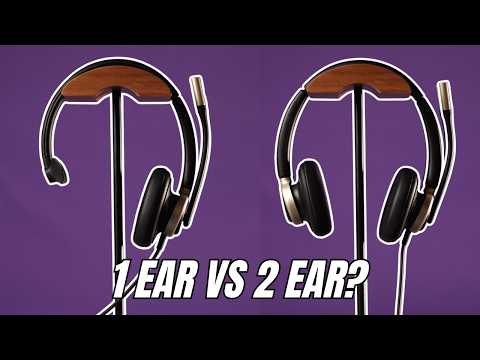
HP Poly Mission headsets are wired USB headsets for computer calls in the office and the call center. Compare all six side by side: the 400 series (415 and 425), 600 series (615 and 625) and 800 series with ANC (815 and 825). In each pair, the first is mono (one ear) and the second is stereo.
We've reviewed and mic-tested the Mission 400, 600 and 800 series on video.
Compare headsets
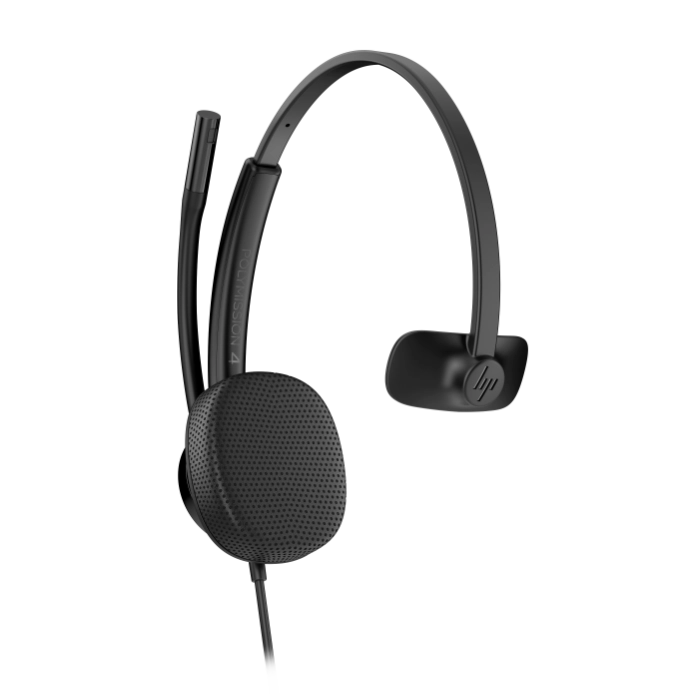
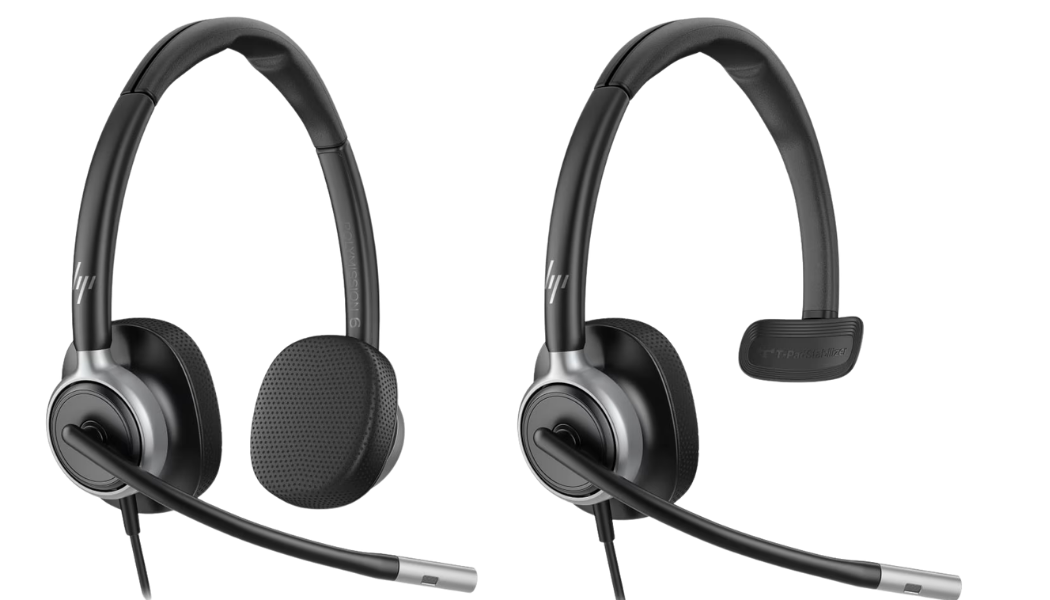
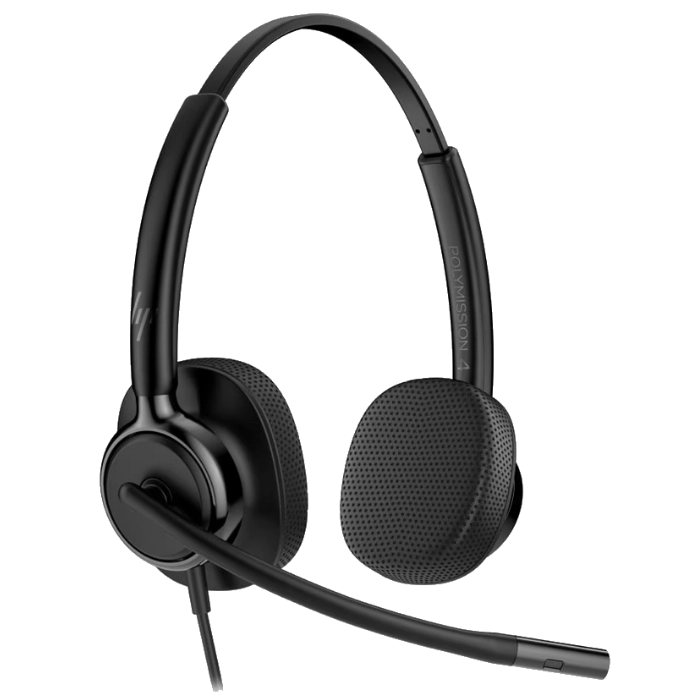


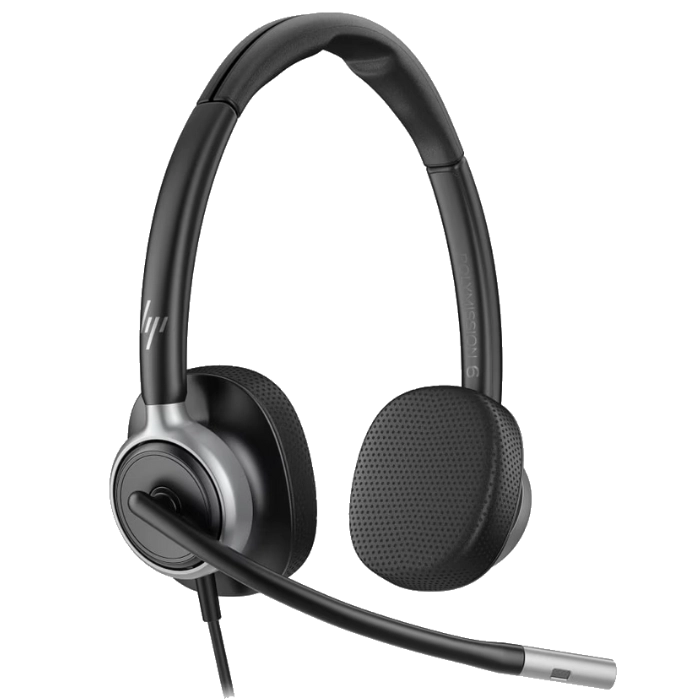

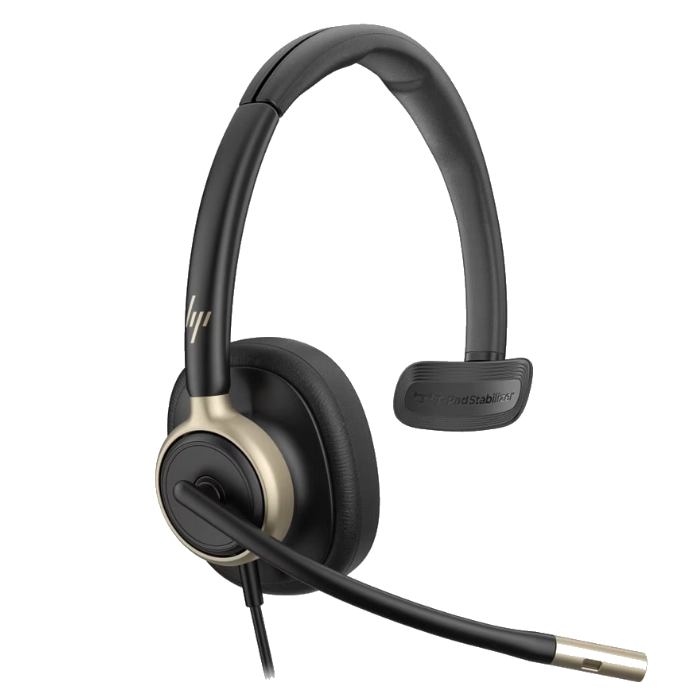
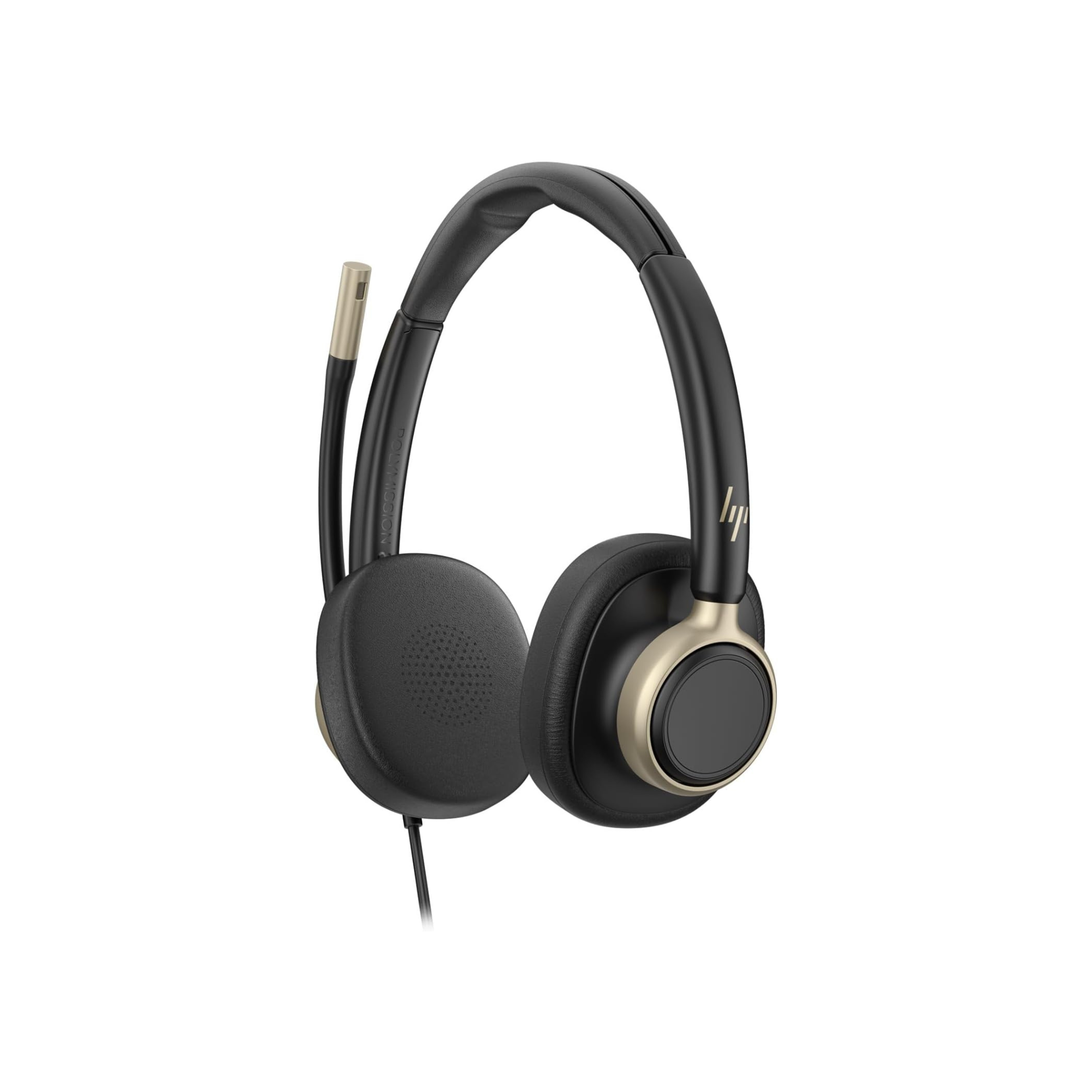
Compare every HP Poly Mission model
| Model | Style | Microphone | ANC | Ear cushions | Controls | Teams or UC | Connection | Price |
|---|---|---|---|---|---|---|---|---|
 Mission 415 Mission 415
| Mono | 1 mic, AI noise reduction | No | Foam or leatherette | Inline: mute, volume, Teams, call | One version, Teams and Zoom certified | USB-C with USB-A adapter | From $42.62View |
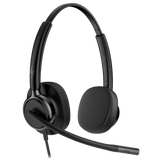 Mission 425 Mission 425
| Stereo | 1 mic, AI noise reduction | No | Foam or leatherette | Inline: mute, volume, Teams, call | One version, Teams and Zoom certified | USB-C with USB-A adapter | From $49.97View |
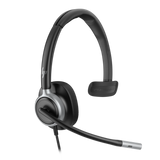 Mission 615 Mission 615
| Mono | 2 mics, AI noise reduction | No | Leatherette, memory foam | Inline: mute, volume, Teams, call; boom mute | One version, Teams Open Office certified | USB-C with USB-A adapter | $102.90View |
 Mission 625 Mission 625
| Stereo | 2 mics, AI noise reduction | No | Leatherette, memory foam | Inline: mute, volume, Teams, call; boom mute | One version, Teams Open Office certified | USB-C with USB-A adapter | $110.25View |
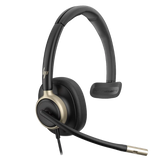 Mission 815 Mission 815
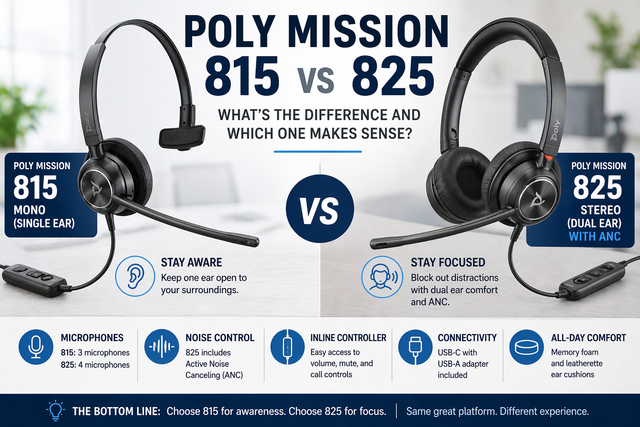
| Mono | 3 mics, AI noise reduction | Yes, with on/off button | Leatherette, memory foam | Inline: mute, volume, Teams, call, ANC; boom mute | One version, Teams Open Office certified | USB-C with USB-A adapter | $132.32View |
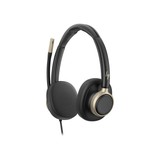 Mission 825 Mission 825
| Stereo | 4 mics, AI noise reduction | Yes, with on/off button | Leatherette, memory foam | Inline: mute, volume, Teams, call, ANC; boom mute | One version, Teams Open Office certified | USB-C with USB-A adapter | $139.67View |
Microphone counts and features are HP's specs. Every Mission headset connects by USB-C, with a USB-A adapter in the box.
Every current HP Poly Mission model, tested
Mission 415
Mono, the most affordable Mission
Our verdict: A dependable headset without added complexity. If your workspace is relatively calm and you just need a headset that works consistently, the 400 series is a solid choice.
Read our 400 vs 600 vs 800 comparison →From $42.62
Mission 425
Stereo, the most affordable Mission
Our verdict: A dependable headset without added complexity. If your workspace is relatively calm and you just need a headset that works consistently, the 400 series is a solid choice.
Read our 400 vs 600 vs 800 comparison →From $49.97
Mission 615
Mono, more comfort and two mics
Our verdict: Noticeable improvements over the 400 series in comfort and microphone performance, with dual microphones and AI noise reduction. Made for call-heavy roles.
Read our 400 vs 600 vs 800 comparison →$102.90
Mission 625
Stereo, more comfort and two mics
Our verdict: Noticeable improvements over the 400 series in comfort and microphone performance, with dual microphones and AI noise reduction. Made for call-heavy roles.
Read our 400 vs 600 vs 800 comparison →$110.25
Mission 815
Mono, premium, with ANC
Our verdict: Designed to keep you connected to what's happening around you: one ear stays open, so you can still hear coworkers. A good choice for collaborative spaces where background noise is manageable.
Read our Mission 815 vs 825 review →$132.32
Mission 825
Stereo, premium, with ANC
Our verdict: Built for focus. Covering both ears blocks out more of your surroundings, and an extra microphone helps in louder rooms, so in a busy office or call center it is easier to stay focused on the conversation.
Read our Mission 815 vs 825 review →$139.67


Which HP Poly Mission is right for you?
Alternatives to the HP Poly Mission
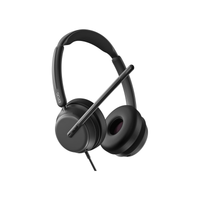
EPOS Impact 860
One of the two top picks in our wired USB sound test, with the richest sound of the group and excellent background-noise removal.
From $195.66
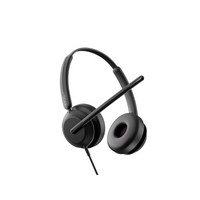
View product →EPOS Impact 760
Joint top pick in our wired USB sound test, with a fuller, more natural tone in quiet rooms.
$168.98
View product →Poly Blackwire 8225 UC
Did a solid job reducing background noise in our wired USB sound test, and adds ANC.
From $169.73
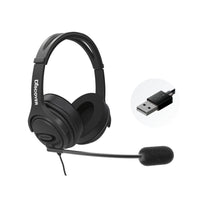
View product →Discover D722U
Over-ear memory foam cushions for strong noise isolation, a noise-cancelling microphone and both USB-A and USB-C.
$99.99
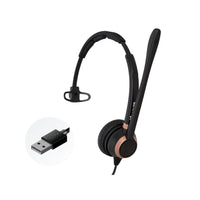
View product →Discover D711U
Single-ear wired USB headset with a noise-cancelling microphone for desk-bound calls.
$74.99
View product →

Frequently asked questions
What is the difference between the HP Poly Mission 400, 600 and 800 series?
The differences come down to microphone performance, comfort and how well each model handles background noise. The 400 series is the most affordable, with a simpler microphone and smaller cushions. The 600 series adds dual microphones, AI noise reduction, larger cushions and a busy light. The 800 series is the premium option, with more microphones and active noise cancelling. In a quiet room the differences are small; in a noisy room they are much more noticeable.
What is the difference between the Mission 815 and 825?
They are built on the same platform, with the same design, audio and features, including ANC. The 815 is mono, with one ear open so you can hear your surroundings. The 825 is stereo: covering both ears blocks out more noise, it has one more microphone, and it gives fuller sound if you listen to music. Read our Mission 815 vs 825 review.
Should I choose a mono or a stereo Mission headset?
Choose mono (415, 615, 815) if you work in a quiet or moderately busy office, talk with coworkers often or need to stay aware of your surroundings. Choose stereo (425, 625, 825) if you work in a noisy room, need to concentrate for long periods or listen to music at work. Microphone quality depends on the model, not on mono or stereo.
Which Mission headset is best for a noisy office or call center?
The 800 series. It stands out most in challenging environments, and the stereo 825 combines two covered ears, an extra microphone and ANC to help you stay focused. For call-heavy roles in moderate noise, the 600 series is a good balance of cost and performance. No headset removes all background noise, but these reduce it, sometimes significantly.
Is the 600 or 800 series worth the upgrade over the 400?
It depends on your room. In quieter spaces the difference is mostly comfort: the 400 series has smaller, less padded cushions and a simpler microphone. In noisier settings the 600 and 800 series are much better at keeping your voice clear and the background down, and their extra comfort matters over long workdays.
Should I choose foam or leatherette cushions on the 415 or 425?
Foam (HP's Classic version) costs less and is cheaper to replace, but it wears faster and lets in more noise. Leatherette over memory foam lasts longer, is easier to clean and blocks more noise. If background noise is a problem, choose leatherette.
How do Mission headsets connect, and do they work with Teams and Zoom?
Every Mission headset plugs into your computer by USB-C, with a USB-A adapter in the box, so it works with both kinds of port. There is one version of each model for Microsoft Teams and other UC apps: HP certifies the 400 series for Teams and Zoom, and the 600 and 800 series for Teams Open Office.

Why buy from Headset Advisor
-
Free shipping over $50
Free 3 to 5 day shipping on orders of $50 or more.
-
30-day returns
Return any product within 30 days.
Shipping and returns → -
Real headset advisors
Not sure which model fits your phone or computer? We will help you choose.
Talk to an advisor → -
Volume quotes
Buying for a team or an office? Ask for a volume quote.
Request a quote →