
Yealink AX Wi-Fi IP Phones
Yealink AX phones are Wi-Fi 6 IP handsets for staff who take calls on the move. There are two: the AX83H business handset and the rugged AX86R, rated IP67, with push-to-talk and alarm keys. Each connects through your Wi-Fi access points, with no base station. Compare them, then check what your Wi-Fi network needs.
Specs are from Yealink's data sheets and support guides. Prices and stock are live.
Compare headsets
Compare every Yealink AX Series model
| Model | Screen | Wi-Fi and Bluetooth | Battery talk and standby | Rugged rating | Push-to-talk and alarm button | Size and weight | Charging and in the box | Headset support | Price |
|---|---|---|---|---|---|---|---|---|---|
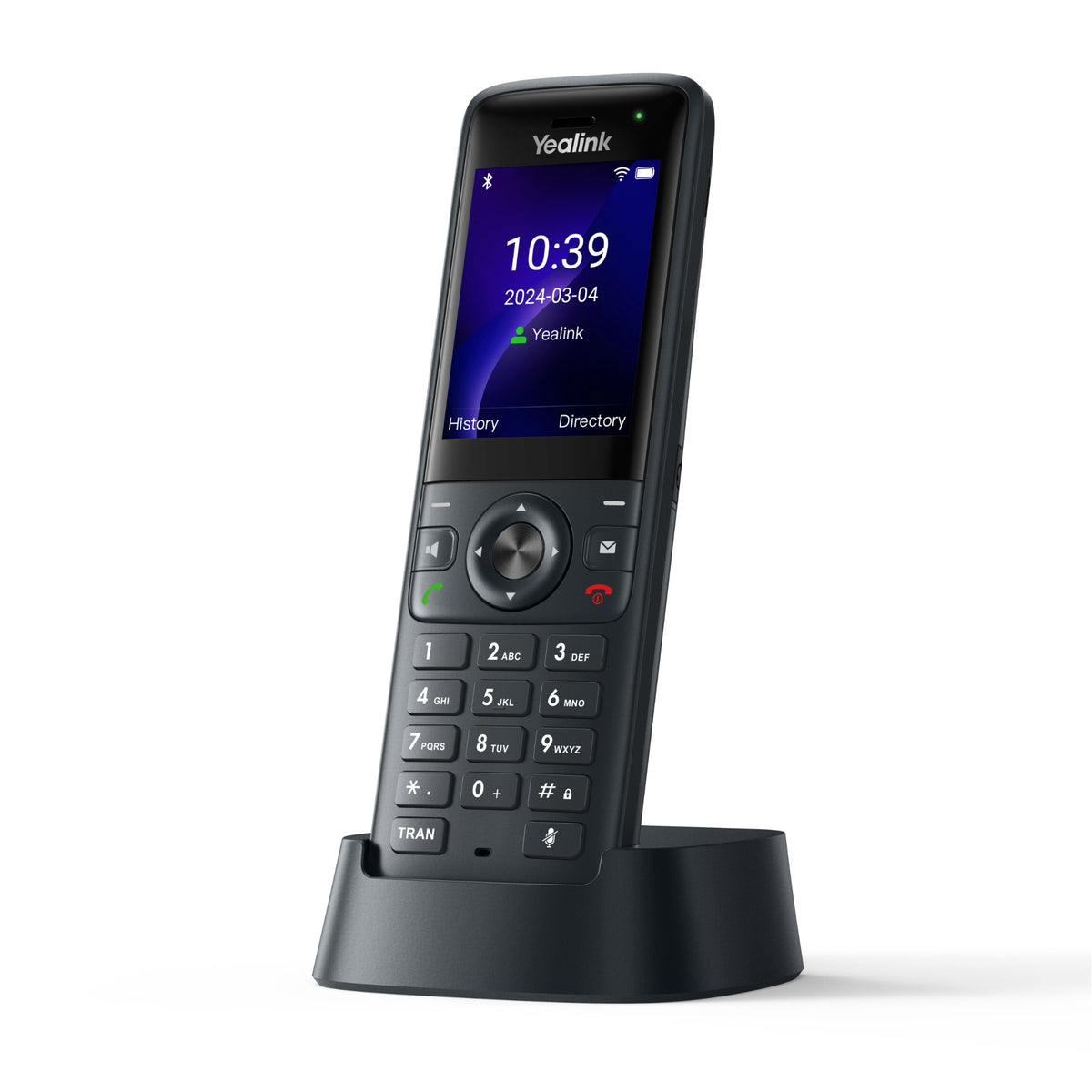
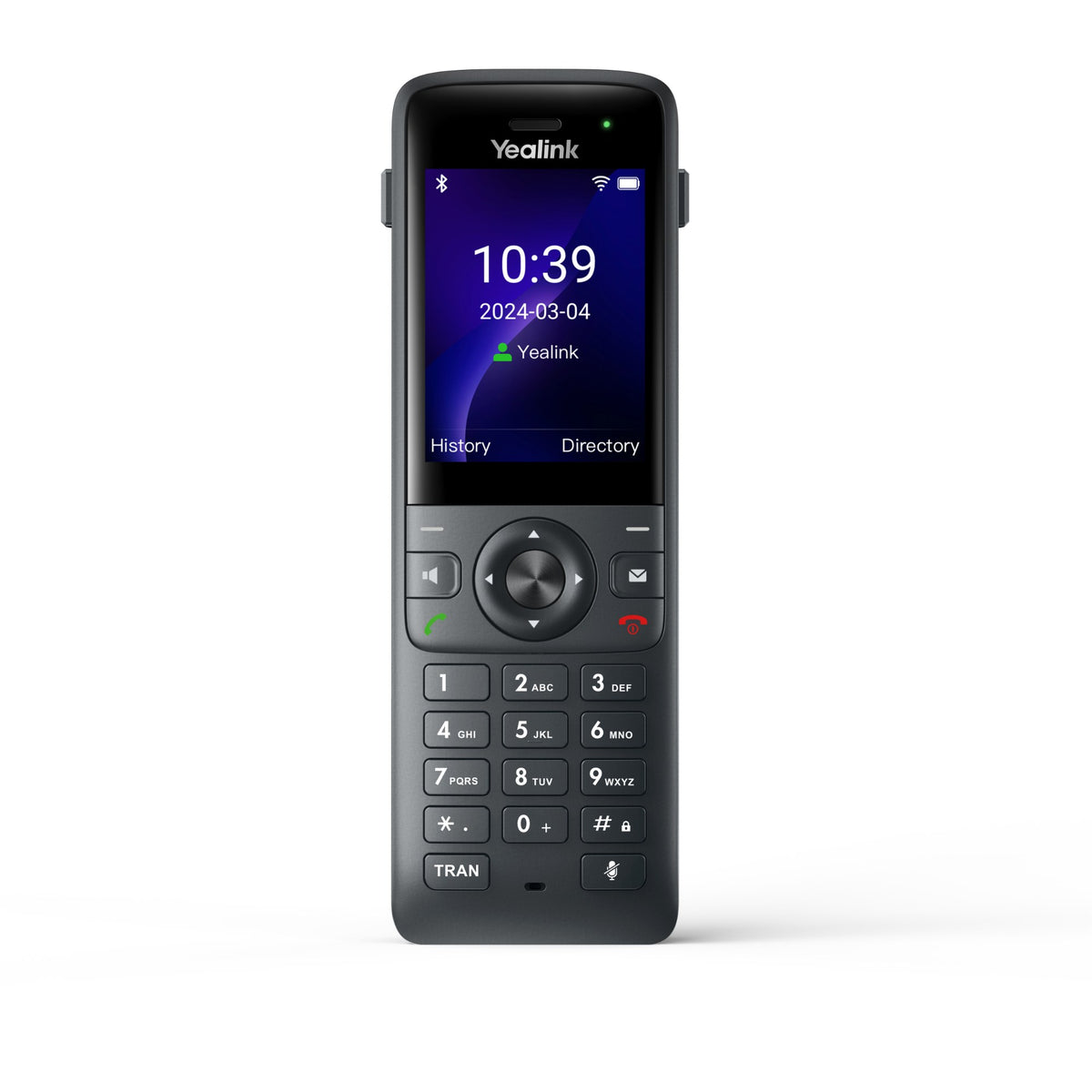
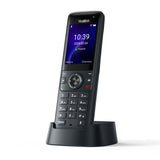 Yealink AX83H | 2.4 in color, 240 x 320 | Wi-Fi 6, 2.4/5 GHz, 802.11k/v/r roaming; Bluetooth 5.0 | 2000 mAh; up to 9 h talk, 200 h standby | None listed | No PTT or alarm key listed; firmware 180.87.0.5 adds PTT and button alarm | 151 x 49.5 x 21 mm; 126 g (4.4 oz) | Cradle or USB-C (cable not included); cradle, battery, belt clip, 5 V adapter in the box | 3.5 mm jack; Bluetooth headsets | $149.00View |
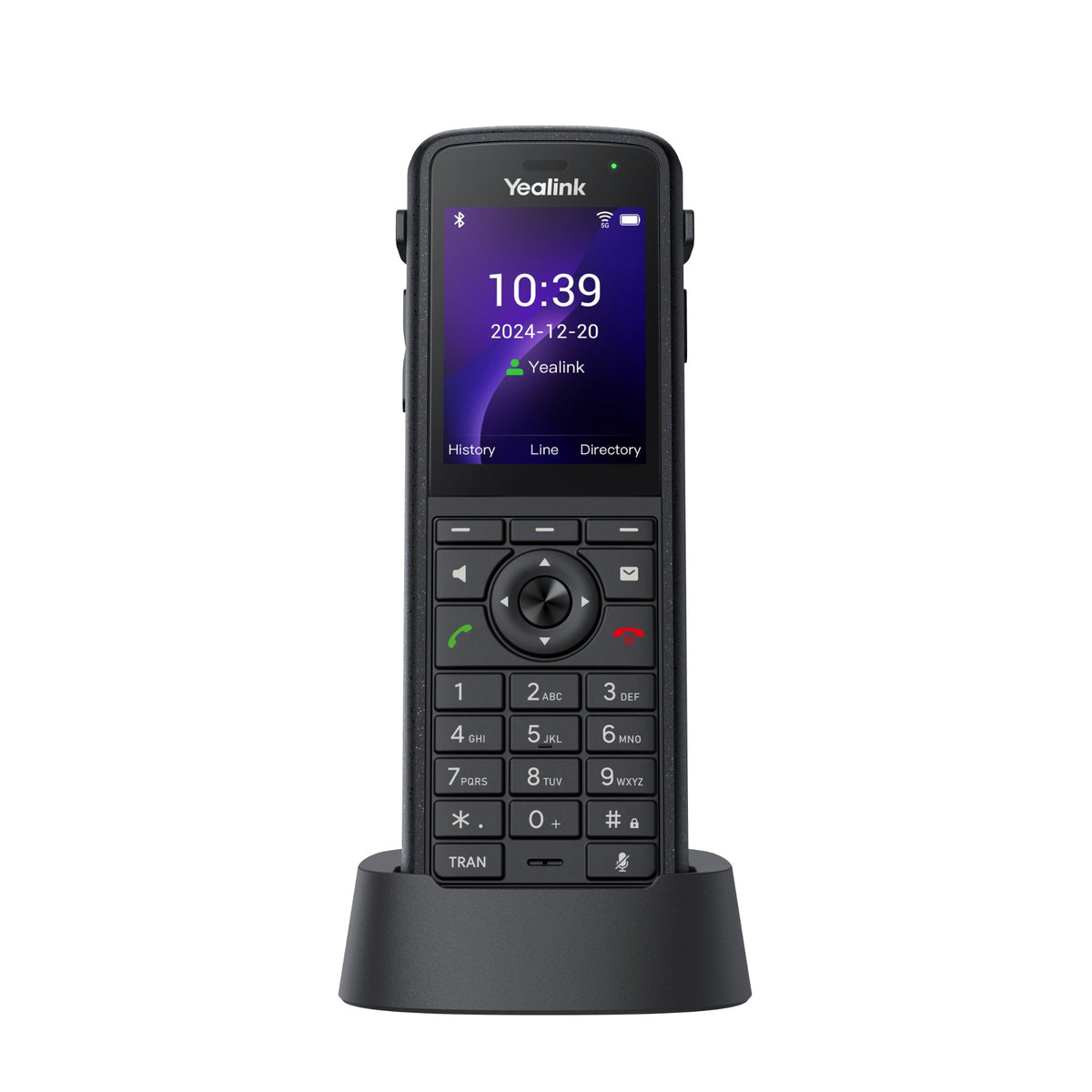
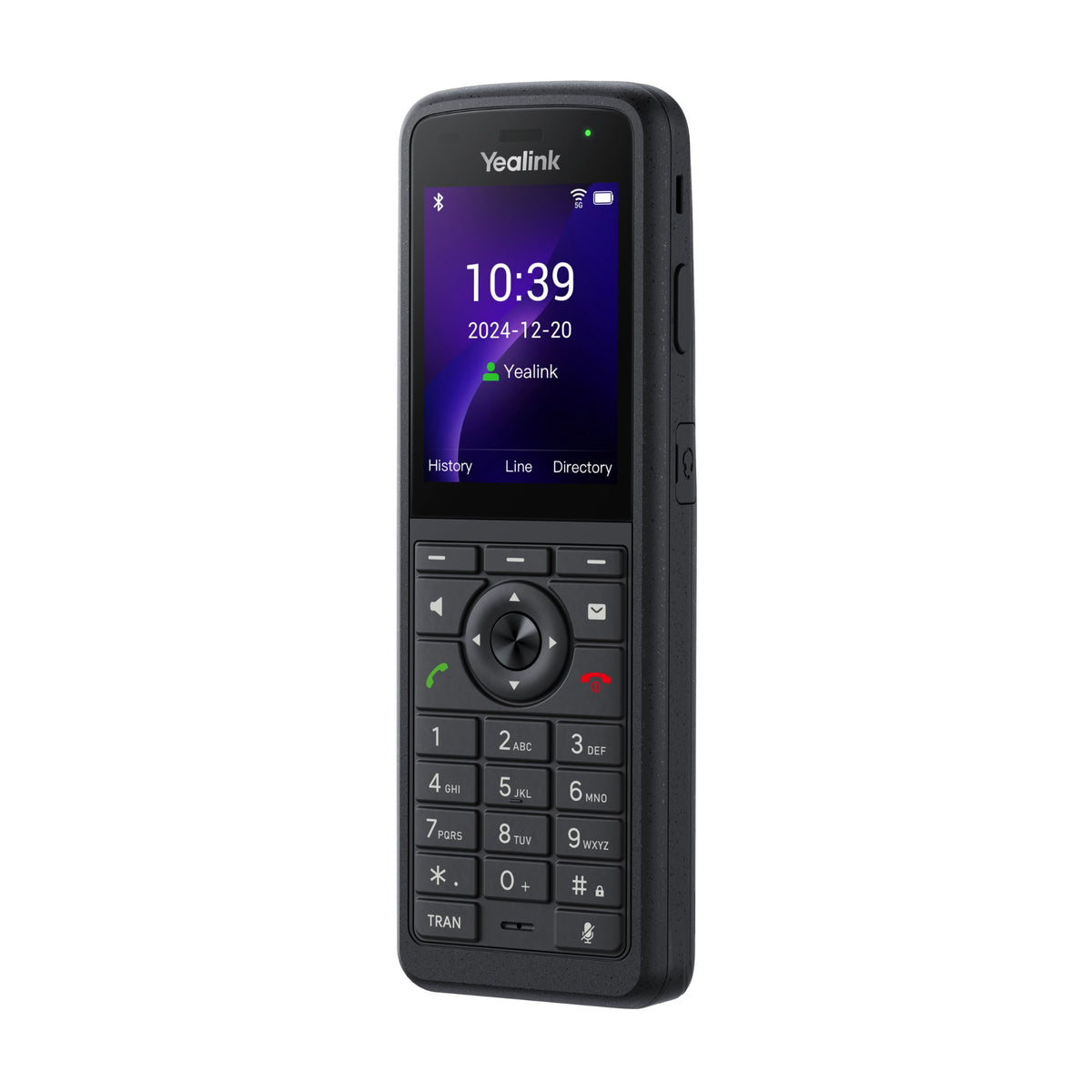
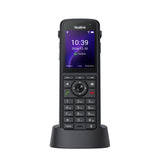 Yealink AX86R | 2.4 in color, 240 x 320 | Wi-Fi 6, 2.4/5 GHz, 802.11k/v/r roaming; Bluetooth 5.0 | 3100 mAh; up to 13 h talk, 300 h standby | IP67; 1.8 m (5.9 ft) drop; antibacterial, cleaning resistant | PTT key; red alarm key; man-down, no-movement and running alarms | 160.1 x 55.3 x 25.85 mm; 218 g (7.7 oz) | Cradle or USB-C (cable not included); cradle, battery, belt clip, 5 V adapter in the box | 3.5 mm jack; Bluetooth headsets | $199.00View |
Specs are Yealink's, from its current data sheets. Talk and standby times are Yealink's lab figures. "None listed" means the data sheet names no such rating. Both phones charge in the cradle in the box or by USB-C, but Yealink doesn't include a USB-C cable.
Check your Wi-Fi first
Every current Yealink AX Series model
Yealink AX83H
Business Wi-Fi 6 handset
Our take: For offices, warehouses, supermarkets and hotels, where staff take calls on the move: a 126 g handset with Wi-Fi 6, Bluetooth 5.0 for a headset and up to 9 hours of talk time. Yealink lists no water, dust or drop rating, so pick the AX86R for wet or rough work.
$149.00
Yealink AX86R
Rugged IP67 handset with PTT and alarm keys
Our take: For healthcare, manufacturing, warehouses and transport, where phones get dropped, wet or wiped down: IP67, a 1.8 m (5.9 ft) drop rating, a push-to-talk key, a red alarm key with man-down, no-movement and running alarms, and up to 13 hours of talk time.
$199.00


Works with your provider
What Microsoft and Yealink say these phones work with. We show only what is stated, so if your provider isn't named, check its supported phone list or ask us.
| Phone | Works with (as stated) | Source | Notes |
|---|---|---|---|
| Yealink AX83H and AX86R | Microsoft Teams via SIP Gateway | Microsoft's SIP Gateway device list; Yealink product pages | From firmware 180.87.0.5. Needs a Teams phone number with PSTN calling. Microsoft lists static location only (no automatic location discovery) for them. Not on Yealink's Teams Phones list, so there's no native Teams version. |
| Yealink AX83H and AX86R | Zoom: not listed | Yealink website | Neither model is on Yealink's Zoom Phones list. |
| RingCentral, 8x8, Dialpad, Nextiva, Vonage and others | Not named on these phones' data sheets | None | Standard SIP phones with up to 4 SIP accounts. Check your provider's supported phone list, or ask an advisor before you buy. |
Platforms change with firmware and provider programs, so confirm with your provider before a large order.
Headsets for each phone
Both AX phones have a 3.5 mm headset jack and Bluetooth 5.0. Yealink's data sheets name no headset models, so these rows show how a headset connects.
| Your phone | Headset | Connects by | Notes |
|---|---|---|---|
| Yealink AX83H and AX86R | A Bluetooth headset | Built-in Bluetooth 5.0 | Yealink lists answer, end and mute from the headset, plus redial, hold and volume kept in sync between headset and phone. |
| Yealink AX83H and AX86R | A corded headset with a 3.5 mm plug | The phone's 3.5 mm headset jack | Yealink names no compatible models. Ask us to check a headset before a fleet order. |
Not sure which headset fits? Talk to an Advisor.
Which Yealink AX phone is right for you?
Alternatives to the Yealink AX Series
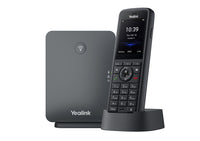
Yealink W73P
DECT instead of Wi-Fi: the W73H handset and a W70B base that connects to your network by Ethernet and takes up to 10 handsets. Up to 35 hours of talk time in ideal conditions.
$175.00
View product →Yealink W79P Pro
Rugged DECT: the IP67 W59R Pro handset, rated for 2 m drops, with push-to-talk and alarm keys, plus the W70B base. Up to 28 hours of talk time in ideal conditions.
$349.00
View product →Poly Rove 20 Kit
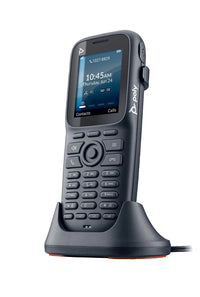
HP's DECT starter kit: a Rove 20 handset and a B1 base for up to 10 handsets, with push-to-talk between handsets and up to 35 hours of talk time in Eco mode.
$233.12
View product →
Frequently asked questions
What's the difference between the Yealink AX83H and AX86R?
Both are Wi-Fi 6 handsets with a 2.4 in color screen, Bluetooth 5.0, a 3.5 mm headset jack and up to 4 SIP accounts. The AX86R is the rugged one: IP67, rated for 1.8 m (5.9 ft) drops and antibacterial, with a push-to-talk key, a red alarm key and man-down, no-movement and running alarms. It also has the bigger battery, up to 13 hours of talk against 9 on the AX83H. The AX83H is lighter, 126 g against 218 g, and Yealink lists no IP or drop rating for it.
What does my Wi-Fi network need for Yealink AX phones?
Yealink requires access points that support 802.11a/b/g/n/ac/ax with 802.11r fast roaming enabled. It recommends 802.11k and 802.11v, WMM voice priority, band steering toward 5 GHz and no DFS channels on 5 GHz. Its compatible list includes Cisco Catalyst, Aruba, Ruckus, TP-Link, Ubiquiti and Netgear access points. The guide on this page has the details.
Should I choose a Wi-Fi phone or a DECT phone?
Choose Wi-Fi if your Wi-Fi covers the site and meets Yealink's access point requirements: AX handsets connect to your access points, with no base station. DECT handsets register to a base station on your network instead. Yealink's W70B base takes up to 10 handsets and reaches up to 50 m (164 ft) indoors in ideal conditions, and its W80 and W90 systems scale to 100 and 250 handsets. Yealink's DECT handsets also list longer talk times, such as up to 35 hours on the W73H. See our Yealink W Series DECT phones.
Does the Yealink AX83H have push-to-talk and an emergency button?
Yealink's AX83H data sheet lists no PTT or alarm key. Its firmware 180.87.0.5 release note (May 2025) says push-to-talk and the button alarm were added to both the AX83H and AX86R, and Yealink's alarm guide says the AX83H supports the button alarm only. The AX86R has a dedicated PTT key and a red alarm key, plus man-down, no-movement and running alarms. If PTT or alarms matter for your team, choose the AX86R or ask us to confirm the AX83H setup first.
Do Yealink AX phones work with Microsoft Teams or Zoom?
Microsoft lists both models as compatible with Teams through its SIP Gateway, from firmware 180.87.0.5, and Yealink's pages say both support Microsoft SIP Gateway. SIP Gateway needs a Teams phone number with PSTN calling. They aren't native Teams phones: neither is on Yealink's Teams Phones list. Neither is on Yealink's Zoom Phones list either.
Which phone systems do they work with?
AX phones are SIP phones: each registers up to 4 SIP accounts and supports standard SIP (RFC 3261). Yealink's data sheets don't name providers such as RingCentral, Nextiva, 8x8, Dialpad or Vonage, so check your provider's supported phone list before you buy, or Talk to an Advisor.
Can I use a headset with the AX83H or AX86R?
Yes. Both have a 3.5 mm headset jack and Bluetooth 5.0 for a Bluetooth headset. Yealink lists answer, end and mute from a Bluetooth headset, plus redial, hold and volume that stays in sync between headset and phone. Yealink names no specific headset models, so ask us before you order headsets for a fleet.
How do AX phones charge, and what's in the box?
Each phone charges in its charger cradle or from its USB-C port. Yealink's data sheets list the cradle, a rechargeable battery, a belt clip, a quick start guide and a power adapter in the box, but no USB-C cable. Yealink states no charge time.
Why buy from Headset Advisor
-
Free shipping over $50
Free 3 to 5 day shipping on orders of $50 or more.
-
30-day returns
Return any product within 30 days.
Shipping and returns → -
Real advisors
Not sure which phone works with your phone system? We will help you choose.
Talk to an advisor → -
Volume quotes
Buying phones for an office? Ask for a volume quote.
Request a quote →