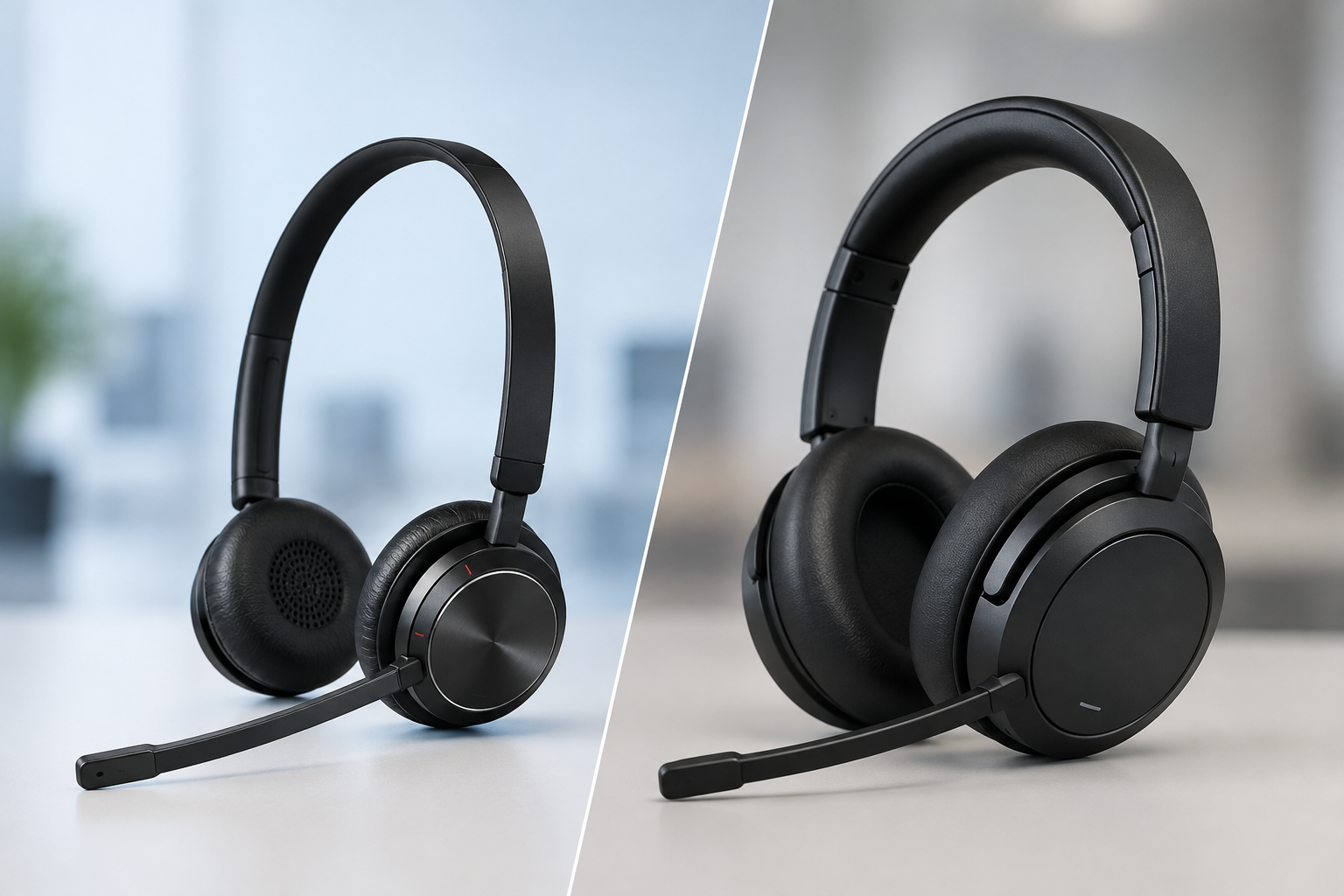
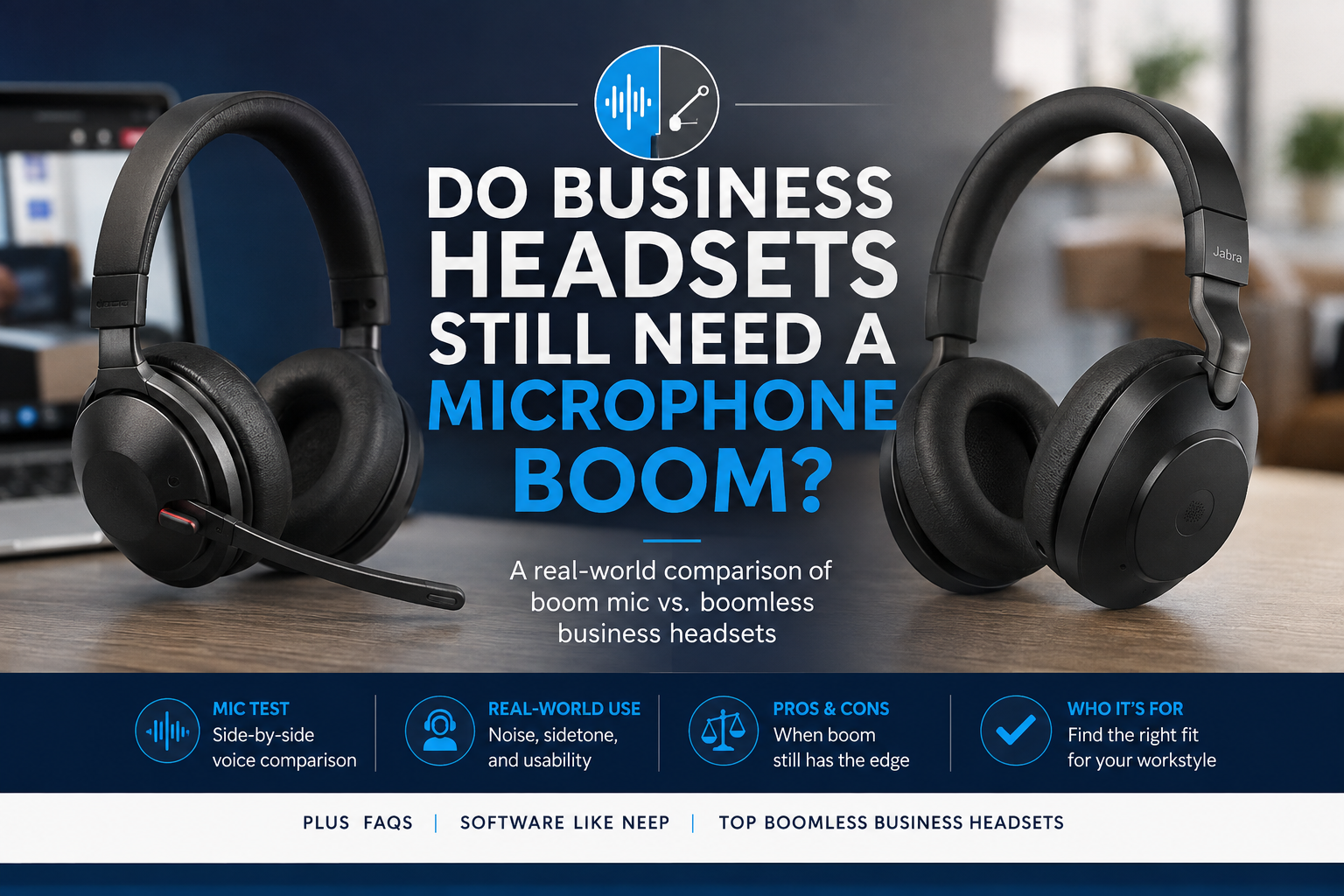
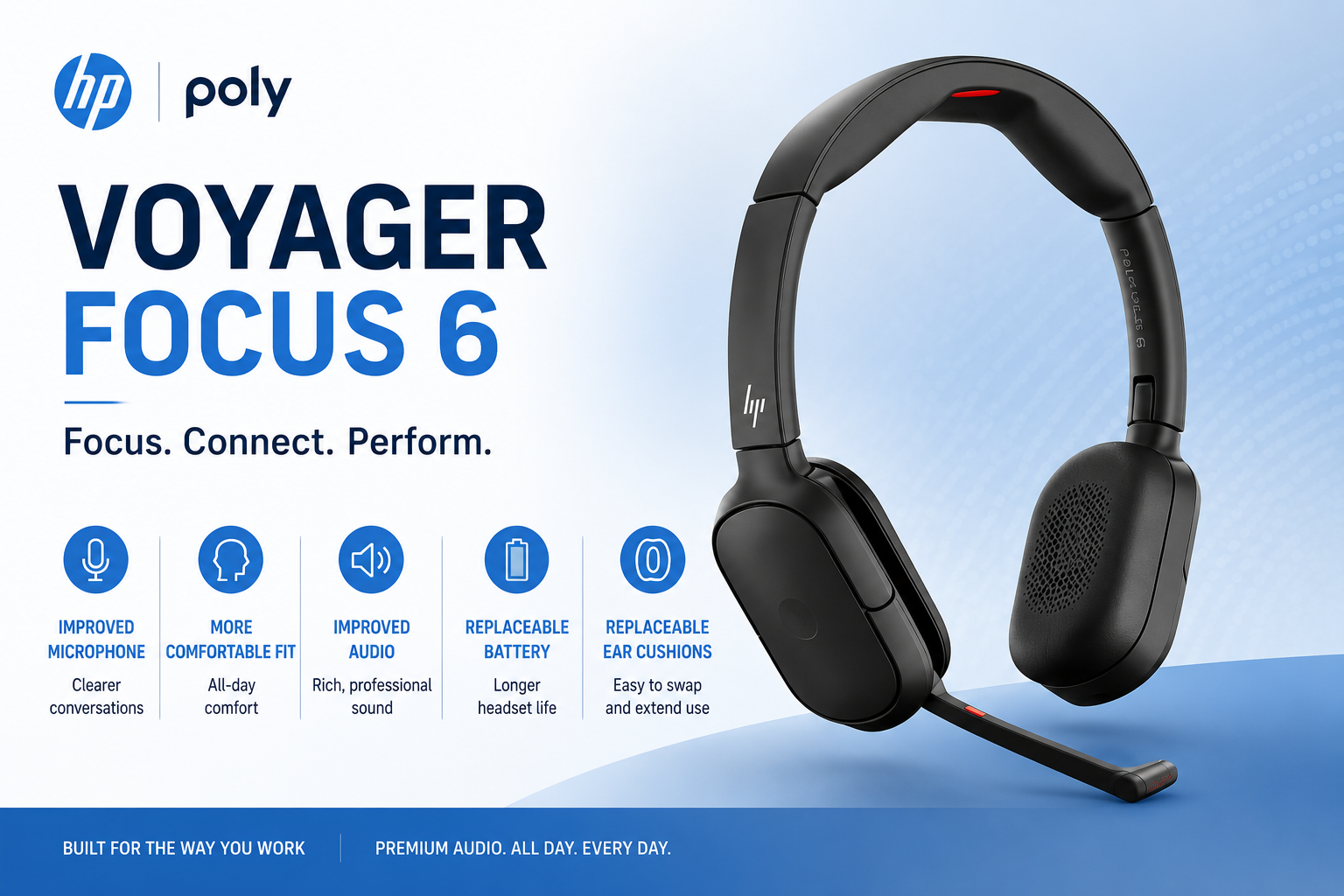
Do you want the best headset?
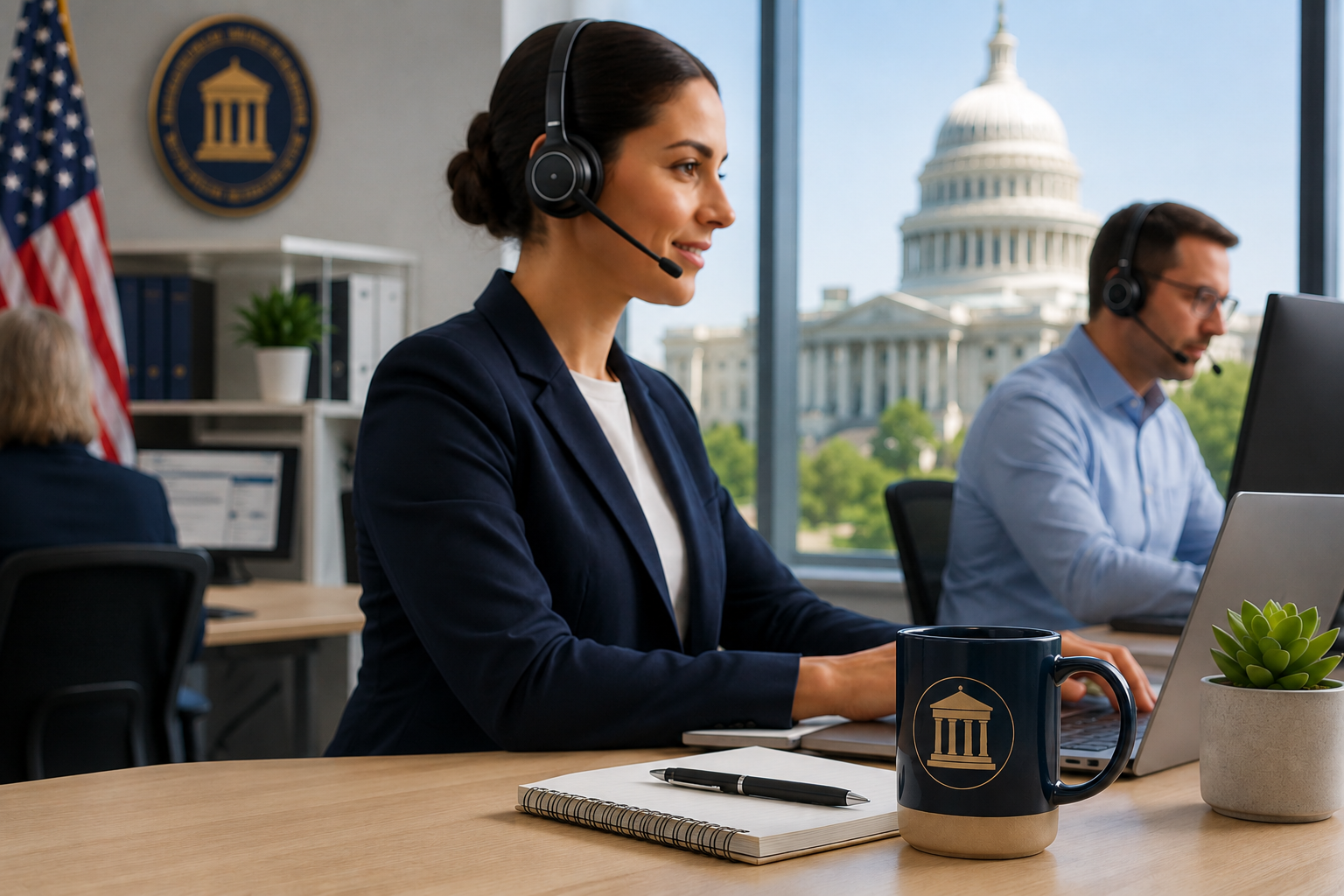
Government agencies need clear communication for voice and video calls.
Whether assisting citizens, processing permits, supporting internal departments, managing public programs, handling benefits inquiries, conducting virtual meetings, or operating service desks and call centers, employees need tools that help them communicate clearly and efficiently.
While headsets may seem like a relatively small technology purchase, selecting the right solution can have a meaningful impact on productivity, employee satisfaction, communication quality, and long-term costs. And, if you’re deploying headsets across the organization, the price can add up.
Government organizations also face unique considerations that many private-sector businesses do not, including budget cycles, procurement requirements and restrictions, small business participation goals, and IT deployment standards.
Before purchasing headsets for your agency, here are several important factors worth considering.
Clear Communication Supports Better Public Service

Whether communicating with citizens, contractors, vendors, elected officials, or coworkers, clear communication is essential.
Poor audio quality can lead to misunderstandings, the need to repeat information, longer call times, and frustration for everyone involved.
When evaluating business headsets, it's important to consider microphone quality, background noise reduction, speaker clarity, reliability, and comfort. These factors work together to ensure employees can communicate effectively throughout the day.
The ability to communicate clearly can help employees provide better service while creating a more professional experience for those they support.
And of course the vendor you select to work with plays an important role as well because the truth is, there are differences in what vendors offer which can make a big difference on your overall experience.
Government Work Environments Have Changed

Many government agencies now support a mix of traditional office workers, hybrid employees, remote staff, call center personnel, administrative teams, supervisors, and managers.
As a result, communication needs have become more complex, and clearly different from what it was even ten years ago.
Employees often move between phone calls, video meetings, collaboration platforms, and mobile devices throughout the day. Selecting a headset that supports these changing work styles can help improve both productivity and user adoption.
AI Noise Cancellation Can Improve Call Quality

Background noise is one of the most common challenges facing today's workforce. Noise is everywhere and shows up in many forms, all of which can interfere with the flow of a call.
Whether employees work in open offices, shared workspaces, home offices, or busy service centers, unwanted noise can make conversations more difficult for everyone.
While many headsets include microphone noise cancellation, their ability to remove noise varies significantly from model to model, and brand. AI-powered software can provide an additional layer of noise reduction that can make a big difference in call security, and professionalism.
Solutions such as neep ai noise canceling software can remove distracting background sounds, enhance the user's voice, separate user speech from nearby conversations or noise, and reduce noise on both sides of the call. This can help create a more professional communication experience while reducing distractions for both employees and callers.
To learn more about neep, or to arrange for your free trial, go to neep.com
Wireless Mobility Can Increase Productivity

Government employees often need to move throughout the workplace while remaining available.
Examples may include:
- Retrieving documents
- Going to printers or copiers
- Consulting with coworkers, supervisors and managers
- Accessing records
- Moving between offices
- Getting a fresh cup of coffee
Wireless headsets can help employees to remain reachable and more productive, and being able to answer an incoming call when away from the desk, provides enormous value.
For users who spend significant time away from their desks, wireless range can become an important consideration which leads us into the two main technologies used in today’s business wireless headsets.
DECT vs Bluetooth: Understanding the Difference

Many people are familiar with Bluetooth because it is commonly used with smartphones and consumer electronics.
However, business communications often place different demands on wireless technology.
DECT wireless headsets can provide advantages such as:
- Longer wireless range - up to 6 times more range
- Greater connection stability - less chance of dropped calls
- Reduced wireless congestion - even in crowded headset environments
- Better call security through military grade DECT technology
Bluetooth remains an excellent choice for many users, particularly those who frequently connect to mobile phones. Understanding how employees work can help determine which technology is the better fit.
If you'd like a deeper dive into dect vs bluetooth, then you'll want to check out our Youtube video below.
Consider All Connectivity Requirements
Government agencies often use a variety of communication devices and platforms.
These may include:
- Desktop computers
- Laptops
- Desk phones
- Mobile phones
- Microsoft Teams
- Zoom
- Webex
- Softphones
Before selecting a headset, it is important to identify all devices employees may need to connect to.
Choosing a solution that supports current and future connectivity requirements can help avoid unnecessary replacement costs later.
IT Should Be Part of the Evaluation Process

IT departments are frequently responsible for supporting headset deployments across multiple users and locations. So it makes sense that they should be included in the headset selection process. IT may also have something in the works that could affect headset connectivity. Not considering this may leave you with headsets that aren’t compatible with these changes which puts you back to looking for new headsets. Bringing IT into the conversation helps to avoid this.
Before selecting a solution, consider:
- Software requirements
- Firmware management
- User administration
- Teams certification
- Zoom compatibility
- Security policies
- Ongoing support requirements
- Vendor profile
Some headset solutions allow users to access advanced settings directly from the headset base, reducing reliance on software downloads and simplifying deployment. This is important especially for those organizations that have employee restrictions on downloading software.
For organizations managing multiple users, easy access to settings can help reduce support requests and take up less IT time which is valuable. The Yealink HA64 Pro, as an example, allows the user to access many useful features directly from the 3.5 inch touchscreen found on the headset base.
Comfort Should Never Be Overlooked

Employees who wear headsets for several hours each day quickly learn the difference between a comfortable headset and one that is not.
Call center agents, service desk personnel, administrative staff, and supervisors may spend much of their workday on calls or meetings.
Factors worth evaluating include:
- Headset weight
- Ear cushion materials and shape
- Wearing style
- Headband design and type/amount of padding
- Long-term comfort
Comfort can have a direct impact on productivity and employee satisfaction. An uncomfortable headset can easily find its way into a desk drawer which defeats the purpose of deploying headsets in the first place.
Budget Cycles Can Influence Purchasing Decisions

Unlike many private-sector organizations, government agencies often operate within annual budget cycles.
Funding may be allocated to specific departments, projects, or purchasing categories. Timing can play an important role in determining when equipment purchases occur.
In some situations, agencies may have immediate operational needs but limited available funding.
Understanding available acquisition options can help agencies make purchasing decisions that align with both operational requirements and budget realities. This is where you want to align yourself with a vendor that provides options.
Leasing Can Help Agencies Acquire Equipment Sooner

Many organizations automatically assume purchasing is the only option.
However, leasing may provide flexibility for agencies that need equipment now but prefer to spread costs over time.
Potential advantages may include:
- Preserving available budget
- Predictable monthly rate
- Faster deployment
- Replacement accessories, and full term warranty included
- Improved technology refresh planning
Depending on agency policies and procurement guidelines, leasing can many times provide an attractive alternative to a traditional purchase.
Trade-In Programs Can Reduce Upgrade Costs

Many government offices have older headsets stored in cabinets, desks, and storage rooms.
Rather than allowing those devices to sit unused, agencies may be able to apply trade-in value toward newer equipment.
Trade-in programs can help:
- Reduce acquisition costs
- Simplify technology refresh
- Remove outdated equipment and clutter
- Improve budget utilization
For larger deployments, trade-in savings can become meaningful.
Small Business Participation May Be Important
Many government agencies have objectives related to small business participation. The small business community is the backbone of business in America.
Federal, state, and local organizations often track and measure small business utilization as part of their procurement goals.
When evaluating suppliers, agencies may wish to consider their small business status, technical expertise, industry experience, support capabilities, and long-term partnership potential. Working with an experienced small-business supplier, like Headset Advisor, can provide benefits that extend beyond the initial purchase.
Don't Overlook the Vendor

The headset itself is important, but really it’s only part of the overall solution.
The vendor supporting the deployment can have a significant impact on the success of the project, and the degree of overall customer and employee satisfaction.
Questions worth asking include:
- Can they assist me in identifying the right solution?
- Do they offer leasing options?
- Is a trade-in program available?
- Will they assist with deployment, including set up assistance?
- Is technical support available after the sale? If so, is it free or is there a fee?
- Past government procurement experience?
A knowledgeable vendor can help agencies avoid costly mistakes while ensuring employees receive solutions that align with their needs.
Final Thoughts
Selecting the right headset involves more than comparing specifications and prices.
Government agencies should consider communication quality (audio quality and noise reduction), comfort, wireless mobility, IT requirements, connectivity needs, acquisition options, vendor support, and long-term value before making a purchasing decision.
Since 1994, Headset Advisor has helped organizations identify communication solutions that align with their operational requirements and budgets. We provide expert guidance, leasing options, trade-in programs, extended warranties, set up assistance, and free technical support to help customers get the most from their technology investments.
And we have over 800 five star Google reviews which says people like what we do! We are one of the most trusted sources for headset advice and support anywhere worldwide.
If your agency is evaluating headset solutions and would like assistance identifying the right fit, contact us at Headset Advisor. Our team is happy to help.
Frequently Asked Questions
What type of headset is best for government employees?
The best headset depends on the user's role, work environment, communication platform, and connectivity requirements. Factors such as wireless range, microphone quality, comfort, and device compatibility should all be considered. Wired vs wireless is also something to consider, as well as the available budget.
Is DECT or Bluetooth better for government offices?
Both technologies have advantages. DECT often provides longer wireless range, greater stability within office environments, and better call security while Bluetooth offers excellent flexibility for users who frequently connect to mobile devices.
Can government agencies lease headsets?
In many cases, yes. Leasing may provide a way to deploy needed equipment while spreading costs over time. Agencies should always review their procurement policies and funding guidelines before pursuing a lease arrangement.
Can government agencies trade in old headsets?
Many organizations can participate in trade-in programs that help offset the cost of newer equipment. This can be especially beneficial when replacing large numbers of older devices. Many agencies have divisions that recycle or repurpose old equipment. Requirements may vary as to whether agencies are required to use their surplus property path or not, so understanding rules on this is important.
Why does wireless range matter?
Long wireless range allows employees to move throughout the workplace while remaining connected to calls, or taking a call remotely. This can improve productivity when retrieving documents, consulting coworkers, or performing other tasks away from the desk.
Why should government agencies consider a small-business supplier?
Many agencies have goals related to small business participation. In addition to helping support those objectives, small-business suppliers often provide personalized service, technical expertise, and flexible support options.
How important is vendor support after the purchase?
Vendor support can be extremely important, particularly during deployment and onboarding. A knowledgeable supplier can assist with product selection, setup, troubleshooting, and ongoing technical support, helping maximize the value of the investment.