Do you want the best headset?
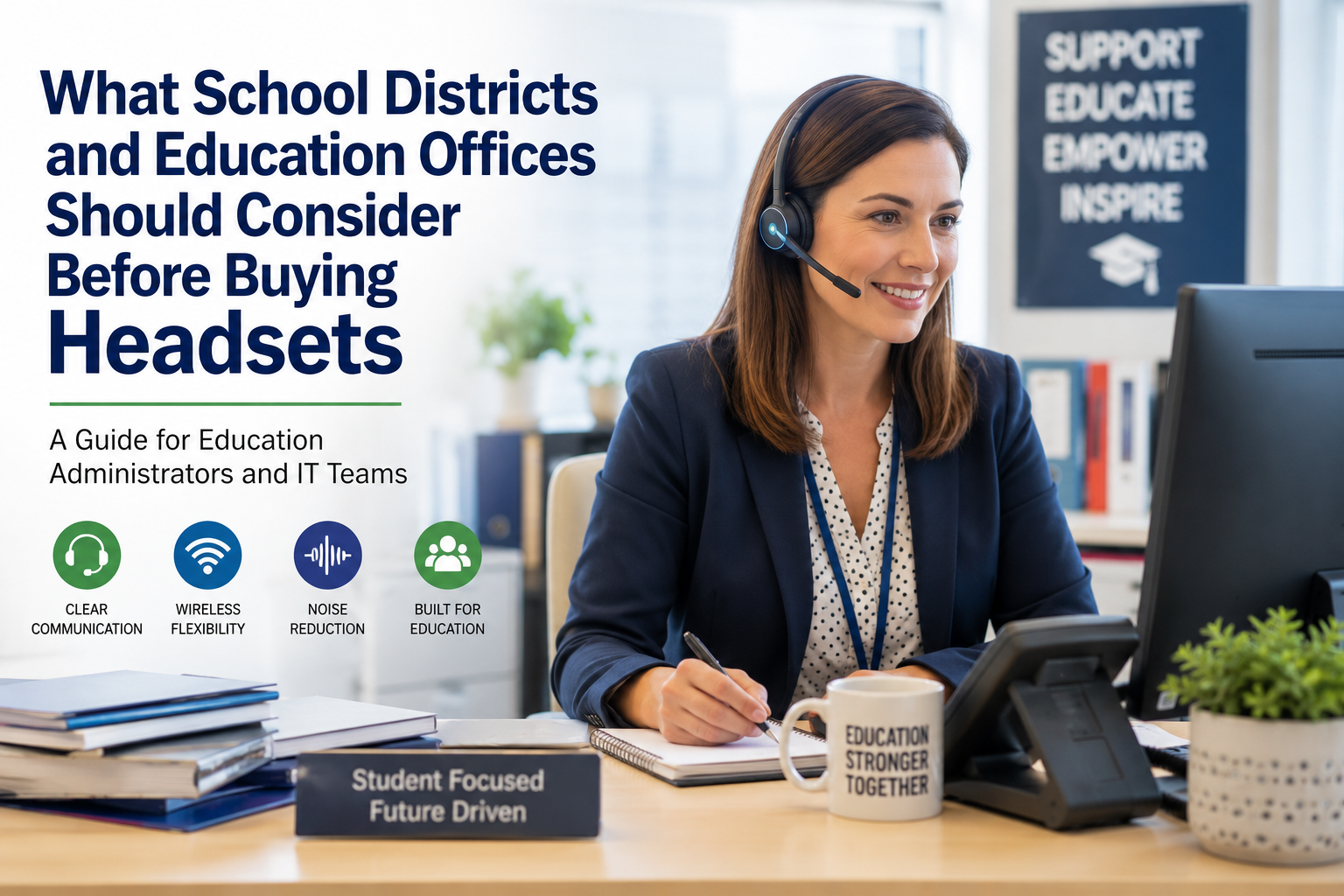
Communication plays a critical role in education. While attention is often focused on classroom technology, the administrative side of education relies heavily on communication tools as well.
School district offices, administrative departments, state education agencies, community colleges, universities, and private schools all depend on staff who spend significant portions of their day on phone calls, video meetings, and collaborate with coworkers and the public.
Whether speaking with parents, coordinating with vendors, communicating with faculty, managing transportation details, handling enrollment questions, or participating in virtual meetings, having clear communication is essential in keeping the education process moving.
Because of this, many education organizations are evaluating their headset solutions more carefully than ever before. The right headset can improve productivity, increase mobility, reduce distractions, and help employees communicate more effectively throughout the day.
Evaluating headsets today is becoming a more common practice compared to years past, where it wasn’t given much time and attention.
So before making a headset purchase, especially if you’re looking to outfit a large team, here are several important considerations worth evaluating.
Understanding How Administrative Staff Actually Work
The first step in choosing the right headset is understanding how administrative staff communicate throughout the day. By spending the time to look carefully into this, you may discover that needs can vary across the organization.
Employees in human resources, payroll, purchasing, enrollment, student services, transportation, and district administration all rely heavily on communication. While their responsibilities differ, they often share similar technology needs. Many spend significant time communicating through:
- Microsoft Teams
- Zoom
- Google Meet
- Webex
- Desk phones
- Mobile devices
Whether answering parent inquiries, coordinating with vendors, processing enrollment requests, or participating in district-wide meetings, communication remains a critical part of the job. Understanding these needs helps identify which headset features will provide the greatest benefit.
Wired vs Wireless Headsets

One of the first decisions education organizations face is whether a wired or wireless headset makes the most sense.
Wired headsets remain a practical option for employees who spend most of their day at a workstation. They are often simple to deploy with little training required, minimal setup as most are plug and play, and can provide excellent audio quality. They cost less than wireless models, and there’s also no battery management required.
However, many organizations are increasingly moving toward wireless headsets. As wireless technology has become more affordable, it has become practical to deploy wireless solutions throughout an organization rather than limiting them to only a few users. And, the benefits can be substantial.
Wireless headsets can be particularly valuable for administrative personnel who frequently need to:
- Retrieve student records
- Access filing systems
- Consult with coworkers
- Visit neighboring offices
- Access printers and copiers
- Get up and move or stretch while on long calls
- Get some coffee
Instead of ending a conversation, or placing callers on long holds to retrieve information, employees can continue working while remaining connected. This helps the employee to be more productive, while at the same time, provides better customer service.
To dive deeper into this topic, you may be interested to read our blog titled; wired vs wireless headsets, which is right for you?
Or, our blog; When is it time to switch to a wireless headset?
Why Long Wireless Range Can Be Valuable
Not all wireless headsets provide the same range.
For larger district offices, university administration buildings, or state education agencies, wireless range can become an important consideration. Administrative staff rarely remain at their desks all day. They may need to walk between departments, access records rooms, consult with supervisors, or retrieve information while remaining on a call.
This is one reason DECT wireless headsets continue to be popular in larger office environments. The ability to move freely throughout a facility without losing connection can improve efficiency and reduce workflow interruptions.
One headset that stands out is the Yealink HA64 Pro which provides in excess of 600 feet of wireless range. Here’s a video that demonstrates this long wireless range next to a Bluetooth model.
Mono vs Stereo Headsets
The best headset style often depends on the employee's role and work environment.
Mono Headsets

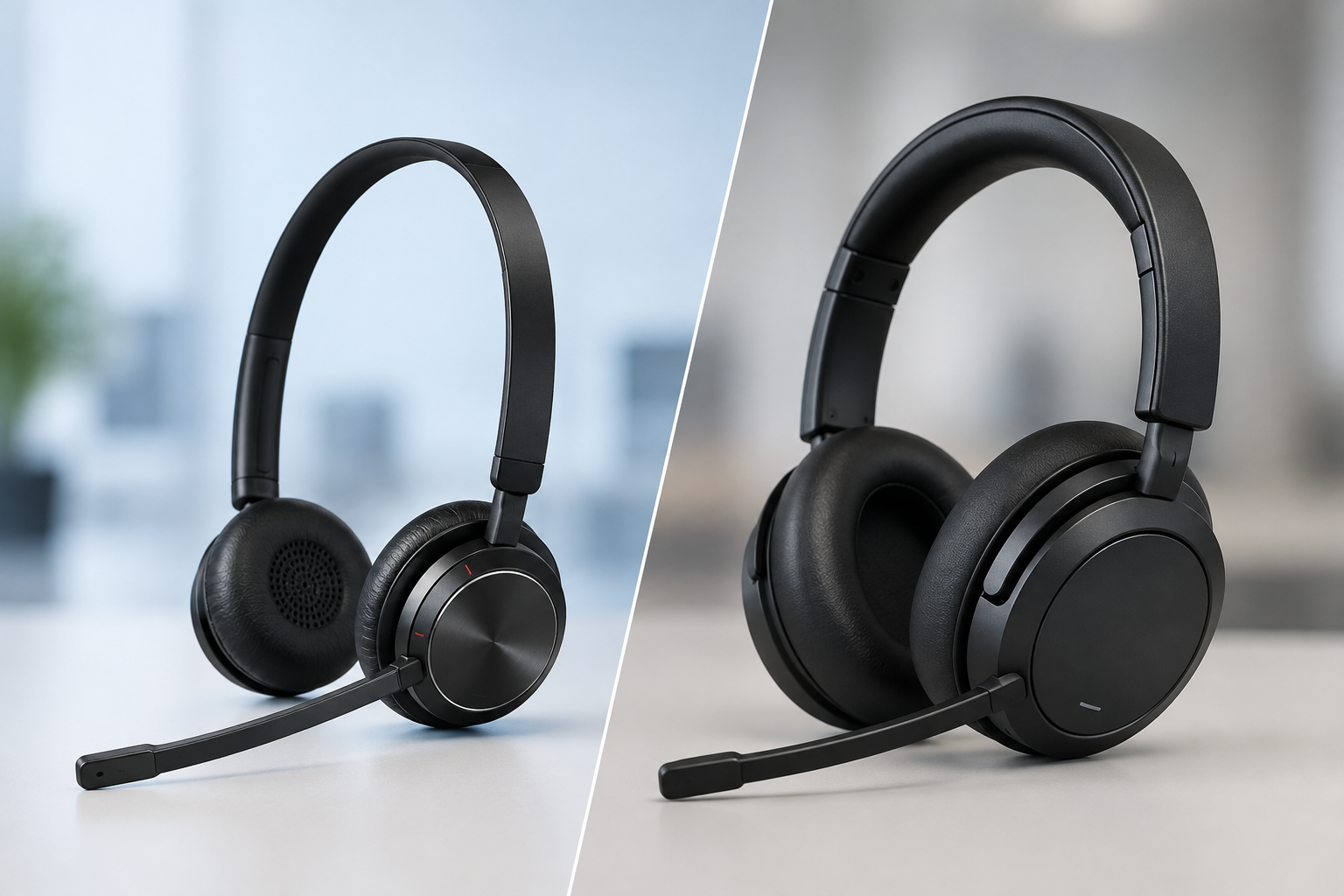
Mono headsets leave one ear uncovered, allowing employees to remain aware of their surroundings while still participating in calls.
This wearing style is often preferred by:
- Reception personnel
- Administrative assistants
- Enrollment departments
- Front office staff
- Employees who frequently interact with coworkers
Many users also simply prefer keeping one ear open throughout the workday, while others don’t like the immersive, isolating feeling of having both ears covered.
Stereo Headsets

Stereo headsets cover both ears and help reduce surrounding distractions, passively or actively.
These are often preferred by employees who spend significant time:
- Participating in video meetings
- Reviewing documents
- Working remotely
- Concentrating on detailed conversations
- Don’t want to be distracted by background noise
For many users, stereo headsets provide improved focus while helping reduce listening fatigue throughout the day.
Stereo headsets can help remove background noise passively by having both ears covered, and noise being filtered through the ear cushions. For those needing a higher level of noise reduction, there’s a headset feature called Active Noise Cancellation (ANC), which can be found on many headsets today. Essentially, ANC electronically filters out background noise which provides the employee with a quieter experience. This can lead to improved focus and concentration, and better productivity.
To read more about choosing a mono or stereo headset, check out our blog titled; mono vs. stereo headsets; which is right for your work environment?
Noise Reduction Is More Important Than Ever
Administrative offices can be surprisingly noisy environments.
Conversations between coworkers, ringing phones, visitors, office equipment, and general workplace activity can all interfere with communication quality. Whether speaking with parents, faculty members, vendors, or fellow staff members, clear communication helps conversations remain productive and professional.
A quality headset with a noise-canceling microphone helps ensure callers hear the speaker rather than the surrounding environment. This becomes especially valuable in busy offices where multiple conversations may be taking place at the same time.
Most of us have experienced receiving a call from someone working in a call center where background conversations were easy to hear. This doesn’t project a professional image.
AI Noise Canceling and Two-Way Audio Enhancement

Many organizations are now looking beyond traditional microphone noise cancellation.
AI-powered technologies such as neep noise canceling software can help improve conversations by reducing unwanted background noise from both sides of the call while enhancing overall speech clarity.
neep not only removes noise from both ends of the call, but it learns your voice, enhances it, and isolates it from other speakers, or noise. This means you sound great to your callers, and you aren’t distracted by the noise going on in their background.
You can use neep with your current audio devices, or with any new audio devices, like headsets.
This kind of software can be particularly beneficial for employees working in:
- Shared offices
- Open workspaces
- Hybrid work environments
- Home offices
- As communication increasingly takes place through video meetings and softphone applications, audio quality has become a larger factor in productivity than many organizations realize.
Video Meetings Are Now a Daily Reality
Video conferencing has become a standard part of education administration.
District offices, colleges, universities, and education agencies routinely use Microsoft Teams, Zoom, Google Meet, and Webex for everything from staff meetings and professional development, training, to vendor discussions, multi-campus collaboration and student interactions.
In these environments, audio quality often matters more than video quality.
A professional headset helps ensure employees sound clear and professional during meetings while minimizing distractions from surrounding noise. Built-in laptop microphones may be convenient, but they’re simply unable to provide the same level of performance as a dedicated business headset. And, earbuds aren’t much better either.
Having a good quality headset with a solid microphone is important for clear, distraction free conversations.
Connectivity Matters More Than Many Realize

One of the most common purchasing mistakes occurs when organizations focus more on the headset features, and less on what the headset needs to connect to.
Some users may only need to connect to a computer, while others may require connectivity to:
- Desk phones
- Computers
- Mobile devices
- Multiple devices simultaneously
The right headset for a registrar's office may not be the right headset for a district administrator who spends much of the day switching between Teams meetings, desk phone calls, and mobile communication.
Understanding device requirements upfront can help avoid compatibility issues and unnecessary expenses later.
Another thing to consider when it comes to connectivity is not only what the headset needs to connect to today, but what it might need to connect to in the near future. In order to have a better idea of what that might look like, it’s advisable for purchasers to have conversations with their Technology group to find out about any upcoming changes to the communication structure. Knowing the direction of IT, purchasers can make better, more informed decisions, and may even avoid having to replace headsets once those proposed changes are implemented.
DECT vs Bluetooth
Many buyers eventually encounter the decision between Bluetooth and DECT wireless headsets. This happens naturally when shopping for headsets because the choices that are presented normally fall into either, or both of these categories.
Bluetooth headsets are commonly used with computers, laptops, and mobile devices. They are convenient and familiar to many users.
DECT headsets are often preferred when users need:
- Longer wireless range
- Enhanced connection stability
- Greater mobility
- Reduced wireless interference
For larger administrative offices, DECT often provides advantages that Bluetooth cannot match.
Some wireless headsets even provide Bluetooth and DECT in one device. Something to keep in mind though, is they don’t operate the same. Here’s what I mean by that; Wireless headsets, like the Poly Savi line, provides you with DECT and Bluetooth, but the Bluetooth is limited to the range between the headset base, and the headset, which is normally under 100 feet.
Other headsets, like the Yealink HA64 Pro mentioned above, offer both technologies but the Bluetooth isn’t located in the base. The HA64 Pro houses the Bluetooth in the headset which means you can use the Bluetooth feature in the office, or on the go, which is something other headsets cannot offer. This added versatility can be very beneficial in real world situations.
If you’d like to get more information on this subject, have a look at our blog titled; Bluetooth vs. DECT headsets; what’s the difference, and which is better?
If you'd rather watch a video that discusses the differences between DECT and Bluetooth, check it out below.
IT Considerations Before Deployment

Many education IT departments maintain strict policies regarding software installations and device management.
Before selecting a headset solution, IT teams should consider factors such as:
- Software requirements
- Firmware management
- User administration
- Teams certification
- Zoom compatibility
- Device compatibility
Solutions that provide access to advanced features directly from the headset base rather than requiring software downloads may simplify deployment and reduce administrative, and technical support burdens.
Budget Constraints Are a Reality

Education organizations are often expected to maximize resources while working within fixed budgets. Funding and budget challenges are common in educational environments.
Because of this, total cost of ownership should be considered alongside the initial purchase price. Factors such as product lifespan, warranty coverage, replacement accessory availability, and ongoing support can have a significant impact on long-term costs.
The vendor you select plays an important role as well. Some vendors do not provide support. Others do not accept exchanges and returns. And, it’s rare to find a vendor that will offer you trade-in credit for your old headsets towards new ones, and an affordable headset lease program. Vendor differences can be significant, so choosing a good one can provide you with a better, and easier, experience in the short, and long term, which is valuable.
In many cases, the least expensive headset today may not be the most economical solution over the life of the product when you take the different factors into consideration.
Leasing and Trade-In Programs Can Help Stretch Budgets

Many education organizations are unaware that alternative acquisition programs exist. Literally for decades, the one, and only way to acquire new headsets for a team is to pay for them using capital equipment funds.
Headset leasing options can help organizations acquire needed technology without waiting for future capital budget cycles. Leasing may help:
- Simplify budgeting
- Improve cash flow
- Accelerate technology upgrades without the need to access capital funds
- Keep equipment current
Trade-in programs can also provide value. Many school districts have store rooms filled with older or unused headset inventory that may still hold trade-in value. Rather than allowing equipment to sit unused, organizations may be able to reduce upgrade costs through trade-in opportunities.
Most organizations have old headsets no longer in use. It makes sense to trade them in for credit towards new equipment. Many will be repurposed, and all will avoid ending up in the landfill.
Don't Overlook the Vendor

The headset itself is important, but the vendor supporting the deployment can be equally important as mentioned a moment ago.
When evaluating suppliers, consider whether they:
- Specialize in headset solutions or offer them as part of a diversified suite of products
- Offer deployment assistance including set up support
- Provide ongoing, free technical support
- Carry replacement accessories
- Offer leasing programs
- Support trade-in opportunities
A knowledgeable partner can help organizations avoid costly purchasing mistakes while ensuring they select solutions that align with both technical requirements and budget parameters.
Final Thoughts
School districts, universities, community colleges, private schools, and state education agencies rely heavily on communication. As administrative staff increasingly work across phones, video meetings, collaboration platforms, and hybrid environments, selecting the right headset solution becomes more important than in the past.
By evaluating factors such as wired versus wireless connectivity, mono versus stereo designs, DECT versus Bluetooth technology, noise reduction, mobility requirements, IT considerations, and budget constraints, education organizations can make more informed, and better purchasing decisions.
The right headset solution can improve communication, increase productivity, support mobility, and help administrative teams work more effectively throughout the day.
Have Questions, Or Need Some Help?

If you have questions about selecting headsets for your education organization, the team at Headset Advisor can help identify solutions that fit your communication needs, technical requirements, and budget.
We’ve assisted K-12 schools, school districts, colleges and universities and education departments for over 30 years, and we have over 800 five-star Google reviews. So don’t hesitate to contact us if we can help you find a compatible solution that’s guaranteed to work for your specific setup.