Do you want the best headset?
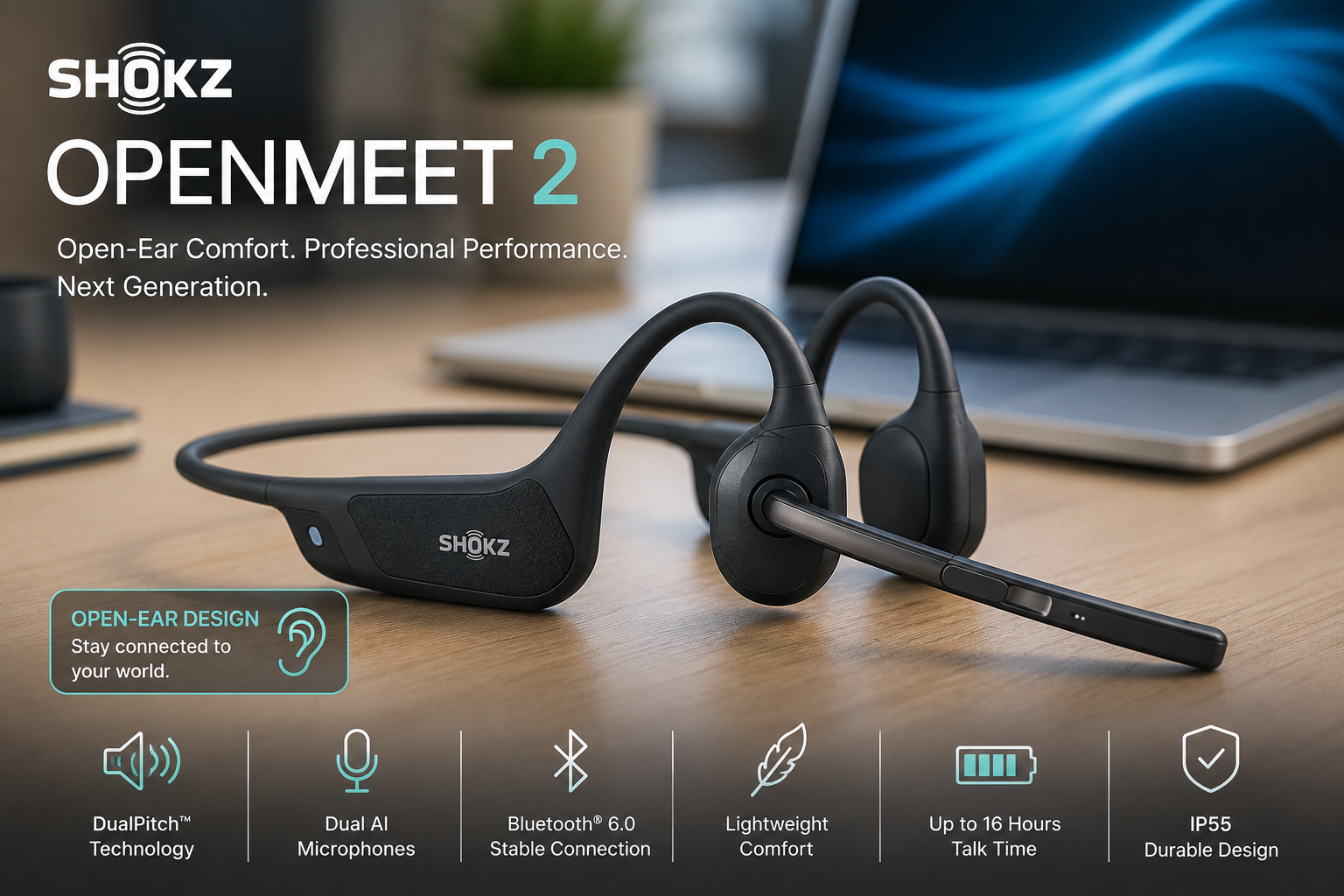
Shokz OpenMeet2: What's New and How It Compares to the Original OpenMeet
This is a practical look at Shokz' second-generation open-ear business headset including an overview of its features, and a video that provides some sound quality tests.

Meet the Shokz OpenMeet2
If you've ever removed your headset after a long day and found your ears were sore - you may have wished there were another type of headset that was more comfortable, if so, you're not alone.
For years, professionals have had a fairly limited number of wearing styles to choose from: over-the-head, on-ear, in-ear earbuds, or convertible earpiece designs. Those styles work very well for many, if not most people, but they aren't a perfect fit for everyone.
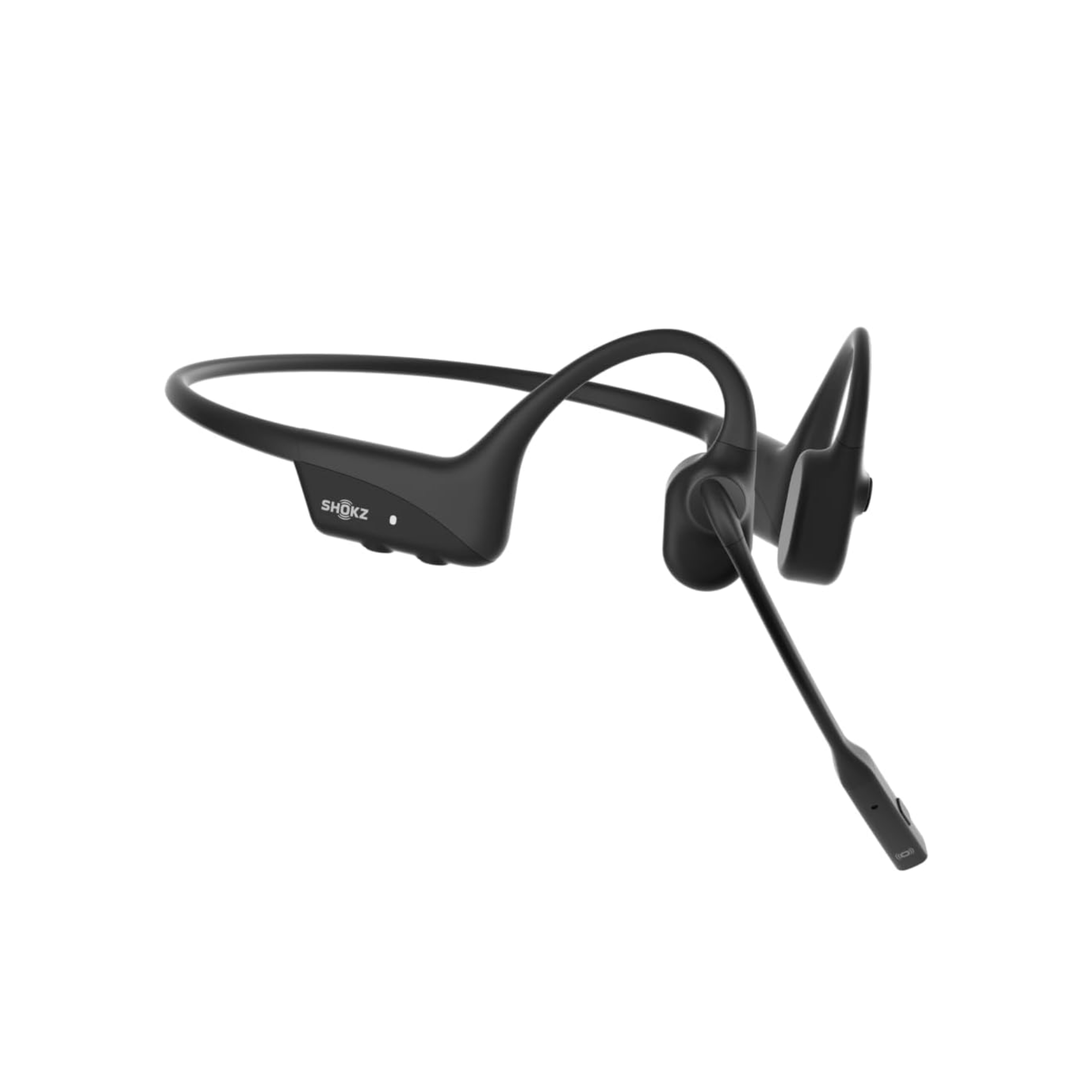
The Shokz OpenMeet2 takes a different approach. Instead of covering or sitting inside your ears, it uses an open-ear design that positions the sound-producing components just in front of them. The result is a lightweight business headset that keeps you connected to calls and meetings while allowing you to remain aware of coworkers and activity around you because your ears are virtually uncovered.
OpenMeet2 replaces the original OpenMeet. The overall concept remains unchanged, but Shokz has refined several areas that matter in everyday business use, including fit, sound, microphone performance, UC certification, and call controls.
Why Open-Ear Headsets Are Growing in Popularity
One of the biggest attractions of an open-ear headset is simply that it gives people another choice in how they wear a headset. Some professionals don't enjoy having their ears covered for eight hours a day. Others wear glasses and want to reduce pressure around their ears. Some find traditional headbands uncomfortable, or even painful after several hours, while others simply prefer a lighter, less enclosed wearing experience.
OpenMeet2 rests just in front of the ears rather than on or inside them. Its lightweight frame and Shokz GlideFit™ design are engineered to provide a more secure and stable fit while leaving the ears uncovered. Shokz says long-term wearing stability was one of the areas it specifically focused on when developing this second generation.

There is also the issue of situational awareness. Because your ears remain open, you can hear a coworker ask a question, follow activity around the office, or remain aware of what's happening at home without repeatedly taking the headset off. For people who work collaboratively, that can be a meaningful advantage.
Some users with hearing challenges may also find bone conduction technology worth exploring. Bone conduction transmits sound differently than conventional headphones by bypassing the eardrum. That does not mean it will improve hearing for everyone, because hearing loss varies considerably from person to person. But for some users, the different method of transmitting sound may provide a listening experience worth considering.

What Changed from the Original OpenMeet?
Although the overall design will feel familiar to existing OpenMeet users, Shokz made several refinements that become apparent once you look beneath the surface.
FIT - The new GlideFit™ design replaces the earlier TitaniumFlex™ stability system and is intended to provide a more secure fit during extended wear.
AUDIO - Sound has also been refined. Both generations use Shokz DualPitch™ technology, combining bone and air conduction, but OpenMeet2 uses a larger 11 x 21 mm air-conduction speaker compared with the 11 x 18 mm speaker in the original model.
MICROPHONE - Microphone performance moves forward as well. Both generations use dual AI noise-canceling microphones, but Shokz rates the original OpenMeet for up to 98.6% background-noise reduction and OpenMeet2 for up to 99.4%. A point worth making here is no headset is designed to remove all the background noise. We've tested enough headsets to know that they vary in the amount of noise they're able to remove.
BLUETOOTH - The newer Openmeet2 model also moves from Bluetooth 5.4 to Bluetooth 6.0. Compared to Bluetooth 5.4 on the original OpenMeet, Bluetooth 6.0 provides smarter wireless connectivity with faster device discovery, improved connection efficiency, lower latency, and enhanced battery optimization. The result is a more seamless wireless experience, especially in busy office environments and when switching between devices.
CERTIFICATIONS - For enterprise users, another notable change is certification. OpenMeet2 UC is Zoom and Webex certified. It also adds flip-up-to-mute functionality for supported Zoom and Webex calls: raise the microphone boom to mute, then lower it to resume the conversation.
OpenMeet vs. OpenMeet2 at a Glance
Rather than burying the differences in a long specification list, this quick-reference comparison focuses on the five changes we think matter most in everyday use.
 The takeaway is fairly straightforward: Shokz kept the open-ear concept people already knew and focused Gen 2 on making it more stable, more refined acoustically, better at suppressing unwanted call noise, and better integrated into modern UC environments.
For an existing OpenMeet owner, those are legitimate improvements rather than cosmetic changes. For someone who has never owned either model, OpenMeet2 simply represents the newer and more polished version of the concept.
Better Sound, but Still a Business Headset First
Shokz DualPitch™ Technology combines an air-conduction driver with a bone-conduction core, using digital crossover processing to create a fuller-range listening experience. OpenMeet2's larger air-conduction speaker gives Shokz more room to refine that presentation.
That said, expectations matter. If you're looking for one headset that serves as both a professional communications headset and a premium music headset with deep bass and a highly immersive listening experience, OpenMeet2 isn't the first product we'd recommend.
Its open-ear design is intentionally different from headphones that seal around or inside the ears. That openness is one of its biggest advantages for work, but it also means it won't create the same immersive music experience you'd get from a good pair of over-ear headphones or premium earbuds. OpenMeet2 is first and foremost a business communications headset, and that's where its design makes the most sense.
AI Noise Reduction for Clearer Calls
The microphone is one of the more meaningful areas of refinement. OpenMeet2 uses dual AI-powered microphones to identify the user's voice while filtering surrounding distractions. Shokz says the system can reduce up to 99.4% of background noise, including sounds such as office noise, keyboard typing, barking dogs, and café sounds.
For professionals who need an even higher level of background-noise suppression at the computer, neep noise-canceling software can add another layer of processing. That can be useful in home offices, contact centers, shared workspaces, or other environments where background noise is unpredictable, or highly distracting.

The headset addresses noise at the microphone level, while neep software can further reduce unwanted sound before it reaches the other participants in your call. Additionally, neep removes noise from the far end to give both sides the best possible listening experience, while learning, enhancing and isolating your voice.
Three OpenMeet2 Versions: Which One Makes Sense?
OpenMeet2 - Bluetooth
The standard model connects directly through Bluetooth and is a good fit for users who primarily work from a smartphone or tablet, or who are comfortable relying on their computer's built-in Bluetooth connection - for computer connectivity, we recommend a USB adapter rather than Bluetooth.
OpenMeet2 UC USB-A
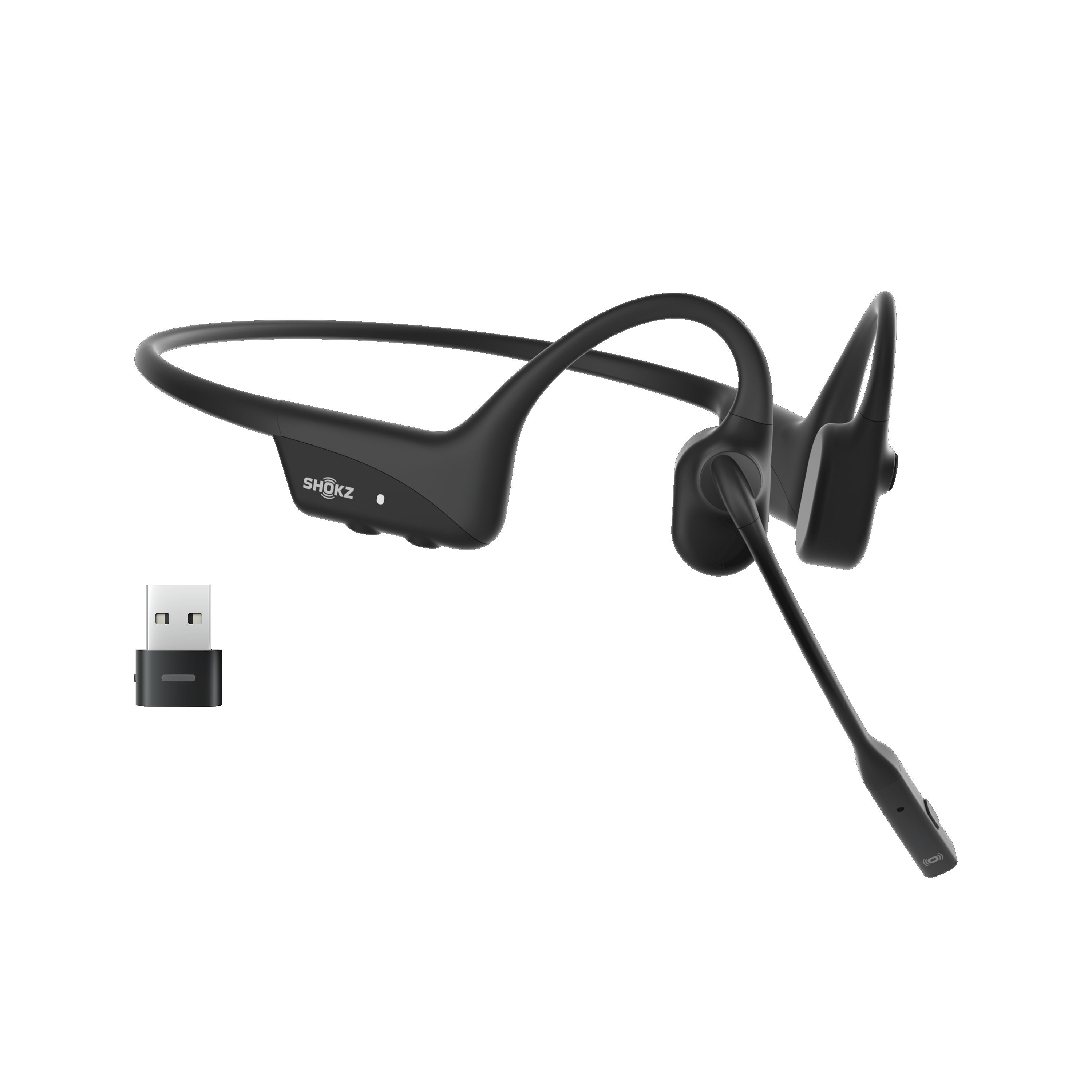
This version includes the Shokz Loop120 USB-A wireless adapter. Compared with relying solely on a computer's built-in Bluetooth, the dedicated adapter can provide a more stable wireless connection, more consistent call performance, extended wireless range, and fewer Bluetooth-related compatibility concerns.
OpenMeet2 UC USB-C
The USB-C version provides the same UC advantages but uses the increasingly common USB-C connection found on newer laptops and desktops.
If most of your workday is spent on a computer using Zoom, Webex, Teams, RingCentral, 8x8, Dialpad, GoTo, or many other popular softphone and unified communications platforms, we generally favor one of the UC versions with the Loop120 adapter. Shokz also positions the UC model as the better choice for computer-focused office use because the dedicated adapter provides a more stable connection than standard Bluetooth.
Software To Enhance The Hardware
OpenMeet2 is supported by optional Shokz software that allows users to personalize settings, receive firmware updates, and, for organizations, simplify headset management across larger deployments. It's another example of how the platform is designed to support both individual professionals and enterprise users.
What About Battery Life?
OpenMeet2 provides up to 12 hours of talk time, up to 16 hours of listening time, and up to 14 days of standby time. A five-minute quick charge can provide up to two additional hours of talk time.
Interestingly, Gen 2 isn't an across-the-board battery increase. The original OpenMeet was rated for up to 14 hours of talk time and 15 hours of listening, while OpenMeet2 shifts that balance to 12 hours of talk and 16 hours of listening. For most business users, either should comfortably handle a typical workday.
Is The OpenMeet2 Right For You?
OpenMeet2 makes the most sense for someone who values comfort, awareness, and professional communications more than acoustic isolation. It may be especially appealing if you've struggled to find a traditional headset that's comfortable, if you wear glasses, if you frequently interact with coworkers while on calls, or if you simply dislike having your ears covered throughout the day.
The open-ear approach isn't necessarily better than every traditional headset design. It's simply different. And for someone who hasn't been satisfied with conventional over-the-head, on-ear, or in-ear wearing styles, having another thoughtfully engineered option can be extremely valuable.
Leasing For Teams
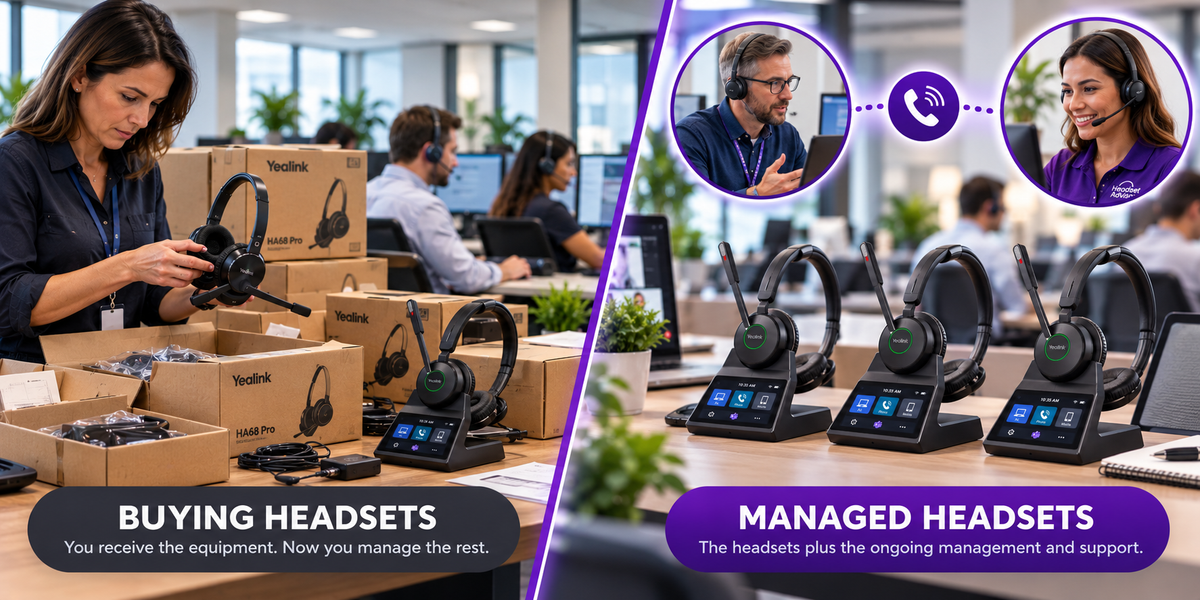
For businesses outfitting multiple employees, acquiring new headset technology doesn't necessarily have to mean a large upfront expense. Headset Advisor's flexible lease program allows qualified businesses to equip teams at a low monthly rate while preserving funds for use in other areas of the business.
Accessories are included, warranty coverage doesn't expire during the lease, and the monthly-rate approach allows a company to preserve working capital for priorities such as inventory, hiring, marketing, equipment, or other operating needs.
Leasing can also make technology refreshes easier over time rather than having a company make a large equipment purchase and then feel compelled to keep that equipment long after newer technology becomes available. If you're purchasing for a team, ask one of our advisors whether leasing makes sense for your organization.
Why Buy From Headset Advisor?
A specification sheet can tell you what a headset does. It can't always tell you whether it's the right headset for the way you work.
Headset Advisor has specialized in business communication headsets for more than 30 years. We help customers sort through compatibility questions, wearing styles, connectivity choices, and differences that aren't always obvious from a manufacturer's product page.
Every headset purchase also includes free setup assistance and free lifetime product support. So whether you need help connecting one headset or rolling out equipment to an entire team, you have someone to call. So don't hesitate to contact us if we can help.
Ways to Save
Trade In Your Existing Headsets
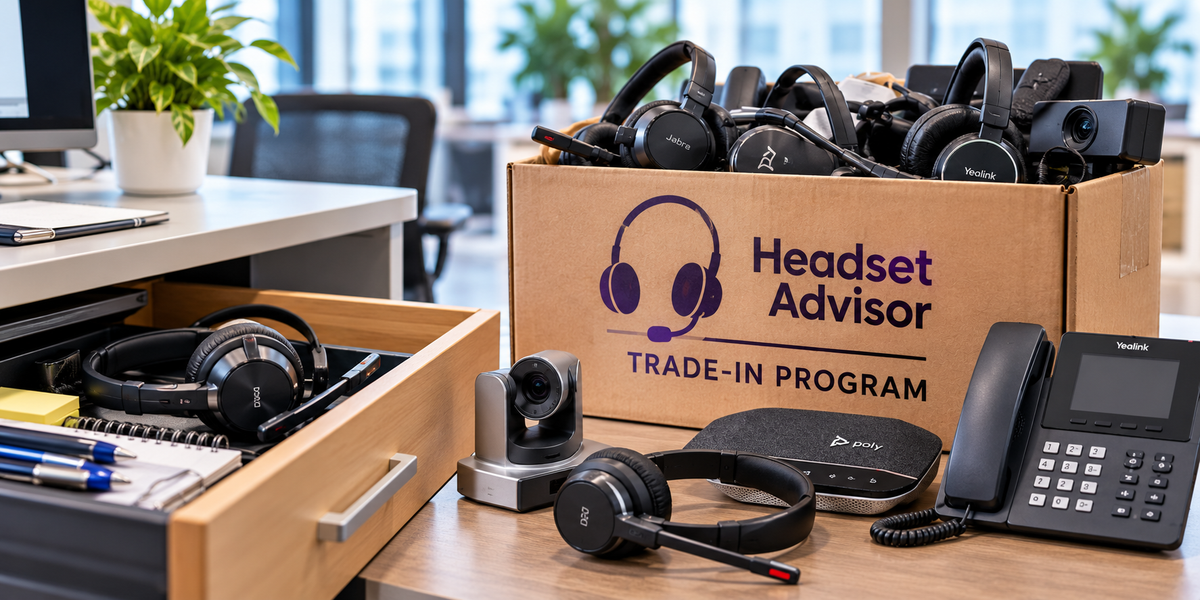
If you're replacing older equipment, our Headset Trade-In Program may allow you to receive credit for eligible headsets and reduce the purchase price of your new equipment.
YouTube & Blog Discount
If you discovered OpenMeet2 through one of our YouTube videos, use coupon code YOUTUBE at checkout for the available subscriber discount. Otherwise, use coupon code BLOG.
You can combine the trade-in allowance and the coupon code to save even more.
Frequently Asked Questions
Does the Shokz OpenMeet2 sit inside or cover my ears?
No. OpenMeet2 uses an open-ear design. Its sound-producing components sit just in front of your ears rather than inside the ear canal or covering the ear with a cushion. That's one of the biggest reasons people consider it as an alternative to traditional headset styles.
What are the biggest differences between OpenMeet and OpenMeet2?
OpenMeet2 refines several areas at the same time: fit stability with GlideFit™, a larger air-conduction speaker within the DualPitch™ system, stronger AI microphone noise reduction, Bluetooth 6.0, Zoom and Webex certification on the UC version, and flip-up-to-mute functionality for supported Zoom and Webex calls.
Is OpenMeet2 better for music than the original OpenMeet?
Shokz has refined the sound system and increased the size of the air-conduction speaker, so OpenMeet2 is designed to provide a fuller listening experience. We still view it primarily as a professional communications headset rather than a replacement for premium music headphones.
Should I buy the Bluetooth version or the UC version?
If you primarily use the headset with a smartphone or tablet, the standard Bluetooth model may be all you need. If you spend much of your day working from a computer, we generally recommend the UC version with the Loop120 USB adapter because the dedicated adapter can provide a more stable and predictable connection. Available in both USB-A and USB-C configurations.
What is the difference between the USB-A and USB-C UC models?
The headset itself is the same. The difference is the connector on the included Loop120 wireless adapter. Choose USB-A for computers with traditional rectangular USB ports and USB-C for newer computers with USB-C ports.
Does OpenMeet2 work with Zoom, Webex, Teams, and other softphones?
OpenMeet2 UC is officially Zoom and Webex certified. It can also be used with Teams and many other popular softphone and unified communications platforms. If you're uncertain about a specific application or computer configuration, contact one of our advisors before ordering.
Could OpenMeet2 help someone who has difficulty hearing traditional headphones?
Possibly, depending on the person's hearing challenge. Bone conduction bypasses the eardrum and transmits sound differently from traditional headphones. Some people may find that approach helpful, while others may notice little difference. OpenMeet2 is not a hearing-assistance device, and individual results can vary.
Is OpenMeet2 a good choice for noisy offices or working from home?
Yes, particularly when microphone performance is important. Its dual AI-powered microphones are designed to isolate your voice while reducing surrounding distractions by up to 99.4%. For users who need additional noise suppression at the computer, neep noise-canceling software can provide another layer of noise reduction.
Final Thoughts
The Shokz OpenMeet2 isn't trying to make traditional business headsets obsolete. It's giving professionals another choice.
For someone who has never been completely comfortable with an over-the-head headset, doesn't like something pressing against or sitting inside the ear, or wants to remain aware of coworkers and surroundings throughout the day, that choice can be meaningful.
Shokz took what was already distinctive about the original OpenMeet and concentrated its Gen 2 improvements in areas that matter: stability, sound, microphone performance, connectivity, enterprise compatibility, and everyday usability.
Existing OpenMeet owners have legitimate reasons to consider upgrading. But perhaps the larger audience is the person who has never owned an OpenMeet at all and has simply been looking for a more comfortable alternative to traditional headset wearing styles. For that user, OpenMeet2 is well worth a look.
Have Questions, Or Need Some Help?
Headset Advisor has been assisting customers with their communication needs for over three decades. We are highly rated across all the usual online sources including Google where we have over 800 five-star ratings.
So if you have questions about headsets, neep ai noise canceling software, or our lease and trade in programs, don’t hesitate to contact us, and one of our knowledgeable Advisors will be happy to help out.