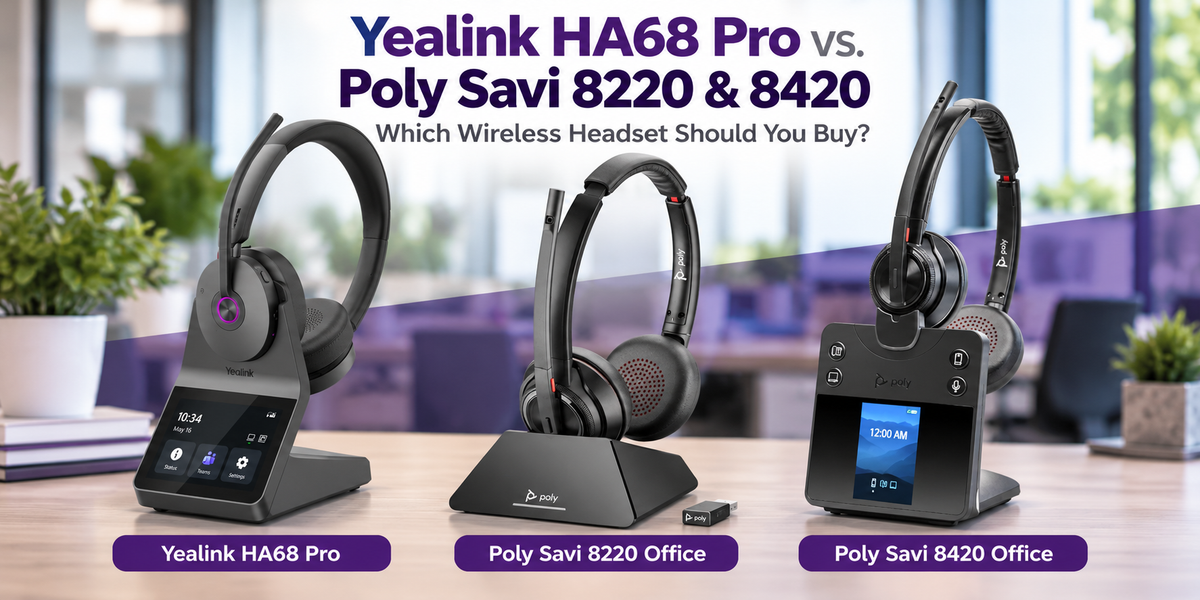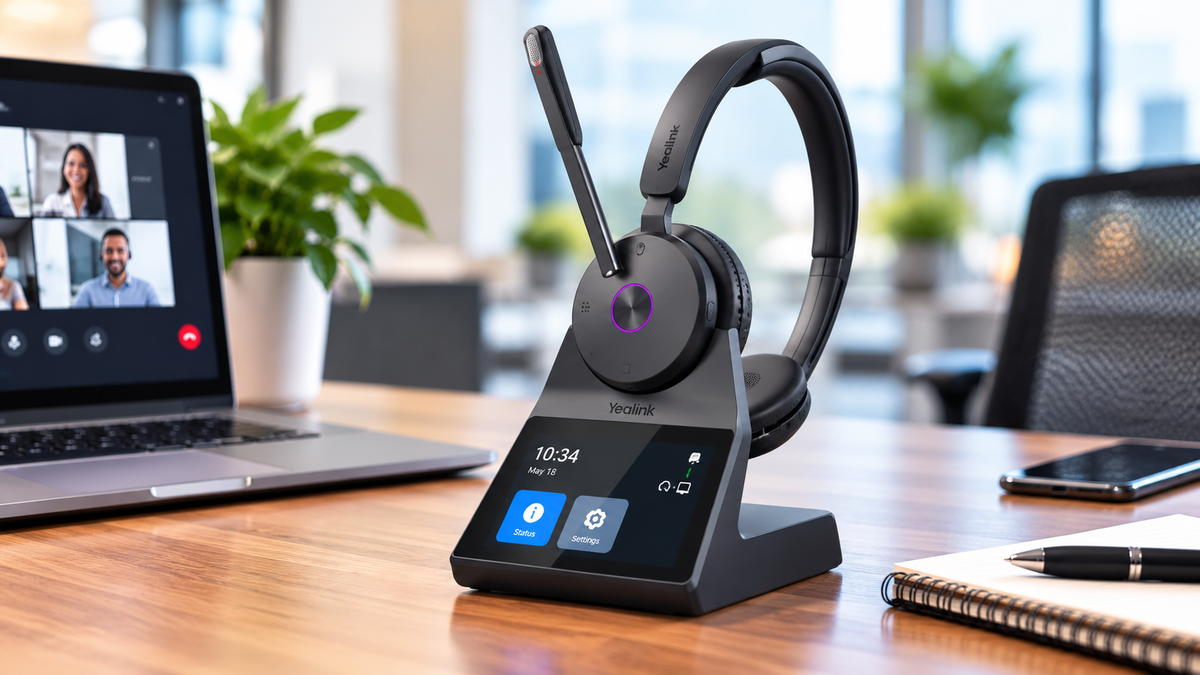
Shopping for a wireless headset for work? With so many choices available, finding the right one isn't always easy.
Some wireless headsets are better for noisy offices. Others offer more flexibility for connecting to computers, desk phones, and mobile devices. And some are designed to look and feel more like everyday headphones while still providing the features you need for professional calls.
So, which one is best for you, and which one should you choose?

We've tested a lot of wireless headsets here at Headset Advisor, and five models stand out for different reasons.
In this blog, we'll help you understand what makes each headset worth considering, where each one excels, and which features might matter most for your particular work environment.
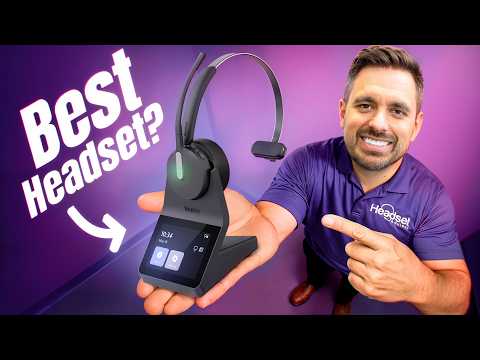
And because microphone performance is such an important part of choosing a headset, we've included our video where you can hear all five microphones tested against the same background noise.
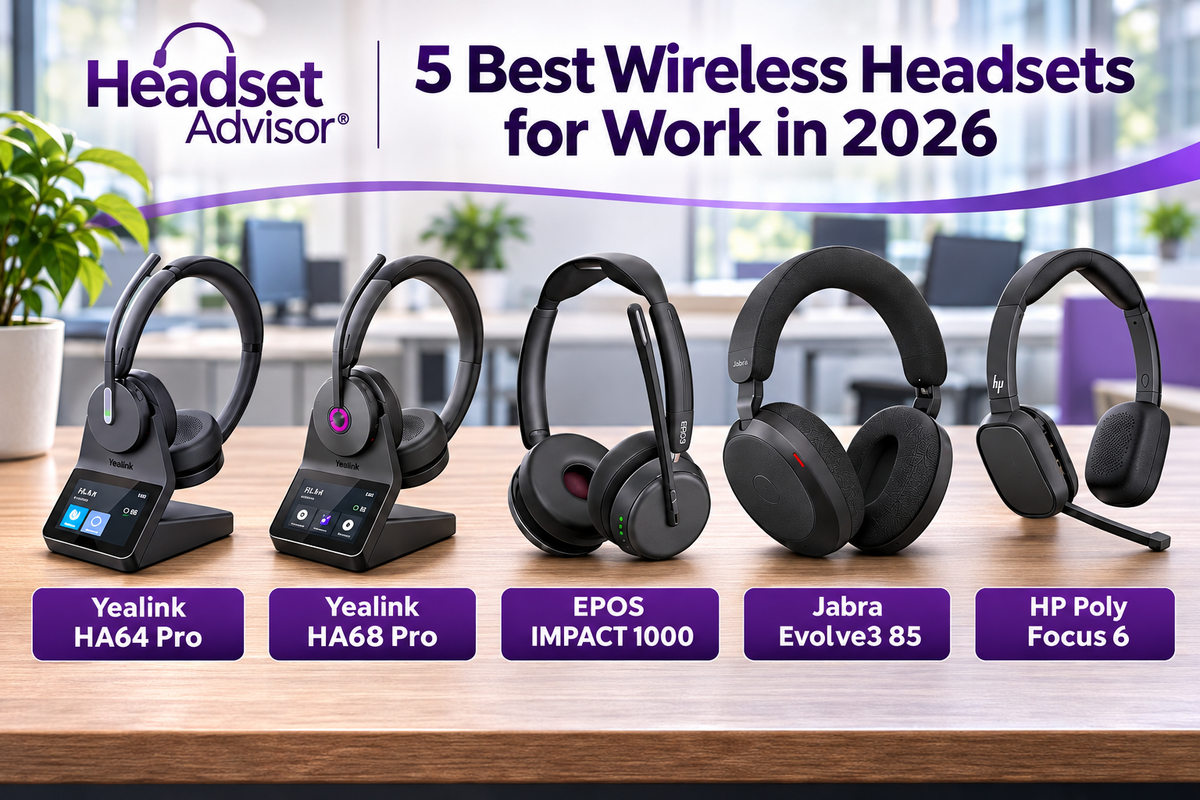
The 5 Best Wireless Headsets for Work in 2026
Before getting into the details, here's a quick look at our recommendations.

All five are designed for professional communication, but they approach it differently.
The best choice depends on how you work, what devices you use, and what you expect from your headset.
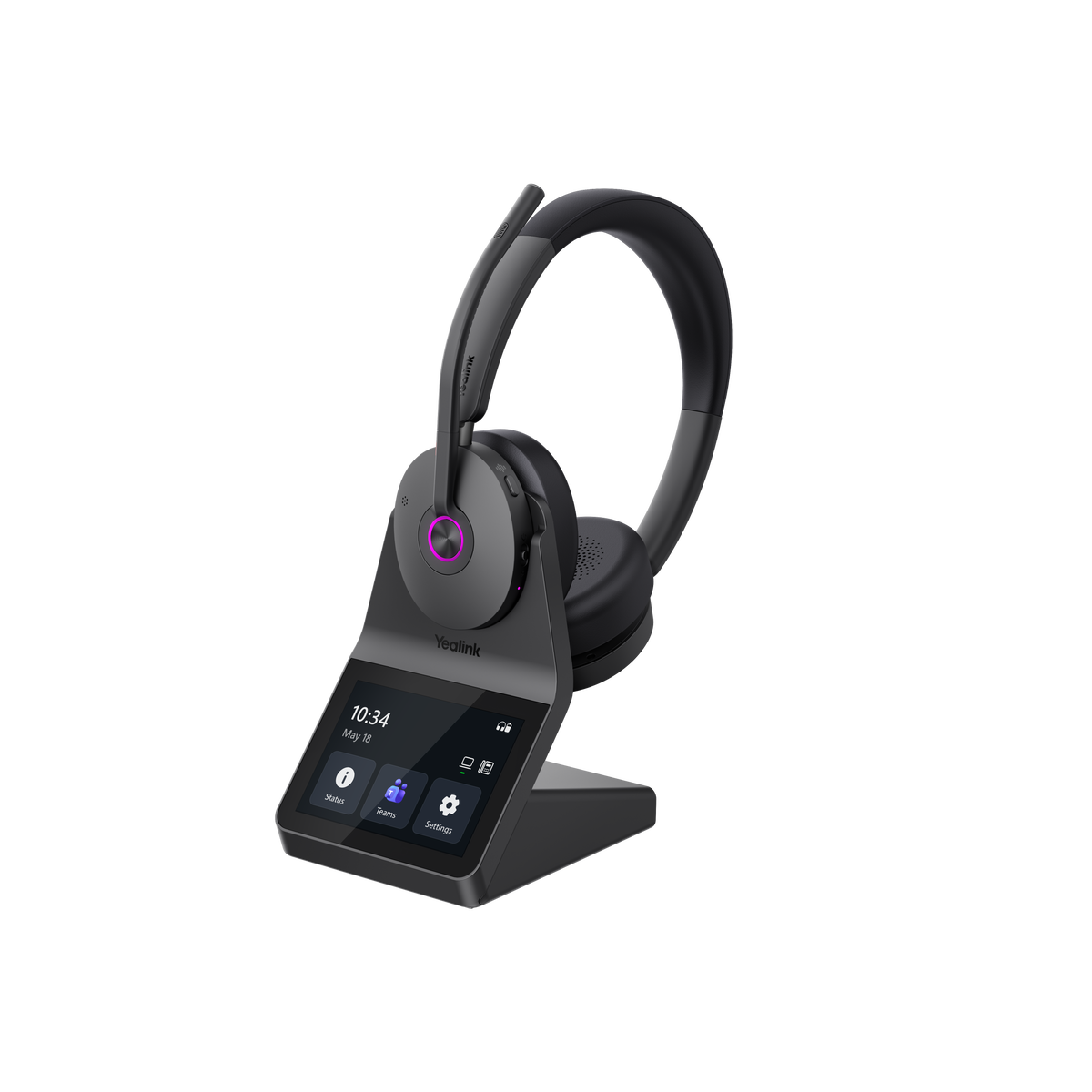
Yealink HA64 Pro: Best Overall Value for Work

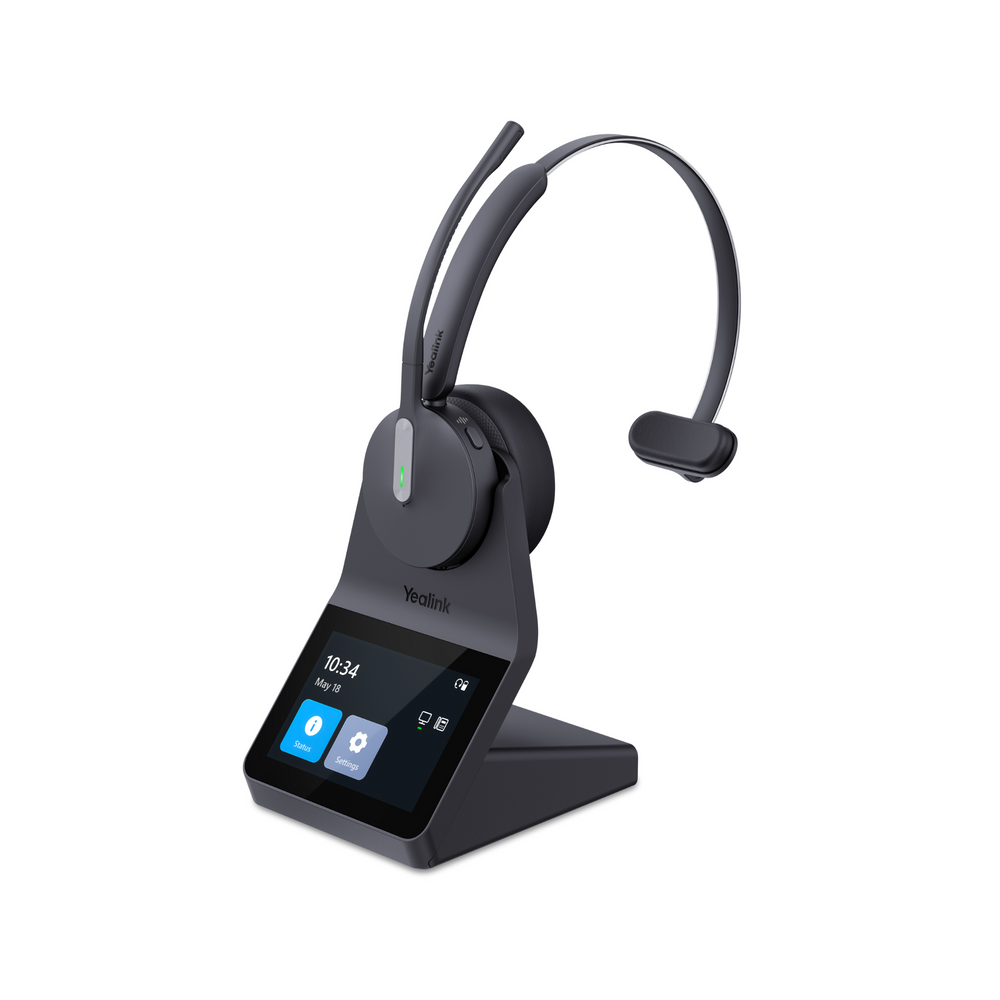
If you're looking for a versatile wireless headset that doesn't require you to compromise on important business features, the Yealink HA64 Pro is an excellent place to start.
One of its biggest advantages is that it combines two wireless technologies, DECT and Bluetooth, directly in the headset.
Why does that matter?
DECT provides considerably more wireless range than typical Bluetooth connections, which can be especially helpful if you have a large work area that you need to move within.
Bluetooth gives you the flexibility to connect to your mobile phone.
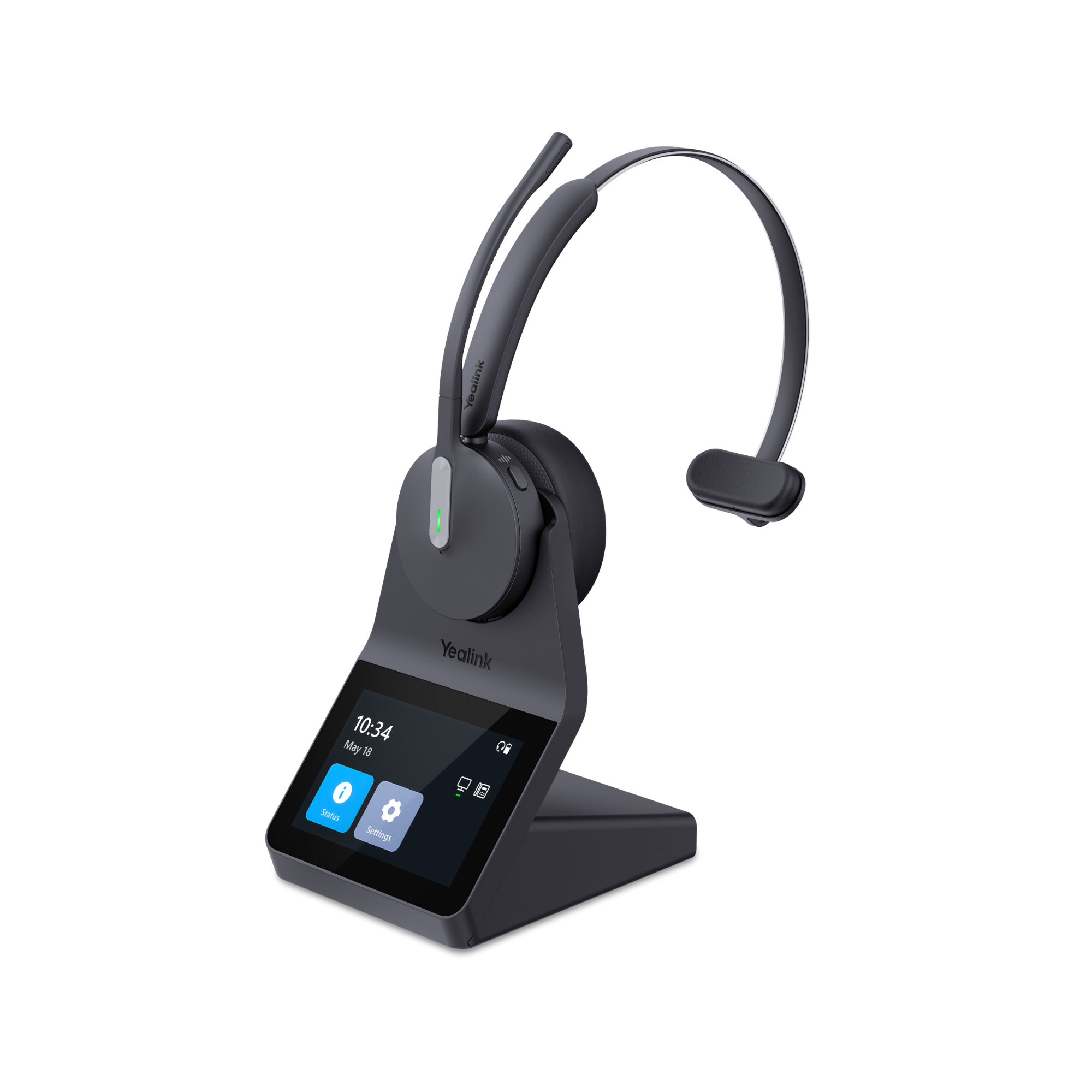
And the included touchscreen charging base connects to your computer and compatible desk phone, and is the hub for accessing numerous headset features without having to download software.
That means you can use one headset for several of the devices you rely on throughout your workday.
The touchscreen base is another feature worth highlighting.
Instead of downloading software every time you want to change a headset setting, you can manage many settings directly from the base.
That's particularly convenient in businesses where employees aren't permitted to install software on company computers.
The HA64 Pro also supports conferencing multiple compatible headsets through one base. This can be useful when training employees, coaching customer service representatives, or allowing a supervisor to participate in a call.
And if you move between a desktop computer and a laptop, the optional Yealink WDD60 USB dongle can make that transition easier without requiring you to move the charging base.
Another advantage is that the HA64 Pro comes in both single-ear and dual-ear versions.
If you want to remain aware of conversations around you, the single-ear version may be preferable. If you'd rather have audio in both ears, there's a dual-ear option.
Our recommendation: Choose the HA64 Pro if you want a strong combination of wireless range, connectivity, business features, professional audio and overall value.
Yealink HA68 Pro: Best Upgrade for Noisy Workplaces

What if you like the features of the HA64 Pro but work in an environment where background noise is a bigger concern?
That's where the Yealink HA68 Pro becomes interesting.
It shares many of the same benefits, including DECT and Bluetooth connectivity, a touchscreen charging base, multi-device flexibility, and headset conferencing.
But it adds improvements that can make a difference when your surroundings aren't particularly quiet.
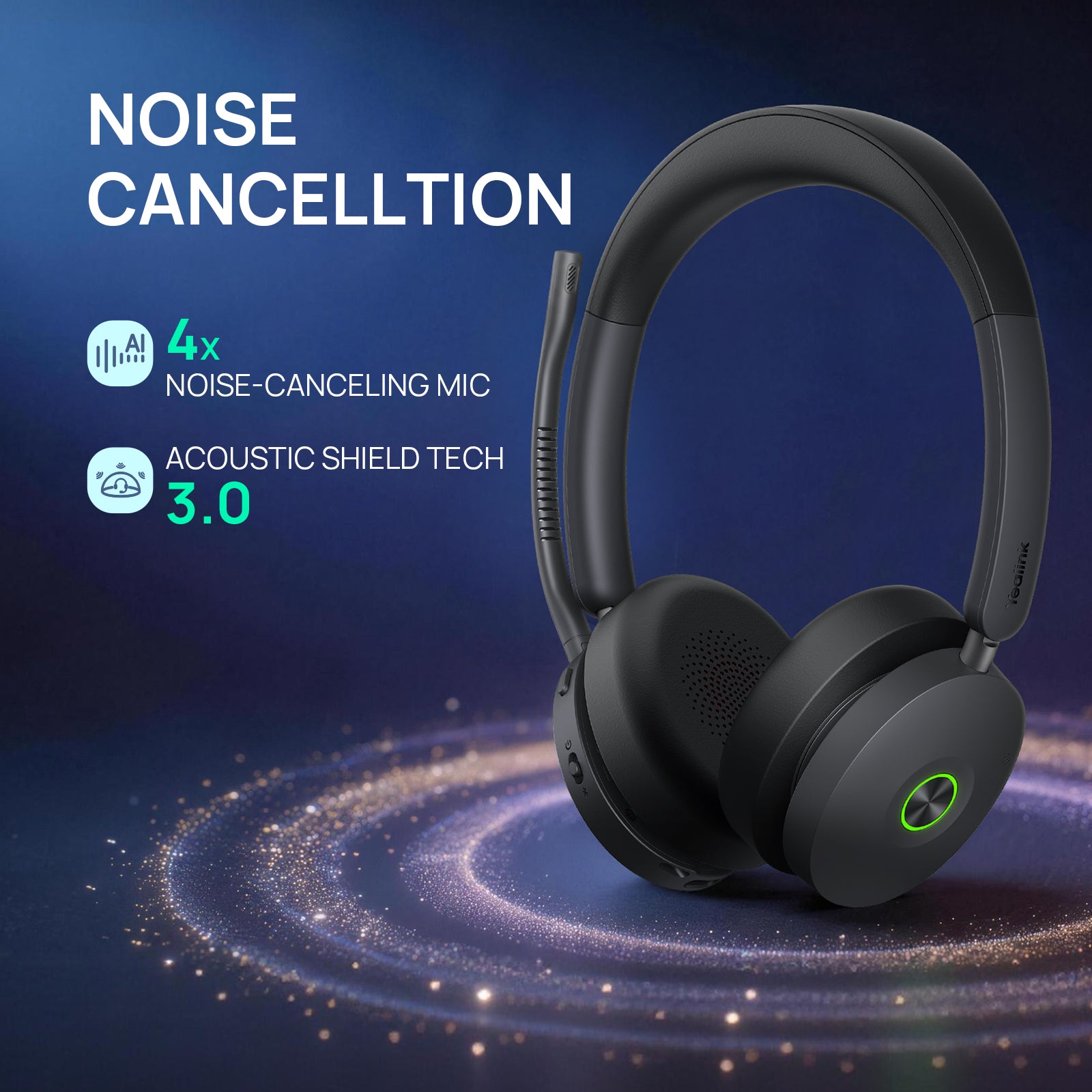
The first is improved microphone noise cancellation.
This helps reduce the unwanted sounds your callers might otherwise hear, whether those sounds come from nearby conversations, office equipment, or other distractions.
The second is hybrid active noise cancellation, commonly called Hybrid ANC, in the headset speakers.
Here's an important distinction.
Microphone noise cancellation helps the person on the other end of your call hear you more clearly by removing background noise.
Speaker ANC helps reduce some of the distracting sounds you hear around you.
They're two different features, and having both can be especially useful in a busy workplace.
The HA68 Pro also has redesigned, more oval-shaped ear cushions compared with the circular cushions on the HA64 Pro.
Comfort is personal, of course, but the different cushion design is another reason to consider the upgrade.
Our recommendation: If you want the connectivity and convenience of the HA64 Pro but need stronger noise management, the HA68 Pro is worth the additional consideration.
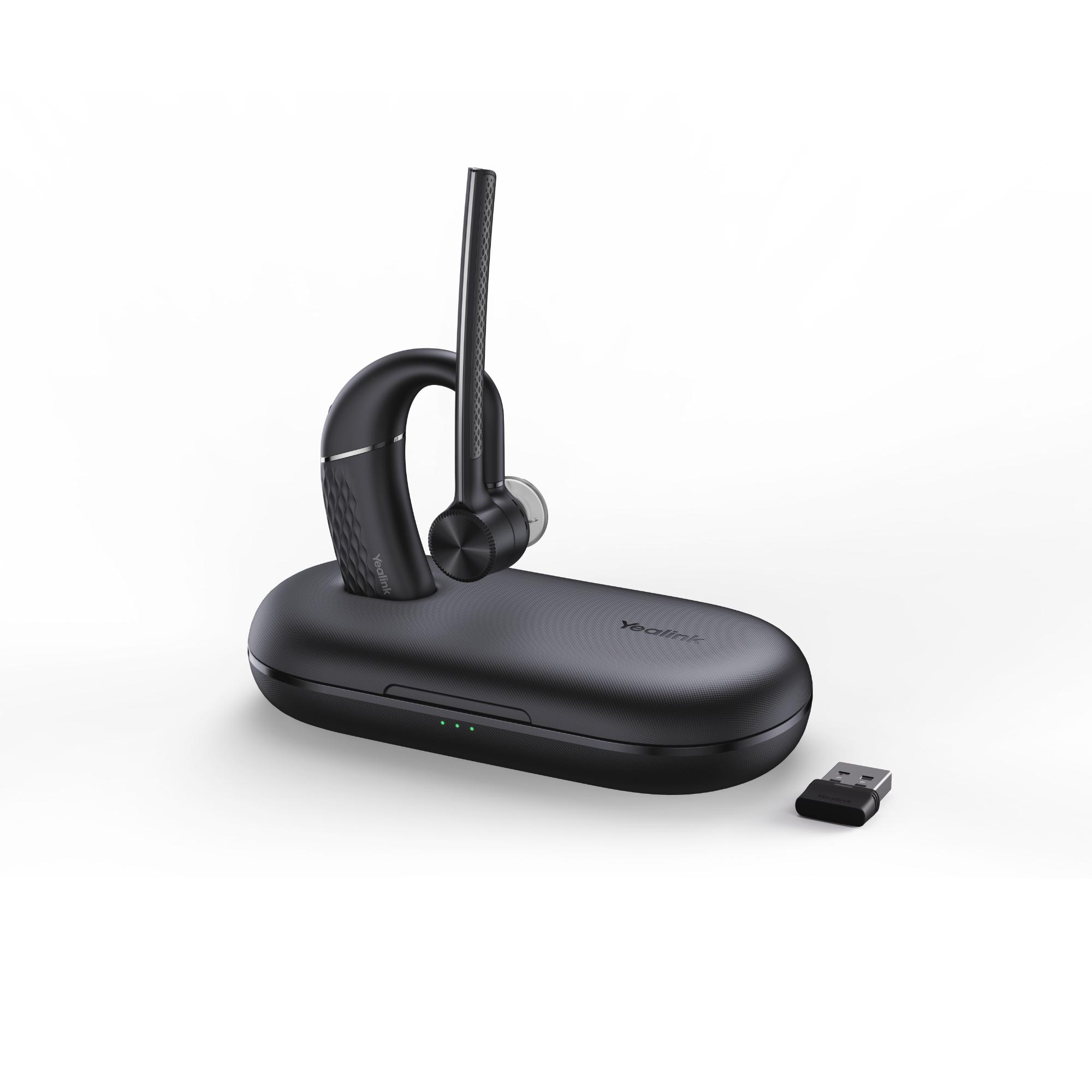
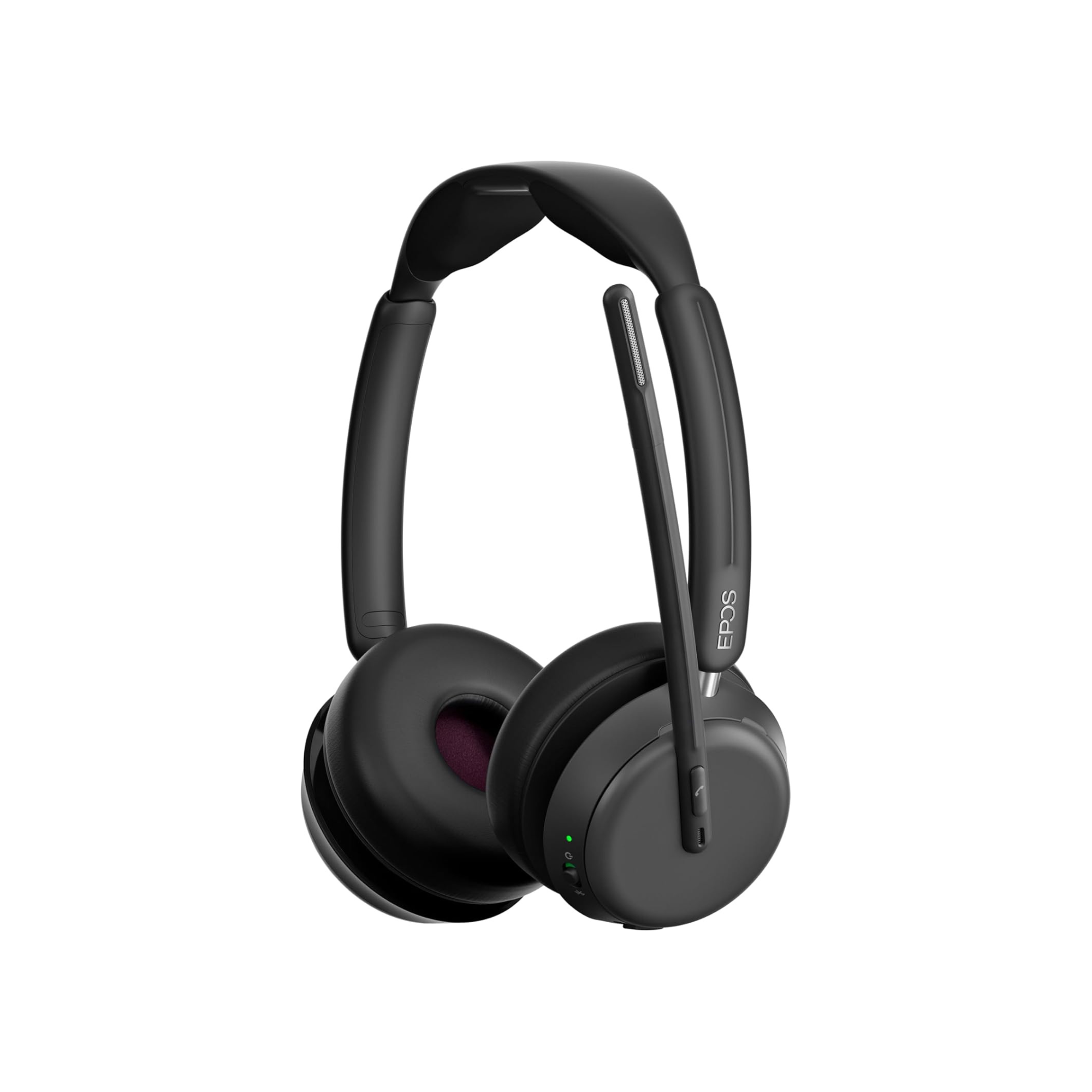
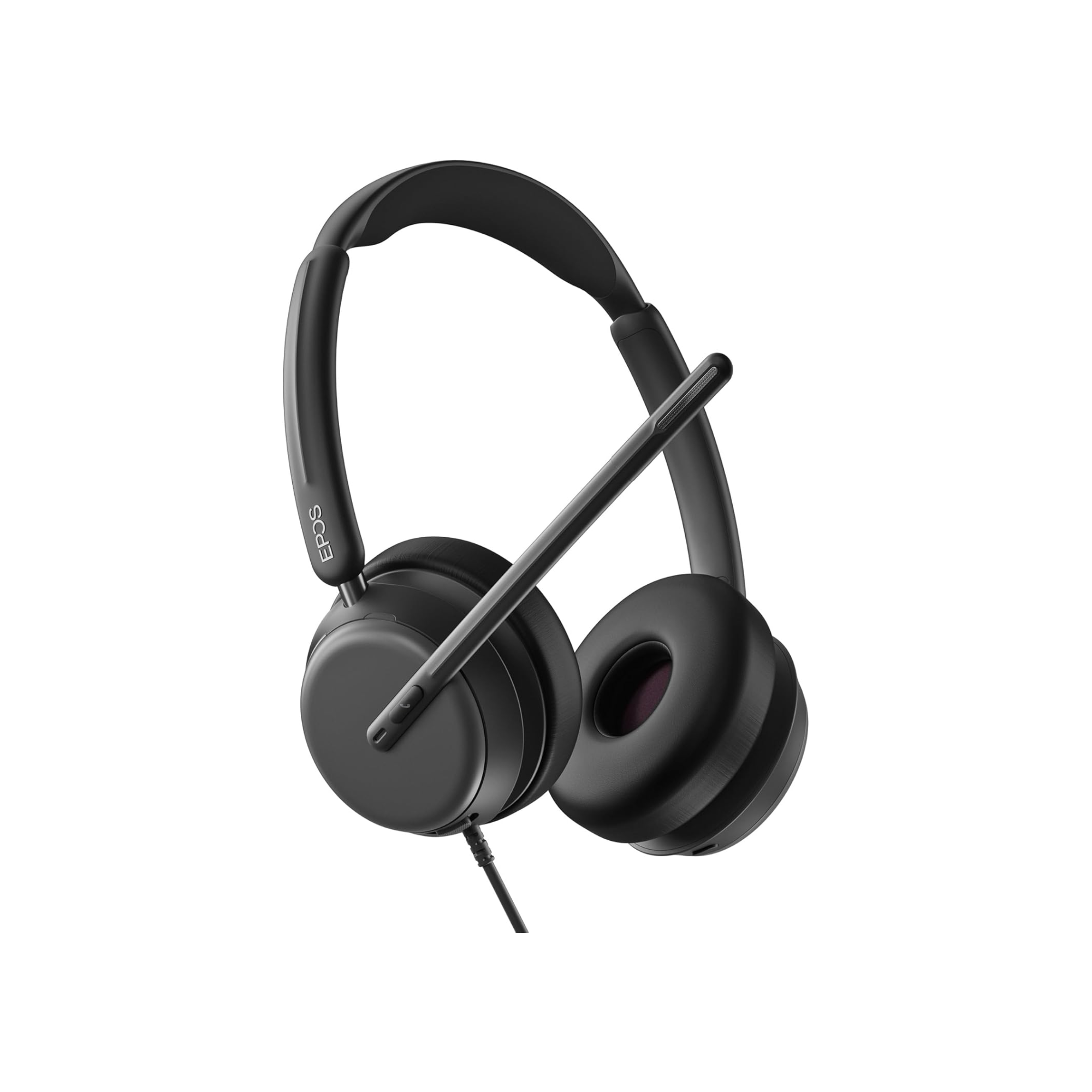
EPOS IMPACT 1000: Best for Microphone Noise Cancellation

Have you ever been on a call where the other person could hear everything happening around you?
Nearby conversations, barking dogs, office activity, and other sounds can make it difficult for callers to concentrate on what you're saying, or at the very least, they get distracted by it.
If that's a concern, the EPOS IMPACT 1000 deserves a close look.
In our microphone testing, the IMPACT 1000 has consistently performed well at reducing unwanted background noise while keeping the speaker's voice clear and natural.
That second part is important.
Some headsets can suppress a lot of background noise, but the processing can also make your voice compromised by making it sound artificial or robotic.
The IMPACT 1000 does a particularly good job balancing noise reduction with natural voice quality.
There's another feature that makes it interesting for people who use their headset for more than calls.
When connected to a computer through its included USB dongle, the IMPACT 1000 can maintain true stereo audio while the microphone is active.
With many Bluetooth headsets, activating the microphone causes the audio to switch into a lower-quality calling mode.
That may not matter much during a telephone conversation, but it can become noticeable when listening to music, watching videos, or using other computer audio.
The IMPACT 1000 avoids that typical reduction in stereo audio quality when used with its USB dongle.
One consideration is comfort.
The standard on-ear cushions may not be ideal for everyone, especially if you wear your headset for extended periods. Impact 1000 customers have made comments about this.
That's why Headset Advisor developed optional over-ear cushions specifically for the IMPACT 1000.
These allow you to change how the headset fits without replacing the headset itself.
If you're considering the over-ear cushions, the non-ANC IMPACT 1000 is also worth evaluating. Our testing found that the added passive noise isolation from the over-ear cushions can reduce the practical difference between the ANC and non-ANC versions.
Our recommendation: If your top priority is keeping background noise out of your calls without sacrificing natural voice quality, the EPOS IMPACT 1000 should be high on your list.
Jabra Evolve3 85: Best for Work Calls Without a Microphone Boom

Not everyone wants to wear a traditional office headset.
Maybe you spend a lot of time on video meetings and prefer a cleaner appearance. Or perhaps you want one pair of headphones that works for business calls, music, travel, and personal listening.
The Jabra Evolve3 85 is designed for that kind of flexibility.
Unlike the other headsets on this list, it doesn't have a microphone boom extending toward your mouth which could be appealing to those who don’t like the look of a microphone boom.
Instead, it uses built-in microphones and noise-cancelling technology to capture your voice while reducing unwanted background sounds.
In our testing, its microphone noise cancellation has been particularly impressive for a boomless design.
But removing the microphone boom also introduces a trade-off.
With a traditional headset, you can often mute a call simply by raising the microphone boom.
The Evolve3 85 doesn't offer that feature because there is no boom to raise. Instead, you use a physical mute button.
That's not necessarily a problem, but it's worth considering if you've become accustomed to flip-to-mute functionality.
The Evolve3 85 also includes business-oriented features that distinguish it from typical consumer headphones.
These include an included USB Bluetooth dongle, compatibility with major business communication platforms, and sidetone.
Sidetone allows you to hear some of your own voice through the headset.
Why is that useful?
When you're wearing headphones with active noise cancellation enabled, it can become difficult to hear yourself speaking. Sometimes that causes people to talk louder than necessary which can be problematic for those you’re communicating with, and those around you.
With the Evolve3 85, you can use sidetone while ANC is enabled, helping you maintain a more natural speaking volume without switching completely into transparency mode.
One thing to keep in mind is that these are work-first headphones.
Although they can be used for music and personal listening, you shouldn't automatically expect them to outperform similarly priced premium consumer headphones in music reproduction.
Our recommendation: Choose the Evolve3 85 if you want professional calling features in a more discreet, everyday headphone design.
HP Poly Focus 6: Best for a Low-Profile Business Headset

If you prefer a traditional business headset but don't like the appearance of a large microphone boom, the HP Poly Focus 6 offers an interesting alternative.
Its microphone boom is designed to be less noticeable, particularly when you're participating in video meetings.
You still get the advantages of a dedicated microphone positioned near your mouth, but with a more understated appearance.
Another standout feature is its magnetic ear cushion system.
The Focus 6 comes with on-ear cushions, but optional over-ear cushions allow you to change how the headset fits.
That's useful because not everyone finds the same style comfortable.
Some people prefer lightweight on-ear cushions, while others dislike having cushions press directly against their ears.
With the Focus 6, you have the flexibility to switch between those styles without purchasing another headset.
There is one limitation you should know about.
The microphone can only be worn on the right side, and the boom hides out of sight when not needed.
Other headsets in this comparison, including the Yealink models and EPOS IMPACT 1000, allow the microphone to be positioned on either side.
If you strongly prefer wearing your microphone on the left, that could influence your decision.
Our recommendation: The Focus 6 is a strong option if you want a professional headset with a discreet microphone and the ability to easily change between on-ear and over-ear cushions.
Why Your Wireless Headset Connection Matters for Microsoft Teams
Here's something many people don't realize when shopping for a wireless headset.
Just because a headset connects to your computer through Bluetooth doesn't necessarily mean every Microsoft Teams feature will work.
For example, imagine you're walking around your office when a Teams call comes in.
Ideally, you should be able to answer that call directly from your headset without returning to your computer.
And when the conversation ends, you should be able to disconnect using the headset controls.
All five headsets in this guide support remote Teams call control when connected and configured appropriately.
However, connecting directly through your computer's built-in Bluetooth instead of the appropriate USB dongle or charging base can prevent that functionality from working.
That's why we recommend using the connection method specified by the manufacturer when remote call control is important to you.
It's a small detail, but one that can make a noticeable difference in everyday convenience.
Which Wireless Headset Has the Best Noise-Cancelling Microphone?
This is one of the most important questions you can ask when choosing a headset for work.
But it's also difficult to answer by looking at specifications alone.
Two headsets might both advertise advanced microphone noise cancellation while producing noticeably different results during actual calls.
And there's more to microphone performance than simply removing noise.
You also want your voice to sound clear, natural, and easy to understand.
That's why we recommend listening to microphone comparisons before making your decision.
In our video near the beginning of this blog, you can hear all five headsets tested against the same background noise.
The comparison begins at approximately the 10-minute mark.
Listen for two things:
- how much background noise remains and
- how natural the speaker's voice sounds.
You may find that the headset you expected to perform best isn't necessarily the one you prefer.
What If Your Current Headset Doesn't Cancel Enough Background Noise?
Before replacing your headset, there's another option worth considering.
What if your current headset is comfortable, connects to everything you need, and works perfectly well except for one thing?
It picks up too much background noise.
Rather than purchasing a new headset solely to address that problem, you may be able to improve your calls with neep noise-cancelling software.
neep works with compatible computer calling applications, including Microsoft Teams and other softphones, to help reduce unwanted background noise picked up by your microphone.
That means you may be able to continue using the headset you already own while improving the experience for the people you're speaking with.
You’ll see a neep demonstration in the video, so you can hear an example of how it performs.
To learn more or try it yourself with a 14-day free trial, go to neep.com.
If your headset meets your needs in every other respect, it's worth exploring before spending money on a replacement.
Have Old Headsets? Turn Them Into Credit Toward New Ones
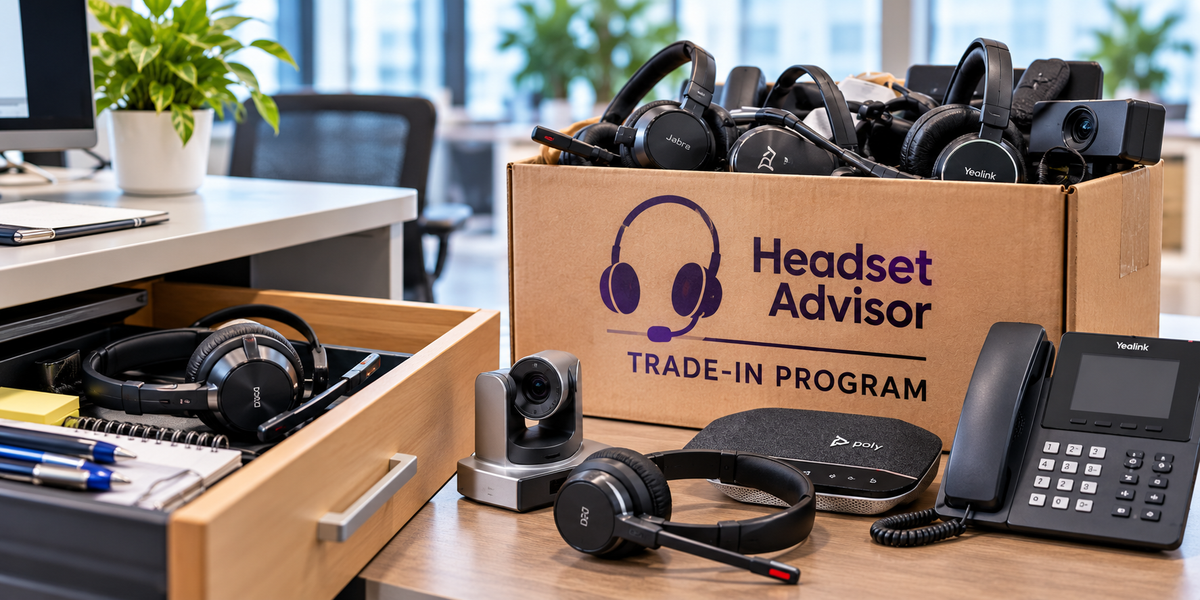
If your company has been using headsets for a while, there's a good chance you have some older models sitting in a storage room, tucked away in desk drawers, or collecting dust somewhere.
Sound familiar?
Rather than letting those headsets sit unused or eventually throwing them away, why not turn them into credit toward your next headset upgrade?
Headset Advisor's Trade-In Program gives you an opportunity to exchange eligible older headsets for credit toward new equipment.
And here's something worth knowing.
You can use trade-in credit whether you're purchasing new headsets outright or obtaining them through our Managed Headsets Program.
So, whether you're replacing a few headsets or planning an upgrade across an entire organization, it's worth checking whether your existing equipment has trade-in value.
Those old headsets might be more valuable than you think.
Buying Headsets for Your Entire Team? There's Another Option
If you're responsible for equipping an office, call center, or customer service team, choosing the right headset is only part of the job.
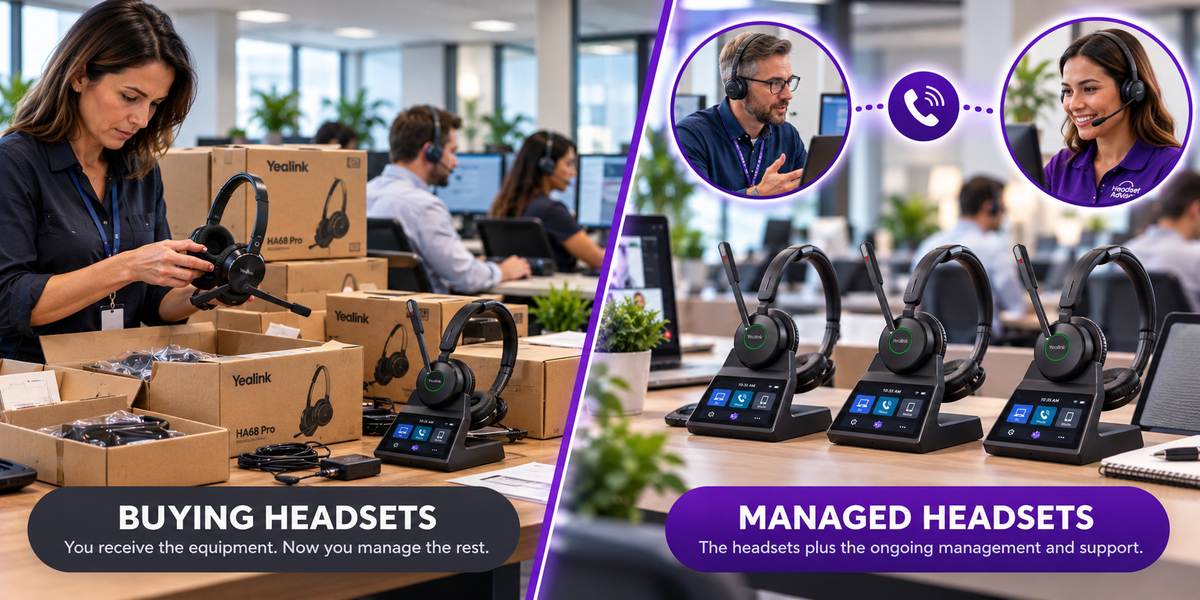
You also have to think about what happens after the headsets are deployed.
- Who handles warranty issues?
- What happens when an employee's headset stops working?
- Who orders replacement ear cushions, batteries, or other accessories?
- And how much time does your IT department or office manager spend dealing with these issues?
Headset Advisor's Managed Headsets Program is designed to simplify those responsibilities.
For organizations deploying 10 or more headsets, the program provides equipment and ongoing headset management for a low predictable monthly rate.
This program is popular because it covers:
- Manufacturing defects
- Failures due to normal wear and tear
- Battery and charging failures
- Defective components
- Same-model employee-turnover swaps
- One accidental-damage replacement per seat per program year
- Standard shipping for returned equipment
- Advance replacement shipping
That last benefit is particularly valuable.
Traditional warranty exchanges may require the defective headset to be returned before a replacement is shipped, potentially leaving an employee without working equipment.
Our Managed Headsets Program provides advance replacements for covered issues, helping reduce potential downtime and the time your staff spends coordinating exchanges.
Instead of managing a growing collection of headset problems, your organization can leave much of that work to Headset Advisor, freeing you up to focus on other things.
And remember, eligible old headsets can provide trade-in credit toward equipment obtained through the program.
Which of These 5 Wireless Headsets Should You Buy?
There's no single wireless headset that's perfect for everyone.
The right choice depends on your work environment, your devices, and the features you value most.
Here's how we'd narrow it down.
If you want the best overall combination of value, wireless range, and multi-device flexibility, start with the Yealink HA64 Pro.
If you work in a noisy environment and want improved microphone noise cancellation along with ANC to reduce the sounds you hear, consider the Yealink HA68 Pro.
If microphone noise cancellation and natural voice quality are your biggest priorities, the EPOS IMPACT 1000 is an excellent choice.
If you want a premium, boomless design that blends professional calling features with everyday headphone convenience, take a closer look at the Jabra Evolve3 85.
And if you prefer a low-profile business headset with interchangeable on-ear and over-ear cushions, the HP Poly Focus 6 deserves consideration.
Most importantly, don't assume the most expensive headset is automatically the best choice.
Think about how you actually work.
- Do you need to connect to a desk phone?
- Do you walk around while taking calls?
- Is background noise a major concern?
- Do you wear your headset all day?
Those answers will help you make a much better decision than price alone.
And if you're still uncertain, contact Headset Advisor. We can help you compare your options and choose a headset that fits your devices, work environment, and budget.
Have Questions or Need Help Choosing?

Still not sure which wireless headset is right for you?
Maybe you're wondering whether a particular headset will work with your computer, desk phone, or Microsoft Teams setup. Or perhaps you're trying to decide which model will be most comfortable or provide the best microphone noise cancellation for your workplace.
Whatever your questions, we're here to help.
At Headset Advisor, we've been helping businesses find the right communication equipment since 1994. Our headset specialists can help you compare models, understand compatibility, and choose a headset that fits your needs and budget.
Whether you're buying one headset or equipping an entire team, you're welcome to reach out.
Contact Headset Advisor today. We're happy to help you make the right choice.