 Do you want the best headset?
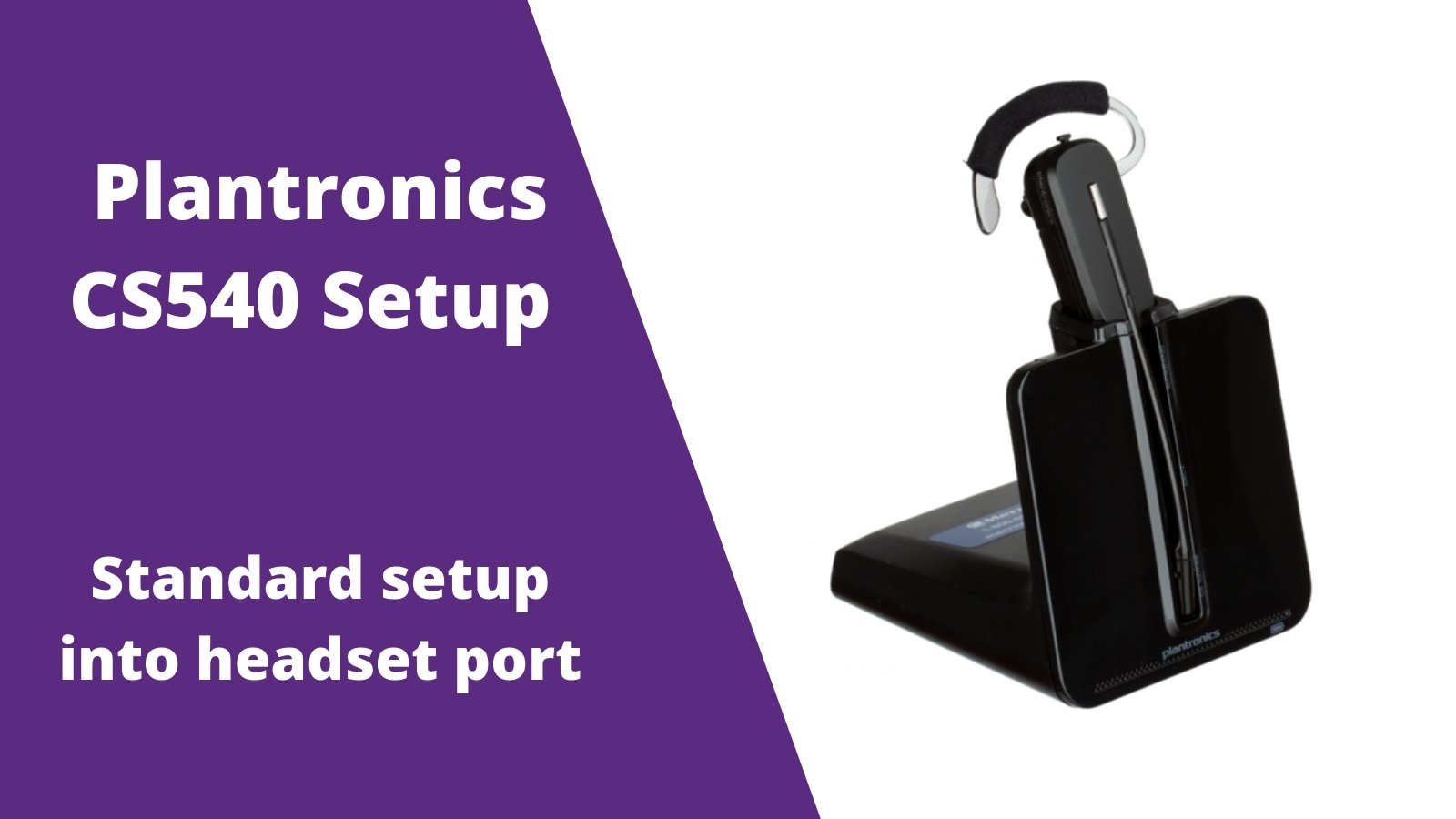
Follow this setup guide if your desk phone has a dedicated RJ9 headset port. Follow the Plantronics CS540 wireless headset setup guides for other ways your headset can be setup, depending on your phone and what accessory was ordered.
Step 1
Connect the AC power adapter to a power outlet and plug the other end into your C054 charging base, then let your headset charge for at least 3 hours for a full charge.
Step 2
Plug one end of the included headset phone cord into the back of your Plantronics C054 charging base.
Step 3
Plug the other end of the phone cord into the HEADSET port of your corded desk phone.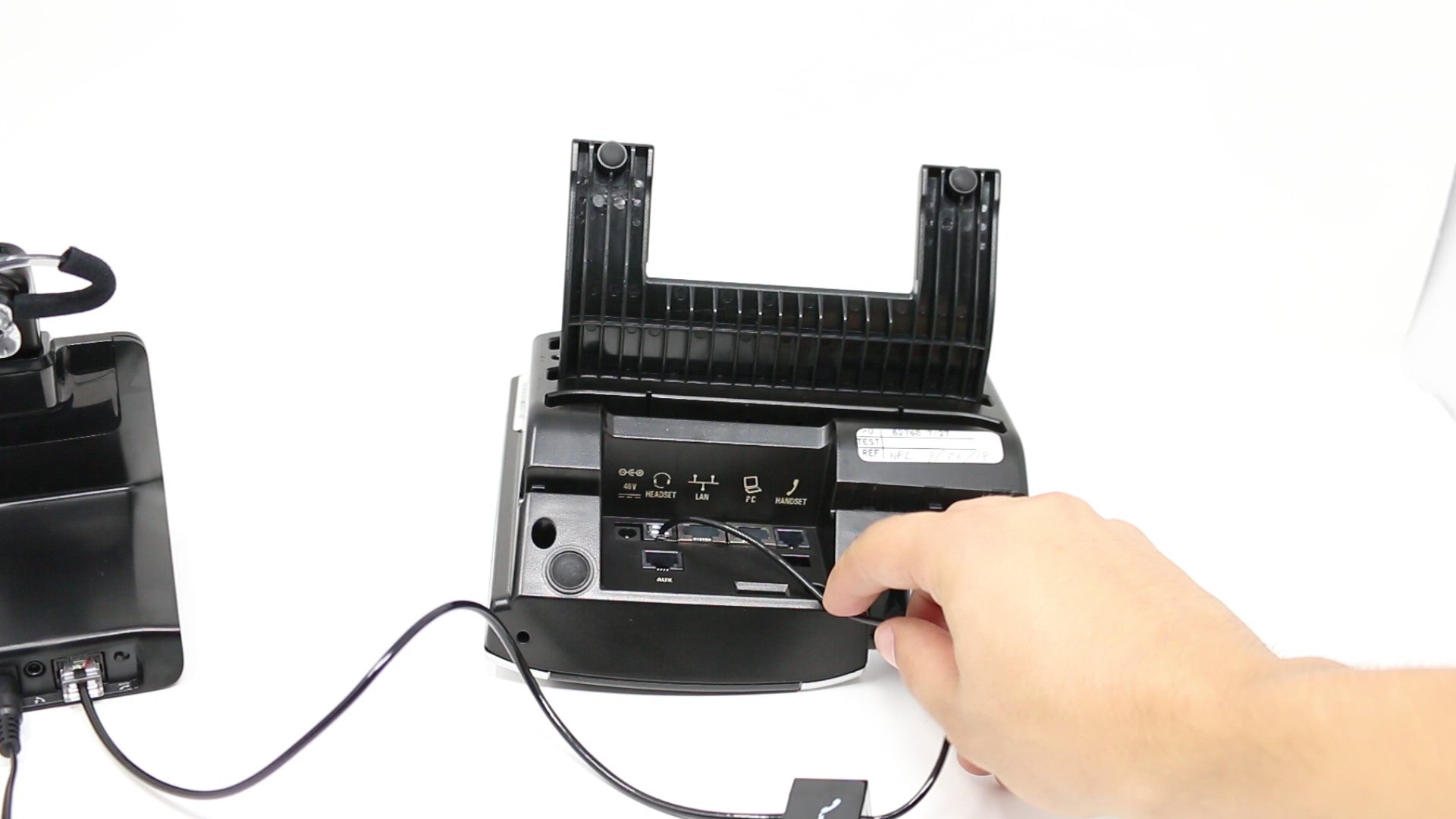
Step 4- How to use your headset
A) Turn your headset on by pressing the silver on/off button. *For help replacing your battery follow the 2 step c054 battery replacement guide.  B) In order to use your CS540 headset, press the headset button on your desk phone to dial out or answer/end your phone calls. *In order to answer/end calls with your headset, the HL10 Lifter or EHS cable will be required. Contact us today to verify compatibility.

Charging base controls
On the bottom of your charging base is a few controls you'll want to be aware about. To the left, you have a speaker control (2 as a standard) and microphone control (2 as a standard), so you can adjust your volumes as needed. To the right, you have an A-G compatibility switch and should be set on A in 9 out of 10 cases. 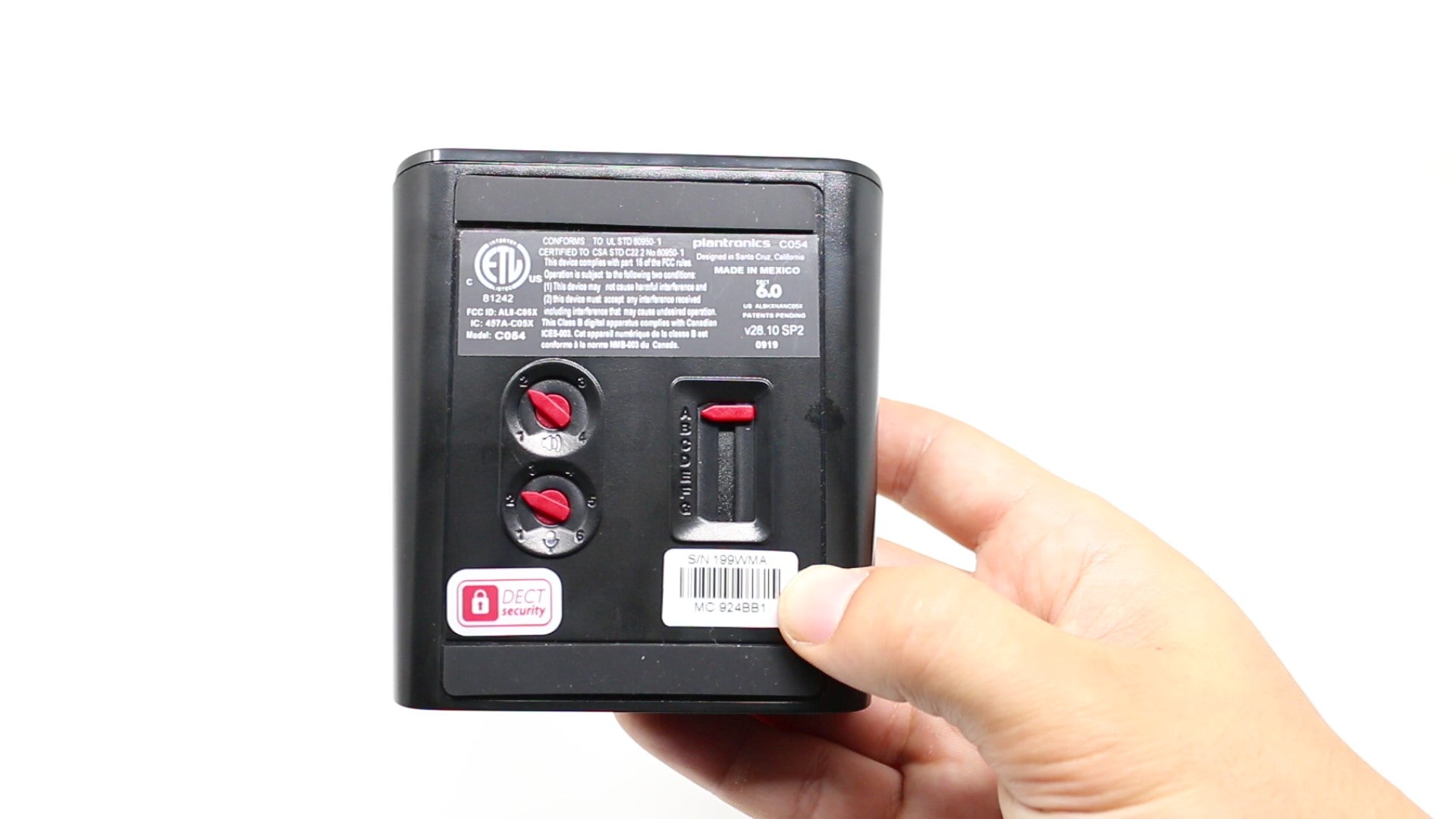
*For other helpful setup guides visit the Plantronics CS540 headset setup resource center*
TROUBLESHOOTING
Now that your headset is set up, does everything work correctly and sound great? If not, refer to the suggestions below to help troubleshoot.
NO DIAL TONE
After making a test call, did you NOT hear a dial tone? If not, try the troubleshooting ideas below to help resolve this.
- Double check to make sure that you have everything connected as per the setup instructions.
- Make sure that ALL cords are pushed in fully and have "snapped" into place.
- Locate the compatibility switch and while on a call, move it to other positions until you hear a dial tone.
STATIC
When making your test call, you may hear static. If you do, try the troubleshooting tips below.
- Locate the compatibility switch on the bottom of the charging base and while on a call, move it to the other positions until the static is cleared up.
- Try removing the battery from the headset earpiece. Once removed, wait for a minute and then reinstall the battery.
- If items 1 and 2 above don't work, try removing the battery and unplugging the power from the wall outlet. Wait for a minute and then reinstall the battery, place it into the charging cradle and then plug the AC Power Adapter back into the wall power outlet.
ECHO
If you hear echo when on a call, the steps below should help to resolve this condition.
- Locate the volume adjustment on your TELEPHONE. Set this to about the midpoint (half way between high and low).
- On the bottom of the charging base, locate the red dial that has an icon of a microphone. Set this on the number 2.
- Make sure that the microphone tip is approximately two fingers width from the corner of your mouth. Having the microphone too close to your mouth can cause sound quality issues.
- 3. Try resetting your headset. This is done by removing the battery from the headset earpiece, unplugging the AC Power Adapter from the wall power outlet and then waiting
For a minute. Then, reinstall the battery, place the headset into the charging base and then plug the AC Power Adapter back into the wall outlet.
If you need additional troubleshooting assistance or help setting up your Handset Lifter or Electronic Hookswitch Cable, feel free to contact us and we’ll be happy to assist you further, no charge!





















2 comments
Robert
I did everything what’s on the instructions, but never got a dial tone. I’m using a grand stream gpx2140 and have the APD-80 EHC. please advise.
lori
I did everything according to instructions, and I still do not get a dial tone. It says, “After making a test call, you did NOT hear a dial tone?” I never got a dial tone to MAKE a test call.