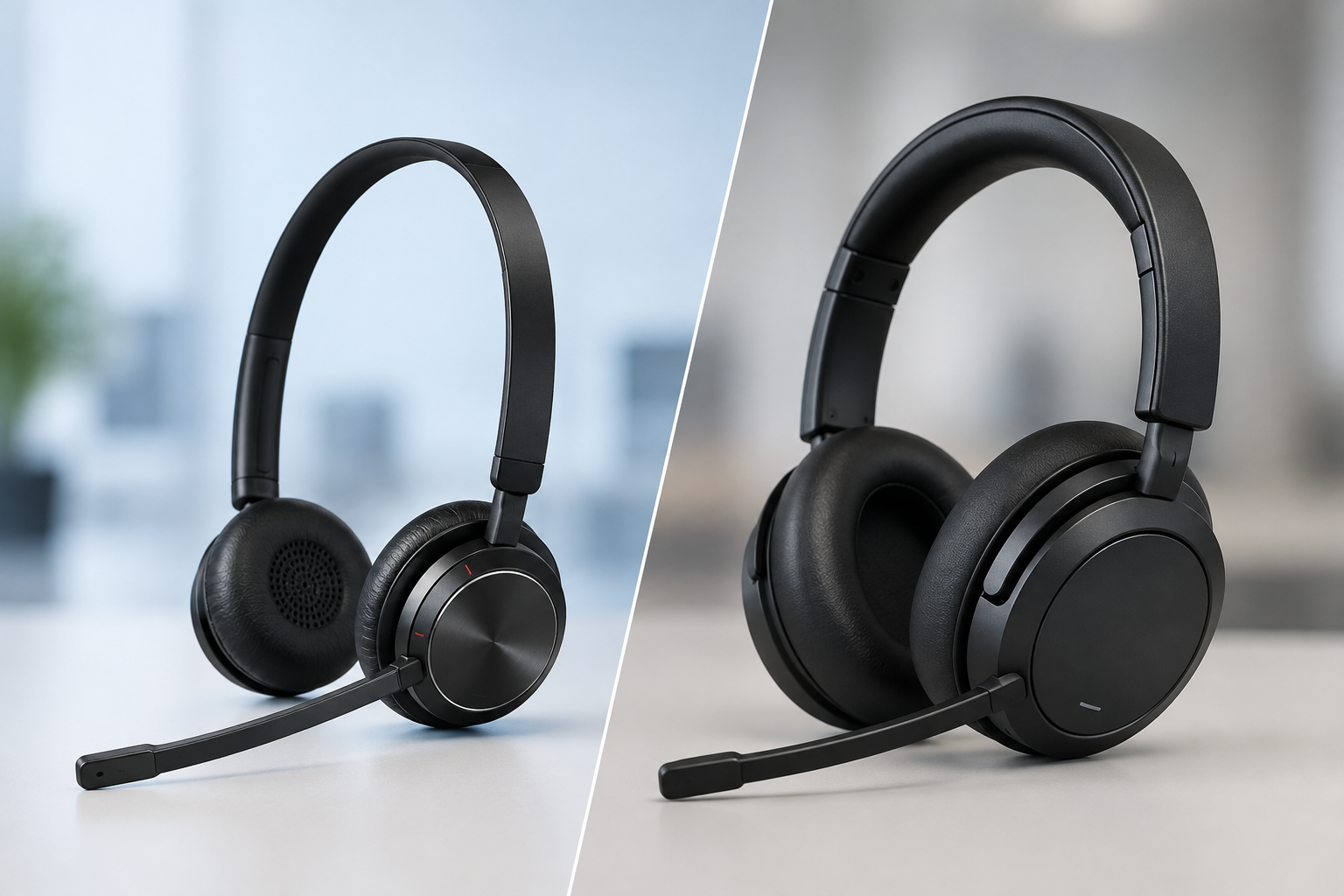
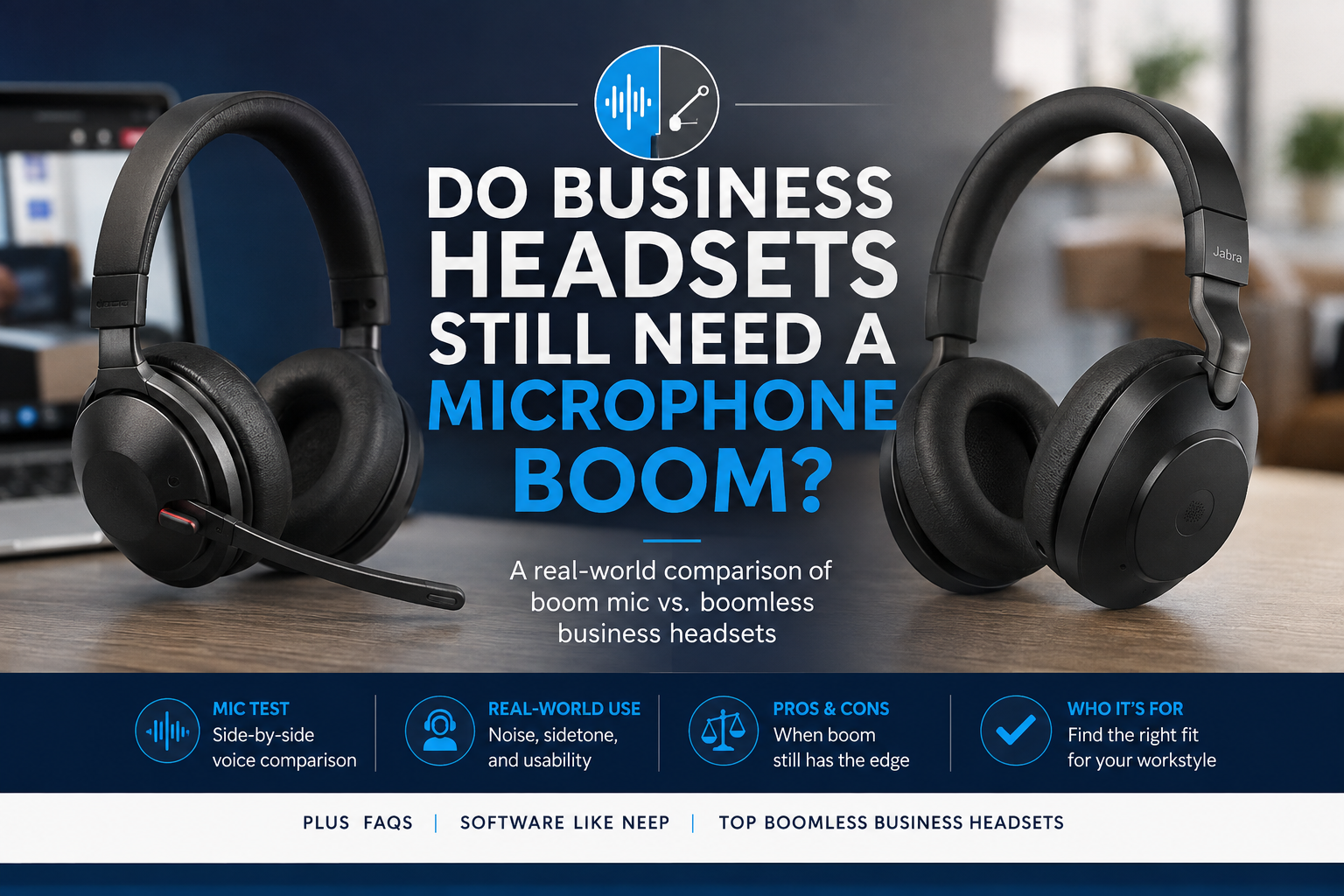
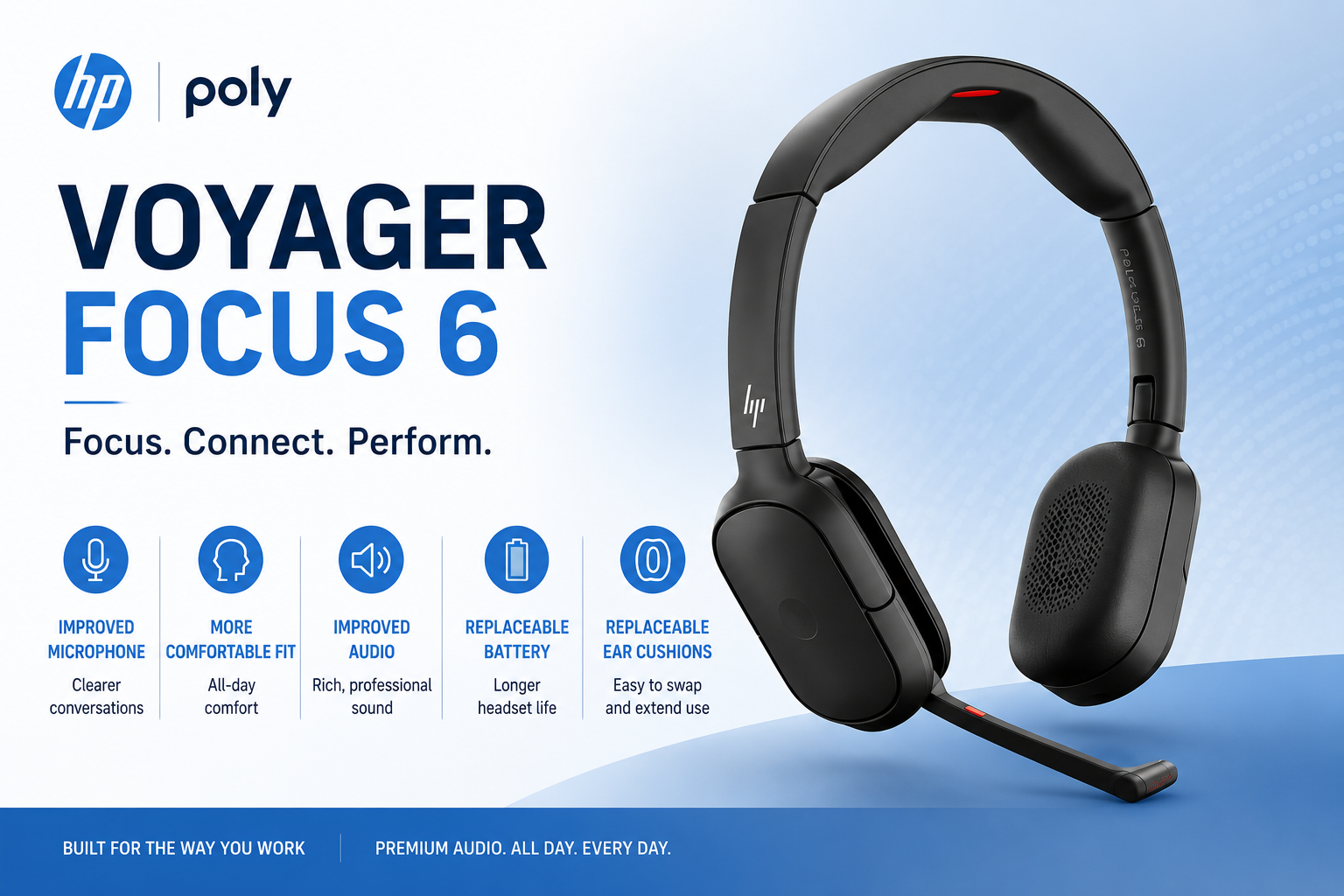
Do you want the best headset?

If you’ve been researching headsets for work, you’ve likely come across the term “UC headset.”
But what does that actually mean, and more importantly, do you need one?
UC stands for Unified Communications. While that may sound technical, the idea is simple. It refers to how your headset works across different communication platforms like Microsoft Teams, Zoom, and other softphone applications.
In this guide, we’ll break down what a UC headset is, how it compares to other options, and how to decide if it’s the right choice for your setup.
What Is a UC Headset?

A UC headset is designed to work across multiple communication platforms without being tied to just one.
This means it can be used with applications like Microsoft Teams, Zoom, RingCentral, and other business communication tools, typically without needing special configuration.
In simple terms, a UC headset gives you flexibility. Instead of being locked into one platform, it allows you to move between applications while maintaining a consistent experience.
What Does “Unified Communications” Actually Mean?

Unified Communications refers to bringing different communication tools into one place.
Instead of using separate systems for:
- Phone calls
- Video meetings
- Messaging and chat
UC platforms combine these into a single experience.
A UC headset is built to work within that environment, so whether you're on a call, in a meeting, or switching between apps, your headset works the same way.
UC vs Microsoft Teams Certified Headsets

One of the most common questions is how UC headsets compare to Microsoft Teams certified models.
A UC headset is platform-agnostic. It works across many different applications.
A Microsoft Teams certified headset is specifically optimized for Teams. It may include:
- A dedicated Teams button
- Automatic integration with Teams to allow call launch, mute, remote call answering, raise hand etc. from the headset
- Features designed to reduce IT support issues
If you primarily use Microsoft Teams, a Teams certified headset can offer added convenience.
If you regularly use multiple platforms, a UC headset is often the better choice.
When a UC Headset Makes the Most Sense
Whether you need a UC headset depends on how you work.
For example:
- If you use multiple communication platforms, a UC headset can simplify your setup
- If you work in a hybrid environment and connect to different systems, flexibility becomes important
- If your company standardizes on one platform, a platform-specific headset may be sufficient
In many cases, the decision comes down to how often you switch between applications.
What a UC Headset Does Not Do
There are a few common misconceptions about UC headsets.
A UC headset does not automatically improve audio quality. Sound quality depends on factors like:
- Your environment
- Your headset setup
- The headset itself
If you’re experiencing poor audio, it may be more helpful to review how to set up your headset for the best audio quality, as setup issues are often the cause.
A UC headset also does not guarantee compatibility with every feature in every platform. Some advanced functions, like remote call control, still depend on software integration.
Compatibility and Call Control

Some users expect features like answering or ending calls from their headset to work automatically.
In reality, this depends on whether your headset and communication platform support that integration.
For example:
- Some platforms allow full call control from the headset
- Others may require you to answer calls from your computer
If remote call control is important, it’s worth confirming compatibility before choosing a headset.
Regardless of the headset you choose, testing your microphone can help ensure you're getting the best possible performance in your communication platform.
Wired vs Wireless UC Headsets

UC headsets come in both wired and wireless options.
Wired headsets are typically:
- Simple to set up
- Consistent in performance
- Ideal for users who stay at their desk
Wireless headsets offer:
- Greater mobility
- The ability to move around during calls
- More flexibility in how you work
If you’re deciding between the two, you may find it helpful to review our guide on wired vs wireless headsets, which is right for you.
Making the Right Investment

When choosing a UC headset, it’s important to consider long-term value, not just upfront cost.
For businesses and teams, there are several ways to make higher-quality solutions more accessible:
- Trade-in programs that provide credit for older equipment
- Promotional discounts, such as coupon codes - use BLOG for a discount at checkout
- Headset leasing programs that offer predictable monthly costs, replacement accessories, and ongoing warranty coverage
These options can make it easier to standardize on the right headset without overextending your budget.
Final Thoughts
A UC headset is designed to provide flexibility across multiple communication platforms, but it isn’t necessary for every user.
The right choice depends on how you work, which platforms you use, and how often your setup changes.
For some users, a UC headset offers convenience and consistency. For others, a platform-specific or standard headset may be the better fit.
If you’re unsure which option is right for your needs, taking a closer look at your daily workflow is often the best place to start.
Need Help Choosing the Right Headset?

If you’re not sure whether a UC headset is the right choice, you don’t have to figure it out on your own.
Headset Advisor has been helping businesses with their communication needs for over 30 years. Our team can help you choose a solution that fits your devices, platforms, and work environment. Don't hesitate to contact us today for some expert advice. With over 800 5-Star reviews on Google, we have the solutions and support you need.