Do you want the best headset?

If you’re looking for the best wireless headset for office phones, you’ll quickly notice something: there are plenty of options, and many of them seem nearly identical at first glance.
But once you start using them in a real office environment, the differences become much more noticeable.
Some headsets struggle with range. Others don’t connect the way you expected. And in some cases, features that looked good on paper turn out to be inconvenient in day-to-day use.
That’s why the better question isn’t just “what’s the best headset, it’s what actually makes a headset work well in your environment?
Why DECT Still Matters for Office Phones

Even with all the advancements in wireless technology, DECT remains the most reliable option for office phones.
Bluetooth is convenient, especially for mobile devices, but it wasn’t originally designed for desk phone environments. It tends to have a shorter wireless range and can be more susceptible to interference in busy office settings, especially if using a bluetooth connection and not using a USB adapter.
DECT, on the other hand, was built specifically for this type of use. It offers a stronger, more stable connection and allows you to move around without worrying about dropped calls due to the longer wireless range.
In practical terms, that means:
-
Fewer dropped or interrupted calls
-
More freedom to move around the office
-
Better performance in busy environments
If your primary use is a desk phone, DECT isn’t just a good option, it’s still the standard.
Where Traditional Wireless Headsets Fall Short

While DECT solves the range and stability issue, many traditional wireless headsets still come with limitations that aren’t overly obvious upfront.
For example, some DECT wireless headset models include Bluetooth, but it’s tied to the base station. That means you can connect your mobile phone, but only while you’re near your desk. Step away, and you’ll quickly discover the limitations on range.
Other headsets rely heavily on software just to access basic features. That might not seem like a big deal until you’re working in an environment where downloads are restricted or require IT approval.
These issues typically show up in ways like:
-
Limited mobility once you leave your desk
-
Extra steps just to adjust simple settings
-
Compatibility challenges in restricted IT environments
These are the kinds of details that don’t always show up in product specs, but they have a real impact on how the headset performs in daily use.
What to Look for in a Modern Office Headset

As work environments have evolved, so have expectations around what a headset should do. We all want our headset to work with all our devices seamlessly, and reliably.
Today, the best wireless headset isn’t just something that connects to your desk phone. It should support the way people actually work, which is switching between devices, and providing a reasonable amount of wireless range for stepping away from the desk, and of course, not a lot of complexity.
When evaluating your options, it helps to focus on a few key areas:
-
Reliable wireless range
-
Flexibility across multiple devices
-
Ease of use without heavy reliance on software
-
Consistent, professional audio quality
-
Comfort
The difference between a good headset and a great one often comes down to how well these elements come together.
A More Flexible Approach to Wireless Headsets

This is where newer headset designs start to stand out.
Instead of being tied strictly to the desk, some models now combine DECT for office use with Bluetooth for mobile devices. That alone is a step forward, but the real difference comes down to how that Bluetooth connection is implemented.
In many headsets, Bluetooth is still routed through the base. So while it technically offers dual connectivity, it doesn’t actually give you much freedom to move around your workspace.
Some newer designs take a different approach by placing Bluetooth directly in the headset itself. That change may seem subtle, but it completely shifts how the headset can be used.
It allows you to stay connected even when you leave your desk, and when you leave the office. So essentially, it’s a headset for all your devices, whether they’re used in the office, or out.
Our Recommendation: Yealink HA64 Pro

When you look at how people work today, and where many headsets fall short, the Yealink HA64 Pro stands out as a more complete solution.
What makes it different isn’t just one feature, but how everything works together.
At a high level, it addresses the most common limitations by combining:
-
DECT for long wireless range, and a more stable, reliable and secure connection
-
Bluetooth built directly into the headset for true in, or out of the office mobility
-
A built-in touchscreen for accessing and adjusting settings without software
This means you’re not limited to your desk, not dependent on downloads, and not juggling multiple devices to stay connected.
If you'd like to see how a DECT headset outpaces a Bluetooth headset, make sure to watch our short wireless range test video below.
And of course, none of that would matter if the audio quality wasn’t professional. The HA64 Pro provides excellent audio quality, and superior noise cancellation thanks to Yealink’s Acoustic Shield. We’ve tested Yealink headsets that have this technology, and it’s very effective.
If you want to go a step further, we’ve also put together a detailed comparison showing how popular headsets perform in real-world noise environments in our headset microphone and noise cancellation test.
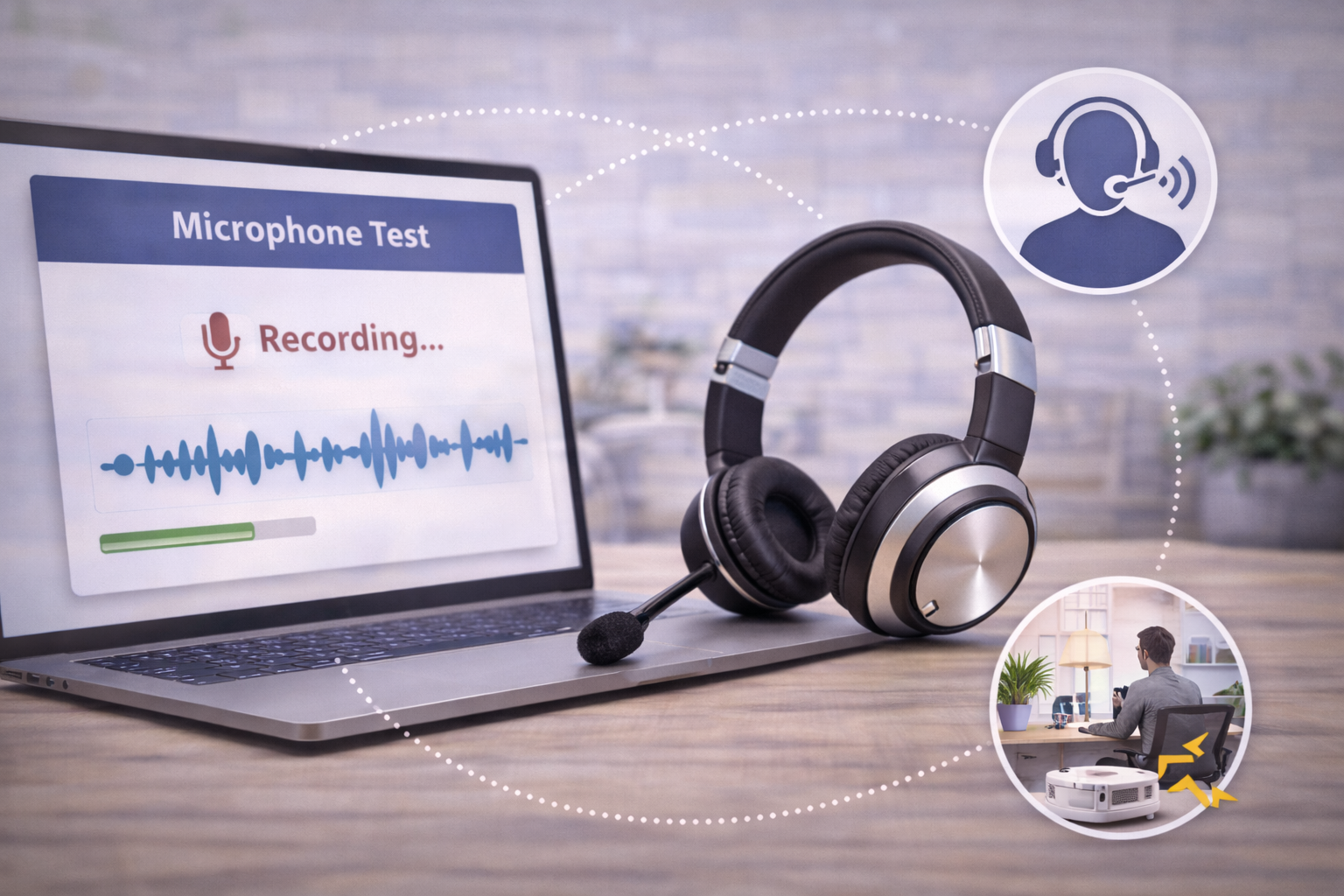
Wondering how you actually sound on calls? Most people don’t realize how their microphone comes across until they hear it for themselves. You can test your microphone and hear exactly what your callers hear using our microphone test tool.
If upgrading hardware isn’t immediate, tools like neep ai noise canceling software can help improve call clarity and reduce background noise.
A Strong Alternative to Consider: Yealink WH63 E2

While the Yealink HA64 Pro is a more complete solution for users who need maximum flexibility, it’s not the only option worth considering.
In situations where simplicity, form factor, or specific use cases matter more than extended range or hybrid mobility, the Yealink WH63 E2 can be a strong alternative.
The WH63 E2 takes a slightly different approach. It’s a DECT wireless headset designed primarily for desk phone and computer use, with a focus on comfort, simplicity, and dependable performance.
For many users, that’s exactly what they need.
Where the WH63 E2 Makes Sense
The WH63 E2 can be a better fit in environments where:
-
You primarily work at your desk and don’t need extended roaming range
-
Mobile phone connectivity outside the office isn’t a priority
-
You prefer a lighter, more minimal headset design
-
You want a straightforward solution without extra features
In these scenarios, the WH63 E2 delivers a clean, reliable experience without adding complexity.
How It Compares to the HA64 Pro

The key difference between the two comes down to flexibility.
The HA64 Pro is designed to cover a wider range of use cases, especially for users who move between environments or rely on desk, computer and mobile communication.
The WH63 E2, on the other hand, is more focused. It’s built for users who want a dependable DECT headset for office use without needing the added mobility or hybrid connectivity.
Both are strong options, it simply depends on how you plan to use your headset day to day.
Choosing Between the Two
If you’re trying to decide between them, a simple way to think about it is:
-
If you want maximum flexibility, mobility, and one headset that can do everything - HA64 Pro
-
If you want a simple, reliable headset for desk-based work - WH63 E2
Why This Matters
A wireless headset isn’t something most businesses replace frequently. In many cases, it’s a piece of equipment that’s expected to last several years.
Because of that, the decision you make upfront has a long-term impact.
Choosing a headset that only meets basic needs today can lead to limitations down the road. On the other hand, choosing something more flexible can simplify how your team communicates and reduce the need for additional equipment.
Over time, that can mean:
-
Fewer replacement purchases
-
Less complexity across devices
-
A more consistent user experience
And if budget is a concern, there are several ways to make upgrading more manageable, including trade-in options, leasing, and other cost-saving strategies. We break those down in more detail in our guide on making business headsets more affordable for your team.
Final Thoughts
The best wireless headset for office phones isn’t just about compatibility—it’s about how well it supports the way you actually work.
When you take into account range, mobility, ease of use, and overall performance, the differences between headsets become much clearer.
And when those factors are considered together, the Yealink HA64 Pro represents a more modern approach to what a wireless office headset can be.
Need Help Choosing the Right Headset?

Every environment is a little different, and the right solution depends on how and where the headset will be used.
If you’re unsure whether the Yealink HA64 Pro, or WH63 E2 is the right fit, our team can help guide you based on your specific setup and needs.
Headset Advisor has been assisting customers with the communication needs for over 30 years. We have a lot of experience, and knowledge, and on Google, we have over 800 five-star reviews.
Contact us today, and let one of our knowledgeable Advisors provide you with the assistance you need.