
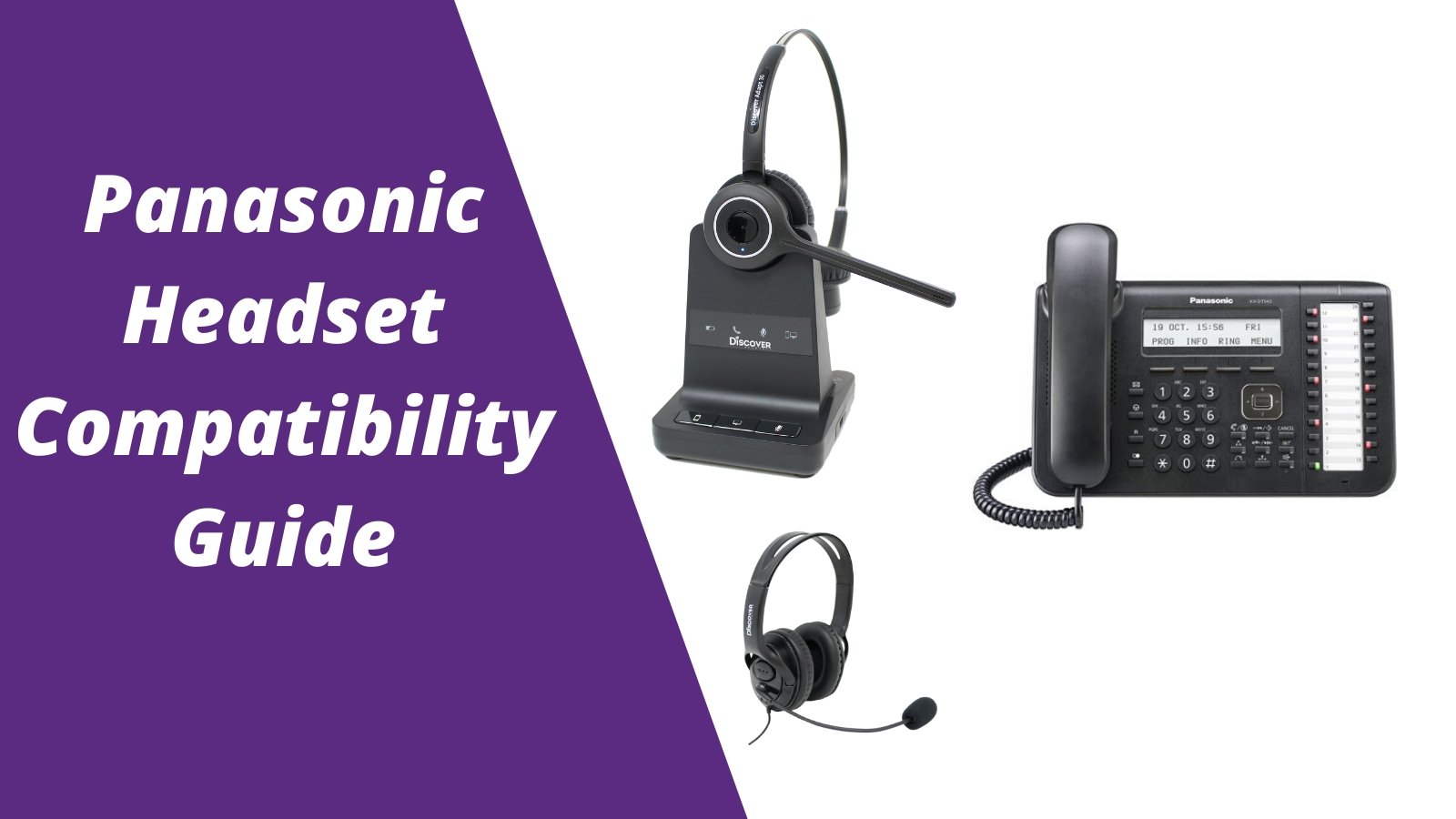
Panasonic Phone Compatible Headsets
Before choosing a wired or wireless headset to go with your Panasonic corded or cordless phone, you'll want to know the best headsets that are compatible. For more headsets compatible with office phones, visit the
office headset compatibility guide: compatibility made easy
How to use the Panasonic headset compatibility guide:
- Find the make/model of your phone
- Choose if you prefer a wired or wireless headset
- If choosing a wired headset, you'll see the compatible adapter that will also be needed. For wireless, you can add the optional compatible accessory (DHS12 or DHL110) to enable remote call answering (most customers add this accessory)

FAQ
Q: Why do I have to purchase a separate adapter to go with a wired headset for my Panasonic phone?
Understanding Headset Terminology
Quick Disconnect: Out of the box this is the name of the cord that's on your Panasonic compatible headset that connects to the direct connect cable.
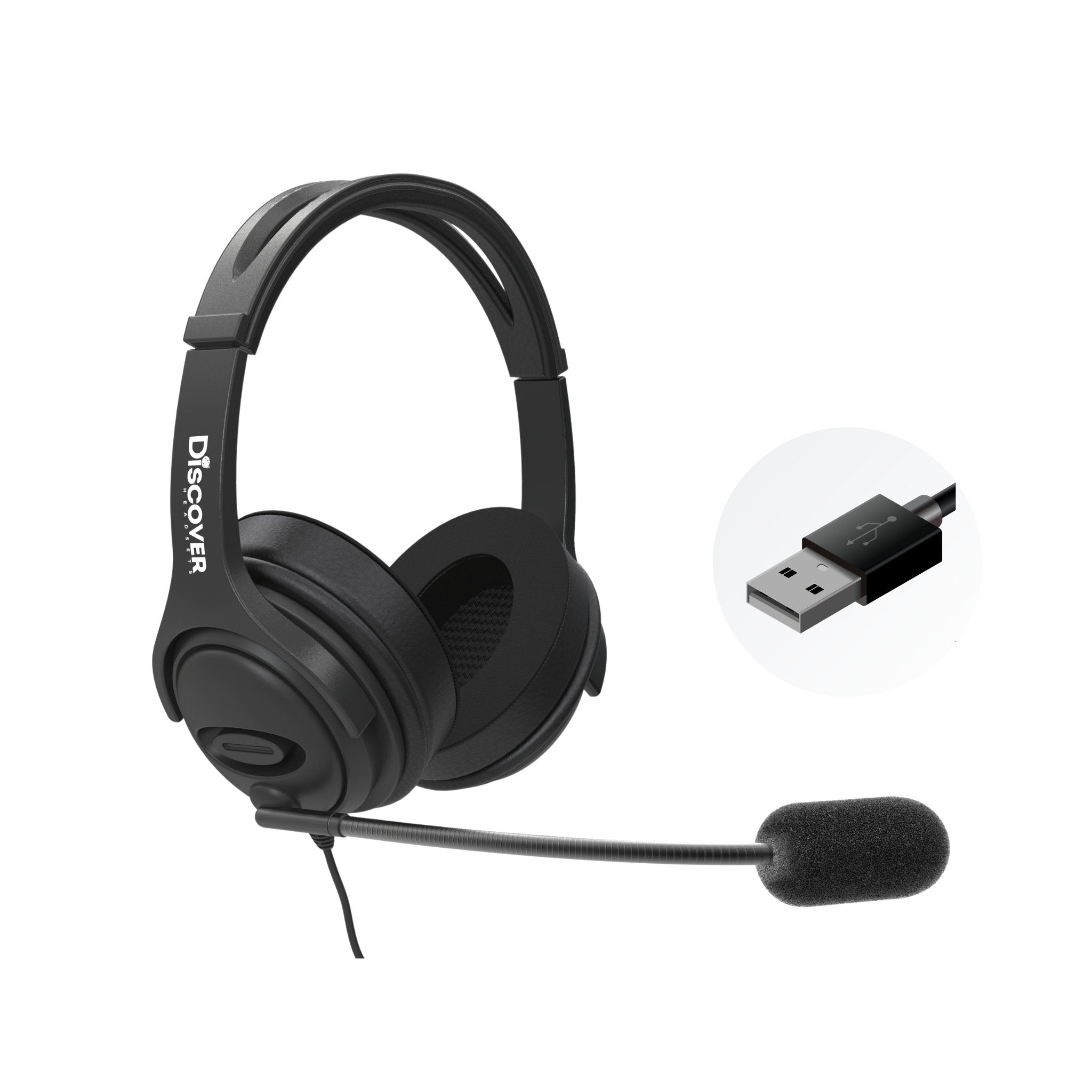
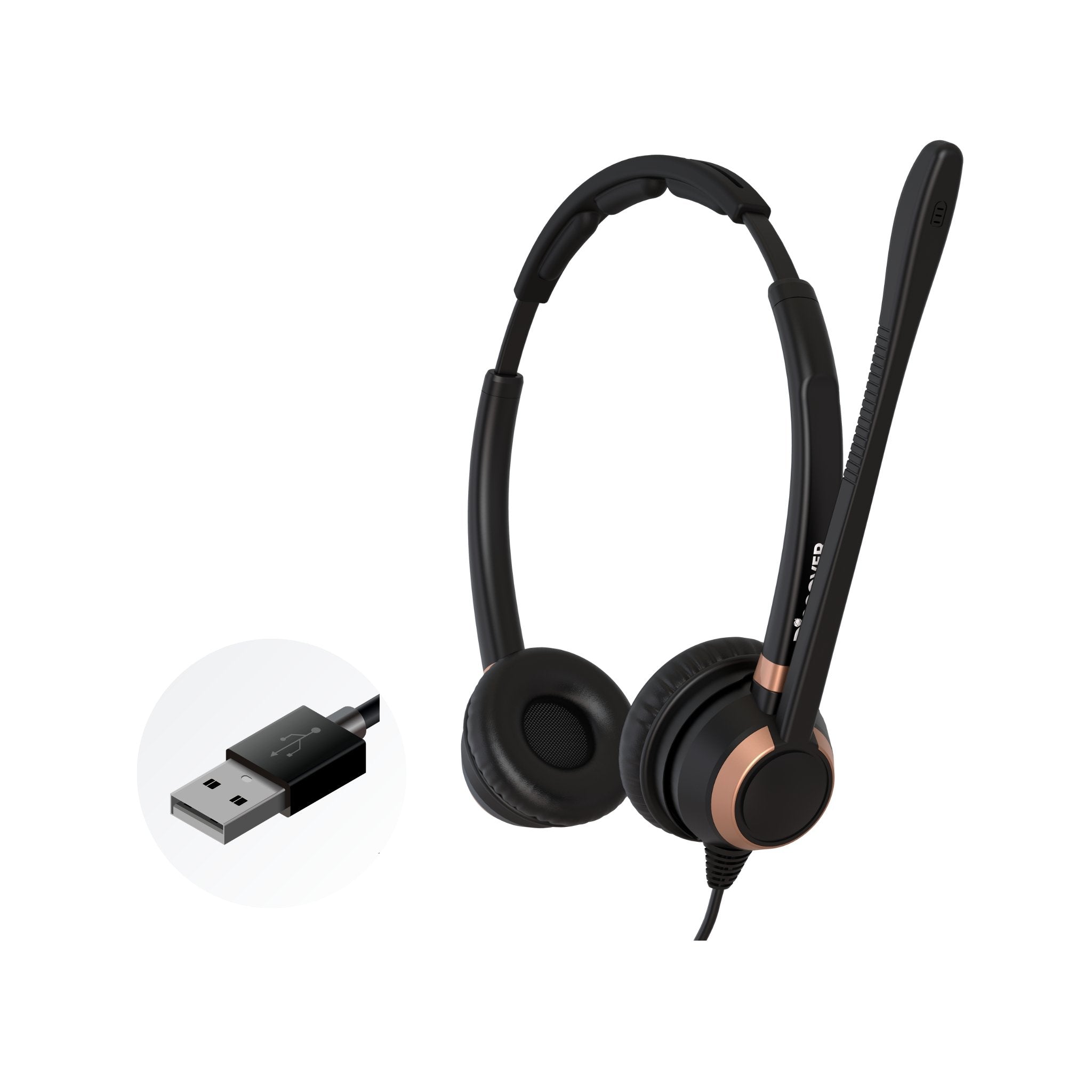
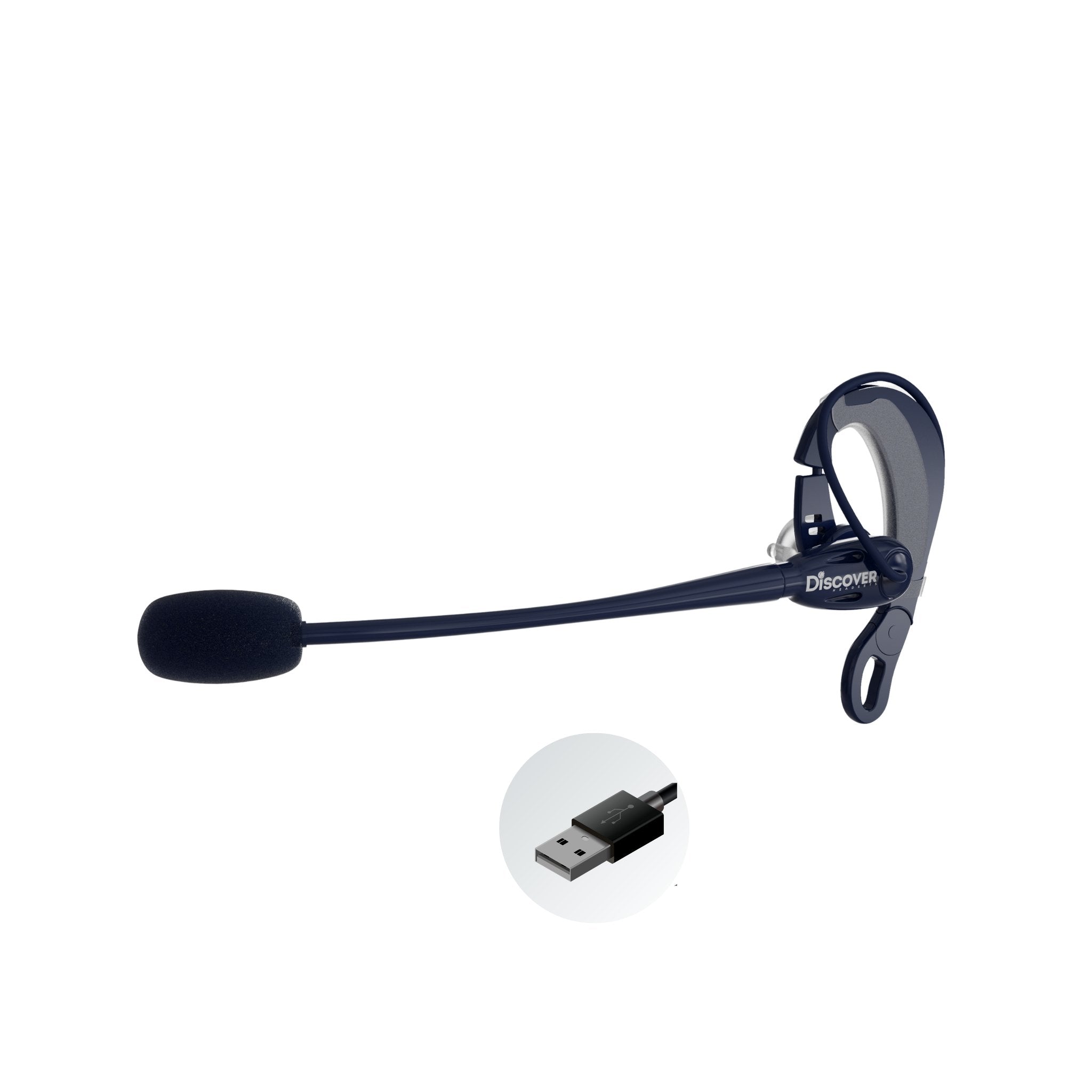
Compatible Panasonic Wired Headsets Compared
How To Use Your Panasonic Wired Headset
Simply plug the D200 headset amplifier into your compatible Discover D700 series wired headset, then plug the D200 into the Handset port of your Panasonic desk phone. Lastly, plug the Panasonic Handset into the back of your D200 amplifier as shown in the image. To use your Discover headset, you'll need to remove the handset and set it on your desk to answer a call. Hang up the handset when done with the call.
How To Use Your Panasonic Wireless Headset
 Option 1- WITHOUT EHS cable or Lifter
- Remove your headset from the charging base and it will auto turn on
- To answer/end calls, remove your Panasonic handset to answer calls and hang your handset back up to the base of your phone to end calls.
- When a call comes in, simply remove your headset from the charging base and you'll be on the call
- OR leave your headset on throughout the day and press the on/off button on your D904 or Adapt 30 headset to answer/end calls up to 350 feet away from your desk









1 comment
John Smith
Looking for wired headsets compatible with Panasonic kx-tge674.