Do you want the best headset?
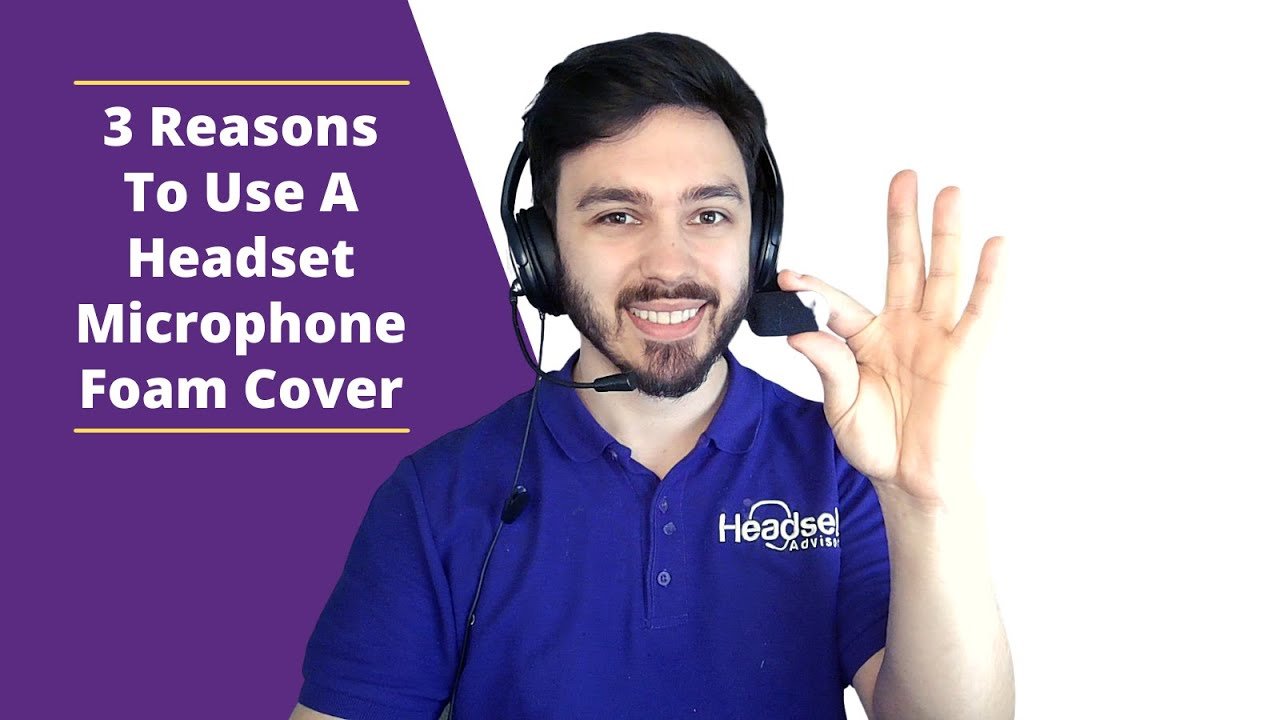
If you use a headset for phone calls or for audio applications on your computer such as Zoom, RingCentral or Microsoft Teams, the headset you’re using probably doesn’t have a foam cover over the microphone.
Why would you need a foam cover over the microphone you ask? Glad you asked.
This blog will provide you with three main reasons why you should consider using a foam cushion over your wired or wireless office headset microphone.
For everyone else, let’s go through this real quick.
The three main reasons to use a foam cover for your wired or wireless office
Reason #1
Helps to improve your audio quality (how you sound to your callers).
As we talk, we all use words that start with S, T, and P. These can be hard to distinguish at times, and having a cover over the microphone can be helpful in reducing the hissing sound of your S’s, or the Popping sound of your P’s.
You don’t want to have to repeat yourself, and your callers don’t like asking. Installing a small microphone foam screen can go a long way towards cleaning up how you sound when it comes to some of our hard to distinguish letters and sounds.
In the end, you’ll not have to repeat yourself, be misunderstood, or hear your caller asking you to repeat yourself. Something as small and simple as a foam windscreen can be very beneficial.
Also, If you’re like a lot of people, your breathing is noticeable while on phone calls. For some, this can be extreme and can be annoying to those you talk to on the phone.
By placing a foam screen over the microphone, your breathing sounds can be dramatically reduced or even fully eliminated so your breathing isn’t heard by your callers. In the end, everybody’s happy; you get to breathe how it’s normal for you, and your callers aren’t distracted by it. I’d call that a win-win situation!
Reason #2
Eliminates the sound of any fans blowing in your work area.
A lot of people like to use a fan when working. The sound of the fan as it blows across you and ultimately, on to your headset microphone, transfers that fan sound to your callers. This can be distracting to your callers, and also contributes to a more difficult audio experience.
You could always modify your fan’s trajectory, but that may or may not be satisfactory to you and your wish to be cooled. So rather than adjusting, simply slide on a microphone foam screen, sometimes referred to as a “windscreen”, and your problems should be fully solved.
Reason #3
Extends the life of your wired or wireless office headset microphone.
As we talk, we emit moisture. That moisture can accumulate on the microphone and be detrimental to it. Further, and equally common is most people eat at their desks. It’s a practice that’s widespread whether you’re working from your home office, or at your regular office. We’re always trying to squeeze a little more work out before the day comes to a close.
Whether you’ve just finished that favorite sandwich or monster burrito, it’s very easy for some of those food particles to end up in your microphone. This can cause your voice not to be heard loud and clear, and in some cases, eliminate sound from your microphone entirely.
Over the years, we’ve seen cases where a headset quits working. The customer stated that their customers cannot hear them. After a lot of troubleshooting, the problem was traced back to a microphone being clogged with food particles. In some instances, the customer deems the wired headset defective and buys a replacement.
That’s not only costly, but completely avoidable. Simply slide on a foam microphone windscreen and have at that BLT sandwich. If some of that sandwich ends up on the foam screen, no problem, simply replace it, or wash it and reuse it. In the process, the microphone remains protected from the elements.
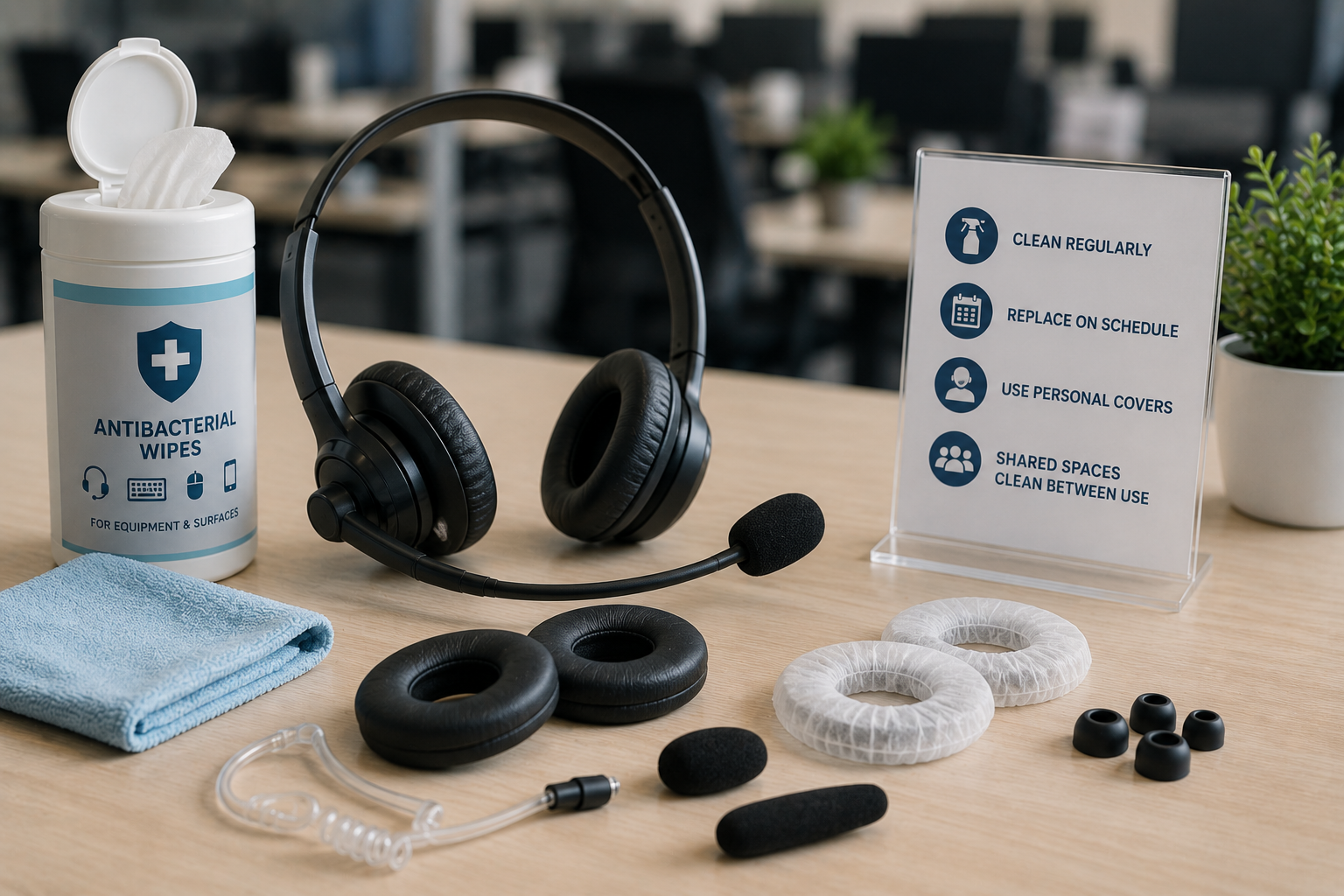
As a footnote here, it also makes sense to use a microphone windscreen on your office wired headset or office wireless headsets if you share a headset with coworkers. It goes without saying that it’s more sanitary and helps to prevent the spread of illnesses.
Summary
Well, there you have it, three key reasons why it makes sense to use a foam cover for your microphone on your office wired headsets and office wireless headsets too.
- Get better sound quality for your callers
- Helps to eliminate the blowing sound of fans in your work area
- Helps to protect your headset microphone and prolongs the life of your headset