Do you want the best headset?
What Your Answers May Be Telling You
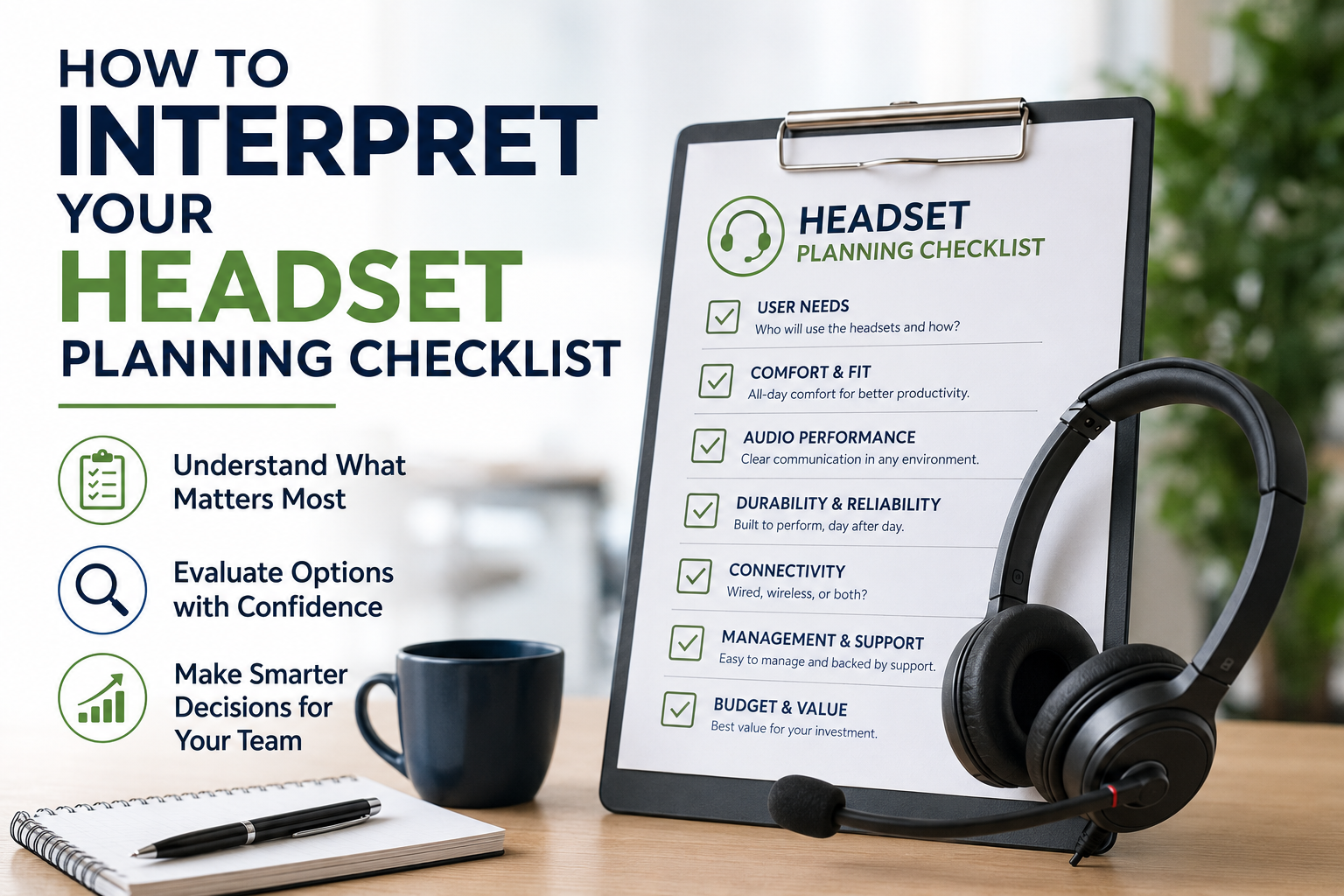
This is the second article in our two-part series, helping businesses interpret their headset planning checklist answers and identify the right deployment direction.
If you haven’t completed our Enterprise Headset Planning Checklist yet, we recommend starting there before proceeding here:
Planning A Large Headset Purchase? Start With These Questions
Completing a headset planning checklist is an important first step, but once the questions have been answered, many IT teams and procurement buyers naturally ask the next question:
“Now what?”
With that in mind, the purpose of this blog is to help businesses better interpret their answers and identify which headset features and solution types may best fit their environment based on answers to the questions.
Rather than pointing toward a single “best” headset, this blog helps narrow things down, and guide you a bit based on your organization’s actual needs and workplace challenges.
Given the large number of headset options on the market today, the models recommended here have been selected as strong, reliable choices. While other models may also fit your needs, these are excellent options to begin with.
If Your Workplace Has High Background Noise

If your checklist responses revealed frequent exposure to:
- coworker conversations
- open office noise
- traffic sounds
- remote work distractions like dogs barking, children noise, landscapers etc.
- cafe or airport noise for those working on the go
then microphone noise canceling should likely become a major priority.
Employees working in noisier environments often benefit from:
- strong microphone noise suppression so callers don’t hear your background noise
- Active Noise Cancellation (ANC) so employees can maintain concentration
- AI-powered noise canceling software such as neep to add another layer of noise suppression
These technologies can help improve communication quality while also reducing listening fatigue and distraction throughout the workday.
Common Headset Characteristics To Consider
- Strong microphone noise canceling
- Active Noise Cancellation feature
- AI assisted noise suppression
- Ability to adjust sidetone
- Microsoft Teams certification
Possible Product Direction
If Employees Frequently Move Around While On Calls

If employees regularly:
- walk between offices
- collaborate with coworkers
- multitask away from their desks
- retrieve documents while talking
- Need to walk throughout a large area, but need to be accessible
If any of this applies to your situation, then wireless mobility should be something to seriously consider.
In these environments, long wireless range, a stable connection and professional microphone often become key considerations.
Common Headset Characteristics To Consider
- Wireless connectivity
- Long wireless range
- Multi-device connectivity
- All-day battery (so you don’t have to stop for a recharge during the day)
- Professional microphone with excellent noise cancellation
Possible Product Direction
- Yealink HA64 Pro
- Jabra Engage 75 - dated but solid range for desk phone use
- Wh68 hybrid
If Employees Work Across Multiple Devices

If you find that your users regularly transition between:
- computers
- desk phones
- mobile phones
- collaboration platforms like Microsoft Teams, Slack, Google Chat, Cisco Webex, Zoom
then multi-device compatibility becomes increasingly important.
Some headsets are designed primarily for desk phones or computers, while others are able to handle multiple device types simultaneously. And, without selecting a multi-device headset, you may find that you’ll need to purchase multiple headsets for the same connection requirements.
Common Headset Characteristics To Consider
- Connection capabilities to multiple devices
- Desk phone compatibility
- Capable of connecting to a computer via USB port (not Bluetooth)
- Bluetooth mobile connectivity
- UC platform certification
- Easy device switching
- Connection to multiple devices simultaneously
Possible Product Direction
- Yealink BH78 for computer, mobile phones, and SOME bluetooth enabled desk phones
- Yealink HA64 Pro for seamless connectivity to computers, many desk phones, and mobile phones (mobile phone use can be in, or out of the office as the Bluetooth is located in the headset, rather than in the headset base like other brands).
If Employee Comfort Complaints Are Common

If your organization experiences:
- Complaints about head pressure
- Migraines from headbands
- Ear discomfort
- Difficulty keeping ear loop models secure
- Poor earbud fit
then comfort and wearing style flexibility should likely become a higher priority in the decision process.
Not every employee tolerates the same wearing style equally well.
In these situations, businesses may benefit from allowing alternative wearing styles rather than forcing all users into a single standardized solution.
For example, some employees may develop migraine headaches if they use a headset with a headband. Those who have small ears may find earpiece style headsets with ear loops may not fit securely, and in some cases, may even fall off the ear. While others who have narrow ear canals may not be the ideal candidates for earbud style headsets.
All this draws light to the fact that there is no one headset style that’s right for everyone.
Common Headset Characteristics To Consider
- Headsets that are lightweight as weight plays a role in comfort
- Convertible headsets (headset that come with different wearing options)
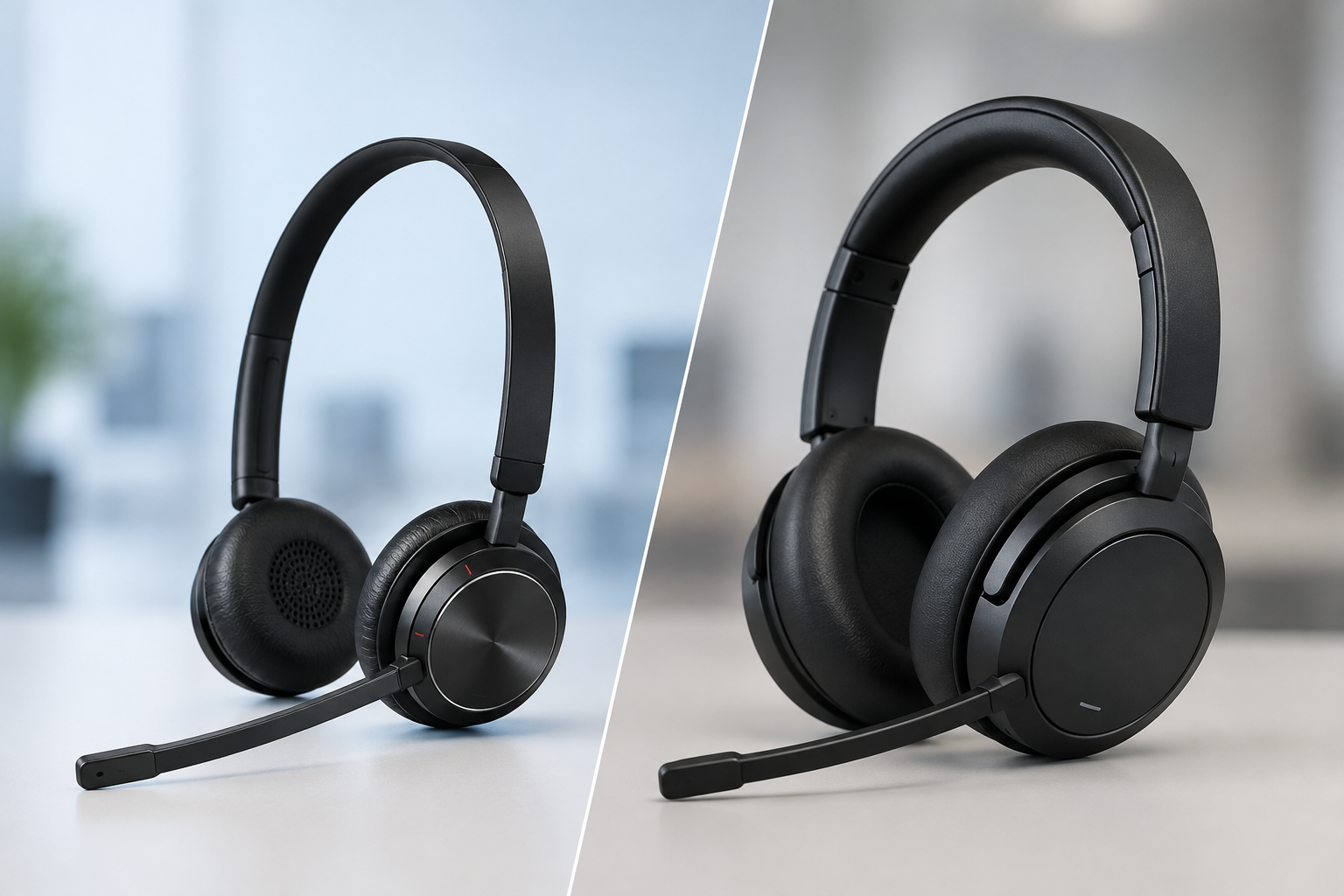
- Mono and Stereo headsets as some prefer one ear uncovered so they can be aware of their surroundings, others prefer both covered for enhanced hearing, and noise reduction. Clamping pressure can vary by design as well.
- Neckband headset that is worn behind the neck, and with some designs, like the Shokz Opencomm2 UC, don’t have traditional ear speakers, but use bone conduction instead.
- Larger ear cushions that fully surround the ear rather than pressing against them
- Earpiece style headsets with various sizes of ear loops, and/or ear tips included.
- Pressure-reducing designs because the comfort and fit of some headsets are the result of countless hours of ergonomic research, testing, and design refinement which not all headsets undergo.
Possible Product Direction
- Shokz OpenComm2 UC
- Yealink WH63
- Yealink BH71
- Discover D722U
- EPOS Impact 1000 with optional fully surrounding ear cushions
If Shared Workstations Are Common

If employees regularly share:
- desks
- workstations
- headsets
Then hygiene planning becomes especially important.
Businesses operating shared environments like these will find benefit from predictable cleaning routines and regular replacement of headset accessories.
Common Headset Hygiene Things To Consider
- Replaceable ear cushions - are the ear cushions replaceable?
- Replaceable microphone wind screens - not all headsets use wind screens, but those that do, it’s a good idea to replace them periodically
- Easy-to-clean surfaces - headsets vary in their design, style and construction. One that has a surface that’s easily cleanable is most desirable.
- Disposable ear cushion covers - these are a one and done disposable ear cushion cover. Once the shift ends, these ear covers are disposed of.
- Shared environment durability - durable construction will help aid longevity in a shared workspace
Operational Practices To Consider
- Personal ear cushions for every employee who uses a shared headset
- Assigned microphone wind screens (if applicable)
- Daily disinfecting routines - this should be done at the end of each shift
- Predictable accessory refresh cycles - industry recommendation is every six months
If Your Company Restricts Software Downloads

Some organizations tightly control software access and employee downloads to help avoid hacks and intrusions.
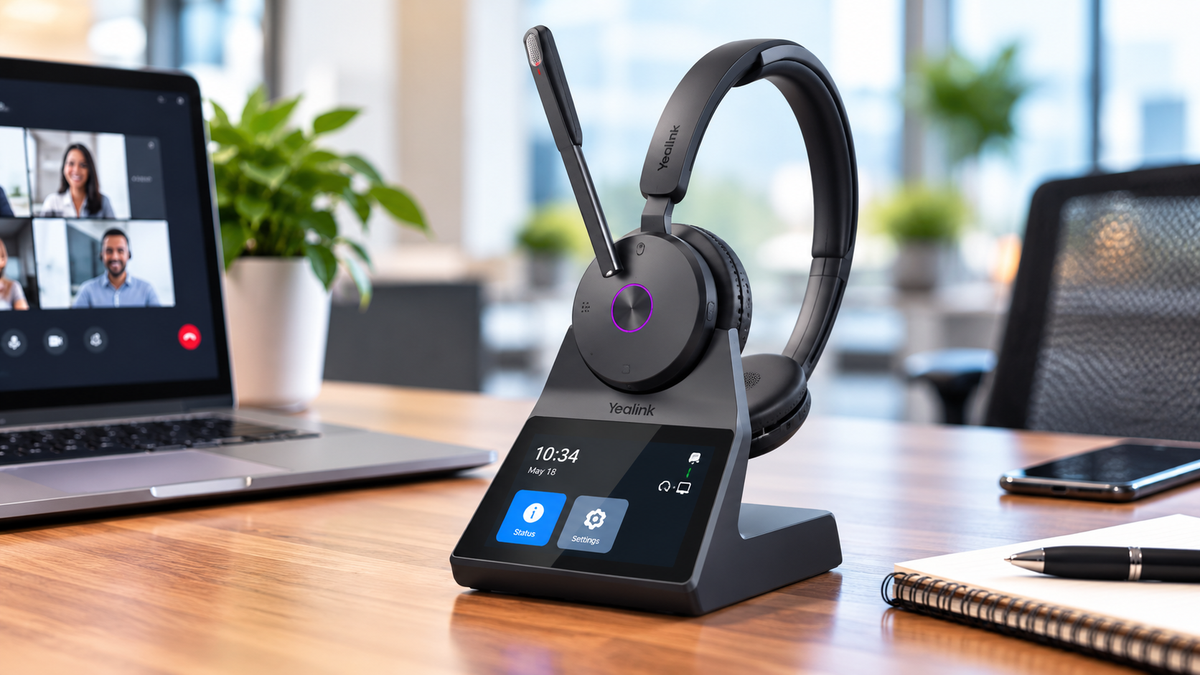
If this applies to your environment, headset systems with integrated controls or touchscreen interfaces may help simplify use and reduce dependency on software installations.
Common Headset Characteristics To Consider
- Onboard controls - buttons on the headset itself that let you control key features without needing an app or software.
- Touchscreen headset bases - this allows you to access headset features directly from the headset base, rather than through downloaded software.
- Minimal software dependency
- Easy firmware management
Possible Product Direction
If Budget Predictability Is Important

If your organization prioritizes:
- Predictable operational costs
- Simplified lifecycle management
- All inclusive program for easier headset management
- Long-term warranty protection
- Affordable low monthly rate vs. budgeting and large upfront costs
then leasing programs may be worth evaluating alongside traditional purchasing.
Some leasing options may include:
- Setup assistance
- Replacement accessories
- Advanced replacement coverage
- Premium support
- Full-term warranty protection
In larger deployments, these programs can simplify long-term headset management considerably.
If Your Business Already Has Older Headsets

Many organizations already have aging headset inventory sitting in storerooms, unused in desk drawers, or actively in use.
If your checklist revealed existing older inventory, it may be worth asking your vendor about:
-
Trade-in programs that can help lower the cost of new models. Trading in old headsets also helps to prevent them from ending up in the landfill. Good for your budget, good for the planet.
-
Any other available incentives, like coupons for example
While many vendors do not offer trade-in programs, some do. In larger deployments, trade-in allowances, and discounts can create meaningful savings that businesses may otherwise overlook entirely.
If Vendor Support Is Something You Value

Here are some thoughts worth considering:
- post-sale support
- Headset deployment assistance
- setup assistance
- Communication responsiveness, and ways to reach them
- warranty help
then vendor selection should become more than simply comparing product pricing. A good vendor can be a highly valuable resource before, during and after a headset transaction has been completed.
The reality is that many vendors are highly responsive before the sale, but much harder to reach afterward.
That’s why questions such as:
- Who provides support after the headsets have been ordered and deployed?
- How easy is it to contact someone?
- Are returns and exchanges allowed?
- Who handles warranty claims?
- Does the vendor specialize in headsets, or are they a secondary product offering?
- How long has the vendor been in business selling headsets?
- Does the vendor accept trade-ins?
- Is there more than one way to acquire new headsets available from the vendor?
Asking questions like these can become extremely important during the evaluation process.
Especially for large deployments, ease of vendor accessibility, and a vendor with a helping mindset can significantly impact the overall ownership experience.
Final Thoughts
There’s rarely a single “perfect” headset for every business workplace.
The goal of the planning checklist and this guide is to help organizations better align headset solutions with:
- employee work environments
- communication challenges
- operational goals
- comfort considerations
- long-term management needs
By understanding what your checklist answers may be pointing toward, businesses can make more informed decisions that improve both employee experience and operational efficiency.
Have Questions Or Need Some Help?

If your team has completed the checklist and would like help interpreting the results, comparing deployment options, or narrowing down the best headset option for your business, Headset Advisor is here to help.
With over 30 years of experience and more than 800 five-star Google reviews, we help businesses identify communication solutions that align with their true operational needs.
Contact us today, and let one of our trained Advisors help you find the right, compatible solution.