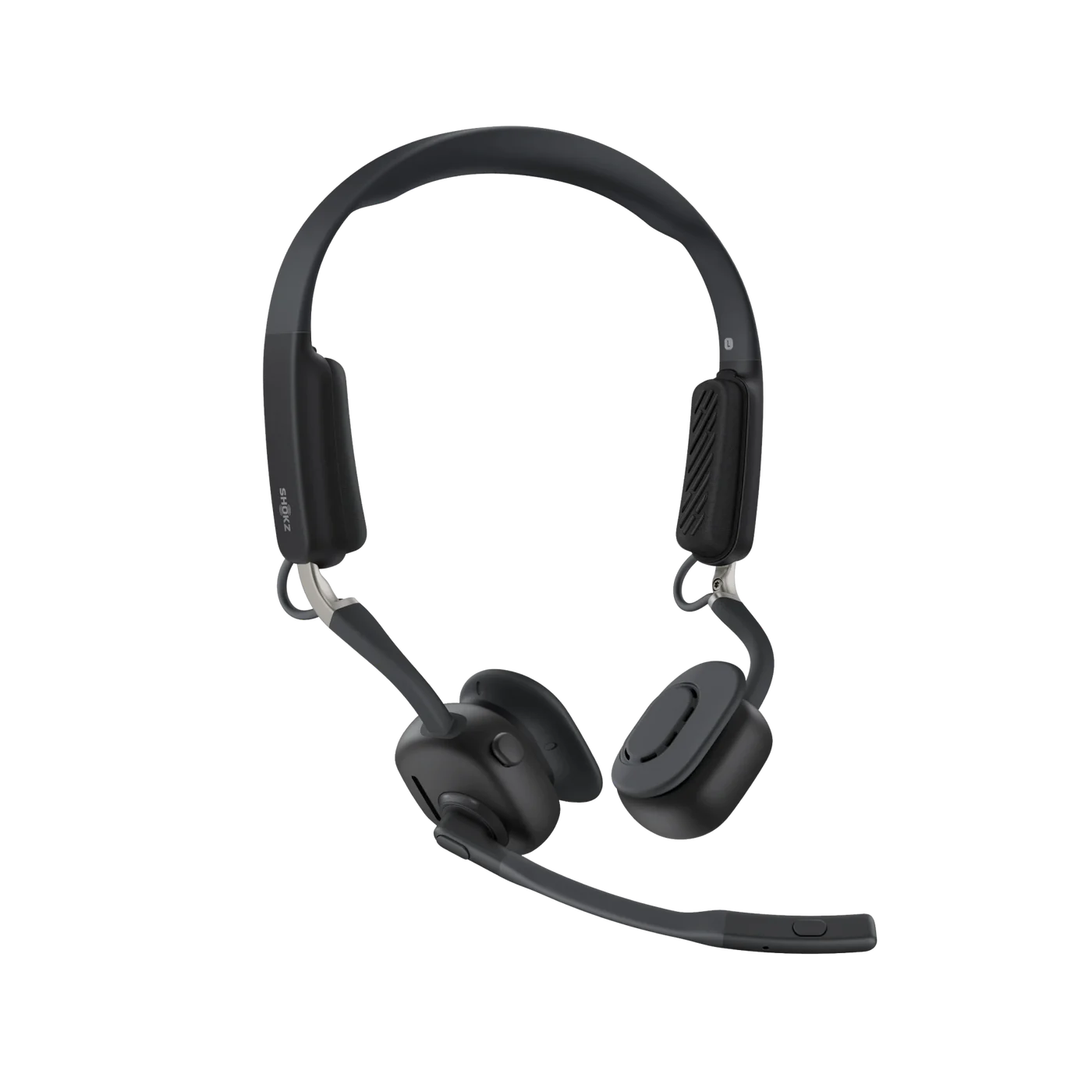
Do you want the best headset?

If your headset echoes during calls, it can quickly become one of the most frustrating audio issues to deal with, especially when it disrupts conversations or makes it difficult for others to hear clearly. This can really get in the way of having a meaningful, productive conversation.
Echo problems often affect both sides of a call, which can lead to confusion, repeated interruptions, and a poor overall experience.
After helping businesses troubleshoot headset issues for over 30 years, we have found that echo problems are usually caused by a few common factors, and once you identify them, they are typically easy to fix.
In this blog, we will walk you through why your headset echoes and how to fix it.
In some cases, echo issues can also be tied to broader audio or connection problems, such as when your headset sounds bad or when your headset keeps disconnecting during calls.
Quick Fix: Why Your Headset Echoes
If you need a fast answer, here are the most common causes:
-
Microphone picking up speaker audio
-
Volume levels set too high for microphone, speaker, phone volume
-
Multiple devices or open microphones
-
Poor headset isolation
-
Software or audio settings
If you’re not sure which one applies, start with volume levels and device setup, since these are the most common causes.
Watch this quick video walkthrough to see how to fix echo on common wireless headsets:
Continue reading for detailed explanations and fixes.
The Most Common Reasons Your Headset Echoes

1. Microphone Picking Up Speaker Audio
This is the most common cause of echo. It happens when your microphone picks up sound coming from your speakers or headset and sends it back into the call. Placing a microphone too close to a speaker normally results in echo and feedback. This was the biggest challenge facing conference phone manufacturers.
What’s happening:
-
Audio from your speakers is being re-captured by your mic
-
The mic is too close to the speaker output
-
Open-air or low-isolation headsets allow sound leakage
Symptoms:
-
Others hear their own voice repeated back
-
Echo gets worse as volume increases
-
Call participants complain about feedback
How to fix it:
Start by reducing the chances of your microphone picking up playback audio. Even with a headset, sound can leak from the speakers and be picked up by the mic if volume is too high or the microphone is too sensitive.
- Lower your speaker or headset volume
- Ensure you are using a proper headset instead of speakers
- If using a wireless headset, consider downloading the latest firmware release.
- Adjust microphone positioning so it is not picking up audio playback
2. Volume Levels Set Too High

High volume levels can cause audio to bleed into the microphone, even on good-quality headsets. Having the volume set too high can cause many different audio issues such as feedback, echo, and unwanted background noise to be captured and conveyed to your callers. The volume I’m referring to can be microphone volume, speaker volume, or both.
In some cases, echo can also be tied to connection stability issues, especially with wireless setups.
What’s happening:
-
Loud audio leaks from the earcups because the volume is set too high
-
The microphone captures that leaked sound and sends it back to the source which causes an echo loop - people on the other end hear their own voice coming back to them with a short delay. This is annoying and highly disruptive.
Symptoms:
-
Echo increases as volume increases
-
Audio sounds harsh or distorted
-
Others hear themselves with a short delay
-
Background noise is picked up and conveyed to the caller
How to fix it:
Reducing volume is often a quick and effective solution.
- Lower your headset speaker volume to a comfortable level
- Adjust microphone volume and sensitivity if available
- If using a wireless headset connected to a desk phone, try lowering the phone volume to halfway.
- Check the compatibility switch on DECT wireless headset bases, or wired headset amplifier bases to make sure you are on the right setting. This can make a big difference.
- Test your audio after making adjustments. Call someone you know, like a friend or coworker, to confirm your audio is set correctly.
3. Multiple Devices or Open Microphones

Echo can also occur when multiple audio devices are active at the same time, especially in shared environments. It can even occur in environments that are not shared. One example of this would be an at-home worker that uses a headset. If settings are off, your headset picks up your voice, but your computer microphone may also pick it up. This can result in echo, delay, and other audio problems.
What’s happening:
-
Multiple microphones are picking up the same audio
-
A second device is connected to the same call
-
Speakers and headset are both active - sound coming from your speaker(s) is picked back up by your microphone, which causes a classic echo loop.
Symptoms:
-
Echo or feedback loop during calls
-
Audio sounds duplicated or delayed
-
Issues appear when switching devices
How to fix it:
The goal is to limit your setup to one active input and output source.
- Disconnect unused audio devices
- Mute or disable extra microphones
- Make sure only one device is connected to the call
4. Poor Headset Isolation or Design

Some headsets are not designed to prevent audio leakage, which can contribute to echo issues.
What’s happening:
-
Sound escapes from the headset and is picked up by the mic
-
Lower-quality headsets lack proper acoustic isolation such as noise cancellation
-
Lower quality headsets can come with non-professional sounding microphones
Symptoms:
-
Persistent echo even at moderate volume
-
Audio leakage noticeable to others
-
Inconsistent call quality
How to fix it:
In this case, the headset itself may be the limiting factor.
- Switch to a better quality headset that’s designed for calls and voice clarity
- Choose models with better microphone isolation
- If replacing one, consider trying the replacement headset before making the purchase. This way, you can test it ahead of time to make sure it meets your expectations and needs.
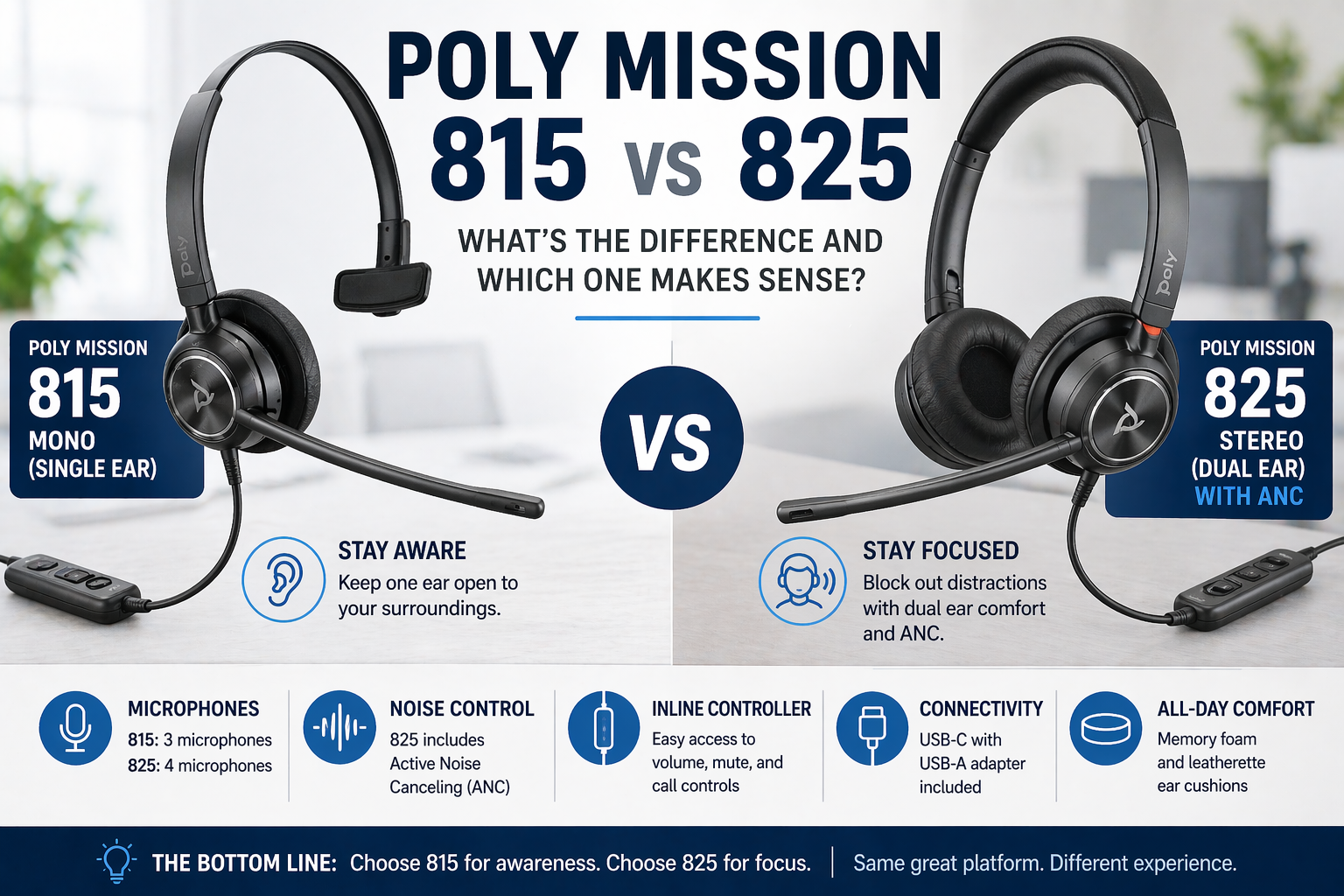
Understanding the differences between mono vs stereo headsets can also help, since each design impacts how sound is contained and perceived during calls.
5. Software or Platform Settings

Echo is not always a hardware issue. Sometimes it is caused by how your software or platform handles audio.
What’s happening:
-
Echo cancellation settings may be disabled
-
Incorrect audio devices are selected
-
Platform-specific settings interfere with audio processing
Symptoms:
-
Echo only happens in certain apps
-
Audio issues appear after updates
-
Settings reset or change unexpectedly
How to fix it:
Focus on optimizing your software configuration.
- Enable echo cancellation features in your app, and in any other device or system settings, such as your computer or smartphone.
- Check input and output device settings
- Update your headset or device to the latest firmware release
- Restart your application after making changes
Real-World Insight: Why Echo Happens More Than You Think
In real environments, echo problems are more likely when:
-
You are working in shared or noisy spaces
-
You are switching between devices frequently
-
You are using consumer-grade audio equipment
-
Your microphone volume is set too high, and the microphone is too close to your mouth
In these situations, both your setup and your headset quality play a major role in preventing echo.
When It’s Not Worth Fixing
Sometimes echo issues persist even after troubleshooting, especially if the headset is not designed for professional use.
You may want to replace your headset if:
-
Echo continues despite making the different adjustments
-
The headset is older and heavily used
-
It’s determined that the headset lacks proper microphone isolation (like non-noise canceling and/or non-professional sound quality)
-
It’s a budget headset being used in a professional, demanding environment, which creates a mismatch.
The Right Headset Can Prevent These Issues

Choosing the right headset can eliminate echo problems before they start.
-
Wired headsets offer consistent and controlled audio especially the plug and play type (direct connect like USB for example), and for those that use an adapter/amplifier base, make sure it’s compatibility adjustment is set right, and you should have good audio quality going forward.
-
USB dongle-based wireless headsets provide more stable connections, especially compared to using native Bluetooth on a computer, as well as longer range and better audio quality.
-
Business-grade headsets are designed with echo reduction in mind, and most come with other technology features designed to enhance the overall audio experience. Though they may cost a bit more than budget headsets, it’s worth it from many perspectives.
If you’re buying for a team and budget is a concern, you may want to explore options like our headset lease program, which helps avoid a large upfront investment.
Choosing the right connection type also matters, which is why it helps to understand the differences between wired vs wireless headsets and how they perform in real-world use.
Final Thoughts
Echo problems are usually caused by microphone placement, volume levels, multiple devices, or software settings.
Once you identify the cause, the fix is often straightforward.
If the issue continues, upgrading your headset may be the most effective long-term solution. If the issue continues, upgrading your headset may be the most effective long-term solution. For teams, options like leasing can make upgrading more accessible without a large upfront cost.
Need Help Choosing the Right Headset?

If you’re not sure what is causing your echo issue, or you want help finding a better solution, contact us at Headset Advisor.
We will help you troubleshoot your setup and recommend the right headset so you can have clear, echo-free conversations.
Headset Advisor has been assisting customers with their communication needs for over 30 years, and our 800+ 5-star Google reviews is proof we’re doing the right stuff. So let us know if we can help.