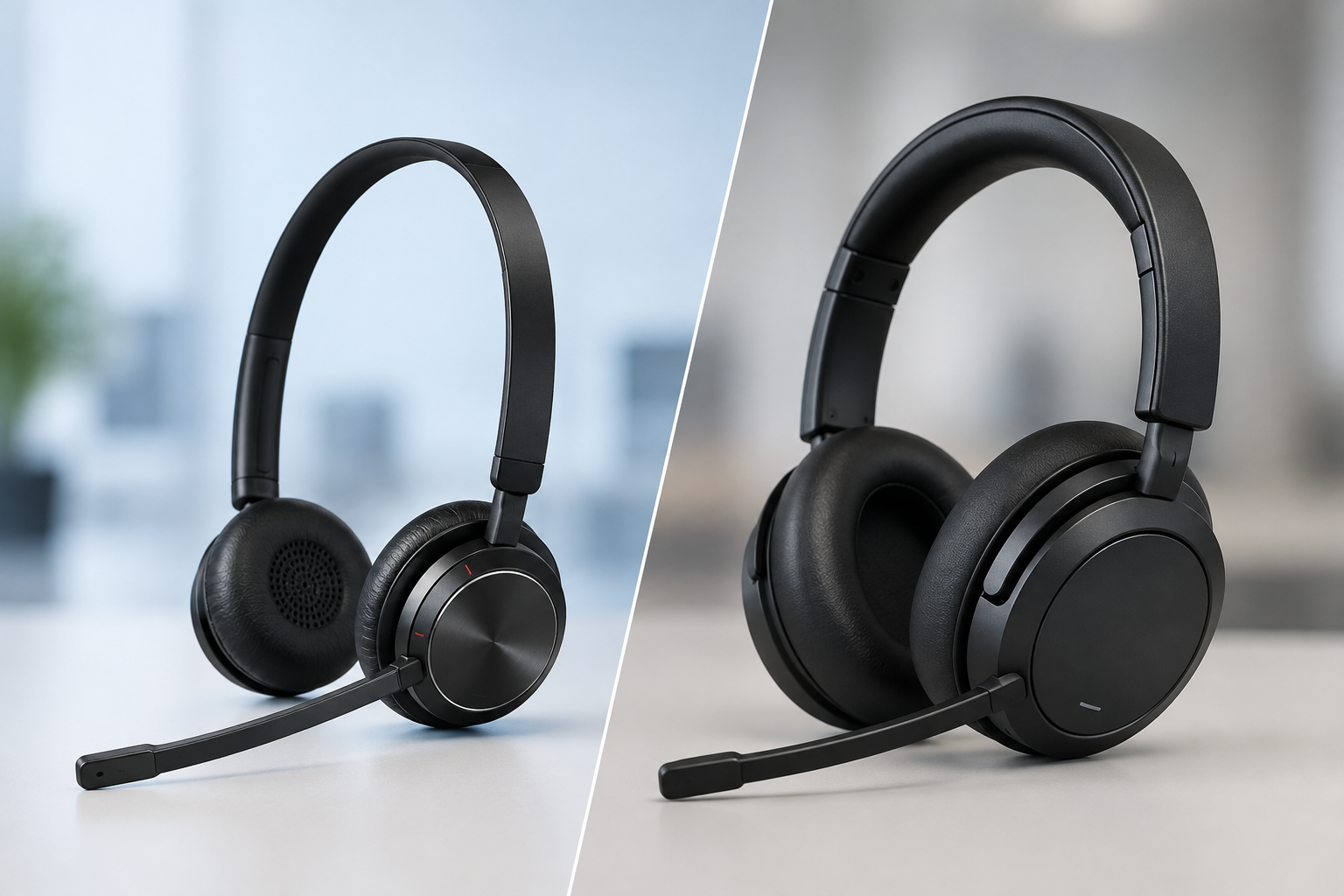
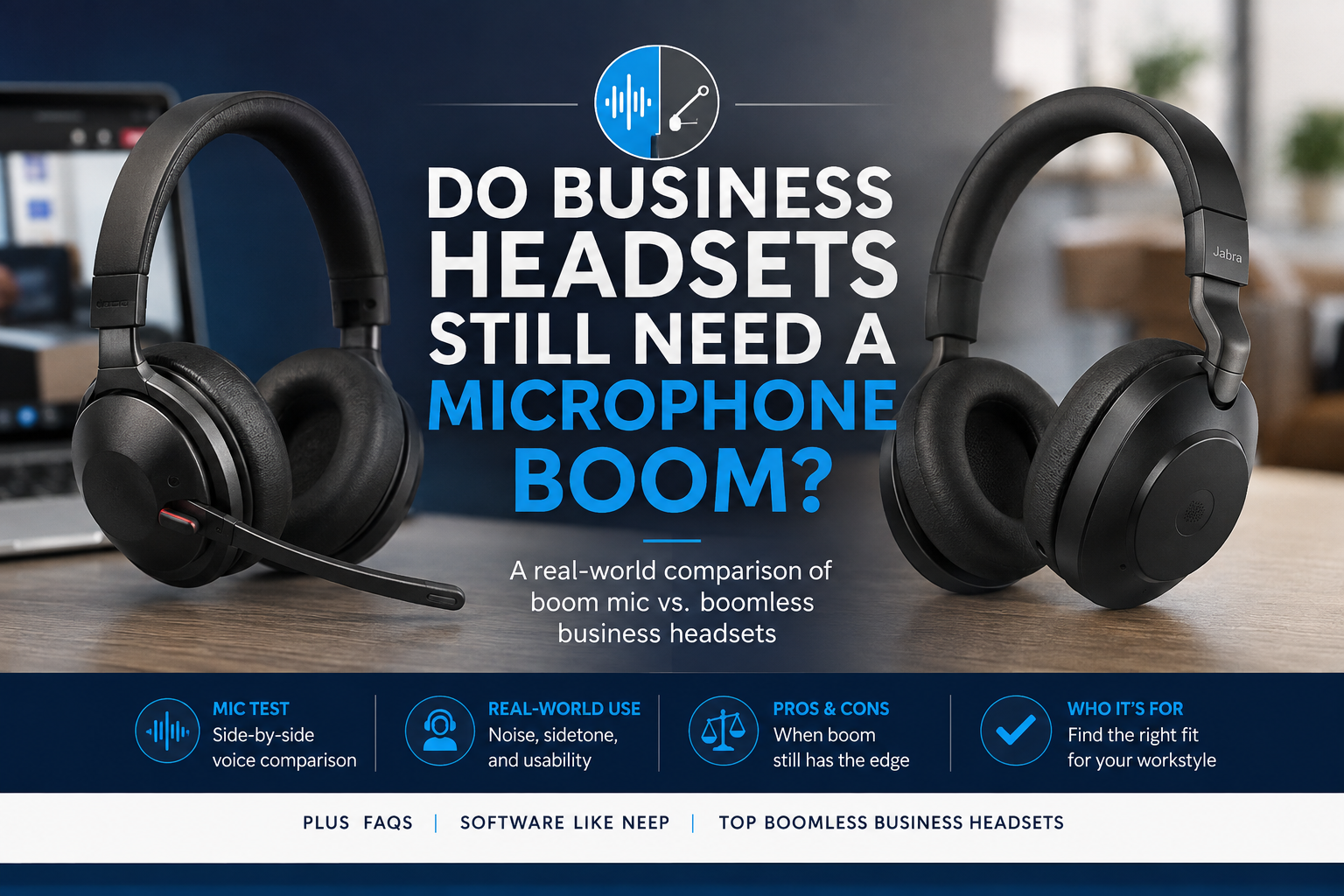
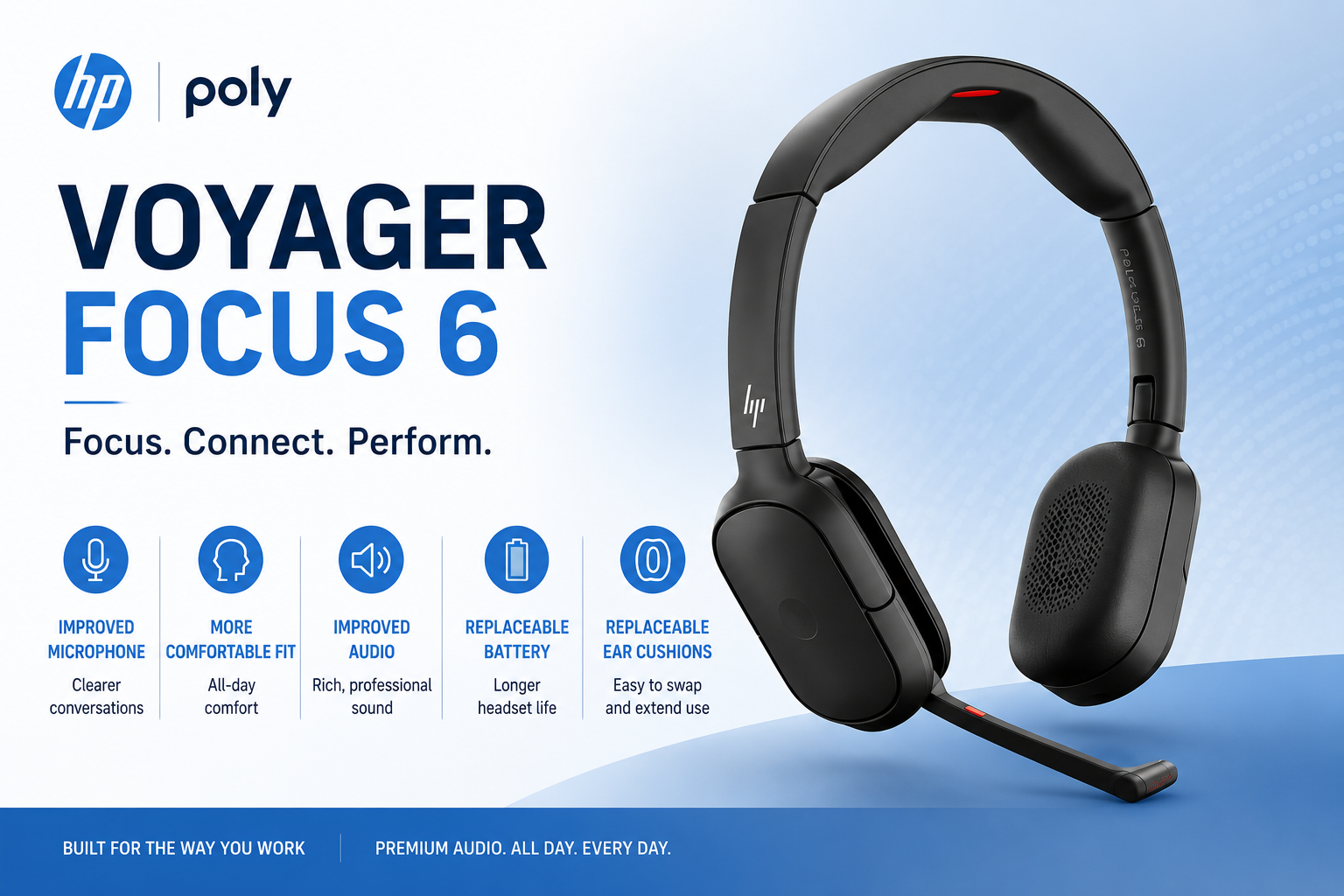
Do you want the best headset?
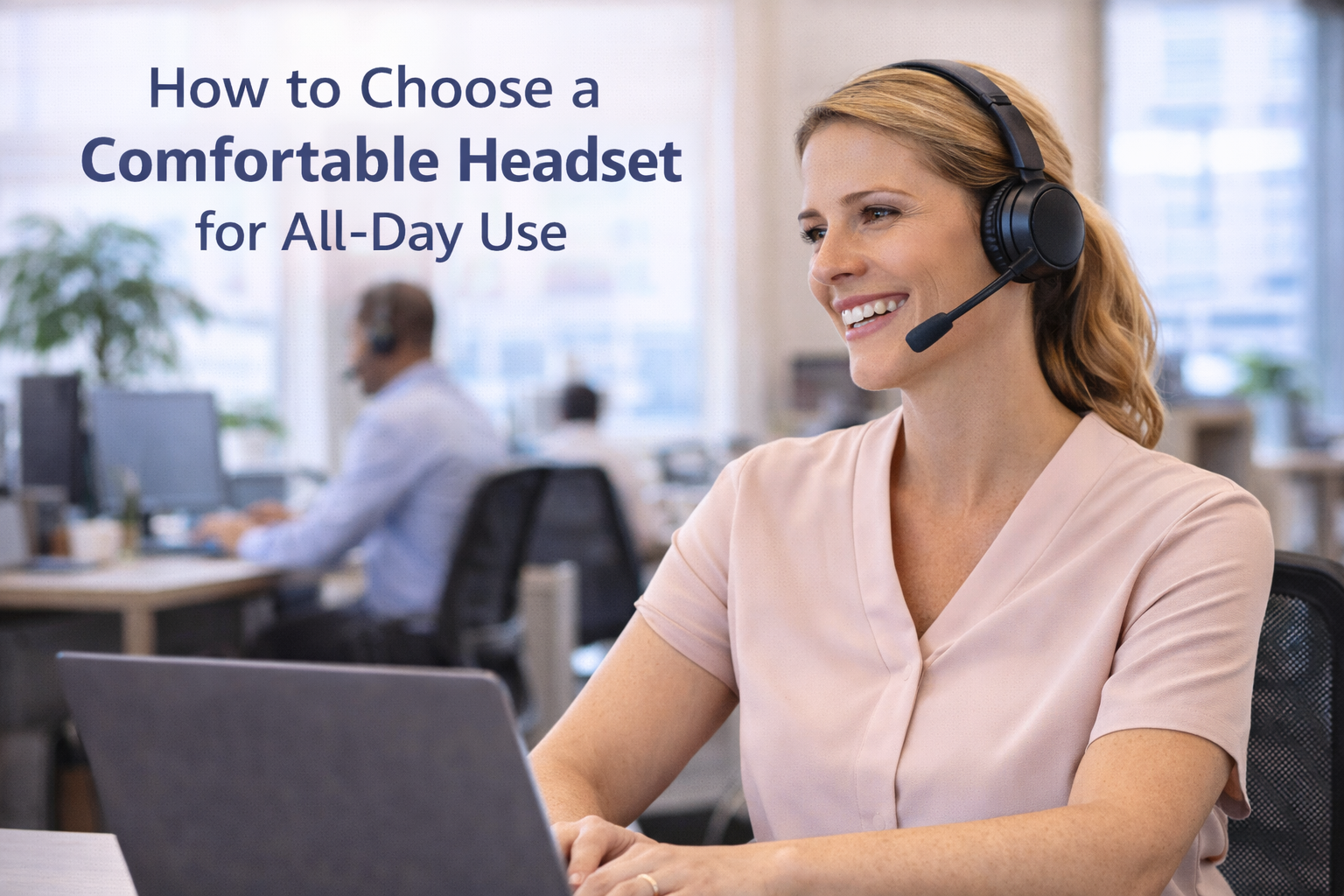
Why Headset Comfort Matters More Than You Think
When choosing a headset for work, most people focus on features like sound quality, noise cancellation, and connectivity.
While all of those things are important, comfort is something that’s often overlooked, and that can be a costly mistake.
If you, or your team spend hours each day on calls, an uncomfortable headset can lead to:
-
Fatigue
-
Distraction
-
Headaches
-
Reduced productivity
-
Absenteeism
In many cases, comfort ends up being just as important as performance.
If you are still evaluating your overall needs, our guide on how to choose the right headset for work can help you balance comfort with other key features.
What Makes a Headset Comfortable?

Comfort is not just one feature. It is the result of several design elements working together.
These include:
-
Cushion material
-
Headband design
-
Clamping force
-
Weight
-
Adjustability
Understanding how these factors impact comfort can help you avoid common problems and help you to choose a headset you can wear all day.
Common Causes of Headset Discomfort

Not all headsets are designed with user comfort in mind. And though these shortcomings may not have been intentional, they nonetheless can leave the user wanting for something different.
Some of the most common issues lacking in these uncomfortable headsets include:
-
Lack of padding that causes pressure on the ears or head making it uncomfortable to wear
-
Hard plastic components pressing against the ears. This can become painful over time and is often the result of the ear cushion padding being insufficient which allows the backing to be felt instead of a soft cushion
-
Excessive clamping force of the headband that squeezes the head which can cause discomfort or headaches
-
Poor fit or adjustability which makes a headset like this difficult to wear; short term or long term. If the headset doesn’t allow for much adjusting, you may find it to be mismatched to the dimensions, and angles of your head and ears.
These issues may not seem noticeable at first, but over time they can make a headset difficult or even painful to wear. And when you’re focused on discomfort, you’re not as focused on your core job, which can help to erode worker productivity.
In some cases, discomfort can also be mistaken for audio issues, so it may help to review why your headset sounds bad if you are experiencing both.
Clamping Force and Head Pressure

Clamping force refers to how tightly the headset presses against your head. Some pressure is required in order for the headset to stay in place, and not fall off when moving around. But we all have our own limits when it comes to the amount of pressure we can comfortably accept when wearing a headset.
Too much pressure can:
-
Cause discomfort within minutes
-
Lead to headaches or in more extreme cases, migraines
-
Make long calls difficult to manage simply because of discomfort
-
Cause productivity to suffer
A well-designed headset should provide a secure fit without excessive pressure.
Tip: Most headsets that are too loose or too tight, can be adjusted. For headsets that are too tight, grab the headband in both hands and carefully apply outward force to help relax the “squeeze” of the headband. For headbands that feel too loose, do the same, but apply pressure in an inward direction to help tighten the grip.
This isn’t a troubleshooting technique you’ll find in user guides, and it may not even be something headset manufacturers would recommend doing, but we’ve been adjusting headbands in this way for decades without any issues, and in most cases, this technique can make a huge difference in finding the right amount of grip for you.
Excessive pressure can also impact how your headset sits and performs, which may contribute to issues covered in our guide on why your headset sounds bad.
Ear Cushion Materials Explained

The type of ear cushion plays a major role in comfort, durability and noise reduction.
Foam Cushions
Basic foam cushions can feel comfortable at first, but they tend to:
-
Break down over time
-
Absorb oils and sweat
-
Lose their shape
They also allow more external noise in and can leak sound out. So for those who have background noise challenges, foam ear cushions should be your last choice. But if you like how foam ear cushions feel, and your background noise is manageable, then these may be the right choice for you.
The default ear cushion for most headsets is foam, and they’re generally more affordable to replace.
Tip: For health and hygiene purposes, it’s recommended that headset ear cushions be replaced every 6 months.
Memory Foam Cushions
Memory foam provides a noticeable upgrade in comfort. Most of us are aware of how this material acts. It conforms to contours better than many other materials.
Conforming to your specific ear dimensions, memory foam helps reduce pressure points, making it a better choice for extended use. This is meaningful for anyone who spends a lot of time on calls or video meetings. Something as simple as a pair of memory foam ear cushions can make a big difference in how comfortable your headset feels, and how you feel when the day comes to an end.
Leatherette (Faux Leather) Cushions
Memory foam combined with leatherette offers additional benefits:
-
Better durability
-
Improved noise isolation
-
Easier to clean
This combination is often preferred in professional environments where people are on calls throughout the day, and where background noise is present. Because the leatherette material is less porous than foam, it allows less outside noise in, and less inside noise out.
As a footnote, some users have reported that these cushions can cause more sweating compared to other types of ear cushions, though they’re easier to clean and tend to last longer than foam ear cushions.
Keep in mind headset ear cushions are often available in different sizes and shapes as well.
- Round doughnut shaped cushions
- Round cushions without the hole
- Ear cushions with covers that are perforated
- Oblong shaped cushions
- Oversize foam or leatherette cushions that fully encircle the ear (which aids in noise reduction)
Tip: Cushions aren’t always universally compatible from model to model, and brand to brand. So it’s important to get replacement ear cushions that are designed for use with your specific headset make and model. Otherwise, you may discover that they don’t fit.
Headband Design And Variations

The headband is another key factor in overall comfort. And when it comes to thinking about headset headbands, most people feel they’re all pretty much the same. Surprisingly, there are variations in how headbands are designed, and this can have an impact on all day comfort.
Some headset headbands have either:
- no padding
- a little bit of padding
- or a generous amount
In other cases, you may find a headset to have a canopy-like feature where the top of the head rests against a suspended pad or fabric piece. This avoids having the top of the head rest against the headband which may be unpadded and made from a hard material like metal or plastic.
Generally, headbands are adjustable, so the thing to pay attention to is whether or not the headset you’re considering offers sufficient padding or a canopy across the headband. These things can make a difference.
Weight and Why It Matters

Headset weight is often overlooked, but it has a major impact on comfort.
As a general guideline:
-
Mono headsets typically weigh around 3 ounces, plus or minus
-
Stereo headsets average around 6 ounces with some being lighter, or heavier
-
Anything that approaches 10 ounces is considered heavy and it would be advisable to try a headset that weighs anywhere near this weight before buying it. This is to assure it’s comfortable during your work day.
Lighter headsets are usually more comfortable, especially for all-day wear, so use these estimates to help you gauge if the headset you’re considering fits into the light or heavy weight category.
Adjustability and Fit

A headset needs to fit properly to be comfortable.
Look for features like:
-
Adjustable headbands to fit different head sizes
-
Rotating ear cups for proper positioning against the ears (ears have angles so adjustable ear cups are nice)
-
Adjustable microphone boom - bendable for optimum positioning or inflexible and in a fixed location. Able to be placed on right or left, or one side only? Long mic boom, short mic boom or no mic boom. They do vary.
-
Select a style that feels most comfortable; mono, duo, on ear, neckband etc. Different designs fit and feel different, so try different ones to learn which is right for you.
A poor fit can lead to uneven pressure and discomfort, even if the headset has good padding. Headsets that are uncomfortable often find their way into desk drawers instead of on heads.
Getting the right fit is just as important as choosing the right type of headset, which we cover in more detail in how to choose the right headset for work.
How Comfort Impacts Performance

Comfort is not just about how a headset feels, it also affects how it performs.
An uncomfortable headset can:
-
Shift out of position or fall off
-
Affect microphone placement causing it to drift away from the optimum position
-
Reduce call clarity
It can also make it harder to focus, especially in noisy environments.
If background noise is part of your daily work environment, understanding what noise cancelling is in headsets can help you improve both comfort and call quality.
Comfort vs Features: Finding the Right Balance

Many people prioritize features like noise cancellation, wireless connectivity, and sound quality.
While those are important, they should not come at the expense of comfort.
The best headset is one that:
-
Performs well
-
Feels comfortable for extended use
-
Fits your specific work environment
-
Connects to the devices you use
Budget vs Long-Term Value

Lower-cost headsets may save money upfront, but they often lack the comfort needed for daily use.
Over time, this can lead to:
-
Discomfort
-
Reduced productivity
-
Frequent replacements
Investing in a comfortable, high-quality headset can provide better long-term value.
For businesses equipping teams, a headset lease program can make it easier to provide comfortable, high-performance headsets without the need for an upfront investment.
Comfort Snapshot
To simplify everything we have covered, here is a quick reference guide to help you evaluate headset comfort features at a glance:

Final Thoughts
Comfort is one of the most important factors to consider when choosing a headset, especially if it will be worn for extended periods.
Features like sound quality and noise cancellation are important things to consider, but if a headset isn’t comfortable, it may end up costing you more in lost productivity, employee dissatisfaction, more frequent replacements and more.
Taking the time to choose a headset that fits well, feels good, and is designed for long-term use can make a significant difference in your daily work experience.
Need Help Choosing the Right Headset?

If you’re not sure which headset will provide the best comfort for your needs, we’re here to help.
At Headset Advisor, we’ve been helping businesses find the right communication solutions for over 30 years. We also have over 800 five-star reviews on Google, which reflects our commitment to helping customers get it right the first time, and supporting them with premium service and support when needed.
Whether you need help choosing a new headset or improving your current setup, our team can guide you to the best solution for your specific needs, so don’t hesitate to contact us if we can help.
If you are still comparing options, you may also find it helpful to review our guide on how to choose the right headset for work to narrow down the best fit for your needs.