Do you want the best headset?
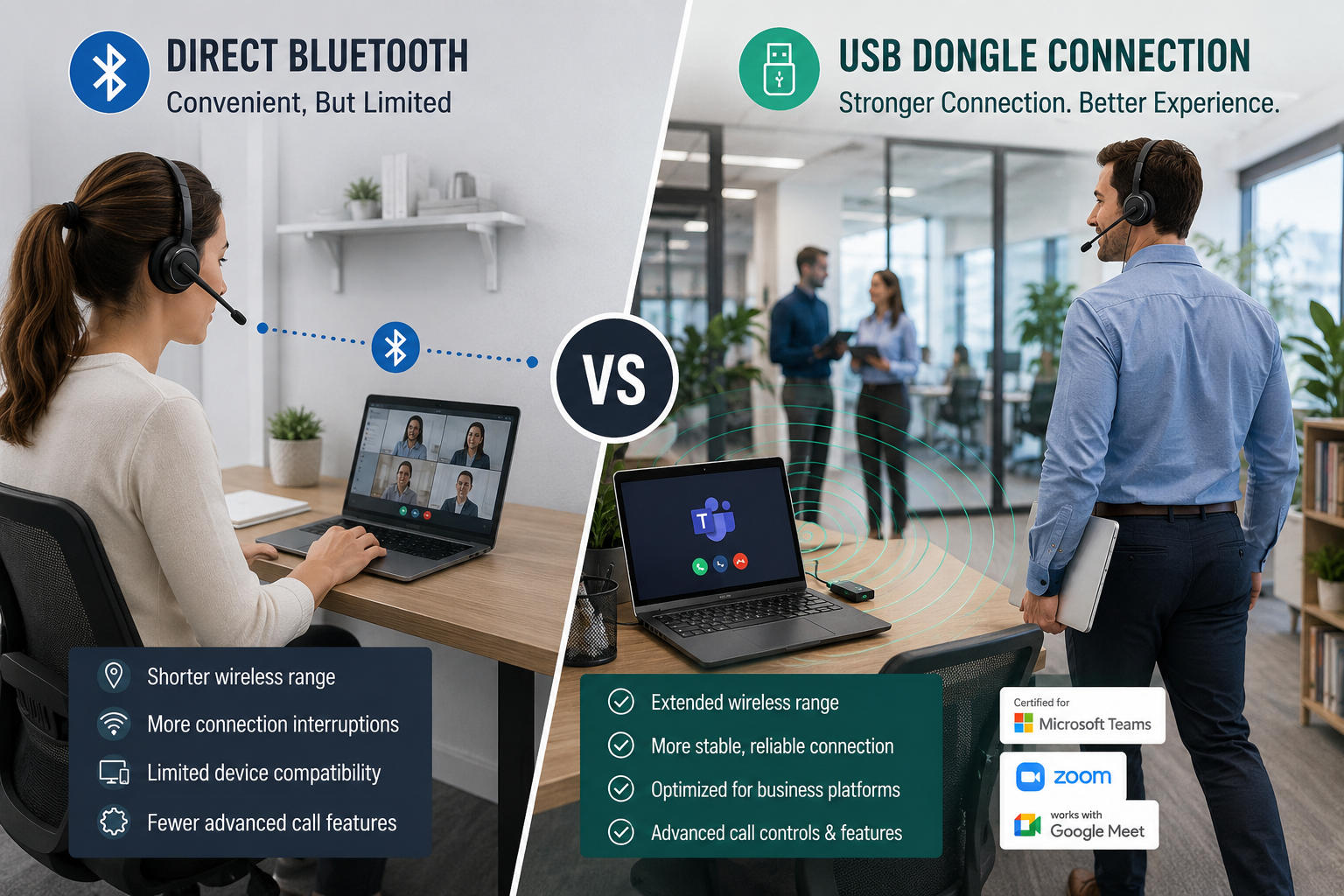
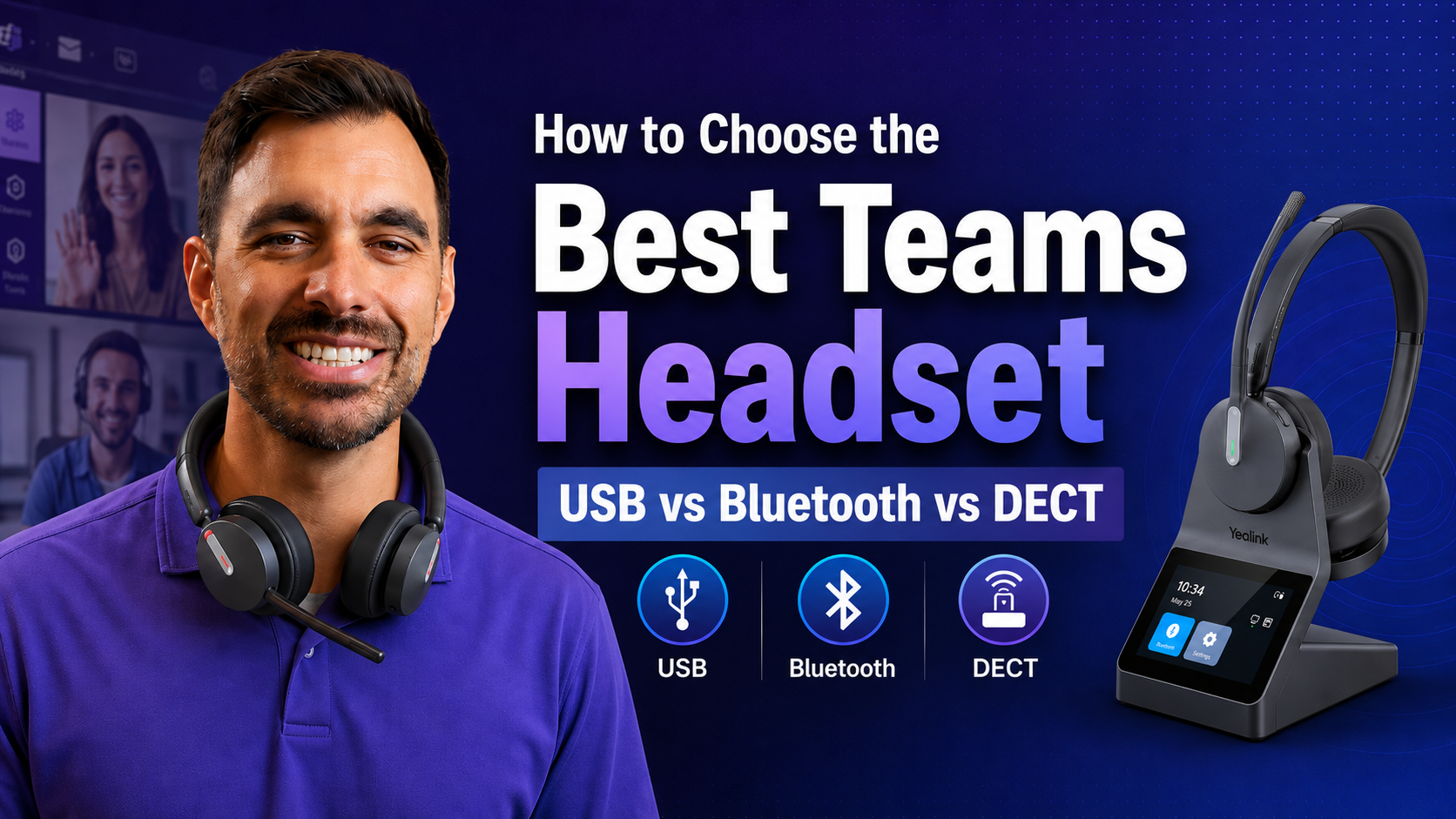
When connecting wireless headsets to your computer there's a difference between a business headset with a USB Dongle that uses proprietary technology vs connecting a Bluetooth headset to your computer.
On the surface you'd think if your headset has Bluetooth and your computer has Bluetooth, they should just pair up perfectly and working how you think it should, right? Unfortunately that's not the case and is why it's important to choose the right headset for your specific needs.
Why USB Dongles Matter for Teams and Zoom

Many people assume a headset connected directly through Bluetooth will perform exactly the same as a headset connected through a USB dongle. While basic audio may work, business headsets paired through a USB dongle often provide additional functionality.
Benefits may include:
- Remote call answer/end
- Mute synchronization
- Teams certification
- Improved status synchronization
- Firmware management
- More reliable call controls
For professionals who spend much of their day on Microsoft Teams, Zoom, RingCentral, or Webex, these additional capabilities can improve both productivity and user experience.
A USB Dongle Improves Connectivity. neep Improves Call Clarity.

While a USB dongle can help improve wireless stability, range, and software integration, it does not remove background noise from conversations.
For users working from home, in busy offices, or hybrid environments, AI-powered noise cancellation software such as neep can help reduce distracting sounds from both sides of a conversation. neep learns the user's voice, enhances it, and separates it from other voices and background noise. It works with virtually any headset, speakerphone, or audio device, helping create more professional sounding calls.
To learn more about neep noise canceling software, or to try it out for free, go to neep.com
Why IT Departments Often Prefer USB Dongles

Many headset purchasing decisions are influenced not only by end users, but also by IT departments responsible for deployment, support, and ongoing management.
While direct Bluetooth connections may work well in some situations, USB dongles often provide a more consistent and predictable user experience across an organization.
For IT teams managing multiple users, consistency matters. When employees use different laptop models, operating systems, Bluetooth chipsets, and software applications, troubleshooting can become more complicated. USB dongles help standardize the connection method, reducing variables that may impact headset performance.
Additional advantages may include:
- More reliable connectivity
- Simplified deployment across multiple users
- Better compatibility with communication platforms
- Improved call control functionality
- Easier firmware management
- Reduced support requests
Many business headset manufacturers optimize their products to work with their included USB adapters. This can help ensure that features such as remote call answering, mute synchronization, presence status updates, and application integration function as intended.
For organizations that rely heavily on Microsoft Teams, Zoom, RingCentral, Webex, or other communication platforms, a USB dongle can help create a more consistent experience for both users and support teams.
While direct Bluetooth remains a convenient option in many situations, IT departments often prefer USB dongles because they can help simplify deployment, reduce troubleshooting time, and improve the overall user experience across the organization.
Here's more details why Bluetooth headsets aren't recommended for work computers.
Here's a concise comparison chart highlighting why selecting a wireless headset with a USB Dongle is crucial for business communication on your computer.
| Factor | USB Dongle (Jabra, Poly, Yealink, Discover etc..) | Bluetooth Headsets (no USB Dongle) |
|---|---|---|
| Connection Stability | Dedicated USB dongles ensure stable, pre-paired connections, minimizing dropouts in busy offices. Ideal for uninterrupted Teams/Zoom calls. | Native PC Bluetooth faces interference from Wi-Fi or peripherals, causing stuttering or drops, as users report with pairing headsets directly to their computers via Bluetooth. |
| Audio Quality | Consistent, pro grade audio with low latency codecs Ensures clear calls, vital for professional settings. | It's not uncommon for call audio may degrade due to Windows Bluetooth limitations, based on user feedback. |
| Microphone Performance | Advanced noise canceling mics block office or home noise, ensuring clarity for meetings. | Bluetooth headsets not made for business communication let in noise (typing, co-workers talking etc..), less reliable for work calls, even in premium models. |
| Wireless Range | Extended range via DECT or Bluetooth USB Dongle, perfect for moving around offices or call centers. | Limited range usually around 30ft at most, often less on PCs with weak adapters, restricting mobility, |
| Call Control Features | Seamless call management answer/end calls from headset) integrates with UC apps, boosting productivity for call heavy roles. |
Lacks advanced features many need, like answering/ending calls directly from the headset or viewing mute status during meetings.
|
| Software Integration | USB Dongles enable apps for customization, firmware updates, and settings, tailoring to work needs. | Minimal Windows app support, stuck with basic OS settings, offering little customization for calls or mics. |
| Compatibility | Plug and play with UC certifications (e.g., Teams, Zoom), ensuring full audio/mic functionality on Windows. | Connects but faces pairing or mic issues in apps, not UC optimized, leading to setup frustrations. |
| Ease of Setup | Pre-paired dongles simplify setup, just plug and select. Great for office users. | Pairing can be hit or miss, with delays or re-pairing needed, depending on PC Bluetooth quality. |
| Latency & Performance |
USB Dongles with proprietary technology use optimized protocols to deliver near zero latency, ensuring audio syncs perfectly during calls or video conferences.
|
Native Bluetooth connections often introduce noticeable latency (50-200ms), especially on Windows, due to codec mismatches or driver issues.
|
| Professional Use Case |
Built for long calls, noisy offices, and UC apps with ANC and busy lights. Ideal for hybrid or call center work. |
Fine for casual calls or music but lacks UC features and robust mics for sustained professional use. |