Plantronics CS50 and CS55 Setup WITHOUT Headset Port - Headset Advisor

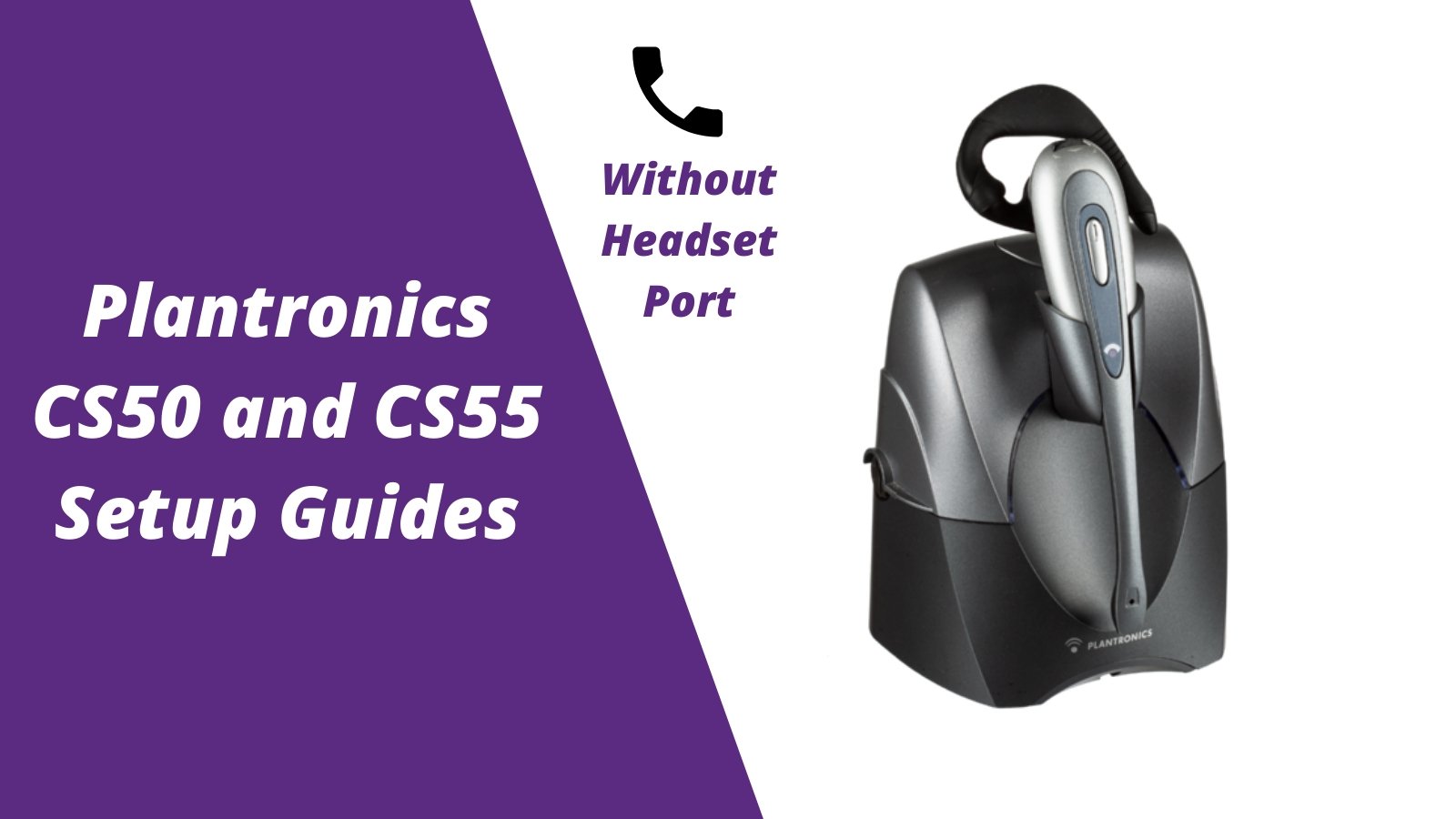
There's multiple ways to set up your Plantronics CS50 or CS55 wireless headset. Follow this quick setup guide if you're using the HL10 Lifter OR your desk phone doesn't have a headset port. If your connecting to a desk phone with an RJ9 headset port, follow the Plantronics CS55 setup guide to headset port.

Step 1- Connect the AC power

Plug in the AC power to your CS50 or CS55 wireless headset charging base and let your headset charge for at least 3 hours. Step 1- connect plantronics cs55 ac power

Step 2- Pair headset to charging base

  1. Turn your charging base around and press and hold the "+" and "-" buttons at the same time, until the red LED light flashes on the front of your charging base, then release your fingers.
  2. Press straight down and hold on the mute button on your CS50 or CS55 wireless headset until a solid green LED light appears, then release.
  3. Red light will go solid and green light will go out, your headset is now paired.
*If you need to replace the battery in your headset, click here and follow these 3 simple steps. plantronics cs55 pairing plantronics cs55 pairing

Step 3- Connect phone cord to charging base

Connect the RJ9 phone cord that came included with your Plantronics headset to the back of your CS50 or CS55 charging base. plug cs55 phone cord in

Step 4- Unplug your desk phone handset

unplug handset

Step 5- Plug your headset phone cord into the handset port

rj9 phone cord

Step 6- Plug in your handset to the front of the charging base

Plugging your desk phone handset into the front of the Plantronics charging base allows you the capability to still use your handset when needed. handset plug in

Step 7- How to use your headset

First start by taking your Plantronics headset out of the charging base and turn the earpiece on (silver oval shape button on face of earpiece). Remove the handset and hang it back up to answer/end calls. *Add the HL10 Lifter or EHS cable (highly recommended) and you'll be able to answer/end calls when away from the phone. Contact us and we'll verify compatibility for you. using your headset- cs55
Category_setup guidesCs50Cs50 setupCs55Cs55 setupPlantronics cs50Plantronics cs55

Leave a comment

All comments are moderated before being published

Yealink HA64 Pro

Ranked by Headset Advisor as the best wireless headset in 2025.

Learn More

Sound like a pro on every call, even if your dog is barking in the background

Eliminate background noises for your microphone with Neep's AI-powered noise cancellation.

Try neep Free
    1 out of ...

    Blog posts

    View all
    woman wearing headset while seated at desk in front of her laptop, showing signs of frustration due to headset disconnecting

    Why Your Headset Keeps Disconnecting (And How to Fix It)

    bluetooth headset issuesDoug Merritt
    Mono vs Stereo Headsets: Which Is Right for Your Work Environment?

    Mono vs Stereo Headsets: Which Is Right for Your Work Environment?

    best headsets for workDoug Merritt
    How to Choose the Right Headset for Your Office or Call Center

    How to Choose the Right Headset for Your Office or Call Center

    best headsets for workDoug Merritt
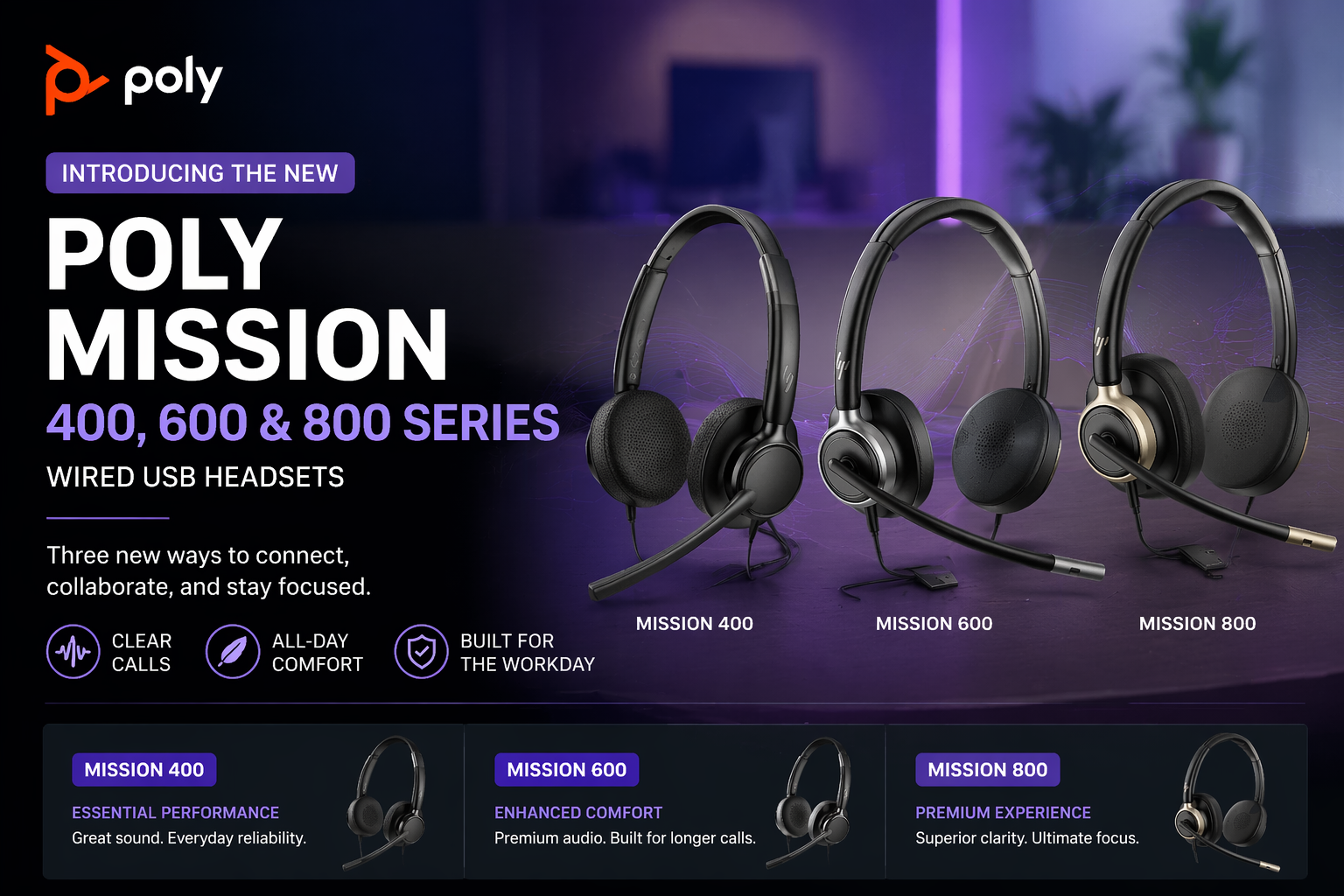
    HP Poly Mission 400 vs 600 vs 800: Which Wired USB Headset Is Right for You?

    HP Poly Mission 400 vs 600 vs 800: Which Wired USB Headset Is Right for You?

    business communication headsetsDoug Merritt
    Wired vs Wireless Headsets: Which Is Right for You?

    Wired vs Wireless Headsets: Which Is Right for You?

    Best Bluetooth headsets for phone callsDoug Merritt
    How Often Should You Replace Headsets for Work?

    How Often Should You Replace Headsets for Work?

    audio qualityDoug Merritt

    Shop our Best Selling Headsets

    View all
    Discover D722U Over-Ear Noise Cancelling USB Wired Headset For Computer (Boomstick) - Headset AdvisorDiscover D722U Over-Ear Noise Cancelling USB Wired Headset For Computer (Boomstick) - Headset Advisor
    Discover D712U Dual Speaker USB Wired Office Headset For Professionals - Headset Advisor
    Discover D713U On-Ear USB Wired Headset - Headset Advisor
    Discover Discover D713U: Comfortable On-Ear USB Headset with Mic
    Sale priceFrom $39.99Save $40.00 Regular price$79.99
    40 reviews
    Only 263 units left
    Choose options
    epos impact 1060
    EPOS EPOS Impact 1000 Dual Speaker Noise Canceling Headset With HD Mic
    Sale priceFrom $217.49Save $51.51 Regular price$269.00
    17 reviews
    Only 25 units left
    Choose options