Do you want the best headset?
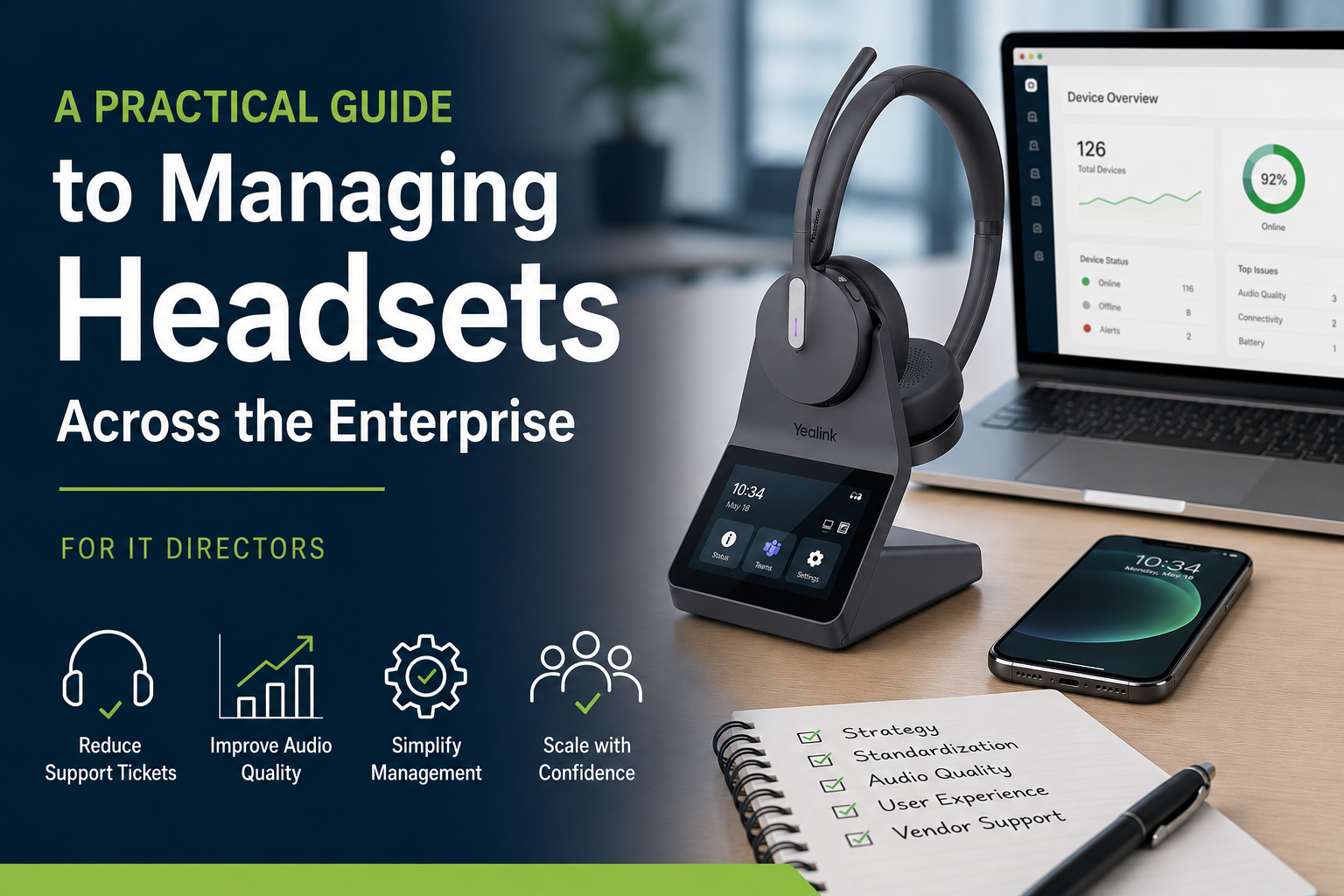
If you’re responsible for managing headsets across your organization, you’ve likely seen it before.
- A pile of broken or outdated headsets sitting in storage. These are usually the ones in boxes on a shelf or in a corner somewhere.
- Users reporting audio issues.
- Compatibility problems across different devices.
- Or maybe the “Can you hear me now?” tickets where employees are voicing their concern about low, or bad audio quality.
At some point, managing headsets starts to feel less like IT, and more like damage control. Or at the very least it can feel like something that never seems to go away.
The reality is simple. Most headset strategies fail because they’re treated like one-time purchases instead of something that needs to be managed more broadly.
If you want to reduce support tickets, improve user experience, and actually scale your environment, it starts with taking a different approach as to how you see, and handle headsets within your organization.
This may take some rethinking, in particular, how you see headsets, and their importance to the organization.
Start by Fixing the Root Problem, Not the Symptoms

A lot of IT teams get stuck in a reactive cycle. Headsets are purchased, issues show up, IT time is spent analyzing the problem, and doing replacements, and the process repeats. It can easily feel like one of those things that never gets better over time.
A better approach is to step back and understand what your users need and then develop a purchasing and support strategy to support the headsets needed.
Think through a few key areas:
- What devices are being used, desk phones, computers, mobile, or all three?
- Do you anticipate any changes to these devices in the near future?
- Are users stationary, or do they move around the office throughout the day?
- Are they working in quiet spaces, or dealing with constant background noise?
- Are they on frequent calls throughout the day, or on long calls, or both?
- Do employees work in the office, at home, or on the go, or a combination?
Taking the time to answer these questions upfront helps prevent problems that usually show up later, like compatibility issues, frustrated users, and rushed upgrades.
Not All Wireless Headsets Are Created Equal

Wireless headsets are often seen as the easy upgrade, assuming the budget supports this idea, but this is where expectations and reality can collide.
Many dual-mode headsets only allow Bluetooth usage within the office, to the distance allowable by the headset base. That places limits on the user by restricting usage to a specific area within the office.
That becomes an issue when employees want to:
- Take calls away from their workstation beyond the range the base provides
- Make or take calls on mobile phones from anywhere
- Use the same headset in and out of the office
Newer models, like the Yealink HA64 Pro, take a different approach. By placing Bluetooth directly in the headset, users get true flexibility, not just extended range from a base.
When paired with long-range DECT performance and multi-device connectivity, it solves many of the common complaints around connectivity and movement.
Whether you want to connect to a desk phone, computer or mobile device, the HA64 Pro works with all three. It simplifies things by allowing you to use one headset for all connections, even for use with mobile phones outside of the office. This is something that other brands cannot provide.
Noise Complaints Aren’t Going Away

Background noise continues to be one of the biggest drivers of support tickets.
And the challenge is, you can’t control everything around your users. Remote work, shared spaces, open offices, and unpredictable environments all introduce noise.
Even strong hardware has limits.
That’s where software comes in as a second layer of defense. Tools like neep noise canceling software can help by:
- Removing background noise in real time
- Cleaning up audio on both sides of the call
- Improving call sound quality without requiring immediate hardware replacement
For IT, that typically means fewer complaints and less time spent troubleshooting recurring issues.
Visibility Matters More Than You Think

Managing a handful of headsets is one thing. Managing dozens, or hundreds, requires a different approach.
Without visibility, you’re left in the dark:
- Which devices are active
- Whether firmware is up to date
- Where issues are coming from
Manufacturer tools designed for enterprise use give you the ability to monitor, update, and manage devices remotely. This is highly beneficial for anyone who’s responsible for managing a large population of headsets. It provides IT with access down to the device level, right from the desktop.
So whether you use, or plan to use, Jabra, Poly, EPOS, Yealink or others, look into the Apps they offer, and what it can do for you. It might just be the answer you've been looking for.
It’s not complicated, but it makes a meaningful difference in how efficiently you can support your environment.
Standardization Makes Everything Easier

It’s tempting to allow a mix of headset models, especially as purchases happen over time. But that flexibility usually creates more work.
A mixed environment leads to:
- More compatibility issues
- More time spent troubleshooting
- A wider mix of accessories to purchase and stock
- Additional time for training and familiarization
- Inconsistent user and customer experiences
Standardizing on a platform simplifies everything. Support becomes easier, users know what to expect, and scaling becomes much more manageable.
Vendor Support Isn’t All the Same

One of the biggest differences IT teams experience, often after the purchase, is the level of support they receive.
Some vendors provide minimal help and push issues back to the manufacturer. Others take a more active role. And to help take some of the headset responsibilities off your shoulders, it helps to have a more active, hands-on type of vendor.
A strong vendor should help with more than just the transaction. They should support you throughout the lifecycle of your deployment.
At Headset Advisor, that’s been our focus for over 30 years. With more than 800 five-star Google reviews, we work closely with IT teams to simplify decisions, assist with setup, and provide ongoing support when it’s needed.
Upgrading Doesn’t Have to Mean Higher Costs

Budget constraints are real, and they often delay necessary upgrades.
That can lead to keeping outdated equipment longer than intended, or choosing lower-cost options that don’t fully meet user needs, or buying fewer units than what’s needed.
There are better ways to approach it.
Instead of limiting your options, consider:
-
Leasing, which spreads cost over time and allows access to better equipment affordably
-
Trade-in programs, which turn unused gear into credit helping to lower costs. Most organizations have old headsets stored away somewhere. It makes sense to turn those old, unused headsets into credit to help reduce costs for new.
-
Discounts and volume pricing, which can significantly reduce total cost. When shopping on our website use coupon code BLOG for a discount on your order.
Leasing, in particular, is a strong option for contact centers and larger teams. It allows you to deploy higher-quality headsets, improve comfort and performance, and standardize across users without a large upfront expense.
Leasing can help streamline too by including the needed replacement accessories, set up assistance, and warranty and support for the entire term. That helps to shift some of the responsibilities from IT and to the vendor, which can save IT time that could be redirected.
The Bigger Picture
Headsets are often treated as small purchases, but they play a central role in communication.
They are the connection between your employees and your customers. When that connection is weak, conversations take longer, frustration builds, and outcomes suffer.
When that connection is strong, everything improves. Calls are clearer, agents are more confident, and issues are resolved faster. In short, employees are happier, and customers are happier.
If you’re managing headsets across your organization, it can be helpful to step back and assess where things stand today.
This quick checklist gives you a clear way to do that.

If you found yourself answering “no” or “partially” to several of these, it may be time to re-evaluate your current approach. Matched with the right devices, and the right vendor can help to make a big difference in the amount of time and effort needed to support the headsets across the enterprise.
Final Thoughts
If your current headset strategy feels reactive, you’re not alone.
But by focusing on the right combination of hardware, software, and support, you can move toward a more stable, scalable environment and help to avoid the challenges of your current setup.
Need Help Simplifying Your Headset Strategy?

If you’re managing headsets across your organization and looking for a better approach, we’re here to help.
At Headset Advisor, we work with IT teams every day to reduce complexity, improve performance, and make sure you're using the right devices guaranteed to work with your system.
Contact us when you’re ready, we’ll help you figure out what makes the most sense for your environment.