Do you want the best headset?

Choosing the right headsets for your business might seem straightforward at first, but in reality, it’s one of those decisions that’s more involved than what appears on the surface.
Many organizations end up with headsets that don’t connect to all their devices, don’t meet user needs, or don’t hold up under the demands of daily use. And by the time those issues surface, the investment has already been made, and it can leave you feeling disappointed.
That’s why it’s worth slowing down and asking a few key questions before making a purchase.
Start With How Your Team Actually Works

Before looking at brands or models, it’s important to understand how your team uses headsets day to day. This will require some analysis of your processes, and workflows.
For example:
-
What devices are being used: desk phones, computers, mobile phones, or all three?
-
Do we, or the IT staff see any changes to the devices we use?
-
Are employees stationary, or do they move around frequently?
-
Do they take calls only at their desk, or throughout the office?
-
Do employees need to be accessible to callers to avoid having their calls missed and sent to voicemail?
-
Do employees need to move around their workspace to collaborate with coworkers but still be available to take calls?
-
Does your staff work in the office only, or do you have some hybrid and/or remote employees?
These answers help you avoid one of the most common (and costly) mistakes which is buying headsets that don't work across your devices, and don’t fully meet your needs.
Wired vs. Wireless: It Depends on Your Environment

One of the first decisions is whether to go wired or wireless, but the answer depends entirely on how your team works, and for some, their budget.
Wired headsets can make sense for:
-
Stationary users
-
Budget-sensitive environments
-
Simple, single-device setups like only needing to connect to a desk phone, or computer for example.
Wireless headsets are beneficial when:
-
Employees need mobility
-
Calls happen throughout the office, and remote call answering is important
-
Multiple device connectivity is required
-
Workers take calls in the office, but also on the go.
If you’re leaning toward wireless, it’s worth understanding how different technologies impact performance. We break this down further in our guide to the best wireless headsets for office phones.
Compatibility Is Often Overlooked (and Costly)

Headset compatibility goes beyond just plugging into a device.
You’ll want to consider:
-
Desk phone compatibility - some headsets are designed for use with specific phone models
-
Computer/softphone usage
-
Mobile device connectivity
-
UC platforms in use like Microsoft Teams
For example, Teams-certified headsets offer:
-
Native call control
-
Dedicated Teams buttons
-
Seamless integration for launching meetings, raising hand while in a video meeting, volume adjustment and more
Skipping this step often leads to frustration later when users can’t fully take advantage of their headset or UC platform features.. Headsets that are Teams optimized look the same as its UC counterpart. If you don’t pay attention to the type of headset being purchased, you may end up with a UC configured headset where you may need a Teams optimized model. If that happens, you’ll not be able to use the headset with Teams to the fullest extent.
There is an exception to this in the Yealink HA64 Pro. This headset allows you to toggle between Microsoft Teams and UC configurations directly from the interactive touchscreen. This feature eliminates the need to purchase a Teams specific headset.
Talk to IT Before You Buy

This step is often overlooked, but it can save you from major headaches and costs, especially down the road.
Before making a purchase, especially if you’re looking to outfit a team, check with IT to see what things they’re planning that might have an impact on your decision. Some headsets are designed to work with specific devices, so you want to make sure you’re buying the right headsets.
-
Are there upcoming UC platform changes being considered?
-
Are software downloads restricted, or are employees allowed to download Apps?
-
Are there any proposed changes to the communication tools we currently use?
-
What is the timeline for any upcoming changes?
Being aligned with IT helps prevent buying headsets that won’t work in the near future.
Range & Mobility is Something Not To Overlook
If you’re considering wireless headsets, range can matter more than you might think.
Ask:
-
How far do users need to move from their desk?
-
Will they stay in one general area or move across the office or beyond?
-
Do they need connectivity only throughout the office, or do they also need to be connected to devices when outside the office?
-
Do I have remote workers who work from home?
Some headsets rely on Bluetooth, while others use DECT for longer range, and a more reliable connection.
Understanding this upfront ensures your team gets the mobility they actually need. Some users may be fine with a wireless range of 50 - 100 feet, which is what you can expect when using a Bluetooth headset. For others, that range might be insufficient. If that’s the case, then a DECT headset would be a much better option. DECT headsets can reach as far as 600 feet, which is substantially further than Bluetooth headsets.
If you’d like to learn more about the differences between DECT and Bluetooth, watch our short, informative Youtube video below where David dives into the details.
Once you understand how Bluetooth and DECT differs, one of the things you'll come away with is how different they are when it comes to wireless range. As noted earlier, Bluetooth headsets are generally rated between 50 - 100 feet of real world use (specifications might say something different).
DECT headsets, by contrast, can reach distances of up to 600 feet. And, to help demonstrate this major difference, have a look at this side-by-side wireless range test we did between a Bluetooth headset and DECT model. We used a football field to help illustrate this. I think you'll find this comparison to be eye opening.
Audio Quality and Background Noise
Clear communication is critical, especially when business, and your reputation is on the line.
If your team works in noisy areas, a strong noise-canceling microphone should be non-negotiable. The last thing you want is to have your callers hearing the noises going on around you.
Distracting noise is problematic. Noise breaks concentration, erodes productivity, creates frustration, and can be detrimental to your image, and that of your product, service and company.
Not sure how your current headset sounds, but you’d be interested to know?
You can use our microphone test tool to hear exactly how you sound to your callers. Most people are surprised when they hear it for themselves. It’s free, and takes just a few minutes.
If your audio isn’t where you’d like it to be, tools like neep noise canceling software can help reduce background noise and improve clarity, even with your existing headset. neep can give you a sound quality boost now, while you plan for future headset upgrades later.
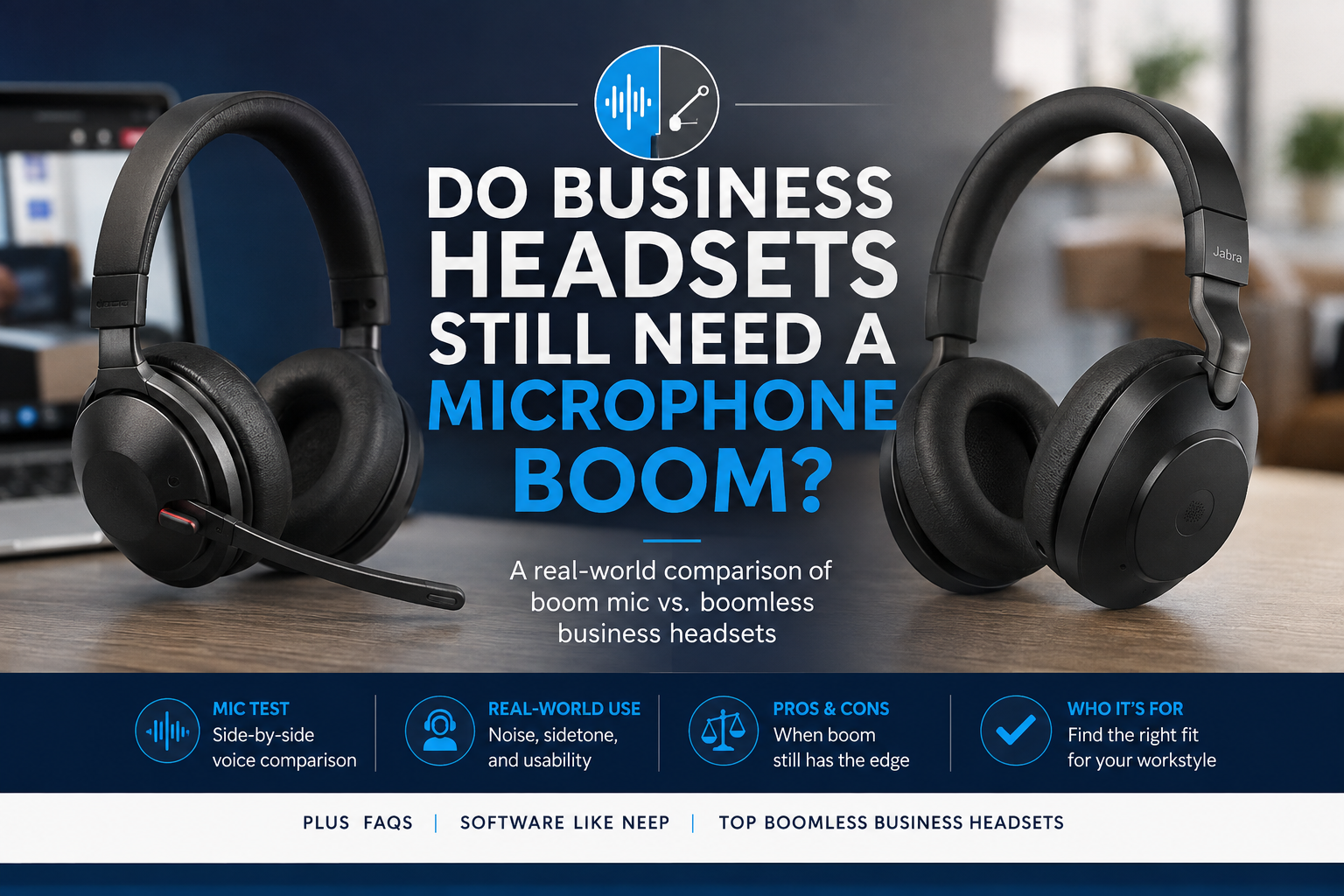
If you want to go deeper, we’ve also tested how a few different boomless headsets perform in sound quality, and noise tests. Check it out below.
Comfort and Fit Matter More Than You Think
Headsets are worn for hours at a time, so comfort can certainly play a major role in user satisfaction. Just ask anyone that’s been on long video calls, or spent an entire day smashing phone calls, they’ll confirm this is important.
And when speaking about comfort, it’s important to note that comfort can vary by the headset’s design, and not everyone prefers the same wearing style.
Some of the design choices today include::
-
Over-the-head designs - single and double ear models
-
Earhook options - designed to rest against the ear with a loop that fastens around the ear
-
Earbud styles - these are small, discreet, and inserted into the ear canal
-
Behind the neck bands
- Convertible models - these are models that can be "converted" from one wearing style to another. Typically, these convert from earpiece style headsets to headband, though some models may include additional wearing options.
You may find that some employees have sensitivities that make certain headset styles uncomfortable. A couple examples include those who have sensitivities to things worn over the head, which can cause headaches, or those with small ears may be unable to wear earpiece style headsets.
Offering flexibility here can improve adoption, reduce complaints and exchanges, and enhance productivity.
Plan for Growth and Standardization

If your organization is growing, think beyond your immediate needs because what is right for you today, might not be right for you tomorrow.
Ask:
- Will you need more headsets later?
- Will this model still be available?
- Is the model I’m considering, new or nearing its end of life?
- Would standardizing simplify support?
- What do I anticipate our needs to be in the near future?
- Are there plans for company expansion at this time, or in the near future?
A consistent headset environment makes device management much easier from the standpoint of familiarity, parts and accessories ordering and stocking and support.
Budget Shouldn’t Limit the Right Decision

Budget is always a factor, but it shouldn’t force you into choosing something that doesn’t meet your needs. You want to avoid postponing a purchase if the need is now. You also don’t want to be forced into buying fewer units than what you need, and buying a budget model may not meet your needs.
Instead, consider alternative ways to make better headsets more accessible:
-
Trade in older equipment for credit - repurposes old equipment, lowers cost of new
-
Use discount opportunities (like coupon code BLOG) to help lower cost
-
Spread costs over time with flexible lease payment option that may include everything from replacement accessories, shipping and returns, setup assistance, and a premium warranty that covers you for the entire term. Streamlines, simplifies and affordable.
For a deeper look at these options, check out our guide on making business headsets more affordable for your team.
You can also explore our headset leasing options to see how upgrading can be done without a large upfront investment.
Don’t Overlook Vendor Support

Not all headset providers offer the same level of support, and this becomes important after the purchase.
Before buying new headsets for your team, here are a few things to consider:
- How easy is it to contact the vendor?
- Do they provide direct, U.S. based support, or do they refer you elsewhere?
- Do they accept returns and exchanges?
- Do they offer different purchase options?
- How long have they been in business?
- What do others say about the company in their reviews?
- Does this vendor specialize in headsets, or is their main focus on other products?
A reliable partner should be easy to reach and able to support you when needed, not just during the sale.
Final Thoughts
Choosing the right headset isn’t just about selecting a product, it’s about making sure the headset you choose fits your environment, your users, your budget and your future needs.
By asking the right questions upfront, you can avoid common pitfalls and make a solid decision that supports your team long term.
Need Help Choosing the Right Headsets?

If you’re unsure which direction to go, getting expert assistance can help simplify the process. And with so many options available, it’s easy to get confused.
You can always contact our team for personalized recommendations based on your specific environment and needs.
Headset Advisor has been assisting customers with their communication needs for over 30 years. Our knowledgeable Advisors are available to help, so don’t feel like you have to go it alone. And with over 800 five-star Google reviews, you’ll quickly find that we’re the company to work with.
Contact us today to find the communication solution that’s perfect for your situation.