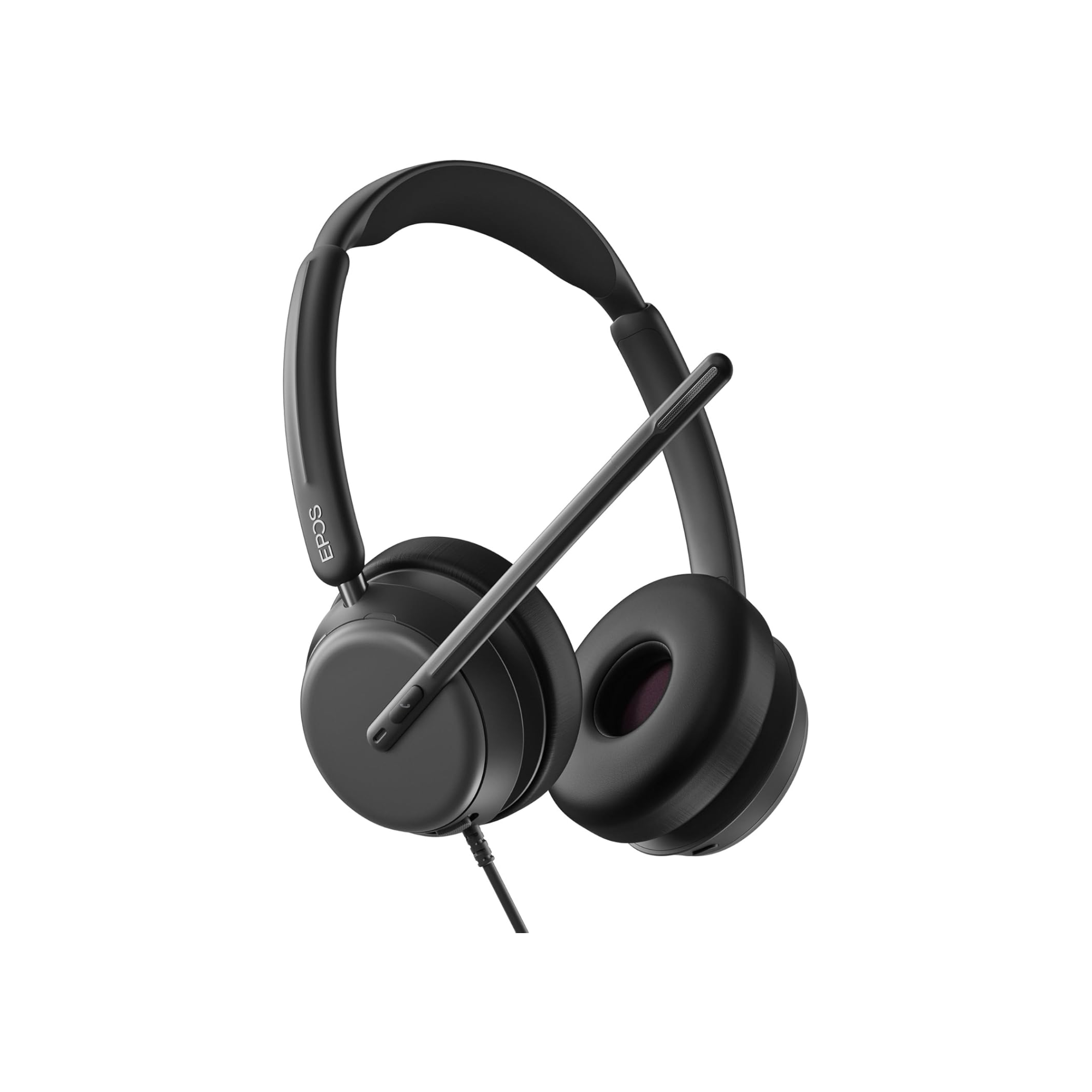
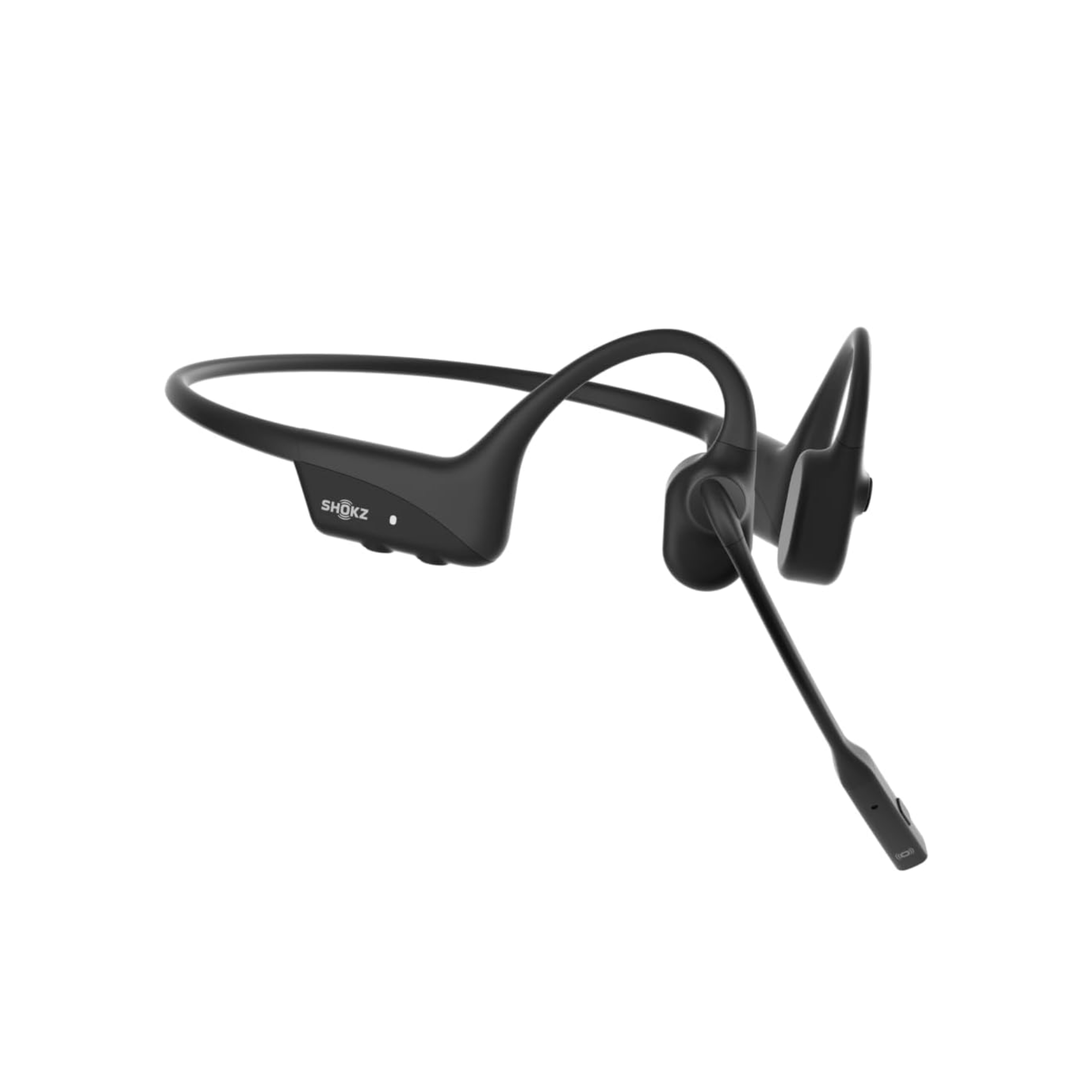
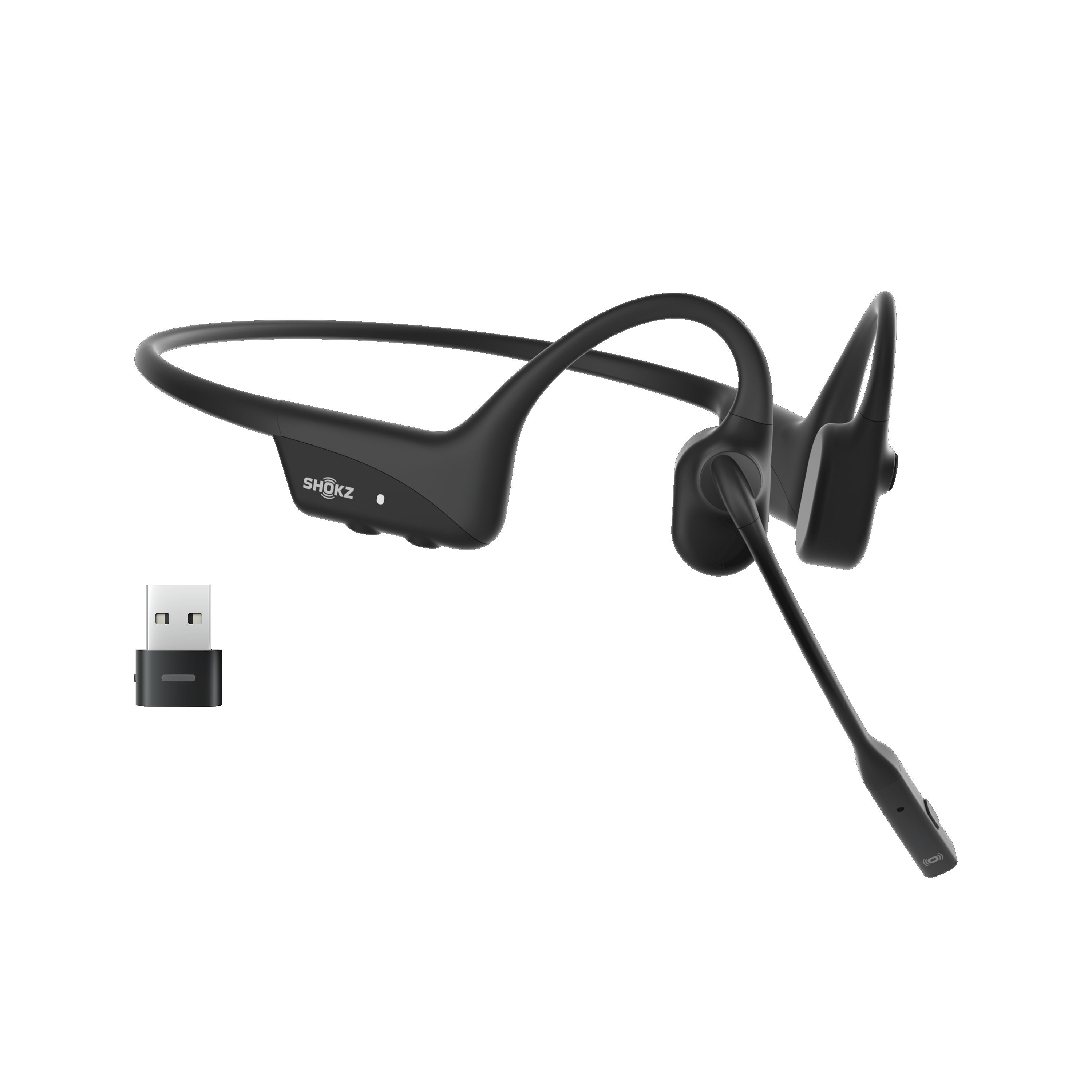
Do you want the best headset?
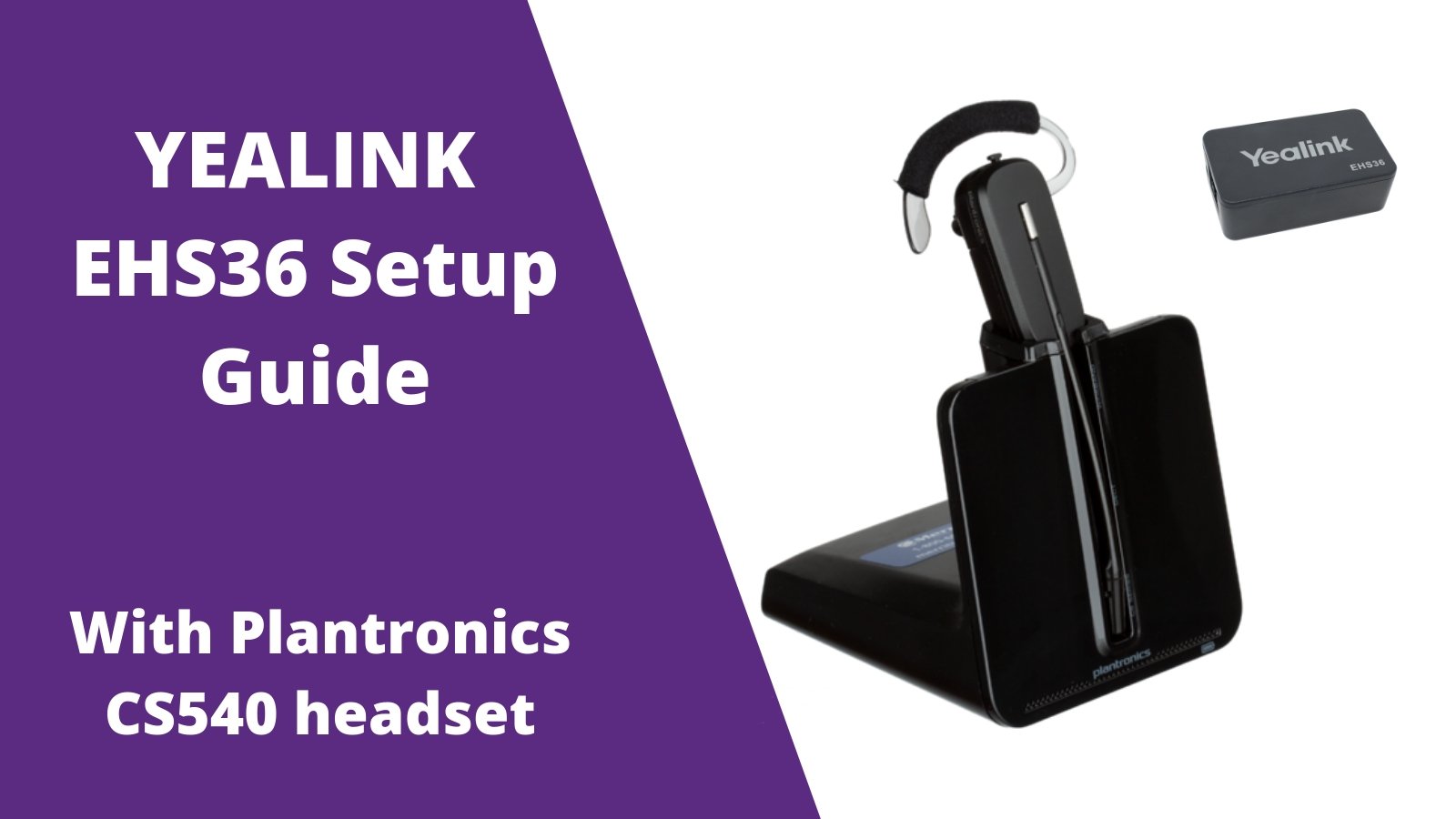
Out of the box the Plantronics CS540 (C054) wireless headset is 100% compatible with your Yealink desk phones, but requires the EHS36 adapter in order to enable the feature to answer/end calls when away from your desk.
Step 1
Plug the big end of your Plantronics C054 phone cord into the back of the Plantronics charging base.

Step 2
Plug the other end of the Plantronics phone cord into the HEADSET PORT of your Yealink desk phone.
Step 3
Included with the Yealink EHS36 is an RJ12 cord. Plug one end into the EHS36 adapter.
Step 4
Connect the other end of the RJ12 cord into the back of your Yealink phone labeled EXT or EHS.
Step 5
Also included with your Yealink EHS36 is a 3.5mm cable. Plug one end into the EHS36 box.
Step 6
Plug the other end of the 3.5mm adapter into the back of the C054 charging base.  That's it! Your now able to answer/end calls up to 350 feet away from your Yealink desk phone, from your Plantronics CS540 earpiece. Simply press the silver button on the earpiece and this will answer/end your calls. For any further assistance with setup, feel free to contact us today.

*For other helpful setup guides visit the Plantronics CS540 headset setup resource center*