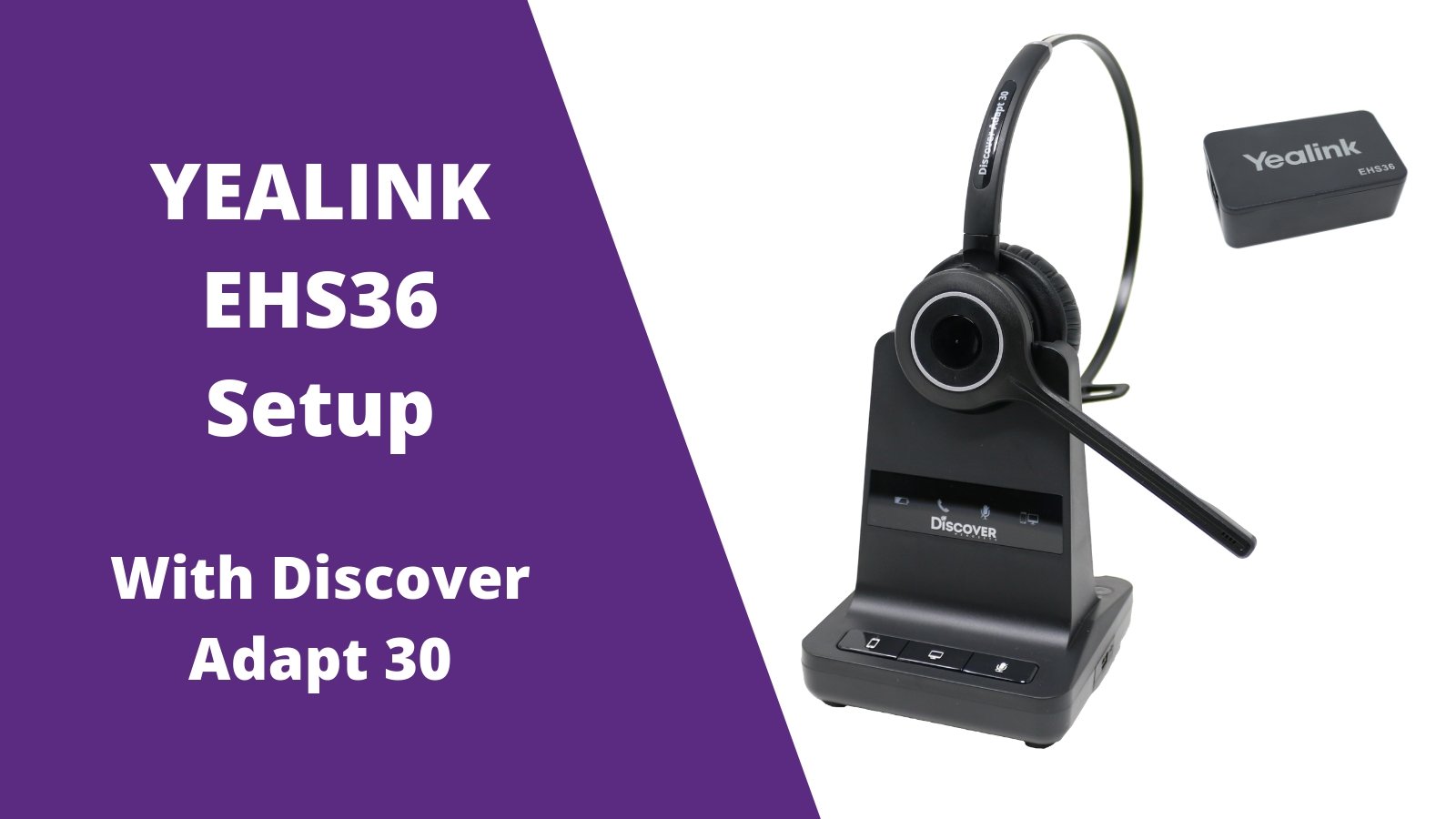
Yealink EHS36 Setup Guide With Discover Adapt 30 Wireless Headset - Headset Advisor

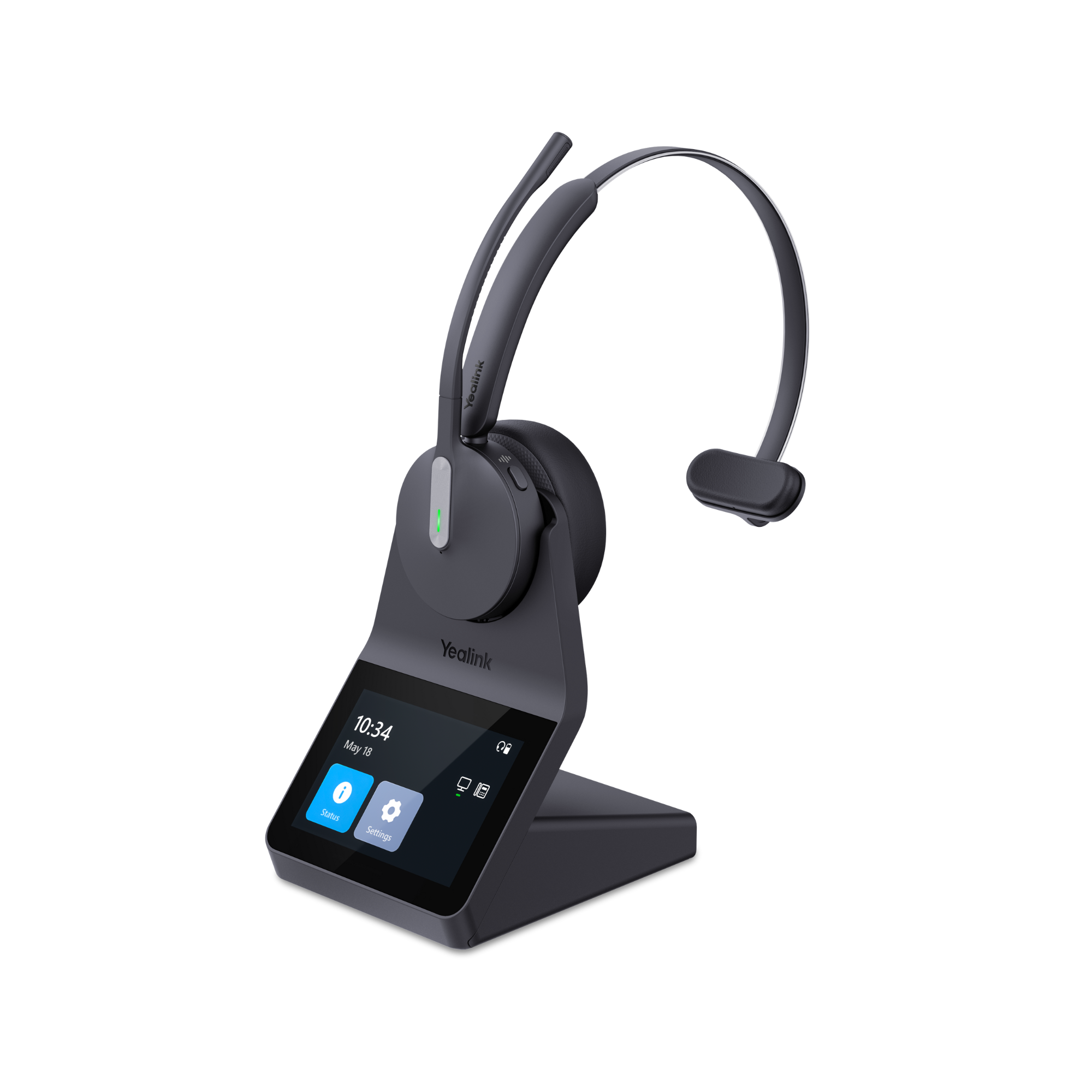
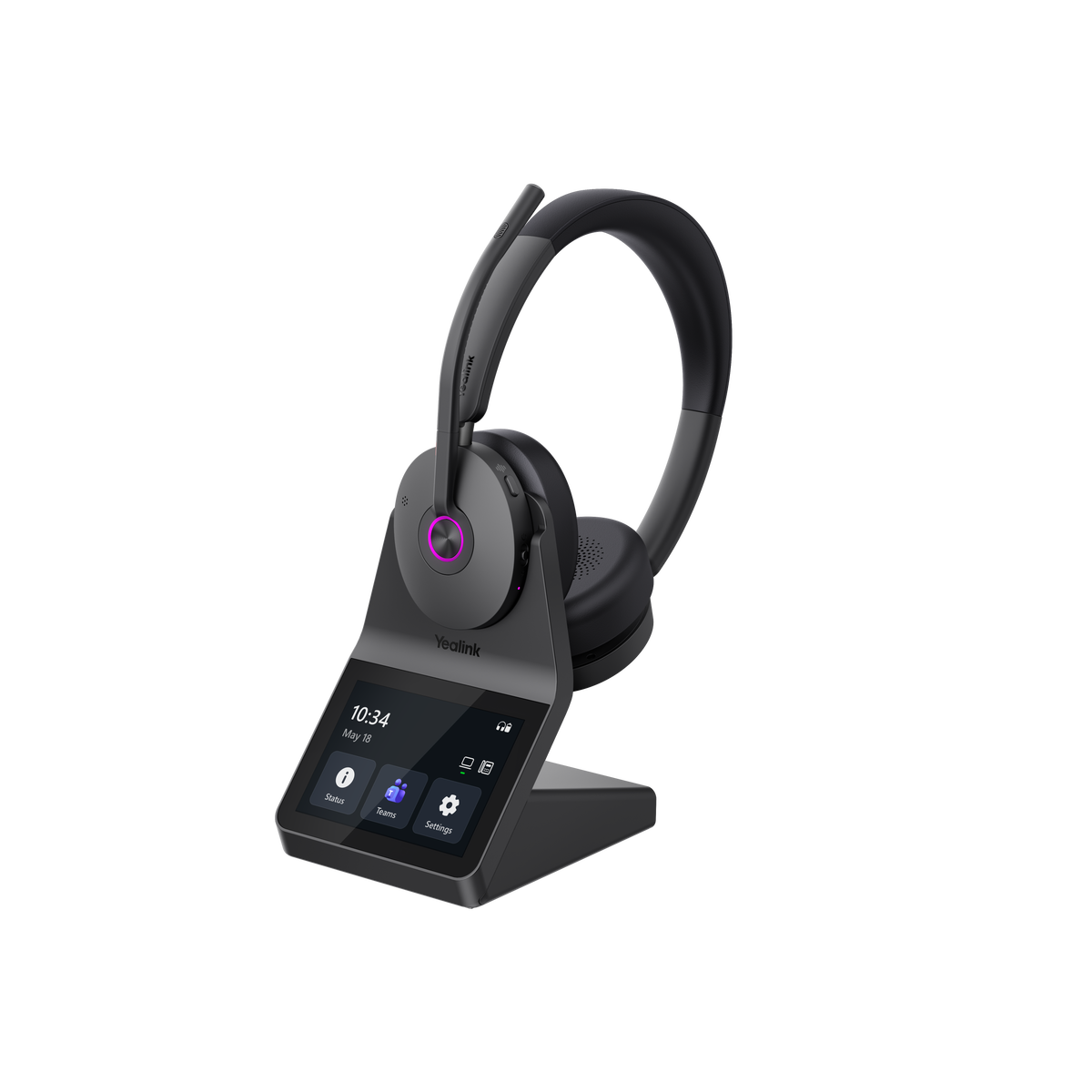
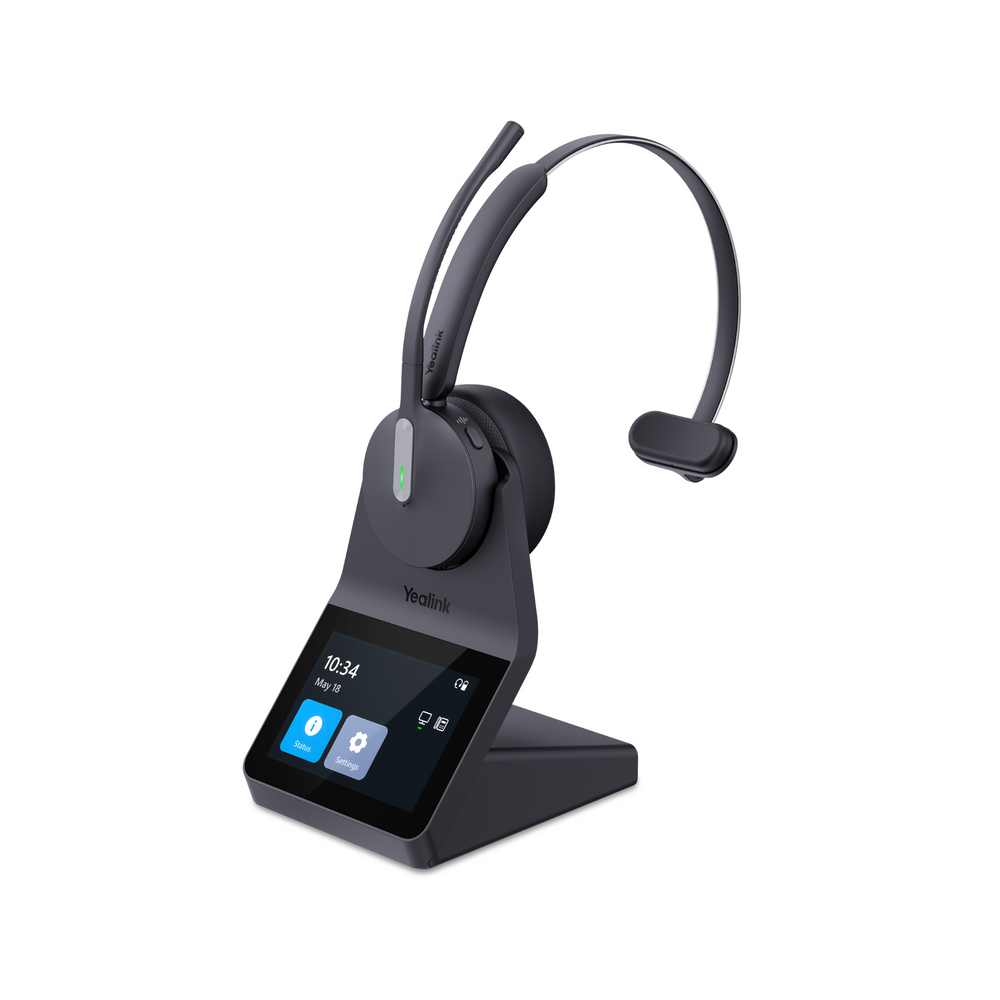
The Discover Adapt 30 wireless headset is 100% compatible with your Yealink desk phone models: T26P, T27G, T27P, T28P, T29G, T40G, T41S, T41P, T42G, T46S, T46G and T48S. Adding the Yealink EHS36 adapter will enable the ability for you to answer/end calls when away from the phone on your Adapt 30 wireless headset. Follow this quick step by step setup guide!

Step 1

Connect the DHS15 connector into the back of your Adapt 30 charging base. yealink ehs36 setup adapt 30

Step 2

Connect one end of the included RJ45 cable that came with your Yealink EHS36 into the DHS15 adapter. RJ45 for yealink ehs36

Step 3

Plug the other end of the RJ45 cable into the EHS36 adapter box. RJ45 with ehs36 setup 2

Step 4

Included with the Yealink EHS36 is also an RJ12 cord. Plug one end into the EHS36 adapter box. rj cord for yealink ehs36

Step 5

Plug the other end of the RJ12 cord into the EXT or EHS port of your Yealink desk phone. RJ12 for Yealink EHS36

Step 6

Included with your Adapt 30 wireless headset is an RJ9 phone cord. Plug one end into the back of the Adapt 30 charging base (labeled with a desk phone). rj9 cord for adapt 30

Step 7

Plug the other end of the RJ9 phone cord into the HEADSET PORT of your Yealink desk phone. yealink headset port Your Discover Adapt 30 wireless headset is now setup and ready to be used on your Yealink desk phone. You'll now have the ability to answer/end calls up to 350 feet away from your Yealink desk phone by simply pressing the on/off button on your headset. For further assistance with setup, contact us today.
Adapt 30Adapt 30 setupCategory_setup guidesDiscover adapt 30 setupEhs36Wireless headsetWireless office headsetYealink ehs36Yealink wireless headset

Leave a comment

All comments are moderated before being published

    1 out of ...

    Blog posts

    View all
    Office Headset: 5 Upgrade Warning Signs

    Office Headset: 5 Upgrade Warning Signs

    headset upgradeDavid Merritt
    government woman in foreground wearing headset at desk while working on computer, man doing the same in background with the u.s. capital in far background

    What Government Agencies Should Consider Before Buying Headsets

    best government headsetsDoug Merritt
    Microsoft Teams Headset Buying Guide

    Microsoft Teams Headset Buying Guide

    bluetooth headsetDavid Merritt
    headset on desk top next to laptop and some law books, promoting the thought of things for law firms to consider before buying headsets

    What Law Firms Should Consider Before Buying Headsets

    business headsetsDoug Merritt
    woman working at hospital with headset on, scrubs, stethescope around neck, with text promoting points about things to consider when shopping for headsets for healthcare workers

    What to Look for When Shopping for Healthcare Headsets

    DECT headsetsDoug Merritt
    Jabra Evolve3 75 vs Jabra Evolve3 85: Which Headset Is Right for You?

    Jabra Evolve3 75 vs Jabra Evolve3 85: Which Headset Is Right for You?

    hybrid work headsetDoug Merritt

    Shop our Best Selling Headsets

    View all
    Discover D722U Over-Ear Noise Cancelling USB Wired Headset For Computer (Boomstick) - Headset AdvisorDiscover D722U Over-Ear Noise Cancelling USB Wired Headset For Computer (Boomstick) - Headset Advisor
    Discover D712U Dual Speaker USB Wired Office Headset For Professionals - Headset Advisor
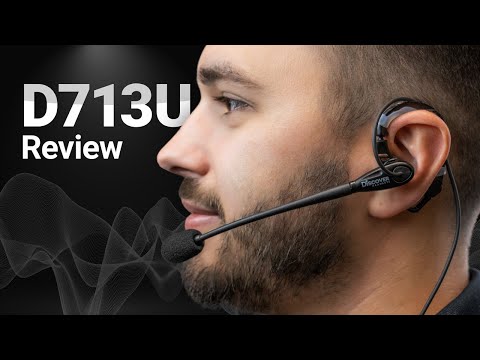
    Discover D713U On-Ear USB Wired Headset - Headset Advisor
    Discover Discover D713U: Comfortable On-Ear USB Headset with Mic
    Sale priceFrom $39.99Save $40.00 Regular price$79.99
    40 reviews
    Only 245 units left
    Choose options
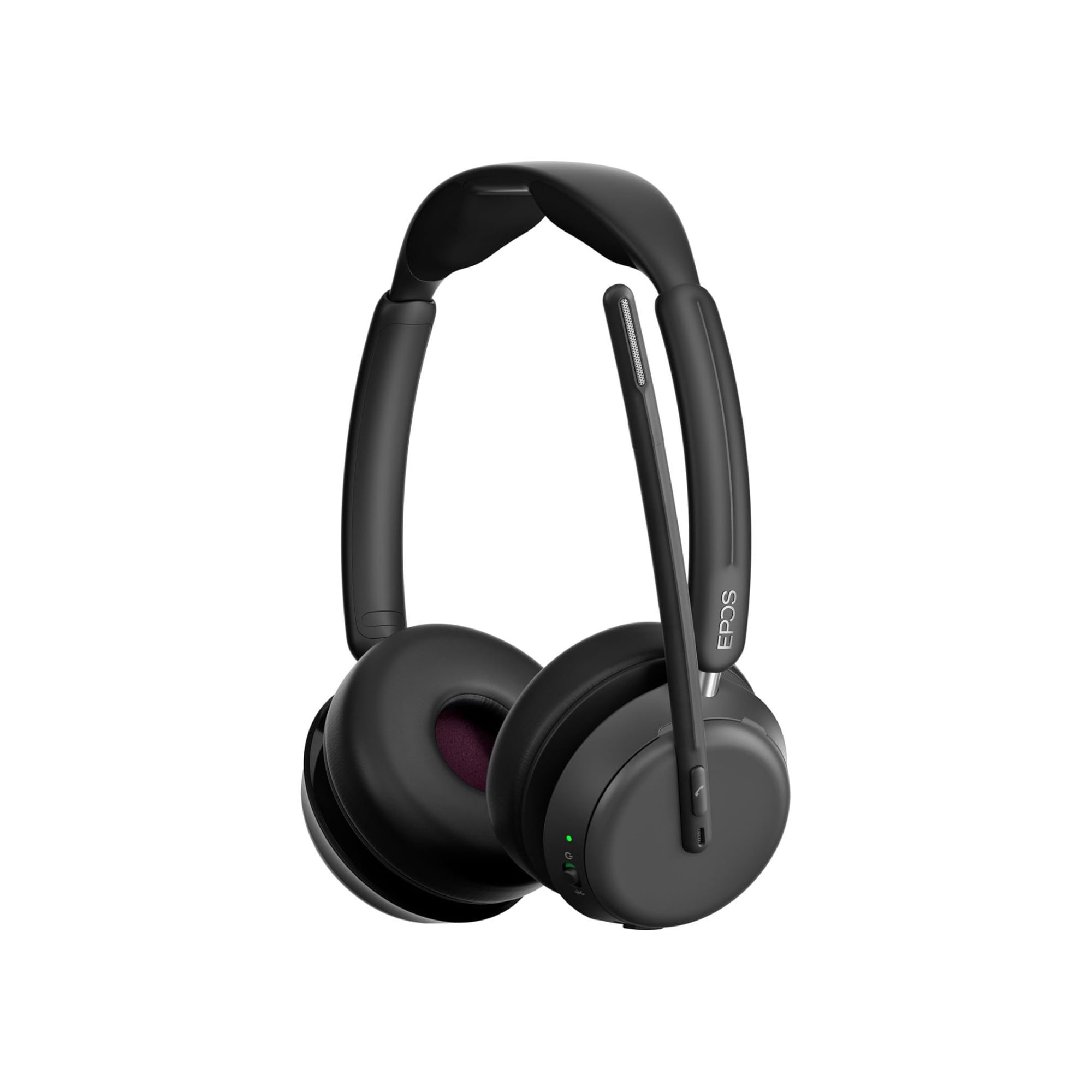
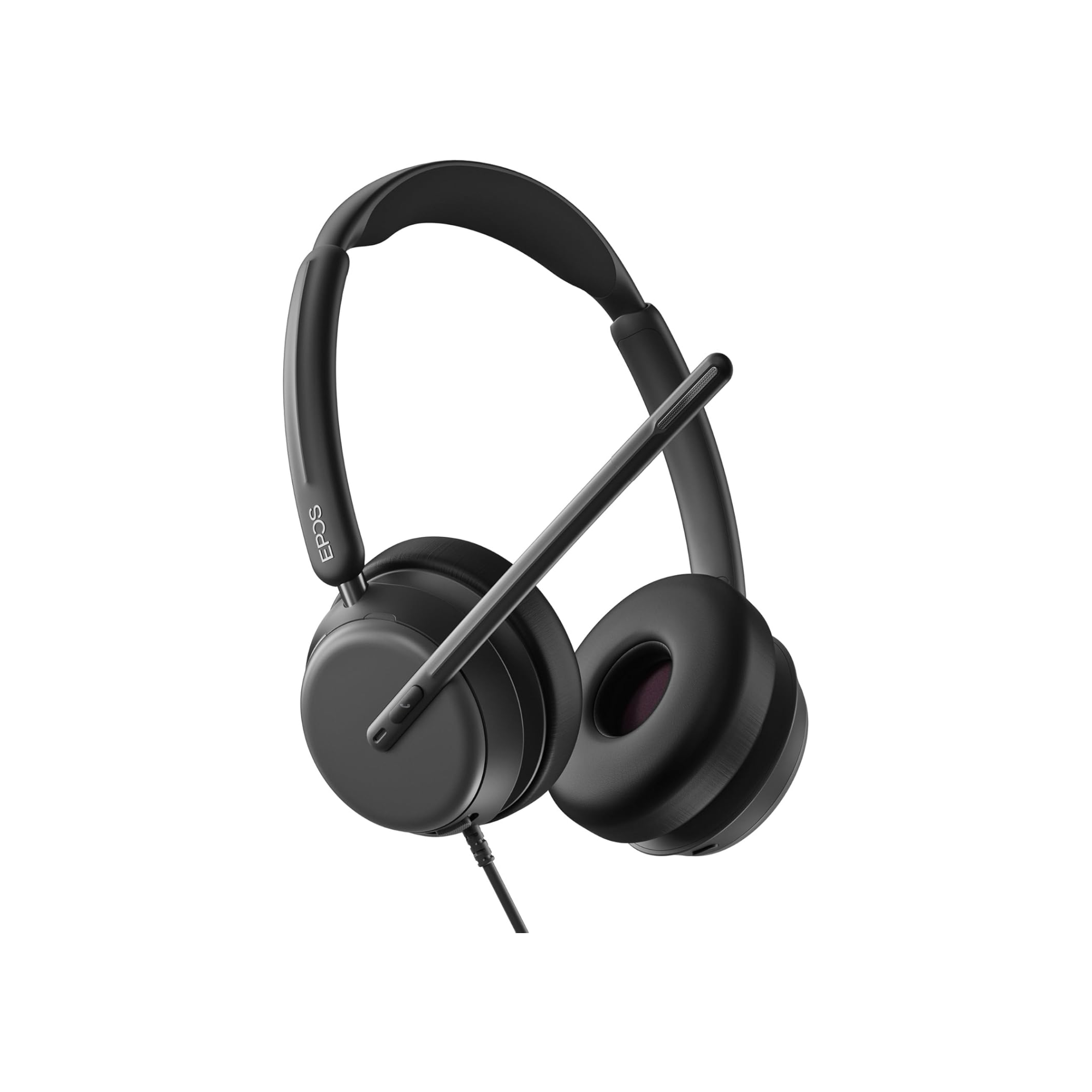
    epos impact 1060
    EPOS EPOS Impact 1000 Dual Speaker Noise Canceling Headset With HD Mic
    Sale priceFrom $219.99Save $49.01 Regular price$269.00
    23 reviews
    Only 51 units left
    Choose options