
Shop quick disconnect (QD) headsets for office desk phones and call center teams, plus the direct connect cable or amplifier your phone needs. We mic-tested the Poly HW540 and published cable guides for Cisco, Polycom, Avaya, Yealink, Mitel and Panasonic phones, so the picks below come with our verdicts.
Compare headsets







Our tests
Three we'd buy, from our reviews and mic tests.
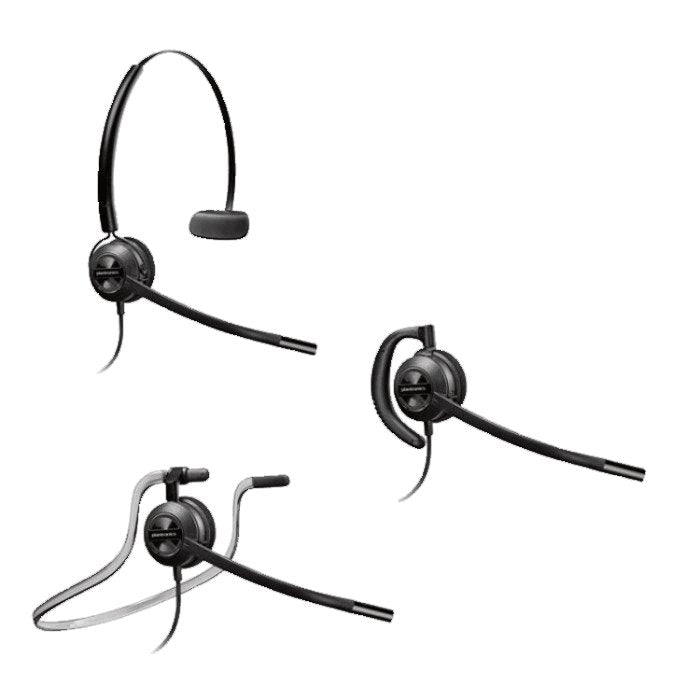
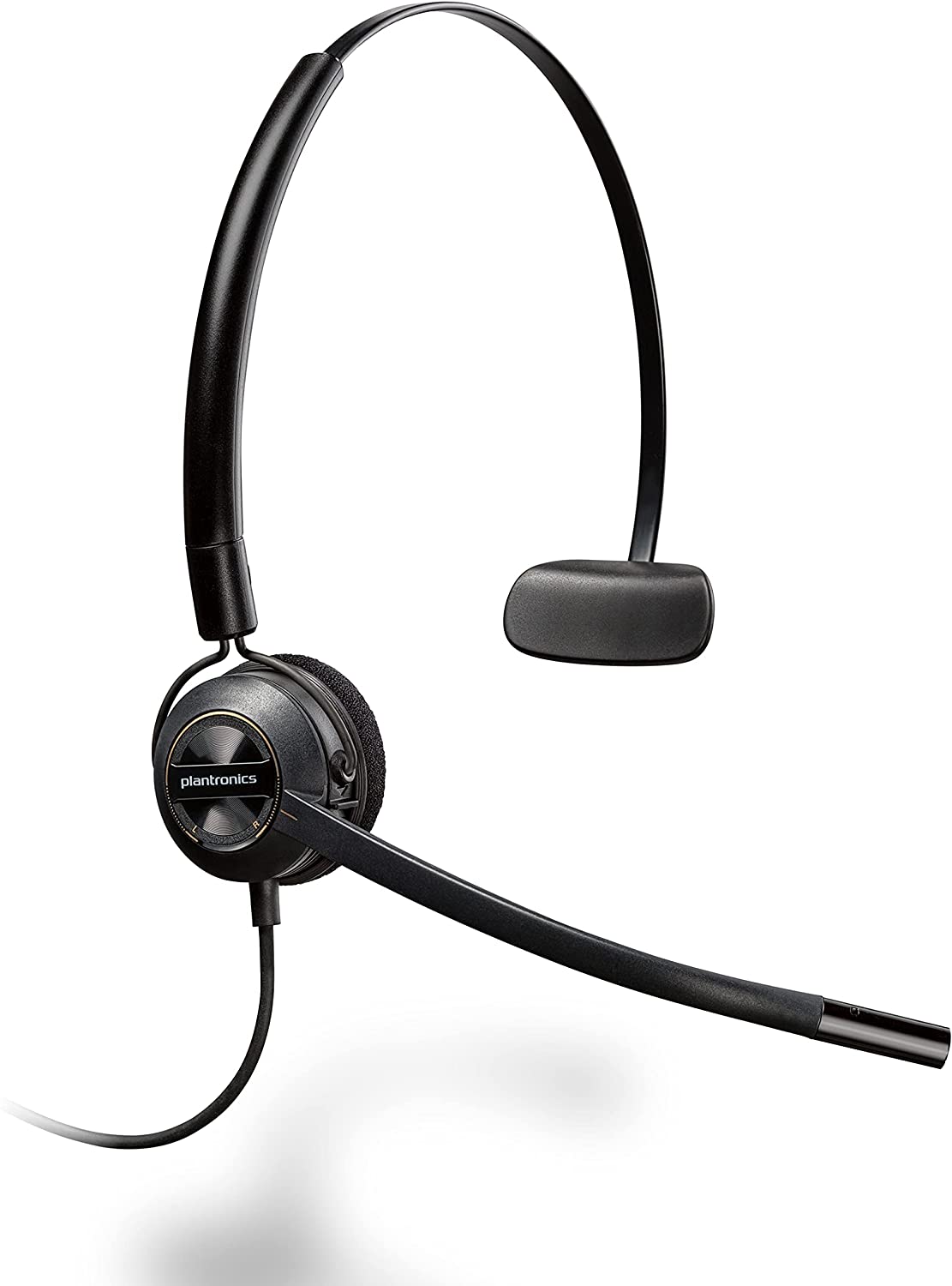
Poly HW540
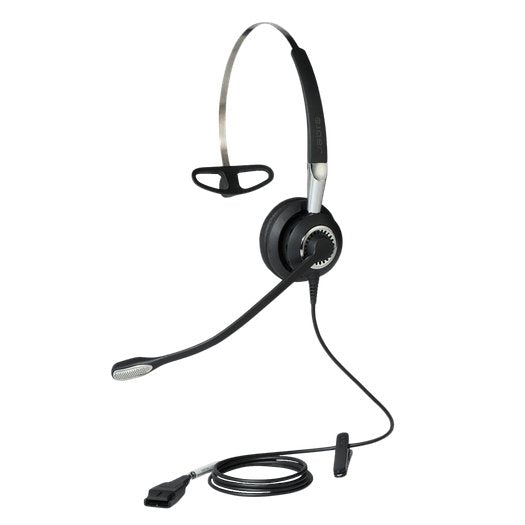
Our verdict: If you’re looking for a headset for use with your office desk phone, or one that can also work with a computer and mobile device, then the Poly HW540 is well worth your time to consider.
Read our review →From $69.61
Discover D713U
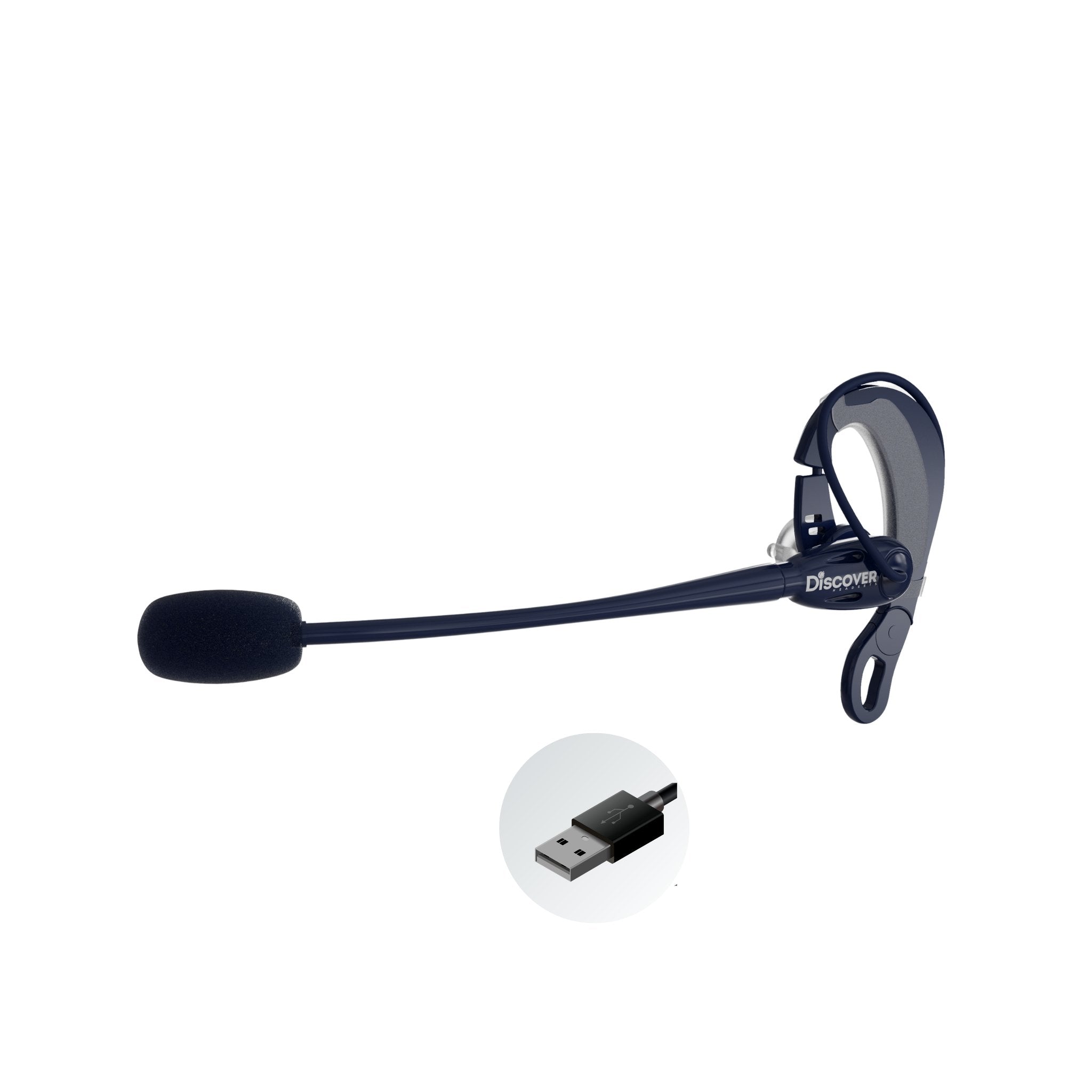
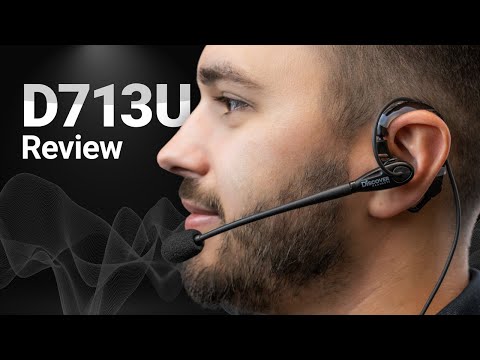
Our verdict: So if wearing a headset over your head isn’t for you, then you owe it to yourself to check out the Discover D713U.
Read our review →From $39.99
Discover D712U
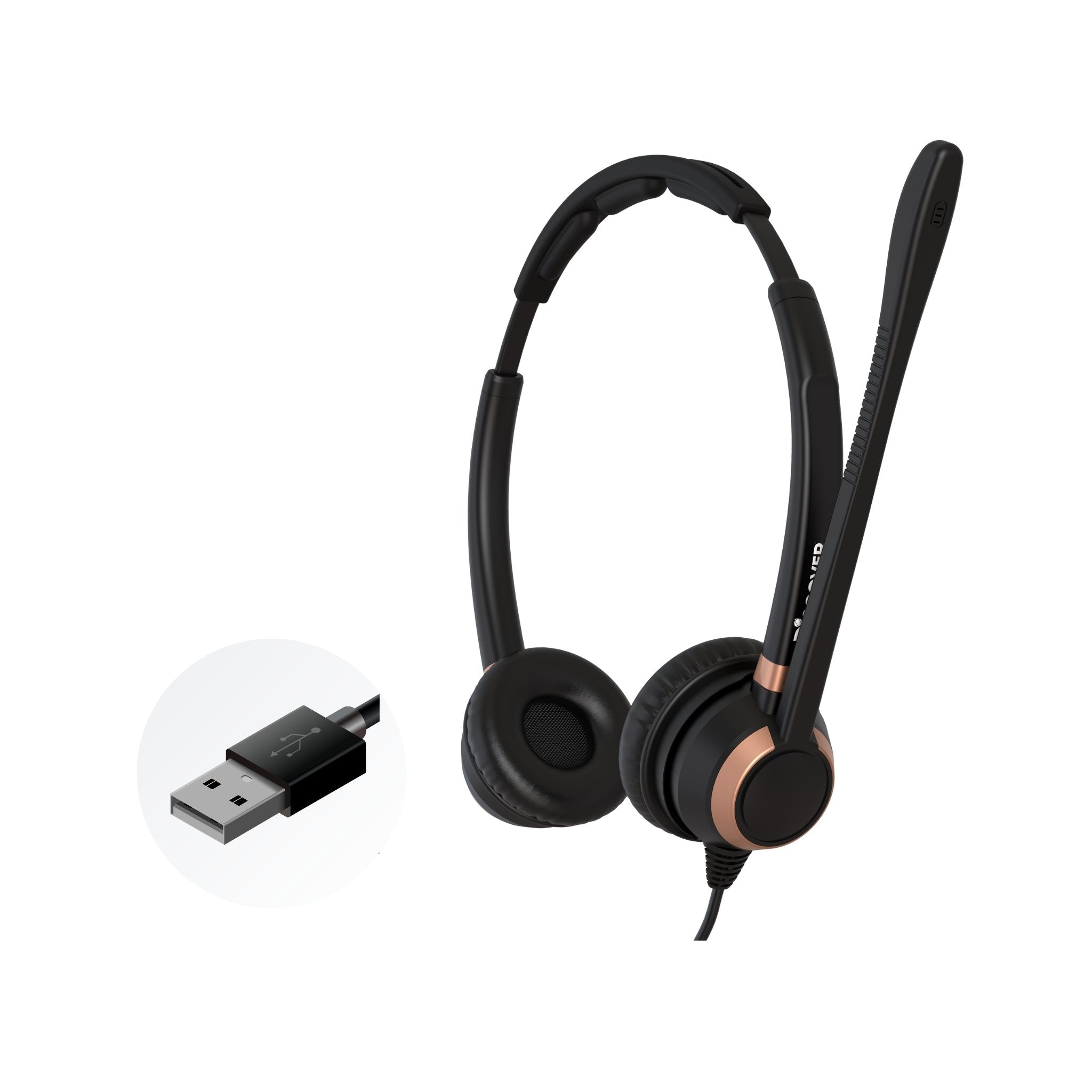
Our verdict: The Discover D712U offers a more streamlined option while still delivering effective noise cancellation.
Read our review →$79.99


Compare our top picks
| Headset | Type | Connects to | Teams or UC | Battery | Range | Price |
|---|---|---|---|---|---|---|
 Poly HW540 | Wired QD, convertible (headband, earpiece or neckband), single ear | Desk phone with a Poly direct connect cable or amplifier (sold separately); computer with a QD to USB cable | Desk phones; softphones through a QD to USB cable | Wired, no battery | Wired | From $69.61ViewReview |
 Discover D711 | Wired QD, single ear | Desk phone with a Discover direct connect cable or the D200 amplifier (sold separately) | Desk phones; computer, mobile or cordless phone with the matching cord | Wired, no battery | Wired | From $69.99View |
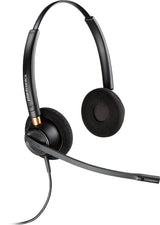 Poly Encorepro HW520 | Wired QD, dual ear | Desk phone with a lower connector cable or amplifier base (sold separately) | Desk phones; softphones through a QD to USB adapter | Wired, no battery | Wired | $100.62View |
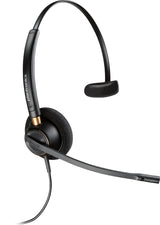 Poly Encorepro HW510 | Wired QD, single ear | Desk phone with a lower connector cable or amplifier base (sold separately) | Desk phones; softphones through a QD to USB adapter | Wired, no battery | Wired | $84.98View |
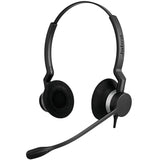 Jabra Biz 2300 QD Duo | Wired QD, dual ear | Desk phone with a Jabra QD to phone cord (sold separately) | Desk phones; PC with a Jabra Link USB to QD cable | Wired, no battery | Wired (107.5 cm cord) | $135.00View |
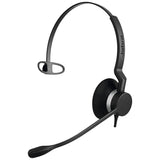 Jabra Biz 2300 QD Wideband | Wired QD, single ear, wideband | Desk phone with a Jabra QD to phone cord (sold separately) | Desk phones; PC with a Jabra Link USB to QD cable | Wired, no battery | Wired (107 cm cord) | $109.00View |
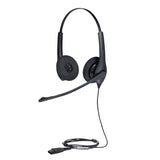 Jabra Biz 1500 Duo | Wired QD, dual ear | Desk phone with a Jabra QD to phone cord (sold separately) | Desk phones; PC with a Jabra Link USB to QD cable | Wired, no battery | Wired (95 cm cord) | $66.00View |
Battery and range are the manufacturer's ratings. Mic recordings are from our own tests.
Which cable or amplifier does my desk phone need?
A QD headset doesn't plug into a phone by itself. Find your phone below, then add the direct connect cable (phones with a headset port) or the amplifier (phones without one). Cables fit specific models, so check your model in our compatibility guide or ask an Advisor before you order.
| Your phone | Headset | Cable, adapter or lifter | Notes |
|---|---|---|---|
| Polycom phones with an RJ9 headset port | Discover D711, or another Discover or Poly (Plantronics) QD headset | Discover D101 direct connect cable | Plugs into the phone's HEADSET port. Press the phone's headset button to answer and end calls. |
| Polycom phones with a 2.5 mm headset jack | Discover D711, or another Discover or Poly (Plantronics) QD headset | Discover D106 direct connect cable (2.5 mm) | For Polycom models with a 2.5 mm headset jack instead of an RJ9 port. |
| Cisco IP phones with a headset port | Discover D711, or another Discover or Poly (Plantronics) QD headset | Discover D102 or D106 direct connect cable | Which of the two fits depends on your Cisco model; ask an Advisor to match it. Plug into the HEADSET port and press the headset button to take calls. |
| Avaya phones with a headset port | Discover D711, or another Discover or Poly (Plantronics) QD headset | Discover D103, D107 or D114 direct connect cable | The right cable depends on your Avaya model; ask an Advisor to match it before you order. |
| Older Yealink phones: T40G, T41P, T42G, T46G, T48G, T23G, T19P, T21P, T29G | Discover D711, D712, D722 or D713 (QD) | Discover D104 direct connect cable | Yealink's own headsets don't work with these older models; a Discover QD headset with the D104 does. |
| Yealink phones with a USB headset port, such as the T42S and T54W | Discover D713U (USB, on-ear) | None: plugs into the phone's USB port | The phone's display confirms the connection. On a Yealink model without a compatible USB port, a Discover QD headset and the D104 cable use the modular headset port instead. |
| Mitel and Aastra phones | Discover D711, or another Discover QD headset | Discover D101 cable or D200 headset amplifier | Our Mitel and Aastra guide lists the D101, the D105 or the D200 amplifier; ask an Advisor which one fits your model. |
| Panasonic desk phones | Discover D711, or another Discover QD headset | Discover D200 headset amplifier | The D200 plugs into the phone's handset port and the handset plugs into the D200. Lift the handset off the cradle to answer, and hang it up when the call ends. |
| Most desk phones, with a Jabra QD headset | Jabra Biz 2300 QD, Biz 1500 QD or Biz 2400 II QD | Jabra GN1200 smart cord | Jabra's universal smart cord is listed to work with virtually any phone. Tell us your phone model and we'll confirm it. |
| Desk phone plus a computer (softphone), Poly QD headsets | Poly EncorePro HW520, HW510 or HW540 | Poly MDA100 QD switch | Connects one Plantronics QD headset to a desk phone and a PC, so you can switch between the two without changing headsets. |
| Desk phone plus a computer (softphone), Jabra QD headsets | Jabra Biz 2300 QD, Biz 1500 QD or Biz 2400 II QD | Jabra Link 180 switch | Answer calls from either your desk phone or a softphone with the same Jabra QD headset. |
Direct connect cables, amplifiers and switches are sold separately. Phone not listed, or not sure of your model? Contact us and an Advisor will check it for you. For wireless headsets, EHS cables and lifters, see our wireless headsets for office phones.
Frequently asked questions
What is a quick disconnect (QD) headset?
A QD headset is a wired office headset with a connector, the quick disconnect, partway down its cord. The headset connects through it to a second part made for your phone: a direct connect cable for phones with a headset port, or an amplifier for phones without one. Pulling the QD apart during a call puts the call on a soft hold, so your caller hears nothing while you step away. Our wired headset training guide explains how.
Does a QD headset need a cable or adapter to work with my phone?
Yes. Every business-grade QD headset needs a direct connect cable or an amplifier, sold separately, and the right one depends on your phone's make and model. Cables that look alike can be wired differently inside, and the wrong one can mean poor sound, no audio or one-way audio. Use the cable table on this page or our compatibility guide, or ask an Advisor to match the cable to your phone.
Do Jabra and Poly (Plantronics) QD headsets use the same cable?
Match the cable to the headset brand. The Discover direct connect cables we sell are made for Discover or Plantronics quick disconnect headsets, so Discover and Poly QD headsets can share them. Jabra QD headsets, such as the Biz 2300 and Biz 1500, use Jabra cords like the GN1200 smart cord, which is listed to work with virtually any phone. If your team mixes brands, Talk to an Advisor before you order.
Which cable does my Cisco, Avaya, Polycom or Yealink phone need?
Our brand guides list the Discover cable for each: the D101 (RJ9 port) or D106 (2.5 mm jack) for Polycom, the D102 or D106 for Cisco, the D103, D107 or D114 for Avaya depending on the model, and the D104 for older Yealink phones such as the T46G. Newer Yealink phones with a USB headset port can take a USB headset instead. See our office headset compatibility guide for the brand guides.
What if my desk phone doesn't have a headset port?
Use a headset amplifier. It connects to the phone's handset port, the handset plugs into it, and your QD headset connects to it. To take a call, lift the handset off the cradle, and hang it up when you're done. An amplifier also lets you set hearing and microphone volume yourself. Our Panasonic guide uses the Discover D200 this way, and our setup guides walk through each step.
Are corded QD headsets a good choice for call centers?
They suit agents who take calls on desk phones. The Jabra Biz 1500 is built for cost conscious contact centers, and the Biz 2300 has a reinforced cord made for the contact center floor. Agents can pull the QD apart to put a call on soft hold, and a supervisor cord lets a trainer listen in. If your center runs on softphones instead, see our call center headsets for USB models.
Latest reviews and videos
-
 When Is It Time to Switch from a Wired to a Wireless Headset?
April 15, 2026
-
 Mono vs Stereo Headsets: Which Is Right for Your Work Environment?
April 8, 2026
-
 Video
Wired vs Wireless Headsets: Which Is Right for You?
April 1, 2026
-
 Video
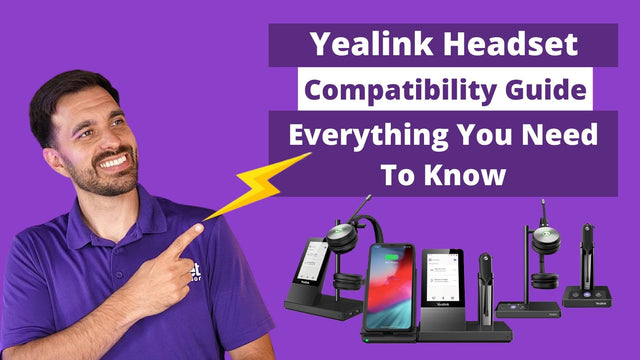
Yealink Headset Compatibility Guide: Everything You Need To Know
January 24, 2025
-
 Video
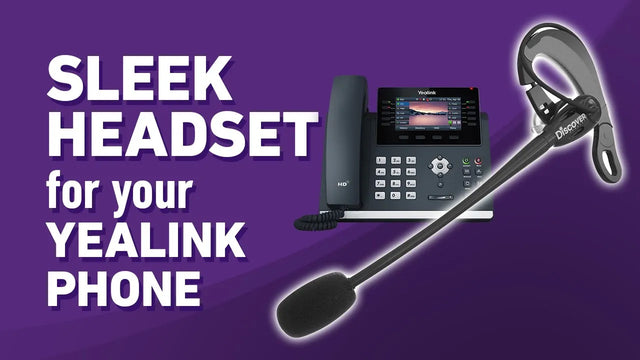
Affordable Discover D713U Earpiece Headset For Yealink Phones
April 22, 2024
-
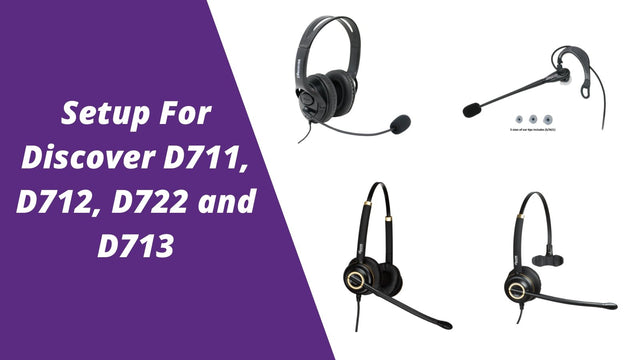 Setup Guide For Discover D711, D712, D722 and D713
March 2, 2020
Why buy from Headset Advisor
Free shipping over $50
Free 3 to 5 day shipping on orders of $50 or more.
30-day returns
Return any product within 30 days.
Real headset advisors
Not sure which headset fits your phone or computer? We will help you choose.
Talk to an advisor →Team and volume orders
Volume quotes, purchase orders, tax-exempt orders and payment terms for enterprise, government, education and healthcare teams.
Request a quote →Managed Headset Program
For teams of 10 or more: headsets from $4 to $20 per user per month, and replacements ship first.
See the program →