Do you want the best headset?
When people experience poor headset audio quality, their first thought is often that something is wrong with the headset itself. It’s a very natural reaction.
- Maybe the microphone isn’t very good
- Maybe the headset is defective
- Maybe I need to go to settings and make an adjustment
- Maybe background noise is the problem
And while those things can sometimes contribute to poor call quality, there’s another issue that is surprisingly common, and very easy to overlook:
Improper microphone placement.
Over the years, we’ve seen countless users wearing headsets with boom microphones placing the microphone in positions that negatively affect audio quality without even realizing it.
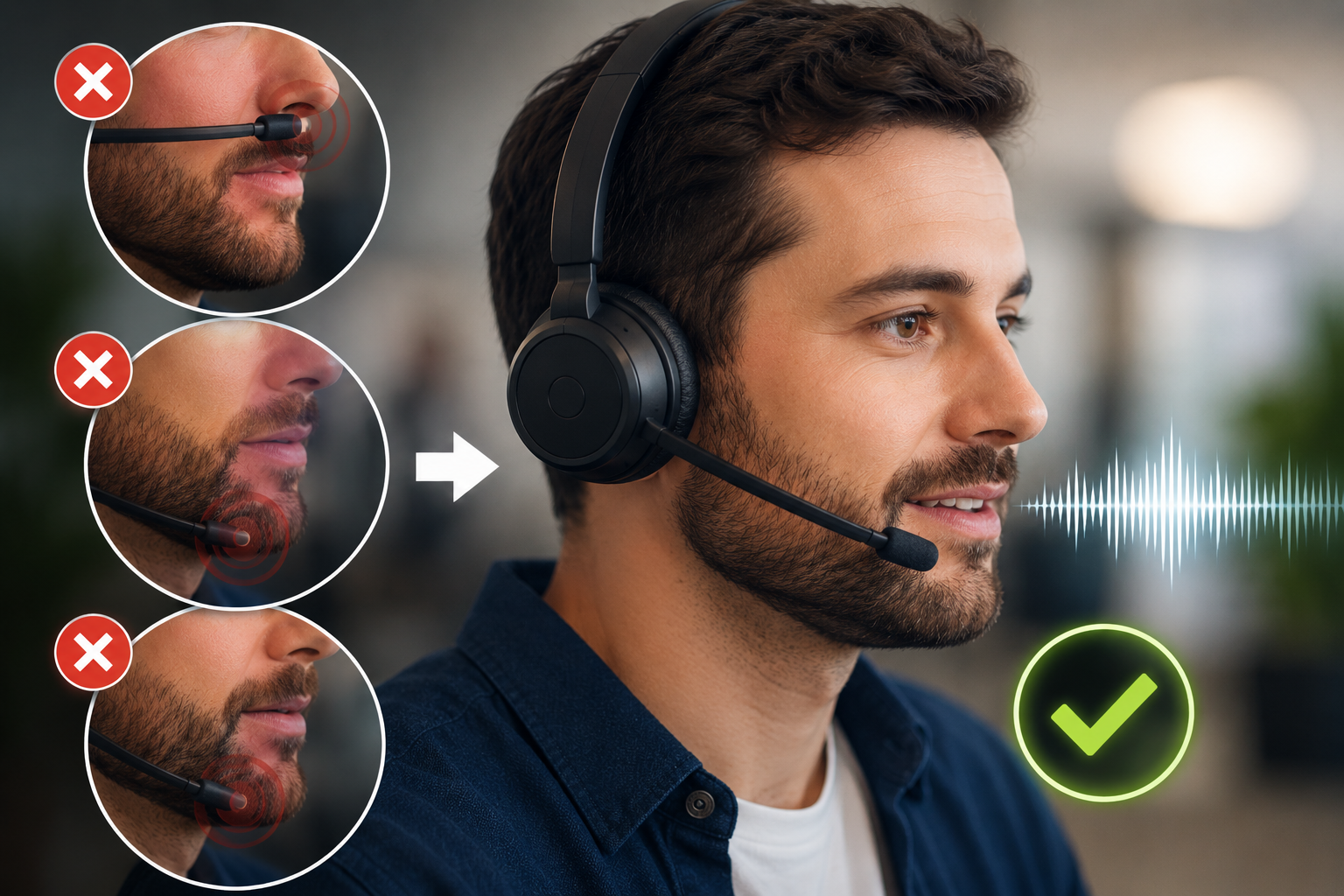
Sometimes the microphone is placed too low beneath the jaw area. Other times it’s positioned too far away from the mouth, or even parallel with their nose. In all of these cases, the result can be weaker voice pickup, more background noise being heard by your callers, and conversations that simply don’t sound as clear or professional as they should if the microphone was placed in the right spot.
The good news is that in many cases, improving audio quality may be as simple as repositioning the microphone.
Why Microphone Position Matters
Most headset microphones are designed to pick up your voice clearly while minimizing surrounding background noise.
But for that to happen effectively, the microphone needs to be positioned correctly.
When a microphone sits too far away from your mouth, several things can happen:
- Your voice may sound faint or distant
- Background noise may become more noticeable
- Noise canceling technology used in the headset may become less effective
- Call clarity generally suffers
- Callers may strain to hear you clearly
- They may also ask you to repeat things more than normal
In noisy environments, improper microphone placement can make these issues even worse because the microphone begins capturing more of the surrounding sounds instead of picking up your voice.
The result can be distracting calls, reduced professionalism, and unnecessary frustration for both the speaker and the caller.
Common Microphone Placement Mistakes
One of the most common mistakes we see is users positioning the microphone too low, often near the jawline or upper neck area.
Others swing the microphone outward so it sits several inches away from their face which makes it difficult for the microphone to capture your voice properly.
And, as mentioned a moment ago, there are those who place the microphone about parallel with their nose which is not the ideal location.
In all of these cases, microphones can struggle to do what it was designed to do.
And then there's the opposite behavior, which is equally bad.
This is when users assume the microphone should sit directly in front of their mouth. While close microphone placement is important, positioning it directly in front of the lips can actually create a different set of audio problems.
As strange as it may sound, a microphone can be too close.
Yes, A Microphone Can Be Too Close

Over the years, we’ve also seen plenty of headset users position the microphone so close that it’s practically touching their lips. The assumption of close microphone placement is understandable: if close is good, then closer must be better.
But that’s not really how microphones work.
When a microphone sits too close to the mouth, it can exaggerate:
- Breathing sounds
- Popping noises from “P” and “B” words
- Wind noise
- Distortion
- Muffled audio
- Volume spikes
Instead of improving clarity, microphone placement that’s too close can actually make conversations sound less natural and more distracting. And in most cases, frustrate your callers.
That’s why proper positioning matters.
The Ideal Microphone Position

As a general rule, a headset microphone should sit approximately two fingers from the corner of your mouth and slightly below the lower lip. Keep in mind you should talk “over” the microphone and not “into” it.
This position usually provides an excellent balance between:
- Clear voice pickup
- Reduced breathing noise
- Better background noise cancellation
- More natural sounding audio
Remember to avoid placing the microphone directly in front of the mouth where breath noise and popping sounds tend to become much more noticeable.
Small positioning adjustments can sometimes create surprisingly large improvements in overall call quality.
Not All Microphone Booms Are Designed the Same

Another thing many people don’t realize is that microphone boom designs can vary quite a bit from one headset to another.
Some headset microphones use flexible rubberized boom arms that can be bent into position. While convenient, some of these materials may gradually relax after a while and slowly drift away from the ideal microphone location. This requires that you pay attention to where the microphone is resting with periodic checks. If it drifts out of position, you need to bend it back to the previous spot.
Other headsets may use gooseneck style boom arms. This is a ribbed, metalic type material that tends to hold its position once adjusted. A sort of set it and forget it thing because unlike the rubberized booms, this one won't drift.
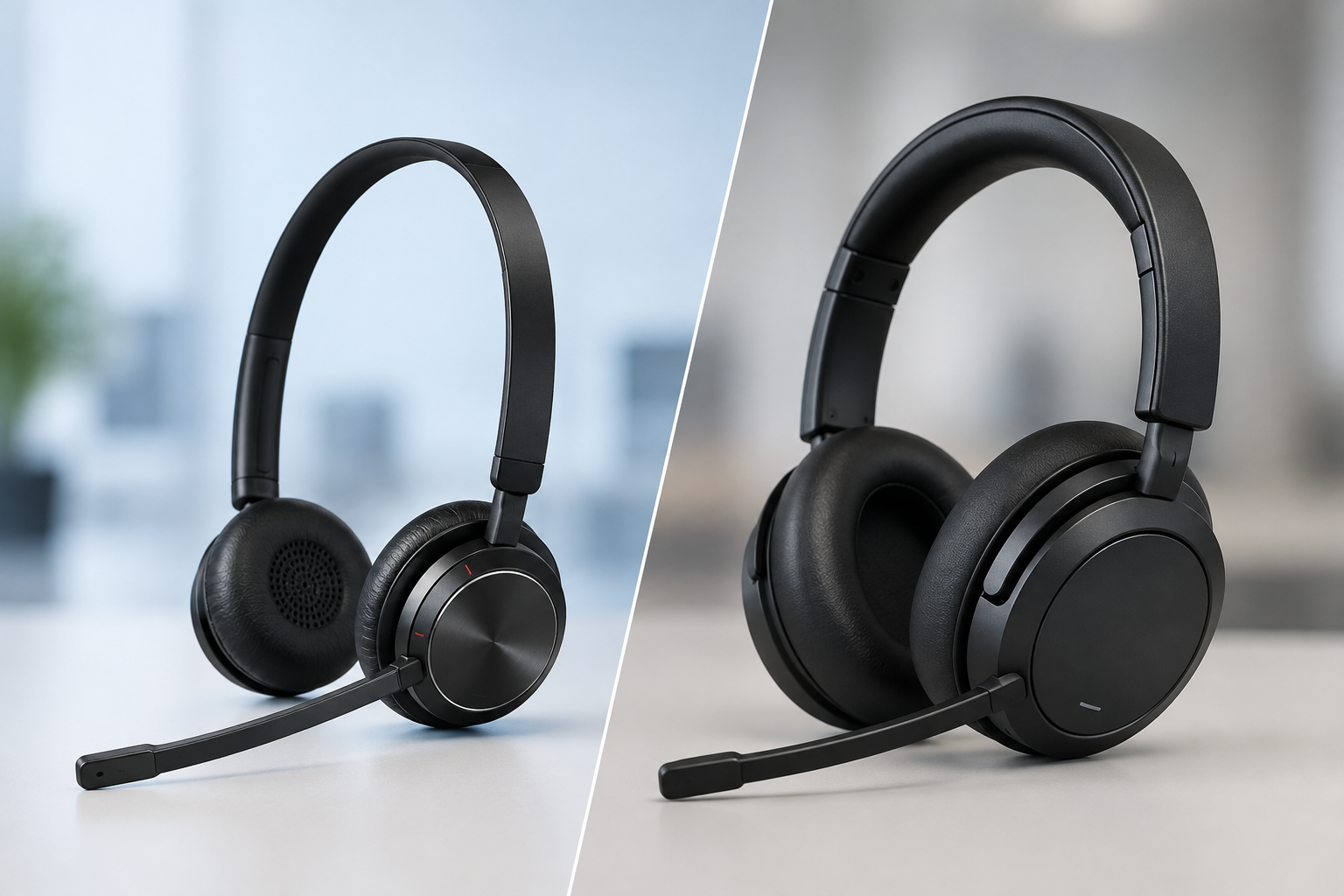
Some microphones use rigid plastic boom arms with little or no flexibility at all, which tends to limit, or in most cases, restrict microphone relocation entirely. This style of microphone boom is not my favorite because it doesn't allow you to adjust the boom.
And then there are headsets that don’t use a traditional boom microphone design at all.
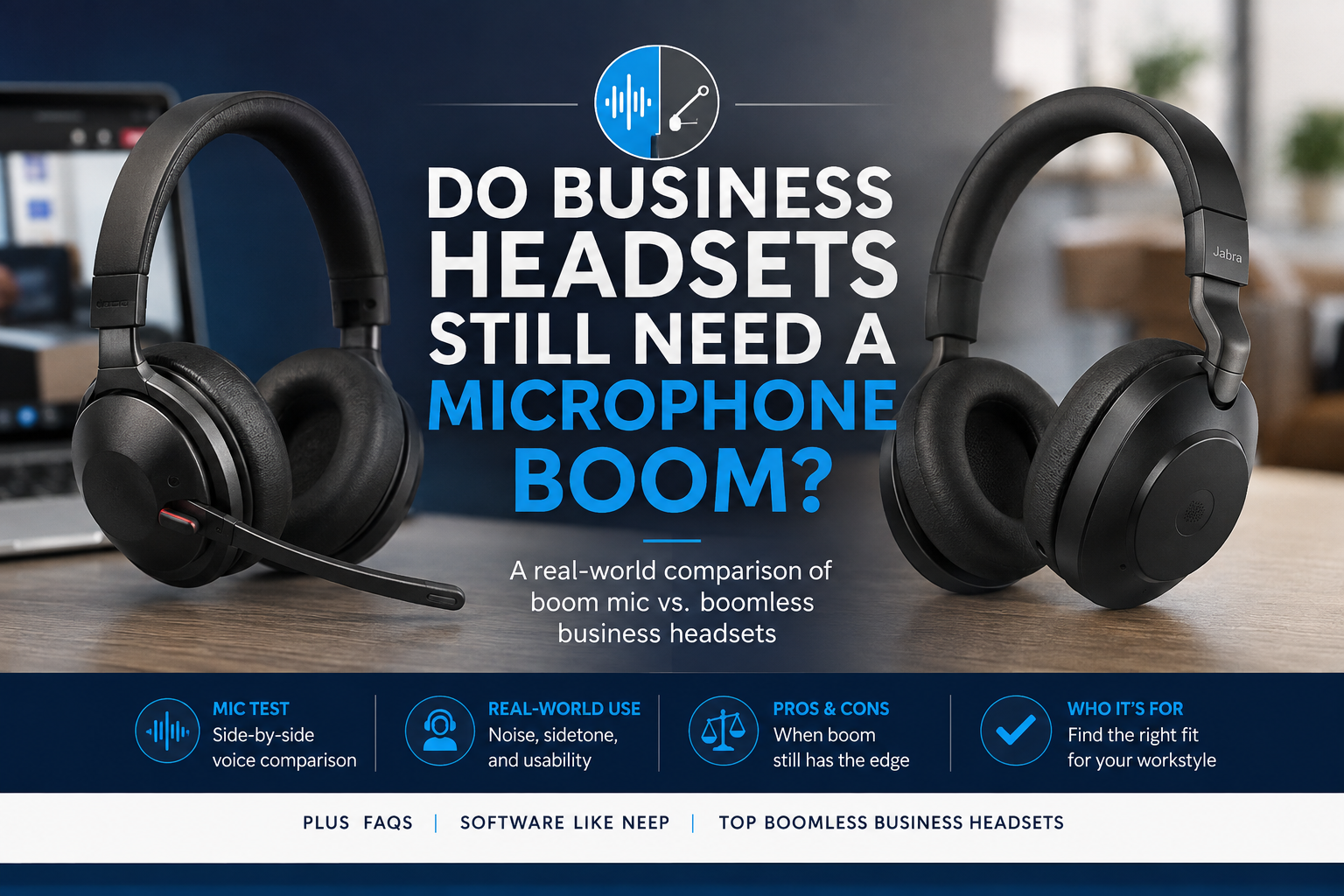
For example, some models like the Jabra Evolve3 75 and Evolve3 85 rely on advanced microphone arrays built into the headset itself rather than a visible boom arm extending toward the mouth. Headsets continue to evolve, and this is one example of a business grade headset morphing into a dual purpose headset; business headset and headphones (headphones typically do not feature boom mics).

Different microphone designs often require slightly different positioning approaches, which is one reason why understanding your specific headset design matters. If your headset has a boom mic that is not bendable, you should test it to see how you sound to others, and then make mic adjustments as needed so you’re heard loud and clear.
A Simple Adjustment Can Sometimes Prevent Bigger Problems

One of the interesting things about microphone positioning is how often a small adjustment can solve issues that might otherwise lead to unnecessary troubleshooting.
We’ve seen situations where users believed:
- their headset microphone was defective
- the audio quality was poor
- noise canceling wasn’t working properly
- callers couldn’t hear them clearly
Only to discover the microphone was simply positioned incorrectly.
Before replacing hardware or diving into advanced troubleshooting, it’s often worth checking the basics first.
Simple positioning adjustments can sometimes make a dramatic improvement in overall audio quality.
Something else to keep in mind while discussing adjustments is this; be mindful of the fact that a headset microphone has a side that picks up your voice, and the opposite side of that microphone does not. So make sure that the live side is pointing towards you, and not away from you. This is something that can be easily overlooked, and can put you on a long troubleshooting trail when the root cause may simply be the mic is pointed in the wrong direction.
Better Microphones Still Benefit From Proper Positioning
Professional-grade headsets with high-quality microphones can absolutely help improve communication quality, especially in noisy work environments.
For example, models like the EPOS IMPACT 1000 are well known for excellent microphone clarity and strong noise reduction, making them popular for professionals who spend much of their day on calls or meetings.
Likewise, headsets like the Yealink HA64 Pro combine professional-grade audio with advanced Acoustic Shield noise canceling technology designed to help reduce surrounding distractions in office and hybrid work environments, and provides over 600 feet of wireless range.
But even the best microphones still perform best when positioned correctly.
Good headset technology and proper microphone placement work together, and the truth is, you need both.
Add Another Layer of Protection With neep

Even with ideal microphone placement, noisy environments can still create challenges because no headset is designed to remove all the background noise.
That’s where software like neep can help.
neep noise canceling software works alongside your headset to further reduce distracting background noise and improve overall call clarity.
This can be especially helpful for:
- Open offices with noisy coworkers
- Hybrid work environments
- Those who work-from-home
- Coffee shops with loud background noise
- Shared workspaces
- Busy households
One of the advantages of neep is that it works on both sides of the conversation, helping reduce the background noise your callers hear from you while also helping reduce distracting background noise coming from others on the call.
neep also learns your voice, enhances it, and isolates it from other voices and noise. This provides your callers with optimum sound quality.
When combined with proper microphone placement, tools like neep can help create significantly cleaner and more professional sounding conversations.
To learn more about neep, or to request your free trial, go to neep.com
Hear How You Actually Sound

One of the easiest ways to evaluate your current microphone positioning is to listen to your own audio. This is what your callers are hearing.
Many people are surprised when they hear how much background noise, breath noise, or inconsistent or faint/loud volume is actually being transmitted during calls.
If you’re curious how your current headset headset sounds to others, try using our microphone test tool to hear your voice the same way callers hear it. You might be surprised at the results.
Final Thoughts
When it comes to headset audio quality, microphone positioning is very important.
A microphone placed too far away can weaken voice pickup and allow more background noise into conversations. Position it too close, and you may introduce breath noise, distortion, and other distractions that reduce the audio quality.
In many cases, improving call quality doesn’t require replacing the headset at all. Sometimes a simple microphone adjustment is enough to create a noticeably better experience.
That’s why taking a few moments to properly position your microphone can be one of the easiest and most effective ways to improve how you sound to your audience. And if you're a supervisor who walks the floor routinely, this is something to pay attention to as you move around your facility.
Have Questions Or Need Some Help?
 Whether you’re troubleshooting audio quality issues, choosing a new headset, or trying to improve communication in noisy environments, Headset Advisor is here to help.
We’ve spent over 30 years helping businesses and professionals improve their communication experience with the right headset solutions, practical advice, and ongoing, professional support. So don't hesitate to contact us.
And with over 800 five-star Google reviews, we think you’ll find us to be a great company to work with.