Avaya Headset Compatibility Guide: Everything You Need To Know - Headset Advisor

Avaya Phone Compatible Headsets

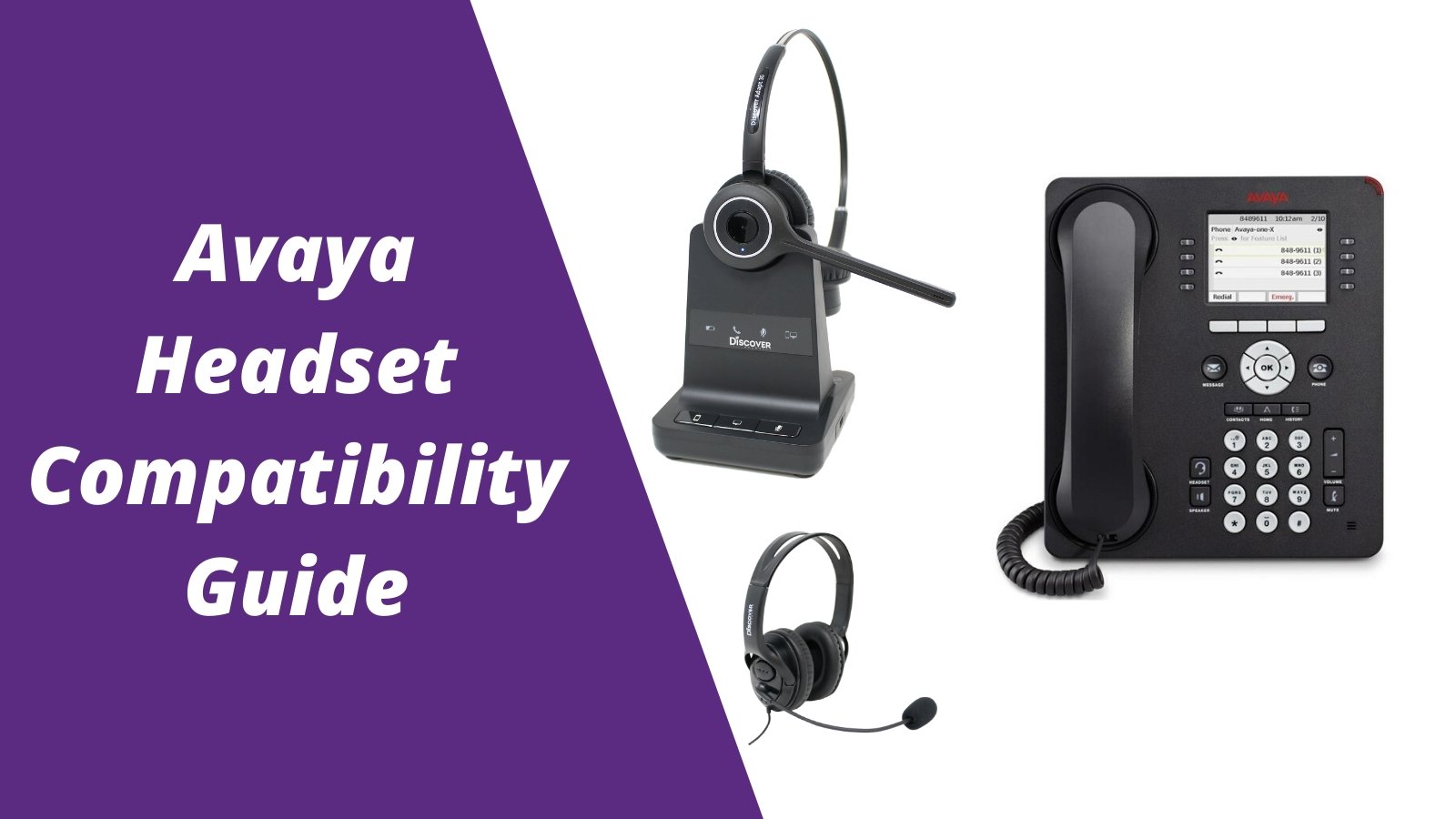
Before choosing a wired or wireless headset to go with your Avaya corded or cordless phone, you'll want to know the best headsets that are compatible. For more headsets compatible with office phones, visit the

office headset compatibility guide: compatibility made easy

How to use the Avaya headset compatibility guide:

  1. Find the make/model of your phone
  2. Choose if you prefer a wired or wireless headset
  3. If choosing a wired headset, you'll see the compatible adapter that will also be needed. For wireless, you can add the optional compatible accessory (DHS13 or D632) to enable remote call answering (most customers add this accessory)


FAQ

Q: Why do I have to purchase a separate adapter to go with a wired headset for my Avaya phone?


A: Being that there's so many different phones available, headset manufacturers have to make various different cables, depending which model of phone you're connecting to.

Q: How come I have to purchase a separate accessory to answer/end calls away from my Avaya phone with a wireless headset?

A: Out of the box either wireless headset is compatible, but in order to answer/end calls away from your desk, the recommended accessory will be required.

Q: How do I find compatibility for other desk phone brands?

A: Visit the office headset compatibility guide: compatibility made easy


Understanding Headset Terminology

Quick Disconnect: Out of the box this is the name of the cord that's on your Avaya compatible headset that connects to the direct connect cable.


Direct Connect Cable: This cable connects from your Avaya headset to the headset port of your Avaya phone.

Electronic Hook Switch: Otherwise known as an EHS cable, this accessory connects from a wireless headset charging base to your Avaya phone. Allowing you to answer/end calls when away from your phone.

Handset Lifter: Like an EHS cable, a Handset Lifter also allows you to answer/end calls away from the phone, but physically picks up and hangs up your handset.


Compatible Avaya Wired Headsets Compared

How To Use Your Avaya Wired Headset

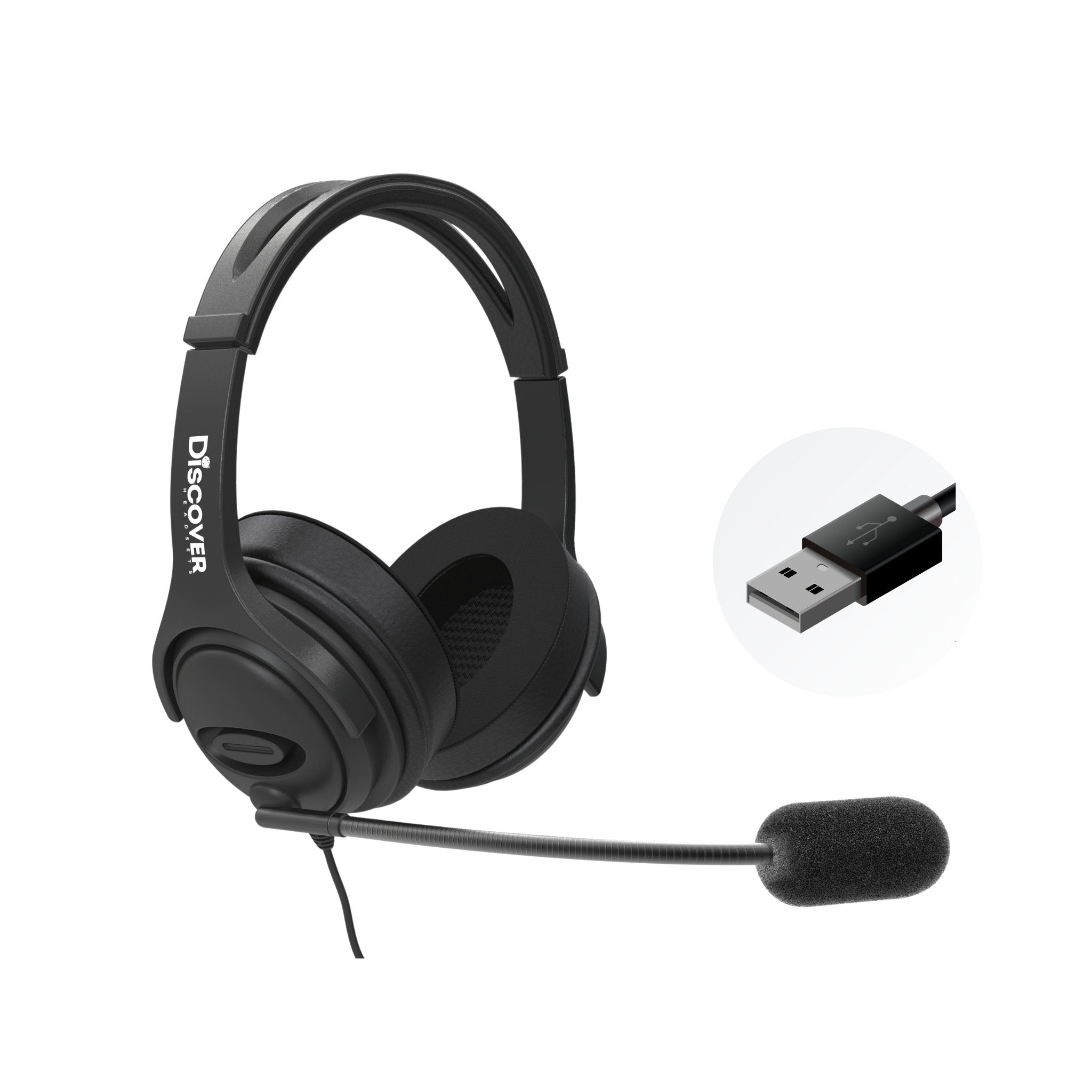
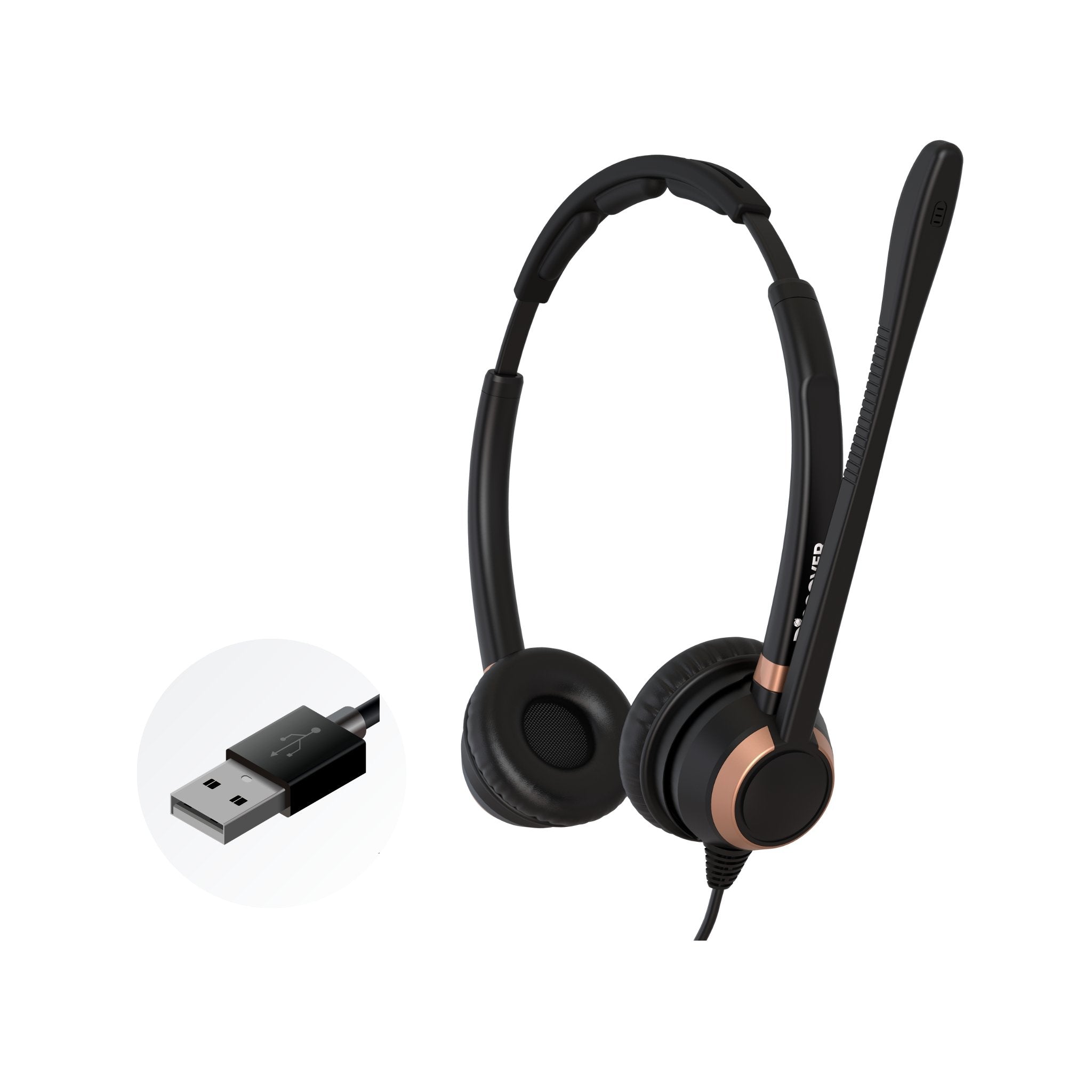
Simply plug the D103, D107 or D114 direct connect cable into your compatible Discover D700 series wired headset, then plug the other end into your Avaya desk phone, into the HEADSET port. In order to use your Discover headset on your Avaya phone, press the headset button on your Avaya phone to answer/end calls. avaya headset connection

How To Use Your Avaya Wireless Headset

cisco headset Option 1- WITHOUT EHS cable
  1. Remove your headset from the charging base and it will auto turn on
  2. To answer/end calls, press the HEADSET button located on your Avaya phone
Option 2- WITH EHS Cable
  1. When a call comes in, simply remove your headset from the charging base and you'll be on the call
  2. OR leave your headset on throughout the day and press the on/off button on your D904 or Adapt 30 headset to answer/end calls up to 350 feet away from your desk

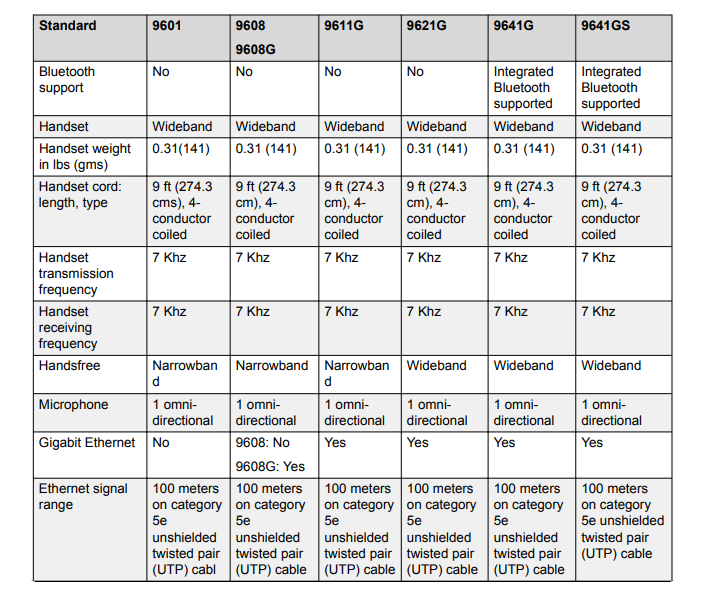
Avaya Phones Compared

Avaya 9600 series- 9601, 9608, 9611G, 9621G, 9641G, 9641GS avaya 9600 comparison avaya 9600 comparison Avaya 1400 series - 1403, 1408, 1416 avaya 1400 series Avaya 2400 series- 2402, 2410, 2420 avaya 2400 series
 

Avaya headsetAvaya phone headset wirelessAvaya wireless headsetCategory_productivityHeadset for avayaHeadset for avaya phone

Leave a comment

All comments are moderated before being published

    1 out of ...

    Blog posts

    View all
    Jabra Evolve3 65 side by side with Evolve2 65 on desk top with text of key differences & which is right for you

    Jabra Evolve3 65 vs. Evolve2 65: Is It Worth Upgrading?

    Jabra business headsetsDoug Merritt
    two headsets on desktop; one is a cheap model at $40, and the other is a premium headset at $250

    $40 vs. $250 Business Headsets: What Are You Really Paying For?

    affordable business headsetsDoug Merritt
    side by side images of headsets, one with on-ear cushions, one with over-ear cushions

    On-Ear vs. Over-Ear Headsets for Business: Which Is Better?

    business headsetsDoug Merritt
    two headsets side by side, one with a microphone boom, one without

    Do Business Headsets Still Need a Microphone Boom?

    best hybrid work headsetDoug Merritt
    image of the new Poly Voyager Focus 6 bluetooth wireless headset with some key feature improvements noted

    HP Poly Voyager Focus 6: What’s New & How It Compares to Focus 2

    Foldable Bluetooth headsetDoug Merritt
    Shokz OpenMeet2 vs OpenMeet: What's New in Gen 2?

    Shokz OpenMeet2 vs OpenMeet: What's New in Gen 2?

    bone conduction headsetsDoug Merritt
    Office Headset: 5 Upgrade Warning Signs

    Office Headset: 5 Upgrade Warning Signs

    headset upgradeDavid Merritt

    Shop our Best Selling Headsets

    View all