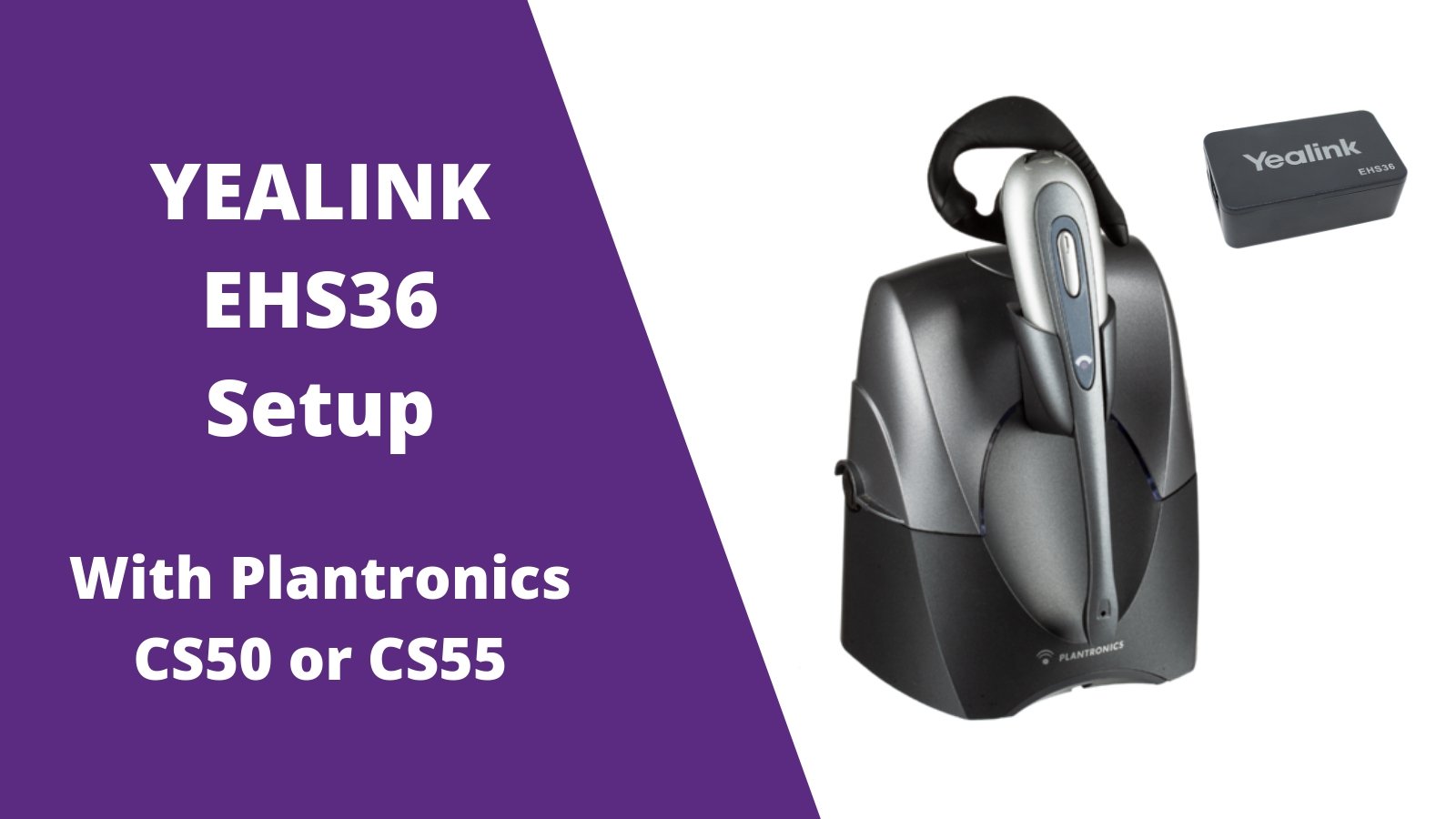
4 Step Yealink EHS36 Setup Guide With Plantronics CS55 Wireless Headset - Headset Advisor

Add the Yealink EHS36 adapter with your Plantronics CS55 and Yealink desk phone to enable remote call answering. Out of the box of the EHS36 is a number of cords and not all cords will be used in your setup. Follow the quick step by step guide below on properly installing your EHS36 on the CS55 wireless headset.

Step 1

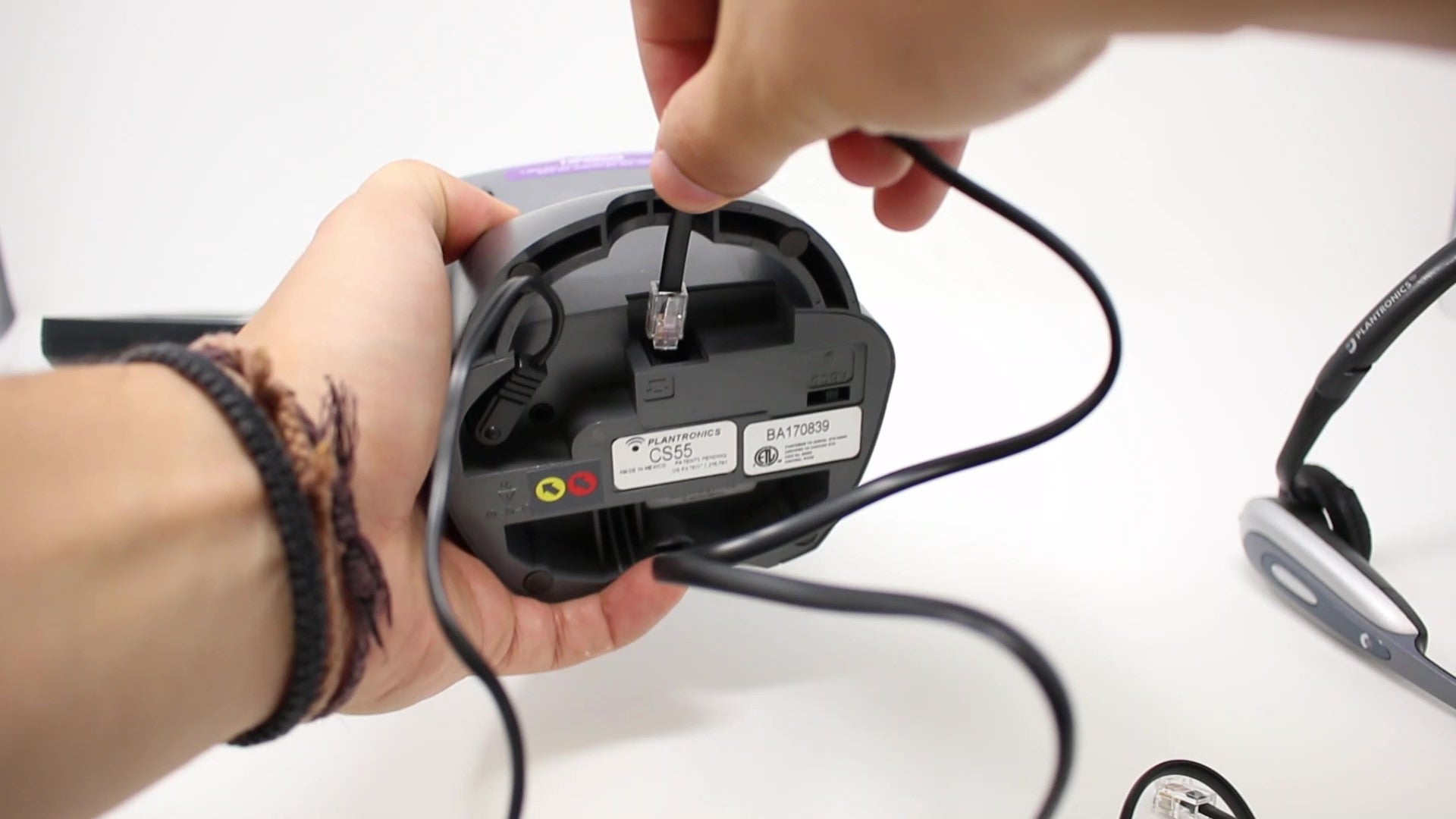
Plug your RJ9 phone cord in to the back of your Plantronics CS55 charging base. cs55 with yealink ehs36
Step 2

Plug the other end of your RJ9 phone cord into the HEADSET PORT of your Yealink desk phone. plantronics cs55 with yealink ehs36-2

Step 3

Included with your Yealink EHS36 is a 3.5mm cable. Plug one end into the EHS36 box, then plug the other end into the bottom of your CS55 charging base. 3.5mm to ehs36ehs36 with cs55
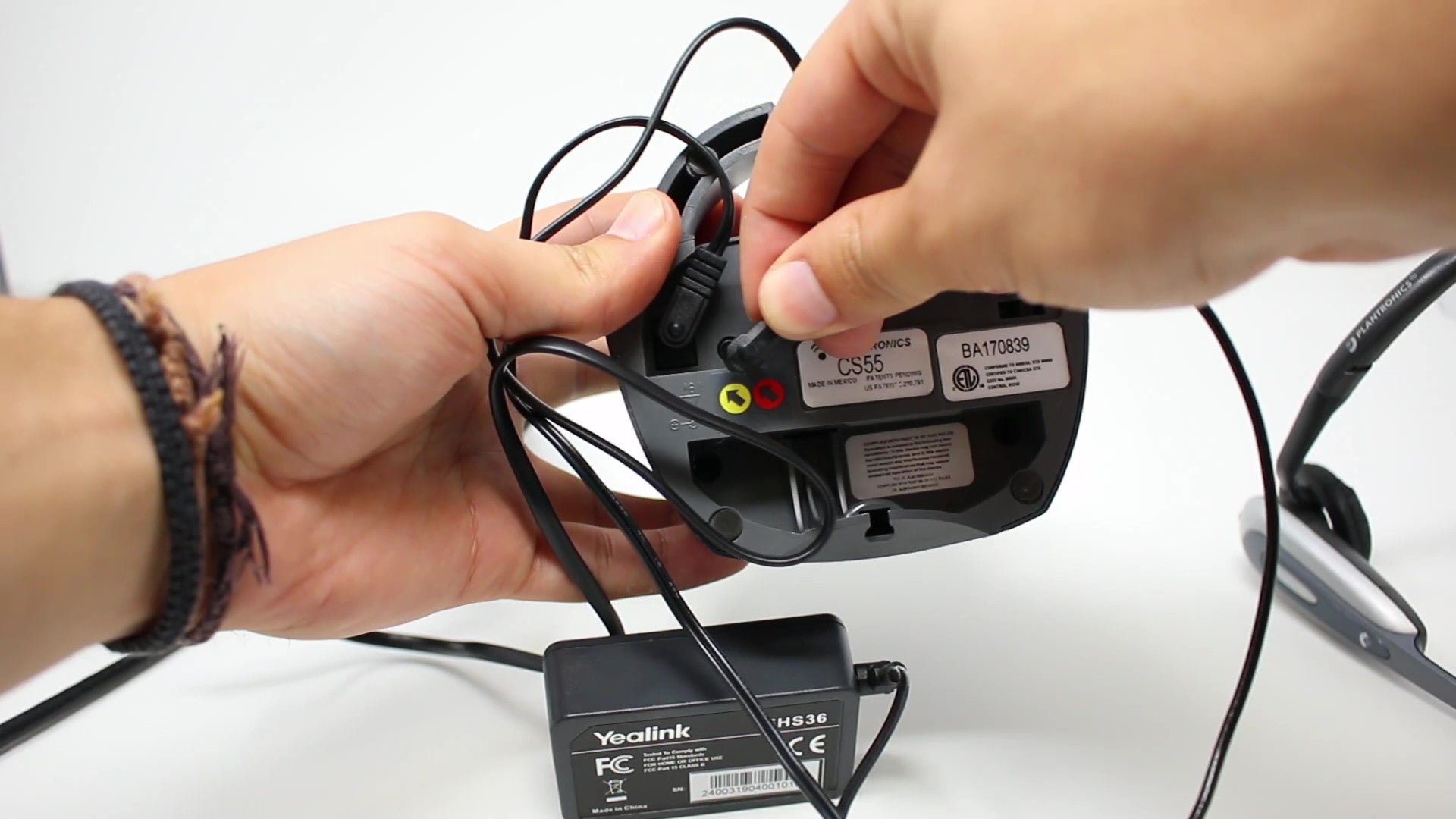
Step 4

Also included with your Yealink EHS36 is an RJ12 cord. Plug one end of the RJ12 phone cord into the EHS36 box, then plug the other end into the back of your Yealink desk phone with the port labeled EXT or EHS. rj cord for yealink ehs36rj12 ehs36 That's it! Your Plantronics CS55 wireless headset is now setup with your Yealink desk phone and EHS36 adapter. You'll now have the ability to answer/end calls when you step away from your desk. For additional headset support, contact us today.

Additional resources:

Start renting your headsets for as low as $8/mo with a warranty that never expires. headset rental
Category_setup guidesCs55Cs55 setupCs55 setup with ehs36Ehs36PlantronicsPlantronics cs55Plantronics with ehs36YealinkYealink ehs36Yealink ehs36 setupYealink ehs36 setup with cs55

Leave a comment

All comments are moderated before being published

    1 out of ...

    Blog posts

    View all
    Office Headset: 5 Upgrade Warning Signs

    Office Headset: 5 Upgrade Warning Signs

    headset upgradeDavid Merritt
    government woman in foreground wearing headset at desk while working on computer, man doing the same in background with the u.s. capital in far background

    What Government Agencies Should Consider Before Buying Headsets

    best government headsetsDoug Merritt
    Microsoft Teams Headset Buying Guide

    Microsoft Teams Headset Buying Guide

    bluetooth headsetDavid Merritt
    headset on desk top next to laptop and some law books, promoting the thought of things for law firms to consider before buying headsets

    What Law Firms Should Consider Before Buying Headsets

    business headsetsDoug Merritt
    woman working at hospital with headset on, scrubs, stethescope around neck, with text promoting points about things to consider when shopping for headsets for healthcare workers

    What to Look for When Shopping for Healthcare Headsets

    DECT headsetsDoug Merritt
    Jabra Evolve3 75 vs Jabra Evolve3 85: Which Headset Is Right for You?

    Jabra Evolve3 75 vs Jabra Evolve3 85: Which Headset Is Right for You?

    hybrid work headsetDoug Merritt

    Shop our Best Selling Headsets

    View all
    Discover D722U Over-Ear Noise Cancelling USB Wired Headset For Computer (Boomstick) - Headset AdvisorDiscover D722U Over-Ear Noise Cancelling USB Wired Headset For Computer (Boomstick) - Headset Advisor
    Discover D712U Dual Speaker USB Wired Office Headset For Professionals - Headset Advisor
    Discover D713U On-Ear USB Wired Headset - Headset Advisor
    Discover Discover D713U: Comfortable On-Ear USB Headset with Mic
    Sale priceFrom $39.99Save $40.00 Regular price$79.99
    40 reviews
    Only 216 units left
    Choose options
    epos impact 1060
    EPOS EPOS Impact 1000 Dual Speaker Noise Canceling Headset With HD Mic
    Sale priceFrom $219.99Save $49.01 Regular price$269.00
    23 reviews
    Only 942 units left
    Choose options