
Shop VoIP phones for business from Yealink and Poly: IP desk phones, the Yealink MP45 USB phone for Microsoft Teams, and conference phones for meeting rooms. Compare lines, screens, Wi-Fi, Bluetooth and PoE below, see which platforms each maker names, and find the headset that fits your phone. We've reviewed the MP45 on video.
Compare headsets




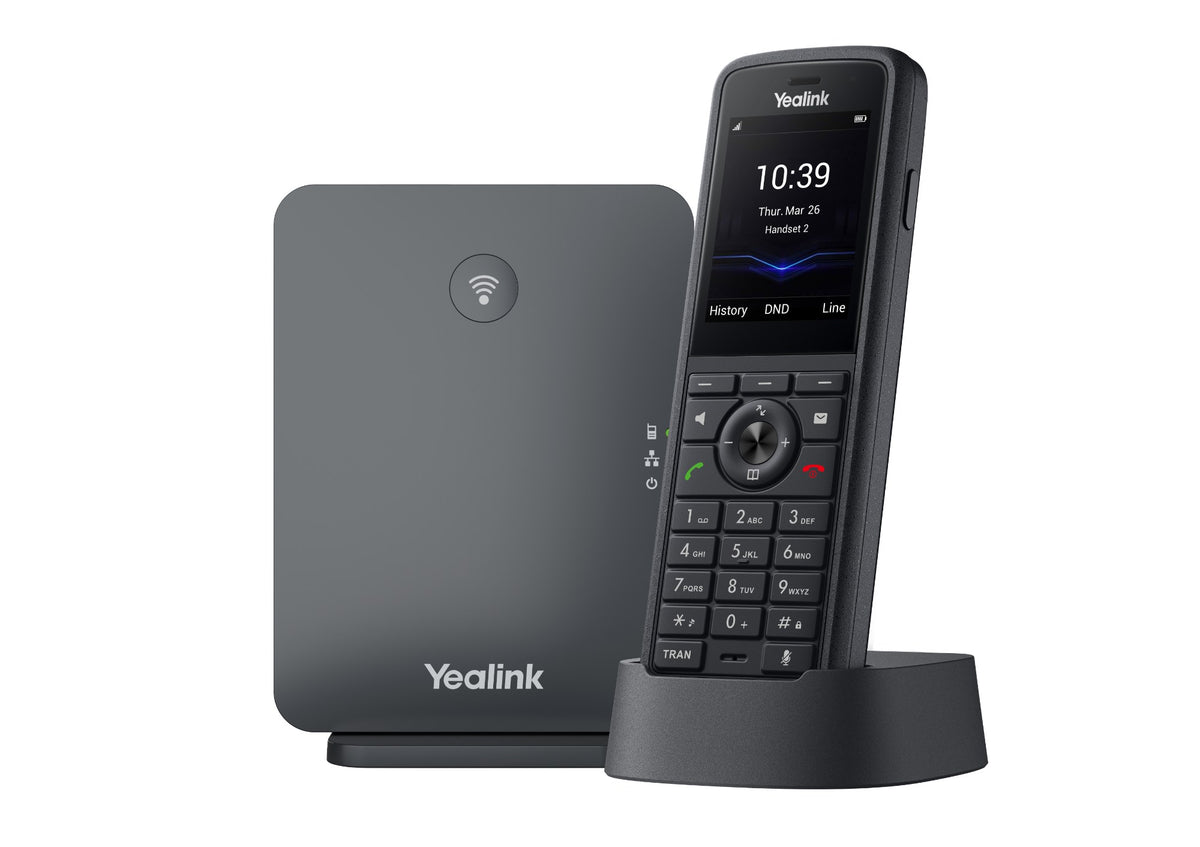
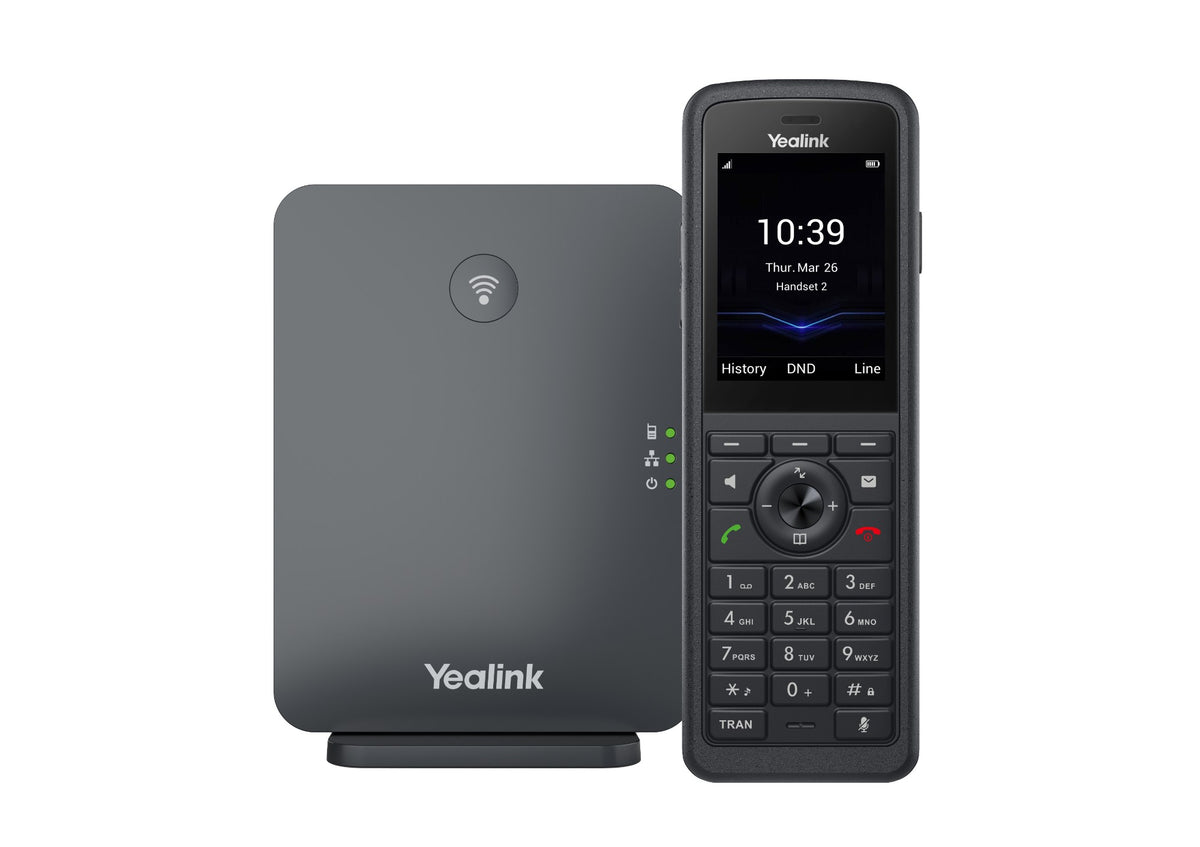
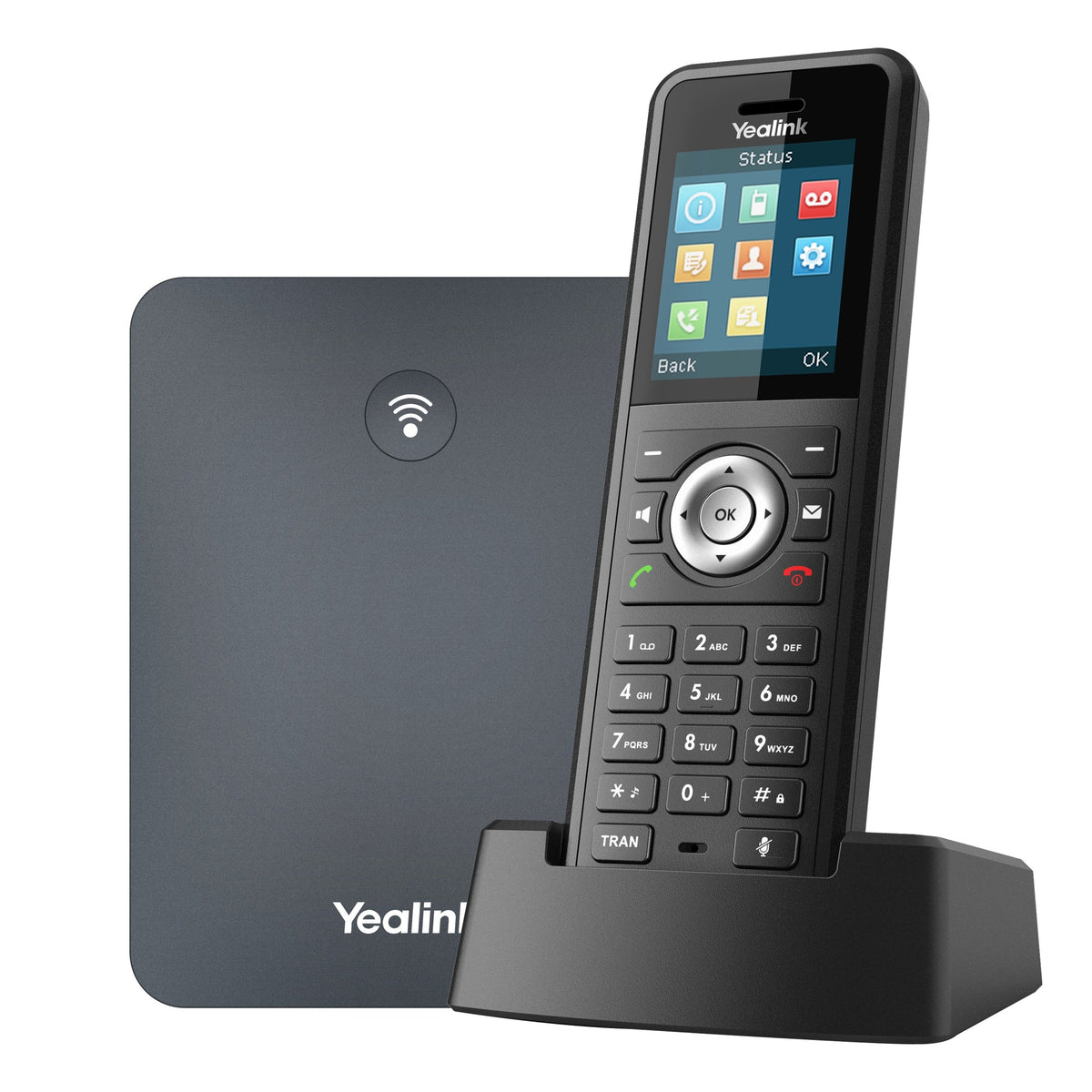
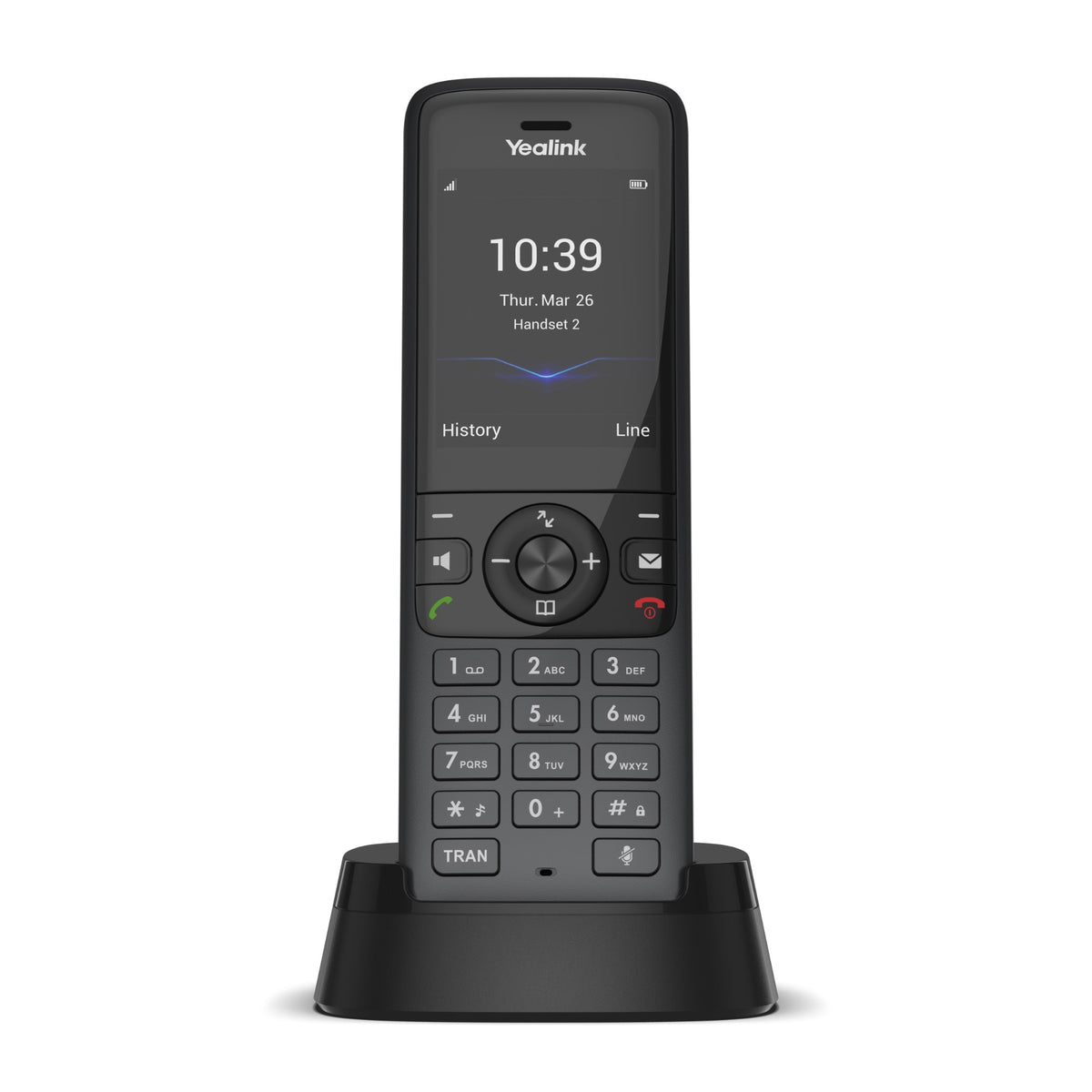


Our review
The phone we've reviewed on video.
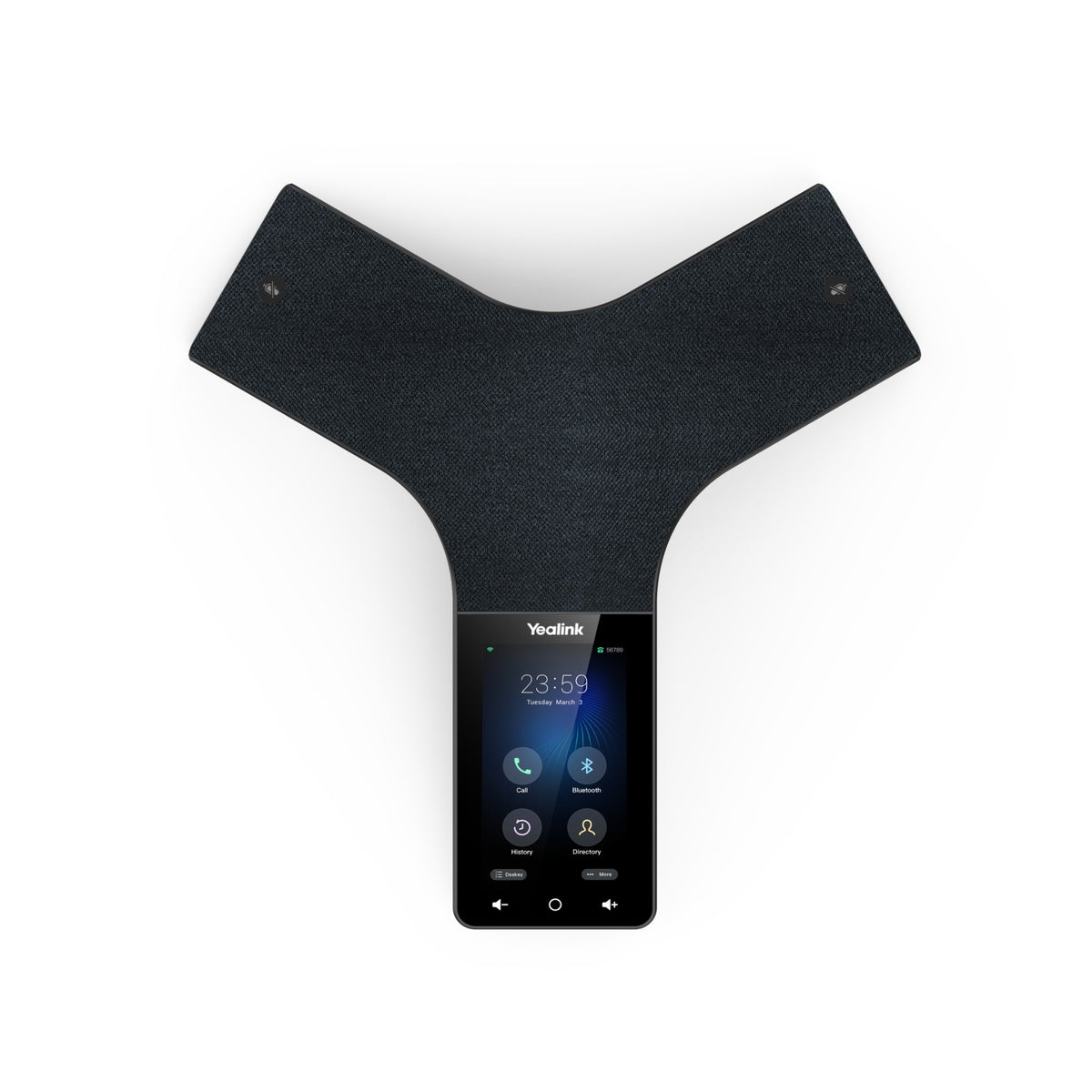
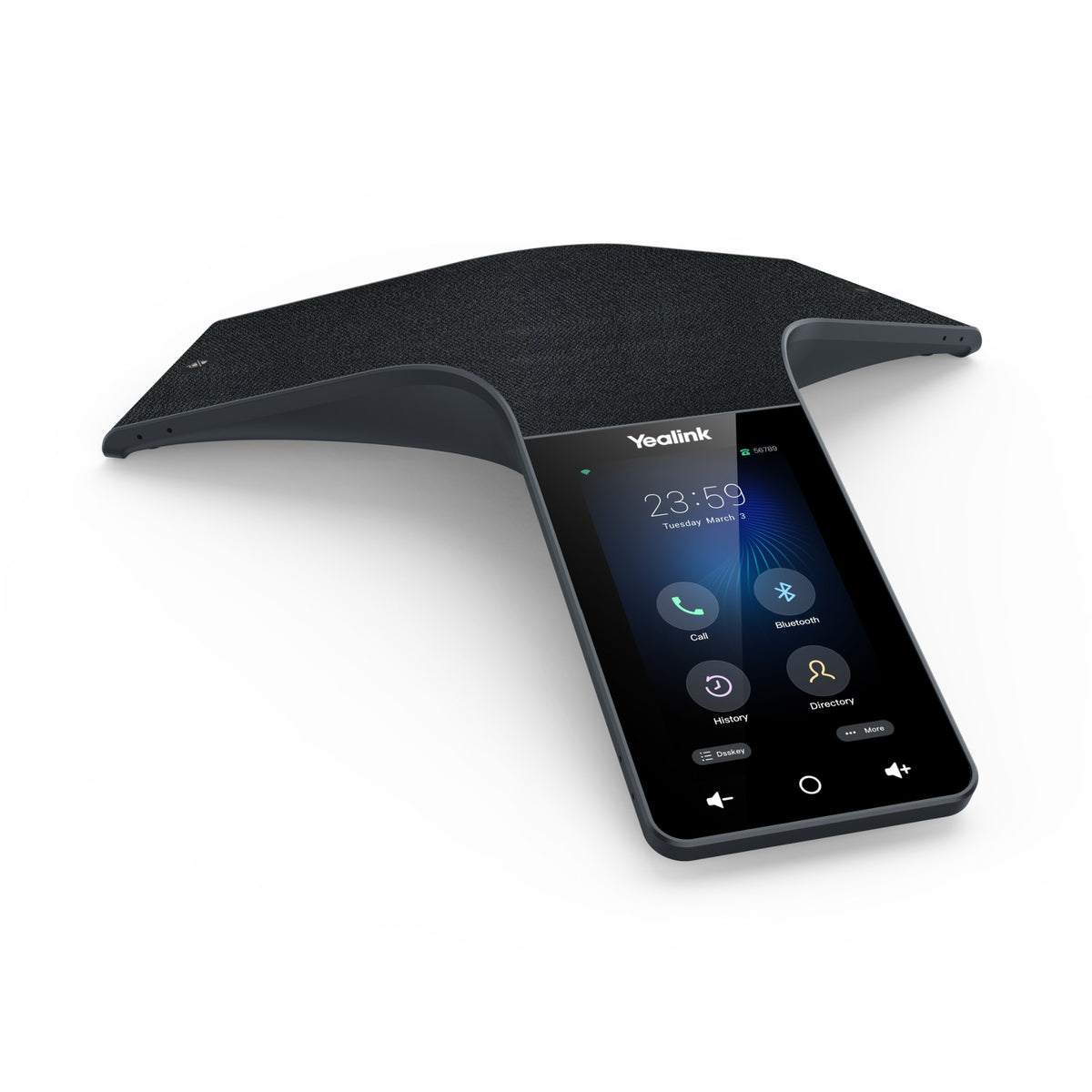
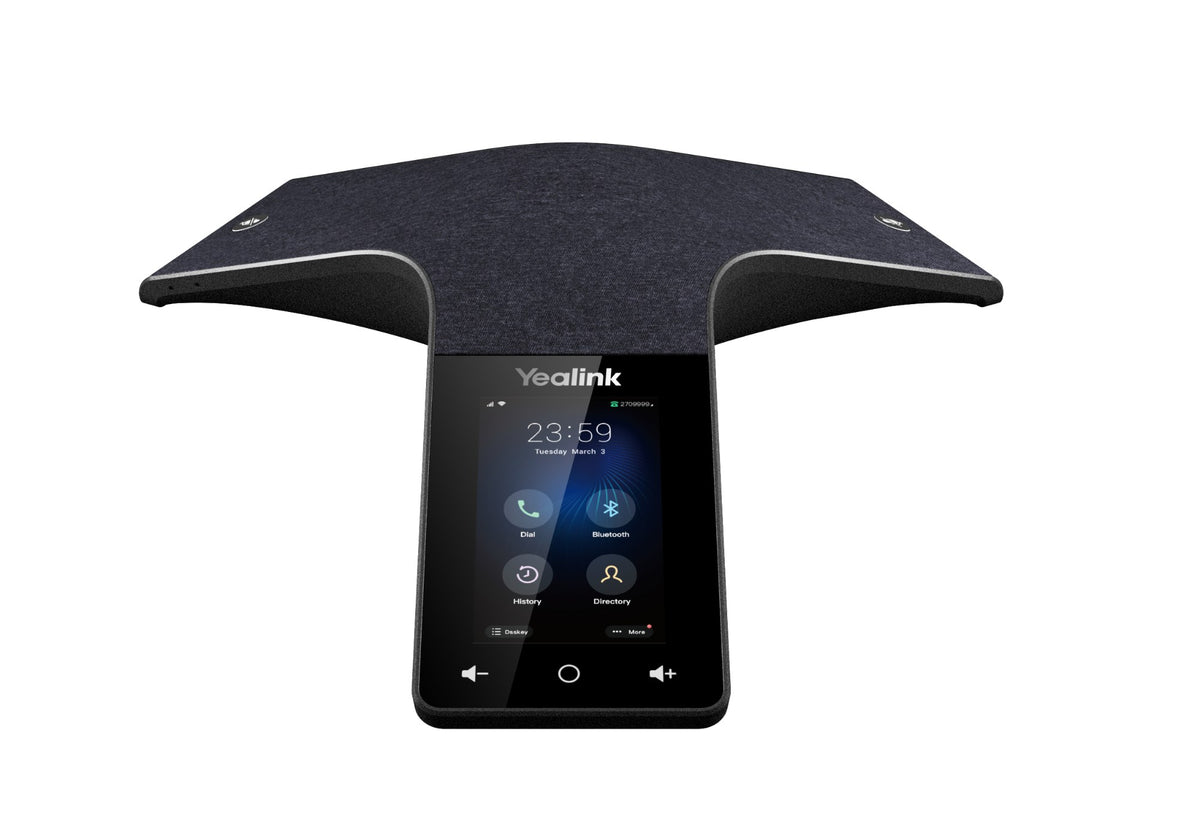
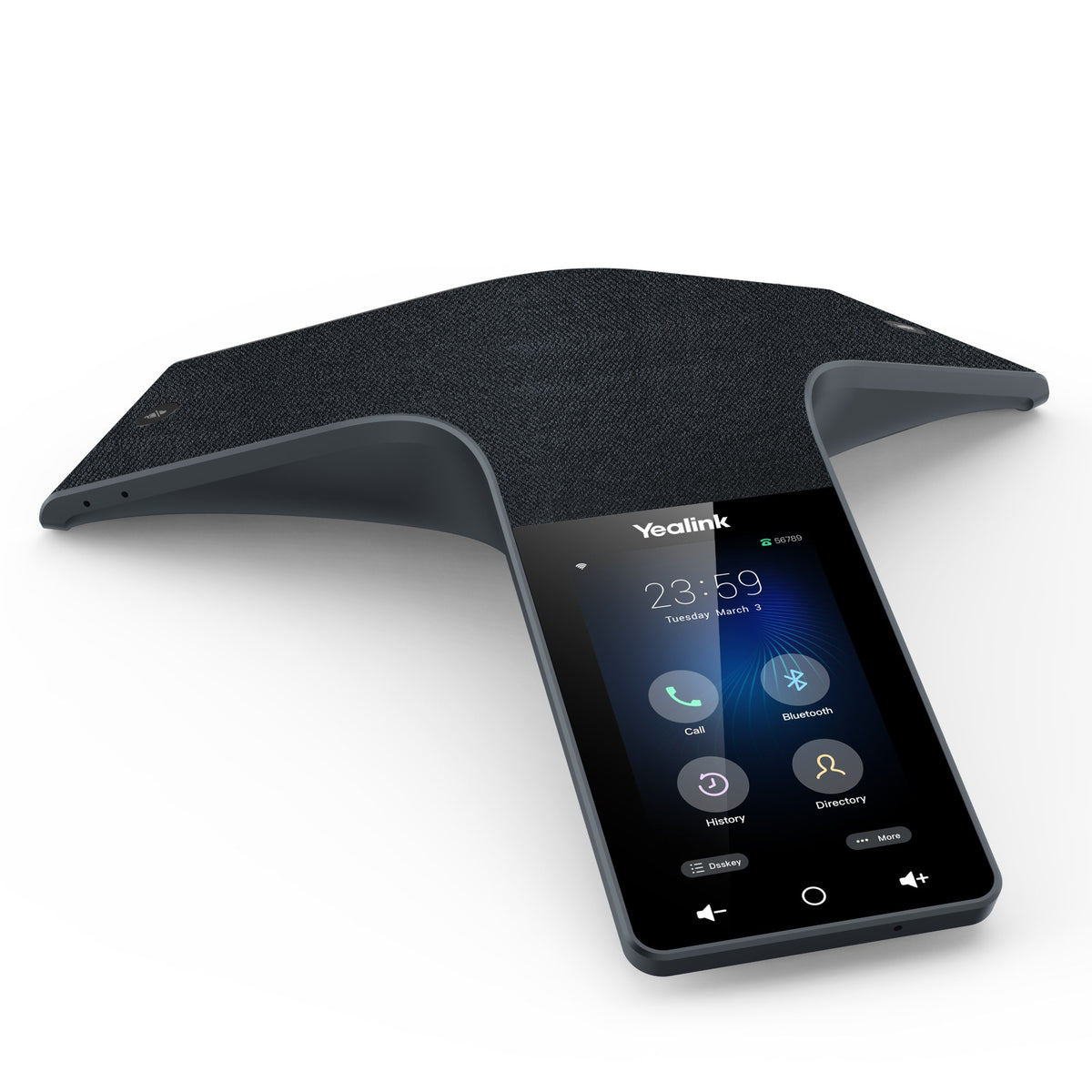
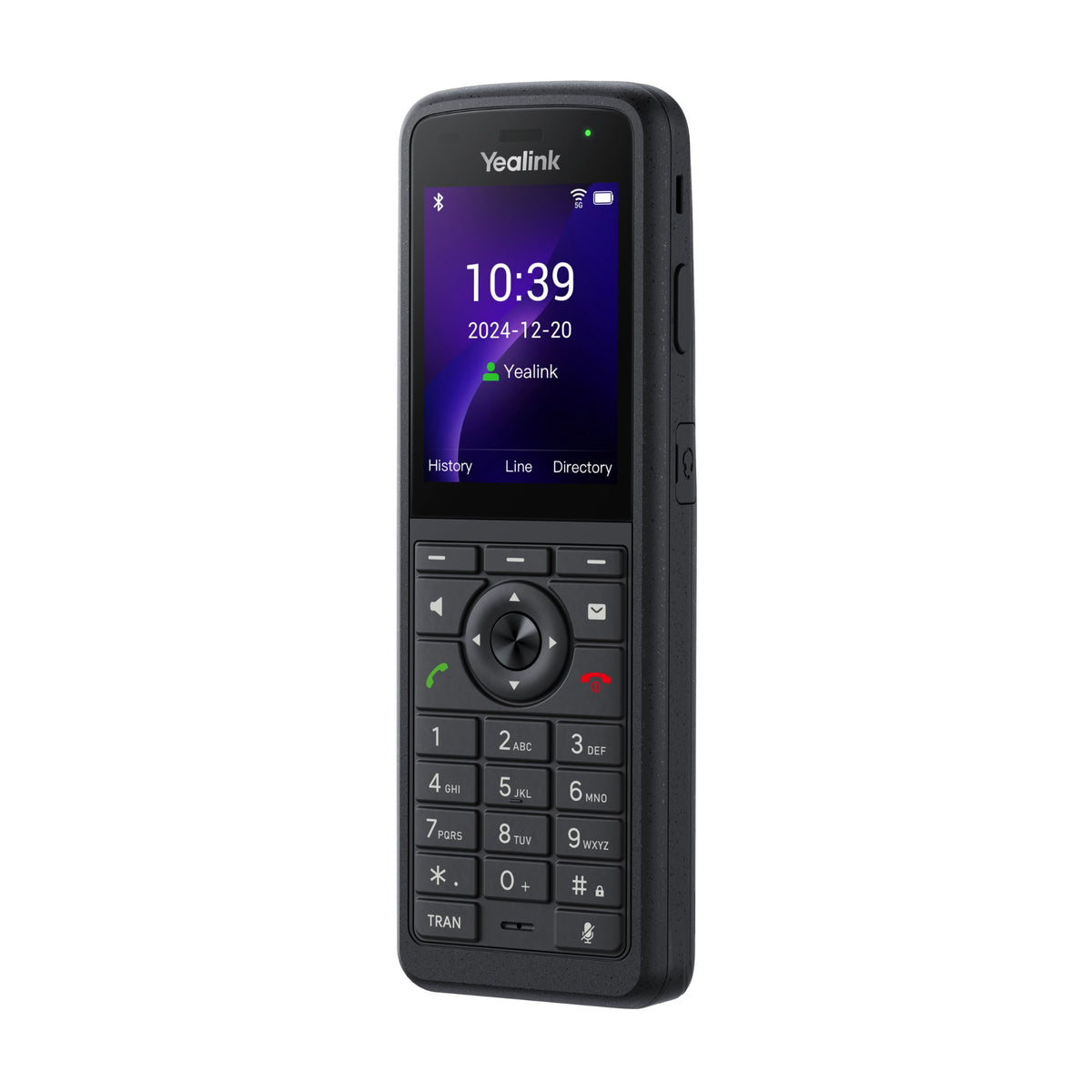
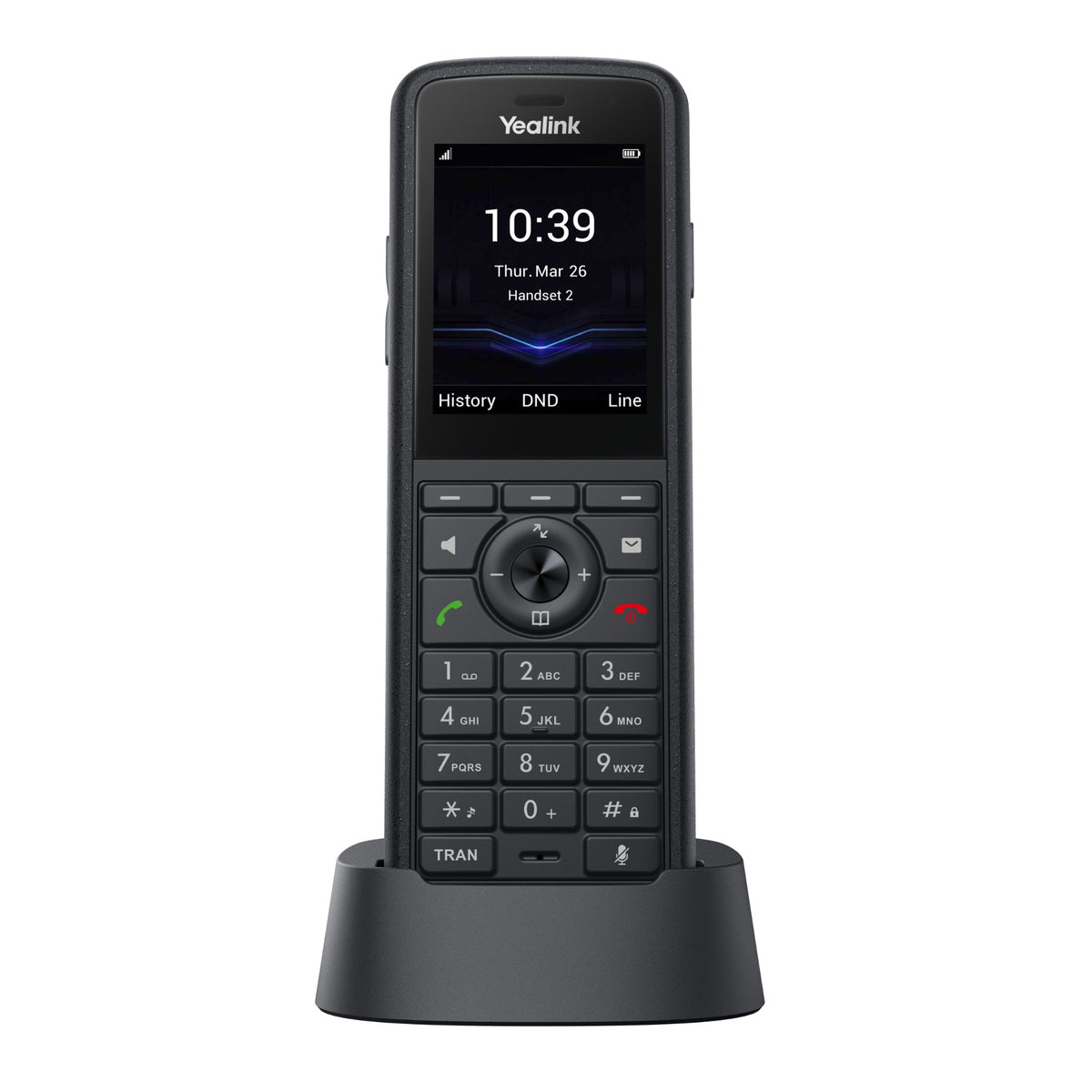
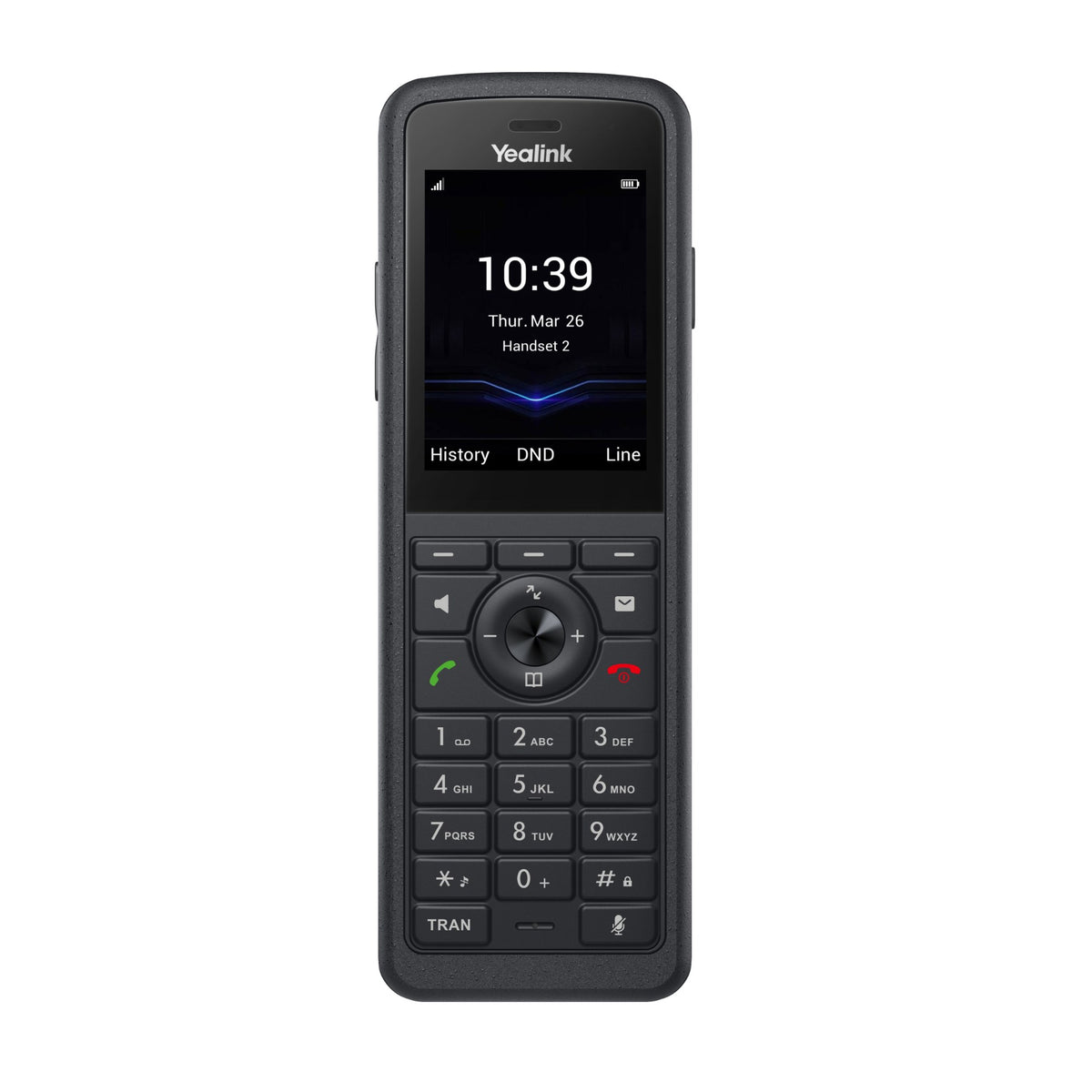
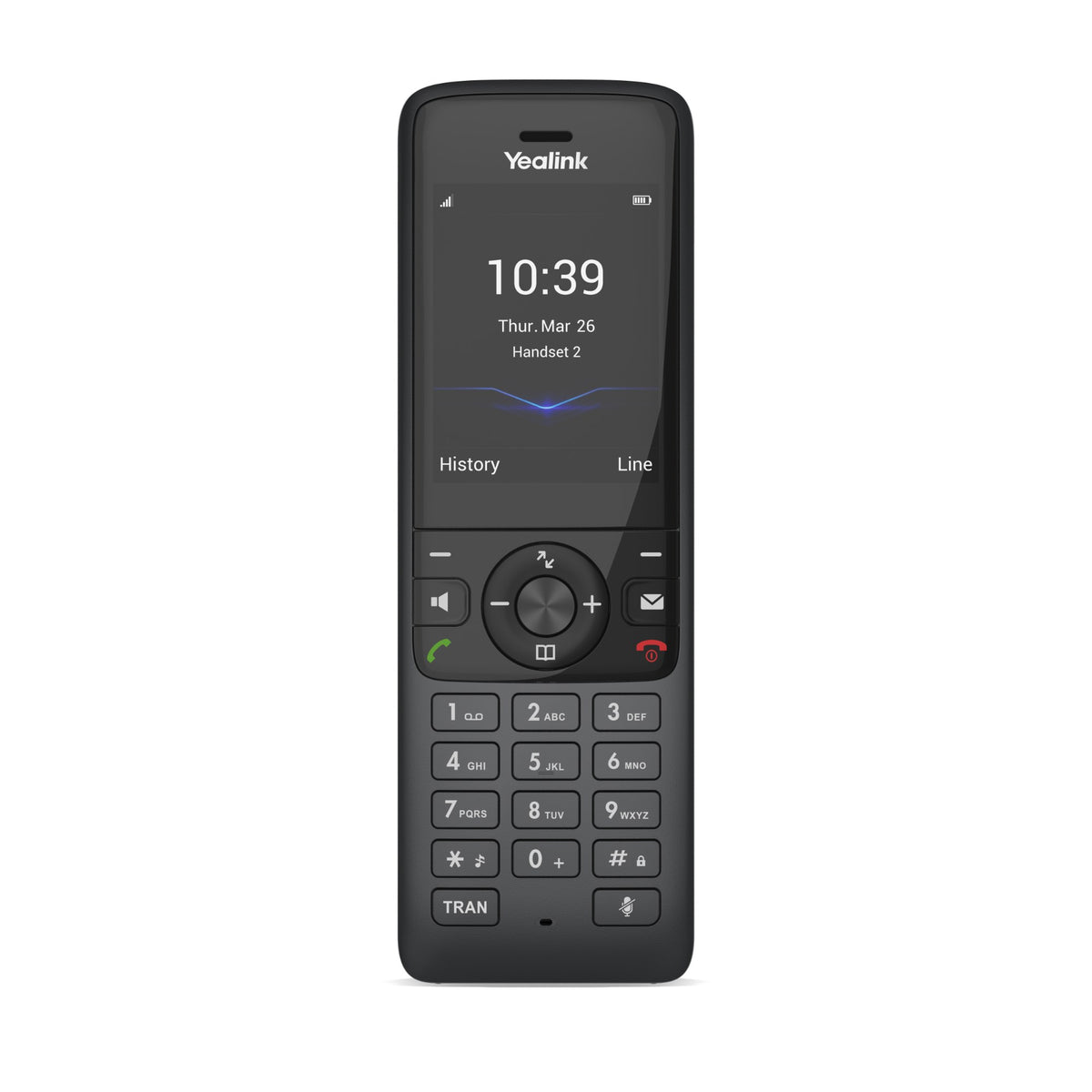
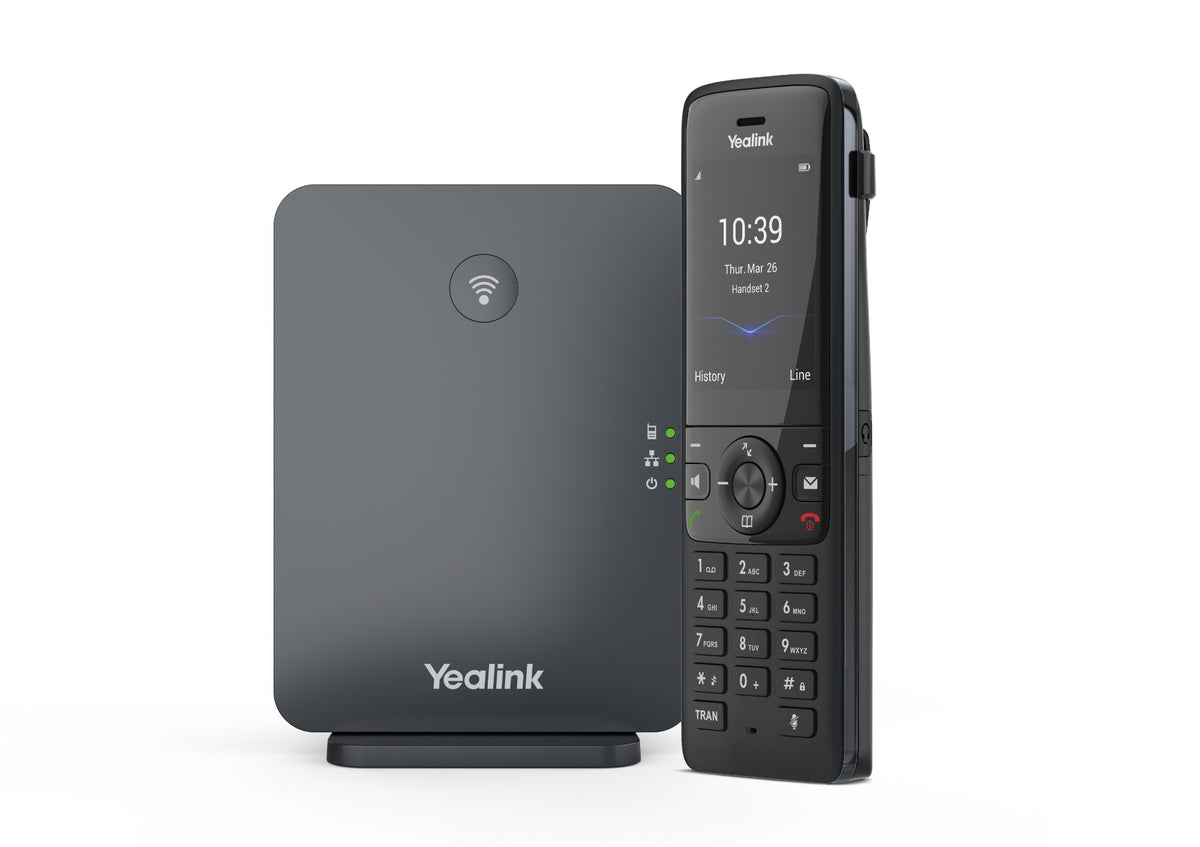
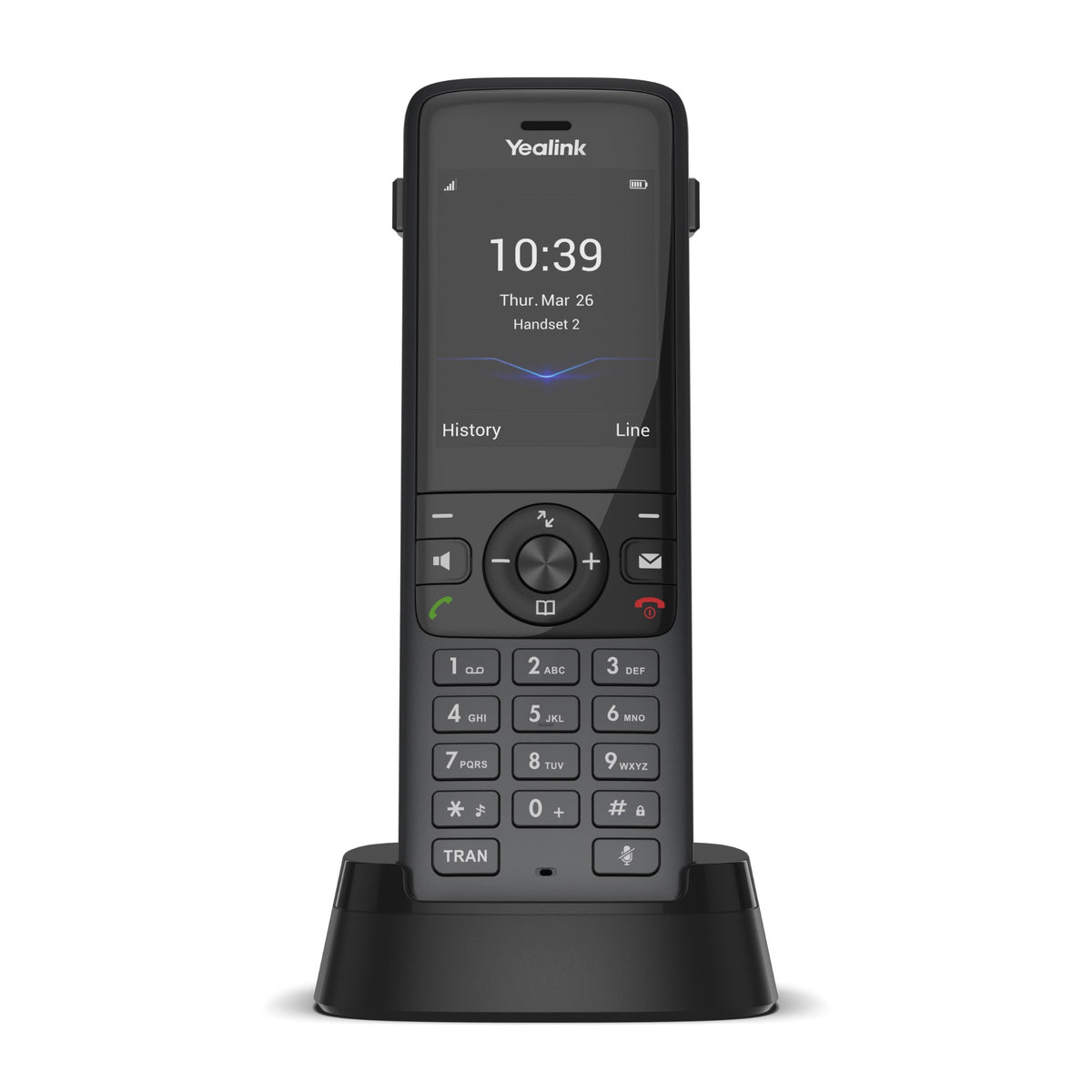
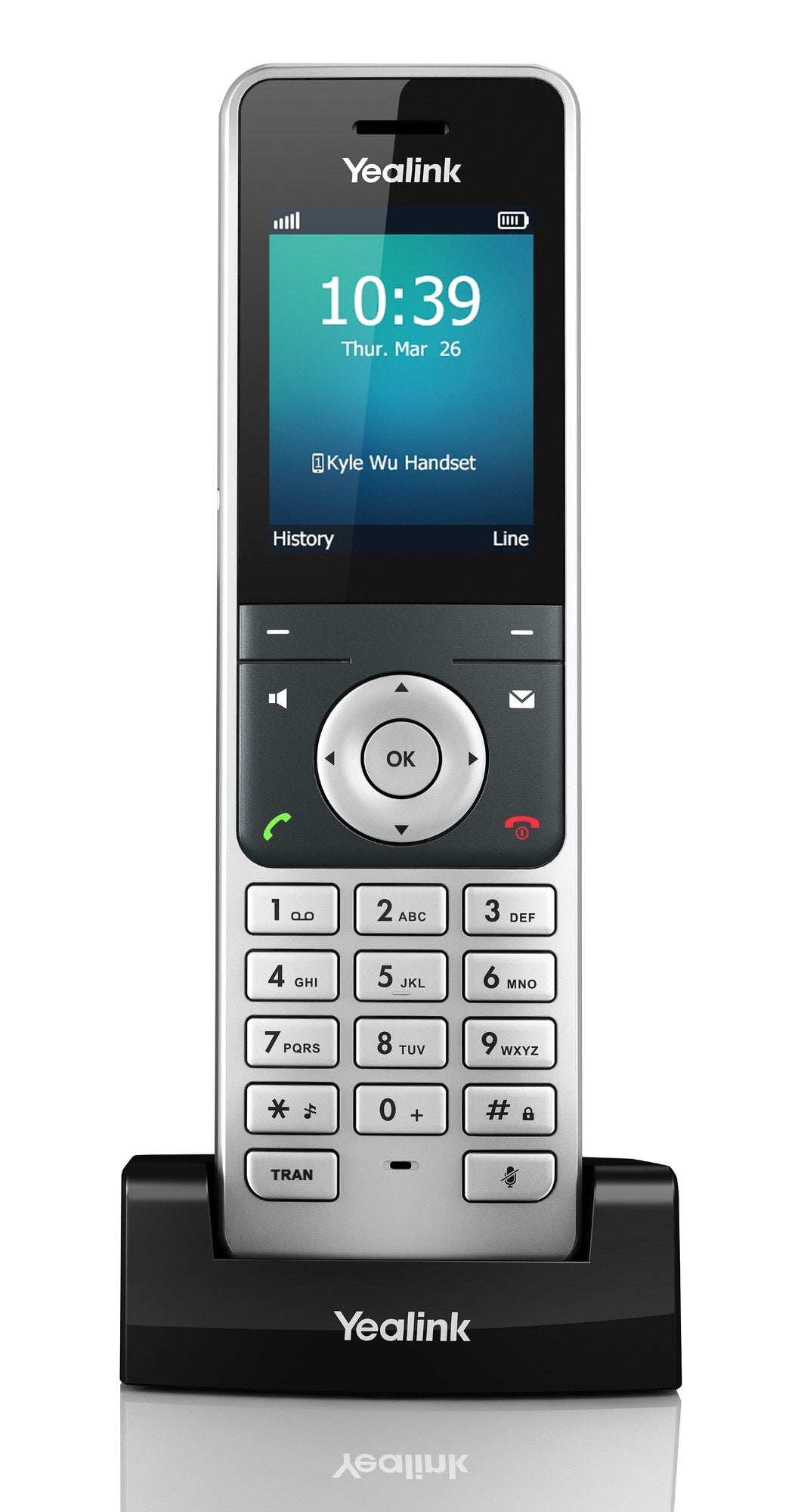
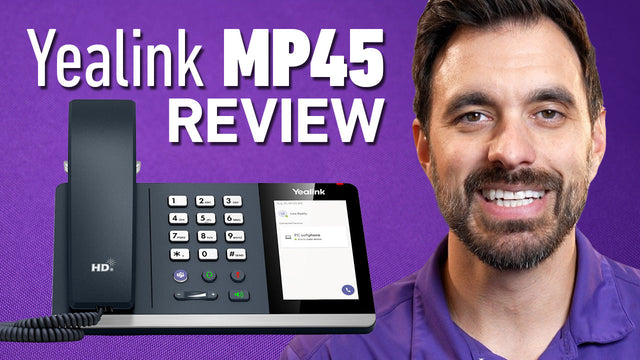
Yealink MP45
Our verdict: So whether you work in an office, or you’re more nomadic when it comes to where you work, the Yealink MP45 is a solid choice for anyone who needs computer connectivity for their communications, and prefers a traditional style phone.
Read our review →$97.65

Compare these phones
| Phone | Lines | Screen | Wi-Fi / Bluetooth | PoE | Teams / Zoom | Price |
|---|---|---|---|---|---|---|
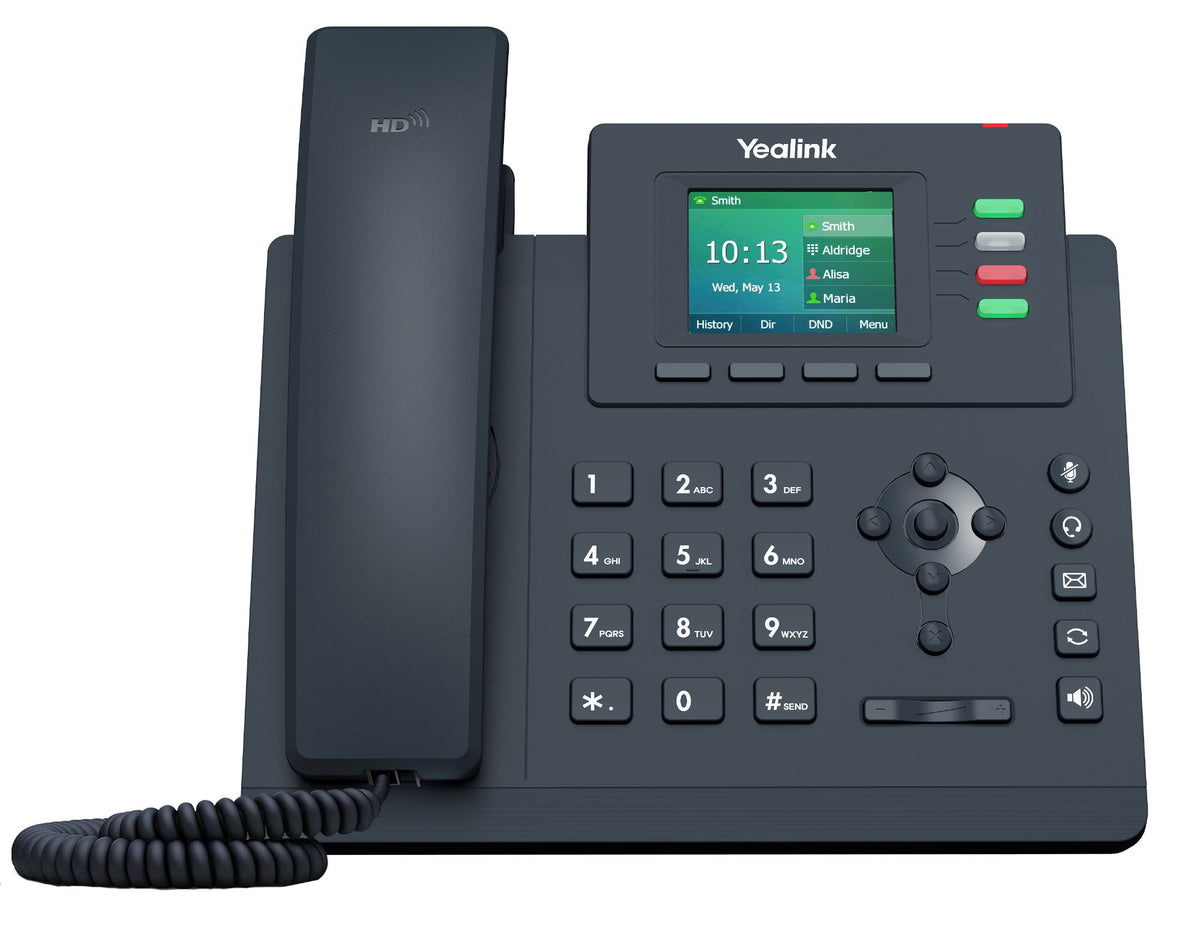
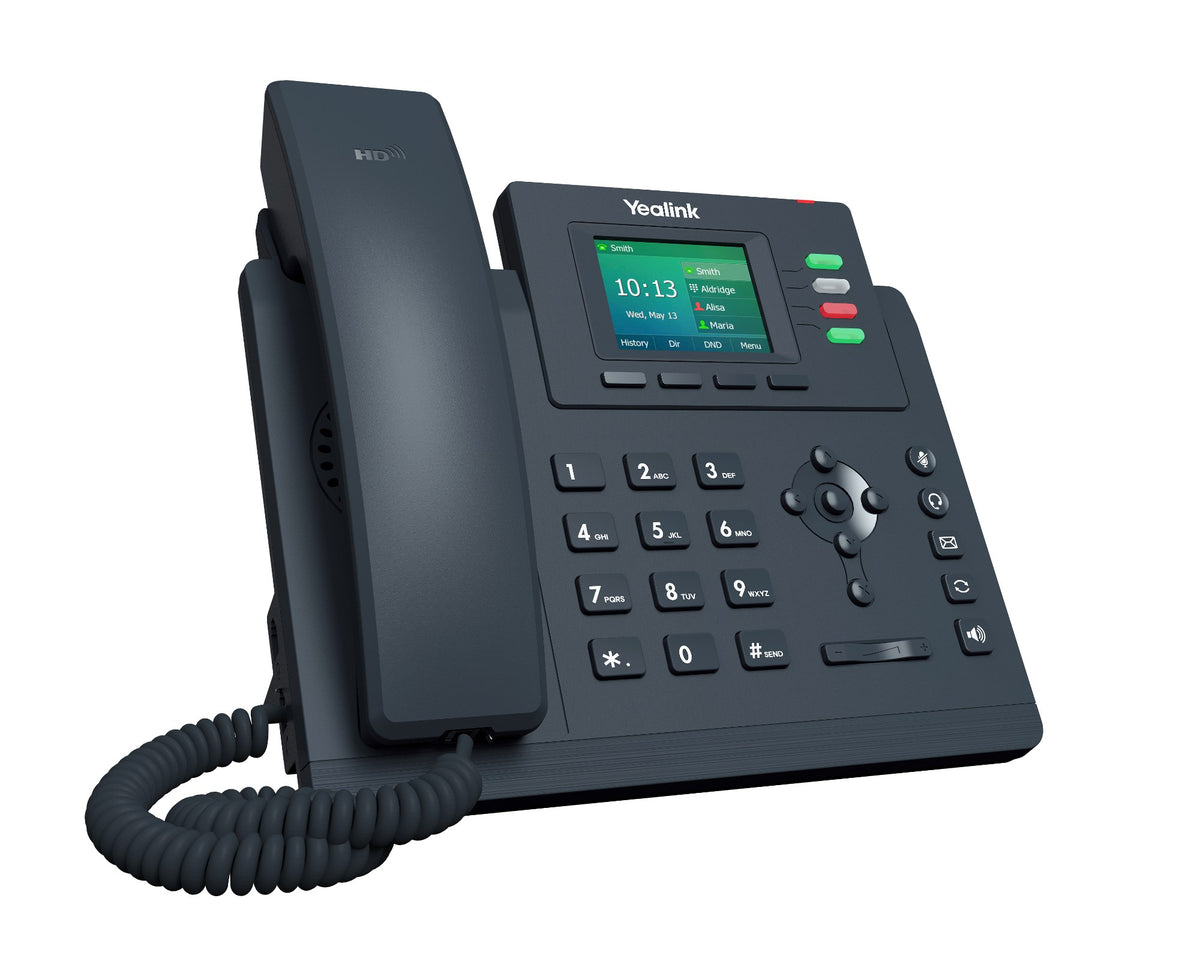
 Yealink SIP-T33G Entry-level 4-Line Color LCD IP Phone | Desk phone | 2 x Gigabit Ethernet, PoE | Open SIP | N/A | N/A | From $115.00View |
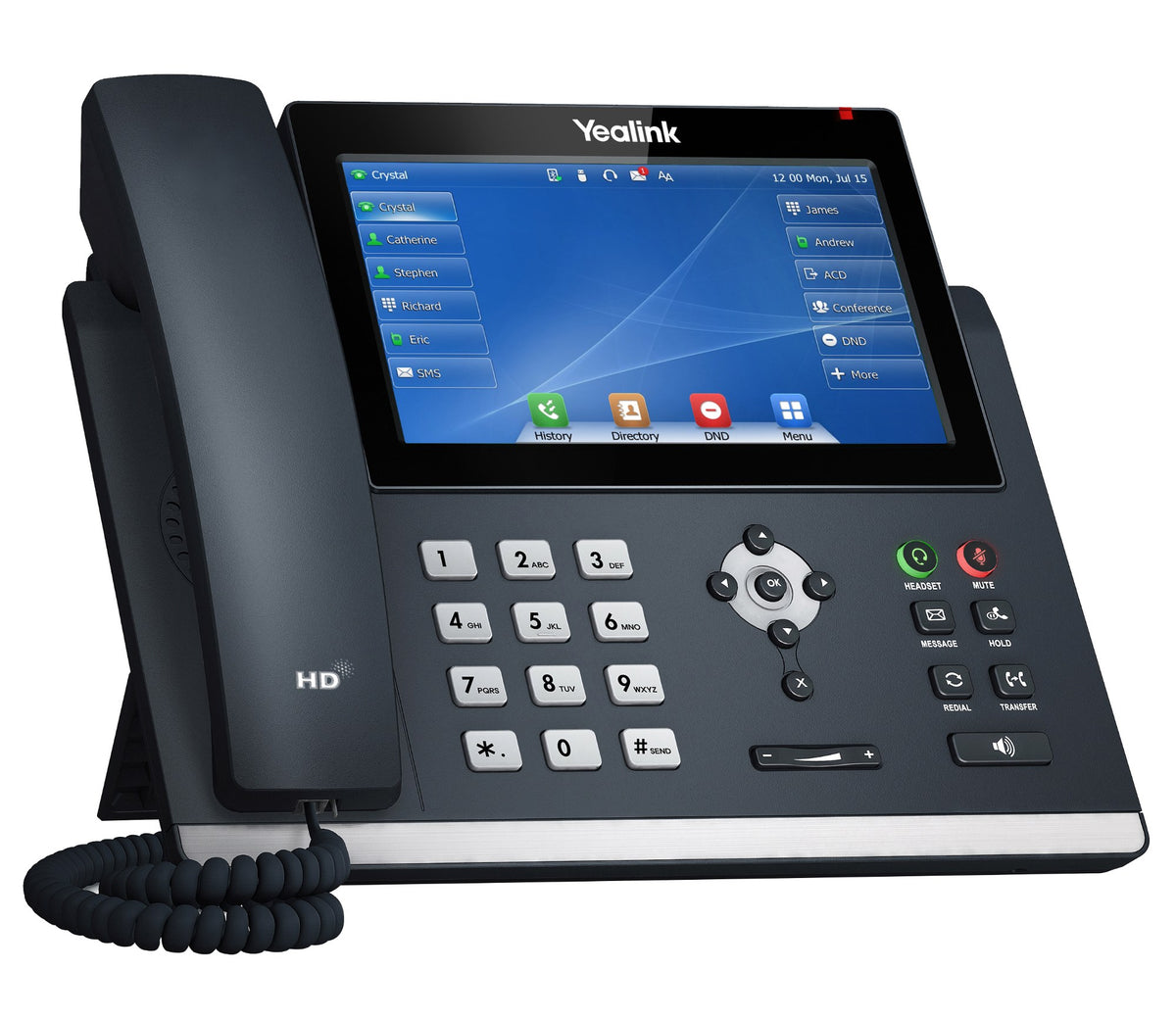
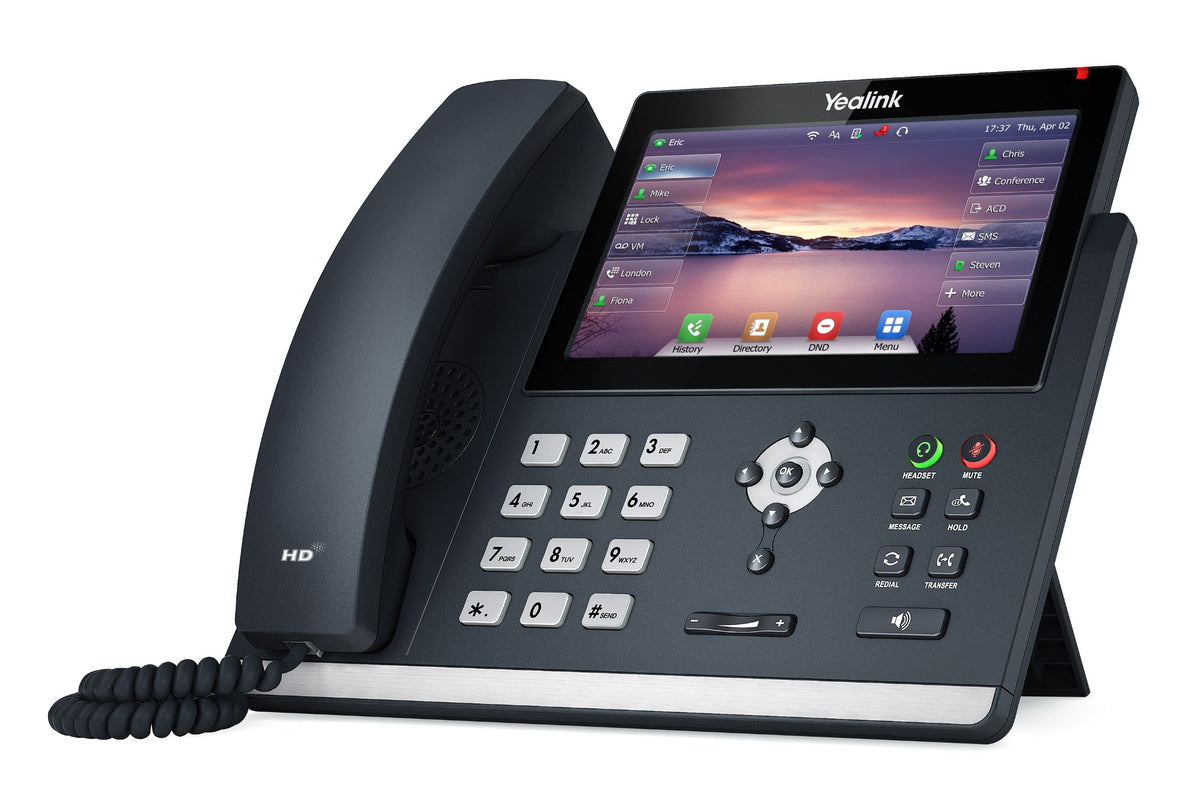
 Yealink SIP-T46U 4.3-inch Color Screen Productivity IP Phone | Desk phone | 2 x Gigabit Ethernet, PoE | Open SIP | N/A | N/A | From $245.00View |
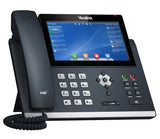 Yealink SIP-T48U 7-inch Touch Screen IP Phone | Desk phone | 2 x Gigabit Ethernet, PoE | Open SIP | N/A | N/A | From $335.00View |
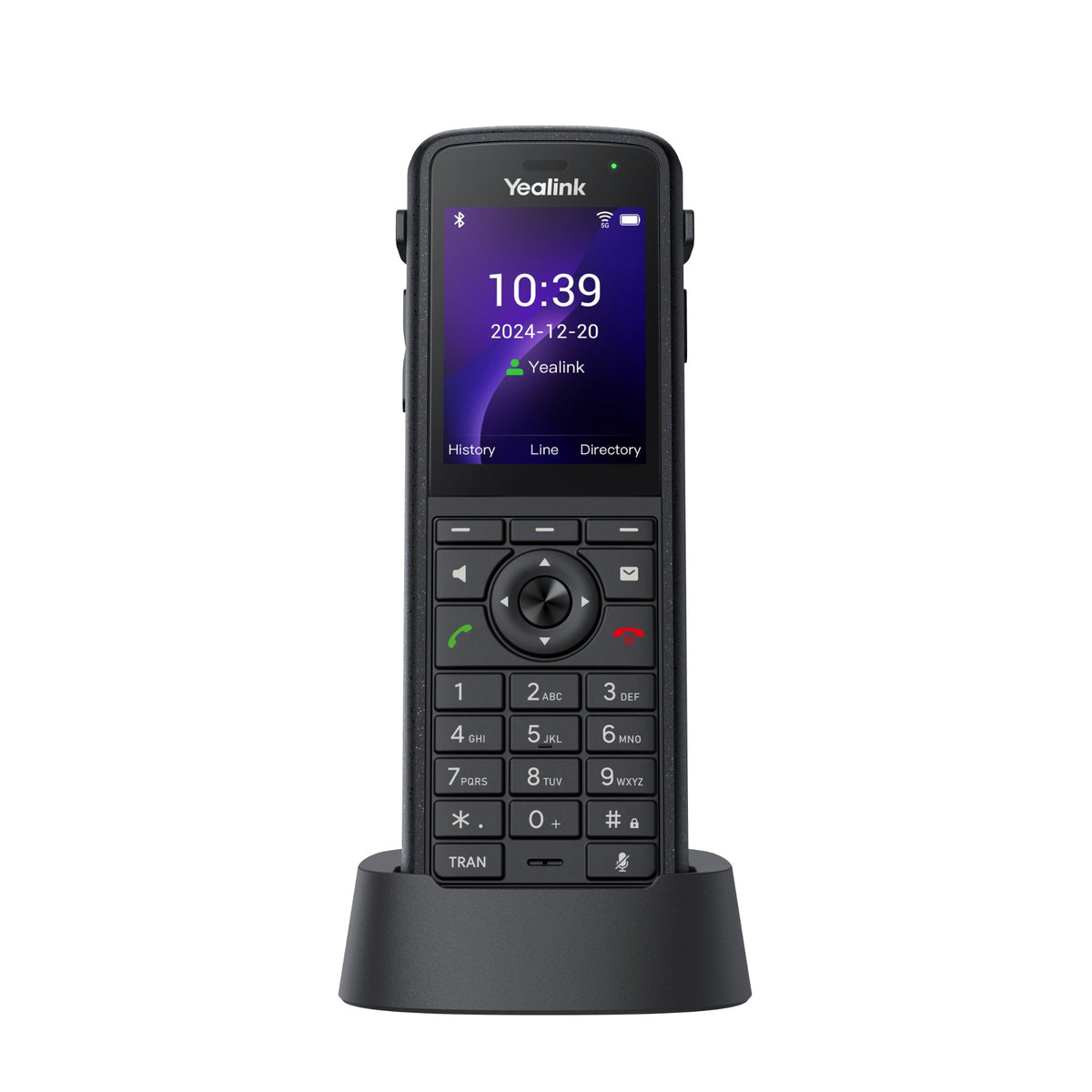
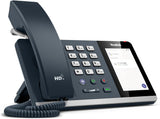 Yealink MP45 | USB phone for your computer | 4 in touch screen | None listed | No (USB powered) | Teams Edition; other UC apps | $97.65ViewReview |
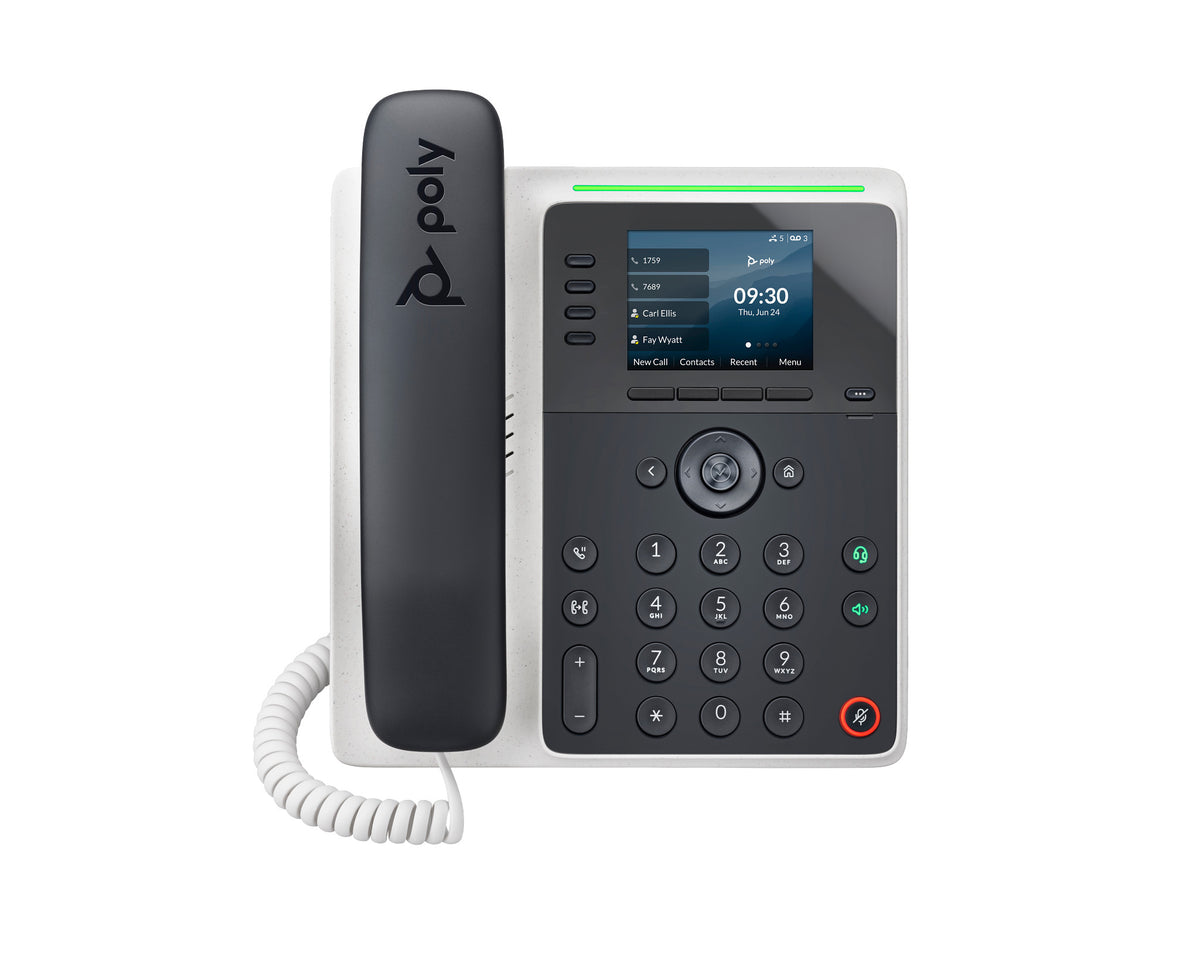
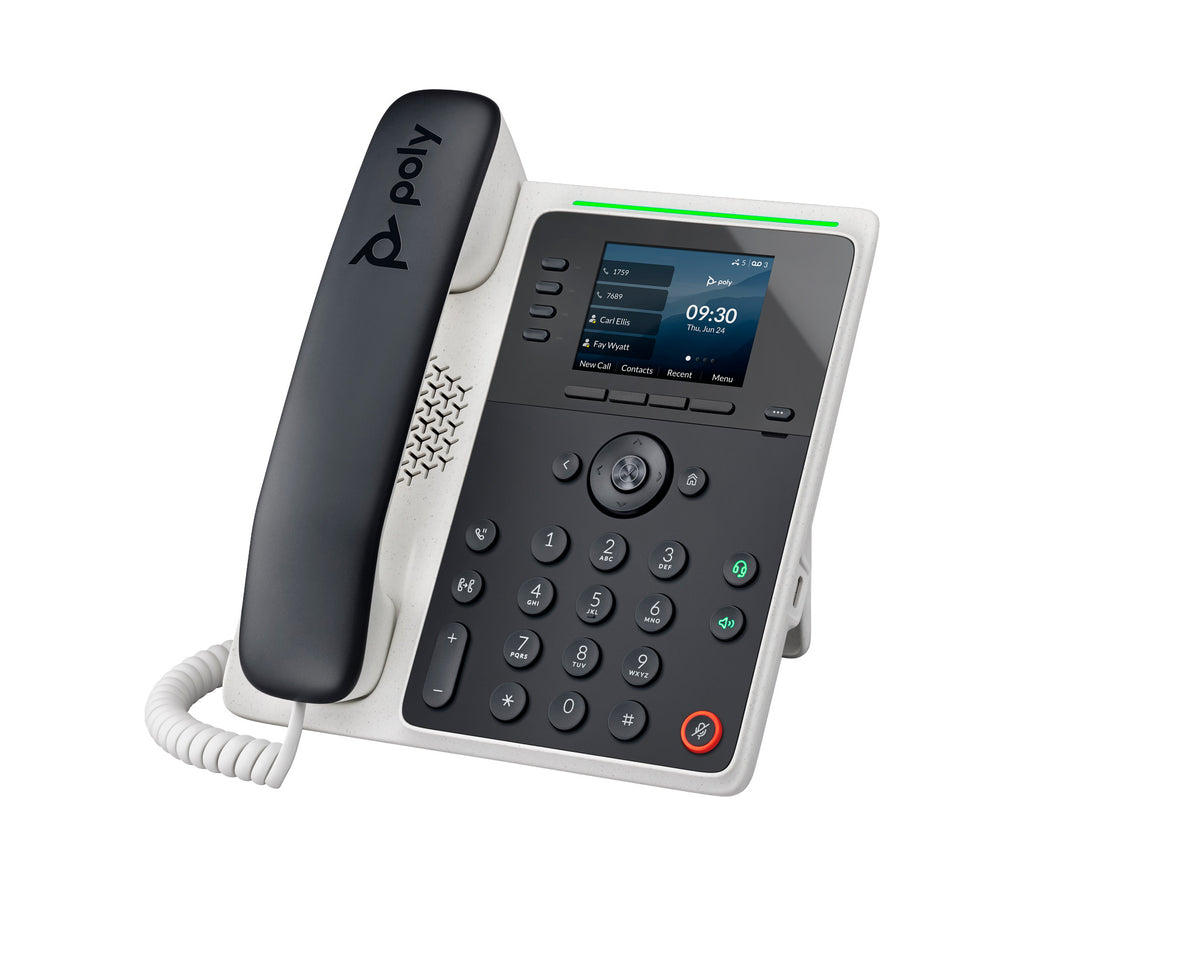
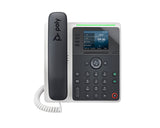 Poly Edge E220 VoIP Desk Phone | 4 line keys, up to 16 SIP lines with pagination | 2.8" color IPS LCD (320 x 240) | Bluetooth 5.0 | Yes (PoE) | Open SIP | From $172.14View |
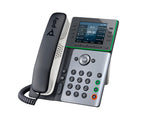 Poly Edge E300 VoIP Desk Phone | 8 line keys, up to 32 SIP lines with pagination | 3.5" color IPS LCD | None (wired only) | Yes (PoE) | Open SIP | From $185.34View |
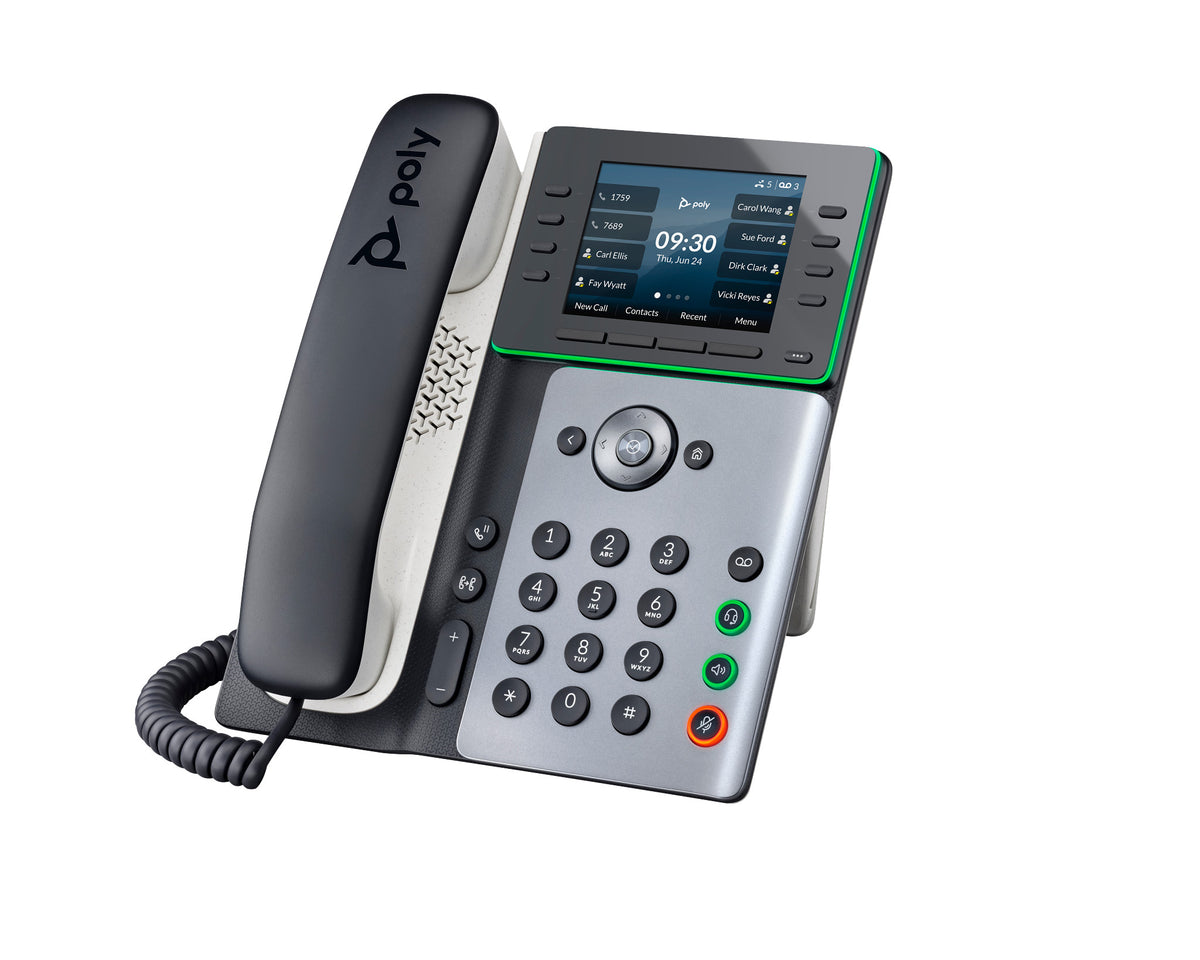
 Poly Edge E400 VoIP Desk Phone | 8 line keys, up to 32 SIP lines with pagination; 6 contact keys (12 contacts) on the second display | 3.5" color IPS LCD + 2.4" color second display | None (wired only) | Yes (PoE) | Open SIP | Out of stockView |
 Poly Edge E450 VoIP Desk Phone | 8 line keys, up to 32 SIP lines with pagination; 6 contact keys (12 contacts) on the second display | 3.5" color IPS LCD + 2.4" color second display | Wi-Fi + Bluetooth 5.0 | Yes (PoE) | Open SIP | From $261.89View |
Specs are from each maker's data sheet. Prices are live.
Works with your provider
What each phone's listing or maker says it works with. We show only what is stated, so if your provider isn't named, check its supported phone list or ask us.
| Phone | Works with (as stated) | Source | Notes |
|---|---|---|---|
| Yealink T33G | Zoom: listed under Yealink's Zoom Phones | Yealink website | SIP phone. Its data sheet names no providers. |
| Yealink T46U | 3CX and BroadSoft BroadWorks; Zoom: listed under Yealink's Zoom Phones | Yealink data sheet and website | SIP phone, with no Teams version. |
| Yealink T48U | 3CX and BroadSoft BroadWorks | Yealink data sheet | SIP phone, with no Teams version. |
| Yealink MP45 | Microsoft Teams (Teams Edition), Skype for Business and more UC applications; our listing also names Zoom and RingCentral | Yealink data sheet; our listing | USB phone for the calling app on your computer. In our review, hanging up the handset didn't end a Zoom call; we ended it in the app. |
| Yealink CP925 and CP935W | SIP (no provider named) | Yealink data sheets | One SIP account each. Yealink describes hybrid meetings that add a computer or mobile phone. |
| Yealink CP965 | UC version: SIP. Teams version: Microsoft Teams (Teams Edition) | Yealink data sheets; our listing's UC and Teams versions | Choose the Teams version if your rooms meet on Teams. |
| Poly Edge E220, E300, E400 and E450 | Microsoft Teams via SIP gateway | HP Teams page | SIP phones with no separate Teams version. HP's model data sheets name no other platforms. |
| Poly Edge E450 | 8x8 | Our listing | Our listing says it works with leading VoIP platforms, including 8x8 deployments. |
| RingCentral, Dialpad, Nextiva, GoTo Connect, Vonage and others | Not named on these phones' data sheets | None | Check your provider's supported phone list, or ask an advisor before you buy. |
Platforms change with firmware and provider programs, so confirm with your provider before a large order.
Headsets for each phone
Find your phone, then the headset and the part that connects it. These rows come from our listings, our compatibility data and our reviews. Phone models vary, so check yours before you order.
| Your phone | Headset | Cable, adapter or lifter | Notes |
|---|---|---|---|
| Yealink T46U and T48U | Yealink HA64 Pro | USB cable | Full call control from the headset, with no EHS cable or lifter. Yealink telephone cord 3311093 for the phone's headset port is sold separately. The HA68 Pro and WH64 work the same way. |
| Yealink T46U and T48U | Yealink WH63 E2 | Included USB cable | The T4xU phones are on the WH63 E2's compatible phone list. |
| Yealink T46U and T48U | Yealink UH37 (wired USB) | USB, plug and play | Plugs into the phone's USB port. Both phones are on the UH37's list of Yealink IP phones. |
| Yealink T33G | Yealink HA64 Pro | Yealink telephone cord 3311093 (sold separately) | Yealink's compatibility list for the HA64 Pro shows the T33G connecting by telephone cable, with call control from the headset. |
| Yealink T33G | Yealink WH63 E2 | Yealink EHS35 adapter | The T33G needs the EHS35 for Yealink WH-series headsets. Remote call control features vary by phone model, so ask us to confirm. |
| Yealink MP45 | Yealink WH64 | The MP45's RJ9 headset port | Our MP45 review suggests the WH64 for a wireless headset. The MP45 doesn't take a USB headset. Ask us which cord connects it. |
| Poly Edge E220, E300, E400 and E450 | Yealink HA64 Pro | Yealink telephone cord 3311093 (sold separately) | The cord carries call audio to the phone's headset port. Answering calls from the headset depends on the model and may need the Yealink EHS62 adapter, so ask us before you order. The WH64 connects the same way. |
No headset pairing is listed for the conference phones. Not sure which part your phone needs? Check our compatibility guide or ask an advisor.
Frequently asked questions
What is a VoIP desk phone?
A VoIP desk phone, also called an IP or SIP phone, connects to your network instead of an analog or digital phone line. You plug it in with an Ethernet cable and register a SIP account from your phone service on it. The Yealink T33G takes up to 4 SIP accounts and the T46U and T48U up to 16, while the Poly Edge E phones handle up to 16 or 32 SIP lines. All of them can run on PoE, so one network cable carries both data and power.
Will these phones work with my phone provider?
Check with your provider first, since providers support specific models. We list only what each listing or maker states: Yealink names 3CX and BroadSoft BroadWorks for the T46U and T48U and lists the T33G and T46U as Zoom phones, HP lists Microsoft Teams via SIP gateway for the Poly Edge E phones, and our E450 listing notes 8x8. No sheet names Dialpad, Nextiva, GoTo Connect or Vonage, so ask your provider or talk to an advisor.
Which phones work with Microsoft Teams?
Choose a Teams version. On this page that's the Yealink MP45 Teams Edition, a USB phone with a dedicated Teams button that you plug into your computer, and the Teams version of the Yealink CP965 conference phone. The other phones are SIP phones. HP lists the Poly Edge E phones for Teams only "via SIP gateway", so check with your IT team. If you're not sure what your company uses, Talk to an Advisor.
What is a USB phone, and how is it different from an IP phone?
A USB phone like the Yealink MP45 plugs into your computer instead of your network, and the USB cable powers it. You use it with the calling app on your computer, such as Microsoft Teams. In our MP45 review it was plug and play, with no IT provisioning. An IP desk phone connects to your network with its own Ethernet cable and registers its own SIP account with your phone service.
Should I choose Yealink or Poly?
Start with what your phone service supports and the headsets your team uses. Yealink headsets such as the HA64 Pro answer and end calls on the Yealink T46U and T48U with no EHS cable or lifter. On the Poly side, the Edge E220 and E450 have Bluetooth built in, while the Yealink T46U and T48U add Bluetooth with a USB dongle. Compare models in Yealink VoIP phones and Poly VoIP phones.
Can I use a headset with a VoIP desk phone?
Yes. Every desk phone here has an RJ9 headset port, and the Yealink T46U and T48U and the Poly Edge E phones also take USB headsets. To answer calls from a wireless headset away from your desk, some phones need an EHS adapter, such as the Yealink EHS35 on the T33G. The headsets table on this page shows the pairings we can confirm, and our wireless headsets for office phones covers more.
Which VoIP phone suits a small business?
Match the phone to each person's calls. The entry-level Yealink T33G and Poly Edge E220 have 4 line keys each. The Yealink T46U (10 line keys) and Poly Edge E300 (8) suit busier users. For a reception desk, the Yealink T48U and the Edge E400 and E450 offer more keys and take expansion modules. Buying for the whole office? Get a team quote, and we'll match the phones, headsets and power options.
Reviews and guides
-
 Video
Yealink MP45 - USB Phone For Microsoft Teams, Zoom, and more
March 3, 2025
-
 Zoom Compatible Devices VS Zoom Certified Devices
January 5, 2023
-
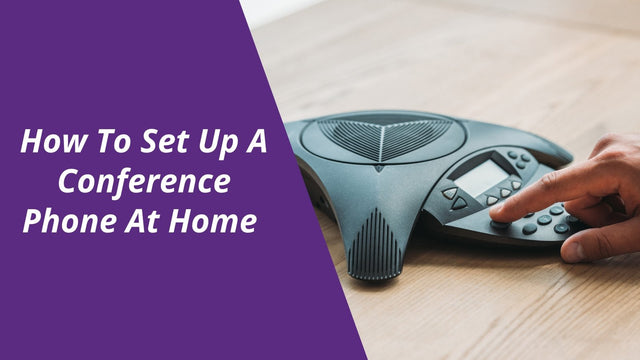 How To Set Up A Conference Phone At Home
February 22, 2021
-
 Video
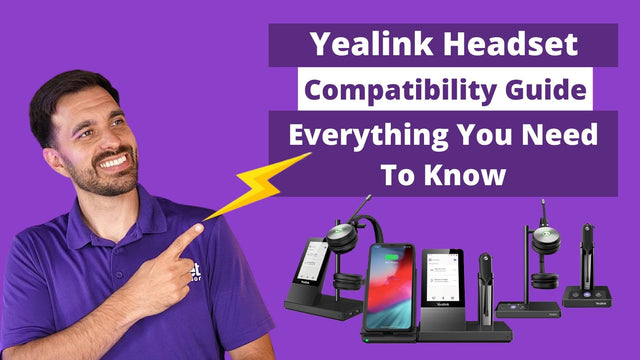
Yealink Headset Compatibility Guide: Everything You Need To Know
January 24, 2025
-
 Video
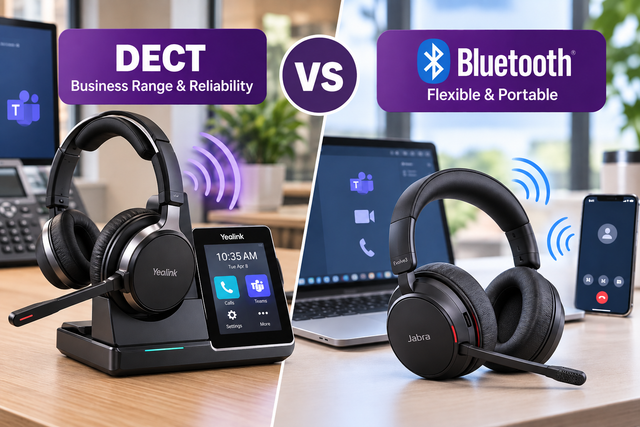
DECT vs. Bluetooth Headsets: Which Is Better for Work?
October 7, 2026
-
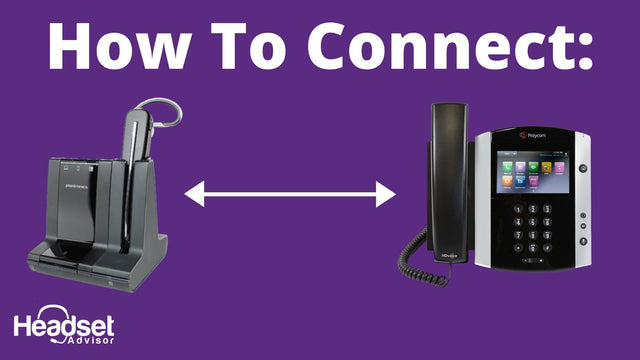 How to Connect Your Wireless Headset to an Office Phone
January 17, 2020
Why buy from Headset Advisor
Free shipping over $50
Free 3 to 5 day shipping on orders of $50 or more.
30-day returns
Return any product within 30 days.
Real headset advisors
Not sure which headset fits your phone or computer? We will help you choose.
Talk to an advisor →Team and volume orders
Volume quotes, purchase orders, tax-exempt orders and payment terms for enterprise, government, education and healthcare teams.
Request a quote →Managed Headset Program
For teams of 10 or more: headsets from $4 to $20 per user per month, and replacements ship first.
See the program →