Plantronics CS540 Setup With Yealink EHS36 - Headset Advisor

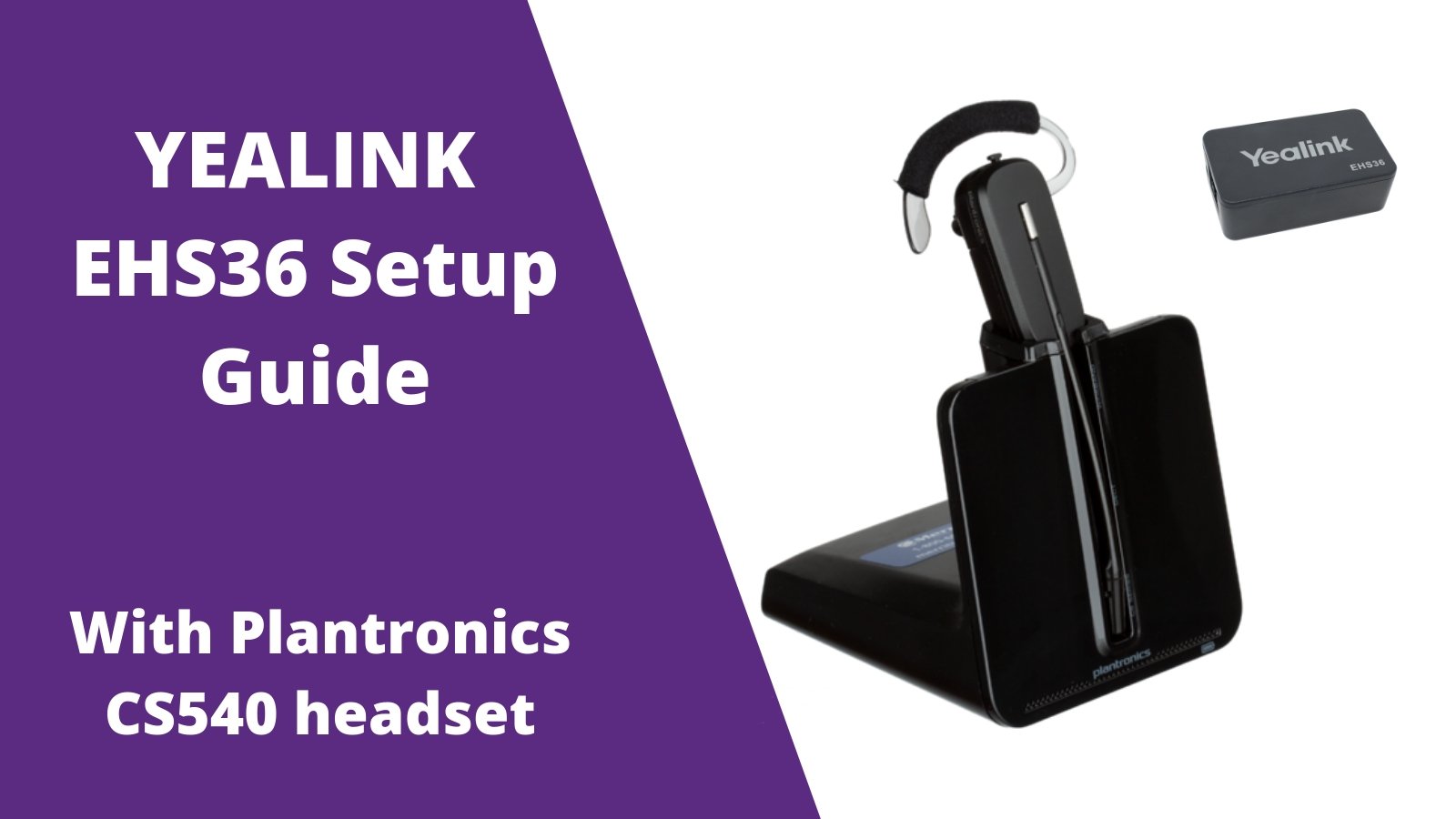
Out of the box the Plantronics CS540 (C054) wireless headset is 100% compatible with your Yealink desk phones, but requires the EHS36 adapter in order to enable the feature to answer/end calls when away from your desk.

Step 1

Plug the big end of your Plantronics C054 phone cord into the back of the Plantronics charging base. plantronics cs540 yealink ehs36 setup

Step 2

Plug the other end of the Plantronics phone cord into the HEADSET PORT of your Yealink desk phone. plantronics cs540 with ehs36

Step 3

Included with the Yealink EHS36 is an RJ12 cord. Plug one end into the EHS36 adapter. ehs36 rj12 cord

Step 4

Connect the other end of the RJ12 cord into the back of your Yealink phone labeled EXT or EHS. rj12 ehs36

Step 5

Also included with your Yealink EHS36 is a 3.5mm cable. Plug one end into the EHS36 box. yealink ehs36 3.5mm

Step 6

Plug the other end of the 3.5mm adapter into the back of the C054 charging base. yealink ehs36 That's it! Your now able to answer/end calls up to 350 feet away from your Yealink desk phone, from your Plantronics CS540 earpiece. Simply press the silver button on the earpiece and this will answer/end your calls. For any further assistance with setup, feel free to contact us today. 


*For other helpful setup guides visit the Plantronics CS540 headset setup resource center*
Category_setup guidesEhs36Ehs36 setupPlantronicsPlantronics c054Plantronics co54Plantronics cs540Wireless office headsetYealinkYealink ehs36Yealink ehs36 setupYealink wireless headset

Leave a comment

All comments are moderated before being published

    1 out of ...

    Blog posts

    View all
    Jabra Evolve3 65 side by side with Evolve2 65 on desk top with text of key differences & which is right for you

    Jabra Evolve3 65 vs. Evolve2 65: Is It Worth Upgrading?

    Jabra business headsetsDoug Merritt
    two headsets on desktop; one is a cheap model at $40, and the other is a premium headset at $250

    $40 vs. $250 Business Headsets: What Are You Really Paying For?

    affordable business headsetsDoug Merritt
    side by side images of headsets, one with on-ear cushions, one with over-ear cushions

    On-Ear vs. Over-Ear Headsets for Business: Which Is Better?

    business headsetsDoug Merritt
    two headsets side by side, one with a microphone boom, one without

    Do Business Headsets Still Need a Microphone Boom?

    best hybrid work headsetDoug Merritt
    image of the new Poly Voyager Focus 6 bluetooth wireless headset with some key feature improvements noted

    HP Poly Voyager Focus 6: What’s New & How It Compares to Focus 2

    Foldable Bluetooth headsetDoug Merritt
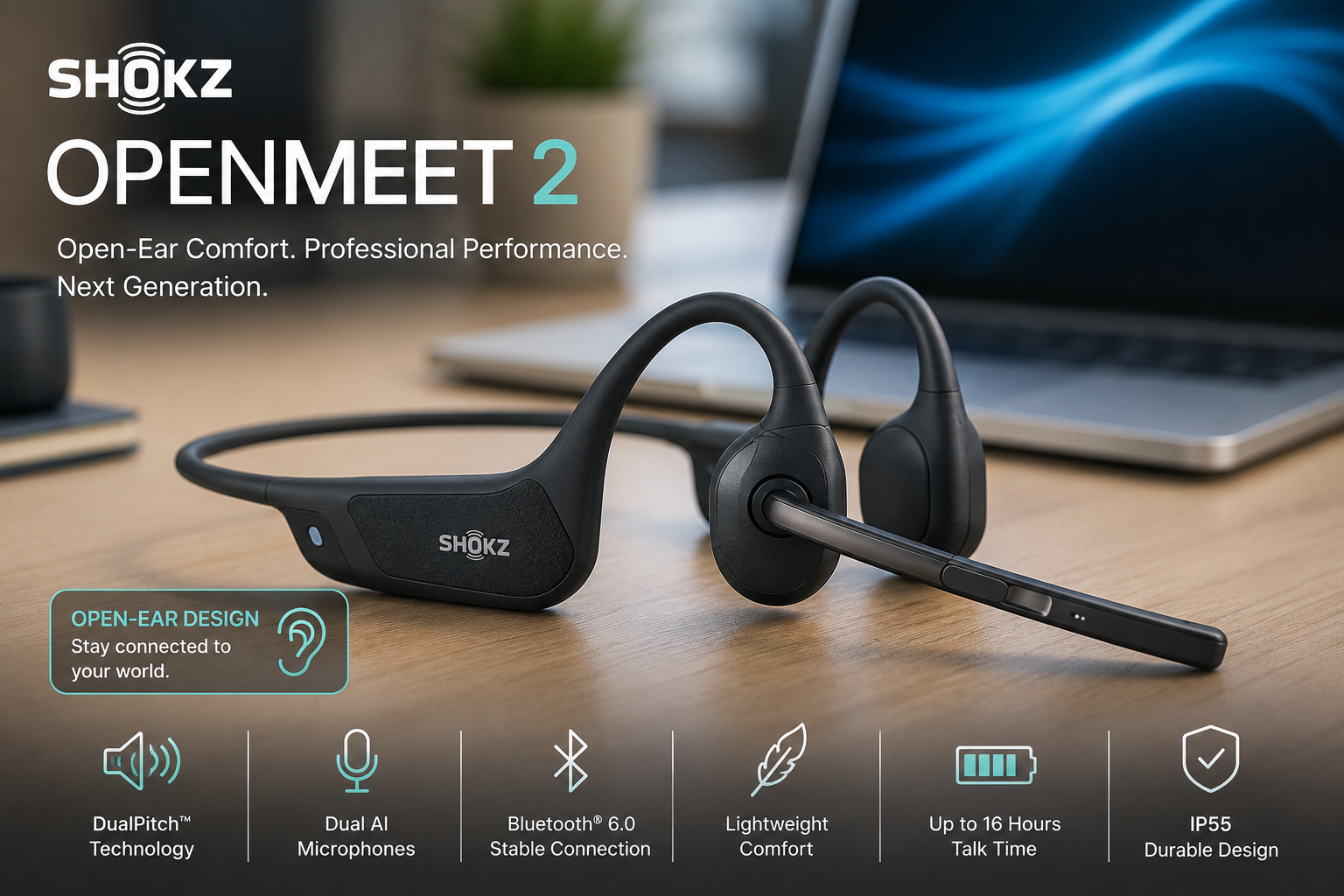
    Shokz OpenMeet2 vs OpenMeet: What's New in Gen 2?

    Shokz OpenMeet2 vs OpenMeet: What's New in Gen 2?

    bone conduction headsetsDoug Merritt
    Office Headset: 5 Upgrade Warning Signs

    Office Headset: 5 Upgrade Warning Signs

    headset upgradeDavid Merritt
    government woman in foreground wearing headset at desk while working on computer, man doing the same in background with the u.s. capital in far background

    What Government Agencies Should Consider Before Buying Headsets

    best government headsetsDoug Merritt

    Shop our Best Selling Headsets

    View all