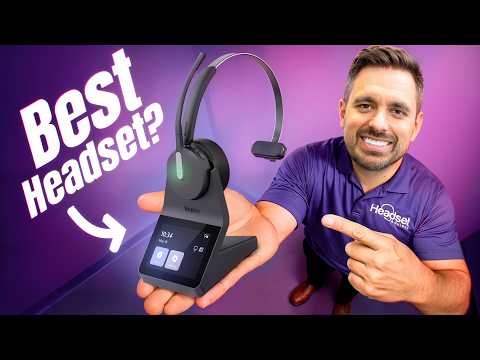
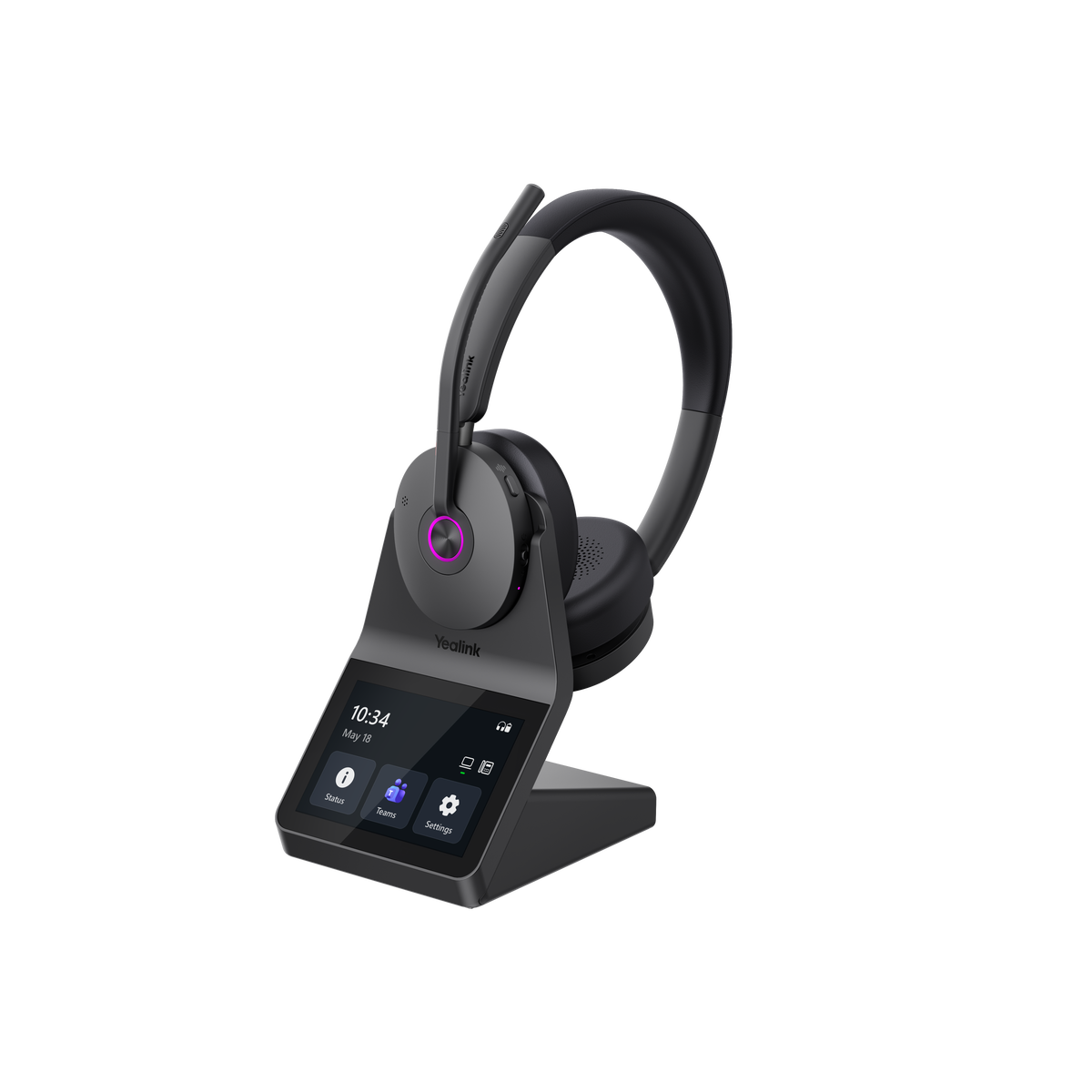
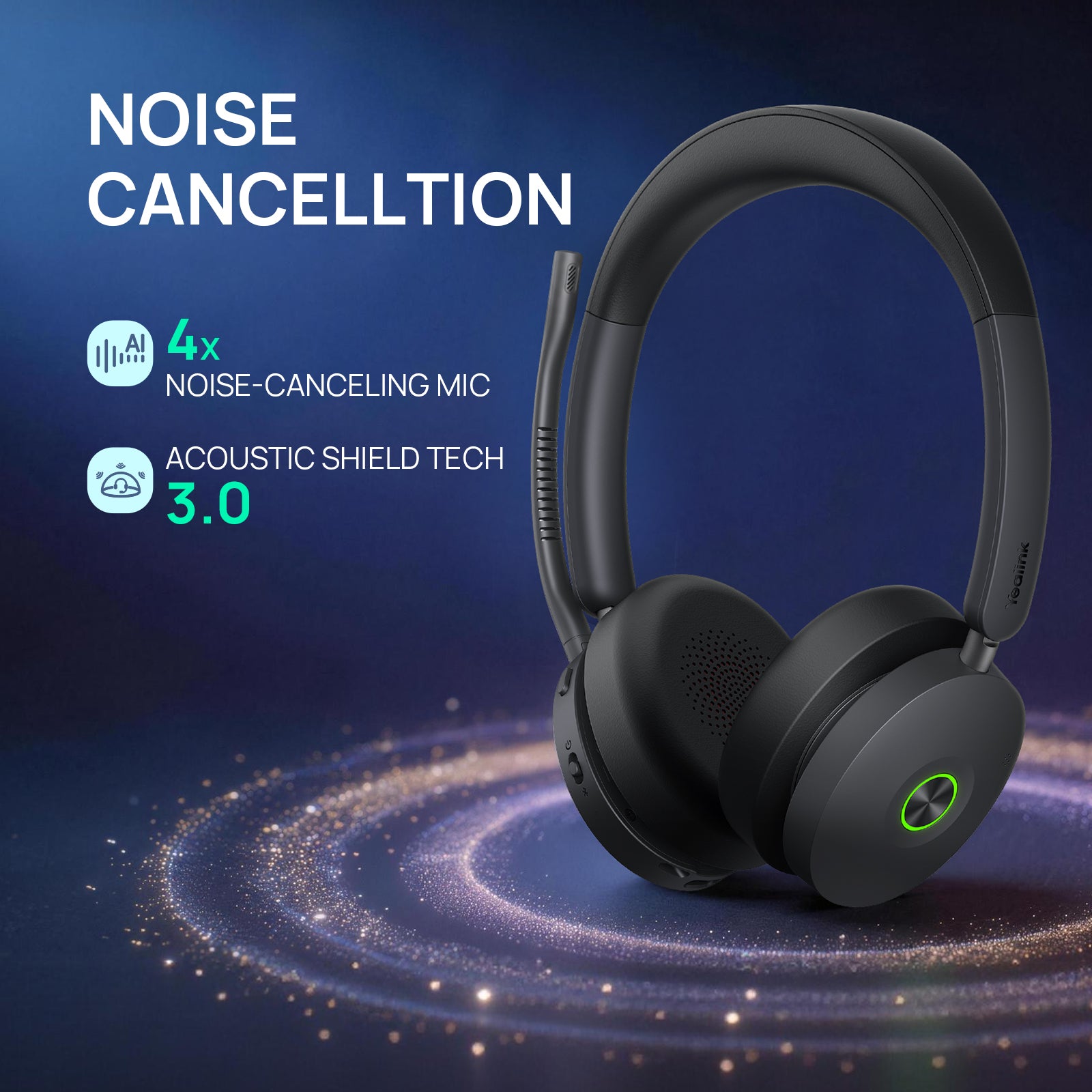
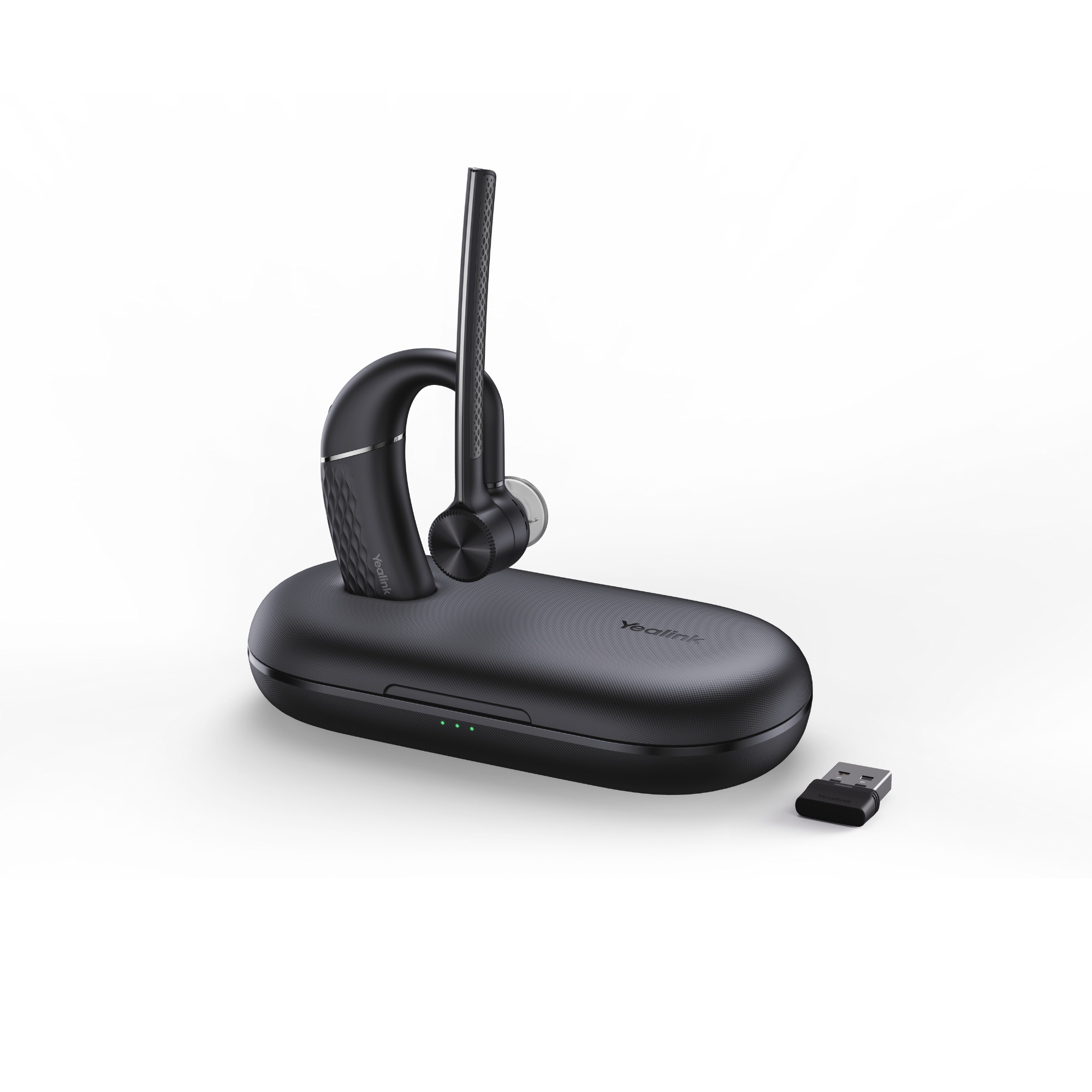
Do you want the best headset?
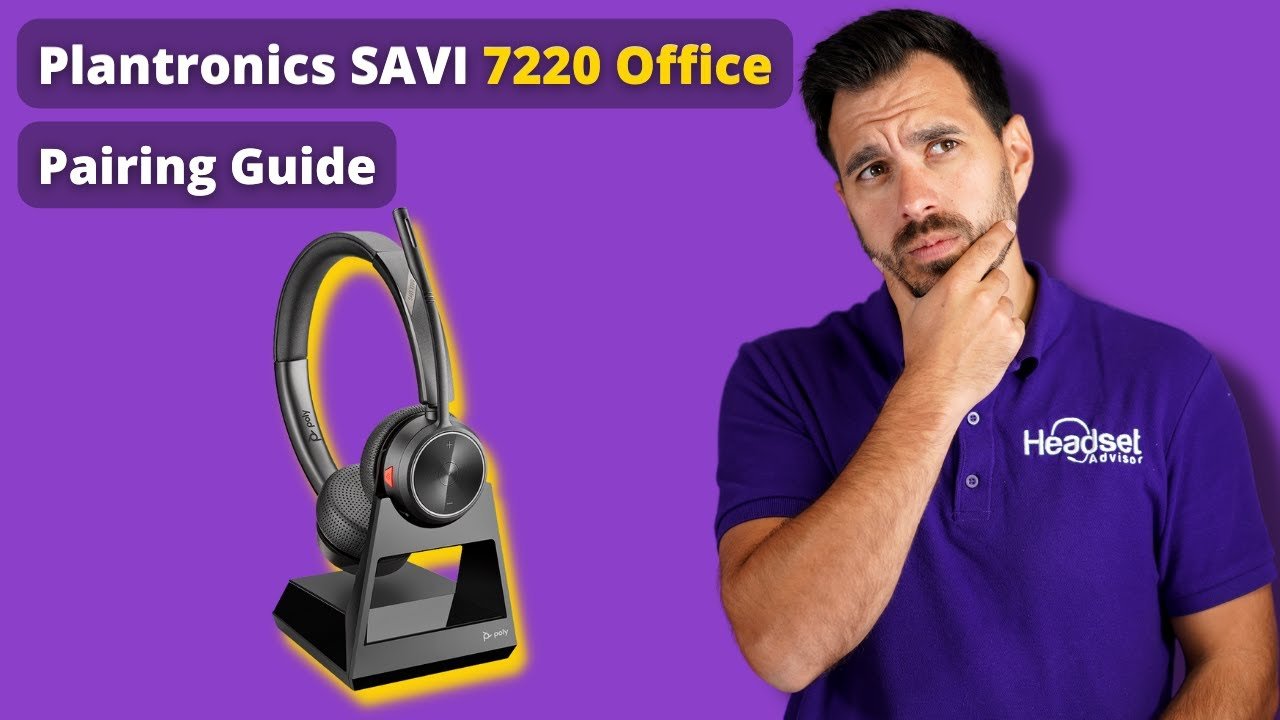
In this article, we're going to show you how to pair your Savi 7220 headset to the charging base, as well as explore solutions for your Plantronics Savi 7200 series headset issues.
The Plantronics Savi 7200 Office is a DECT wireless headset that get's paired to the charging base. This headset does not connect to your Bluetooth enabled devices.
Out of the box, the headset, including models like the Plantronics Savi 7200, comes pre-paired to the charging base as a standard. If it's not pairing to the base, follow the steps below.
Savi 7200 Office Pairing Video

Step 1
Remove the AC power from the charging base and let it sit for about 5-10 seconds.
Step 2
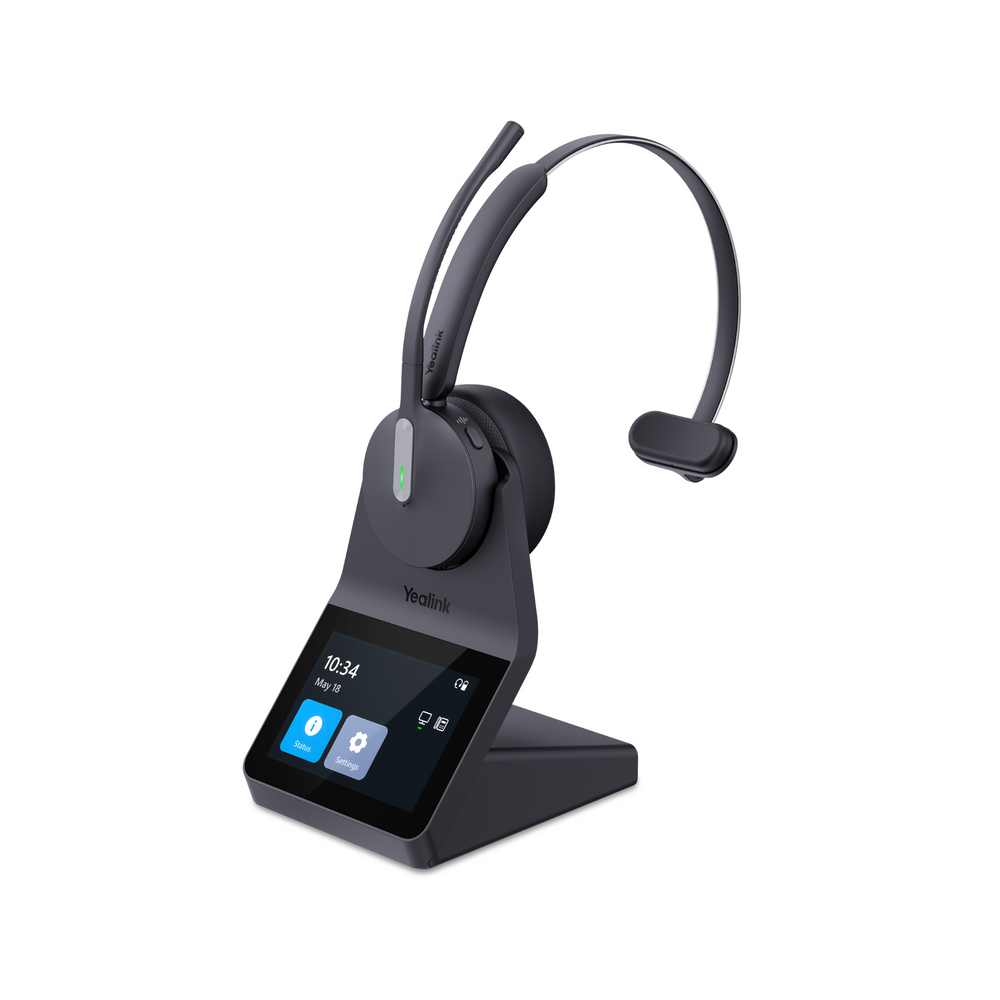
Reconnect the AC power and wait until the LED turns solid on the charging base. Take the headset out of the base and turn it on and you should see the green LED for the desk phone illuminate.
Step 3 (if step 1 or 2 didn't work)
- Press and hold the volume up button on your headset until you see the green LED appear on your headset, then release.
- Located at the back of the charging base is a link button. Press and hold that for about 3 seconds on your Plantronics Savi 7200 Office headset base until you see the desk phone symbol flash, then release.
- Once the desk phone icon turns solid, now press the on button on your headset to see if the desk phone symbol turns green.
If so, your headset is now paired to the charging base and ready to be used.
Need further support?
If you're still experiencing issues with your Plantronics Savi 7200 series, feel free to contact us for further help.