Zoom Headsets

12 products

Showing 1 - 12 of 12 products

Shop Zoom headsets for meetings, with Zoom certified models first: wired USB, Bluetooth with a USB dongle, and DECT wireless. We tested the mics of our three Zoom picks against office noise, barking dogs and a blender, and every certification claim on this page comes from the product's own listing.

Showing 1 - 12 of 12 products
View
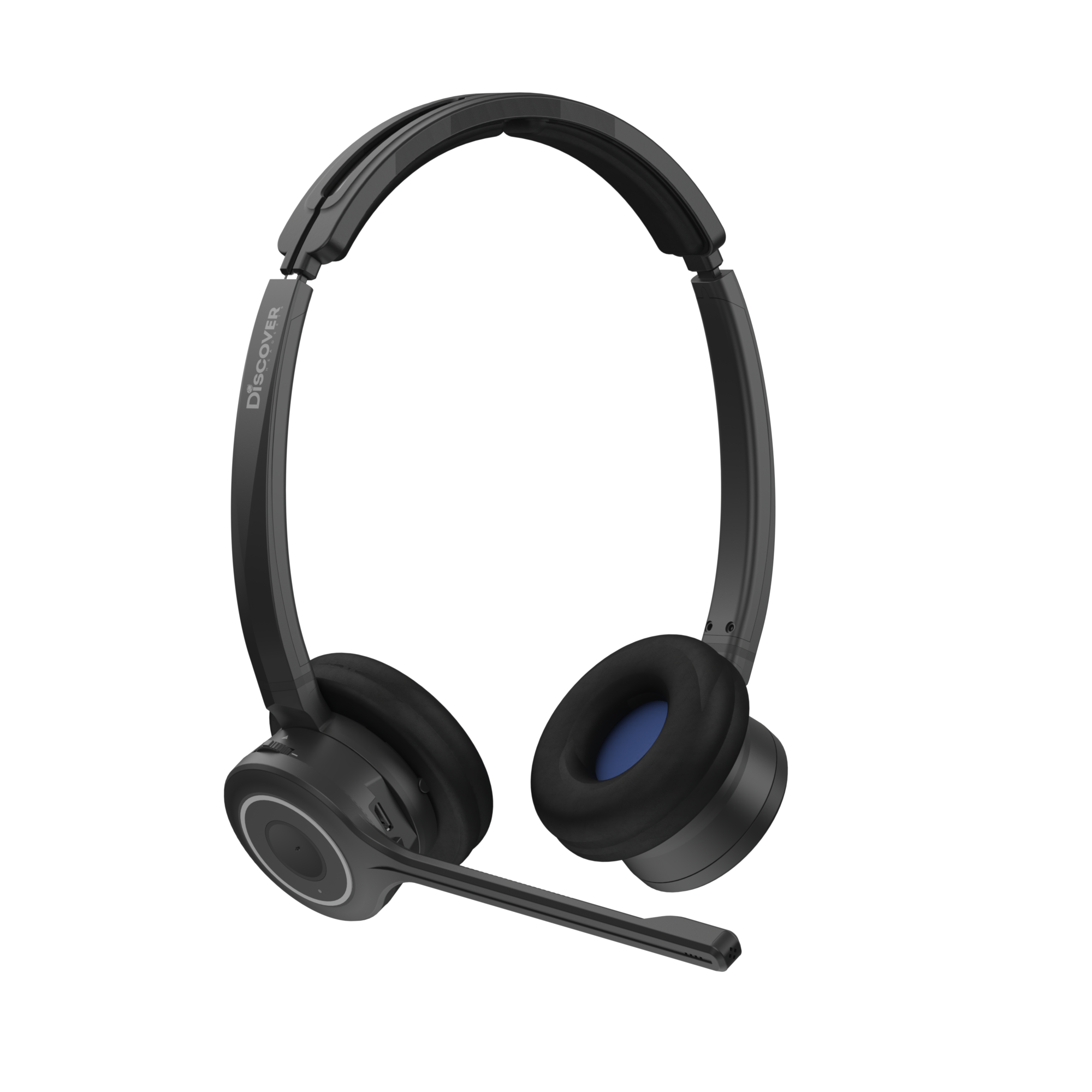
Discover Adapt 20 Convertible Wireless Headset: Noise CancellingDiscover Adapt 20 Wireless UC Headset - Headset Advisor
Discover Discover Adapt 20 Convertible Wireless Headset: Noise Cancelling
Sale priceFrom $131.81Save $58.18 Regular price$189.99
8 reviews
In Stock
Choose options
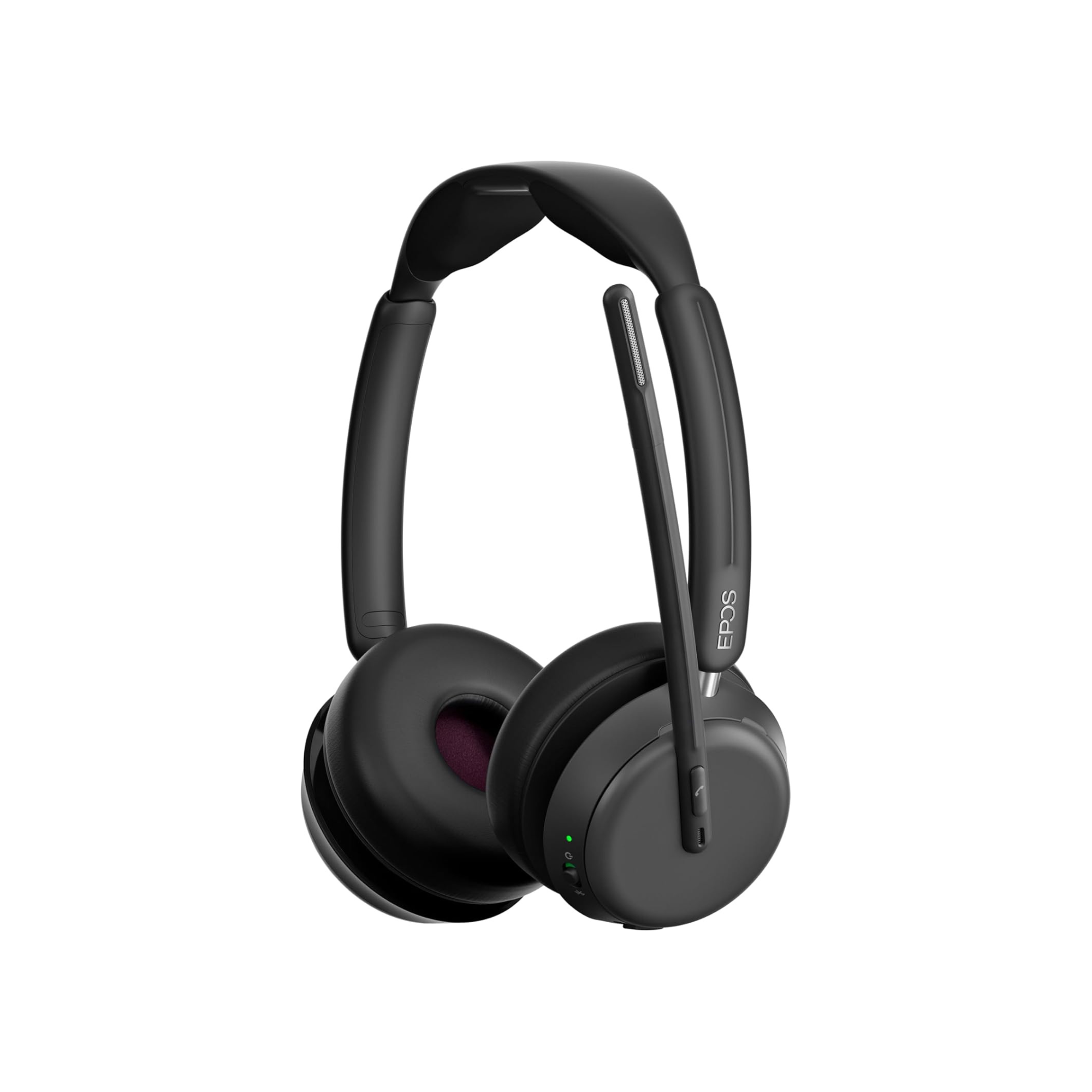
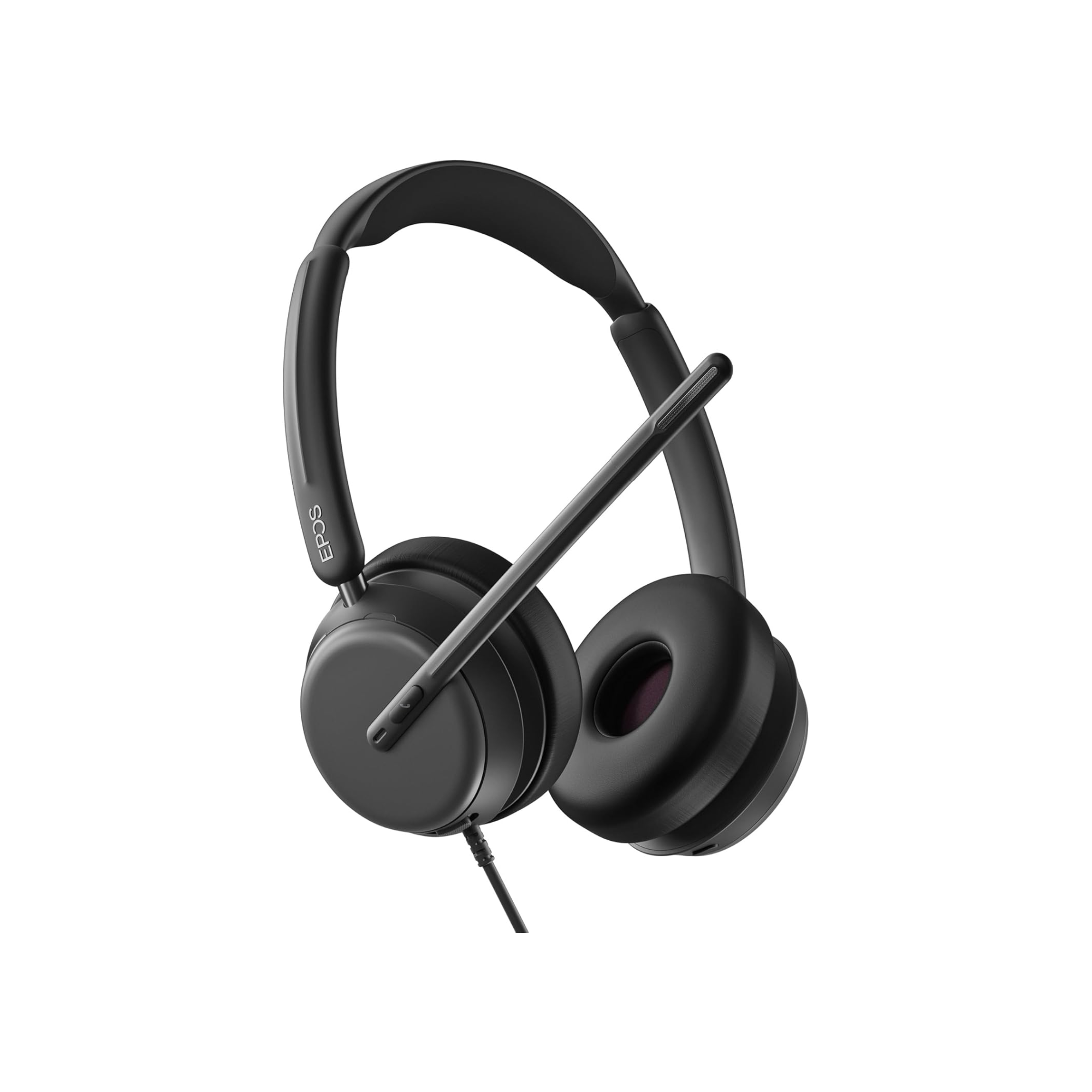
epos impact 1060EPOS Impact 1000 Dual Speaker Noise Canceling Headset With HD Mic
EPOS EPOS Impact 1000 Dual Speaker Noise Canceling Headset With HD Mic
Sale priceFrom $219.99Save $49.01 Regular price$269.00
25 reviews
In Stock
Choose options
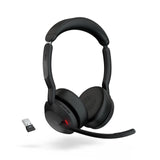
Jabra Evolve2 55 Stereo Headset Wireless Bluetooth Headset - Headset AdvisorJabra Evolve2 55 Stereo Headset: Professional Sound
Jabra Jabra Evolve2 55 Stereo Headset: Professional Sound
Sale priceFrom $226.00Save $83.00 Regular price$309.00
4 reviews
In Stock
Choose options
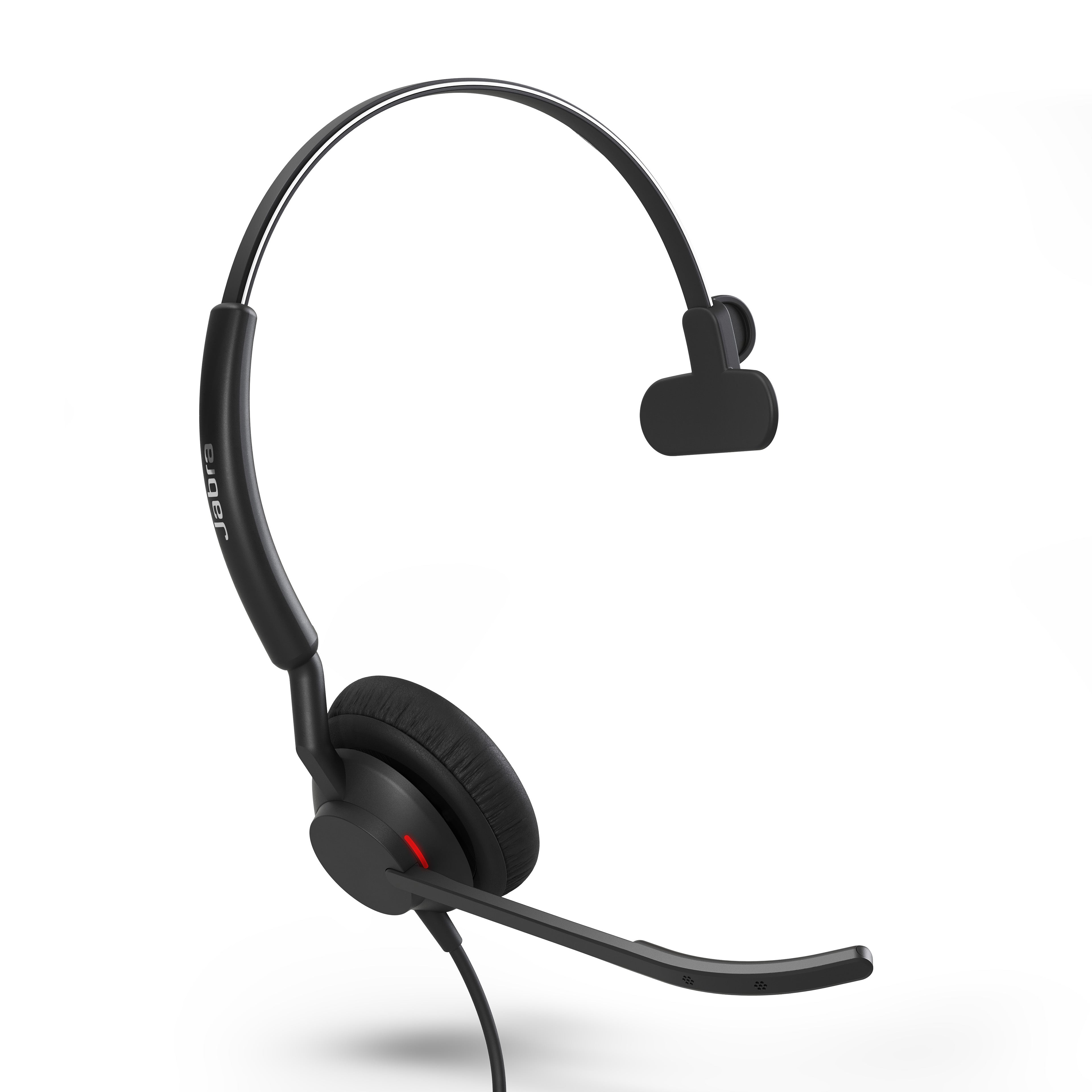
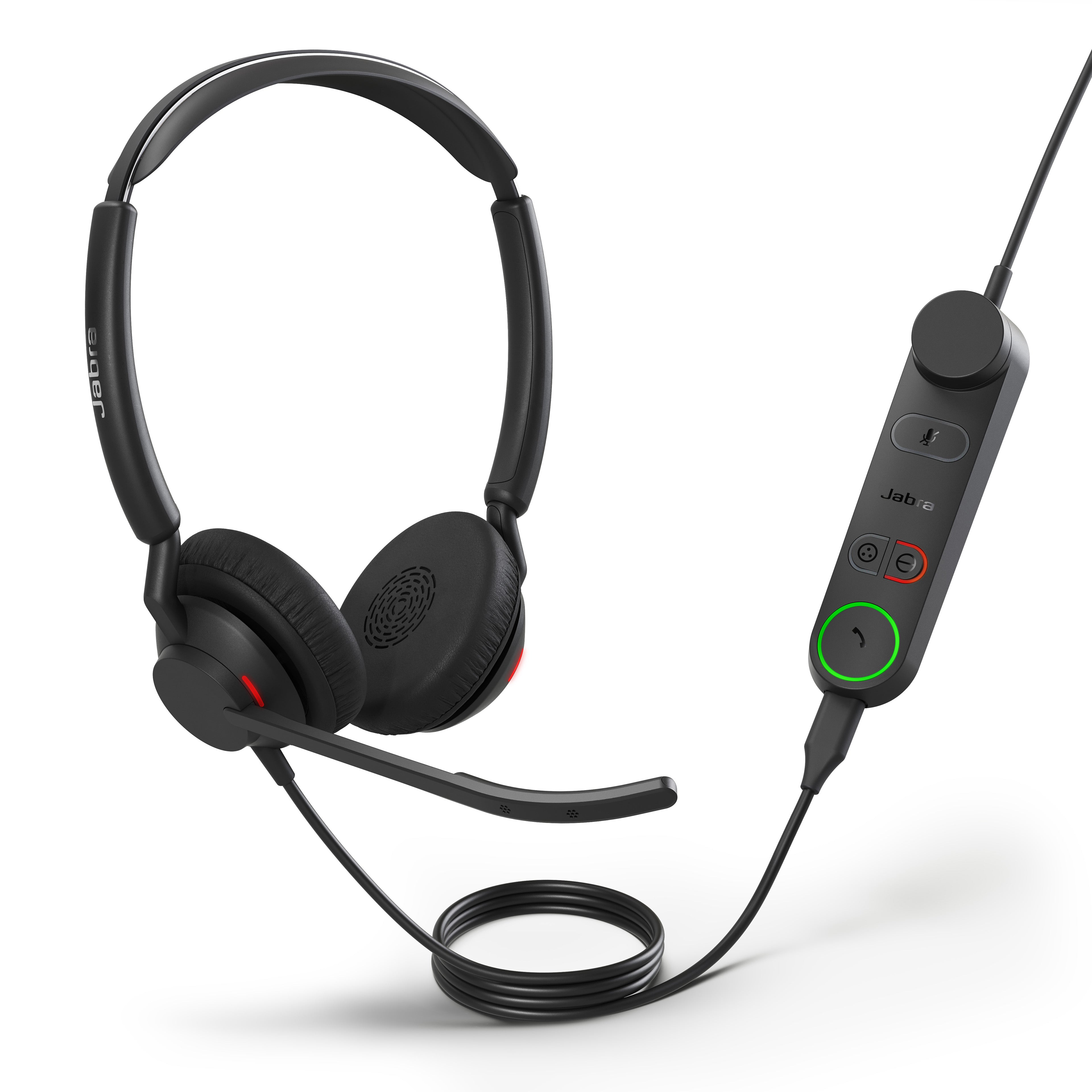
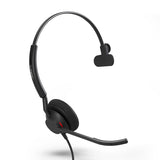
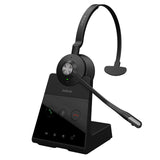
Jabra Engage 50 Mono II Wired USB Headset For Calls - Headset AdvisorJabra Engage 50 Mono II Wired USB Headset For Calls - Headset Advisor
Jabra Jabra Engage 50 II Mono: Clear Calls, Noise Canceling USB Headset
Sale priceFrom $164.00Save $85.00 Regular price$249.00
No reviews
In Stock
Choose options
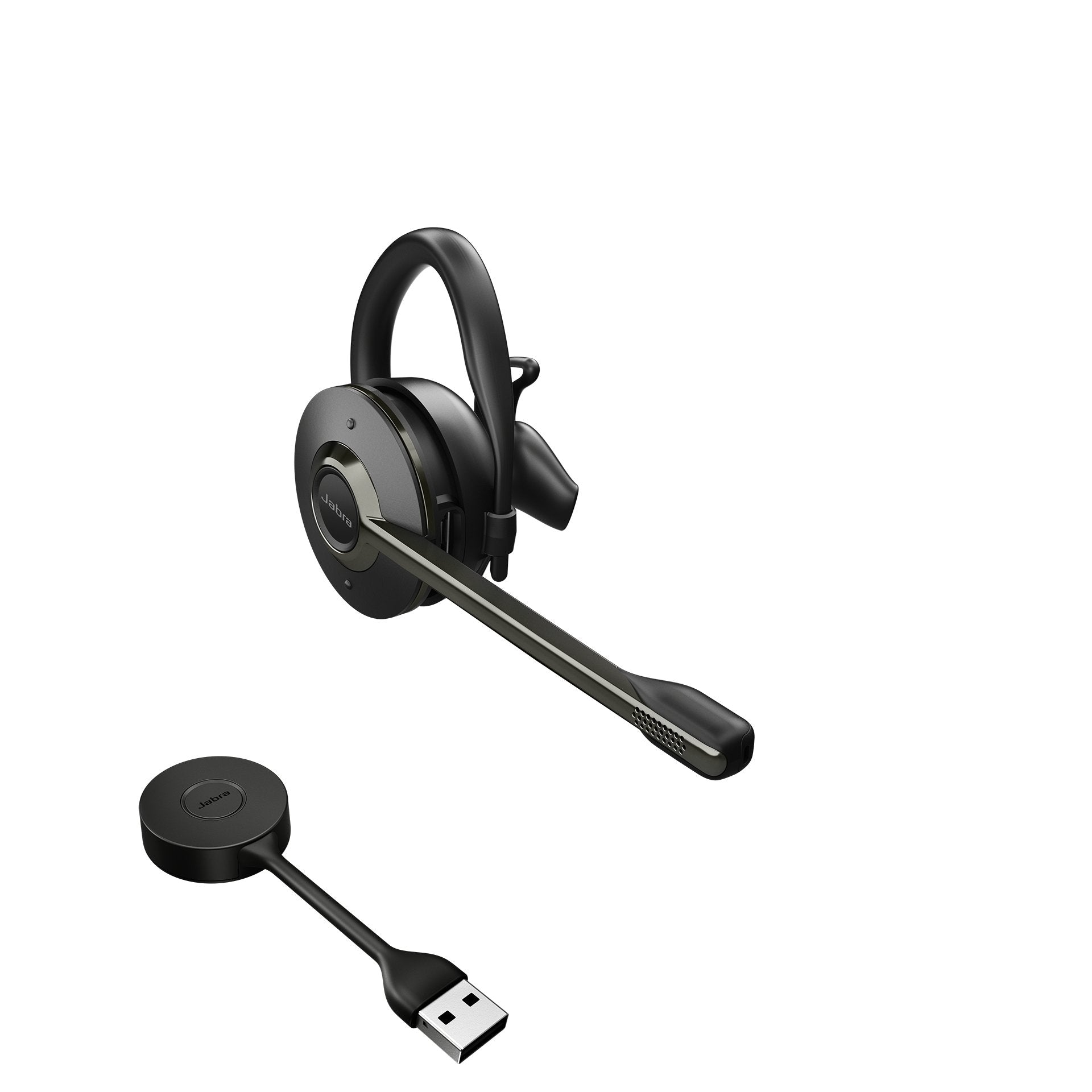
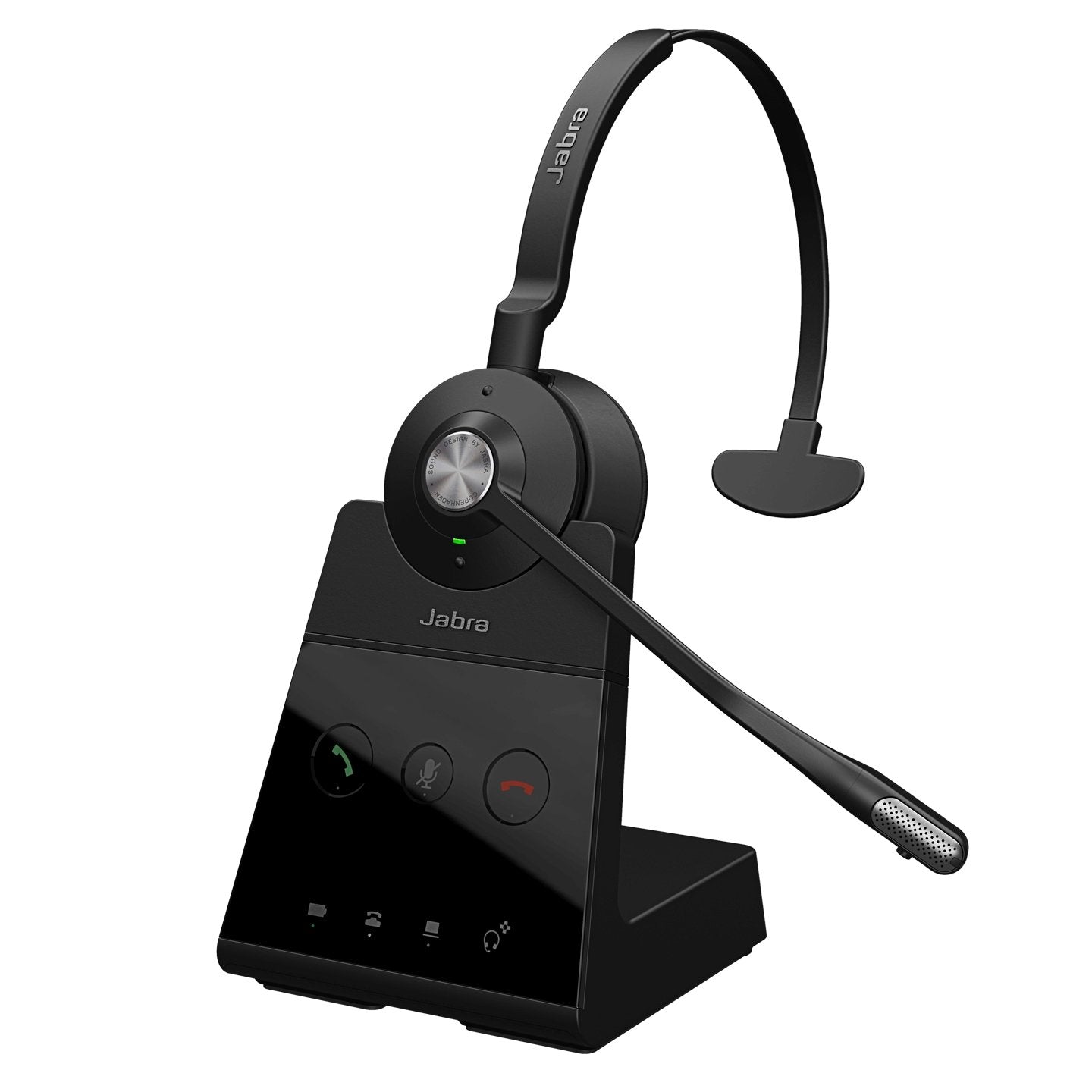
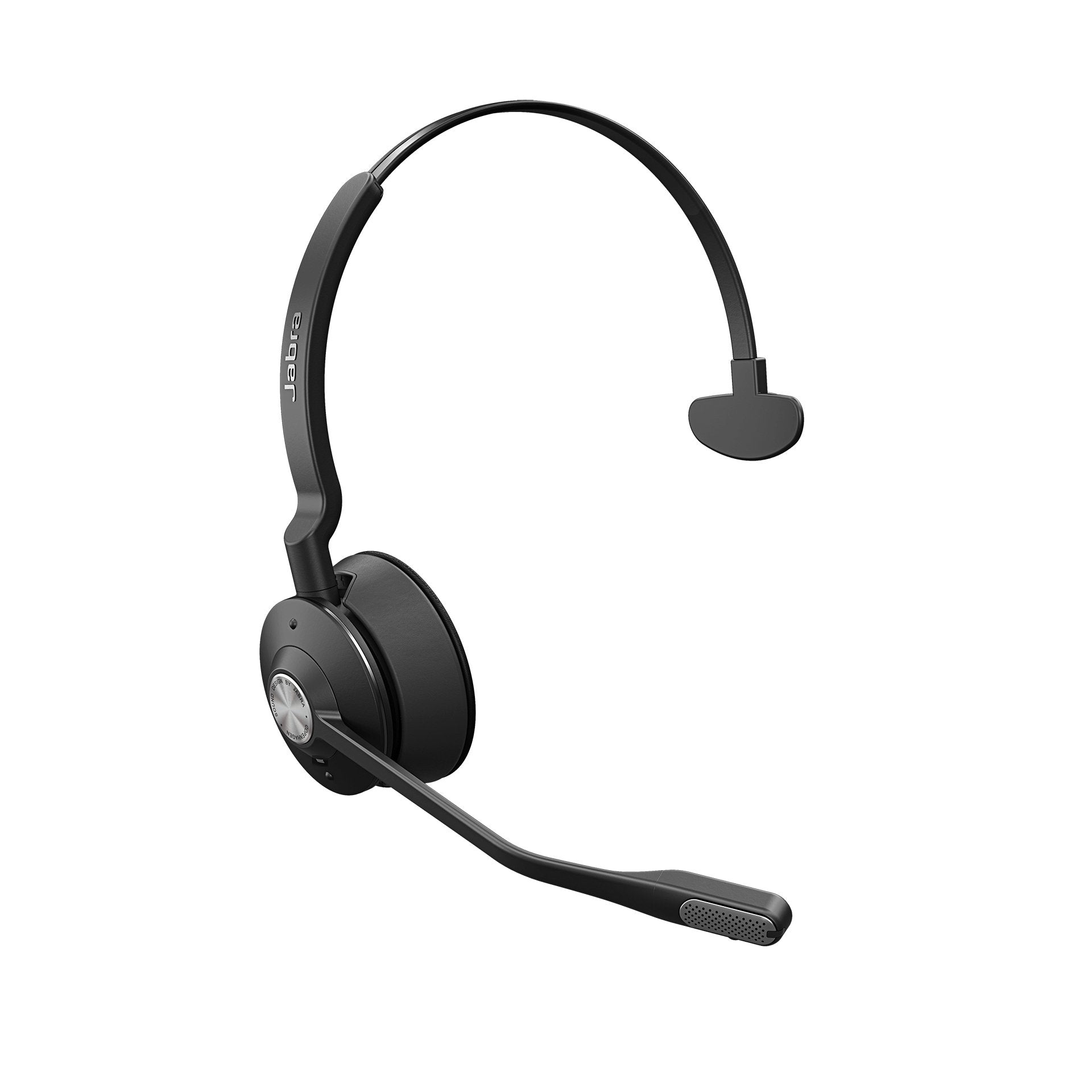
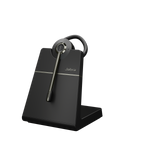
Jabra Engage 55 SE Convertible: Flexible Style, Crystal-Clear CallsJabra Engage 55 Convertible DECT Wireless Headset - Headset Advisor
Jabra Jabra Engage 55 SE Convertible: Flexible Style, Crystal-Clear Calls
Sale price$283.00 Regular price$454.00
No reviews
Only 4 units left
Choose options
Jabra Engage 65 Mono - Headset AdvisorJabra Engage 65 Mono - Headset Advisor
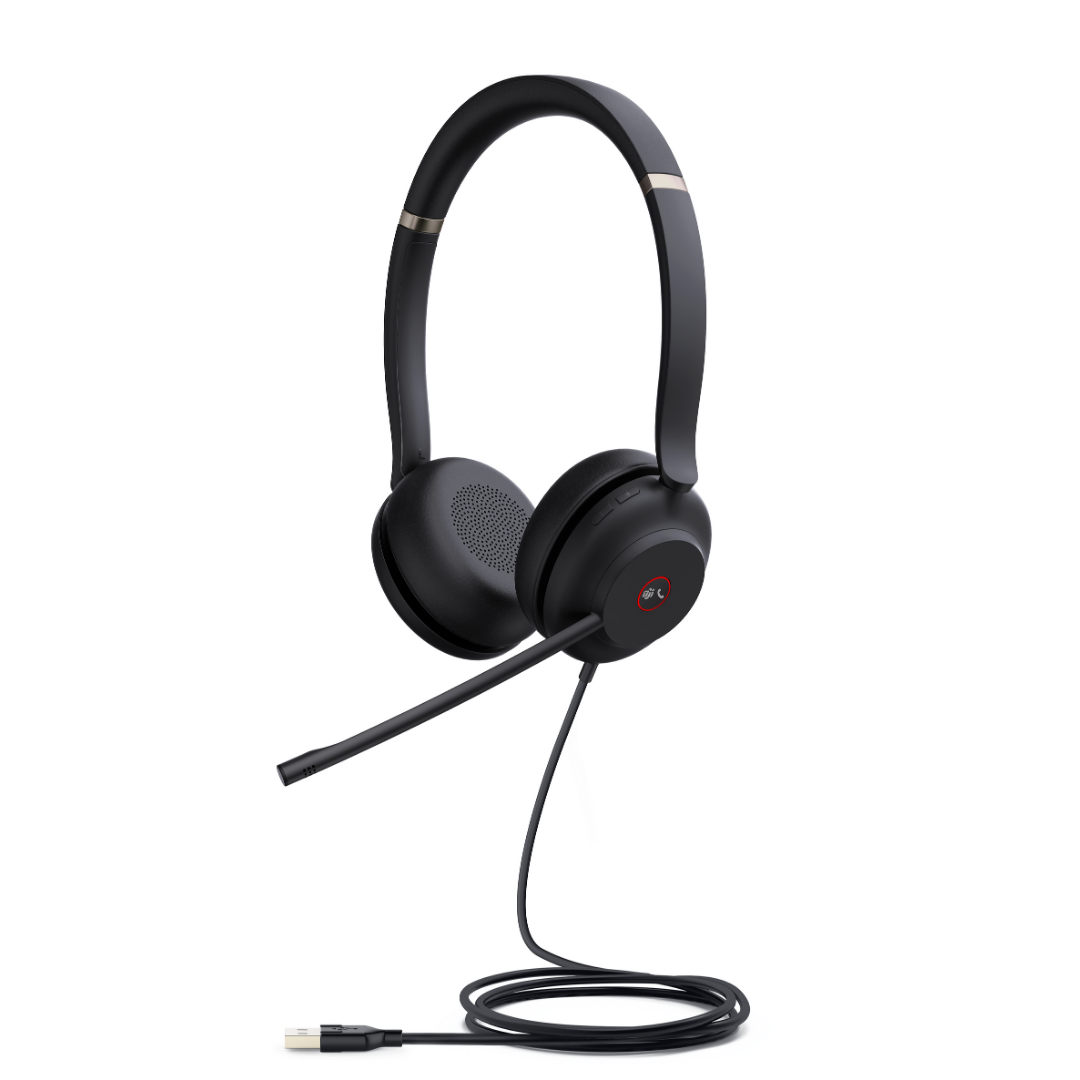
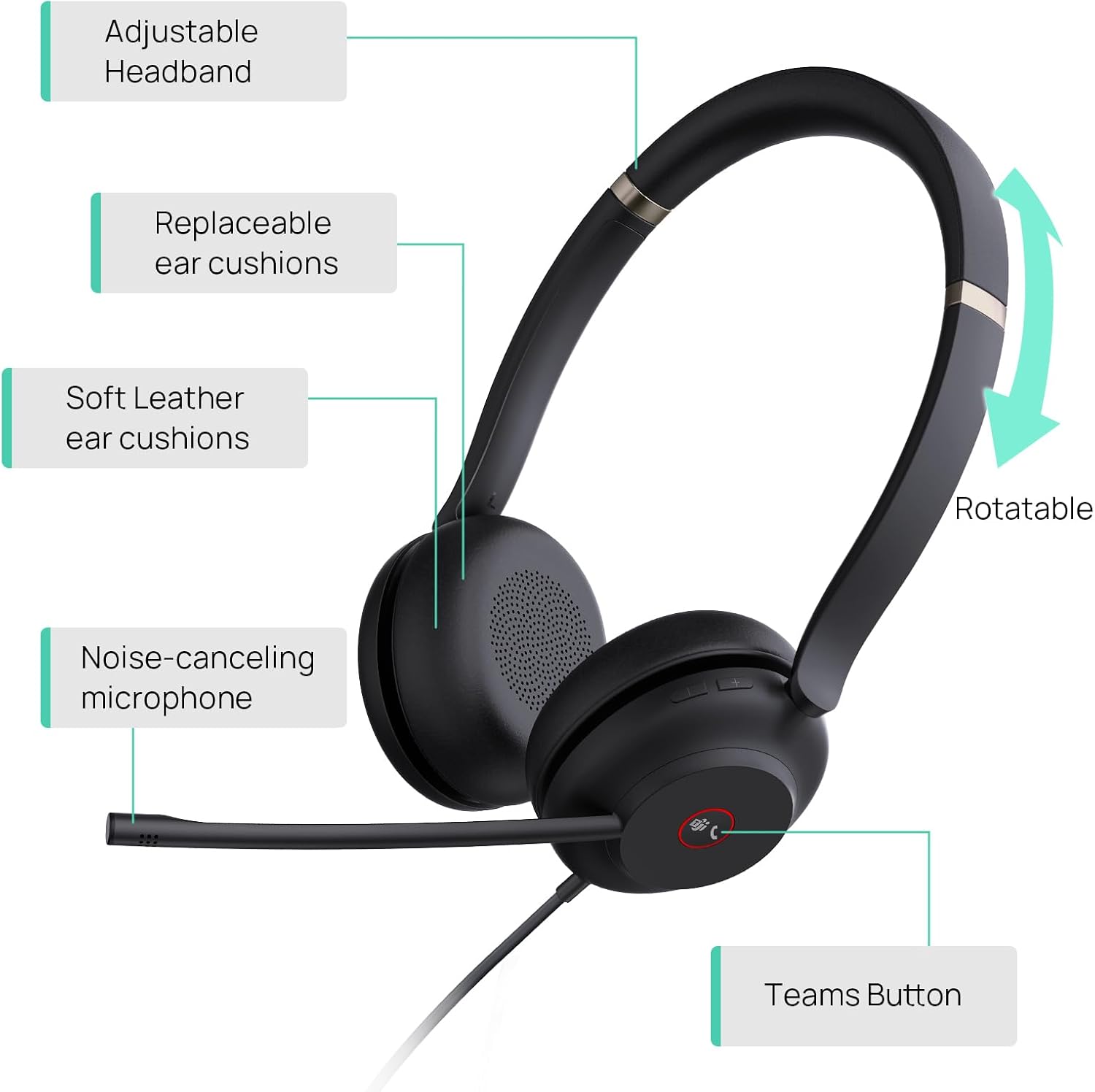
Yealink UH37 Professional Wired USB HeadsetYealink UH37 Professional Wired USB Headset
Yealink Yealink UH37 Professional Wired USB Headset
Sale priceFrom $51.60Save $22.40 Regular price$74.00
2 reviews
Sold out

Our tests

Three we'd buy, from our reviews and mic tests.

  • Yealink HA64 Pro

    Our verdict: Microphone sound quality was solid, and the noise cancellation was excellent.

    Read our review →

    From $209.99

  • Jabra Evolve2 55

    Our verdict: If you’re in the market for a new headset for yourself or a team, and you need it to work with your computer applications, and with your mobile devices, the Jabra Evolve2 55 would be a solid headset to consider.

    Read our review →

    From $226.00

  • Jabra Engage 50 II

    Our verdict: To me, the Engage 50 II pretty much removed all the different noises.

    Read our review →

    From $164.00

Compare our top picks

HeadsetTypeConnects toPlatformBatteryRangePrice
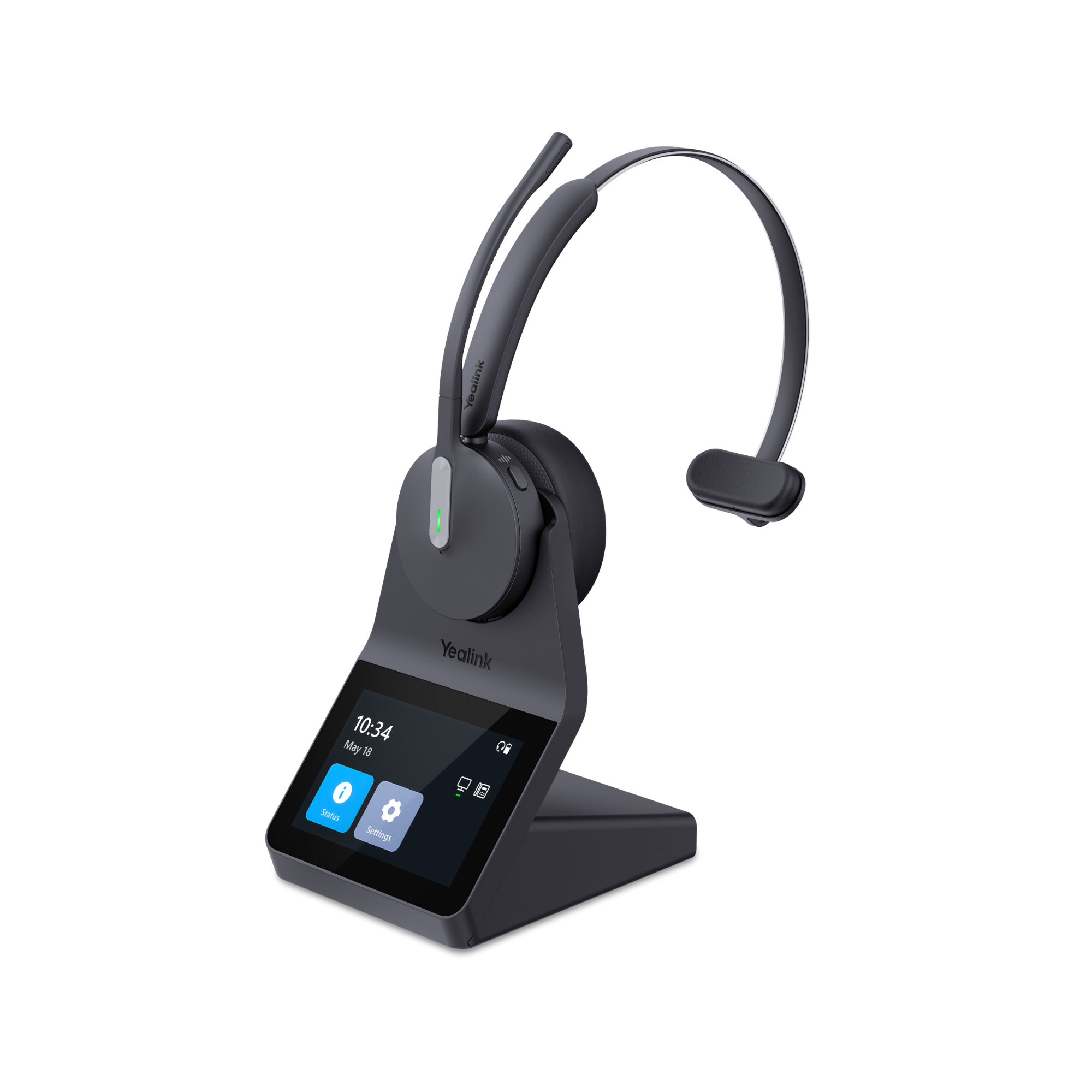
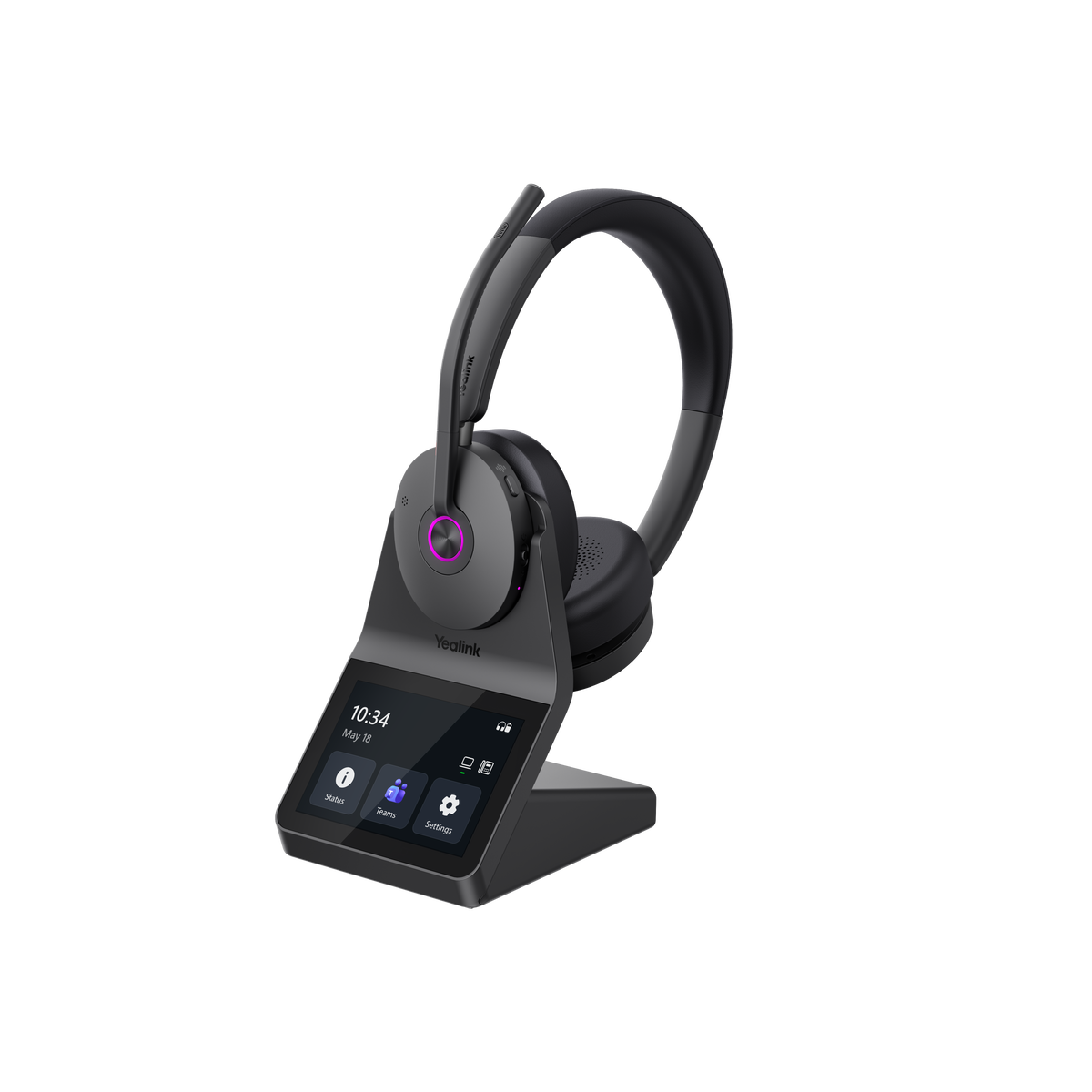
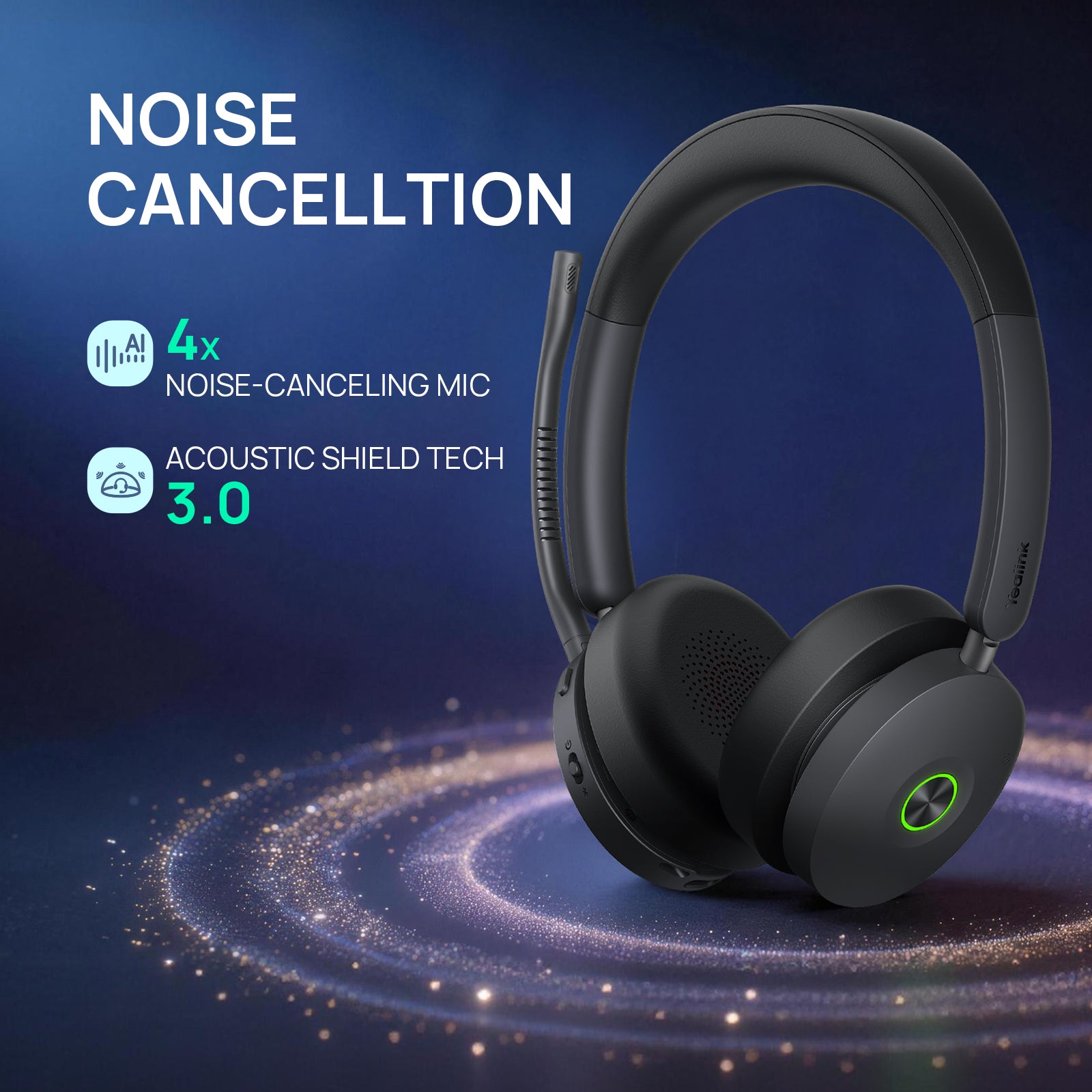
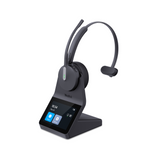
Yealink HA64 ProYealink HA64 Pro DECT + Bluetooth wireless, mono or dual earComputer and compatible IP desk phones via the base; mobile via BluetoothTeams and Zoom certifiedDECT up to 14 h mono, 16 h dual; Bluetooth up to 26 h mono, 32 h dualDECT up to 606 ft; Bluetooth up to 164 ftFrom $209.99ViewReview
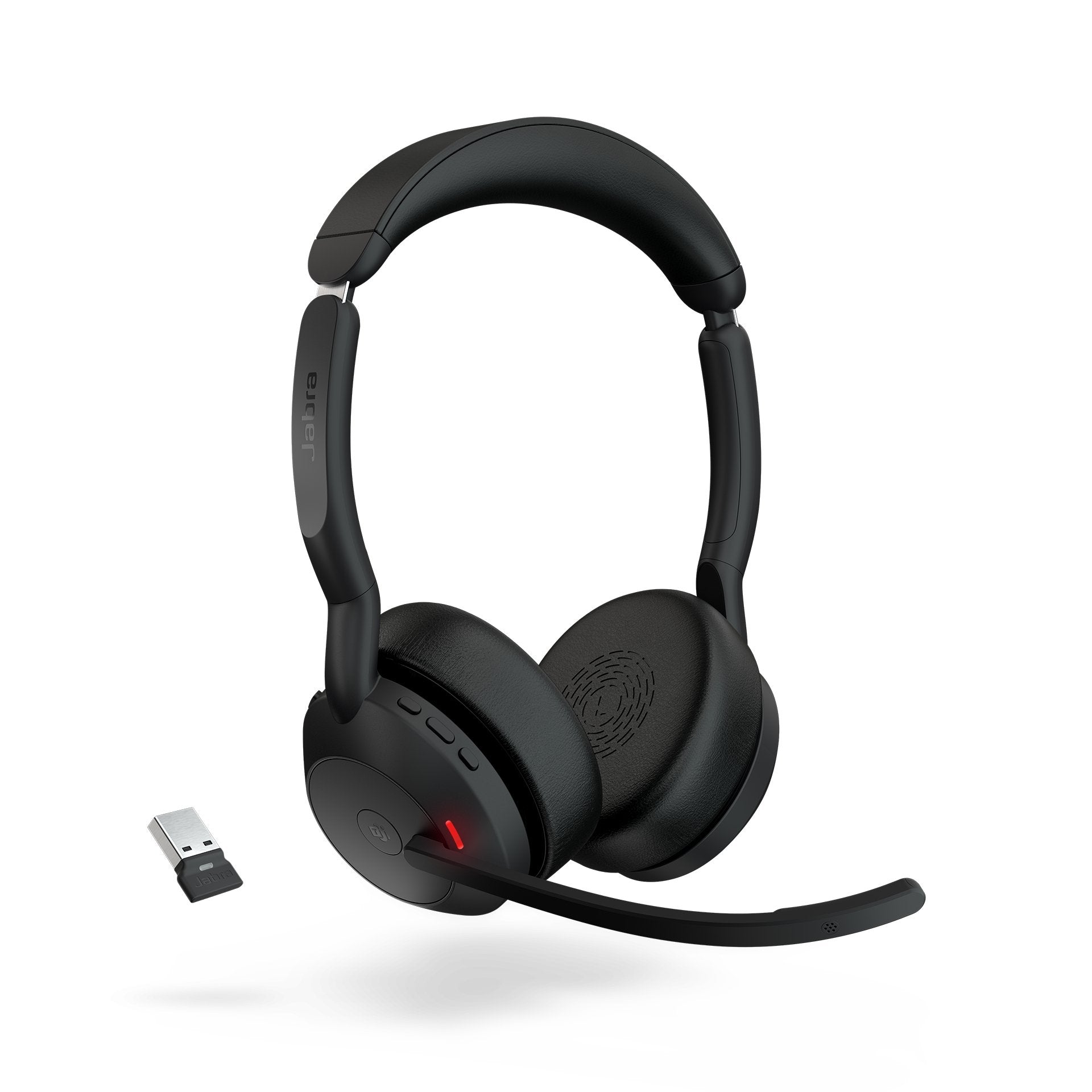
Jabra Evolve2 55Jabra Evolve2 55 Bluetooth with USB dongle, dual ear, ANCComputer via the Link 380 USB-A or USB-C dongle; mobile via BluetoothTeams or UC version; certified for Microsoft Teams, Google Meet and ZoomUp to 16 hrs talk timeUp to 100 ft (Bluetooth)From $226.00ViewReview
Jabra Engage 50 IIJabra Engage 50 II Wired USB, single earUSB-A or USB-C (by variant)MS Teams or UC versionWired, no batteryWiredFrom $164.00ViewReview
Jabra Engage 55 SEJabra Engage 55 SE DECT, convertible, single earComputer only, via the Link 400 USB-A or USB-C DECT adapterTeams or UC version; Teams version is Microsoft Teams certifiedUp to 9 hrs talk timeUp to 490 ft (150 m)$283.00View
Jabra Engage 65 SEJabra Engage 65 SE DECT, monoDesk phone and PCUCUp to 13 hrs talk timeUp to 490 ft (150 m)$318.00View
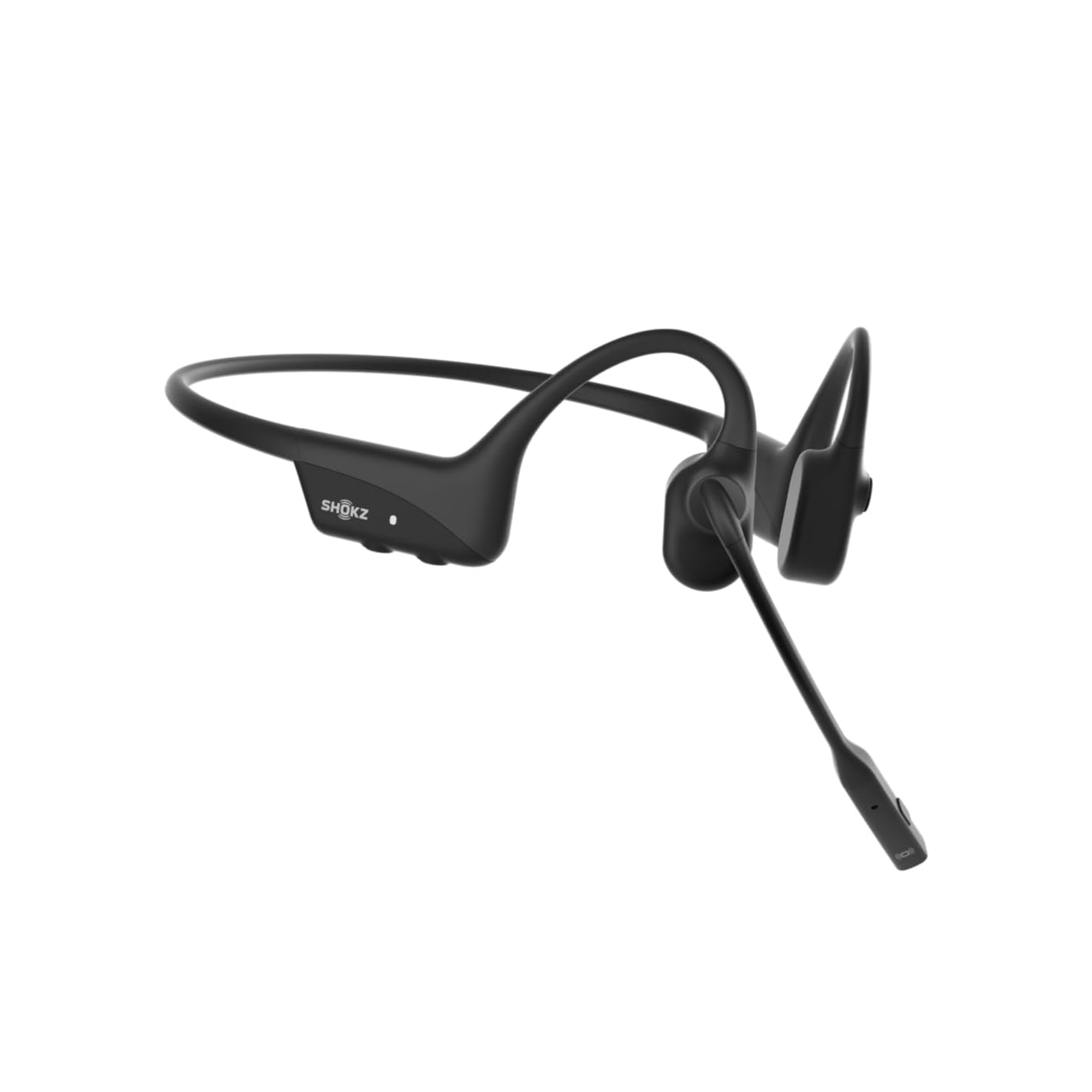
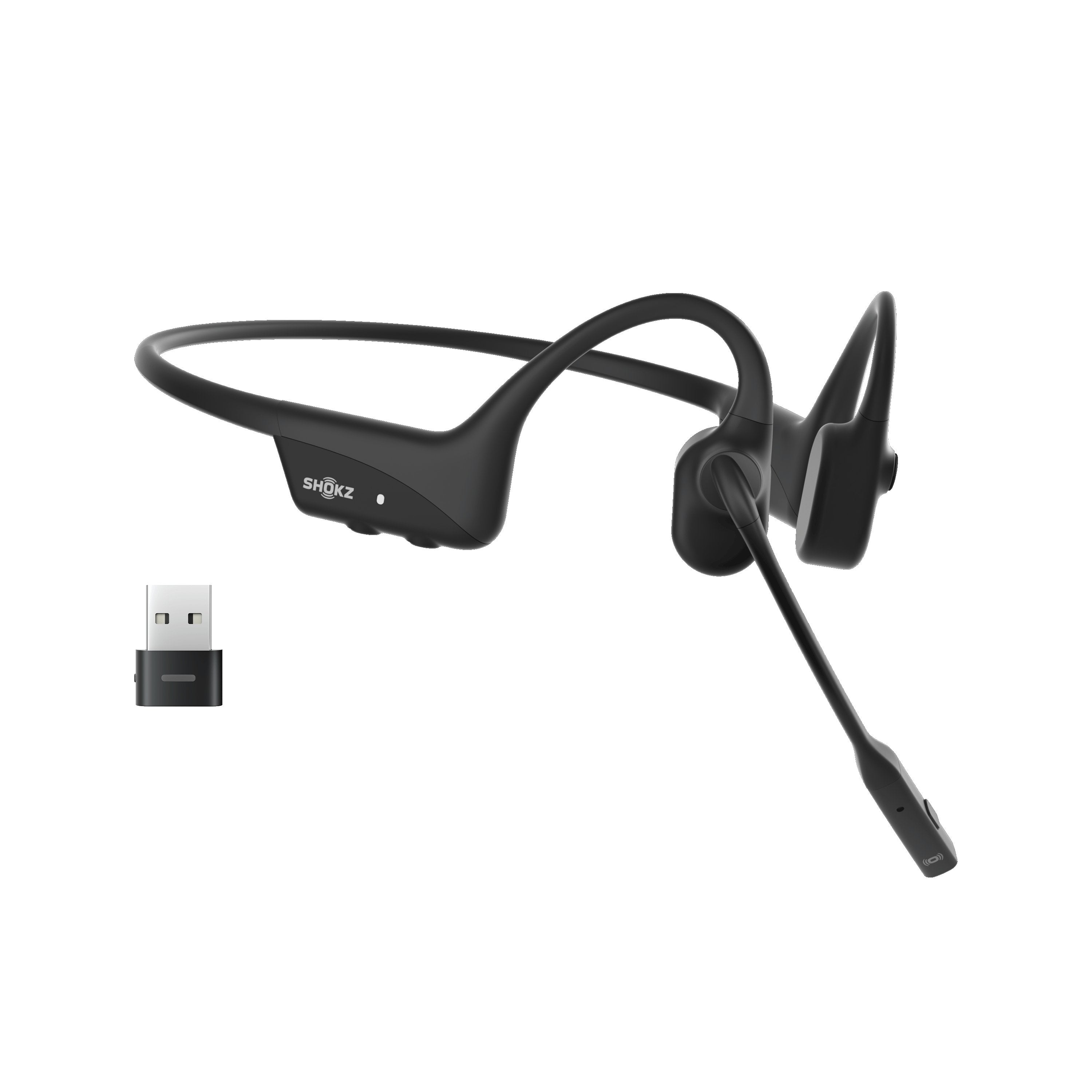
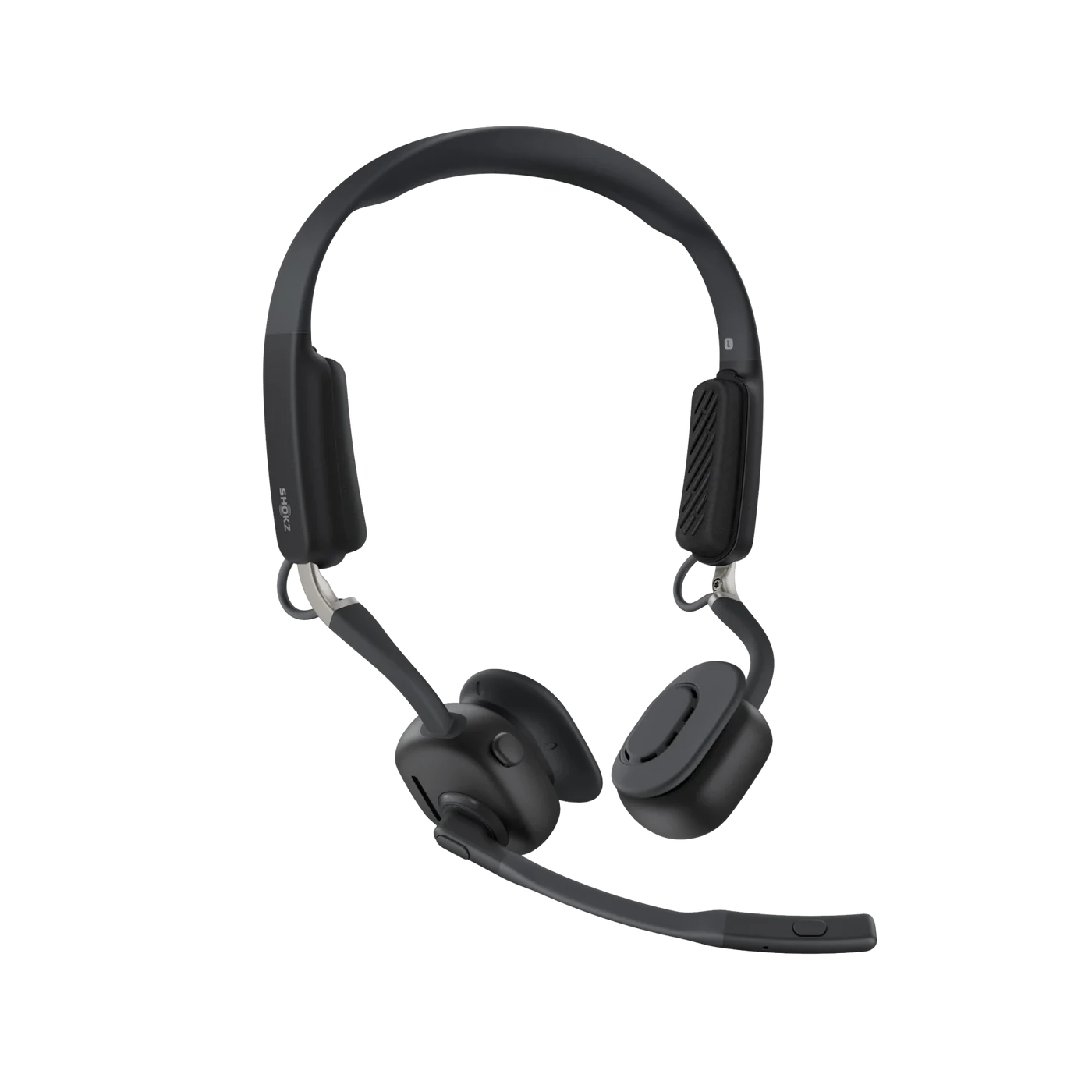
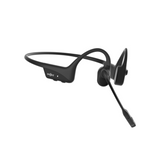
Shokz Opencomm2 II 2025 EditionShokz Opencomm2 II 2025 Edition Bone conduction, open ear, behind the neckComputer via the Loop 110 USB adapter; mobile via BluetoothZoom certified; works with Teams, RingCentral, Dialpad, 8x8 and othersUp to 16 hrs talk timeUp to 98 ft (environment dependent)$199.95ViewReview

Battery and range are the manufacturer's ratings. Mic recordings are from our own tests.

Zoom certified or works with Zoom?

Almost any USB or Bluetooth headset will play sound in a Zoom meeting. Certification is about what else works. As our explainer on Zoom compatible vs Zoom certified devices puts it, Zoom certified devices "have been specifically tested and certified by Zoom to work optimally with the platform."

On this page we use two labels, and both come from the product listing:

  • Zoom certified: the listing says the headset is certified for Zoom. The Yealink HA64 Pro listing, for example, says it is "Zoom and Microsoft Teams certified for ease of use, including remote call answering."
  • Works with Zoom: the listing names Zoom as a compatible app but makes no certification claim. These headsets still work in Zoom; check the listing for the call controls you need.

Zoom certified headsets are sorted to the front of the grid.

What certification adds in a meeting

The difference shows up in the buttons. On a certified headset, the headset controls talk to Zoom: the Shokz OpenComm2 listing says you can mute your Zoom call from the headset, and that it "allows you to take Zoom calls remotely because it's Zoom certified." Our guide to HID compatible headsets explains the standard behind it: HID lets the headset answer, end and mute calls in apps like Zoom without you touching the computer.

Plug in the USB adapter, not your laptop's Bluetooth

Most wireless headsets on this page ship with a small USB adapter. Use it for Zoom on your computer. When a headset is paired straight to the computer's Bluetooth, our article on Bluetooth headsets on work computers says you lose answering and ending calls from the headset, muting from the headset and seeing your mute status in Zoom and Teams. Our HID guide makes the same point: Bluetooth "bypasses HID functionality."

The adapter also helps your IT team. Our USB dongle vs direct Bluetooth guide explains that IT departments often prefer dongles because they standardize the connection across different laptops and cut troubleshooting time.

Wired, Bluetooth with a dongle, or DECT?

  • Wired USB: no battery to charge and nothing to pair. A good fit for a fixed desk. The Jabra Engage 50 II, Poly Blackwire 3315 and 3325, and Yealink UH42 and UH44 listings all say they are certified for Zoom.
  • Bluetooth with a USB dongle: one headset for your laptop and your mobile. Our DECT vs Bluetooth guide says Bluetooth makes a lot of sense if you mostly use a computer and a phone, travel, or move between work locations. Ratings of about 100 ft are common, and our Evolve3 45 review recommends planning on half the stated range.
  • DECT: the headset talks to its own base, and the base plugs into your computer by USB. The Yealink HA64 Pro reaches up to 606 ft on DECT and also has Bluetooth for your mobile, and its base can connect a compatible desk phone too.

If you also take calls on a desk phone, start with our wireless headsets for office phones, which show the cable or adapter each phone brand needs.

One headset for Zoom and Teams

Many companies use both. Several headsets come in a UC version and a Microsoft Teams version, and our Teams vs UC explainer gives the rule of thumb: choose the Teams version if Teams is your only app, and the UC version if you use other apps or a mix.

Read the certification line for the version you buy. The Jabra Evolve2 65 listing, for example, says the UC version is Zoom certified and the Teams version is certified for Microsoft Teams. The Jabra Engage 55 SE listing says it is certified for Zoom, while its Teams model is certified for Microsoft Teams.

Some headsets carry both certifications. The Jabra Evolve2 55 listing says "Certified for Microsoft Teams, Google Meet, and Zoom." The Yealink HA64 Pro needs no special order: you pick the Teams profile or the UC configuration on its touchscreen. For a Teams-first team, see our Microsoft Teams headsets.

What we heard in our mic tests

We test with the noises that interrupt real meetings. Our three Zoom picks were each played against office noise, barking dogs and a blender:

  • Yealink HA64 Pro: in our crying baby mic test, "Microphone sound quality was solid, and the noise cancellation was excellent." See our HA64 Pro review for Teams and Zoom.
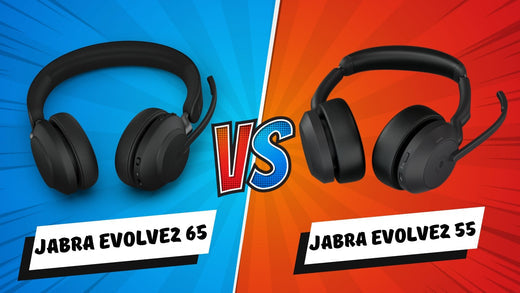
  • Jabra Evolve2 55: we tested it against the Evolve2 65 with office noise, dogs barking, babies crying and a blender. In our Evolve2 55 vs Evolve2 65 test, "the Evolve2 55 did a better job overall."
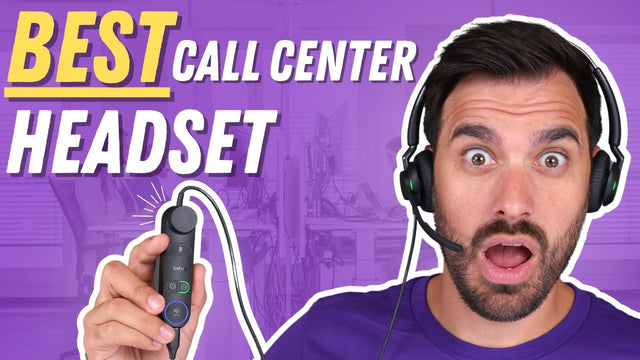
  • Jabra Engage 50 II: after office noise, barking dogs and our blender test, our Engage 50 II review says it "pretty much removed all the different noises."

In the same crying baby test, the Jabra Evolve3 85, which its listing says is UC-certified and optimized for Zoom, scored this line: "the sound quality was solid, and the noise canceling was equally solid." The Evolve3 lineup is on our Jabra Evolve3 series page.

Your laptop's built-in mic and consumer earbuds are a step down. In our AirPods and laptop mic vs headset comparison, both did "a poor job at removing noise."

Comfort for back-to-back meetings

If you spend hours a day in Zoom, weight and wearing style matter as much as the mic.

  • Light on the head: our review puts the Engage 50 II mono at 1.6 ounces and the duo at 2.3 ounces. The Evolve2 55 mono weighs 2.7 ounces.
  • Nothing on your ears: the Shokz OpenComm2 uses bone conduction, wraps around the back of your head and weighs 35 grams, per its listing. Our OpenComm2 review covers who it suits.
  • One ear or two: a single-ear headset keeps you aware of the room. Two ears block more of the noise around you.

Working from home most days? Our work from home headsets are chosen for barking dogs and busy kitchens.

Buying Zoom headsets for a team

Standardize on one or two models so your IT team supports one setup, and order the version (UC or Teams) that matches the apps your people use. We quote volume orders on our team quote page and accept purchase orders, tax-exempt orders and payment terms for enterprise, government, education and healthcare teams. For 10 or more users, the Managed Headset Program covers headsets from $4 to $20 per user per month, and replacements ship first. Not sure which version you need? Talk to an Advisor.

Frequently asked questions

What is a Zoom certified headset?

A Zoom certified headset has been tested and certified by Zoom to work with the platform, as our Zoom certified vs compatible explainer describes. In practice, its buttons work in Zoom: the Shokz OpenComm2 listing says you can mute your Zoom call from the headset, and the Yealink HA64 Pro listing names remote call answering. On this page, "Zoom certified" means the product listing says so.

What is the difference between Zoom certified and Zoom compatible headsets?

A compatible headset gives you audio in Zoom. A certified headset has also been tested and certified by Zoom, so call controls such as mute and answer work with the app. If a listing only says it works with Zoom, expect audio to work and check the listing for remote answering and mute before you buy. Our HID headset guide explains how those controls work.

Can I use the same headset for Zoom and Teams?

Yes. Many headsets come in a UC version and a Teams version. Our Teams vs UC explainer says to choose the Teams version if Teams is your only app, and the UC version for other apps or a mix. Some listings carry both: the Jabra Evolve2 55 says "Certified for Microsoft Teams, Google Meet, and Zoom," and the Yealink HA64 Pro is Zoom and Teams certified, with Teams set on its touchscreen.

Should I get a wired or wireless headset for Zoom meetings?

Wired USB suits a fixed desk: no battery and nothing to pair. Choose wireless if you move around or also take calls on your mobile. Bluetooth with a USB dongle covers a laptop and a phone. DECT, like the Yealink HA64 Pro, reaches up to 606 ft from its base. Our DECT vs Bluetooth guide compares the two.

Can I use a Bluetooth headset or earbuds for Zoom?

Yes, but on a computer, connect through the USB adapter that comes with business Bluetooth headsets. Paired straight to your computer's Bluetooth, a headset loses answer and end from the headset, headset mute and your mute status in Zoom, as our guide to Bluetooth headsets on work computers explains. On your mobile, Bluetooth is the normal connection.

Do I need a headset for Zoom, or is my laptop mic enough?

In our AirPods and laptop mic vs headset comparison, the AirPods and the computer mic both did "a poor job at removing noise." A headset with a noise canceling boom mic keeps barking dogs and office chatter out of your meeting. With the speakers at your ears, you hear the other people better too.

Which headset should I choose for Zoom calls?

Start with a Zoom certified model that fits how you work. Our three picks were tested against office noise, barking dogs and a blender: the Yealink HA64 Pro (DECT and Bluetooth for your desk, computer and mobile), the Jabra Evolve2 55 (Bluetooth with a USB dongle and ANC) and the Jabra Engage 50 II (wired USB). Their verdicts are in Our tests above. Still unsure? Talk to an Advisor.

Why buy from Headset Advisor

  • Free shipping over $50

    Free 3 to 5 day shipping on orders of $50 or more.

  • 30-day returns

    Return any product within 30 days.

  • Real headset advisors

    Not sure which headset fits your phone or computer? We will help you choose.

    Talk to an advisor →
  • Team and volume orders

    Volume quotes, purchase orders, tax-exempt orders and payment terms for enterprise, government, education and healthcare teams.

    Request a quote →
  • Managed Headset Program

    For teams of 10 or more: headsets from $4 to $20 per user per month, and replacements ship first.

    See the program →

Recently viewed